
12 Best Usermaven Alternatives: Compared for 2026
Twelve Usermaven alternatives compared on price, features, and where each one actually fits.
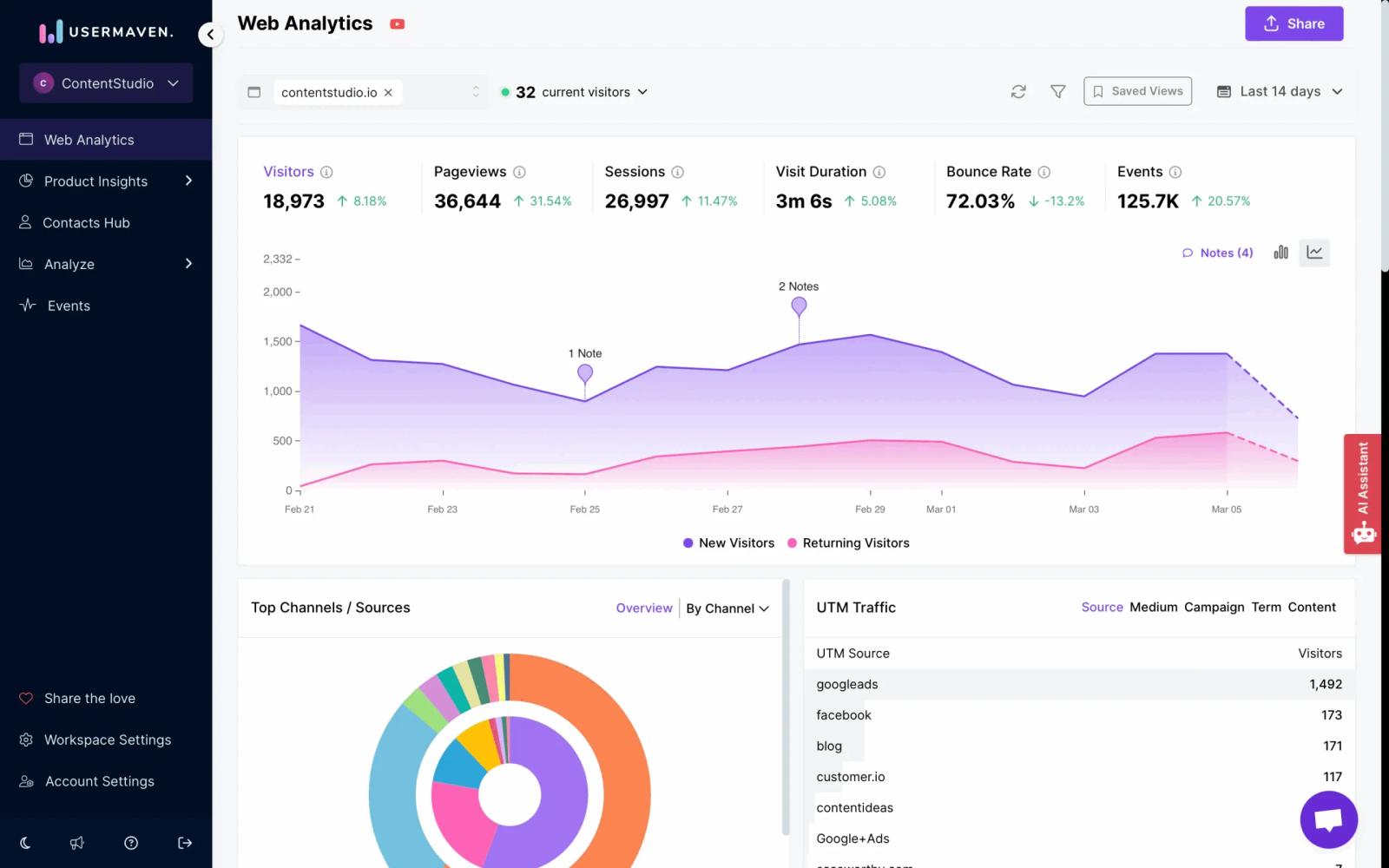
Table of contents
- UserMaven Alternatives Quick Comparison
- 1. SourceLoop
- Key capabilities
- Limitations
- 2. PostHog
- Key capabilities
- 3. Mixpanel
- Key capabilities
- 4. Amplitude
- Key capabilities
- 5. Heap
- Key capabilities
- 6. Plausible Analytics
- Key capabilities
- 7. Fathom Analytics
- Key capabilities
- 8. June
- Key capabilities
- 9. Matomo
- Key capabilities
- 10. Pendo
- Key capabilities
- 11. Hotjar
- Key capabilities
- 12. Google Analytics 4
- Key capabilities
- How to choose the right Usermaven alternative
If Usermaven feels close but not quite right, you are not alone.
Many teams outgrow it as they need more flexibility, deeper insights, or simpler workflows.
In this guide, we cover the best Usermaven alternatives, from product analytics tools like Mixpanel and Amplitude to privacy focused options like Plausible Analytics and Fathom Analytics, so you can find a tool that actually fits your needs.
UserMaven Alternatives Quick Comparison
A fast scan first. Pricing, the thing each tool is good at, and where it tends to land best.
| Tool | Starting price | Strength | Best fit |
|---|---|---|---|
 SourceLoop Pick SourceLoop Pick |
$49/mo | Journey tracking + ad attribution | B2B and SaaS teams |
 PostHog PostHog |
Free / usage-based | Product analytics + session replay | Engineering-led teams |
 Mixpanel Mixpanel |
Free / $24+ | Event-based product analytics | Mid-size SaaS |
 Amplitude Amplitude |
Free / $49+ | Behavioral cohorts and funnels | Product teams at scale |
 Heap Heap |
Free / custom | Autocapture, no event tagging | Teams without a data engineer |
 Plausible Plausible |
$9/mo | Lightweight, privacy-first | Blogs, indie sites |
 Fathom Fathom |
$15/mo | Simple traffic dashboards | Founders who hate GA |
 June June |
Free / $149+ | SaaS templates and reports | Early-stage SaaS |
 Matomo Matomo |
Free (self-host) | Self-hosted, full data control | Privacy-bound orgs |
 Pendo Pendo |
Custom | In-app guides + analytics | Onboarding-heavy SaaS |
 Hotjar Hotjar |
Free / $32+ | Heatmaps and recordings | UX and CRO teams |
 Google Analytics 4 Google Analytics 4 |
Free | Free traffic and events | Anyone on a budget |
1. SourceLoop
If you came to Usermaven because you wanted to know which marketing channel actually drove revenue, SourceLoop is built around that question.
Most analytics tools tell you what people did on your site. SourceLoop tells you which ad, email, or organic page started the journey that ended in a closed conversion weeks later. That's a different problem.
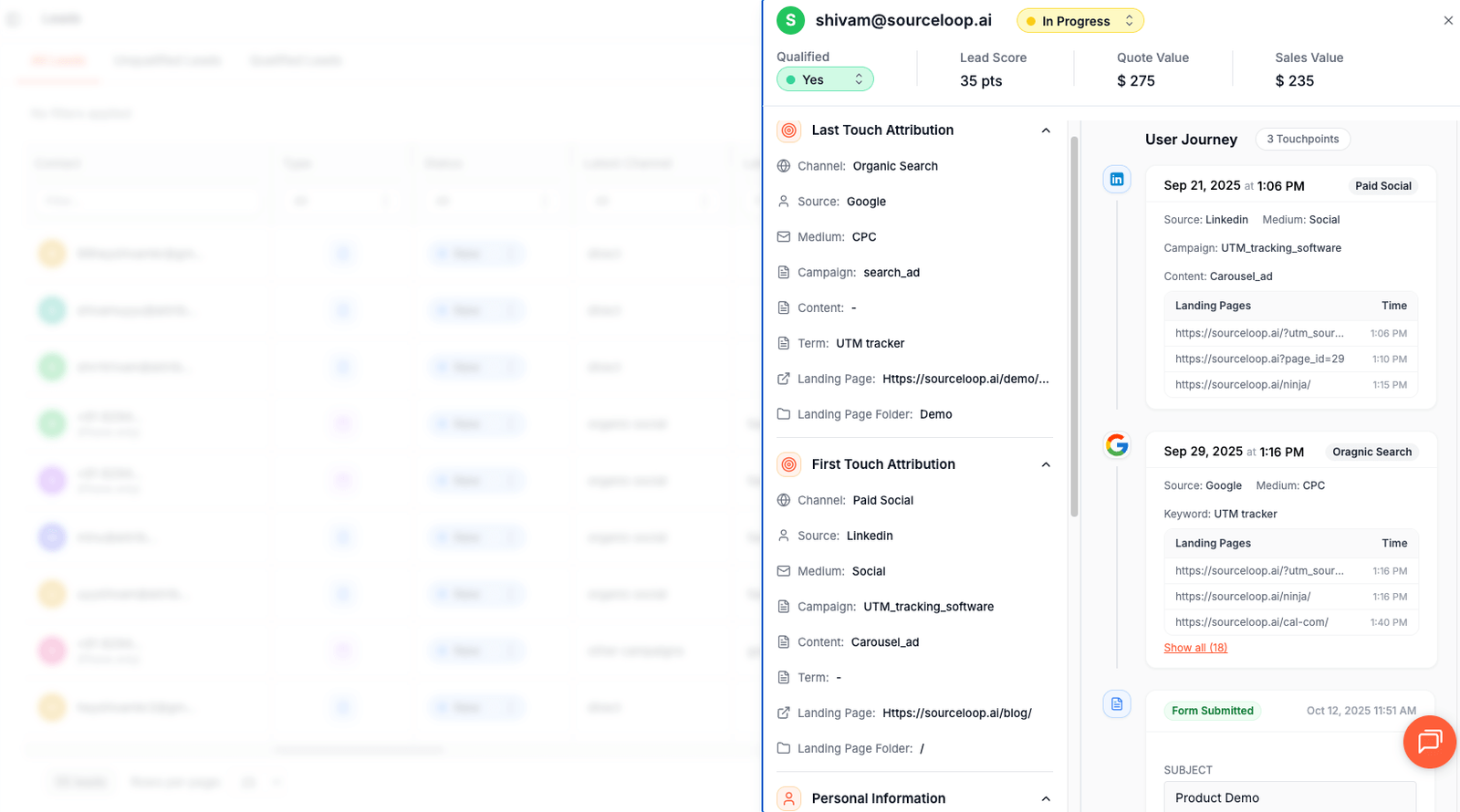
The setup is the same shape as Usermaven.
SourceLoop watches every visitor from the first click. When a lead fills a form, books a call, or pays an invoice, it stitches the whole path together. First visit, blog post, ad click, sales call, contract signed. All of it sits on one timeline.
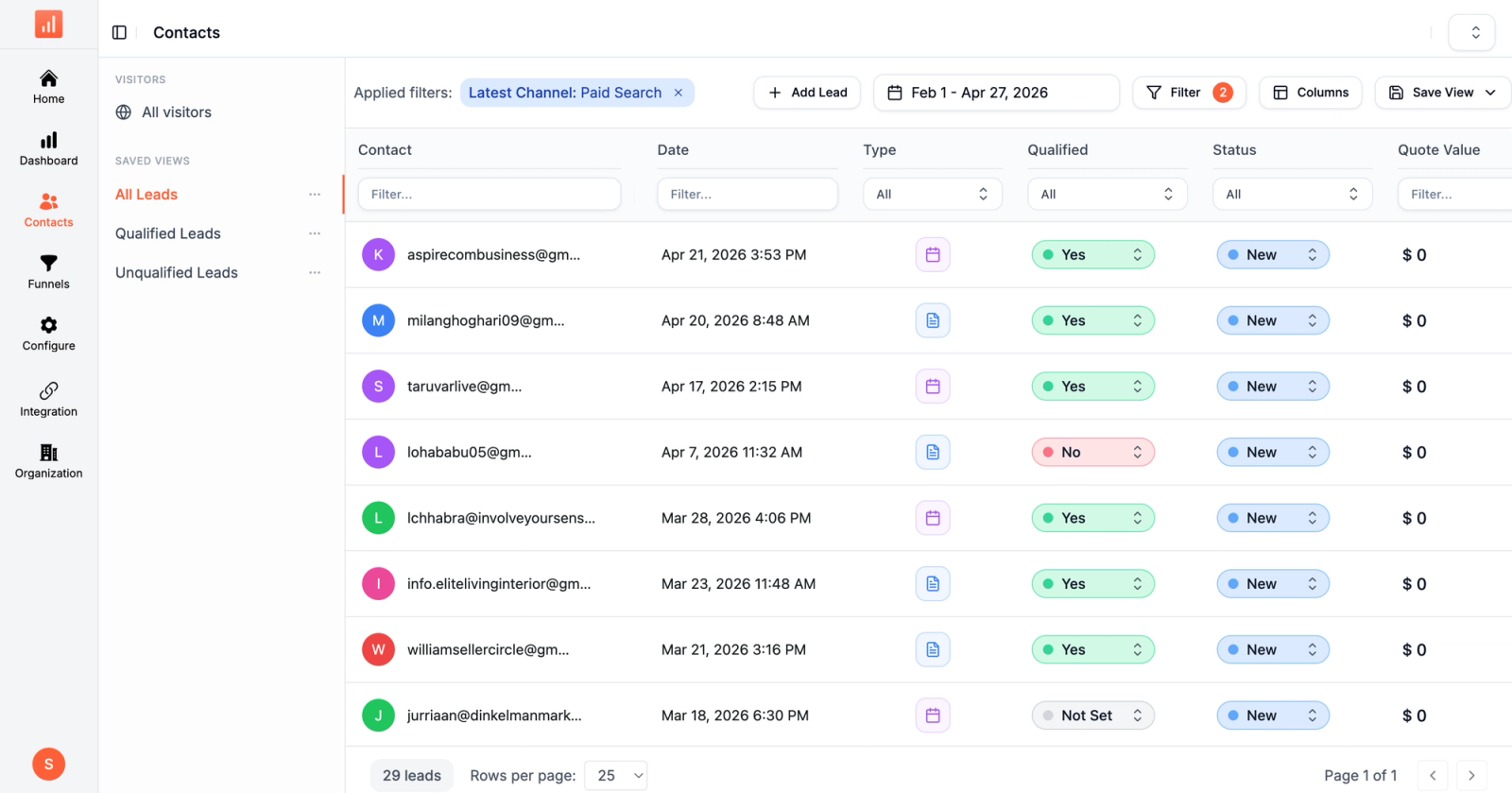
Form builders, schedulers, and chat tools are detected automatically. HubSpot Forms, Calendly, Typeform, Intercom, Stripe. You don't write event code. You don't tag anything in Google Tag Manager.
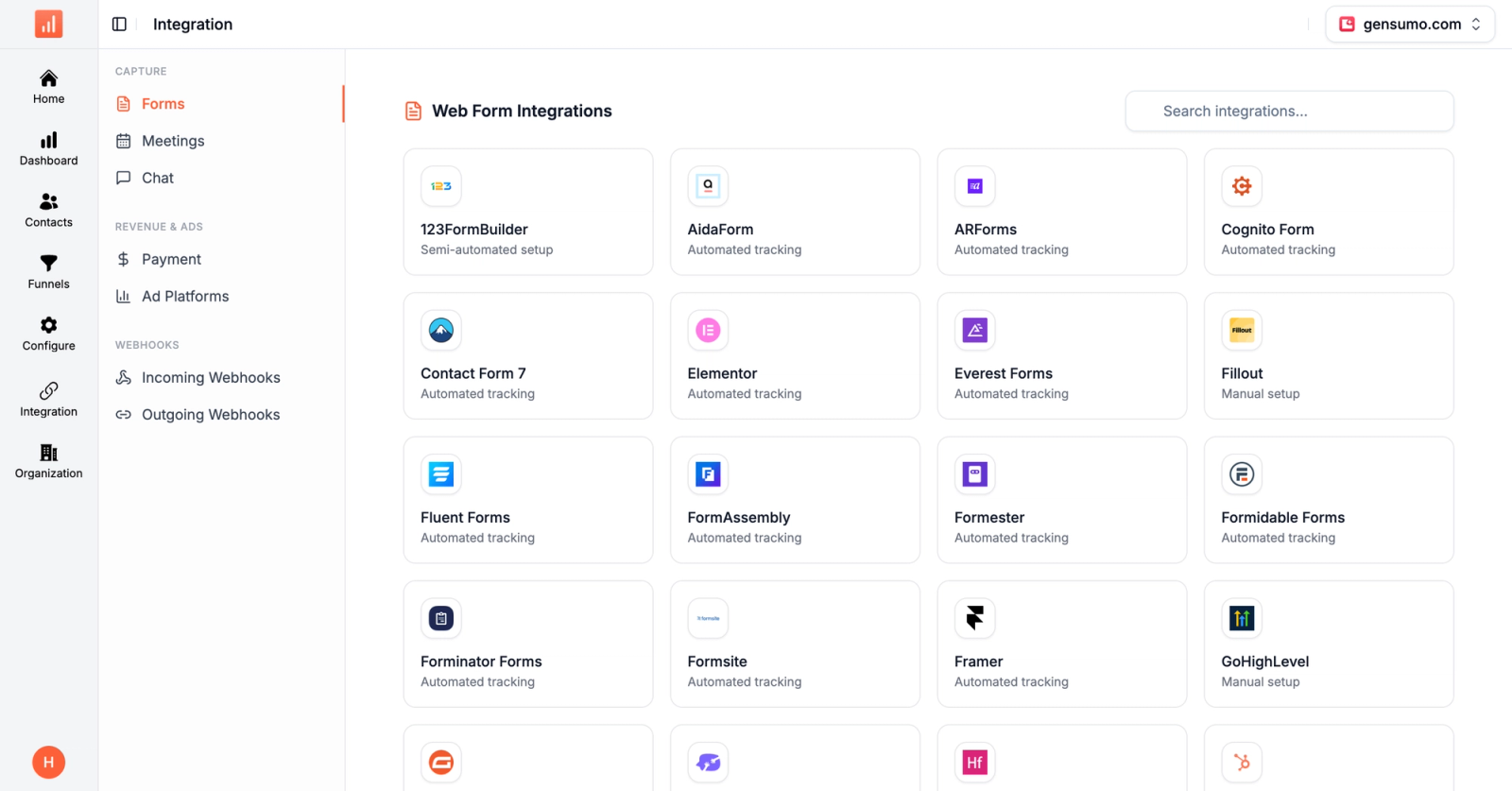
Connect your ad accounts and the picture gets sharper. Google, Meta, LinkedIn, TikTok all push spend data in. SourceLoop ties it to journeys and shows attribution at the campaign and keyword level. You can flip between attribution models on the fly without re-tagging.
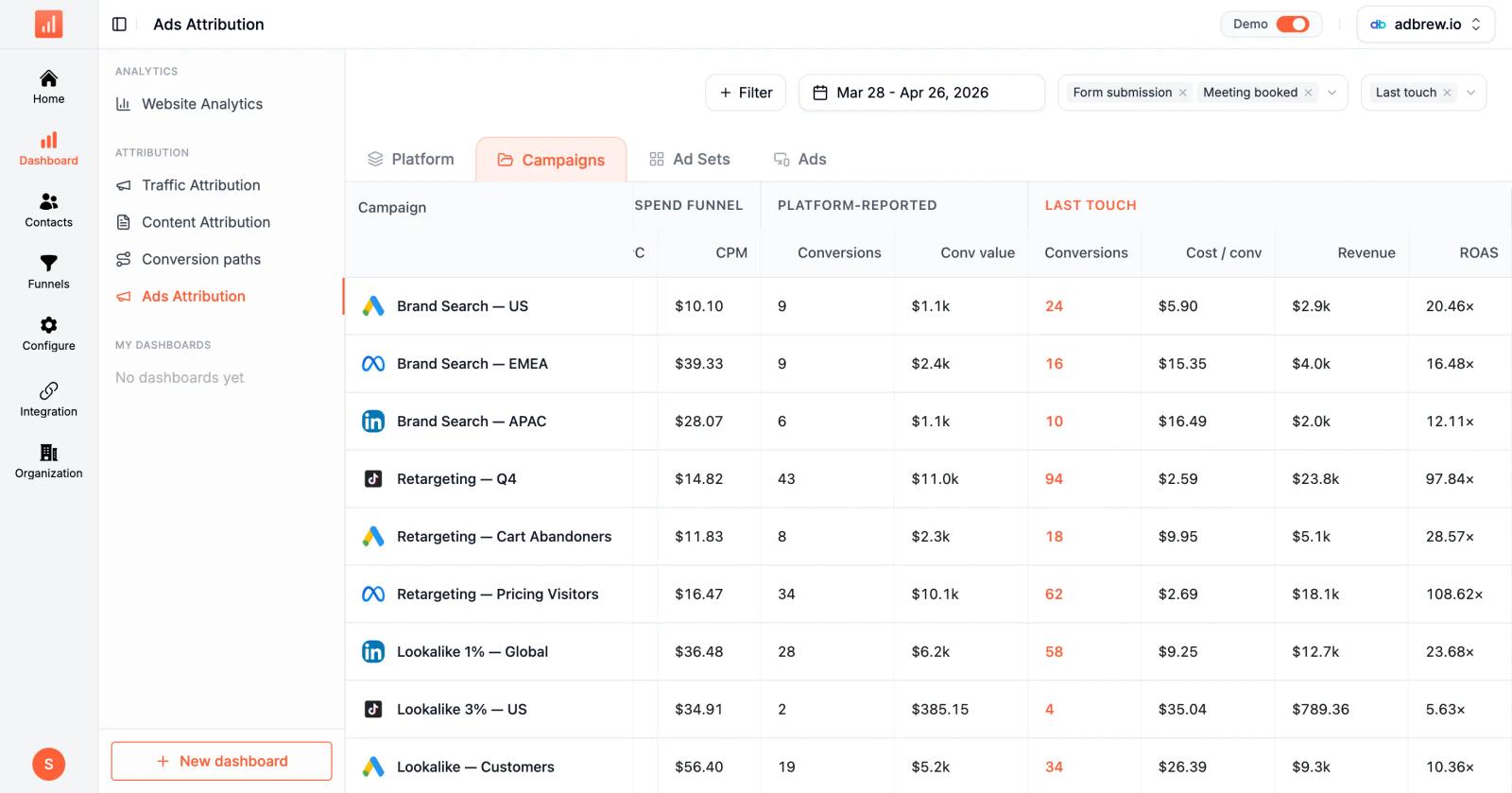
The conversion sync is the part most people care about. SourceLoop pushes closed-won deals back to Meta CAPI, Google Ads, and LinkedIn. The ad algorithms learn from real revenue, not from form fills that never close.
Key capabilities
- First-party tracking that captures every visitor from the first click without third-party cookies, so iOS privacy changes and ad blockers don't quietly drop the data the way pixel-based tools do.
- Auto-detection for the tools your team already uses. HubSpot Forms, Calendly, Typeform, Intercom, and Stripe all work without writing custom event code.
- Multi-touch attribution across first-touch, last-touch, linear, and position-based models. Switch between them in a click to see the same campaign through different lenses.
- A built-in Contacts Hub that sits next to attribution data. Your sales team sees why a lead is in the pipeline without paying for an extra CRM seat.
- Native HubSpot integration, plus webhook sync for Salesforce, Pipedrive, Close, and most other CRMs.
- Conversion API sync to Meta, Google, LinkedIn, and TikTok so closed deals teach the ad platforms which campaigns actually produce revenue.
- Public pricing, a 7-day free trial, and no demo to start. You can be tracking in the same hour you sign up.
Limitations
- Lighter on traditional product analytics. If you need event-by-event funnels inside a SaaS app, a tool like Mixpanel still has more depth.
- No session replay built in. You'd pair it with Hotjar or PostHog if that matters to your team.
- Not aimed at high-volume ecom transaction tracking. Triple Whale fits that better.
Pricing: Essential $49/mo covers 1 site, 1 user and 30k page views a month. Professional $99/mo adds 3 users and 100k page views. Agency $249/mo covers 3 sites, unlimited users and 2.5M page views. Tracked conversions are unlimited on every plan, annual billing takes 25% off, and there is a 7-day trial with no card.
Best for: B2B and SaaS teams that picked Usermaven for attribution and outgrew the dashboards.
Create Free SourceLoop account
2. PostHog
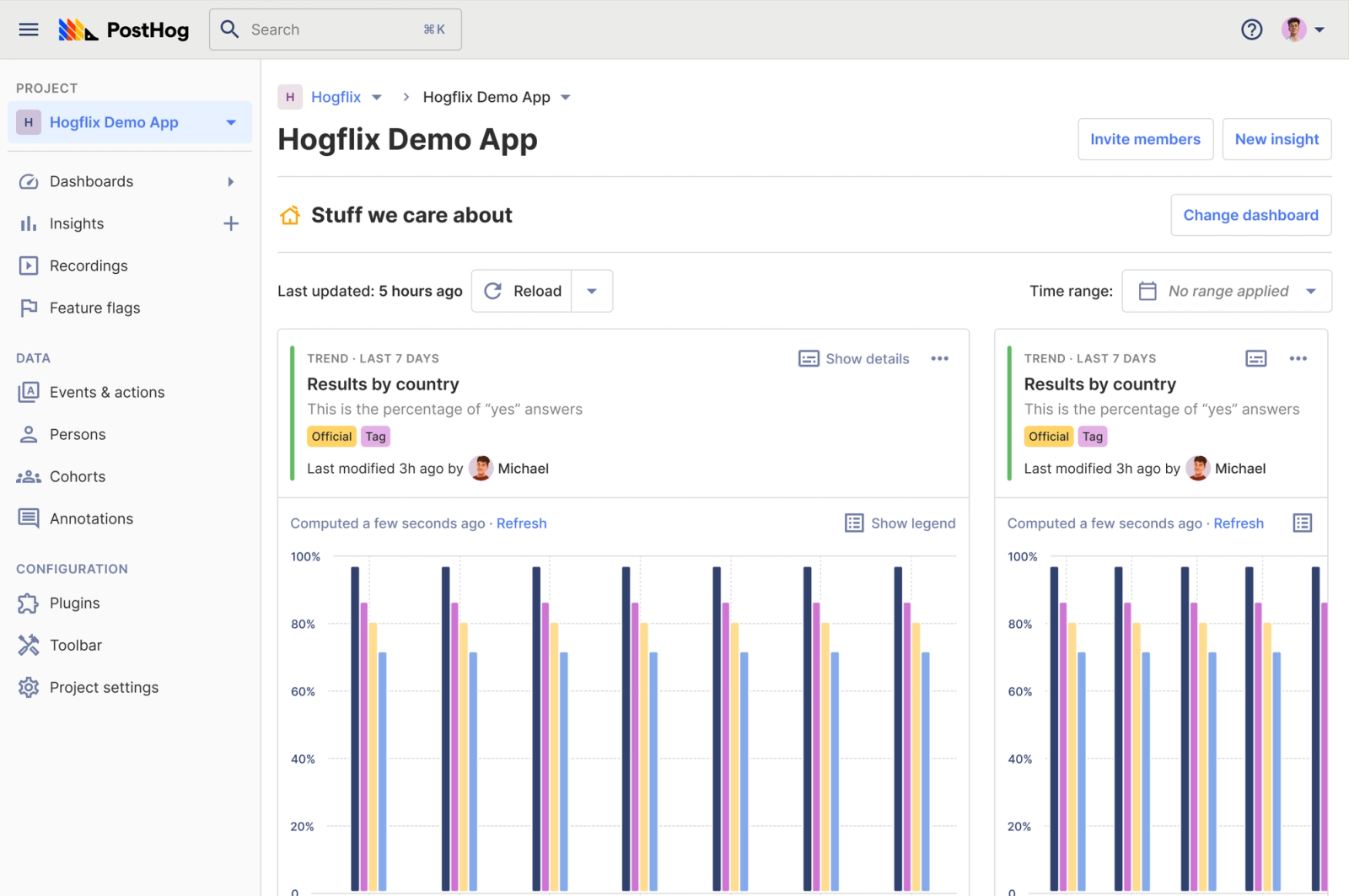
PostHog is the closest thing to an open-source Usermaven, except wider in scope.
It does product analytics, session replay, feature flags, A/B testing, and surveys in one app. You can self-host the full thing, or use the cloud version if you don't want to run servers. The free tier is generous, and the paid tiers scale with usage instead of seats.
It leans technical. The dashboards are powerful but can feel overwhelming if your team isn't used to event-based thinking. Engineers love it. Marketers sometimes don't.
Key capabilities
- Product analytics with funnels, retention, and path analysis built around event data.
- Session replay you can scope to specific events or users, not just everyone.
- Feature flags and A/B testing inside the same tool, so you don't need a second platform for rollouts.
- Self-hosted option if your data has to stay on infrastructure you control.
Pricing: Free up to 1M events/month. Paid plans bill on usage.
Best for: Engineering-led teams that want one tool covering analytics, replay, and experiments.
3. Mixpanel
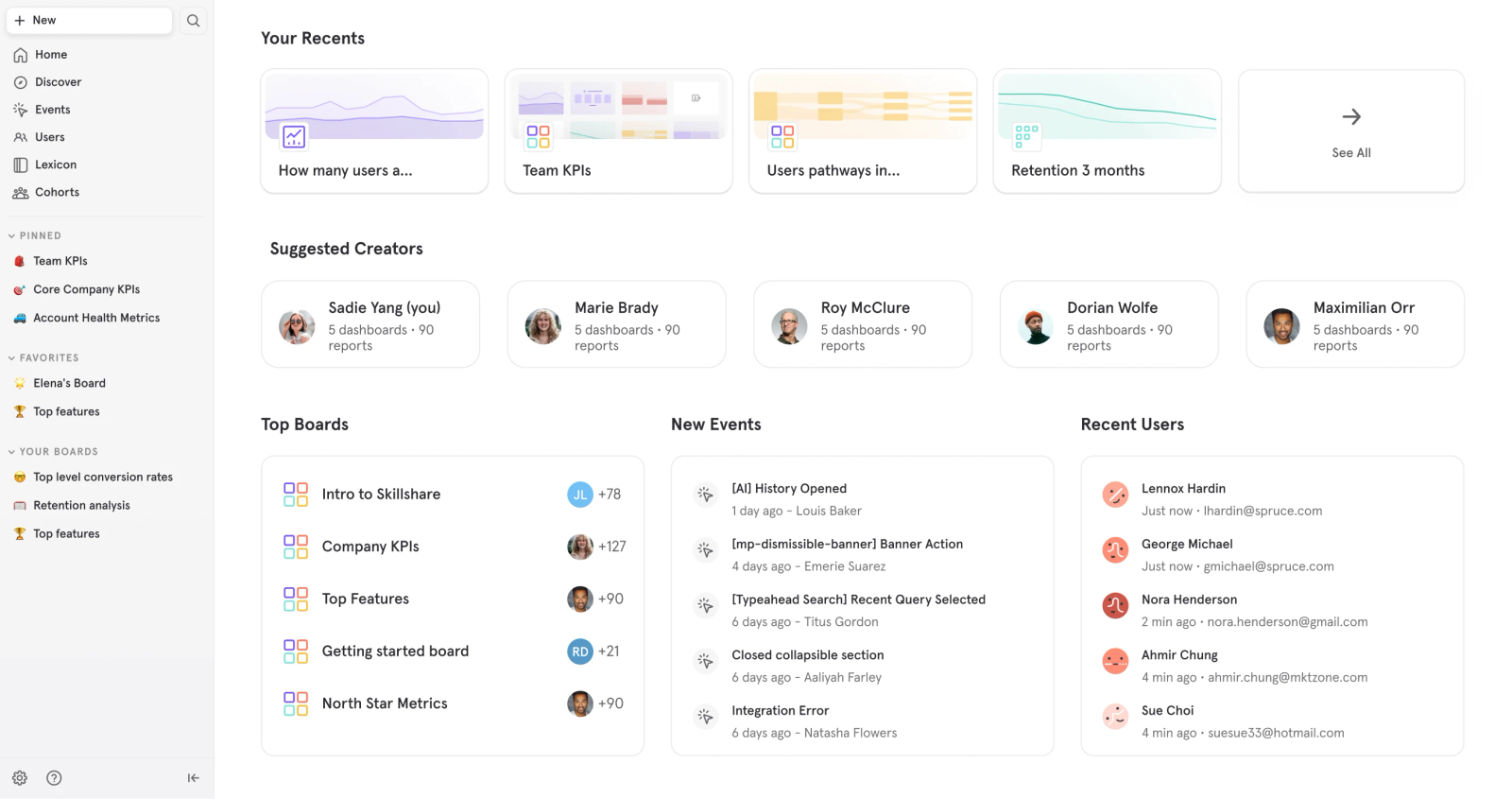
Mixpanel was the original event-based product analytics tool, and it's still one of the most refined.
If your product lives behind a login and you want to know which features drive retention, Mixpanel is built for that. The funnels are good. The cohort builder is good. The reports are clean. You'll spend more time defining events than you do in Usermaven, but you also get more detail back.
Key capabilities
- Funnels, retention curves, and cohort analysis with proper depth, not just charts.
- Behavioral segmentation that lets you slice by any property without writing SQL.
- Mobile and web SDKs that have been battle-tested for over a decade.
- A free tier that covers most early-stage SaaS without a credit card.
Pricing: Free up to 1M events/month. Growth from $24/month. Enterprise quoted.
Best for: Mid-size SaaS teams that need real product analytics, not a website analytics dashboard.
4. Amplitude
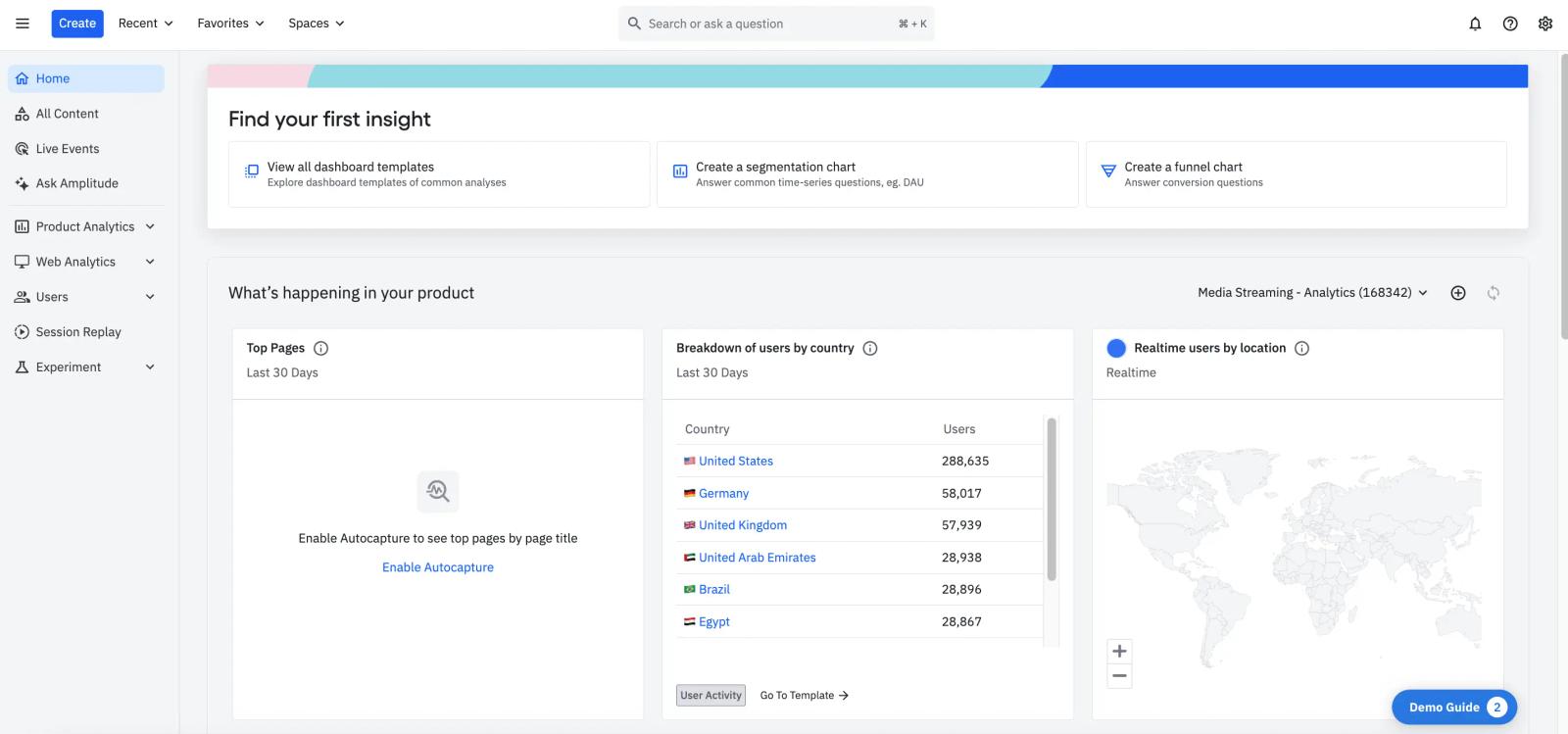
Amplitude is what bigger product teams move to when Mixpanel starts feeling tight.
The behavioral cohorts are deeper. The team features are stronger. There's a paid layer for predictive analytics that surfaces which users are likely to churn or convert. It costs more, and the learning curve is real, but the depth is there.
Key capabilities
- Cohort analysis that handles complex behavioral definitions without breaking.
- Pathfinder reports for seeing how users actually move through your app, not how you assumed they would.
- Built-in experimentation and recommendations layer on the higher tiers.
- Strong governance for teams where event taxonomy matters.
Pricing: Free starter tier. Plus from $49/month. Growth and Enterprise quoted.
Best for: Product teams at scale who care about cohorts and experimentation under one roof.
5. Heap
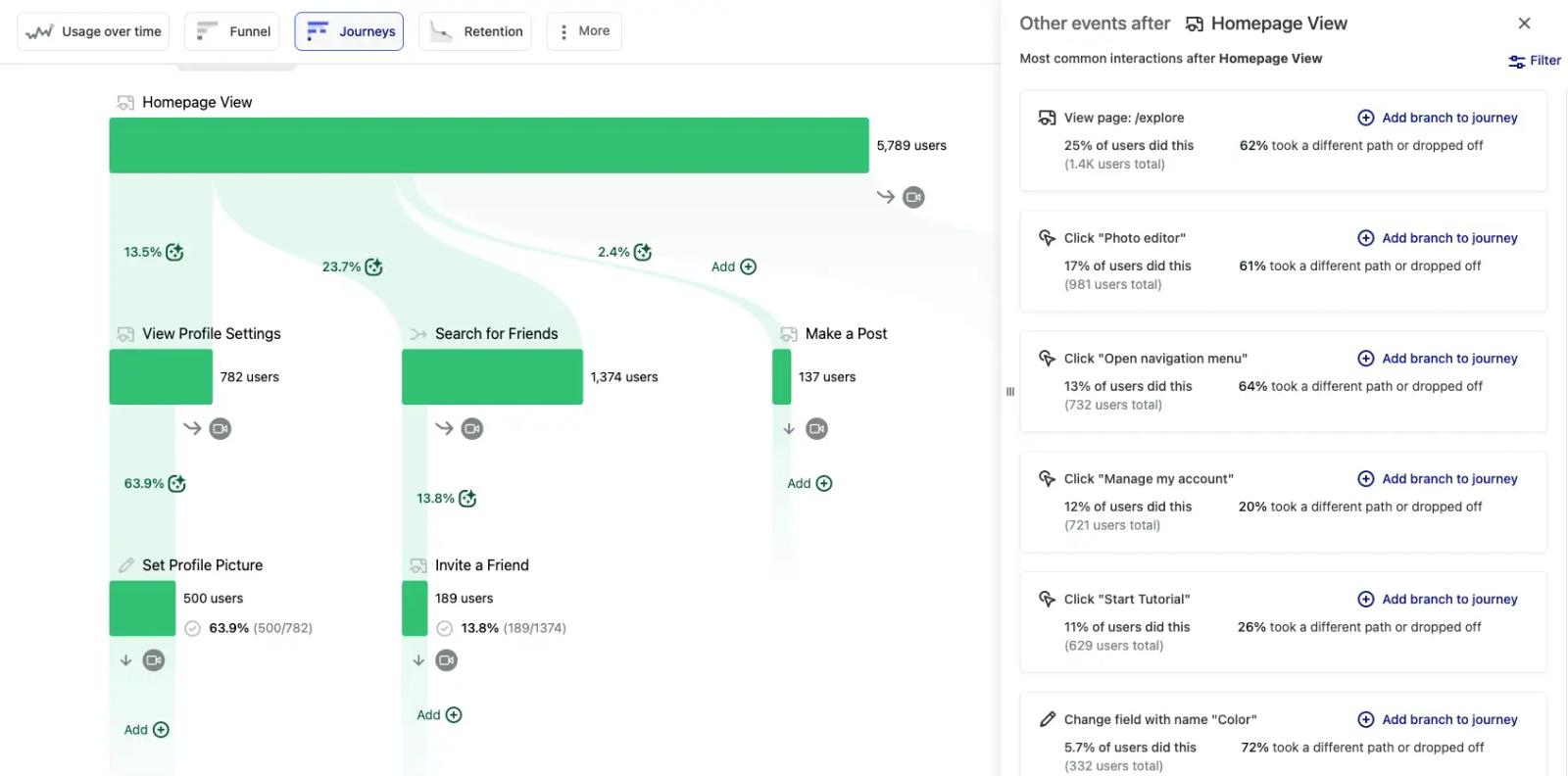
Heap's pitch is simple. You don't tag events.
It captures every click, form fill, and page view automatically. Later you decide which ones matter and label them retroactively. That sounds small, but if you've ever shipped a feature and forgotten to add tracking, you'll know why people pay for this.
It works best for product analytics on web and mobile apps. The downside is volume. Autocapture grows the data set fast, and Heap's pricing reflects that.
Key capabilities
- Autocapture so historical event data exists for queries you didn't plan for.
- Retroactive event definitions, meaning a question asked today can be answered against months of past behavior.
- Funnel and retention reports that don't need an event schema to start.
- Integrations into Salesforce, Snowflake, and the usual data stack.
Pricing: Free up to 10K monthly users. Paid tiers quoted.
Best for: Teams without a data engineer who still want product-level analytics.
6. Plausible Analytics
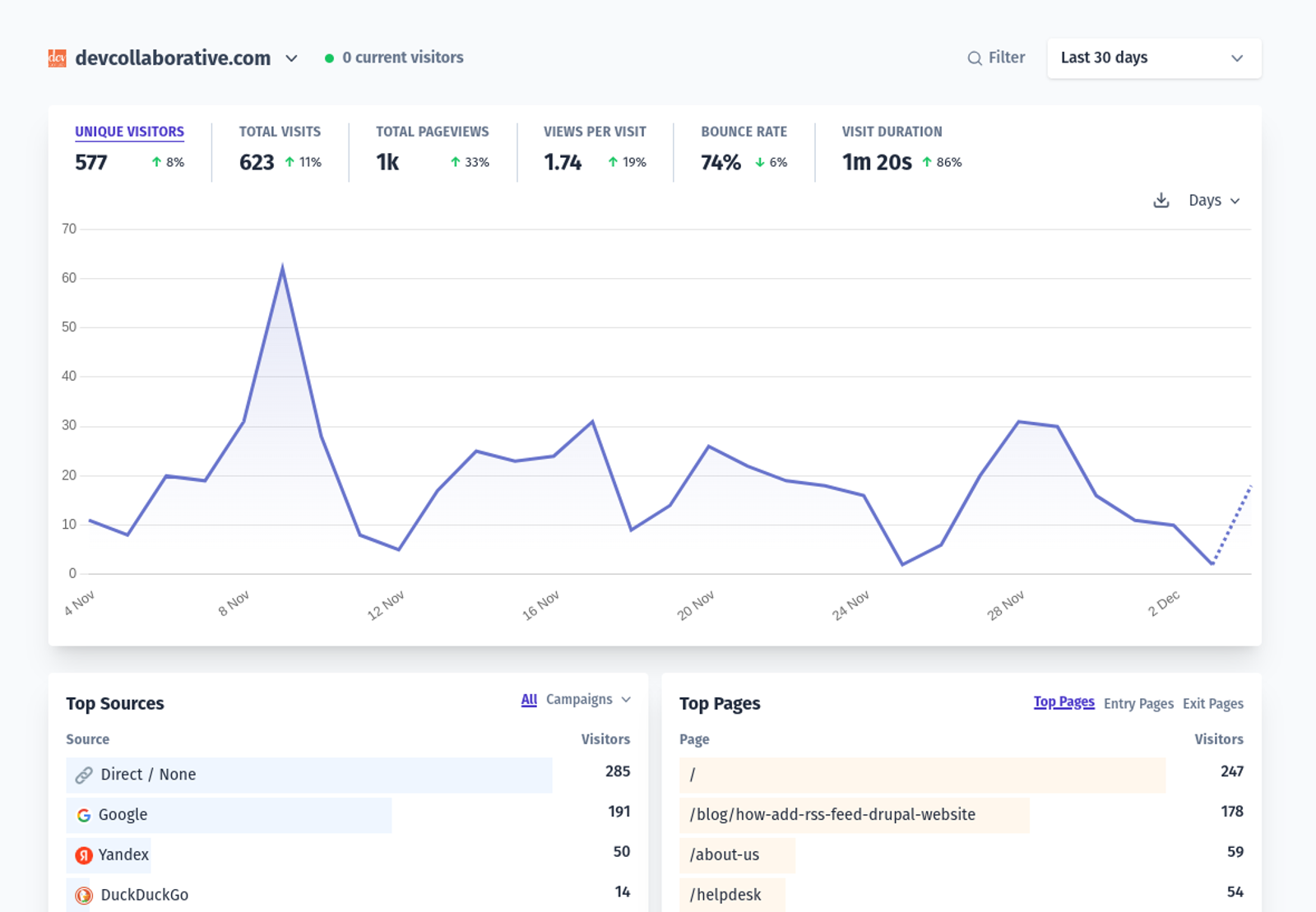
Plausible is the lightweight option.
It's a single dashboard. Pageviews, sources, top pages, devices. Nothing fancy. The script is under 1KB, the data is GDPR-friendly without a cookie banner, and the dashboard loads instantly. It's not trying to be Usermaven. It's trying to be the opposite.
If you're a content site, indie hacker, or a small team that just wants to see where traffic is coming from, this fits.
Key capabilities
- Tiny script that doesn't slow down your site, even on mobile.
- Cookie-free tracking that doesn't trigger a consent banner in most jurisdictions.
- Goal and event tracking that's enough for content and lead-gen sites.
- Self-host option if you'd rather run it yourself.
Pricing: From $9/month for 10K monthly pageviews.
Best for: Blogs, indie sites, and small teams that want a clean view of traffic without complexity.
7. Fathom Analytics
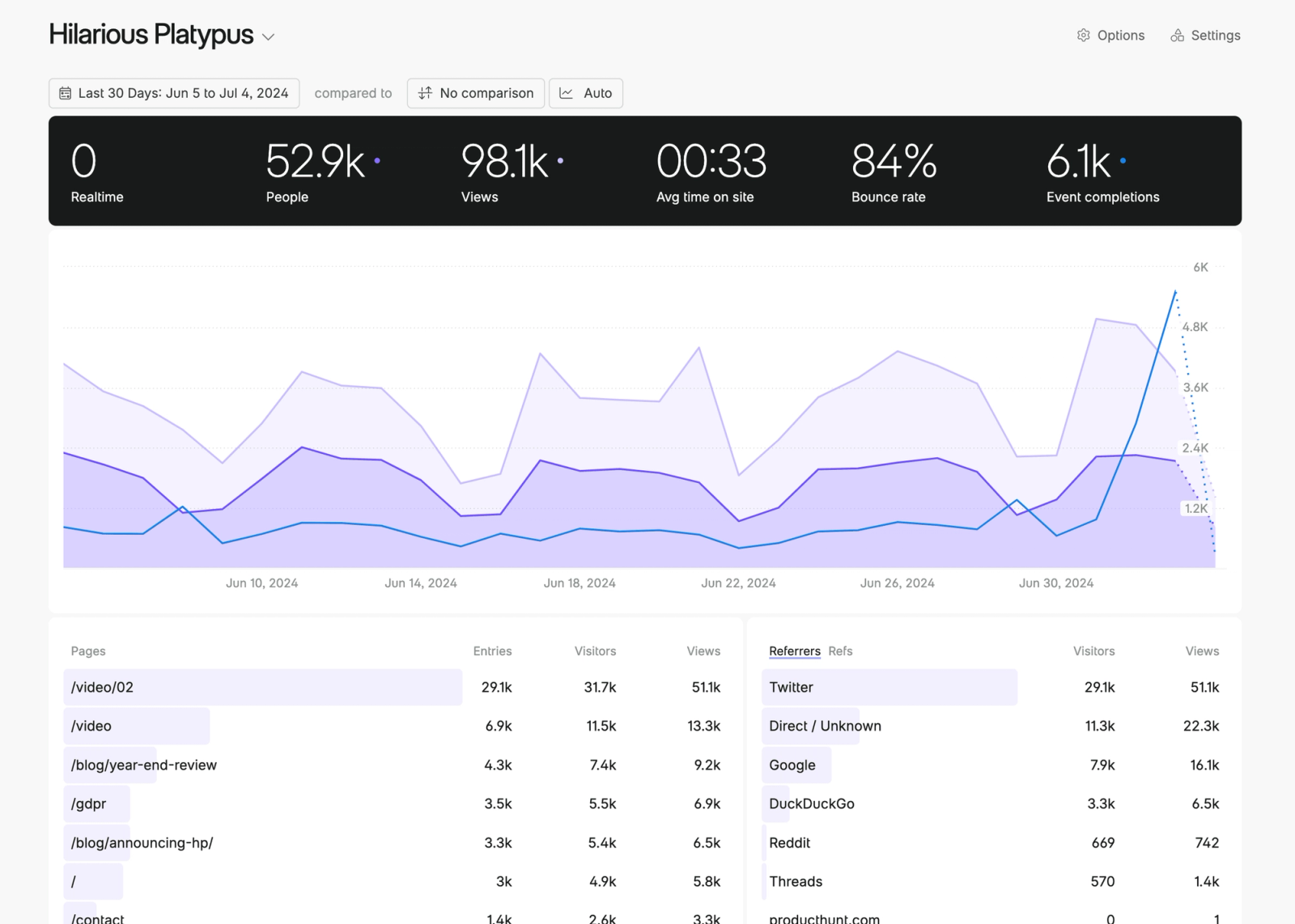
Fathom is in the same family as Plausible. Privacy-first, simple dashboard, easy install.
The differences are small. Fathom has a slightly cleaner UI, a few more report types, and stronger goal tracking. Both tools are solid. Pick the one whose pricing or interface you prefer.
Key capabilities
- One-line script with no cookies and no consent banner needed.
- Email reports that are actually readable, sent on the schedule you want.
- UTM tracking that doesn't break when links are shared on social.
- Custom domain support so analytics traffic looks like first-party traffic.
Pricing: From $15/month for 100K pageviews.
Best for: Founders who'd rather not look at GA4 ever again.
8. June
June is product analytics shaped specifically for B2B SaaS.
Instead of giving you a blank canvas, it ships with templates. Activation, retention, feature adoption, account health. You connect Segment or your own SDK and the reports populate. For a small team that wants product analytics without setting up a data warehouse, it's quick to value.
Key capabilities
- Pre-built reports for the metrics most SaaS teams track anyway.
- Account-level views that group user data into the company they belong to.
- Slack alerts when activation or churn signals trip a threshold.
- Segment integration that means you don't need to lay another pipe down.
Pricing: Free starter tier. Paid plans from $149/month.
Best for: Early-stage SaaS that wants product analytics without building everything from scratch.
9. Matomo
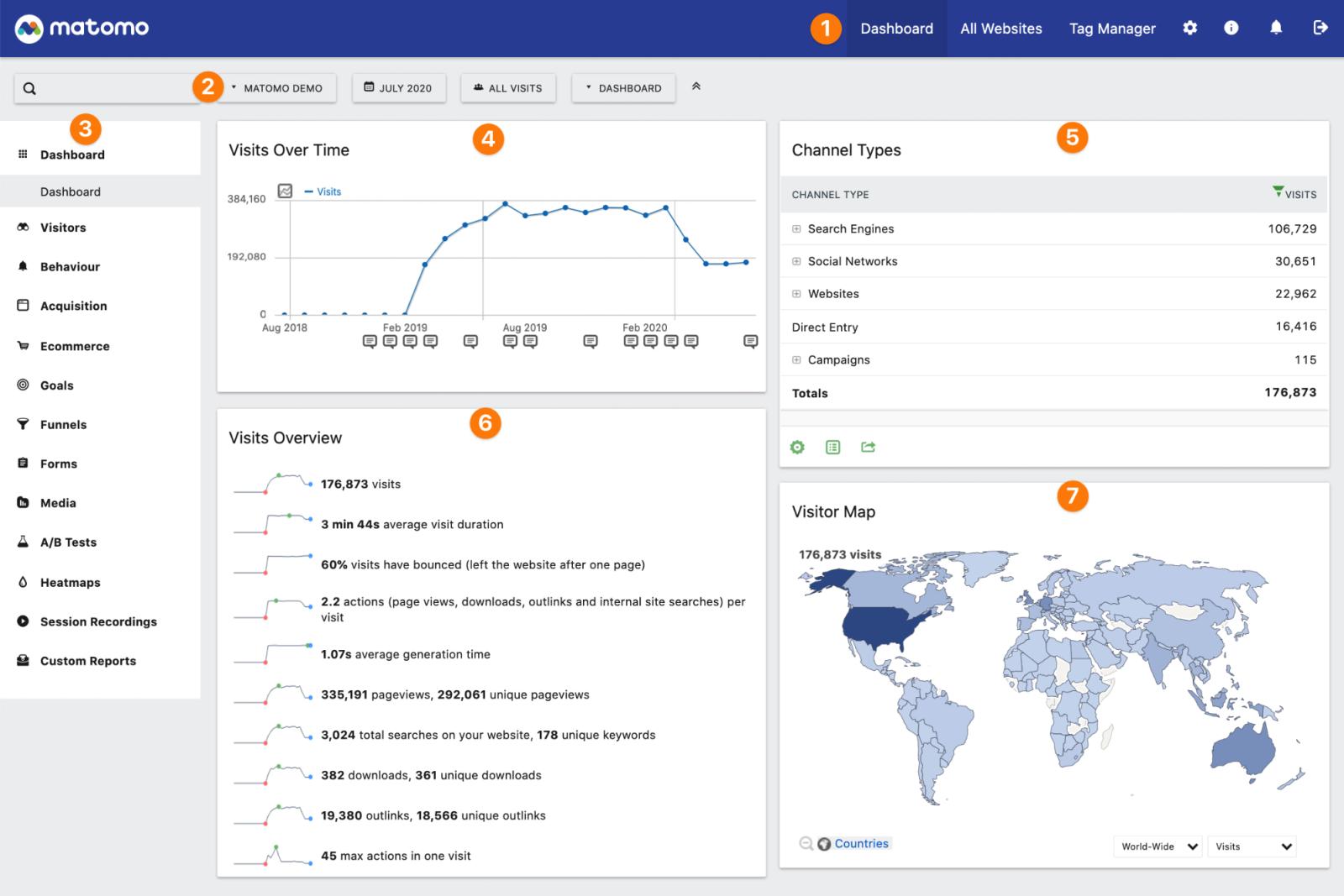
Matomo is the answer when your legal team won't let you send analytics data to a third country.
It's open source, self-hostable, and ships with most of what GA4 has plus a bunch GA4 doesn't. Heatmaps, session recordings, A/B testing, and form analytics are all available as add-ons. The tradeoff is operational. You're running a server. Updates, backups, and storage are your problem.
Key capabilities
- Self-hosted deployment that keeps every byte of analytics data on your infrastructure.
- 100% data ownership, useful when GDPR, HIPAA, or sector regulators are involved.
- Built-in heatmaps and session recordings as paid add-ons, so you don't need a separate Hotjar.
- GA4 import to ease the transition for teams moving off Google.
Pricing: Free if self-hosted. Cloud from around $29/month.
Best for: Privacy-bound organizations or anyone who needs analytics on their own servers.
10. Pendo
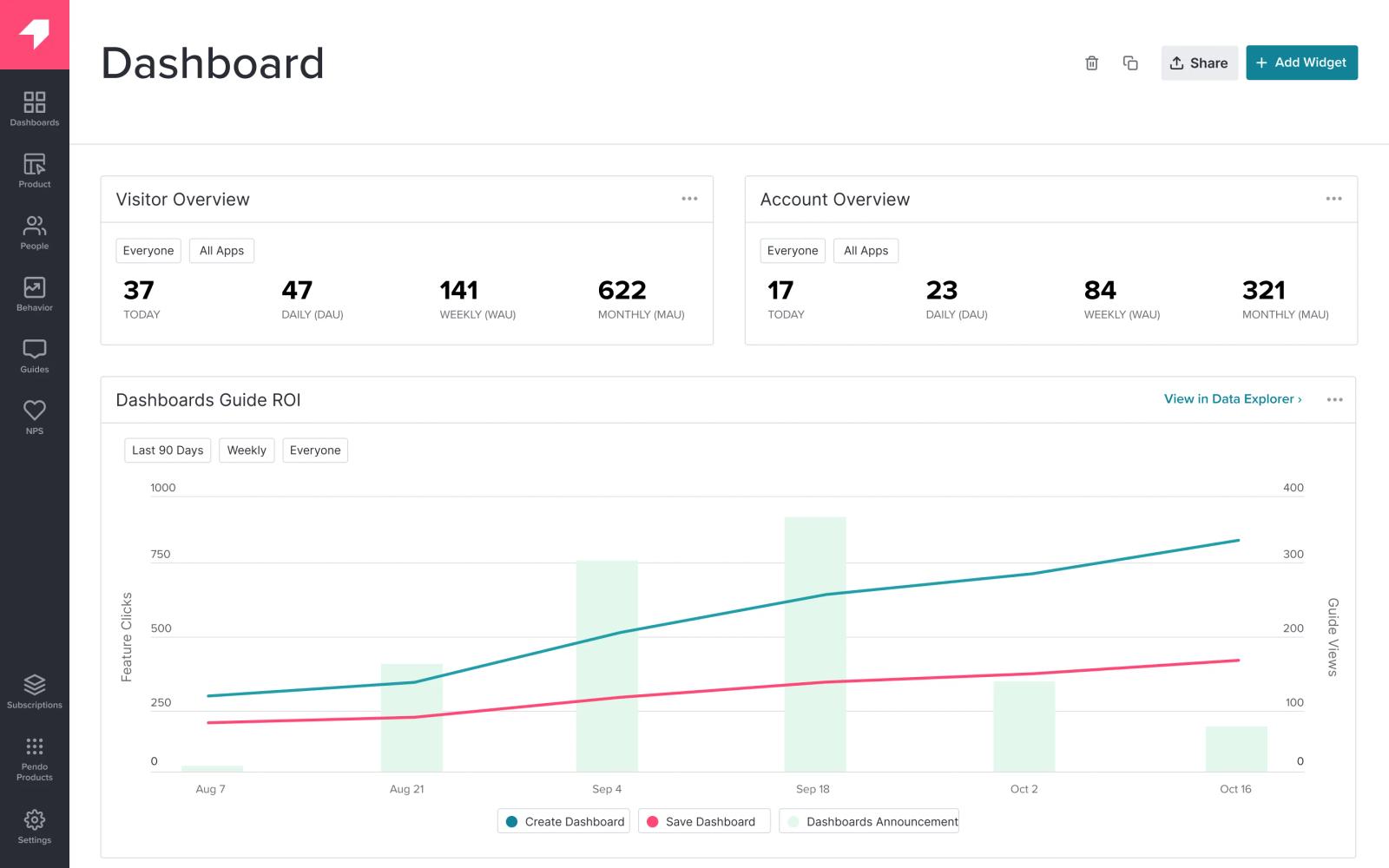
Pendo is two products in one. Product analytics on one side, in-app guides and tooltips on the other.
The analytics side is fine. Where Pendo earns its keep is the guides. You can build onboarding flows, feature announcements, and surveys without engineering tickets.
For SaaS teams whose product team owns onboarding, that's a real time saver. For everyone else, it's overbuilt.
Key capabilities
- In-app guides, tooltips, and walkthroughs without a code change.
- Product usage analytics tied to user records and accounts.
- In-app surveys for NPS and feature feedback, with results that flow into the same dashboard.
- Roadmap planning module for tying customer feedback to what gets built.
Pricing: Free starter tier. Paid plans quoted.
Best for: Onboarding-heavy SaaS where the PM team owns the in-app experience.
11. Hotjar
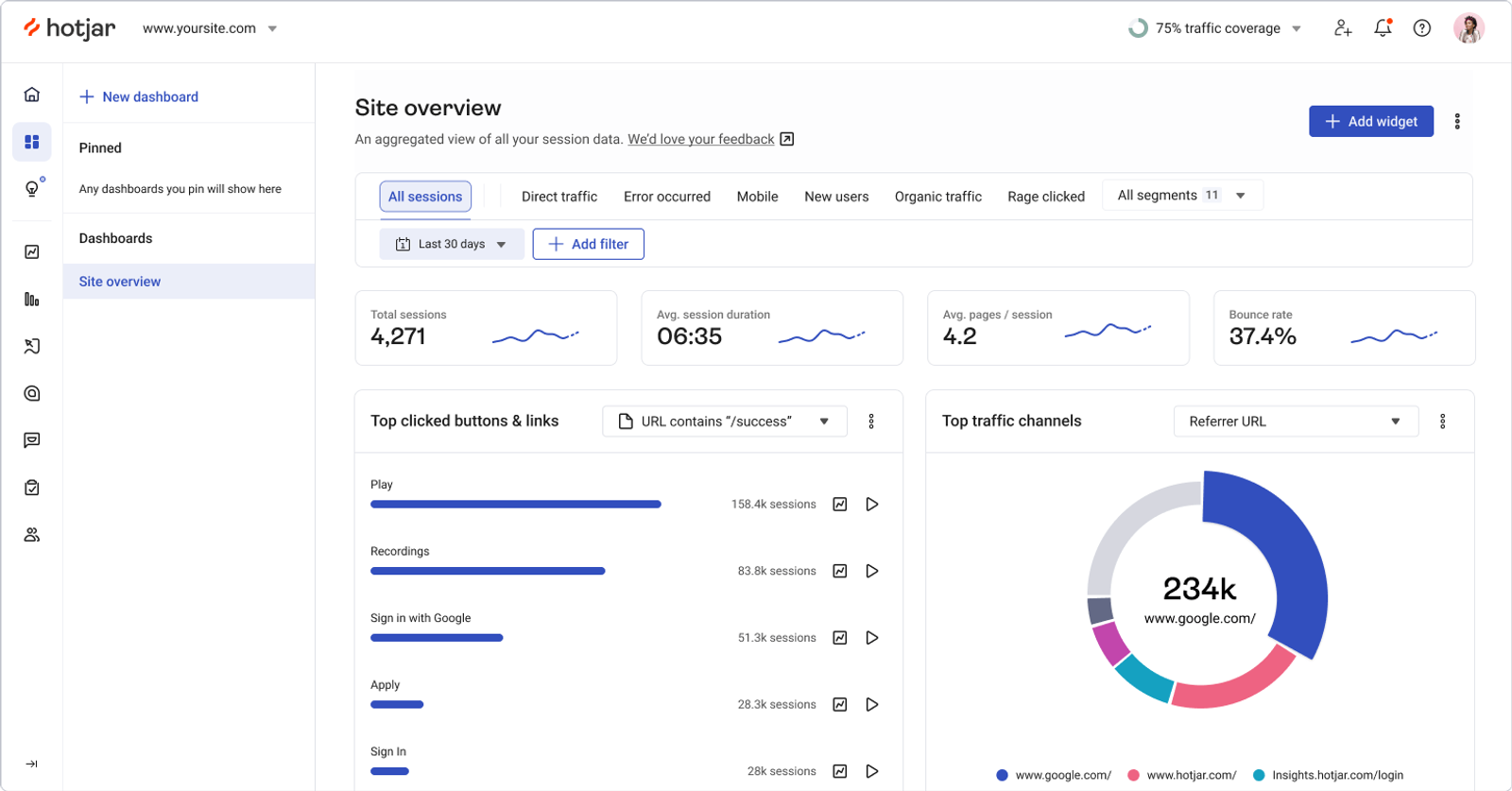
Hotjar isn't really an analytics tool. It's a behavior tool.
Heatmaps, session recordings, surveys, and feedback widgets. You use it alongside something like Usermaven or GA4, not instead of. If your question is "why are people dropping off the pricing page," Hotjar shows you. If your question is "how many people dropped off," you need a different tool.
Key capabilities
- Click and scroll heatmaps that show how far people actually read.
- Session recordings filtered by URL, device, or rage clicks.
- On-page surveys that fire based on scroll depth or exit intent.
- Funnel analysis that pairs replay with drop-off data.
Pricing: Free up to 35 sessions a day. Plus from $32/month.
Best for: UX and CRO teams trying to figure out the why, not just the what.
12. Google Analytics 4
It's free. That's the main pitch.
GA4 is the default analytics tool of the internet, and most people use it because it costs nothing and they already have a Google account. The data model changed when it replaced Universal Analytics, and the new interface is a step backwards in usability. But for basic traffic reporting, it does the job.
If you have any budget at all and care about the data, almost anything else on this list will feel better to use. If you don't, GA4 will keep the lights on.
Key capabilities
- Free, with no real volume cap for most sites.
- Direct integration with Google Ads, which still matters if you're spending on Google.
- BigQuery export on the free tier, which lets you bypass the GA4 UI for serious analysis.
- Predictive metrics like purchase probability that work surprisingly well on enough data.
Pricing: Free. GA4 360 starts north of $50K/year for enterprise.
Best for: Teams on a strict zero budget, or anyone who needs the Google Ads tie-in.
How to choose the right Usermaven alternative
Usermaven tries to be three tools in one. Website analytics, product analytics, and attribution. That's why it appeals to small teams. It's also why it's easy to outgrow.
Once you're past the early stage, the three jobs pull in different directions. The team that wants better attribution wants different software than the team that wants better session replay. So the right alternative depends on which job you actually need to do well.
A short version:
- If you came for attribution and journey tracking: SourceLoop. It does what Usermaven does on the attribution side, plus the conversion sync to Meta, Google, and LinkedIn that closes the loop on ad spend. Public pricing, no demo, 7-day trial.
- If you need deeper product analytics: PostHog, Mixpanel, or Amplitude. Pick PostHog if you also want session replay and feature flags. Pick Mixpanel or Amplitude if your team is comfortable with event taxonomy.
- If you want a simple dashboard for a content site: Plausible or Fathom. Both are clean, fast, and privacy-friendly.
For most teams reading this, SourceLoop is the one to start with. The reason is straightforward. Usermaven is good at telling you what people did.
SourceLoop is good at telling you which marketing dollar made them do it. That's usually the question that matters more once the bill needs to be justified.




 Paid Social


