
What Is Server-Side Tracking? Your 2026 Guide
Discover what is server-side tracking, how it works, and its critical role in accurate marketing attribution in 2026. A practical guide.
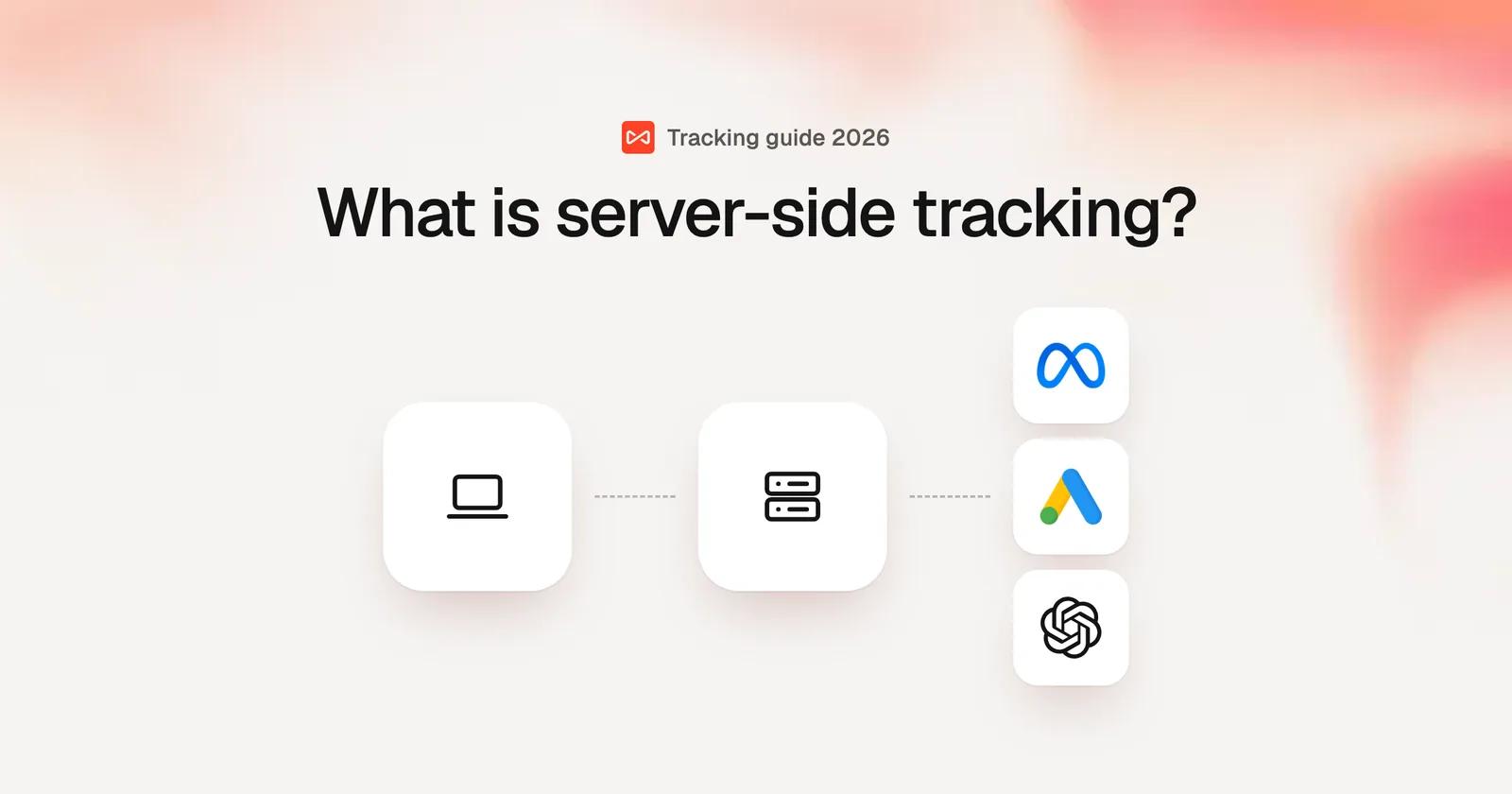
Server-side tracking is a method of collecting user activity data that shifts the process from the user's browser to a server you control. Instead of JavaScript tags sending data directly from the browser to analytics platforms, server-side tracking routes that data through your own server first, giving you more control, better data quality, and improved privacy compliance.
What Is Server-Side Tracking?
Server-side tracking collects user behavior data on your web server rather than in the visitor's browser. When someone visits your website, their actions are captured by your server and then forwarded to analytics platforms like Google Analytics, Facebook, or Google Ads.
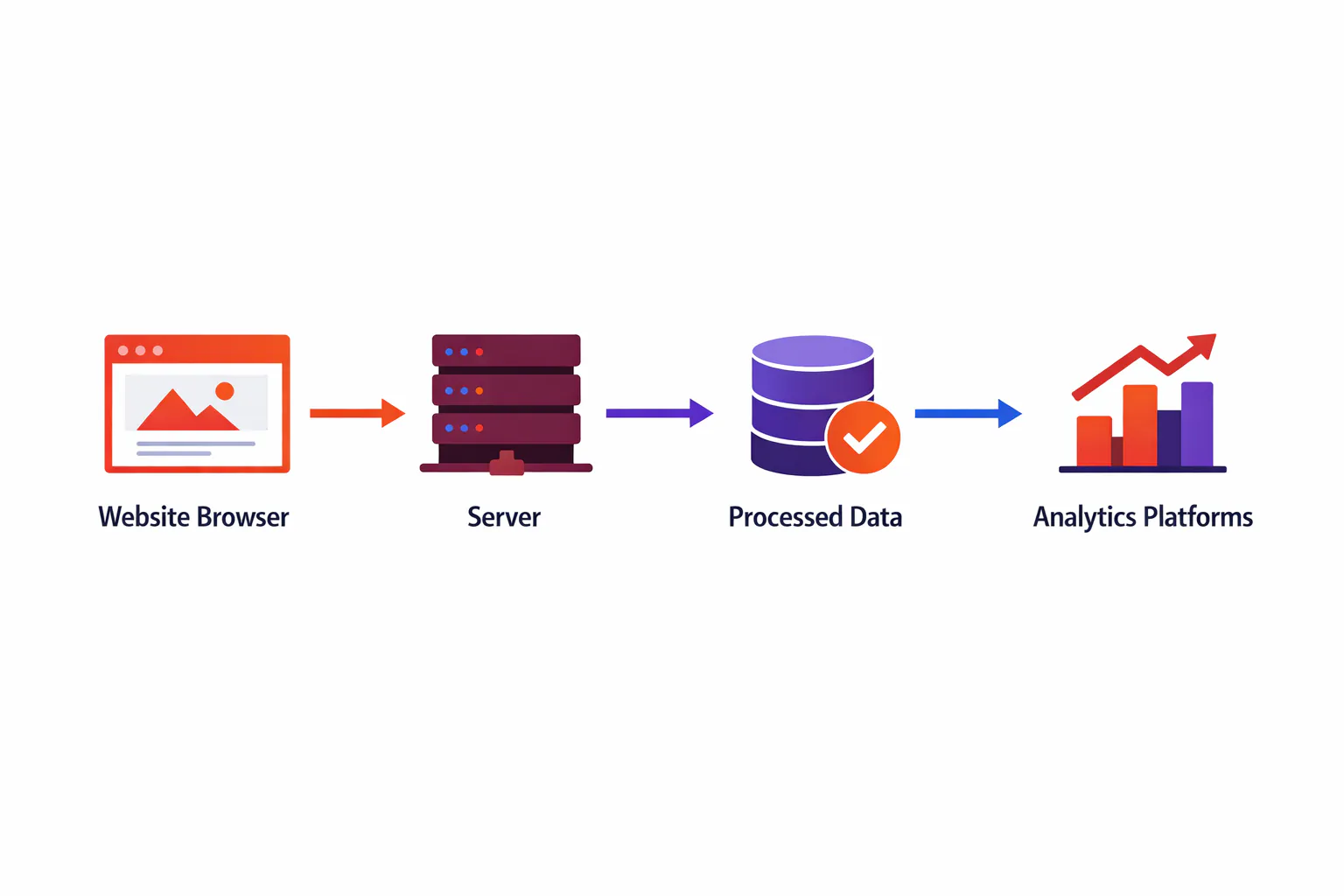
Here's how it works:
your website sends data to a cloud server (often using a subdomain of your site), which acts as a proxy between your site and third-party tracking platforms.
The server processes the data, applies any transformations or enrichments you've configured, and then distributes it to your chosen analytics and advertising tools.
The most popular implementation is Google Tag Manager server-side, which Google introduced in 2020.
It allows you to set up a server container that receives data from your website and forwards it to multiple platforms through a single, controlled pipeline.
What Is Client-Side Tracking?
To understand why server-side tracking matters, you need to know how traditional client-side tracking works.
Client-side tracking is the standard method most websites use. It relies on JavaScript code that runs in the user's browser. When someone visits your site, tracking scripts load in their browser and send data directly to analytics platforms.
For years, this approach worked well. You'd add a Google Analytics tag or Facebook Pixel to your site, and it would capture user behavior automatically. Simple to implement, well-documented, and effective.
But the digital landscape has changed. Client-side tracking now faces serious limitations:
Ad blockers are used by 30-40% of internet users, according to Statista. These tools prevent tracking scripts from loading entirely, creating blind spots in your data.
iOS privacy restrictions through Apple's App Tracking Transparency framework have dramatically reduced tracking accuracy on iPhones and iPads, which represent a significant portion of web traffic.
Safari's Intelligent Tracking Prevention caps cookie lifetimes at seven days. A customer who browses today and purchases next week may not be attributed to your marketing campaign.
Cookie consent requirements under GDPR and similar regulations mean visitors who decline tracking are invisible to your analytics, even if they convert.
The result: client-side tracking now gives you a 60-70% accurate picture of what's happening on your site. You're making decisions based on incomplete data.
Server-Side vs Client-Side Tracking: Key Differences
Aspect | Client-Side Tracking | Server-Side Tracking |
|---|---|---|
Data collection location | User's browser | Your web server |
Blocked by ad blockers | Yes (30-40% of users) | No |
Affected by iOS restrictions | Yes, significantly | Minimal impact |
Cookie dependency | High | Low (uses first-party cookies) |
Safari ITP impact | 7-day cookie limit | Extended cookie lifetime (up to 400 days) |
Data accuracy | 60-70% complete | 95%+ complete |
Website performance | Slows page load | Improves page speed |
Implementation complexity | Simple | Moderate (requires server setup) |
Privacy compliance | Challenging | Easier to control |
Data control | Limited | Full control over what's shared |
Why Server-Side Tracking Matters Now
Server-side tracking solves the problems that have made client-side tracking unreliable. Here's why it matters for your business:
1. More Accurate Data Collection
When tracking happens on your server, ad blockers can't interfere. Your server captures every event regardless of what's happening in the user's browser. This means you see the complete picture of user behavior, not just the 60-70% that makes it through client-side restrictions.
For businesses that rely on accurate conversion tracking, this difference is significant. If you're spending $10,000 per month on ads but only seeing 65% of your conversions, you're making budget decisions based on incomplete information.
2. Extended Cookie Lifetimes
When you set up server-side tracking with a custom subdomain (like track.yourdomain.com), you can use first-party cookies that last up to 400 days instead of the seven-day limit Safari imposes on third-party cookies.
This extended lifetime means you can track customer journeys that span weeks or months, which is essential for businesses with longer sales cycles.
3. Better Privacy Compliance
Server-side tracking gives you complete control over what data gets sent to third-party platforms. You can filter out personally identifiable information, anonymize IP addresses, or hash sensitive data before it leaves your server.
This centralized control makes it easier to comply with GDPR, CCPA, and other privacy regulations. Instead of trusting that each third-party script respects user privacy, you enforce those rules at the server level.
4. Improved Website Performance
Every tracking script you add to your site is JavaScript that runs in the user's browser, slowing down page load times. Server-side tracking moves that processing to your server, reducing the amount of code that runs in the browser.
Faster page loads improve user experience, reduce bounce rates, and can positively impact your organic search rankings. Many businesses report measurable improvements in Core Web Vitals after implementing server-side tracking.
5. Complete Control Over Data Flow
With client-side tracking, third-party scripts can access more data than you intend to share. With server-side tracking, each platform receives only the specific data you configure in your server tags. This prevents unwanted data collection and gives you full governance over your tracking implementation.
6. Data Enrichment Capabilities
Server-side tracking allows you to enrich event data before sending it to analytics platforms. You can add information from your CRM, append customer lifetime value, or include offline conversion data like phone orders or in-store purchases.
For lead-based businesses, this is particularly valuable. Tools like Sourceloop use server-side tracking to connect every lead back to the specific campaign, keyword, and landing page that generated it, then sync that attribution data directly into your CRM.
Common Use Cases for Server-Side Tracking
Server-side tracking isn't just a theoretical improvement. Businesses use it to solve specific problems:
1. Facebook Conversions API
The Facebook Conversions API sends conversion events directly from your server to Facebook, bypassing iOS restrictions and ad blockers. This improves the accuracy of your Facebook ad reporting and helps the platform optimize campaigns more effectively.
2. Google Analytics 4 Server-Side
Server-side Google Analytics 4 extends cookie lifetimes and improves data accuracy. Since GA4 doesn't deduplicate events between client and server, most implementations use server-side exclusively or maintain separate properties for each method.
3. Google Ads Conversion Tracking
Moving Google Ads conversion tracking to the server improves page load times and tracking accuracy, especially for users with slower connections or aggressive browser settings.
4. TikTok Events API
Similar to Facebook's Conversions API, the TikTok Events API enables server-to-server event tracking that bypasses client-side limitations.
5. Lead Source Attribution
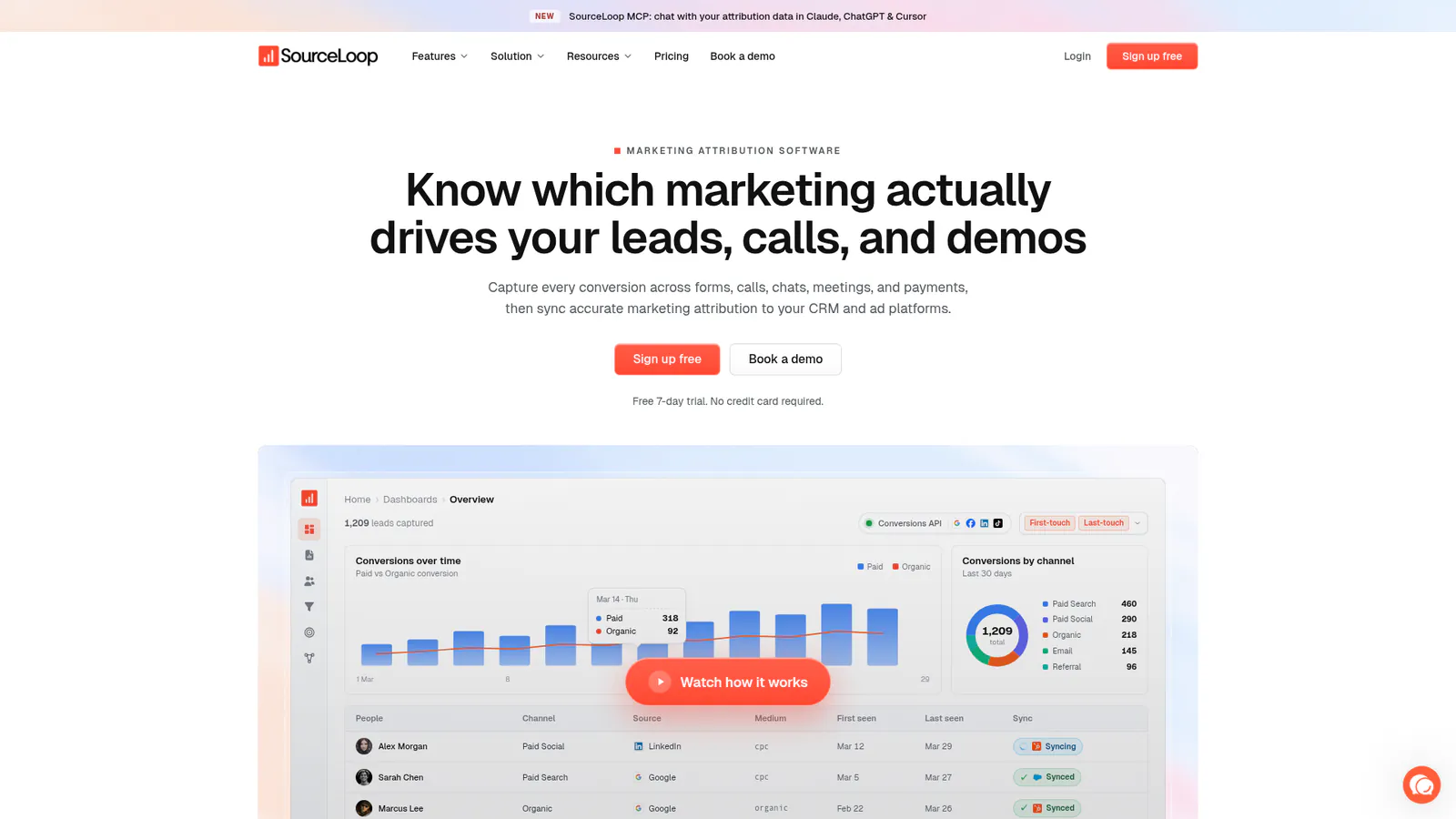
For B2B businesses and service providers, server-side tracking enables accurate lead source attribution.
Sourceloop captures the complete customer journey from first click through conversion, then writes that attribution data directly into your CRM fields in HubSpot, Pipedrive, or Salesforce.
This means every lead in your pipeline shows exactly which campaign, keyword, and landing page generated it.
6. Offline Conversion Tracking
Server-side tracking lets you send offline conversions back to your ad platforms. Phone orders, in-store purchases, and CRM deal closures can all be tracked as conversions in Google Ads and Facebook, giving you a complete view of marketing ROI.
How to Implement Server-Side Tracking
Implementing server-side tracking requires a few key steps:
Set up a server container. The most common approach is using Google Tag Manager server-side. You'll need to provision a cloud server (Google Cloud Platform, AWS, or a specialized hosting provider) and create a server container in your GTM account.
Configure a custom domain. Set up a subdomain like
track.yourdomain.comthat points to your server container. This enables first-party cookies and improves tracking reliability.Connect your data sources. Configure your website to send data to your server container instead of directly to analytics platforms. This typically involves updating your existing GTM web container.
Set up server-side tags. Create tags in your server container for each platform you want to send data to: Google Analytics, Facebook, Google Ads, etc.
Test and validate. Use preview mode and platform testing tools to verify that events are being captured and forwarded correctly.
For businesses that want server-side tracking without the technical complexity, platforms like Sourceloop handle the implementation automatically.
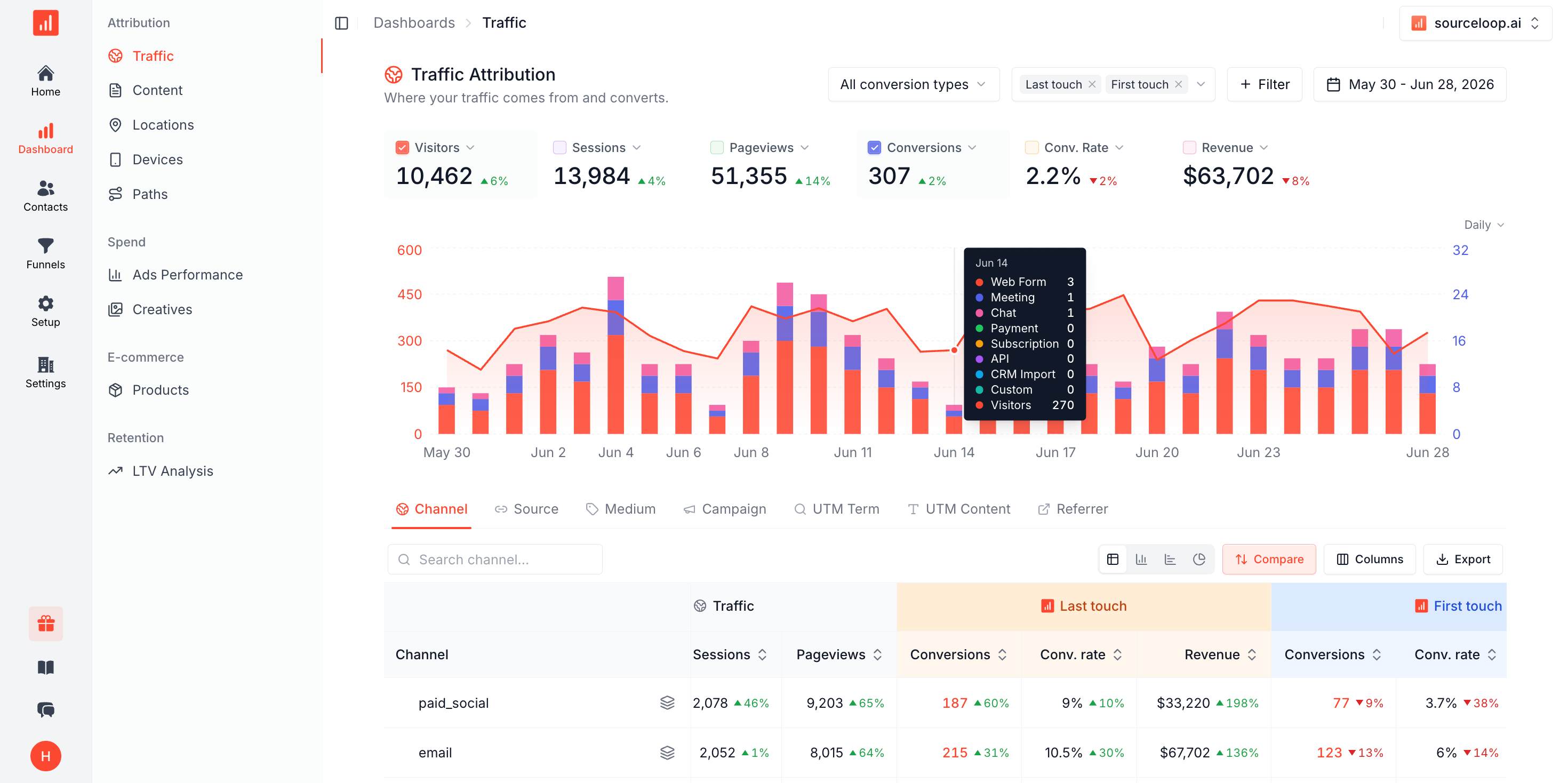
Sourceloop's first-party tracking captures visitor behavior across your site, forms, calls, and meetings, then syncs attribution data to your CRM and pushes qualified conversions back to your ad platforms as offline conversions.
FAQ
Is server-side tracking GDPR compliant?
Server-side tracking doesn't automatically make you GDPR compliant, but it makes compliance easier. You still need user consent before collecting personal data, but server-side tracking gives you centralized control to filter, anonymize, or exclude personal information before sharing it with third parties. This reduces privacy risks and helps you meet GDPR requirements.
Does server-side tracking work with Google Analytics 4?
Yes. You can send data to GA4 via the Measurement Protocol from your server. However, GA4 doesn't deduplicate events between client and server, so you'll need to choose one method or maintain separate properties.
Will server-side tracking slow down my website?
No, the opposite. Server-side tracking reduces the amount of JavaScript running in the user's browser, which typically improves page load times and Core Web Vitals scores.
Can server-side tracking bypass cookie consent requirements?
No. If you're collecting personal data, you still need user consent under GDPR and similar regulations. Server-side tracking gives you better control over how that data is processed, but it doesn't eliminate consent requirements.
How much does server-side tracking cost?
Costs vary depending on your implementation. Google Tag Manager server-side requires cloud hosting (typically $50-200/month depending on traffic volume). Specialized hosting providers often offer lower costs. All-in-one attribution platforms like Sourceloop include server-side tracking in their pricing, starting at $49/month.
What's the difference between server-side tracking and server-side tagging?
The terms are often used interchangeably. "Server-side tagging" typically refers specifically to Google Tag Manager's server container implementation, while "server-side tracking" is the broader concept of collecting data on a server rather than in the browser.
Can I track offline conversions with server-side tracking?
Yes. Server-side tracking makes it easy to send offline conversion data (phone orders, in-store purchases, CRM deal closures) back to your ad platforms. This is one of the key advantages over client-side tracking, which can only capture browser-based events.
Conclusion
Server-side tracking has moved from optional to essential. With client-side tracking now losing 30-40% of conversion data to ad blockers, iOS restrictions, and cookie limitations, businesses need a more reliable way to measure marketing performance.
By moving data collection to your server, you gain more accurate tracking, better privacy compliance, improved website performance, and complete control over your data. The hybrid approach that combines client-side and server-side tracking with automatic deduplication gives you the best of both worlds.
For businesses that sell through forms, calls, and booked meetings, accurate attribution is particularly critical. Sourceloop uses first-party server-side tracking to capture every touchpoint in the customer journey, then writes that attribution data directly into your CRM and syncs qualified conversions back to your ad platforms. This closes the loop between marketing spend and actual revenue.
Whether you implement server-side tracking through Google Tag Manager, a specialized platform, or an all-in-one attribution solution, the investment pays off through better data, smarter decisions, and improved marketing ROI.



 Paid Social


