











Cost per booked job
Lead source attribution for home services
Marketing attribution tool for home services business
Attribution built for HVAC, plumbing, roofing, and contractors. The phone is your main lead, so SourceLoop ties every call and form to the exact ad, search, or campaign that earned it, follows it into Jobber to the paid invoice, and sends the wins back to your ads.
Free 7-day trial. No credit card required.
Used by 750+ marketing teams, agencies, and SaaS companies
Built for home services
Every call, form, and booked job tied to the ad that earned it
See cost per booked job by channel, roll revenue up to source, and capture leads from phone, web, and Local Services Ads, all built for service-area businesses.
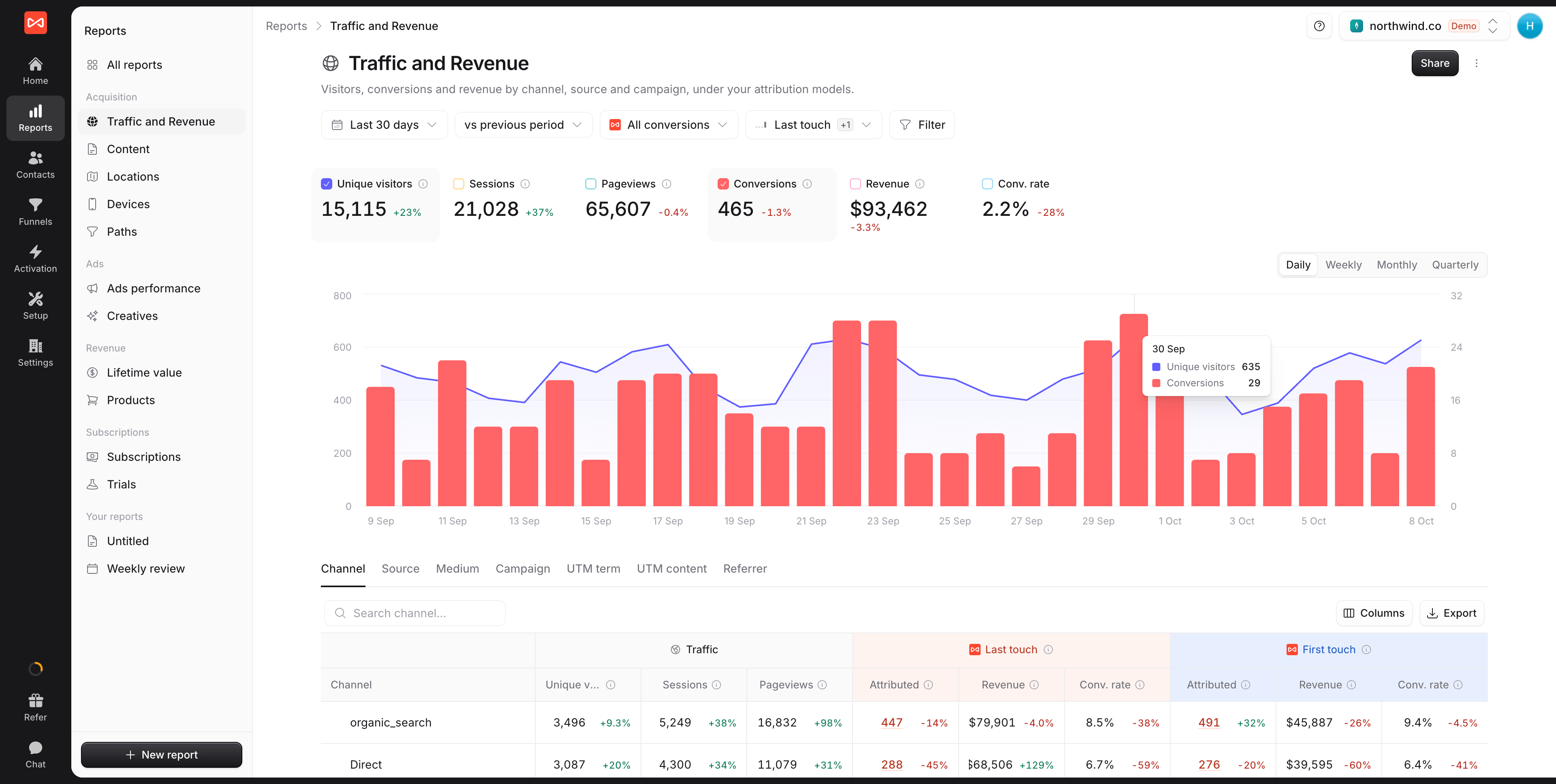
Revenue by source
Job revenue rolled up to the channel, that drove the call.

Lead sources
Phone, web, and chat in one place, every lead attributed.
 Jobber
Call tracking
Every call tied to the ad that drove it
Most home-services leads call. Connect CallRail, CallTrackingMetrics, Invoca, or Mediahawk and every inbound call becomes an attributed lead, matched to the caller's web journey. Answered calls over 60 seconds count as Good, so hang-ups never inflate your numbers.
- CallRail, CallTrackingMetrics, Invoca, Mediahawk
- Calls over 60 seconds counted as Good leads
A
(480) 555-0133 · Inbound call
2m 51s · recording attached
First touch  Google LSA · Local ·
ac_repair
Google LSA · Local ·
ac_repair
Google LSA · Local ·
ac_repair Journey before the call
Local Services Ad click 1d ago
Visited /emergency-repair 1d ago
Called the dispatch line 2h ago
Booked job $480 just now
Channel attribution
Know your true cost per booked job, by channel
Multi-touch attribution on one first-party dataset. See which campaigns, keywords, and Local Services Ads drive calls and booked jobs, instead of guessing from a last click.
- UTM, GCLID, and keyword on every job
- Cost per booked job, by channel
Cost per booked job · Last 30 days
Booked jobs| Channel | Spend | Jobs | Cost per job |
|---|---|---|---|
| Google LSA | $3.4K | 89 | $38 |
 Google Ads Google Ads | $4.2K | 69 | $61 |
 Meta Meta | $2.6K | 35 | $74 |
| Referral | $0 | 41 | $0 |
| Bing | $1.1K | 14 | $79 |
-
Booked jobs
Every job lead attributed
-
Phone + form
Calls tied to the ad that rang
-
30+
Ad & CRM integrations
-
Local-ready
Track every service area
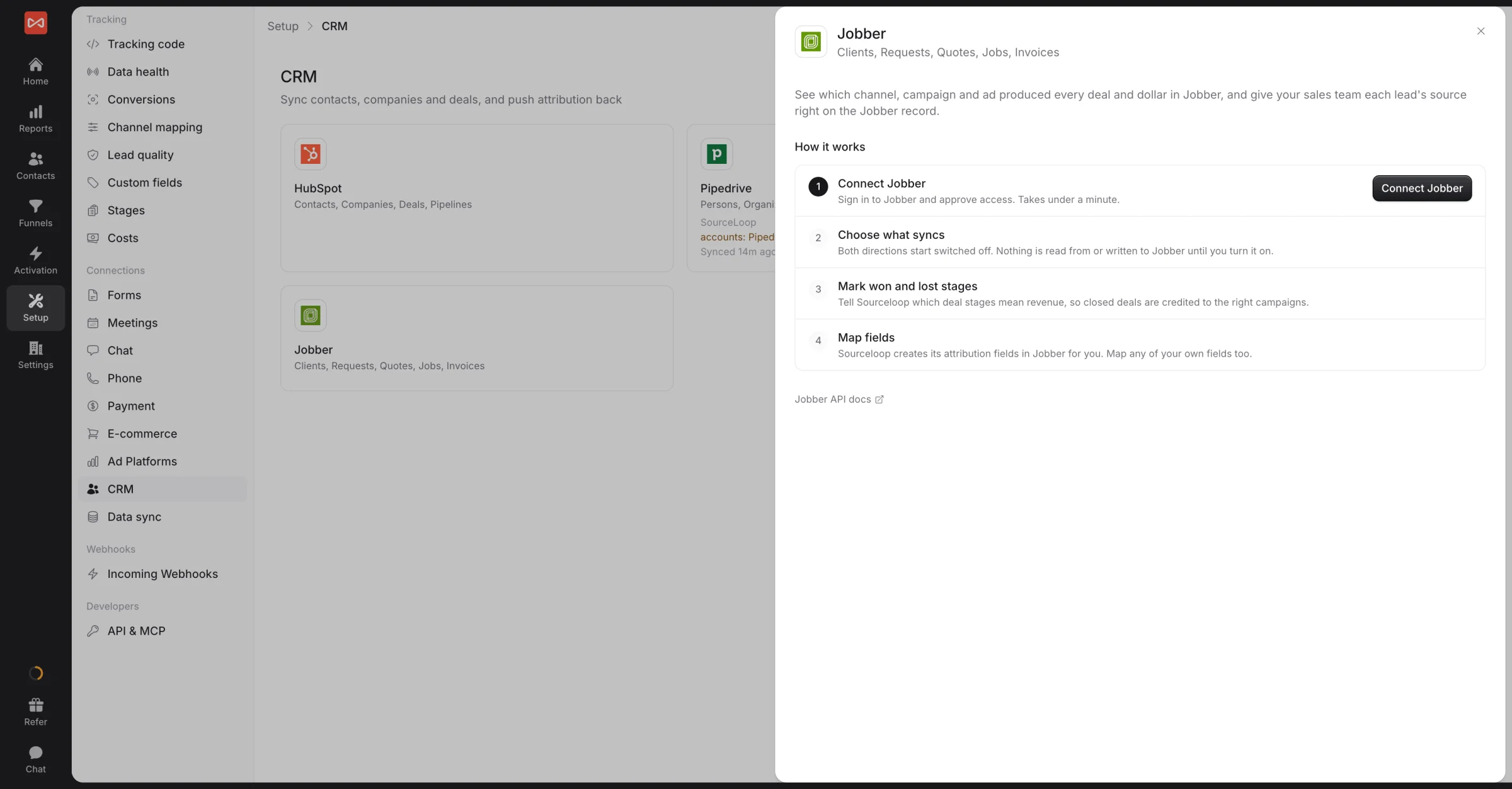
Jobber
Every paid invoice in Jobber, tied back to the ad
Connect Jobber in one click. Requests, quotes, jobs, and invoices come in, and each invoice counts as revenue the day it is issued. Website and call leads can be created as Jobber clients with their source filled in, so your office sees where every customer came from.
- Revenue per channel, from real invoices
- Lead source written onto each Jobber client
Job funnel
See where leads drop off on the way to a job
Track the path from call or form to booked, completed, and repeat job. Slice by source so you see which channel sends leads that actually close, and where to put more spend.
- Build any job funnel in clicks, no SQL
- Source breakdown for every step
Job funnel · Last 30 days
Conversion sync
Send booked jobs back to your ads
Forward booked and won jobs to Google Ads and Meta as server-side offline conversions so smart bidding chases real jobs, not the cheapest clicks.
- Real-time, server-side via Conversions API
- No GTM, no DIY CAPI endpoint to babysit
Booked-job conversions pushed
Google Ads 422 Live Meta CAPI 214 Live  ChatGPT Ads 47 Live
  TikTok Events API Coming soon
 FAQ
Home services attribution questions
Which ad actually made the phone ring?
SourceLoop captures the source, UTM, GCLID, and keyword on a visitor's first page view and keeps them through the session. When that visitor calls a CallRail, CallTrackingMetrics, Invoca, or Mediahawk tracking number, the call is matched to their session, so you see the exact ad and campaign that made the phone ring.
Does this work with Google Local Services Ads and Google Ads?
Yes. SourceLoop captures GCLID and campaign data from Google Ads and ties calls and form leads back to the campaign and keyword. Local Services Ads leads count as paid search, including Jobber clients whose lead source says Google Local Services. Booked jobs then go back to Google Ads as conversions so bidding optimizes toward real work.
Does it work with Jobber?
Yes. Connect Jobber in a click and every request, quote, job, and invoice comes in, with revenue counted the day each invoice is issued. New website and call leads can be created as Jobber clients, with their source written onto the client, so you see which ad produced paid work.
How do I separate real calls from hang-ups?
Turn on the ready-made rule that counts answered calls over 60 seconds as Good leads. Short calls and spam stay out of your cost per lead, and only real calls go back to Google Ads.
Can I track multiple locations or a franchise?
Yes. Track each location's site, tracking numbers, and campaigns together and compare performance per location, with each number attributed independently.
What about calls from a yard sign or truck wrap?
Those still record as leads. With no web session behind them there's no journey to attach, so they show as Direct, while calls that started on your site carry full source and campaign detail.
Can I push booked jobs back to my ad platforms?
Yes. Forward booked and won jobs to Google Ads, Meta, and ChatGPT Ads as server-side offline conversions so smart bidding optimizes toward jobs that close, not the cheapest clicks.


