
Cross-Channel Attribution: How to Set Up in 2026
Cross channel attribution reveals which channels drive conversions across the customer journey. Learn models, challenges, and implementation steps for 2026.
Table of contents
- What Is Cross-Channel Attribution?
- Why Is Cross-Channel Attribution Important?
- How Does Cross-Channel Attribution Work?
- Step 1: Track All Your Marketing Channels
- Step 2: Install Website Tracking
- Step 3: Track Your Conversions
- Step 4: Connect Your CRM
- Step 5: Choose an Attribution Model
- First-Touch Attribution
- Last-Touch Attribution
- Linear Attribution
- Time-Decay Attribution
- Multi-Touch Attribution
- Step 6: Compare Channels
- Step 7: Understand Assisted Conversions
- Step 8: Connect Revenue to the Original Marketing Journey
Cross-channel attribution helps you understand how different marketing channels work together to generate leads, customers, and revenue. Instead of looking at Google Ads, Facebook, LinkedIn, email, or organic search separately, it connects the customer journey across channels.
This guide explains what cross-channel attribution is, how it works, which data you need, and how to set it up with tools like SourceLoop.
What Is Cross-Channel Attribution?
Cross-channel attribution is the process of measuring how different marketing channels contribute to a conversion.
A customer rarely follows a single path before becoming a customer.
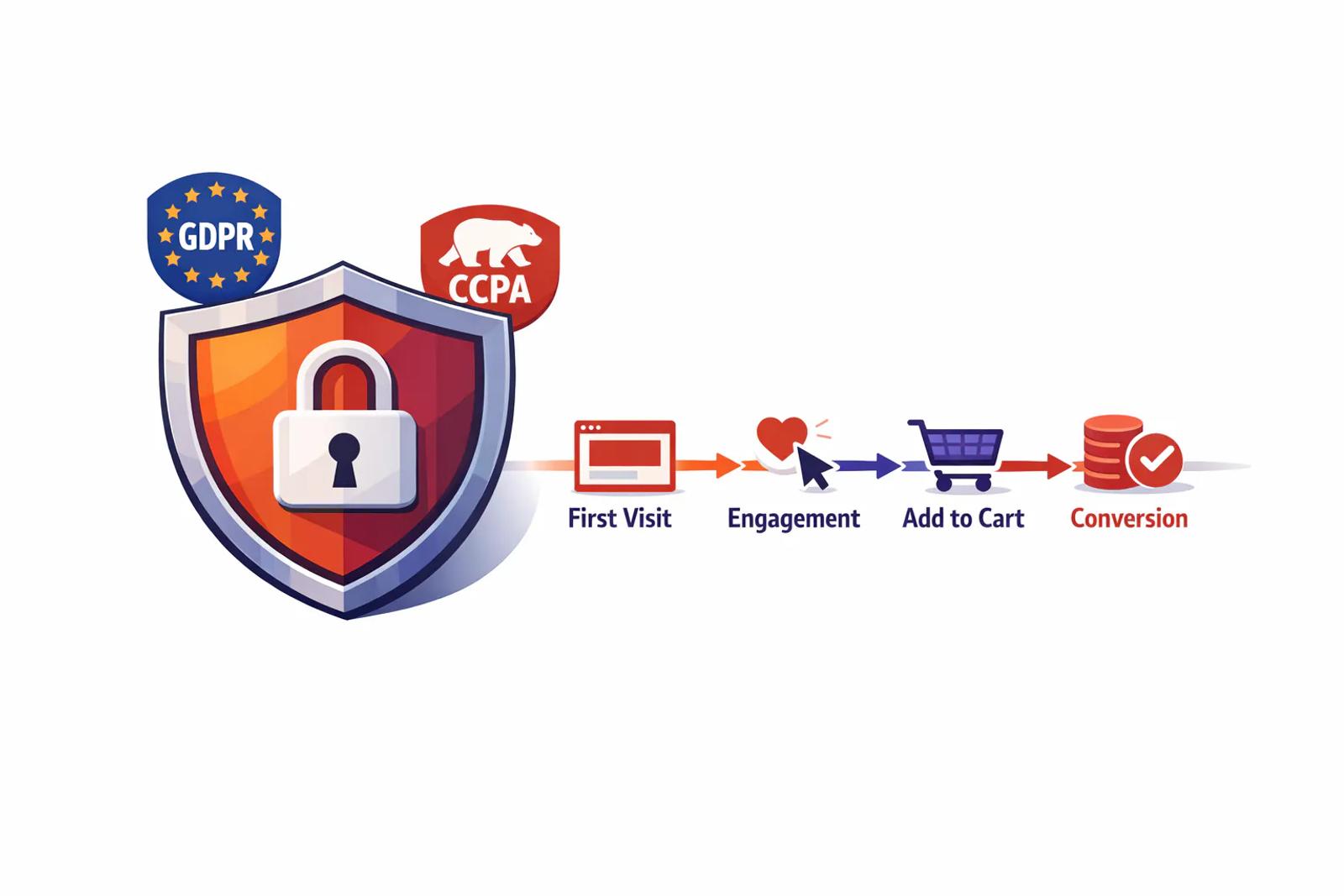
For example:
Google Ads → Website → LinkedIn → Email → Demo → Customer
If you only look at the last touchpoint, you might give all the credit to email. But Google Ads and LinkedIn also played a role in bringing and converting that customer.
Cross-channel attribution helps you see the complete journey.
Why Is Cross-Channel Attribution Important?
Most businesses use several marketing channels at the same time.
You may run:
- Google Ads
- Facebook Ads
- LinkedIn Ads
- SEO
- Email marketing
- Content marketing
- Direct traffic
- Referral campaigns
The challenge is knowing which channels actually help generate business.
For example, Google Ads may generate the first visit, LinkedIn may bring the visitor back, and an email may lead to a demo booking.
Without cross-channel attribution, it is difficult to understand how these channels work together.
How Does Cross-Channel Attribution Work?
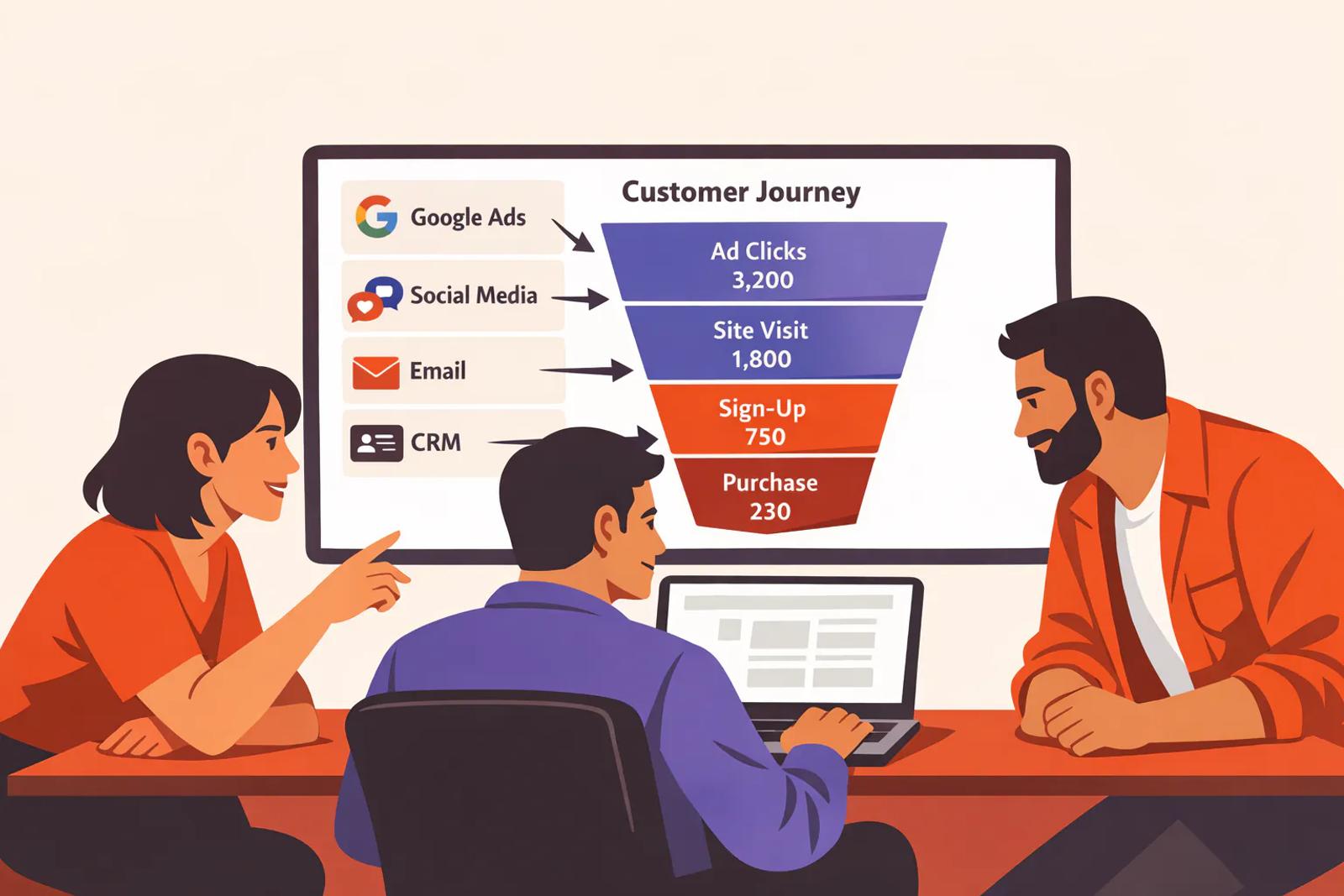
A basic cross-channel attribution setup has four parts:
1. Capture the visitor
Track the visitor when they first arrive on your website.
2. Record marketing touchpoints
Capture information such as source, medium, campaign, UTM parameters, and ad click IDs.
3. Track conversions
Record important actions such as form submissions, phone calls, meetings, demos, trials, and purchases.
4. Connect conversions to revenue
Connect your conversion data with your CRM or payment system to see what happened after the lead converted.
This creates a journey such as:
Ad Click → Website Visit → Lead → Qualified Lead → Opportunity → Customer → Revenue
Step 1: Track All Your Marketing Channels
Start by making a list of the channels you use to acquire customers.
For example:
Channel | Example
Google Ads | Search campaigns
Facebook | Meta Ads
LinkedIn | LinkedIn Ads
Organic | Google Search
Email | Newsletter or sales emails
Referral | Partner traffic
Direct | Direct website visits
Make sure your links use consistent UTM parameters where possible.
For example:
utm_source=linkedin&utm_medium=paid&utm_campaign=demo_campaign
This gives your attribution system useful information about where the visitor came from.
Step 2: Install Website Tracking
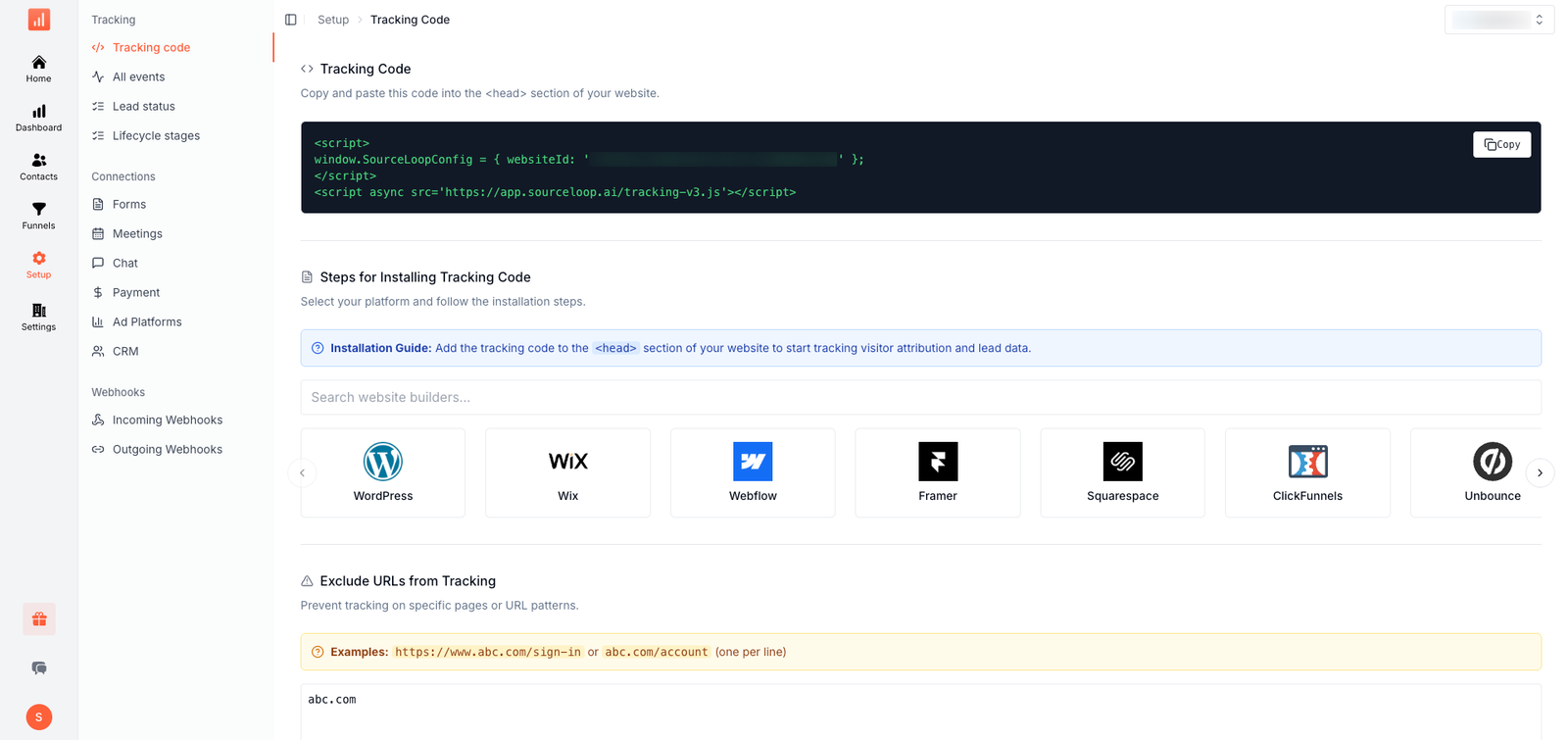
Your website needs to capture the visitor's marketing information.
SourceLoop can capture information such as UTM parameters and advertising click IDs and connect them with the visitor journey.
This is important because the first marketing interaction may happen days or weeks before the visitor becomes a lead.
For example:
Monday: Google Ad click
Wednesday: Organic search visit
Friday: LinkedIn visit
Monday: Demo request
Your tracking system needs to preserve these touchpoints.
Step 3: Track Your Conversions
Next, decide what actions you want to count as conversions.
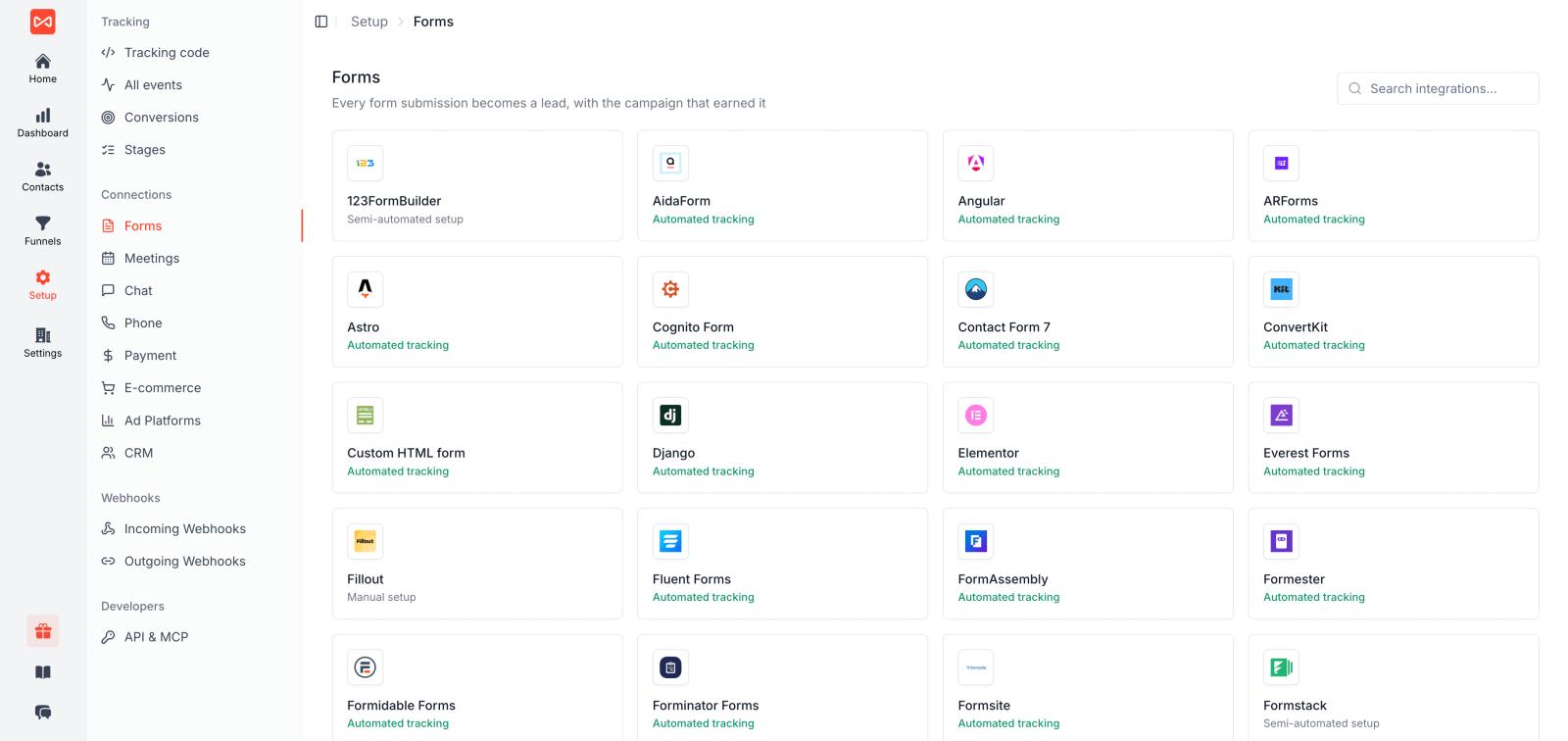
For a lead generation business, this could include:
- Form submissions
- Phone calls
- Chat conversations
- Meeting bookings
- Demo requests
- Contact requests
For SaaS companies, you may also track:
- Signup
- Free trial
- Paid subscription
- Upgrade
- Expansion
The goal is to connect marketing activity with meaningful business actions.
Step 4: Connect Your CRM
This is one of the most important steps in cross-channel attribution.
A form submission tells you that someone became a lead.
Your CRM can tell you what happened next.
For example:
Lead → MQL → SQL → Opportunity → Closed Won
SourceLoop can connect marketing attribution with CRM systems such as HubSpot, Salesforce, Pipedrive, Close, Attio, and Copper.
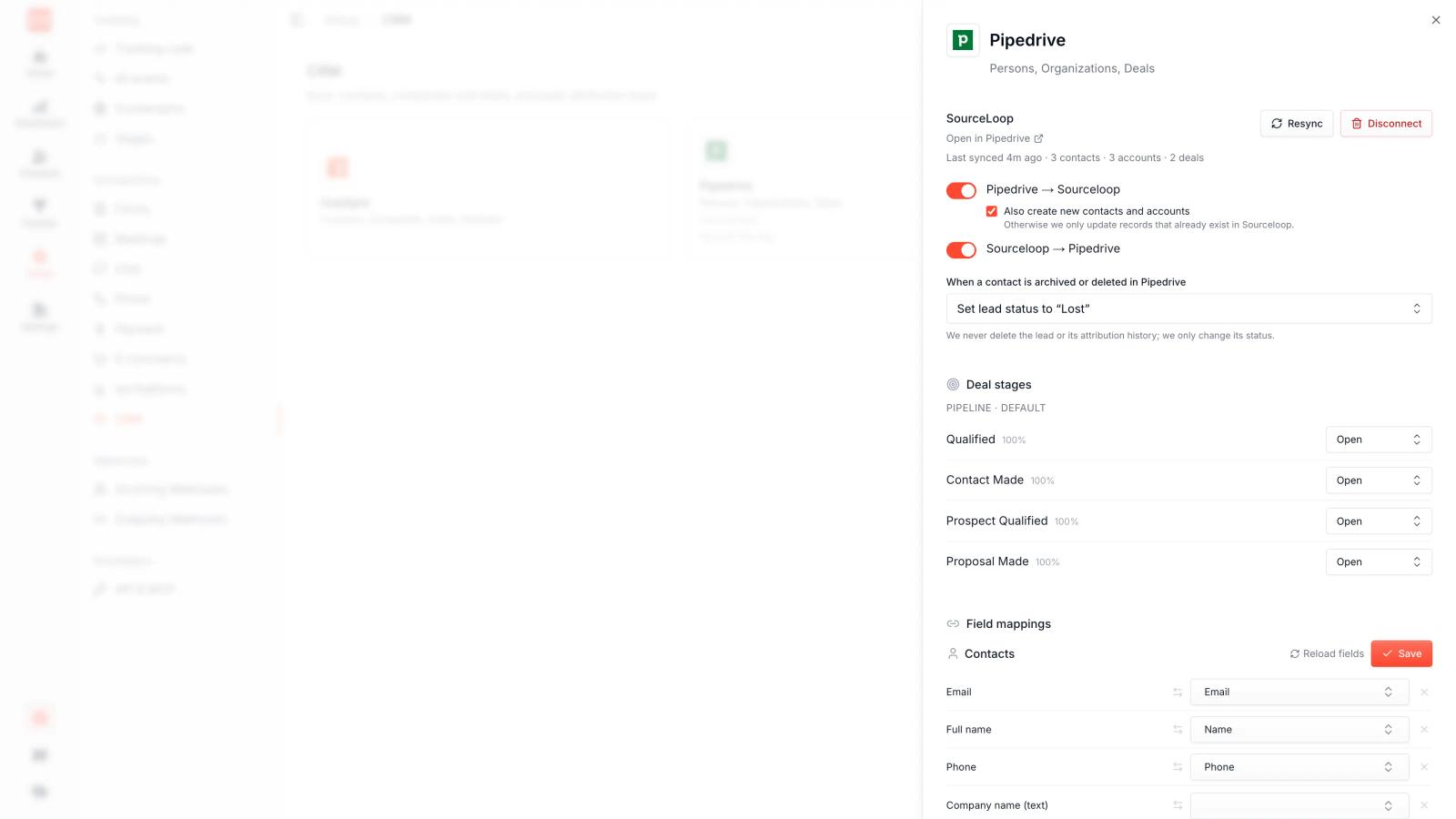
This lets you move beyond lead attribution and understand which channels generate actual customers and revenue.
Step 5: Choose an Attribution Model
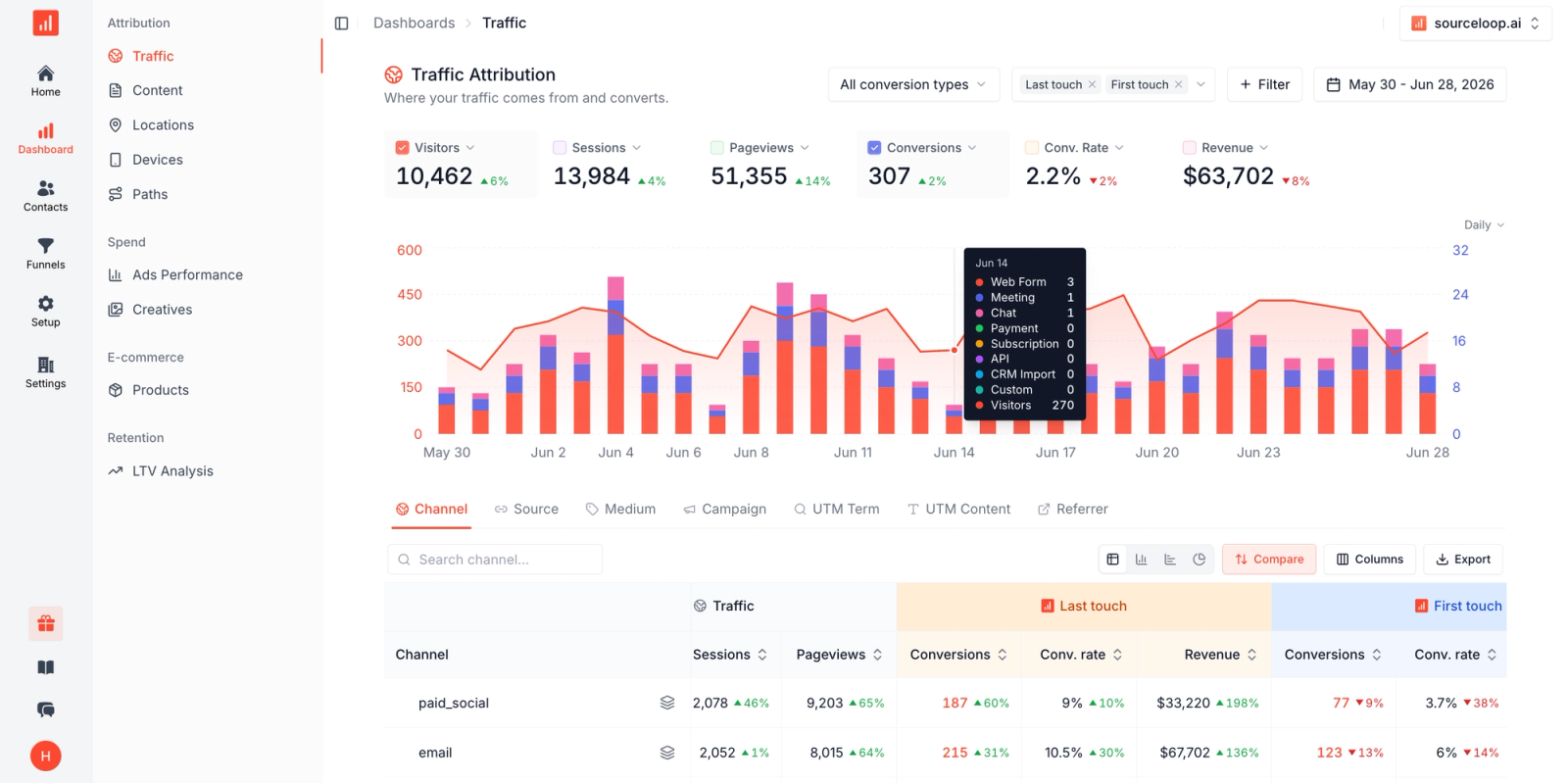
Once your data is connected, you need to decide how you want to assign credit.
Common attribution models include:
First-Touch Attribution
Gives credit to the first marketing interaction.
Example:
Google Ads → Website → Email → Demo
Google Ads gets the credit.
This is useful when you want to understand which channels generate initial demand.
Last-Touch Attribution
Gives credit to the final touchpoint before conversion.
In the example above, email may receive the credit.
This is simple, but it can ignore earlier marketing interactions.
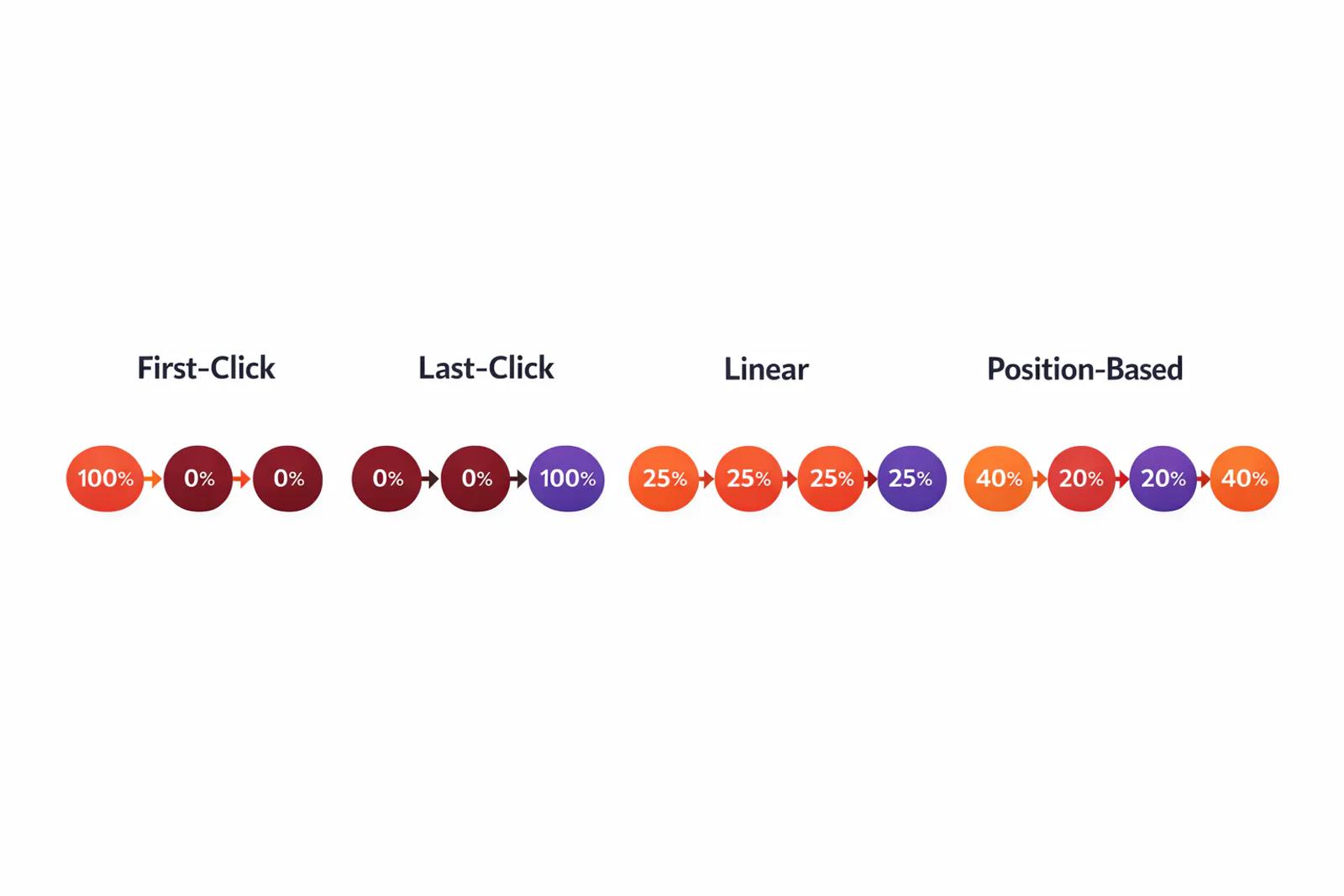
Linear Attribution
Gives equal credit to each touchpoint.
If there are four touchpoints, each receives 25% of the credit.
Time-Decay Attribution
Gives more credit to touchpoints closer to the conversion.
This can be useful when recent interactions are more likely to influence the final decision.
Multi-Touch Attribution
Multi-touch attribution gives credit to multiple touchpoints in the customer journey.
This is often more useful for businesses with longer sales cycles because several channels may influence the final conversion.
Step 6: Compare Channels
Once attribution is working, you can compare your marketing channels.
Do not only compare the number of leads.
Look at metrics such as:
- Leads
- Qualified leads
- Opportunities
- Customers
- Revenue
- Cost per lead
- Cost per qualified lead
- Customer acquisition cost
- ROAS
For example:
Channel | Leads | Qualified Leads | Customers | Revenue
Google Ads | 150 | 45 | 12 | $48,000
LinkedIn | 80 | 32 | 10 | $55,000
Facebook | 180 | 20 | 5 | $18,000
Organic | 120 | 40 | 14 | $62,000
Looking only at leads would make Facebook look strong.
Looking at customers and revenue gives you a very different picture.
Step 7: Understand Assisted Conversions
Some channels may not generate many last-click conversions but can still play an important role.
For example, someone may:
See a LinkedIn Ad → Visit Your Website → Leave → Search Google → Return → Book a Demo
Google may get the last-touch credit, but LinkedIn helped start the journey.
Cross-channel attribution helps you identify these assisted interactions.
This is especially important for B2B marketing, where customers often research a company through several channels before contacting sales.
Step 8: Connect Revenue to the Original Marketing Journey
The final step is connecting marketing activity with actual revenue.
For example:
Google Ads
↓
Website Visit
↓
LinkedIn Visit
↓
Demo Request
↓
Sales Opportunity
↓
Closed Won
↓
$20,000 Revenue
Now your marketing team can answer a much better question:
"Which channels are generating revenue?"
Instead of:
"Which channel generated the most clicks?"
This is where cross-channel attribution becomes useful for marketing decisions.
Frequently asked questions
-
FAQs
-
What is cross-channel attribution?
Cross-channel attribution shows how different marketing channels contribute to a customer's journey and final conversion.
-
What is an example of cross-channel attribution?
A customer may find you through Google Ads, return through LinkedIn, read an email, and then book a demo. Attribution connects these touchpoints.
-
What channels can be tracked?
You can track channels such as Google Ads, Meta, LinkedIn, organic search, email, referrals, and direct traffic.
-
What is the best attribution model?
There is no single best model. Data-driven attribution can be useful when you have enough conversion data, while last-click is simpler to understand.
-
Can Google Analytics do cross-channel attribution?
Yes. Google Analytics provides attribution reports and paths that show how different interactions contribute to conversions.
-
Can SourceLoop track cross-channel attribution?
Yes. SourceLoop connects marketing channels, website conversions, CRM data, and revenue to show the full customer journey.
-
Why connect attribution to a CRM?
A CRM shows what happens after someone becomes a lead. This helps you measure qualified leads, opportunities, customers, and revenue.
-
What is the difference between cross-channel and multi-touch attribution?
Cross-channel attribution compares different marketing channels, while multi-touch attribution focuses on giving credit to multiple touchpoints in a customer journey.




 Paid Social


