
8 Best Cross-Device Tracking Tools in 2026 [Ranked]
Compare 8 cross-device tracking solutions for accurate attribution across phones, tablets, and desktops. Features, pricing, and privacy-first methods for 2026.
Table of contents
- Best Cross-Device Tracking Solutions Comparison
- 1. SourceLoop: Best for B2B Cross-Device Marketing Attribution
- 2. Google Analytics 4: Best Free Cross-Device Analytics Tool
- 3. Amplitude: Best for SaaS Product Analytics
- 4. RudderStack: Best for Developer-Controlled Identity Resolution
- 5. Heap: Best for Understanding User Behavior Across Devices
- 6. Segment: Best for Building a Customer Data Layer
- 7. Adobe Experience Platform: Best for Enterprise Cross-Device Identity
- 8. AppsFlyer: Best for Mobile App Cross-Device Attribution
- How Cross-Device Tracking Actually Works
Cross-device tracking helps you see one customer’s journey across phones, laptops, tablets, and other devices. We compared the best tools based on identity matching, marketing attribution, CRM tracking, product analytics, and ease of use.
Best Cross-Device Tracking Solutions Comparison
| # | Tool | Best for | Cross-device identity | Marketing attribution | CRM / revenue | Product analytics | Starting price |
|---|---|---|---|---|---|---|---|
| 1 | SourceLoop | B2B leads, SaaS & revenue | ✅ | ✅ | ✅ | — | $49/mo |
| 2 | Google Analytics 4 | General website analytics | ✅ | ✅ | — | ✅ | Free |
| 3 | Amplitude | SaaS & product analytics | ✅ | — | — | ✅ | Free |
| 4 | RudderStack | Developer-led identity resolution | ✅ | ✅ | ✅ | ✅ | Free |
| 5 | Heap | Product & user behavior | ✅ | — | — | ✅ | Free |
| 6 | Segment | Customer data infrastructure | ✅ | — | ✅ | ✅ | Free tier |
| 7 | Adobe Experience Platform | Enterprise customer identity | ✅ | ✅ | ✅ | ✅ | Custom |
| 8 | AppsFlyer | Mobile app attribution | ✅ | ✅ | — | — | Free tier |
1. SourceLoop: Best for B2B Cross-Device Marketing Attribution
Best for: B2B SaaS, lead generation, and sales-led businesses that want to connect marketing activity with CRM and revenue
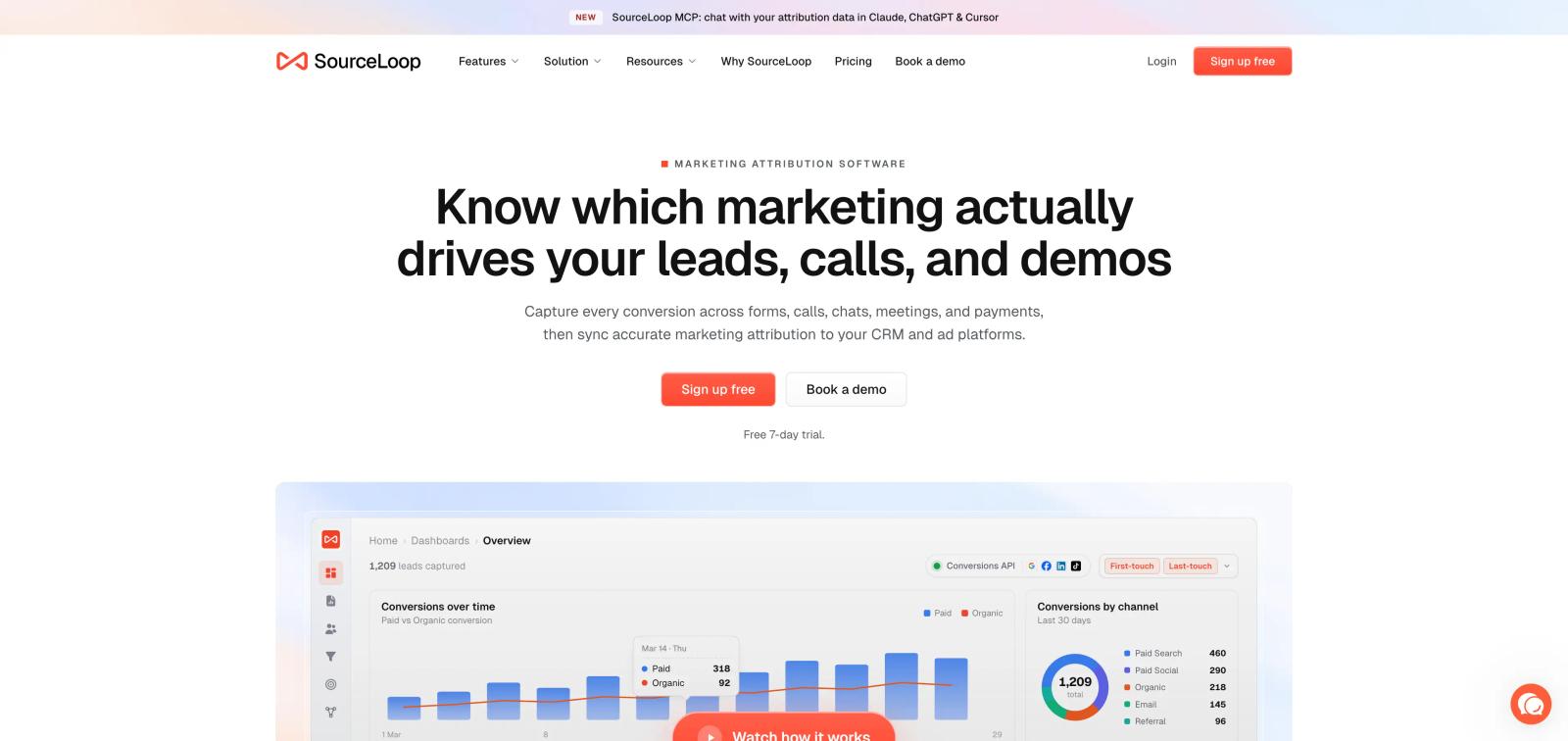
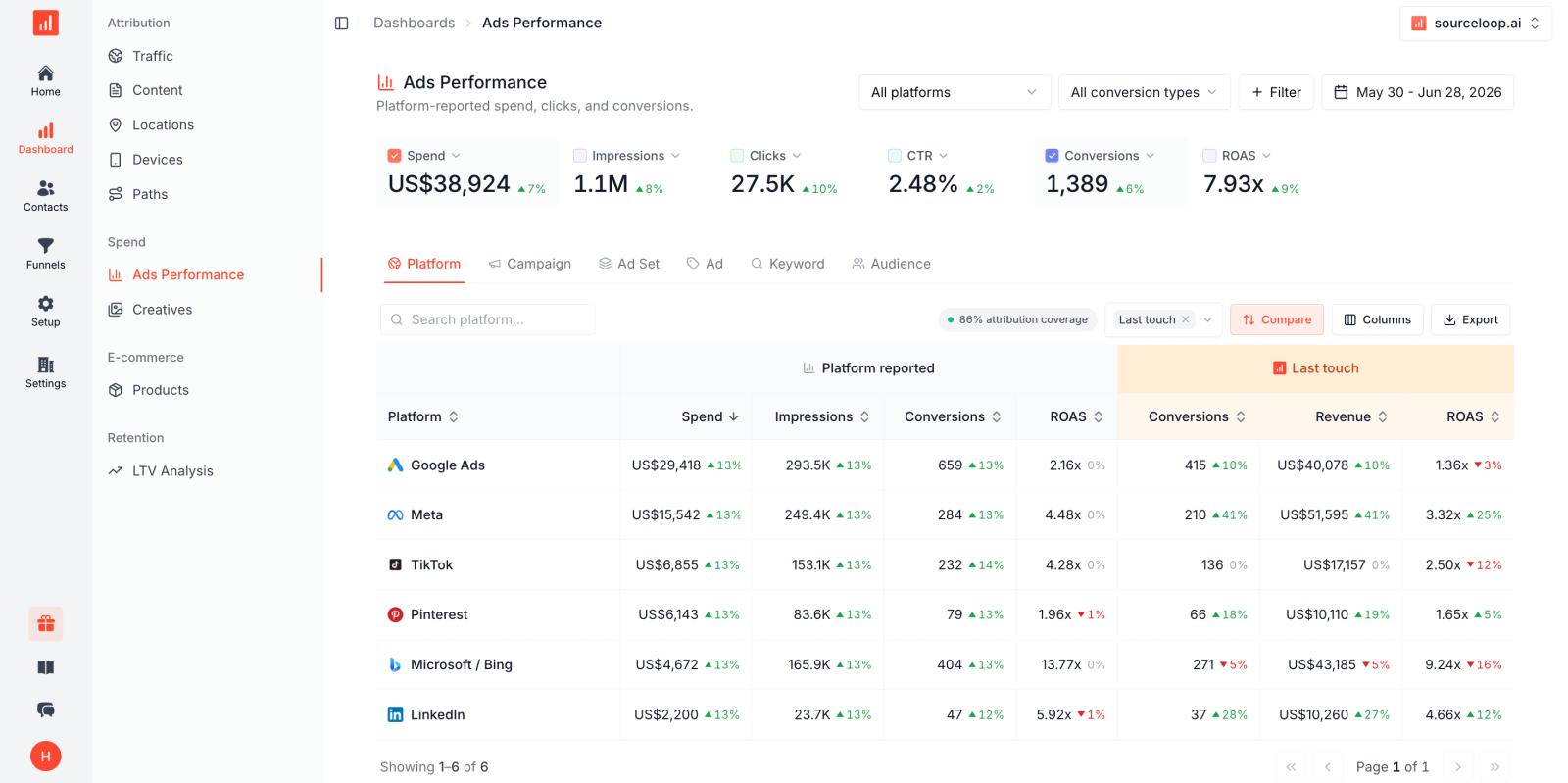
SourceLoop is a strong choice when cross-device tracking is part of a bigger marketing attribution problem.
For example, someone might click a Meta ad on their phone, visit your site again from a laptop, book a demo later, and become a customer through your CRM. SourceLoop is designed to connect the marketing journey with that conversion and downstream CRM data.
It tracks forms, meetings, calls, chats, and payments, then pushes attribution data into your CRM and ad platforms.
This makes it especially useful for B2B companies. You usually do not care only about which device created the final conversion. You care about which marketing source eventually created a qualified lead, opportunity, or customer.
Pros
- Connects marketing to CRM outcomes: SourceLoop can carry source and attribution data into systems such as HubSpot, Salesforce, and Pipedrive, so the journey does not stop when someone submits a form.
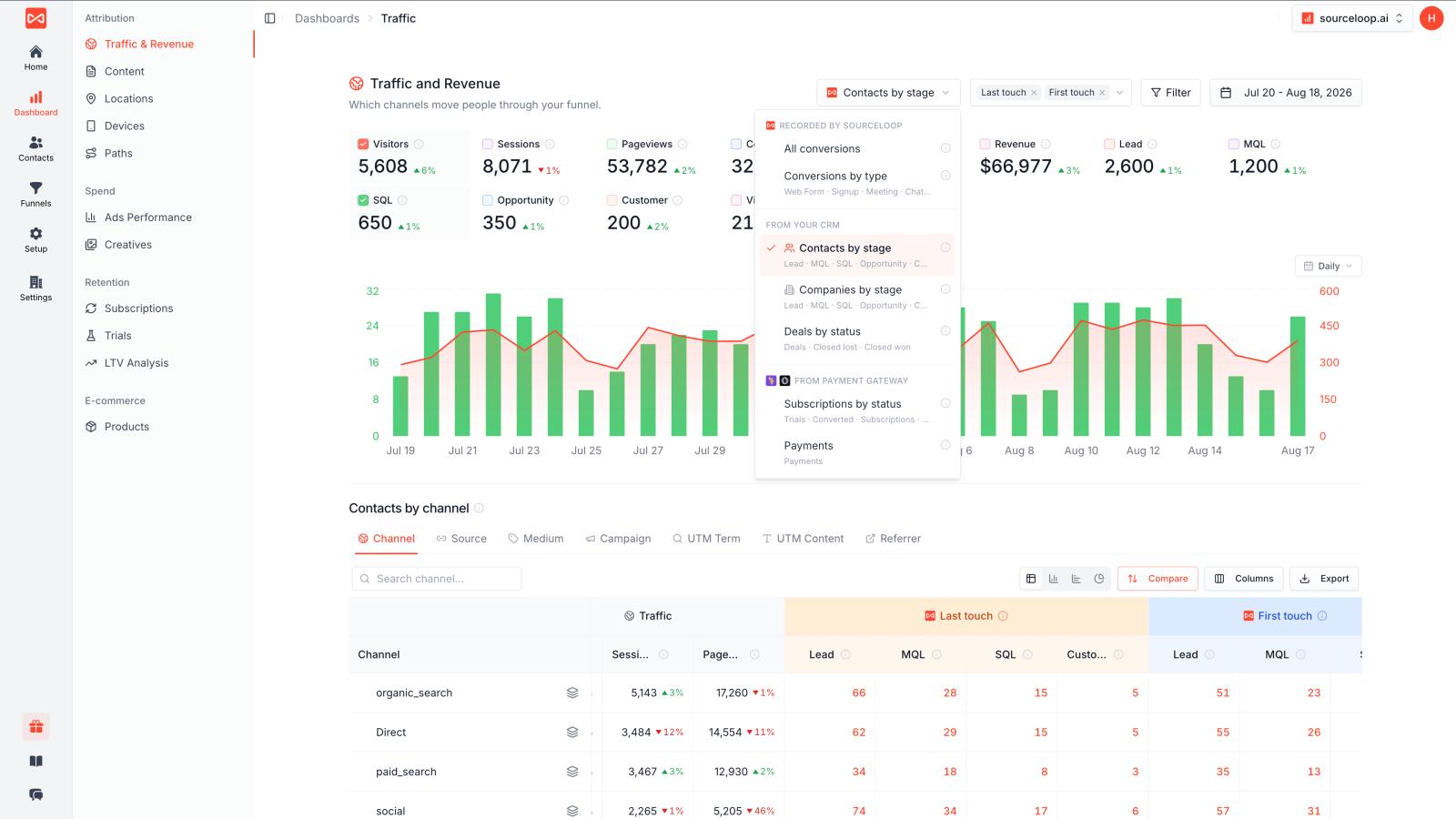
- Useful for long B2B journeys: A prospect can interact with your marketing several times before booking a meeting or becoming a customer. SourceLoop is built around tracking that full journey rather than only the final website session.
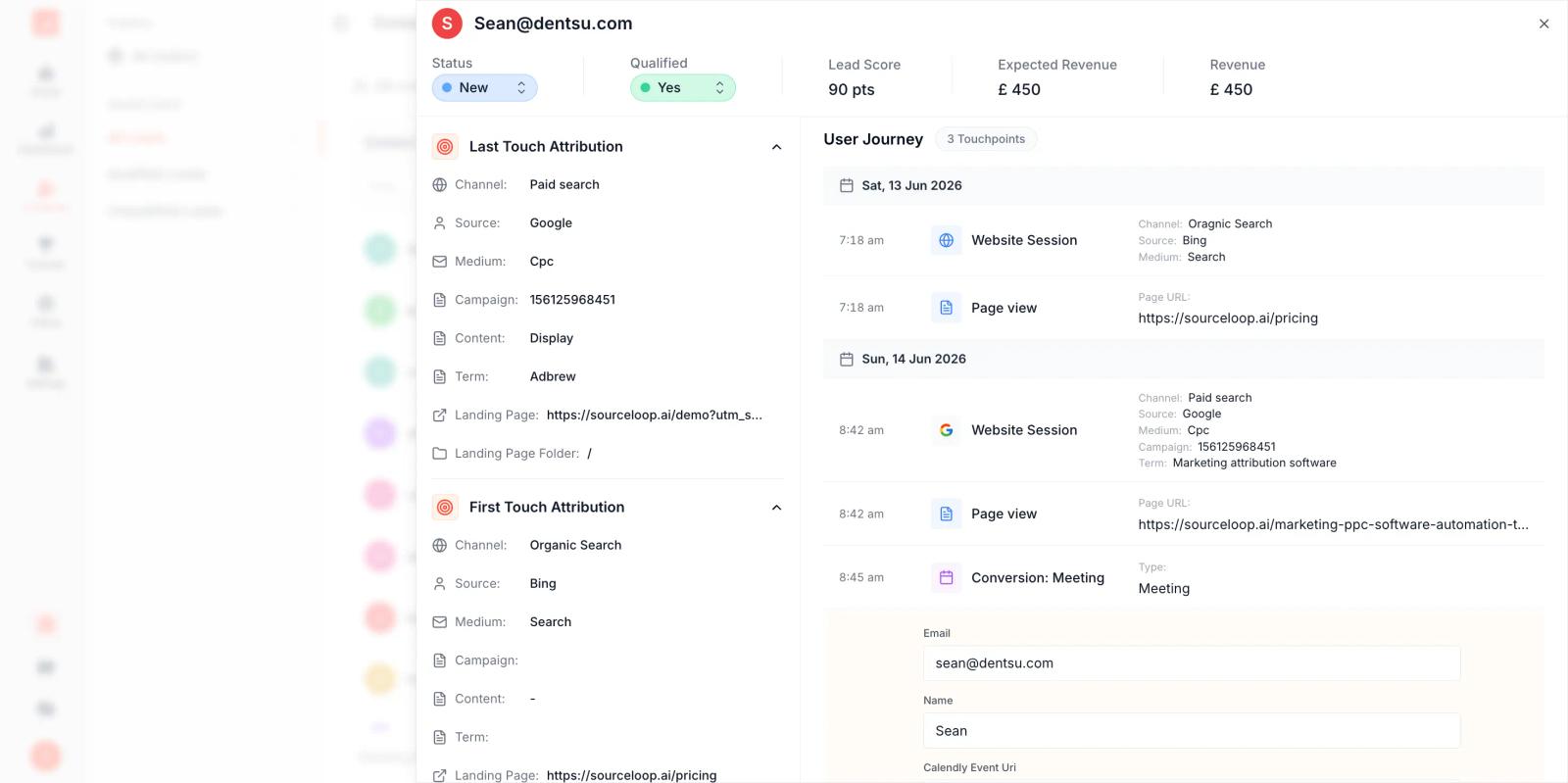
- Tracks different types of conversions: Forms are only one part of the story. You can also track meetings, calls, chats, payments, and other important conversion points.
- Helps connect advertising with revenue: Instead of asking which device generated a lead, you can look at which campaigns and sources eventually generated pipeline and revenue.
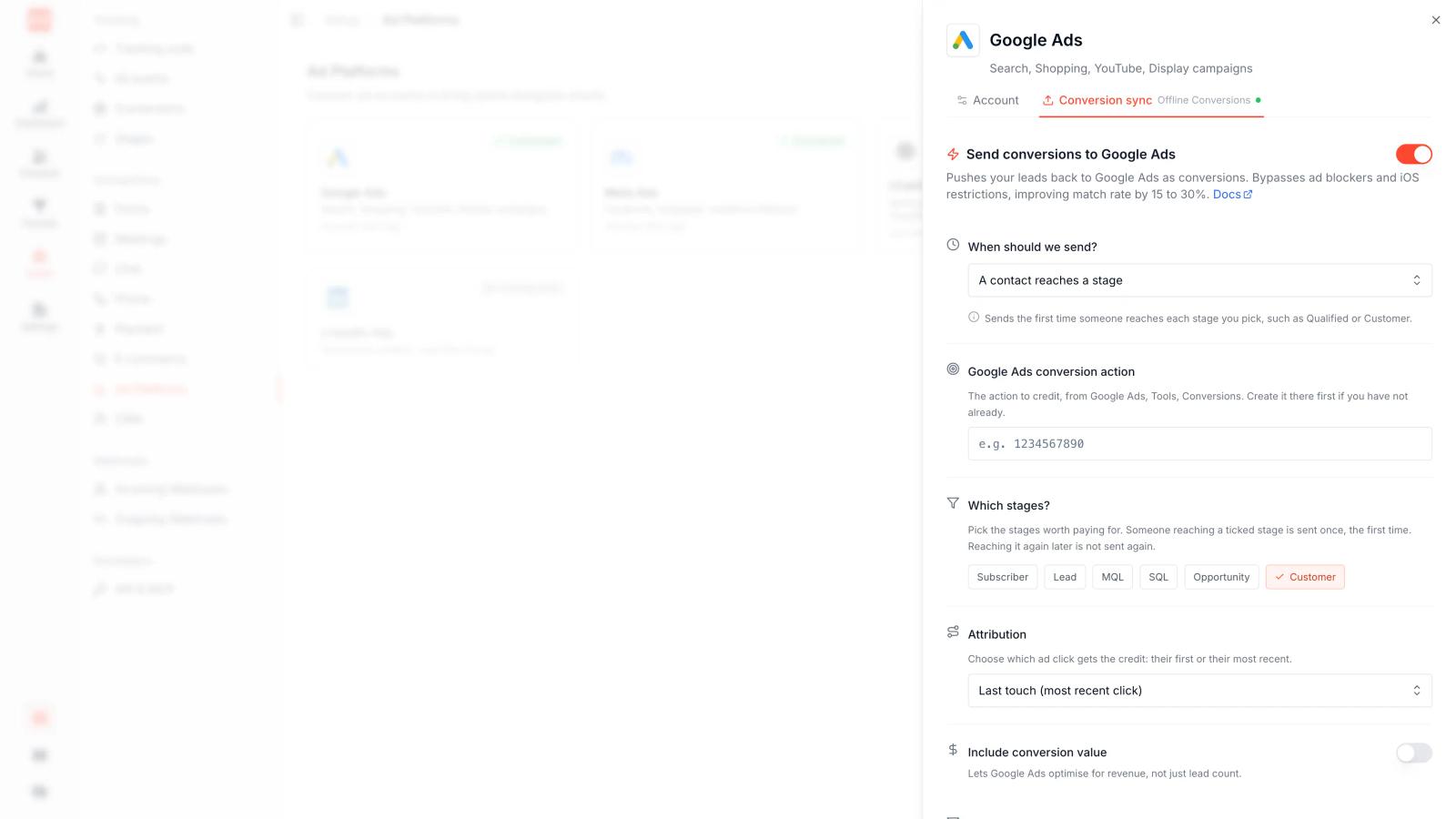
- Server-side conversion tracking: SourceLoop can send conversion signals to advertising platforms through server-side tracking, which gives ad platforms more useful signals than relying only on browser events.
Cons
- It is primarily a marketing attribution platform, not a full product analytics platform like Amplitude or Heap.
- Cross-device matching becomes much stronger when the visitor becomes identifiable through a form, meeting, login, or CRM record.
Pricing
SourceLoop starts at $49/month and offers a 7-day free trial.
2. Google Analytics 4: Best Free Cross-Device Analytics Tool
Best for: Businesses that want a free and flexible way to understand website and app users
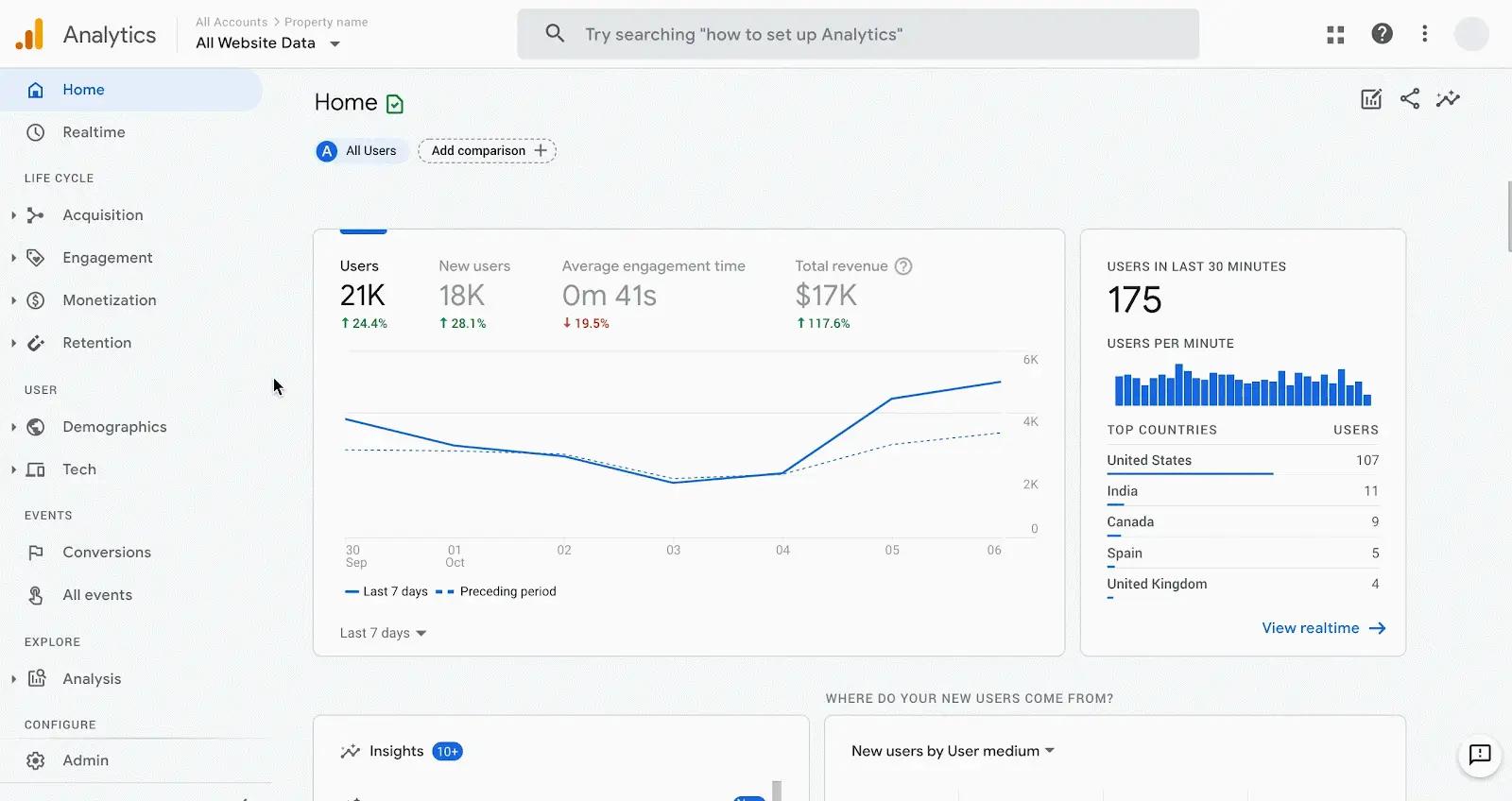
Google Analytics 4 is probably the first tool most businesses should consider.
GA4 can connect user activity across devices using User-ID, Device-ID, and modeling. User-ID is the strongest option because it uses an identifier created by your business. For example, when a customer logs into your website, you can assign the same User-ID when they later use another device.
The catch is that you have to implement this properly. GA4 cannot magically know that two anonymous devices belong to the same person.
Pros
- Free for most businesses: You can get started without paying for another analytics platform.
- Works across web and app: Useful if your customer uses both your website and mobile application.
- User-ID support: Logged-in users can be connected across different devices and sessions.
- Strong Google integrations: It works naturally with Google Ads, BigQuery, and other Google products.
- Good general analytics: You can also analyze acquisition, events, conversions, and user behavior.
Cons
- Implementation matters: You need to create and consistently assign your own User-ID.
- Anonymous users are harder to connect across devices.
- GA4 can feel complicated if your team only wants a simple marketing attribution report.
- It does not automatically give you a clean CRM-to-revenue view.
Pricing
The standard version of GA4 is free.
3. Amplitude: Best for SaaS Product Analytics
Best for: SaaS companies that want to understand users across web, mobile, and product experiences
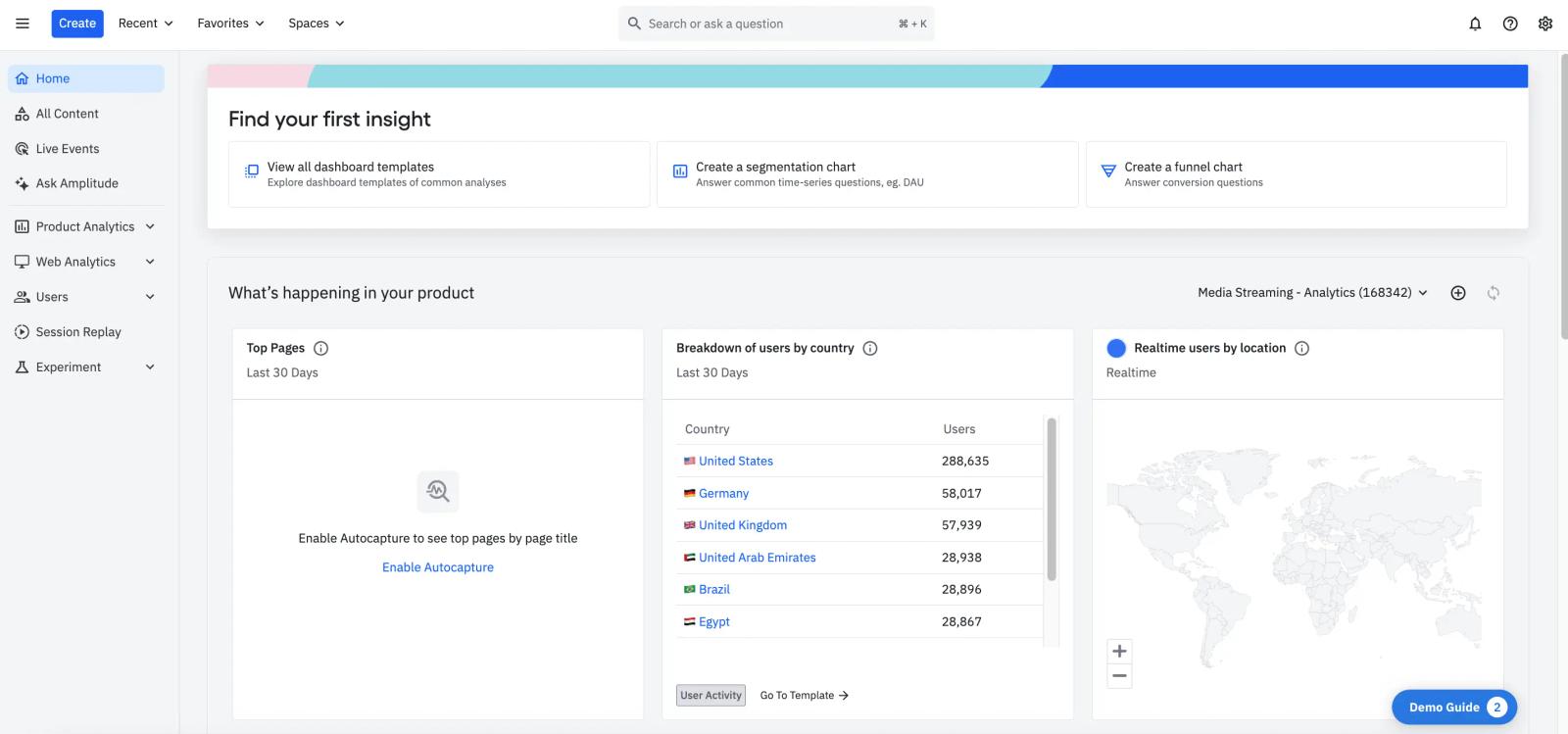
Amplitude is one of the better options when your main question is what does this user do across my product?
Amplitude combines device ID, user ID, and its own Amplitude ID. When a user logs in, anonymous activity can be connected to the known user profile. It can also merge activity from different device IDs when the same stable user ID is used.
This is very useful for SaaS products. A person might discover your product on a laptop, install the mobile app, and later return from another computer. Amplitude can bring those events into one user profile when you have the right identity information.
Pros
- Strong identity handling: Combines device IDs and user IDs into user profiles.
- Great for SaaS: Built around events such as signup, activation, feature usage, and retention.
- Handles anonymous users: Anonymous activity can later be connected when a user identifies themselves.
- Web and mobile support: Useful for products with multiple platforms.
- Detailed product analytics: You can study funnels, retention, cohorts, and user behavior.
Cons
- It is mainly a product analytics tool, not a marketing attribution platform.
- You need a clear user ID strategy from the beginning.
- More advanced setups can require engineering work.
- Marketing teams may find it too detailed if they only need campaign attribution.
Pricing
Amplitude has a free plan with up to 2 million events per month. Paid plans scale based on usage and features.
4. RudderStack: Best for Developer-Controlled Identity Resolution
Best for: Technical teams that want to own their customer data and identity setup
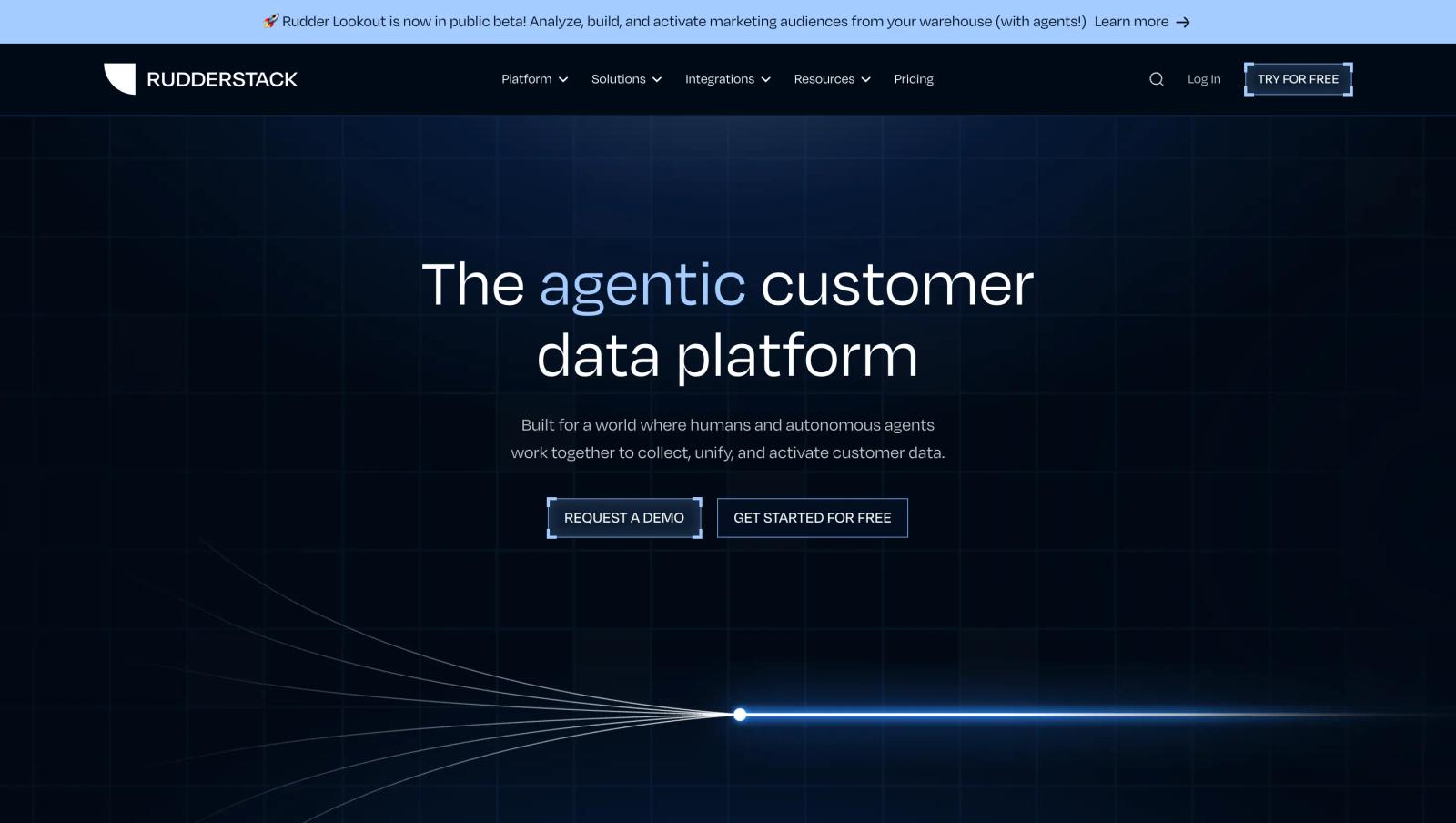
RudderStack is more technical than the other tools on this list. It is designed to collect customer events, connect anonymous and known users, and send that data to other systems.
Its SDK can create anonymous identifiers and connect them to known users when you call its identify method. RudderStack also supports identity resolution across devices and other customer data sources.
This is a good choice if your company has engineers who want control over how identity data is collected and stored.
Pros
- Strong identity resolution: Designed to connect anonymous IDs, device IDs, user IDs, and other identifiers.
- Developer friendly: Gives technical teams a lot of control over the data flow.
- Warehouse-first approach: You can use your own warehouse as an important part of the customer data setup.
- Many integrations: Data can be sent to analytics, marketing, CRM, and other destinations.
- Good for large data stacks: It can grow with a more complicated customer data setup.
Cons
- More technical: Marketing teams will probably need help from developers.
- Can take longer to implement than a plug-and-play analytics tool.
- You need to think carefully about your identity rules and data model.
- It can be more infrastructure than a small company actually needs.
Pricing
RudderStack has a free plan for up to 250,000 events/month. Its Growth plan currently starts at $265/month for 1 million events/month. Enterprise pricing is custom.
5. Heap: Best for Understanding User Behavior Across Devices
Best for: Product and growth teams that want to understand what users do before and after conversion
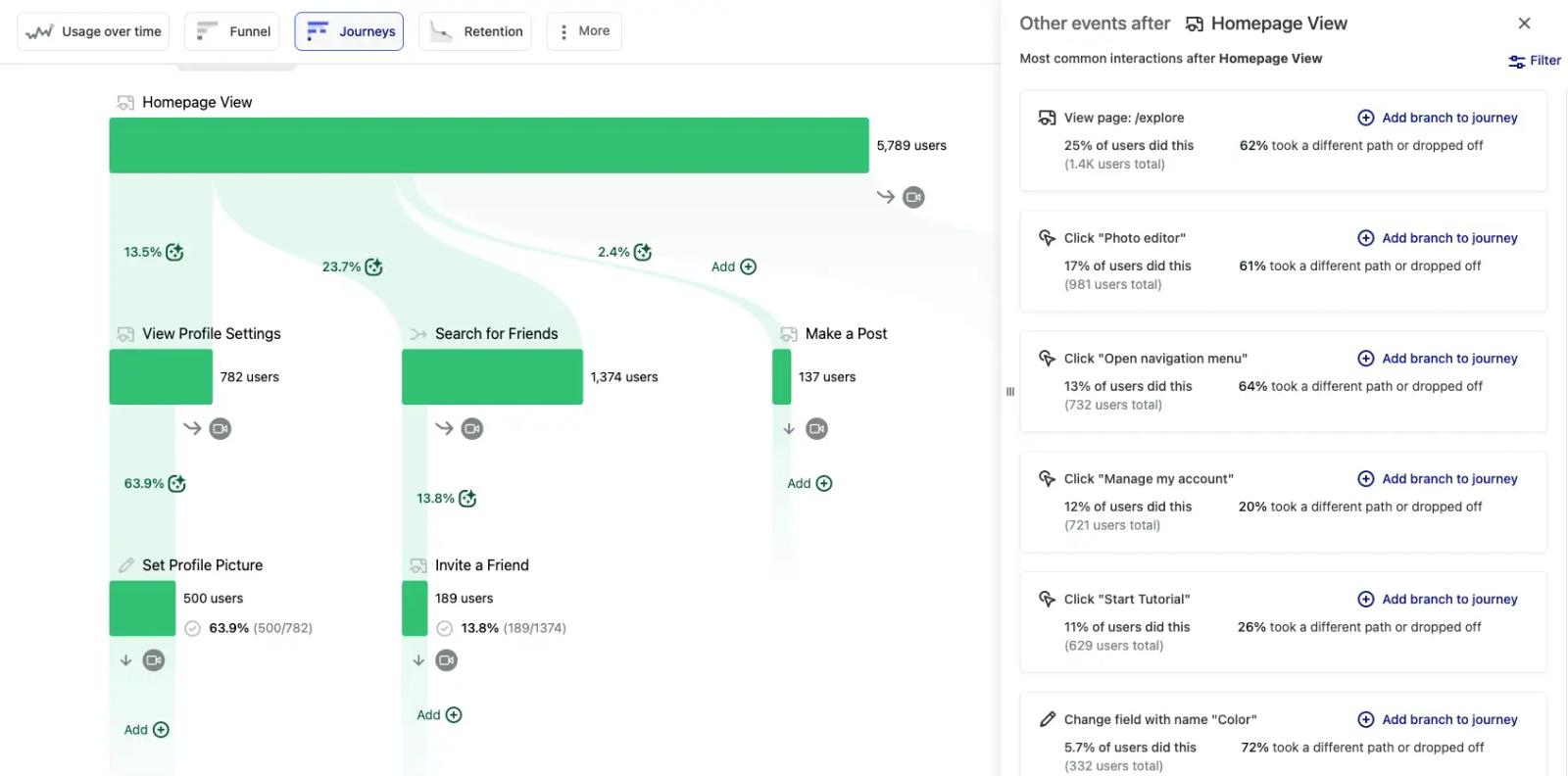
Heap is another strong option for product analytics. Its cross-device tracking uses identifiers such as device IDs, cookies, and login information to connect activity across devices. Heap recommends using its identify method to assign a consistent user identifier.
It is useful when you want to answer questions such as: "Did this person first research us on mobile and then finish the signup on desktop?"
Pros
- Good behavioral tracking: Helps you understand what people actually do on your site or product.
- Anonymous to known tracking: You can connect earlier activity after a visitor becomes known.
- Cross-device support: Useful for web and mobile journeys.
- Automatic data capture: Reduces the need to manually create every basic interaction.
- Useful for product teams: Funnels, user journeys, and session analysis are a big part of the platform.
Cons
- More focused on product behavior than advertising attribution.
- Identity matching still depends on having good identifiers.
- Advanced use cases can require technical implementation.
- It may be too much if all you need is campaign-to-revenue tracking.
Pricing
Heap has a free plan for up to 10,000 monthly sessions. Paid plans are based on usage and features.
6. Segment: Best for Building a Customer Data Layer
Best for: Companies that need to collect customer data once and send it to many tools
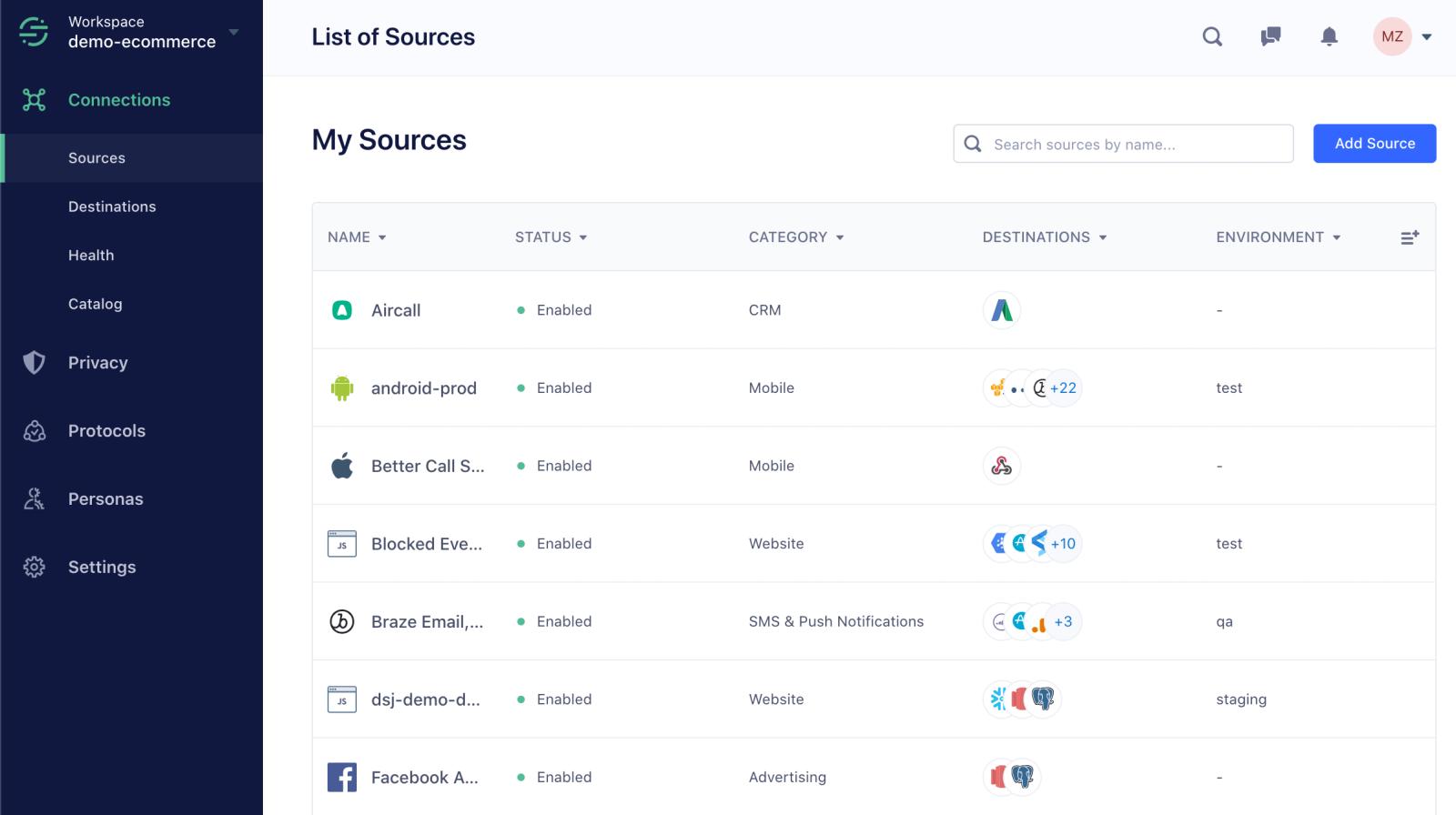
Segment is a little different from a normal analytics product. It acts more like a central customer data layer.
You can collect events from your website, app, backend, and other systems and send them to analytics, advertising, CRM, and other destinations. This can help create a consistent identity across the tools in your stack.
The main reason to use Segment is not simply cross-device tracking. It is having one place to manage customer events and identities before sending that data elsewhere.
Pros
- Central customer data layer: Collect data once and send it to many destinations.
- Works across websites, apps, and server-side systems.
- Useful for companies with many marketing and analytics tools.
- Helps keep customer data more consistent between platforms.
- Can connect identity information with other customer data.
Cons
- Usually needs developer involvement.
- It can become expensive as event volume grows.
- More infrastructure-focused than marketing-focused.
- Smaller companies may not need a full CDP.
Pricing
Segment offers a free tier, with paid plans based on usage and features.
7. Adobe Experience Platform: Best for Enterprise Cross-Device Identity
Best for: Large companies with many customer touchpoints and complex data systems
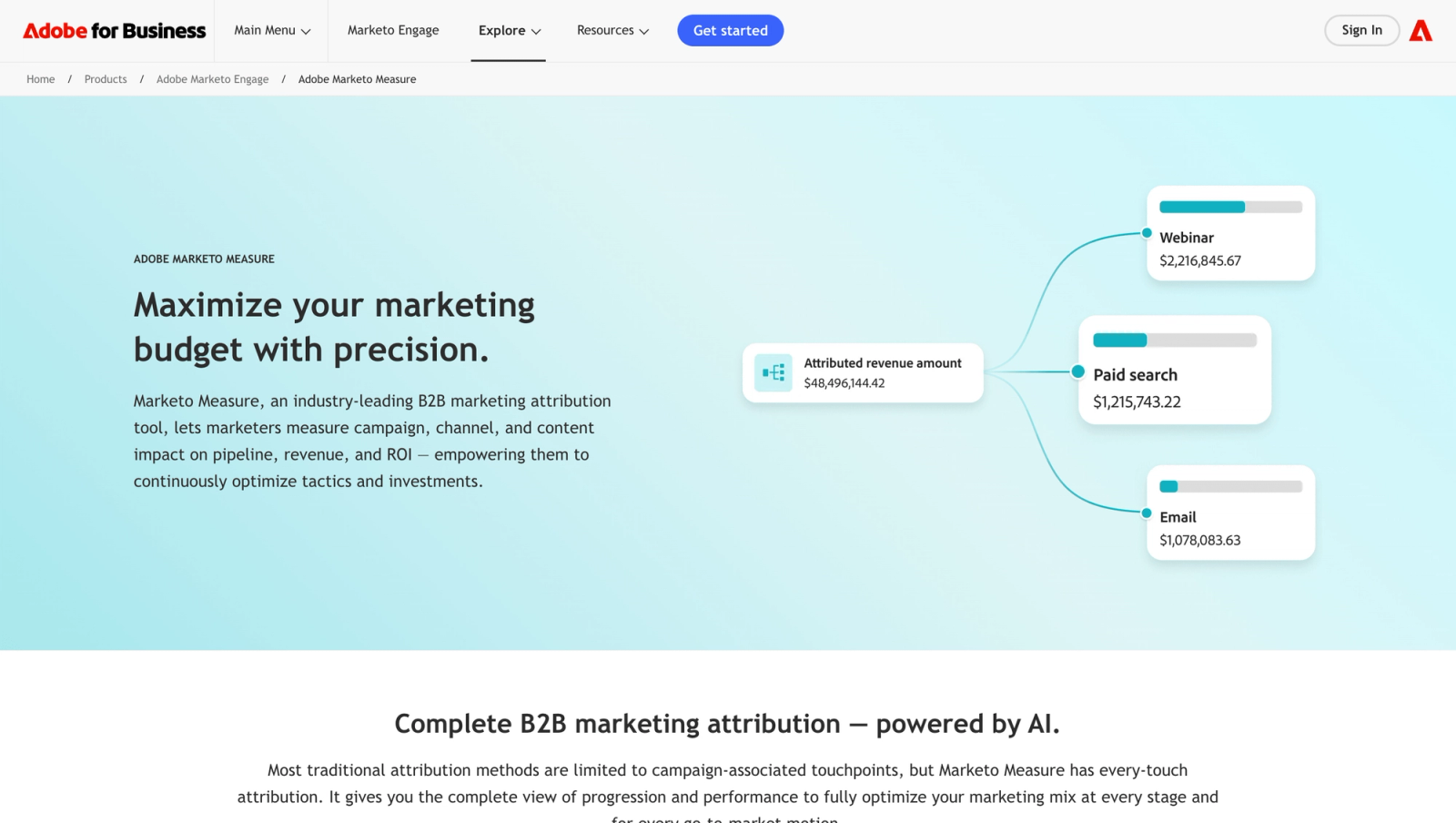
Adobe Experience Platform is built for companies that have customer data spread across many systems.
Its identity services can connect different identifiers and create a more unified customer profile. This makes sense for large companies where a customer may interact through websites, apps, stores, call centers, email, advertising, and other channels.
This is a powerful option, but it is not something most small businesses need.
Pros
- Enterprise identity resolution: Designed for large and complex customer data environments.
- Connects data across many channels and systems.
- Strong customer profile capabilities.
- Useful for personalization and audience activation.
- Can support very large data environments.
Cons
- Complex implementation: Usually needs data and engineering teams.
- More expensive than lightweight analytics tools.
- Can take considerable time to deploy properly.
- Too much for a simple website or small SaaS company.
Pricing
Adobe uses custom enterprise pricing, with pricing based on products, profiles, data, and usage.
8. AppsFlyer: Best for Mobile App Cross-Device Attribution
Best for: Mobile-first companies that need app install and marketing attribution
AppsFlyer is a better choice when most of your customer journey happens inside a mobile app.
It connects advertising campaigns with app installs and in-app actions, making it useful for understanding which campaigns bring valuable mobile users. It is less of a general website cross-device analytics tool and more of a mobile measurement and attribution platform.
Pros
- Strong mobile attribution: Built specifically for app marketing.
- Supports iOS and Android.
- Tracks installs and in-app events.
- Connects advertising campaigns with app activity.
- Useful for mobile user acquisition teams.
Cons
- Mainly focused on mobile apps.
- Less useful for a B2B website with a traditional sales funnel.
- Implementation can require developer support.
- Advanced features and higher usage can increase costs.
Pricing
AppsFlyer currently has a free Welcome plan with 12,000 measured conversions or one year of access, followed by paid plans such as Growth and custom Enterprise options.
How Cross-Device Tracking Actually Works
The important thing to understand is that cross-device tracking is not one magic technology.
A tracking tool first gives a browser or device an identifier. This could be a device ID, anonymous ID, cookie-based identifier, or another first-party ID.
Then something happens that tells the system two identifiers belong to the same person.
The strongest example is a login.
Imagine this:
- Sarah visits your website from her phone.
- She reads three pages but does not sign in.
- Later, she opens your website from her laptop.
- She creates an account using her email.
- Your system now knows the laptop belongs to Sarah.
- If you also have a way to connect her earlier phone activity to that same account, the two journeys can become one customer journey.
This is why first-party identifiers matter so much. Google recommends using a business-generated User-ID to connect activity across devices and platforms.
Amplitude follows a similar idea. It uses device IDs and user IDs and prefers a stable user ID because the same person can use multiple devices.
Frequently asked questions
-
FAQs
-
What is cross-device tracking?
Cross-device tracking connects activity from different devices so a business can understand one customer's journey across phones, tablets, laptops, and other devices.
-
How does cross-device tracking identify the same person?
The strongest method is a stable identifier such as a login or customer ID. Tools can also use device IDs, cookies, and other signals, and some use modeling when direct identification is not available.
-
Can Google Analytics 4 track users across devices?
Yes. GA4 supports User-ID, Device-ID, and modeling to create a more unified view of users across devices and platforms.
-
Is cross-device tracking possible without a login?
Sometimes, but it is much harder to do reliably. Without a stable identifier, a tool may not be able to know that two anonymous devices belong to the same person.
-
What is the best cross-device tracking tool for B2B SaaS?
SourceLoop is a strong option when the goal is marketing attribution. It connects website activity with leads, CRM stages, meetings, and revenue. For deeper product usage analytics, Amplitude is a better fit.
-
What is the best free cross-device tracking tool?
Google Analytics 4 is the best starting point for most businesses because its standard version is free and it supports User-ID and cross-device reporting.
-
Is cross-device tracking the same as cross-platform tracking?
Not exactly. Cross-device tracking focuses on connecting a person's activity across devices. Cross-platform tracking is broader and can include websites, apps, advertising platforms, CRM systems, and other channels.




 Paid Social


