
8 Best Conversion API Tracking Tools in 2026 [Compared]
Compare the 12 best Conversion API tools for 2026. Server-side tracking that fixes attribution gaps, syncs CRM data to ad platforms, and recovers 30-60% of missed conversions.
Table of contents
- 8 Best Conversion API Tracking Tools for 2026
- 1. SourceLoop: Best for Marketing Attribution and Offline Conversion Tracking
- 2. Stape, Best for Managed Server-Side GTM Hosting
- 3. Elevar, Best Server-Side CAPI for Shopify Ecommerce
- 4. Cometly: Best for B2B SaaS Multi-Platform CAPI with CRM Attribution
- 5. Google Tag Manager Server-Side: Best Developer CAPI Infrastructure
- 6. Segment: Best Enterprise CDP for Multi-Platform CAPI Routing
- 7. RedTrack: Best for Affiliate and Performance Marketers
- 8. Triple Whale: Best for Shopify Attribution Dashboards
- How Conversion API Tracking Works
Conversion API tracking tools send conversion events server-side, directly from your server to ad platforms, bypassing browser limitations that cause 30-60% of conversions to go untracked.
They solve attribution gaps created by iOS 14+ privacy changes, Safari ITP, ad blockers, and cookie restrictions, ensuring Meta, Google, TikTok, and LinkedIn algorithms optimize toward accurate conversion data rather than incomplete browser signals.
8 Best Conversion API Tracking Tools for 2026
| # | Tool | Best For | Platforms | Pricing | Setup Time |
|---|---|---|---|---|---|
| 1 | SourceLoop | End-to-End Conversion Tracking | Meta, Google, LinkedIn, Microsoft | $49/mo | 5 minutes |
| 2 | Stape | Managed sGTM hosting | Meta, Google, TikTok, LinkedIn | From $17/mo | 4-6 hours |
| 3 | Elevar | Shopify ecommerce CAPI | Meta, Google, TikTok, Snapchat | From $50/mo | 2-3 hours |
| 4 | Cometly | B2B multi-platform attribution | Meta, Google, TikTok, LinkedIn | Custom pricing | 1-5 hours |
| 5 | Google Tag Manager Server-Side | Maximum CAPI flexibility for dev teams | All platforms | Free (+ hosting) | 8-12 hours |
| 6 | Segment | Enterprise CDP multi-platform routing | 400+ destinations | From $750/mo | 10-20 hours |
| 7 | RedTrack | Affiliate and performance marketers | Meta, Google, TikTok, native ads | From $124/mo | 6-8 hours |
| 8 | Triple Whale | Shopify attribution dashboards | Meta, Google, TikTok | From $129/mo | 2-4 hours |
1. SourceLoop: Best for Marketing Attribution and Offline Conversion Tracking
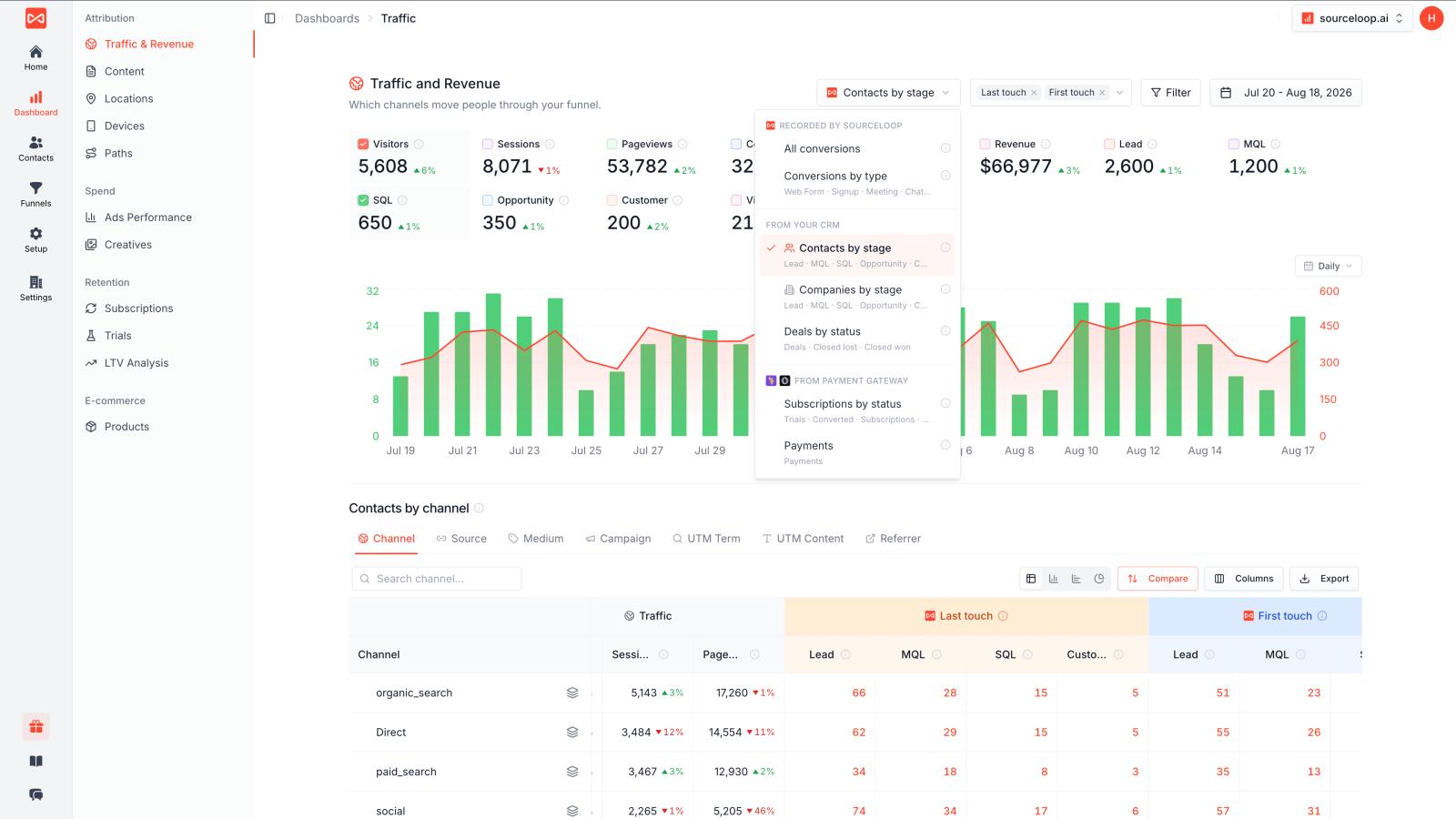
SourceLoop is a marketing attribution and conversion tracking platform that connects the entire customer journey, from the first ad click to website conversions, meetings, CRM qualification, and closed revenue.
It is built for businesses that need to understand not just where a lead came from, but which marketing activities ultimately generated a qualified opportunity or customer.
Key features:
- End-to-end marketing attribution: Capture the original source, campaign, ad, keyword, and other marketing data and connect it to subsequent conversions and revenue.
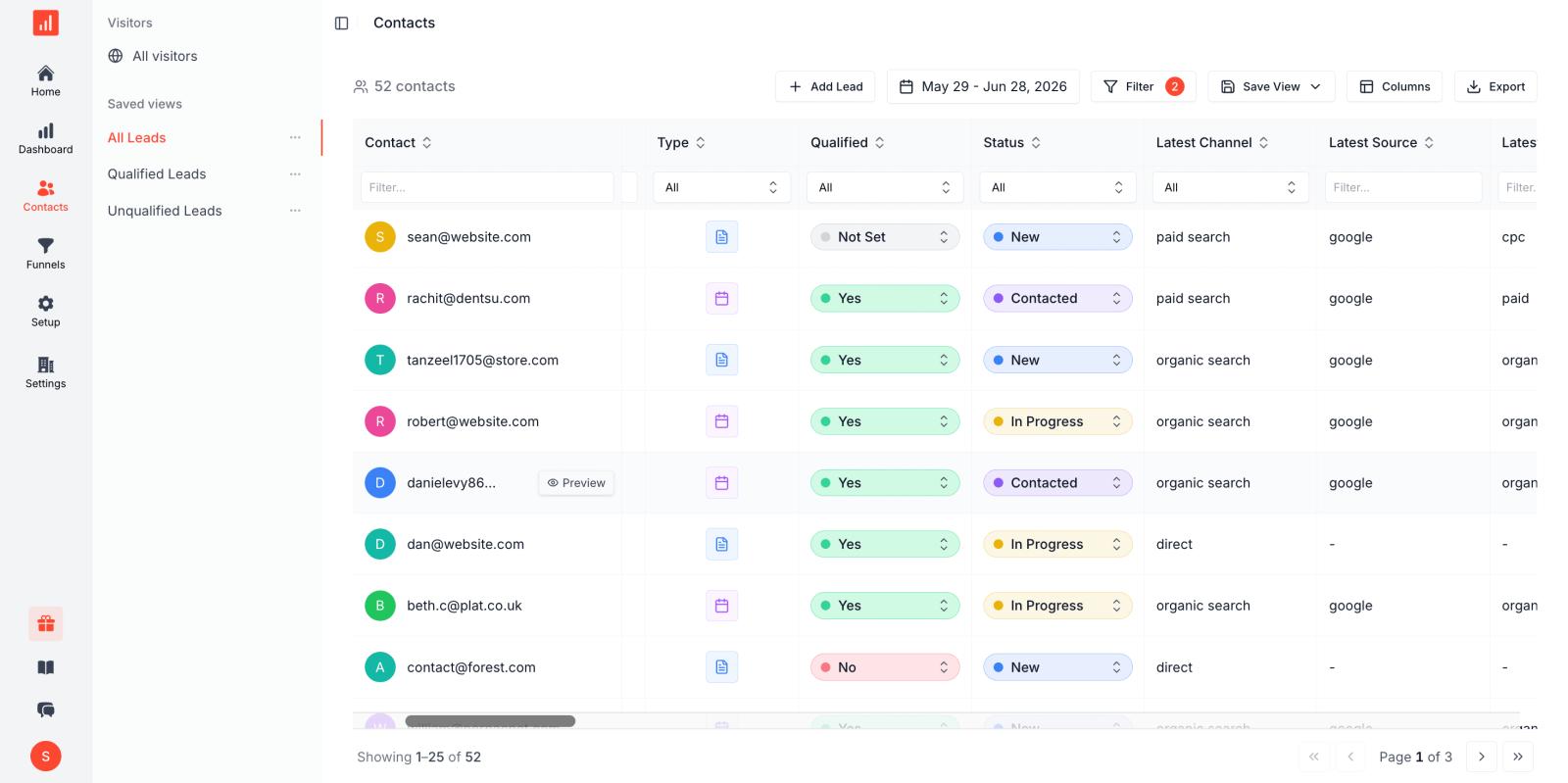
- Form and conversion tracking: Track form submissions, demo requests, trials, contact requests, and other website conversions.
- Meeting tracking: Connect meeting bookings with the marketing source that generated the lead, making it easier to measure which campaigns are actually generating sales conversations.
- CRM integration: Connect HubSpot, Salesforce, Pipedrive, and other CRM systems to bring qualified leads, opportunities, and closed deals into the attribution journey.
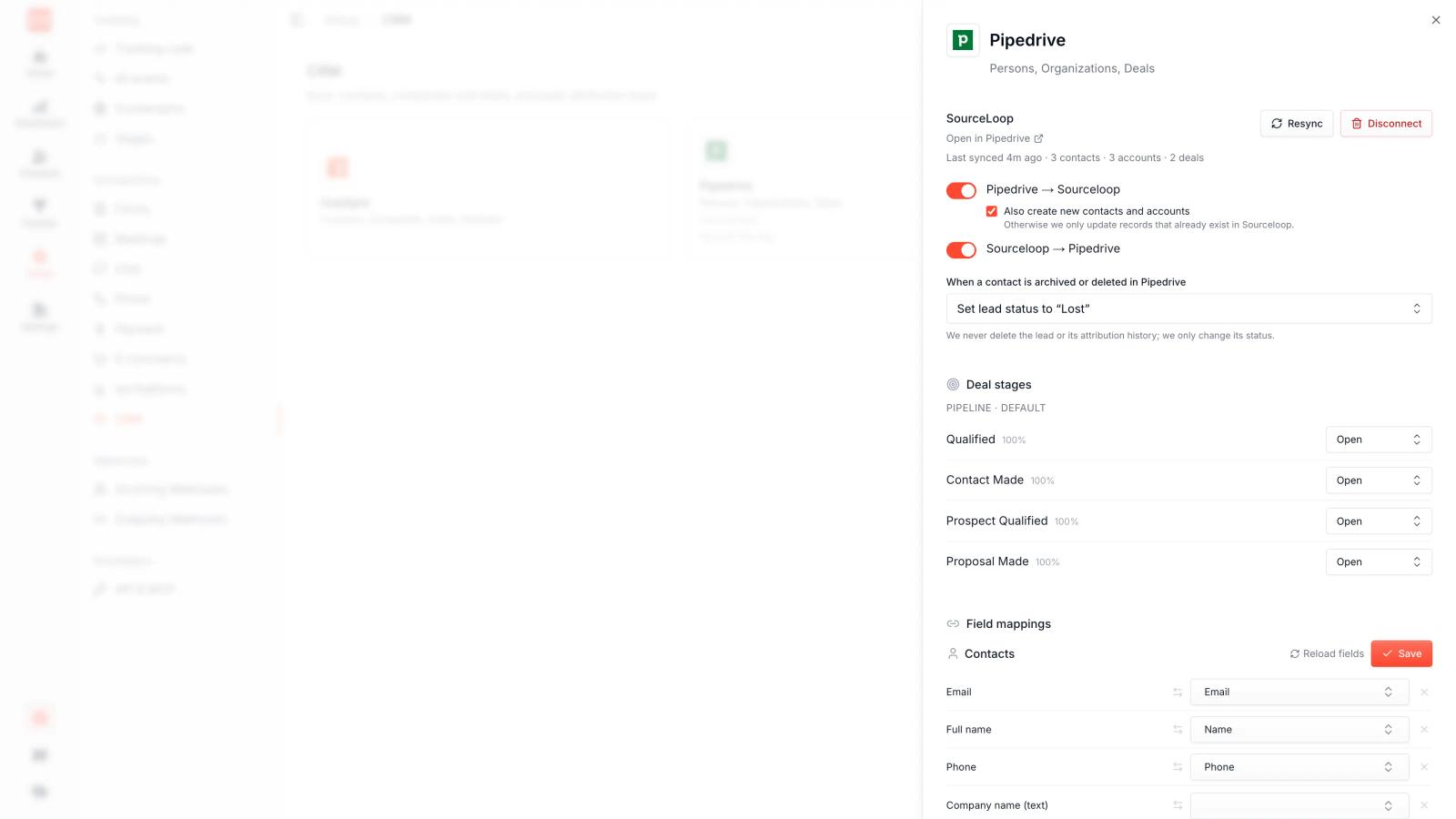
- Multiple attribution models: Use first-touch, last-touch, and other attribution models to understand how different channels contribute to conversions.
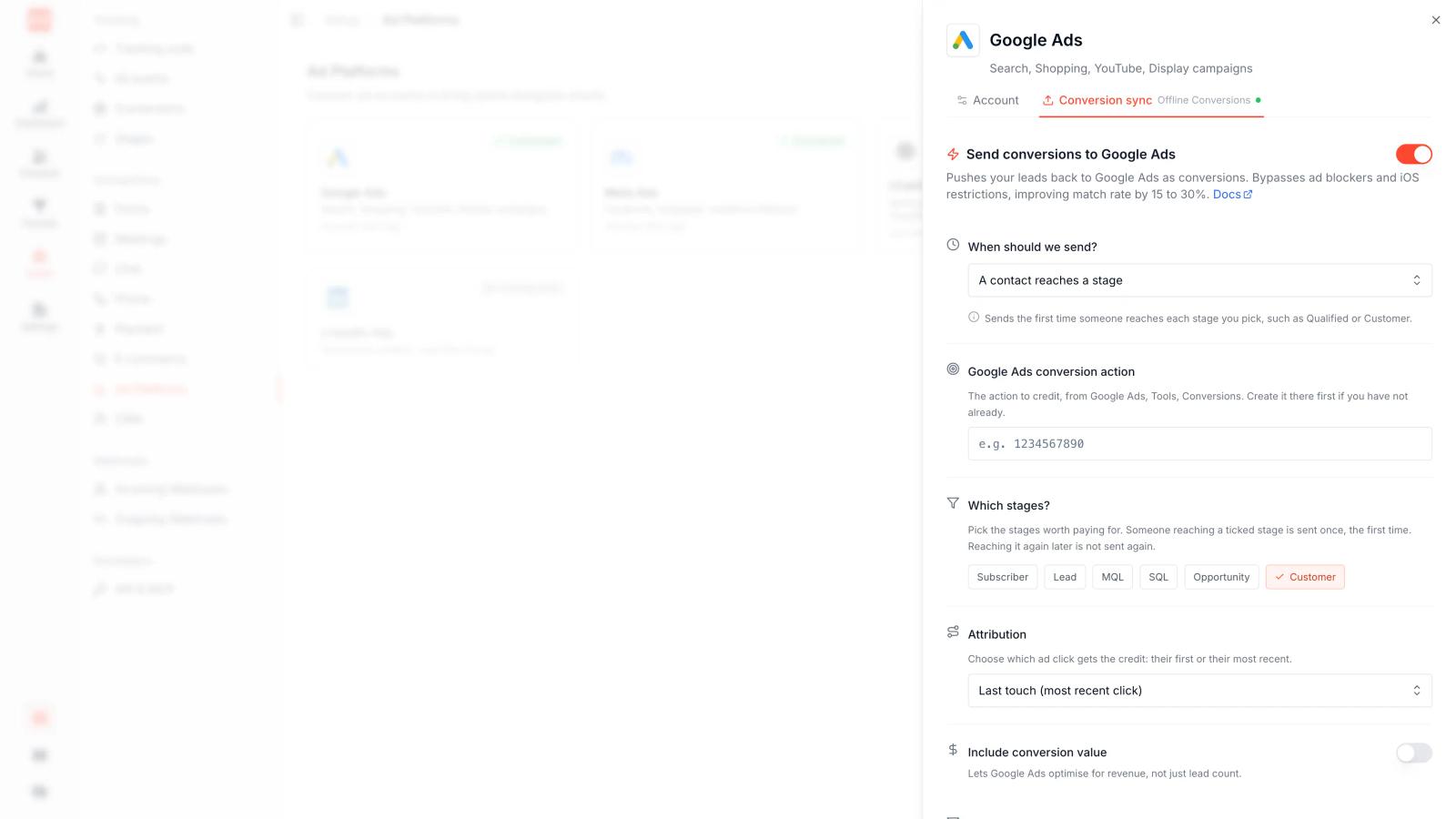
- Meta and Google conversion sync: Send qualified leads, opportunities, and customers back to Meta and Google through their server-side conversion APIs, helping campaigns optimize for higher-value outcomes.
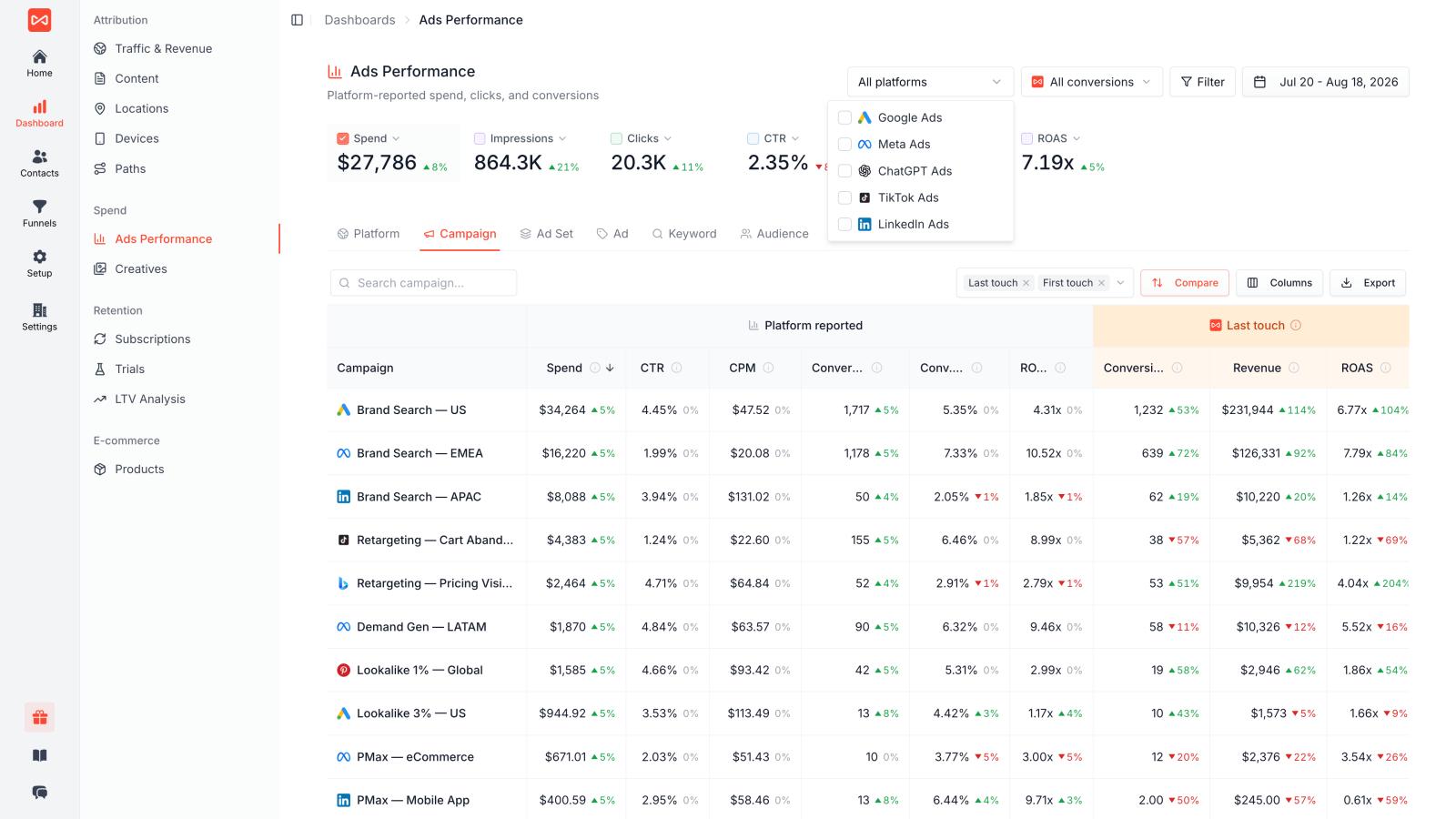
- Automated offline conversions: Once connected, SourceLoop can automatically detect relevant CRM events and sync them back to advertising platforms without manually exporting and uploading conversion data.
- First-party tracking: Capture conversion and attribution data directly through your website instead of relying only on browser-based pixels and cookies.
Best for: B2B, SaaS, agencies, professional services, and other lead generation businesses running Meta Ads or Google Ads where lead quality and revenue matter more than raw lead volume.
Verdict: SourceLoop is a strong option when basic analytics or pixel tracking is not enough. Its main advantage is connecting the full journey from ad click → form → meeting → qualified lead → customer and then feeding those downstream outcomes back into advertising platforms.
2. Stape, Best for Managed Server-Side GTM Hosting
Stape is a managed hosting platform for Google Tag Manager Server-Side containers, making it easy to deploy server-side tracking infrastructure without managing cloud servers yourself.
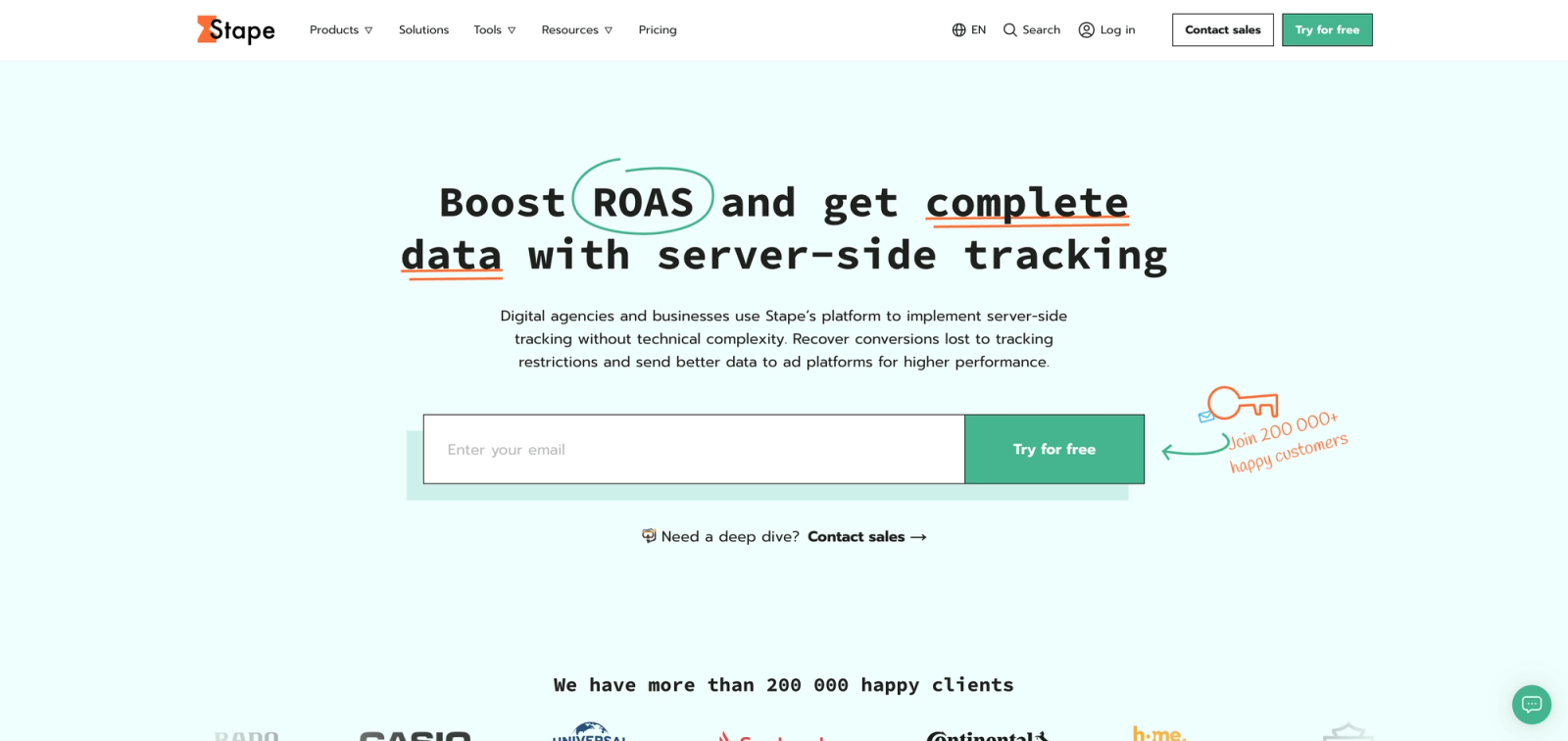
Where this tool shines: Stape handles the infrastructure complexity, container hosting, custom domain setup, SSL certificates, auto-scaling, monitoring, while you configure tags inside the familiar Google Tag Manager interface. Pre-built tag templates for Meta CAPI, Google Enhanced Conversions, TikTok Events API, and LinkedIn CAPI are available in the server-side GTM template gallery.
Key features:
- One-click sGTM deployment spinning up server containers in AWS, Google Cloud, or Azure in minutes
- Custom domain support routing tracking requests through your own subdomain to improve data collection
- Automatic scaling adjusting container resources based on traffic volume
- Pre-built CAPI templates for Meta, Google, TikTok, Snapchat, and Pinterest
- Data layer transformation using GTM variables to map GA4 events to Conversion API parameters
Best for: Marketing teams that want server-side tracking flexibility without hiring DevOps engineers. Businesses advertising across multiple platforms (Meta, Google, TikTok, LinkedIn) who want centralized tag management.
Pricing: Plans start at $17/month for 10 million server requests; scales up to $166/month for 250 million requests.
Setup time: 4-6 hours (container setup, domain configuration, tag creation).
Verdict: Best value for multi-platform advertisers. At $17/month, Stape costs less than one hour of developer time while eliminating infrastructure headaches.
3. Elevar, Best Server-Side CAPI for Shopify Ecommerce
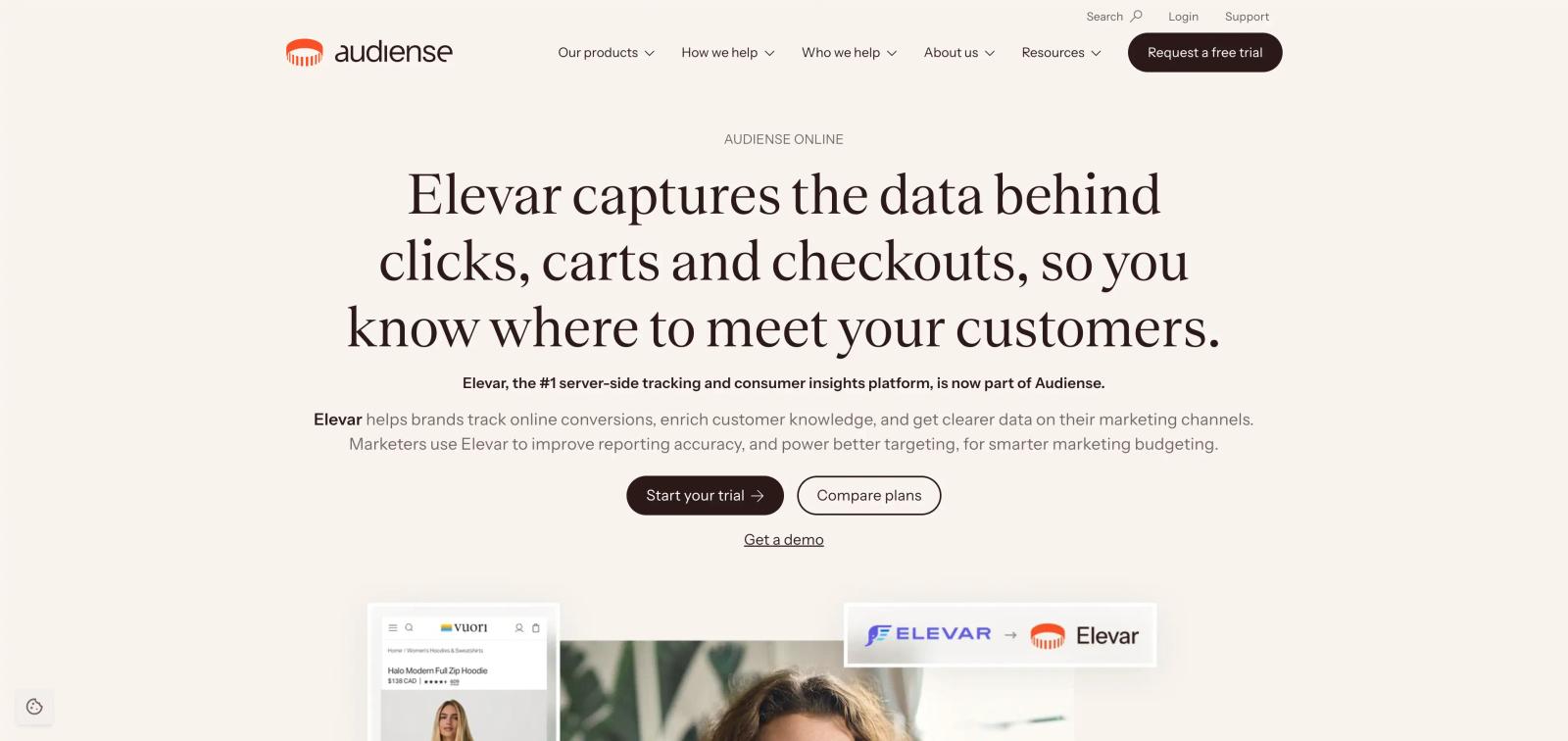
Elevar is a Shopify app that automates server-side tracking for ecommerce stores, with particularly strong Meta CAPI and Google Enhanced Conversions implementations.
Where this tool shines: Elevar handles Shopify-specific tracking challenges like Shop Pay checkout, subscriptions, post-purchase upsells, and thank-you page redirects that break standard pixel tracking. Their Shopify integration captures order data server-side immediately after purchase and sends it to Meta and Google Conversion APIs with full product details, revenue, and customer data.
Key features:
- Native Shopify integration capturing checkout, purchase, and subscription events server-side
- Multi-currency support converting order values to ad account currency automatically
- Customer data enrichment matching Shopify customer records to conversion events
- Pre-purchase and post-purchase tracking monitoring add-to-cart, checkout steps, upsells, and refunds
- Data layer standardization ensuring consistent event parameters across all platforms
Best for: Shopify and Shopify Plus stores running Meta and Google Ads who want accurate revenue attribution without developer work.
Pricing: Plans start at $50/month for stores doing up to $50K monthly revenue; scales to $480/month for $1M+ stores.
Setup time: 2-3 hours.
Verdict: If you run a Shopify store with WooCommerce integrations or multi-platform ecommerce needs, Elevar handles technical complexity that breaks generic tracking tools.
4. Cometly: Best for B2B SaaS Multi-Platform CAPI with CRM Attribution
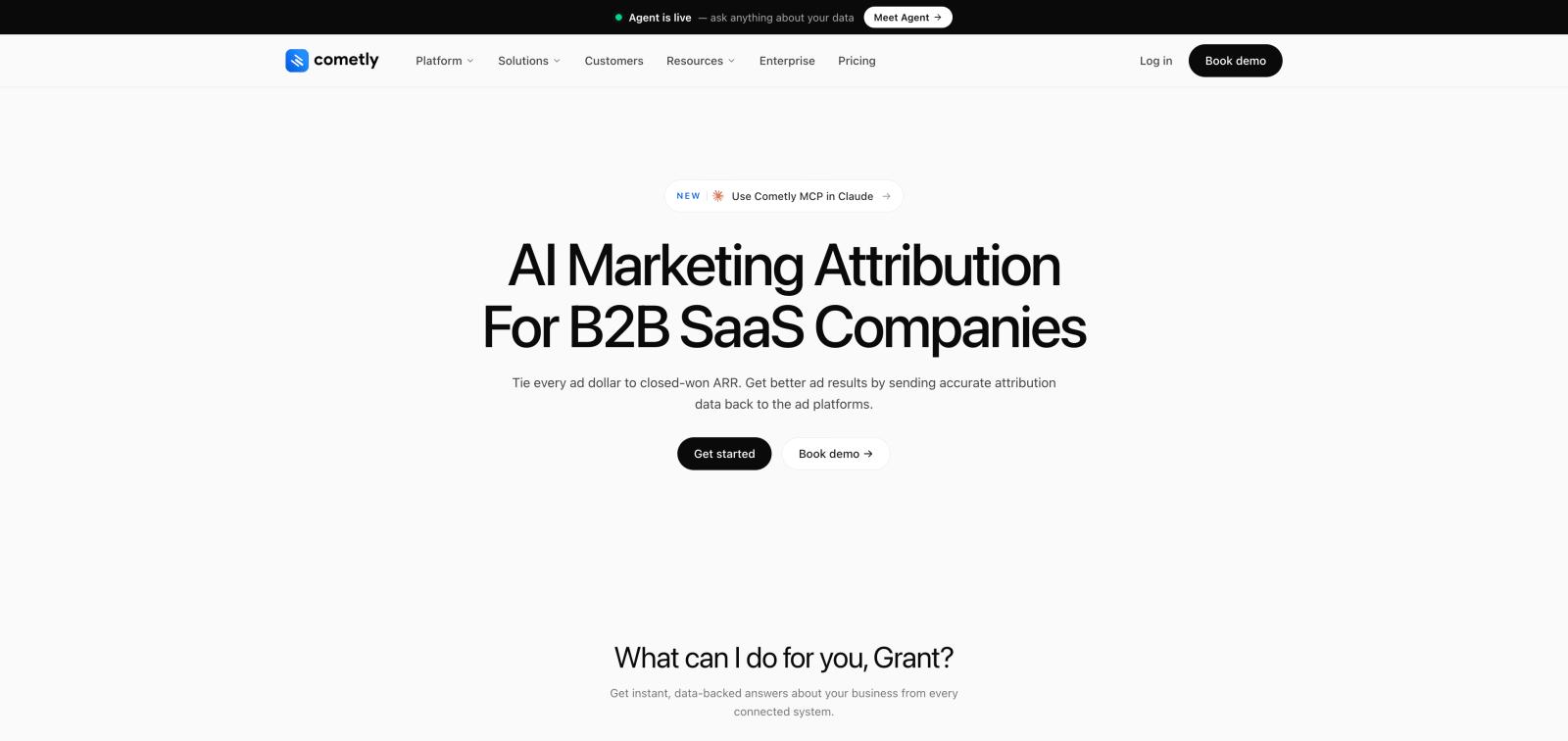
Cometly is a marketing attribution platform combining server-side Conversion API tracking with AI-powered campaign optimization and multi-touch attribution across the full customer journey.
Where this tool shines: Cometly captures every touchpoint from initial ad click through website visits, form submissions, CRM events, and closed deals, then attributes revenue back to specific campaigns, ads, and keywords. The AI Ads Manager analyzes conversion patterns across Meta, Google, TikTok, and LinkedIn, delivering optimization recommendations on where to shift budget for maximum ROI.
Key features:
- Server-side CAPI tracking bypassing browser restrictions across Meta, Google, TikTok, and LinkedIn
- CRM revenue attribution connecting closed won deals from HubSpot, Salesforce, and Pipedrive to original ad clicks
- AI campaign recommendations identifying high-performing campaigns and suggesting budget reallocation
- Multi-touch attribution models showing first touch, last touch, linear, time decay, and position-based attribution
- Real-time dashboards displaying cost per acquisition, ROAS, and customer acquisition cost across all platforms
Best for: Growth-focused B2B SaaS companies and agencies running campaigns across multiple ad platforms who need both accurate tracking and strategic optimization insights.
Pricing: Custom pricing based on ad spend. Demo required.
Setup time: 6-10 hours (tracking script, platform connections, CRM integration).
Verdict: Best for teams that want attribution analytics and CAPI in one platform. The AI recommendations justify the custom pricing for high-spend advertisers.
5. Google Tag Manager Server-Side: Best Developer CAPI Infrastructure
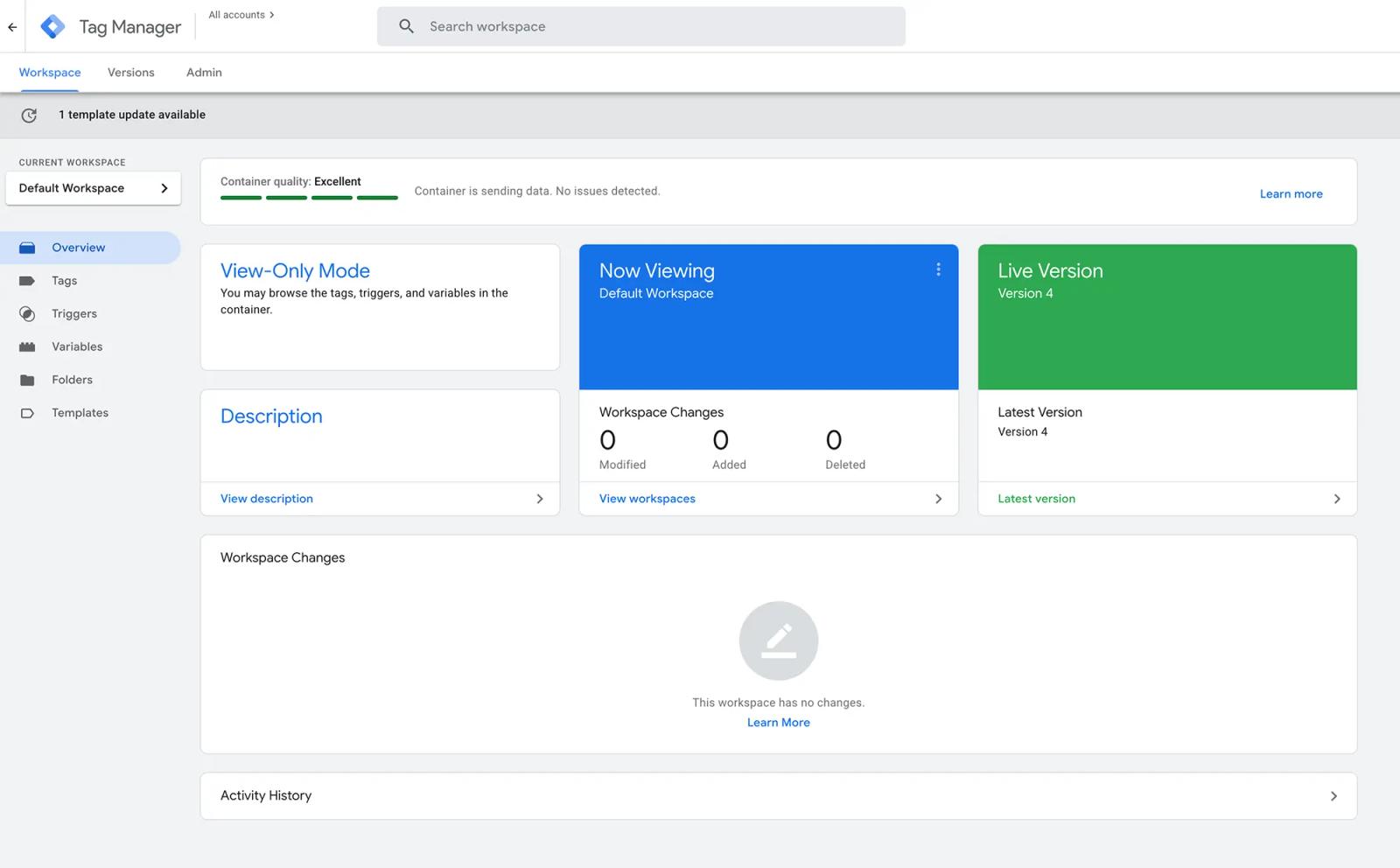
Google Tag Manager Server-Side (sGTM) is Google's free server-side tag management container that gives development teams maximum flexibility to route conversion events to any platform's Conversion API.
Where this tool shines: sGTM sits between your website and ad platforms, receiving events from your client-side GTM container, transforming the data if needed, and forwarding it to Meta CAPI, Google Enhanced Conversions, TikTok Events API, and any other endpoint. You control the entire data pipeline, what gets sent, when, how it's structured, and which identifiers are included.
Key features:
- Custom server-side logic using JavaScript variables and transformations to enrich or filter events before sending
- Hybrid tracking architecture combining client-side pixel and server-side API events with automatic deduplication
- Any-platform routing sending events to any HTTPS endpoint, not just pre-built integrations
- Data sovereignty keeping conversion data in your Google Cloud or AWS environment
- Custom domain routing improving data collection by avoiding tracker blocking
Best for: Development teams that need complete control over the conversion tracking pipeline. Businesses with complex event logic, custom conversion definitions, or strict data governance requirements.
Pricing: Free container; you pay Google Cloud Run or AWS hosting costs (typically $10-50/month for most businesses).
Verdict: Maximum flexibility demands maximum technical skill. Choose this only if you have dedicated development resources and need custom event logic.
6. Segment: Best Enterprise CDP for Multi-Platform CAPI Routing
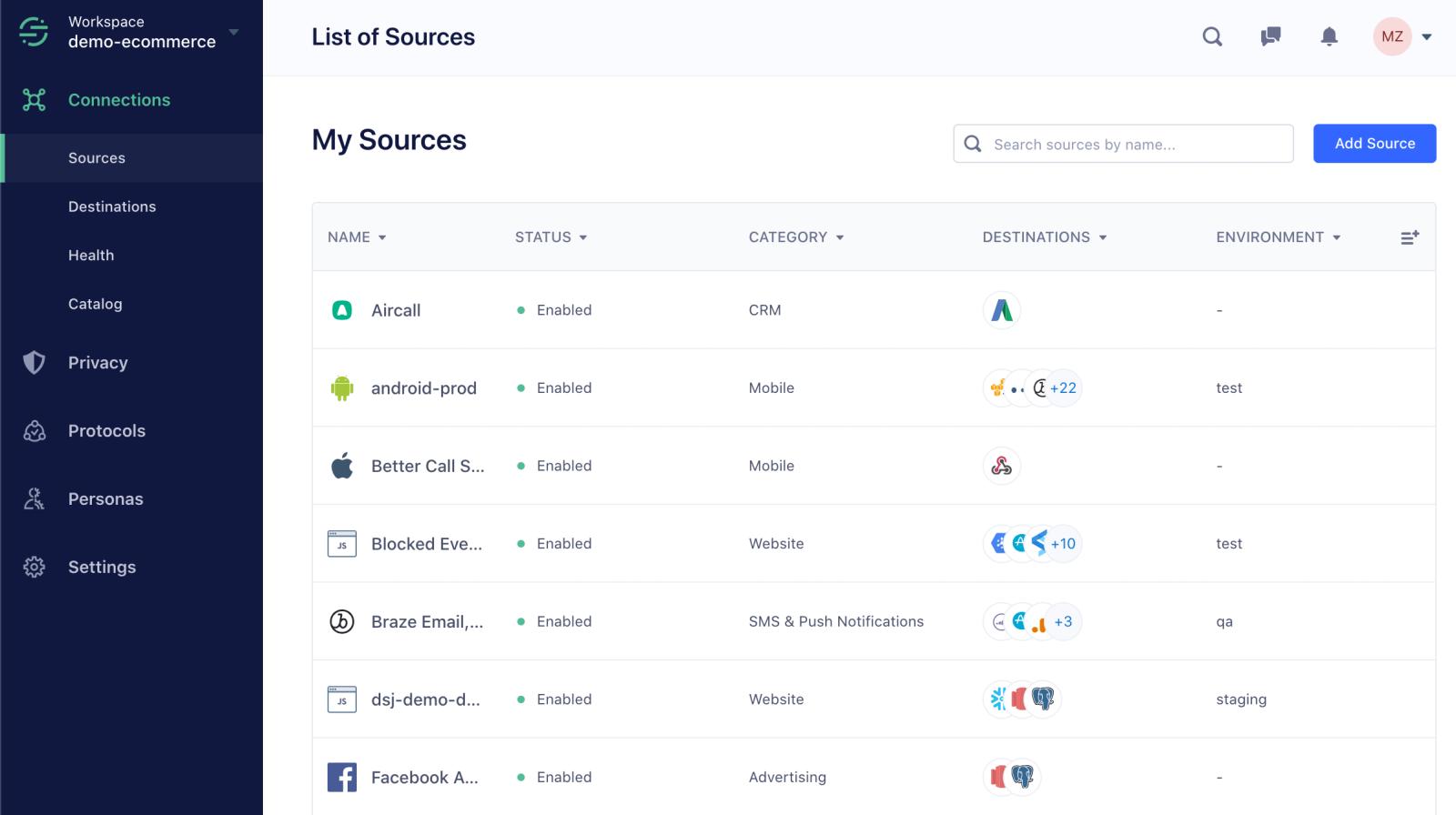
Segment is a customer data platform that collects events from websites, mobile apps, servers, and cloud tools, then routes them to 400+ destinations including ad platform Conversion APIs.
Where this tool shines: Segment provides enterprise-grade identity resolution, merging anonymous visitors with known users as they authenticate, and maintaining a unified profile across devices and sessions. For companies running complex marketing stacks, Segment becomes the single source of truth, capture events once, route them everywhere.
Key features:
- Identity resolution stitching anonymous sessions to known users when they log in or convert
- 400+ pre-built integrations including Meta CAPI, Google Enhanced Conversions, LinkedIn CAPI, TikTok Events API
- Protocols data quality enforcement blocking malformed events and ensuring consistent naming conventions
- Real-time and batch destinations sending events immediately or in scheduled batches
- Data warehouse sync storing event history in Snowflake, BigQuery, or Redshift for custom analysis
Best for: Enterprise companies with complex customer journeys across web, mobile, and offline touchpoints. Organizations that need identity resolution and data warehouse integration alongside Conversion API tracking.
Pricing: Free tier for up to 1,000 monthly tracked users; paid plans start at $750/month.
Setup time: 10-20 hours (SDK integration, destination configuration, identity rules, testing).
Verdict: Enterprise-grade infrastructure justifies the cost only for companies needing identity resolution across web, mobile, and 400+ marketing tools.
7. RedTrack: Best for Affiliate and Performance Marketers
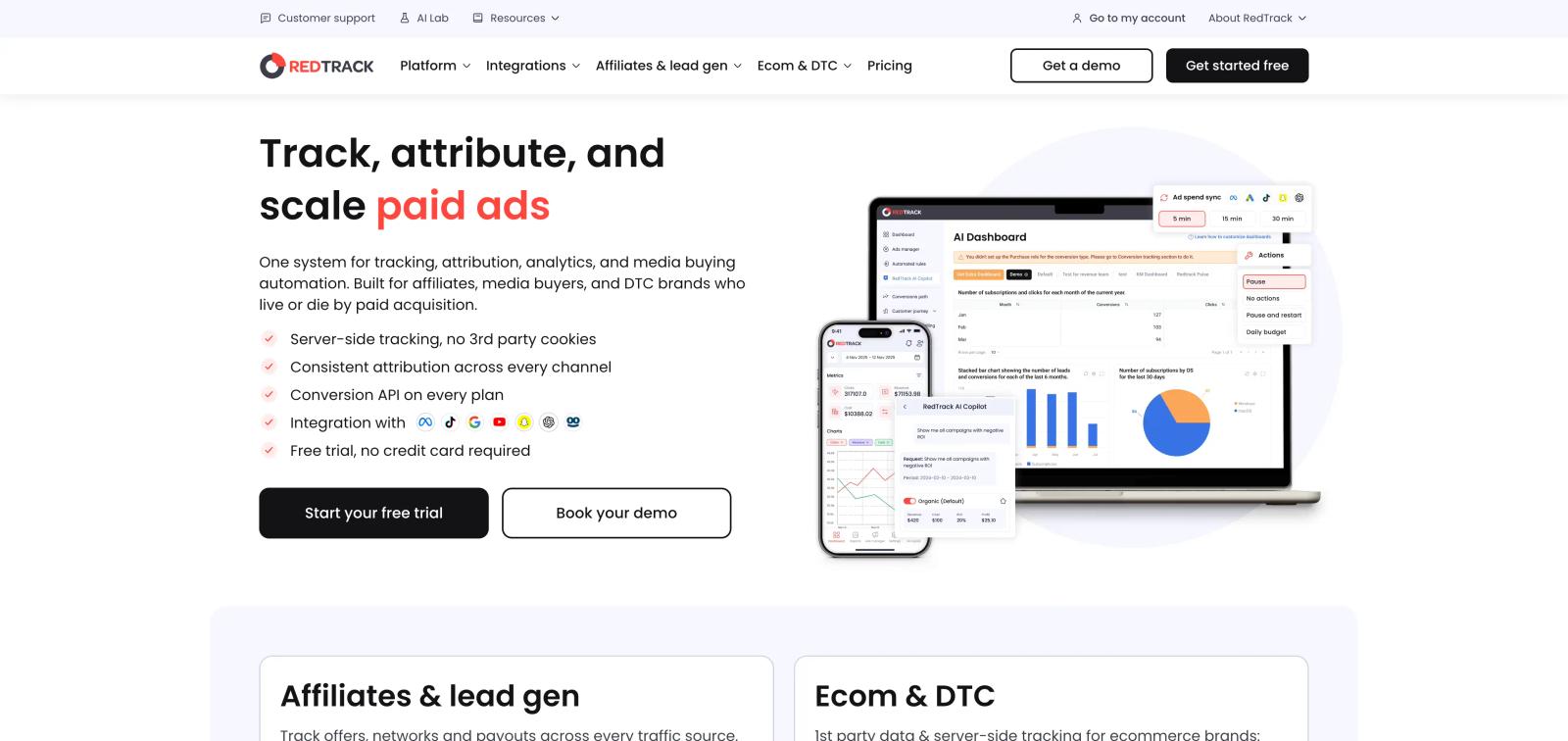
RedTrack is a conversion tracking and attribution platform built for affiliate marketers, agencies, and performance marketing teams running traffic across multiple ad networks and offer platforms.
Where this tool shines: RedTrack handles the tracking complexity of affiliate marketing, multiple traffic sources, offer rotations, landing page variations, and payout tracking. Server-to-server (S2S) postback integration with affiliate networks and ad platforms means conversions fire reliably regardless of user browser settings.
Key features:
- S2S conversion tracking receiving postbacks from affiliate networks and CPA offer platforms
- Multi-platform CAPI integration sending conversions to Meta, Google, TikTok, and native ad platforms
- Landing page rotation testing multiple pre-landers and offers with rule-based traffic distribution
- Cost and revenue tracking monitoring ad spend and affiliate payouts in a single dashboard
- Bot filtering blocking fake clicks and invalid conversions from affiliate traffic
Best for: Affiliate marketers, media buyers, and performance marketing agencies running traffic to CPA offers. Teams that need to connect affiliate network conversions back to ad platforms for campaign optimization.
Pricing: Plans start at $124/month for 100,000 monthly events; scales to $399/month for 1 million events.
Verdict: Purpose-built for affiliate marketing workflows that generic tracking tools don't support. Essential for media buyers running traffic to CPA offers.
8. Triple Whale: Best for Shopify Attribution Dashboards
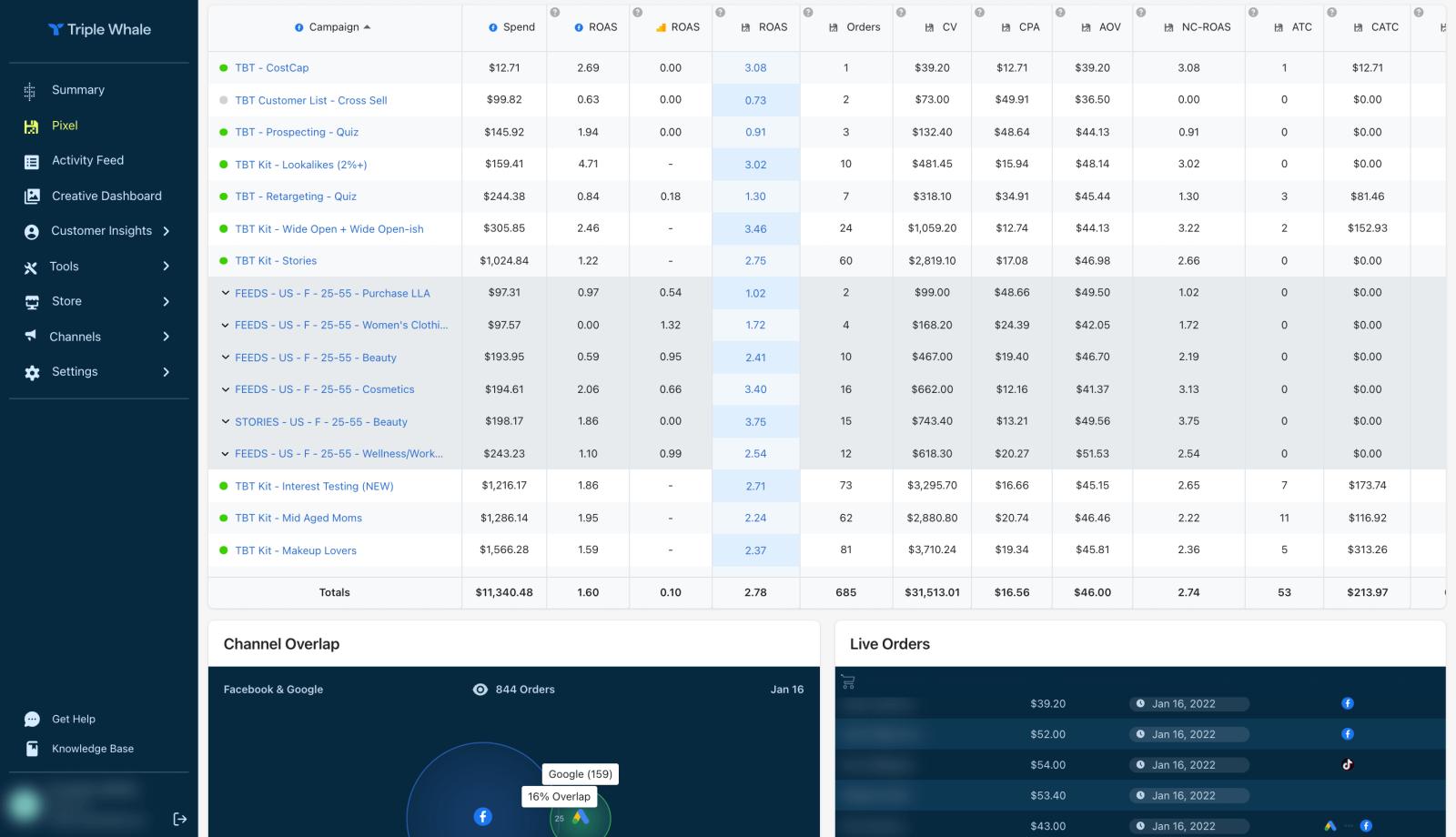
Triple Whale is a Shopify analytics platform combining server-side conversion tracking with attribution dashboards, customer journey analysis, and profit tracking for ecommerce brands.
Where this tool shines: Triple Whale presents attribution data in clean, marketer-friendly dashboards showing which channels, campaigns, and creatives produce profitable customers. Multi-touch attribution connects first touch, last touch, and all interactions in between, while profit tracking accounts for COGS and shipping costs to show true profitability per channel.
Key features:
- Server-side Shopify tracking capturing orders, subscriptions, and upsells regardless of browser restrictions
- Meta and Google CAPI integration sending conversion events server-side to improve ad platform optimization
- Attribution dashboards visualizing customer journey from first ad click through repeat purchases
- Profit and COGS tracking calculating true contribution margin per marketing channel
- Creative analytics identifying which ad creatives and messaging angles drive the most revenue
Best for: Shopify and Shopify Plus stores wanting both accurate conversion tracking and visual attribution dashboards without building custom reporting.
Pricing: Plans start at $129/month for stores doing up to $50K monthly revenue; scales to $749/month for $1M+ stores.
Setup time: 2-4 hours.
Verdict: Best Shopify attribution dashboard. The profit tracking features help ecommerce brands optimize toward margin, not just revenue.
How Conversion API Tracking Works
A Conversion API operates as a server-to-server connection between your website or CRM and the ad platform's conversion endpoint. Instead of relying on JavaScript pixels that run in the user's browser, the conversion event fires on your server and sends an HTTP POST request directly to the platform's API.
Here's the typical flow:
- A conversion happens on your website (purchase, form submission, demo booking) or in your CRM (lead marked qualified, deal closed won)
- Your server detects the event through a webhook, form submission handler, or scheduled sync
- The server constructs a conversion payload containing the event name, timestamp, conversion value, and user identifiers (hashed email, phone, click ID)
- The payload is sent via HTTPS POST to the ad platform's Conversions API endpoint (Meta, Google, TikTok, LinkedIn)
- The platform matches the conversion to the ad click using the identifiers and updates campaign reporting and optimization algorithms
The key technical requirement is event deduplication. If you run both browser pixel and Conversion API (the recommended hybrid approach), the same conversion will fire twice, once client-side from the pixel, once server-side from the API. Platforms handle deduplication by matching on event_id (a unique identifier you send with both pixel and API events) and event_time, then discarding the duplicate. Meta's deduplication documentation explains the matching logic.
User data quality determines attribution accuracy. The more match keys you send (email address, phone number, first name, last name, city, state, zip code), the higher the match rate. Google requires hashed first-party data for Enhanced Conversions. Meta recommends at least three data points per event.
Frequently asked questions
-
FAQ
-
What is a Conversion API?
A Conversion API is a server-side integration that sends conversion events directly from your server to ad platforms (Meta, Google, TikTok, LinkedIn) via HTTPS API calls, bypassing browser-based pixel tracking. This prevents iOS privacy restrictions, ad blockers, and cookie consent requirements from blocking conversion data.
-
Do I need a Conversion API if I already have a pixel?
Yes. Browser-based pixels now miss 30-60% of conversions due to iOS 14+ tracking prevention, Safari ITP, ad blockers, and cookie restrictions. Running Conversion API alongside your pixel (hybrid tracking) recovers those missed conversions through server-side event transmission. Meta reports businesses using hybrid tracking see 13% lower cost per action.
-
How much does Conversion API tracking cost?
Native platform APIs (Meta CAPI, Google Enhanced Conversions, LinkedIn CAPI, Microsoft Ads CAPI) are free but require developer time for setup and maintenance. Most implementations need 4-8 hours per platform initially, plus ongoing monitoring. A 14-day free trial with automated platforms lets you test before committing development resources. Third-party platforms range from $17/month (Stape for managed sGTM) to $750+/month (Segment for enterprise CDP). Lead generation tools like Sourceloop price based on monthly tracked conversions.
-
Can I send CRM data through Conversion APIs?
Yes. Conversion APIs accept offline conversion events from your CRM, allowing you to send qualified lead status changes, booked appointments, and closed won deals back to ad platforms. This trains ad algorithms to optimize toward customers and revenue rather than just form submissions. Sourceloop, Cometly, Ruler Analytics, and Zapier all automate CRM-to-CAPI workflows for HubSpot, Salesforce, and Pipedrive.
-
What's the difference between Conversion API and server-side tracking?
Conversion API is a specific implementation of server-side tracking. Server-side tracking is the general concept of firing tracking events from your server rather than the user's browser. Conversion API specifically refers to the server-side conversion tracking endpoints that ad platforms (Meta, Google, TikTok, LinkedIn) provide for receiving conversion events via API.
-
How long does it take to implement a Conversion API?
Implementation time ranges from 2 hours (managed Shopify apps like Elevar) to 20+ hours (custom direct API integration across multiple platforms). Google Tag Manager Server-Side typically requires 8-12 hours for setup. Automated platforms like Sourceloop that connect CRM and ad platforms take 20-60 minutes to configure.
These platforms eliminate the need for custom development while maintaining the accuracy and automation that make Conversion APIs valuable.
-
Does Conversion API work for B2B lead generation?
Yes. Conversion API is particularly valuable for B2B lead generation because it allows you to send offline CRM conversion events (lead qualified, demo booked, deal closed won) back to ad platforms. This addresses the fundamental challenge B2B marketers face: needing to prove that specific campaigns drive revenue, not just form fills. This solves the core B2B attribution problem: the conversion that matters (closed customer) happens days or weeks after the ad click, in your CRM rather than on your website.
-
Can I use Conversion API without a developer?
Yes, if you choose a managed platform. Meta's Conversions API Gateway, Elevar for Shopify, Triple Whale, and Sourceloop for lead generation all offer no-code setup paths. You'll still need technical understanding of conversion tracking concepts, but you won't write code or manage server infrastructure. Google Tag Manager Server-Side and direct API implementations require development resources.
-
How do I prevent duplicate conversions with Conversion API?
Send a unique
event_idwith both your browser pixel event and your Conversion API event. The ad platform uses this ID plus the event timestamp to deduplicate, keeping only one conversion. Meta's deduplication guide and Google's Enhanced Conversions documentation both specify the exact matching logic. -
Which Conversion API tool is best for Shopify?
Elevar and Triple Whale are both purpose-built for Shopify and handle ecommerce-specific tracking challenges like Shop Pay checkout, subscriptions, and multi-currency orders. Elevar focuses on data accuracy and event quality; Triple Whale emphasizes visual dashboards and profit tracking.
Both integrate with Facebook Conversions API and Google Enhanced Conversions out of the box.
-
Can Conversion API track phone calls and offline events?
Yes. Conversion APIs accept any conversion event your server sends, including phone call conversions, in-store purchases, mailed form submissions, and manual CRM entries. The event just needs a timestamp, event name, value, and user identifiers (hashed email or phone) to match back to the original ad click.
For comprehensive call tracking integration, consider combining your Conversion API setup with ad conversion tracking software that handles both web and phone conversions in a unified workflow.
-
How does Conversion API improve ad performance?
Conversion API sends more accurate and complete conversion data to ad platforms, which improves their machine learning algorithms' understanding of which audiences convert. Meta research shows this leads to 13% lower cost per action and 20% more attributed conversions. The algorithms receive more complete data about which audiences convert, allowing them to find similar high-value users more effectively. For Google Smart Bidding, Enhanced Conversions improves bid accuracy by 17%.



 Paid Social


