Skip to content New SourceLoop MCP: chat with your attribution data in Claude, ChatGPT & Cursor
SourceLoop

Track Marketing Attribution in HubSpot Models That Work

Learn to track marketing attribution in HubSpot with models, setup steps, and validation checks to turn touchpoints into trusted revenue credit.

Track Marketing Attribution in HubSpot Models That Work

The budget meeting starts with a familiar problem. Paid search points to its conversion report, email highlights its clicks, content claims it created demand, and sales says the deal began with a conversation that no marketing platform recorded. Everyone has a chart, but nobody has a number the revenue team can defend.

To track marketing attribution in HubSpot responsibly, start with a less exciting question than “Which model should we use?” Ask whether HubSpot captured the journey accurately in the first place. A polished revenue report can still be misleading when a visitor was anonymous, a UTM was inconsistent, a deal lacked an associated contact, or an offline interaction never entered the system.

HubSpot can help teams connect known interactions to contacts, deals, and revenue. It can also compare several attribution rollups instead of forcing every team into a single last-click view. But attribution is an evidence system, not a camera pointed at the entire buying process. The reliable workflow is simple in principle: define the business question, repair the tracking layer, choose a model that matches the question, then validate the result before changing spend.

Table of Contents

Why Tracking Attribution in HubSpot Feels Harder Than It Should

A growth team may open HubSpot after a strong quarter and see that several channels influenced closed deals. The paid team sees ad interactions. The content team sees page views and form submissions. Sales sees calls, meetings, and one-to-one emails. When each group asks for credit using a different rule, the discussion quickly shifts from “what should we do next?” to “whose report is correct?”

The answer usually isn't that one report is correct and the others are wrong. Each report may be answering a different question. A first interaction view asks how a known contact first entered the journey. A last interaction view asks what happened closest to conversion. A revenue view asks which tracked interactions received credit for a closed-won deal. Those are useful questions, but none proves that one touchpoint alone caused the purchase.

HubSpot's framework is contact-based. It credits tracked interactions connected to contacts, deals, and revenue, which makes the platform useful for journeys that become identifiable inside HubSpot. It also means anonymous activity before identification, activity outside HubSpot's tracking layer, and interactions lost through broken associations can disappear from the attribution path, as explained in this analysis of HubSpot attribution versus dedicated tools.

Practical rule: Treat an attribution number as “credit assigned within the captured journey,” not as proof that a channel acted alone.

That distinction matters in a budget meeting. If an executive asks whether a campaign created revenue, the responsible answer includes the measurement conditions: which contacts were identifiable, which assets had tracking, which deals met the reporting requirements, and which model distributed credit. A trustworthy answer may be narrower than the claim the team hoped to make, but it gives everyone a repeatable basis for action.

The rest of the process follows that logic. First, learn what HubSpot's three report types measure. Next, compare the available rollups using one consistent customer journey. Then audit the data that feeds those reports, implement the setup in a controlled sequence, and test for the silent errors that systematically favor trackable online channels.

How HubSpot Attribution Actually Works

Think of HubSpot attribution as a customer journey folder. Every interaction that HubSpot can identify goes into the folder, and the report applies a rule for deciding how much credit each interaction receives. The folder only contains evidence HubSpot has captured and connected, so the quality of the final answer depends on both tracking and associations.

A four-step infographic illustrating how HubSpot tracks marketing attribution from customer interactions to revenue results.

Start with the conversion you want to explain

HubSpot provides three distinct attribution report types:

  1. Contact Create Attribution shows which tracked marketing efforts contributed to creating new contacts.
  2. Deal Create Attribution shows which tracked efforts contributed to creating deals.
  3. Deal Revenue Attribution shows which tracked efforts received credit for won revenue.

HubSpot documents the first report as a top-of-funnel question, the second as a pipeline question, and the third as a revenue question in its attribution reporting definitions. The practical lesson is to choose the report before choosing the model. A team evaluating lead acquisition shouldn't use a revenue report to answer a contact-creation question.

Separate interactions from attribution rollups

An interaction is something recorded along the path, such as a page view, ad click, form submission, marketing email click, meeting, call, or social post click. HubSpot then uses an attribution rollup to distribute credit across those interactions.

The platform exposes rollups including first interaction, last interaction, full path, U-shaped, W-shaped, and time decay, so it supports multi-touch logic rather than only a last-click view. The rollup doesn't create missing evidence. It only changes how the available evidence is weighted.

For example, suppose a buyer first visits a blog post, later clicks a paid ad, submits a form, attends a webinar, and then has a sales meeting before the deal closes. HubSpot may credit those recorded interactions differently under first interaction, last interaction, or a multi-touch model. If the buyer researched on another device before submitting the form, that earlier activity may not be connected to the known contact.

Follow the contact to the deal

Revenue attribution requires more than a tracked website visit. The contact must be associated with the relevant deal, and the deal needs the data required for revenue reporting, including a known amount, create date, and close date. If the sales meeting is logged only on the contact and not associated with the deal, it may not appear as deal-level evidence.

This is why attribution modeling is easier to understand as a chain than as a score. The chain is interaction, contact creation, deal association, closed-won revenue. If one link is missing, a model can't infer the missing event with confidence.

Teams that want a broader conceptual explanation of how different rules assign credit can use this consultant's guide to attribution modeling. For the implementation layer, review this guide to HubSpot CRM UTM tracking before standardizing campaign links.

Comparing Revenue Attribution Models With Pros Cons and Examples

Model choice matters, but it comes after data quality. Once the journey is captured, use the same hypothetical path to see how the result changes:

Blog post → paid ad click → form submission → webinar attendance → sales meeting → closed-won deal

No model can decide whether the blog post or the meeting “really caused” the purchase. Each model answers a different interpretation of influence.

First and last interaction

First interaction assigns all available credit to the earliest recorded interaction. It helps answer, “How did this known contact first discover us?” That makes it useful for assessing demand creation and initial channel reach. It can undervalue later content, nurturing, and sales activity.

Last interaction assigns all credit to the final recorded interaction before the relevant conversion. It helps answer, “What was closest to the conversion?” This can support bottom-of-funnel optimization, but it may make a form, meeting, or pricing page look more powerful than the earlier work that built intent.

Balanced and milestone-based models

Linear attribution distributes credit evenly across the recorded interactions. It gives the blog, ad, form, webinar, and meeting a shared role, which can be useful when the team wants a broad view of the journey. Its weakness is that equal credit doesn't mean equal influence. A repeated page view may receive the same share as a high-intent meeting.

U-shaped attribution emphasizes the first interaction and the contact-creation interaction, with the remaining credit shared across other recorded touches. It suits teams focused on creating qualified contacts, but it can underrepresent activity after contact creation.

W-shaped attribution emphasizes the first interaction, the contact-creation interaction, and the deal-creation interaction, while sharing the remainder across the middle. It fits a pipeline-focused motion where those milestones are meaningful, but it can leave late sales activity with little or no credit.

Full path attribution distributes revenue credit across major journey milestones, including first interaction, contact creation, deal creation, and the final interaction, with the remaining credit shared across the middle. It gives marketing and sales a joint view of the path, though it depends heavily on accurate timestamps and associations.

Time decay gives more weight to recent interactions. It can help teams studying long journeys or time-sensitive campaigns, but it may favor late-stage channels even when early education created the conditions for conversion.

Attribution Model How Credit Is Split Best For Watch Out For
First interaction All credit goes to the earliest recorded touch Discovery and demand creation Hides nurture and closing influence
Last interaction All credit goes to the final recorded touch Conversion and bottom-funnel optimization Overstates the final step
Linear Credit is shared evenly across recorded touches Broad journey visibility Treats unequal interactions as equal
U-shaped Emphasizes first touch and contact creation Contact generation Underweights post-contact activity
W-shaped Emphasizes first touch, contact creation, and deal creation Pipeline creation May underweight late sales activity
Full path Shares credit across key funnel milestones Marketing and sales alignment Needs strong deal and date hygiene
Time decay Recent touches receive more credit Long or time-sensitive journeys Can undervalue early demand creation

Use model comparisons as a decision aid, not as a contest to find the channel with the most flattering number. If two models produce sharply different rankings, investigate the journey and the business question before changing the budget.

What HubSpot Needs to Track Every Touchpoint Reliably

A model can't restore a touchpoint that never entered the system. HubSpot's reports depend on the tracking code, identifiable contacts, campaign parameters, ad configuration, and relationships between contacts and deals. Before debating U-shaped versus full path attribution, inspect those inputs as if you were checking the wiring behind a dashboard.

A five-step infographic showing how to set up and validate marketing attribution tracking within the HubSpot platform.

Audit the capture layer

Install HubSpot's tracking code across the pages you want to measure, including externally hosted pages. Then confirm that forms, chat tools, meeting links, and other conversion points create or update the intended contact record. A page view without a contact identity may remain disconnected from the later conversion.

Standardize UTMs before campaign launch. Define the permitted values for source, medium, campaign, content, and term, and enforce them through a shared builder or campaign naming process. Inconsistent UTM usage is a frequent reason credit disappears from HubSpot reports, according to independent guidance from the Pedowitz Group's discussion of HubSpot attribution gaps.

For ads, check three dependencies: the tracking code must be on the landing page, auto-tracking must be enabled on the ad account, and the network-specific tracking parameters must be present. HubSpot's ads attribution documentation also makes an important operational point: attribution isn't retroactive, so setup affects future clicks rather than repairing earlier journeys.

Audit the relationship layer

Revenue reporting becomes fragile when records don't connect. Review whether every reportable deal has an associated contact, whether the deal has a known amount, create date, and close date, and whether calls, meetings, conversations, and sales emails are associated with both the contact and the relevant deal.

Offline events create a different problem. A trade show, direct-mail response, field visit, or sales outreach may influence a buyer without generating a trackable digital session. If the event isn't logged in a way HubSpot can use for attribution, online channels may receive disproportionate credit because they leave cleaner records.

Teams measuring creator or partner programs should apply the same discipline to nonstandard channels. The guidance on how to measure influencer marketing ROI can help translate those interactions into trackable campaign inputs, while this guide explains how to push UTMs to HubSpot.

Know when HubSpot needs an extension

HubSpot is well suited to measuring influence across known, tracked journeys. It may be insufficient when the business needs cross-device reconstruction, server-side capture, or systematic connection of offline conversions. A lightweight capture layer can record source and journey data earlier, then pass the relevant fields into the CRM. That approach extends the evidence available to HubSpot, but it still requires clear consent practices, field definitions, and validation.

How to Set Up and Validate Attribution in HubSpot

Begin with a written measurement question. “Which campaigns influenced won revenue?” requires different data and a different report from “Which channels created new contacts?” Write the question, conversion object, date range, and primary dimensions before opening the report builder.

A step-by-step infographic titled How to Set Up and Validate Attribution in HubSpot.

Build the foundation

  1. Install and inspect the tracking code. Check representative pages from the public site, landing pages, blog, and externally hosted conversion pages. Verify that the script loads and that the intended domain is included in the tracking configuration.

  2. Create a UTM naming standard. Decide how teams will write source, medium, campaign, content, and term. Document capitalization, separators, channel names, and ownership. Reject links that don't follow the standard.

  3. Connect ad accounts and enable auto-tracking. Confirm that each ad platform is connected, auto-tracking is active, and landing pages contain the HubSpot code. Remember that this setup supports future tracking, not retroactive repair.

  4. Connect conversion tools. Test forms, chat, calendar bookings, webinar registrations, and marketing email links. Each should create or update the correct contact and preserve the campaign context.

  5. Map lifecycle and deal fields. Make sure contacts can progress into the relevant lifecycle stages and that deals use consistent amount, create date, close date, and closed-won values.

Create the reports

Build the report that matches your question, then add a second view for comparison rather than mixing conclusions. Use contact create reports for new-contact acquisition, deal create reports for pipeline creation where available, and revenue attribution for won revenue where the account tier supports it. HubSpot documentation states that Revenue attribution is available only to Marketing Hub Enterprise accounts, making revenue-level attribution a product-tier capability rather than a universal HubSpot feature. See the HubSpot lead-source implementation guide for a practical way to preserve source fields in CRM workflows.

Validate before sharing

Create a controlled test journey with a known campaign link and a test contact. Confirm that the visit, conversion, contact record, deal association, and revenue fields appear as expected. Then compare the report against contact and deal records, not just the chart.

Use this short release check:

  • Tracking check: The code loads on every intended page.
  • Parameter check: UTMs retain the expected values through conversion.
  • Identity check: The conversion updates the correct contact.
  • Association check: The contact and sales activities connect to the correct deal.
  • Revenue check: The deal has amount, create date, close date, and closed-won status.
  • Model check: The selected model answers the written business question.

Common Pitfalls That Skew Your Attribution Data

Attribution errors rarely announce themselves. The report loads, the totals look plausible, and the team builds a budget recommendation on top of missing evidence.

A pensive woman working on a laptop surrounded by digital marketing icons marked with red crosses.

The channel label changes mid-campaign

Symptom: Similar campaigns appear as separate sources, or some visits fall into an unattributed bucket.

Cause: One team uses paid-social, another uses paid_social, and a third leaves the medium blank. HubSpot can't reliably group values that humans treat as equivalent.

Fix: Use a controlled UTM dictionary and review campaign links before launch. Make one person accountable for naming governance.

The deal exists without the right contact

Symptom: Sales says the account closed, but revenue attribution shows little or no marketing influence.

Cause: The deal has no associated contact, or the relevant sales activities aren't associated with both the contact and deal.

Fix: Audit associations as part of deal hygiene. Don't wait until the quarterly report to discover that the revenue path has no person attached to it.

The team expects old ad clicks to appear

Symptom: A newly connected ad account doesn't explain historical conversions.

Cause: HubSpot's ad attribution setup isn't retroactive. It can link future clicks after the required tracking conditions are in place, but it can't recreate the earlier click path.

Fix: Record the implementation date and treat pre-setup data as a separate reporting period.

Last-click wins every argument

Symptom: The final form, campaign, or sales interaction receives all the attention, while earlier education disappears from the story.

Cause: The model answers a closing question, but the team uses it to make an acquisition decision.

Fix: Compare first interaction with a multi-touch view and state the purpose of each report.

Offline work remains invisible

Symptom: Trackable online channels look consistently stronger than field marketing, direct mail, partnerships, or sales outreach.

Cause: Those interactions never entered HubSpot's attribution layer, so the report has no evidence to credit.

Fix: Create a process for logging offline events and connecting them to contacts, campaigns, or deals. Treat missing data as a measurement limitation, not proof that the channel had no effect.

Choosing the Right Model and Turning Insights Into Action

Choose the model from the decision backward.

  • Short-cycle SaaS: Start with first and last interaction side by side. Use them to separate discovery from conversion, then add a multi-touch view once contact and deal associations are dependable.
  • Long B2B sales: Favor a model that includes multiple funnel milestones, but audit dates and sales activity associations before using revenue credit for budget decisions.
  • Ecommerce: Use last interaction or time decay for campaign timing questions, while retaining a first-interaction view for acquisition learning.
  • Agency portfolios: Keep one documented definition across clients, then allow each client to select a model based on its sales cycle and conversion objective.

Use attribution to identify repeatable patterns, not to declare permanent winners. If a channel receives credit under several reasonable models and the underlying records are complete, it deserves testing or increased attention. If its ranking changes dramatically between models, investigate the journey before reallocating spend.

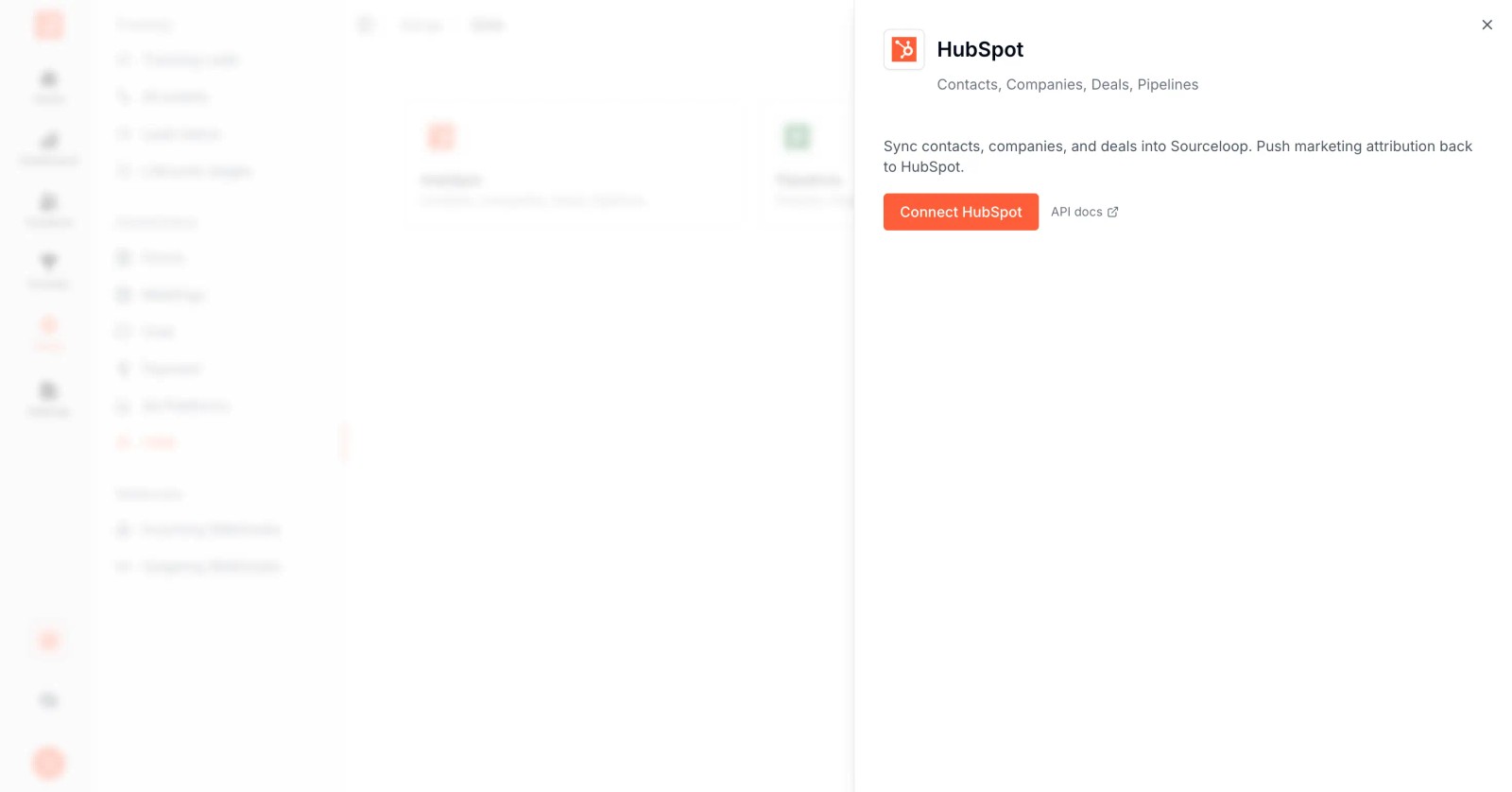
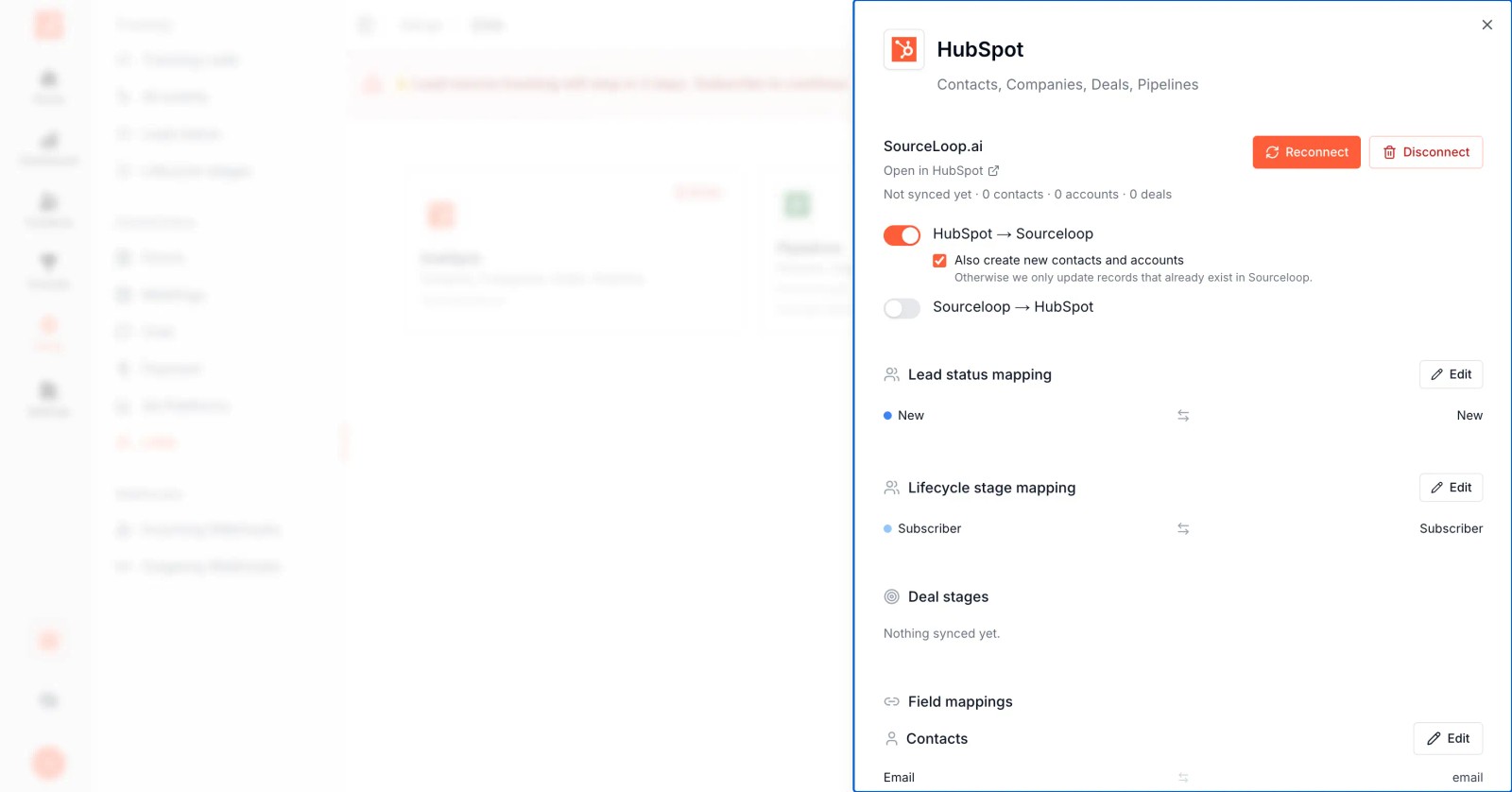
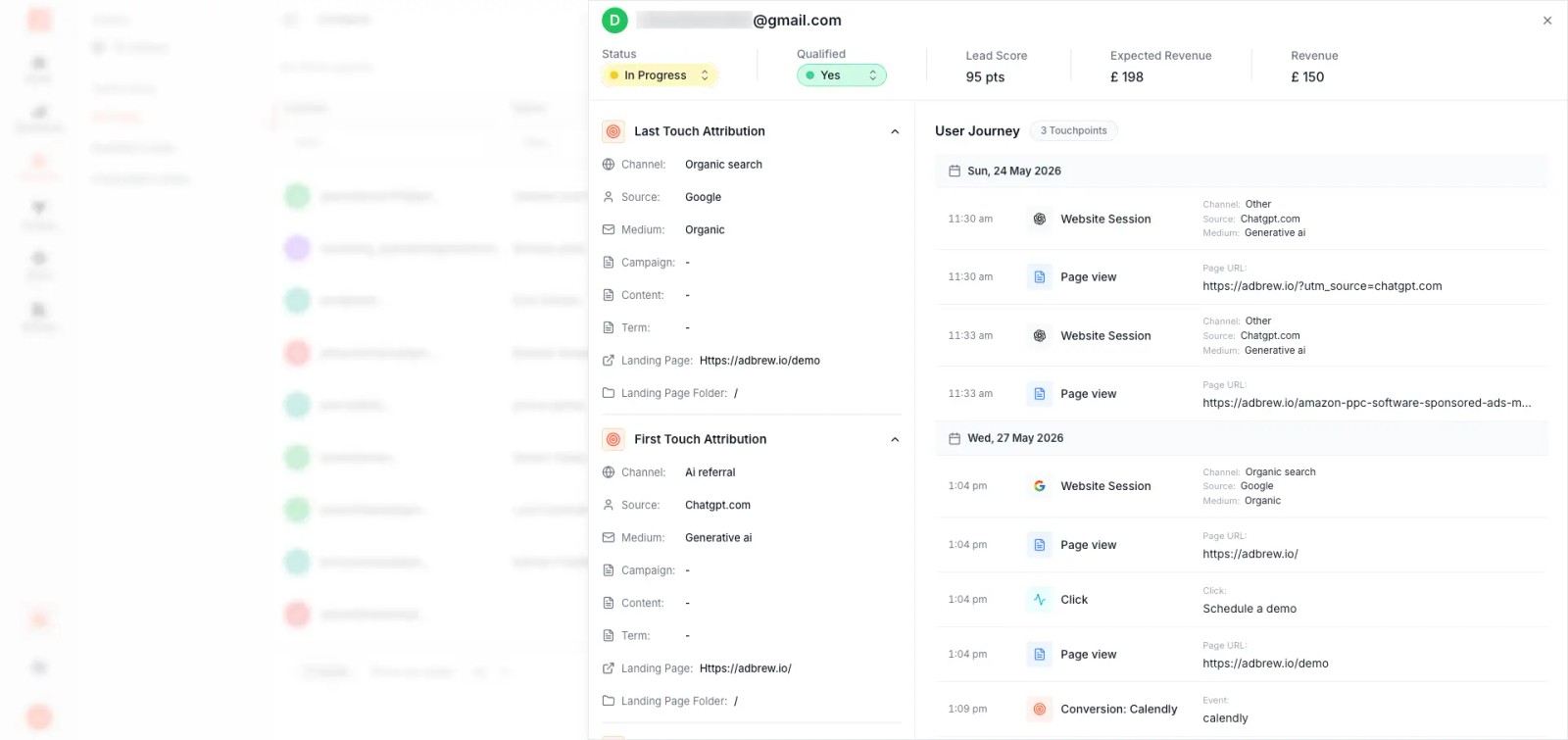
HubSpot can remain the reporting system for known contacts, deals, and revenue. When a team needs broader multi-touch capture, CRM field syncing, or offline conversion syncing, SourceLoop can extend HubSpot by capturing visitor journeys and passing source, UTM, conversion, and attribution fields into matching CRM records.

Assign ownership to marketing operations, sales operations, and channel managers. Review the data monthly, document model changes, and annotate tracking launches so stakeholders know when the measurement system changed.


Audit your HubSpot attribution before your next budget review. Choose one revenue question, test five real customer journeys, inspect their UTMs and contact-to-deal associations, and document the gaps you find. Then repair the highest-impact tracking issue, rerun the report, and share the result with its model, date range, and limitations clearly labeled.

Share this post

Post on X Share on LinkedIn

Keep reading

All posts

Track every conversion to its true source

Capture and send full attribution data from every signup, lead, booking, and sale to your CRM and ad platforms, so you know exactly what's driving revenue.

Without SourceLoop

Untagged

Kayden Floyd

kayden@abc.com

  • SourceUnknown
  • MediumUnknown
  • CampaignUnknown
  • Landing pageUnknown
Journey
No touchpoints captured

With SourceLoop

Auto-tagged

Kayden Floyd

kayden@abc.com · Acme Co.

  • Channel Paid Social
  • CampaignFree_demo
  • Landing page/pricing
Journey
Synced to HubSpot Google Ads Meta