
10 Best Media Planning Tools in 2026 [Ranked & Compared]
Compare the best media planning tools for 2026. From attribution platforms to workflow managers, find the right fit for your team's budget and needs.
Table of contents
- Comparison of the Best Media Planning Tools
- 1. SourceLoop: Best for Revenue-Based Media Planning
- 2. Bionic: Best for Media Planning and Buying Operations
- 3. Nielsen Media Impact: Best for Cross-Media Planning
- 4. Ruler Analytics: Best for Revenue Attribution
- 5. Comscore: Best for Cross-Platform Audience Measurement
- 6. Quantcast: Best for Audience Planning and Targeting
- 7. CommerceIQ: Best for Ecommerce Media Optimization
- 8. Guideline.ai: Best for Enterprise Media Planning and Ad Intelligence
- 9. Meta Robyn: Best for Open-Source Marketing Mix Modeling
- 10. Skai: Best for Omnichannel Commerce Media Planning
The right media planning tool helps you decide where to spend your ad budget, how much to spend, and when to run your campaigns. The best tools combine audience data, media inventory, budgets, and campaign performance to make planning easier and more informed.
In this guide, we compare the best media planning tools based on features, use cases, pricing, and how well they fit different marketing teams.
Comparison of the Best Media Planning Tools
Here’s how the top media planning tools compare across planning, attribution, audience intelligence, ecommerce, and media operations.
| # | Tool | Best for | Media planning | Attribution | Audience insights | Ecommerce / retail media | Starting price |
|---|---|---|---|---|---|---|---|
| 1 | SourceLoop | Revenue-based media planning | ✅ | ✅ | — | ✅ | $49/mo |
| 2 | Bionic | Media planning & buying operations | ✅ | — | — | — | $199/mo |
| 3 | Nielsen Media Impact | Cross-media planning | ✅ | — | ✅ | — | Custom |
| 4 | Ruler Analytics | Revenue attribution | — | ✅ | — | — | Custom |
| 5 | Comscore | Cross-platform audience measurement | ✅ | — | ✅ | — | Custom |
| 6 | Quantcast | Audience planning & targeting | ✅ | — | ✅ | — | Custom |
| 7 | CommerceIQ | Ecommerce media optimization | ✅ | — | — | ✅ | Custom |
| 8 | Guideline | Enterprise media planning & intelligence | ✅ | — | ✅ | — | Custom |
| 9 | Meta Robyn | Marketing mix modeling | — | — | — | — | Free |
| 10 | Skai | Omnichannel & retail media | ✅ | — | ✅ | ✅ | Custom |
1. SourceLoop: Best for Revenue-Based Media Planning
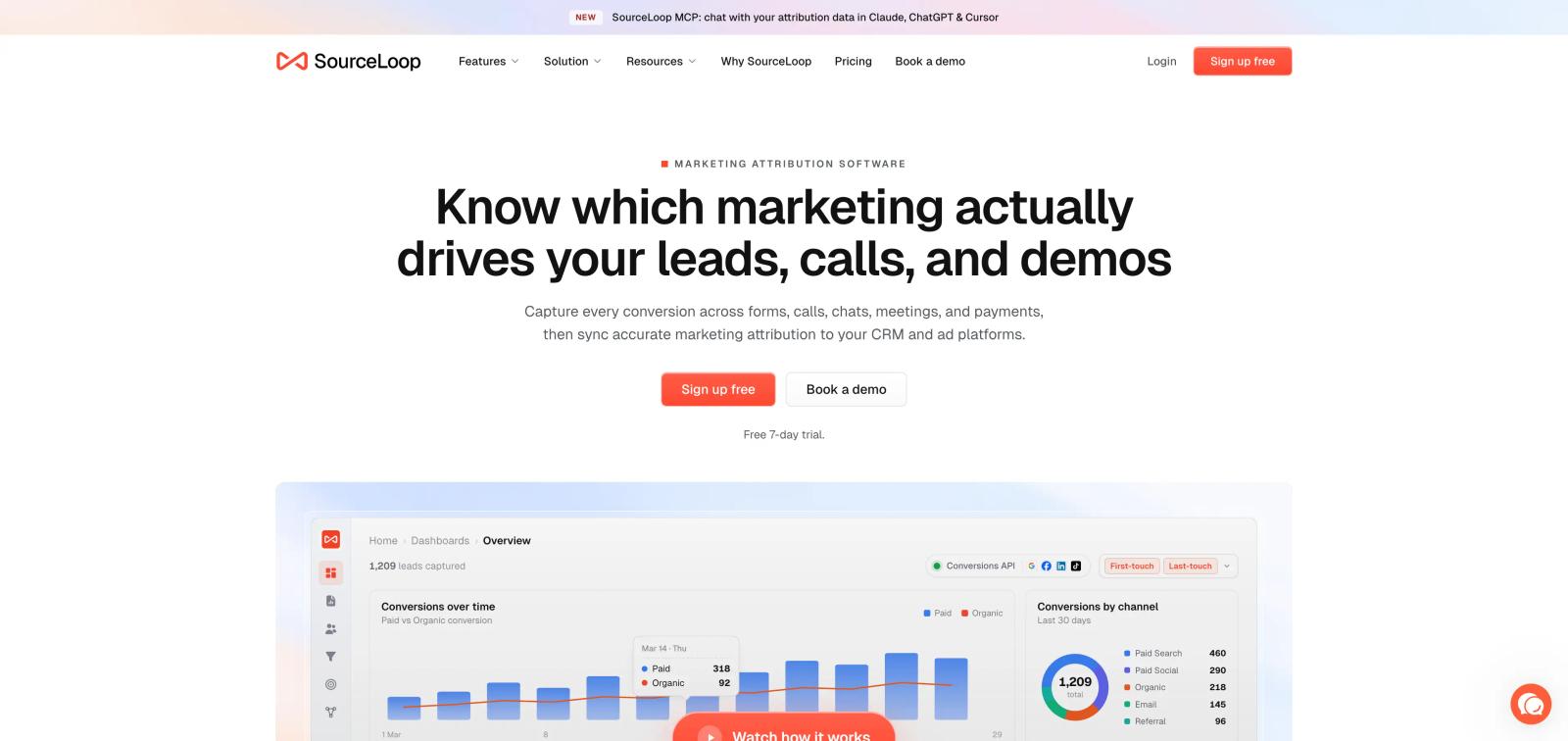
The best media plan isn't just the one that looks good on paper. It's the one that helps you decide where your next dollar should go based on what your previous dollars actually produced.
That's where SourceLoop fits.
SourceLoop connects advertising data with the rest of the customer journey. It can track where a visitor came from, capture the resulting lead or conversion, connect that person to CRM activity, and show what eventually happened to the lead.
That gives marketing teams a way to plan and reallocate budget using leads, pipeline, customers, and revenue, rather than relying only on clicks, impressions, or platform-reported conversions.
Why it's good
- Connects media spend to revenue: See which campaigns and channels are producing actual business outcomes, not just cheap clicks or form fills.
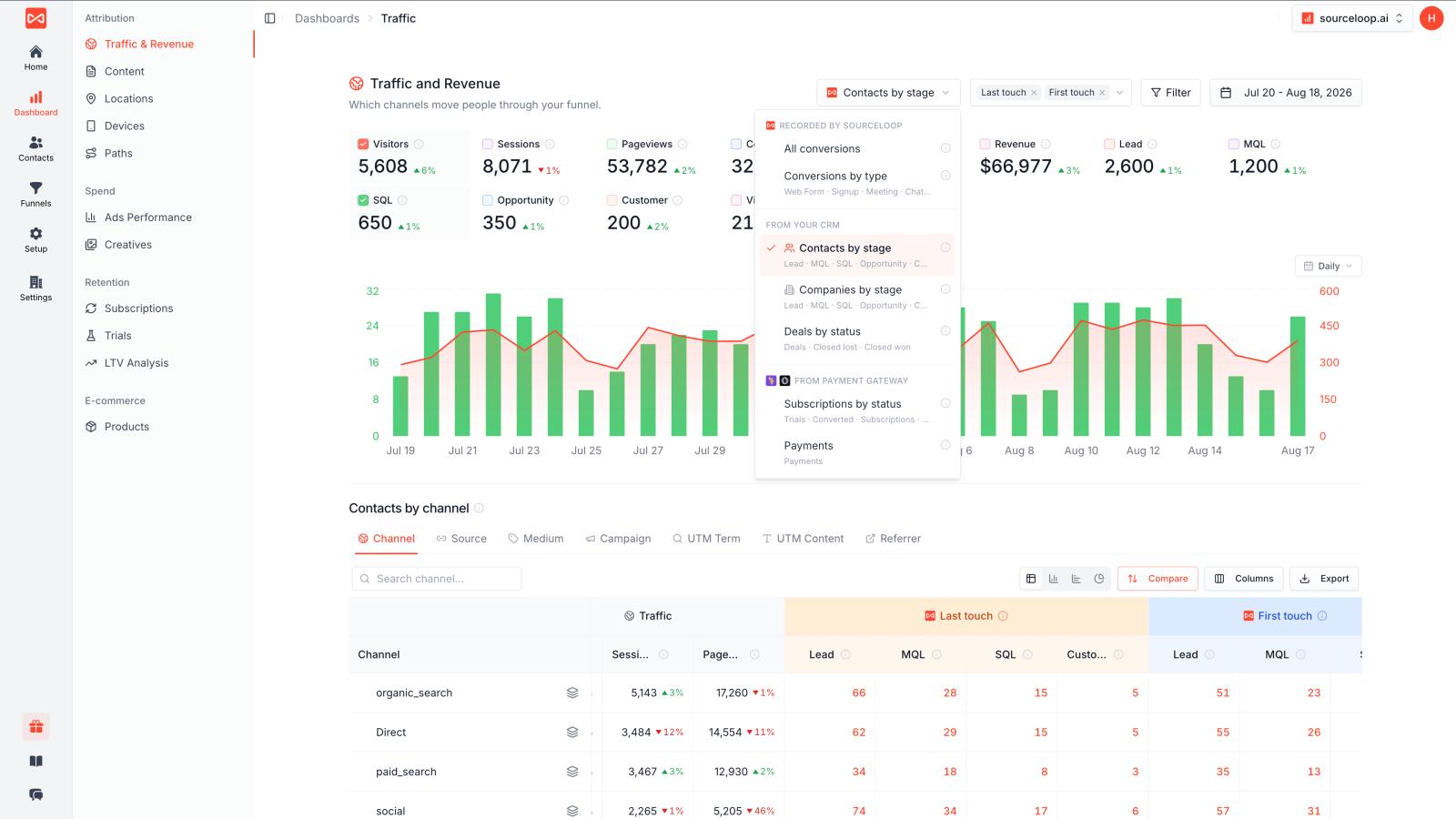
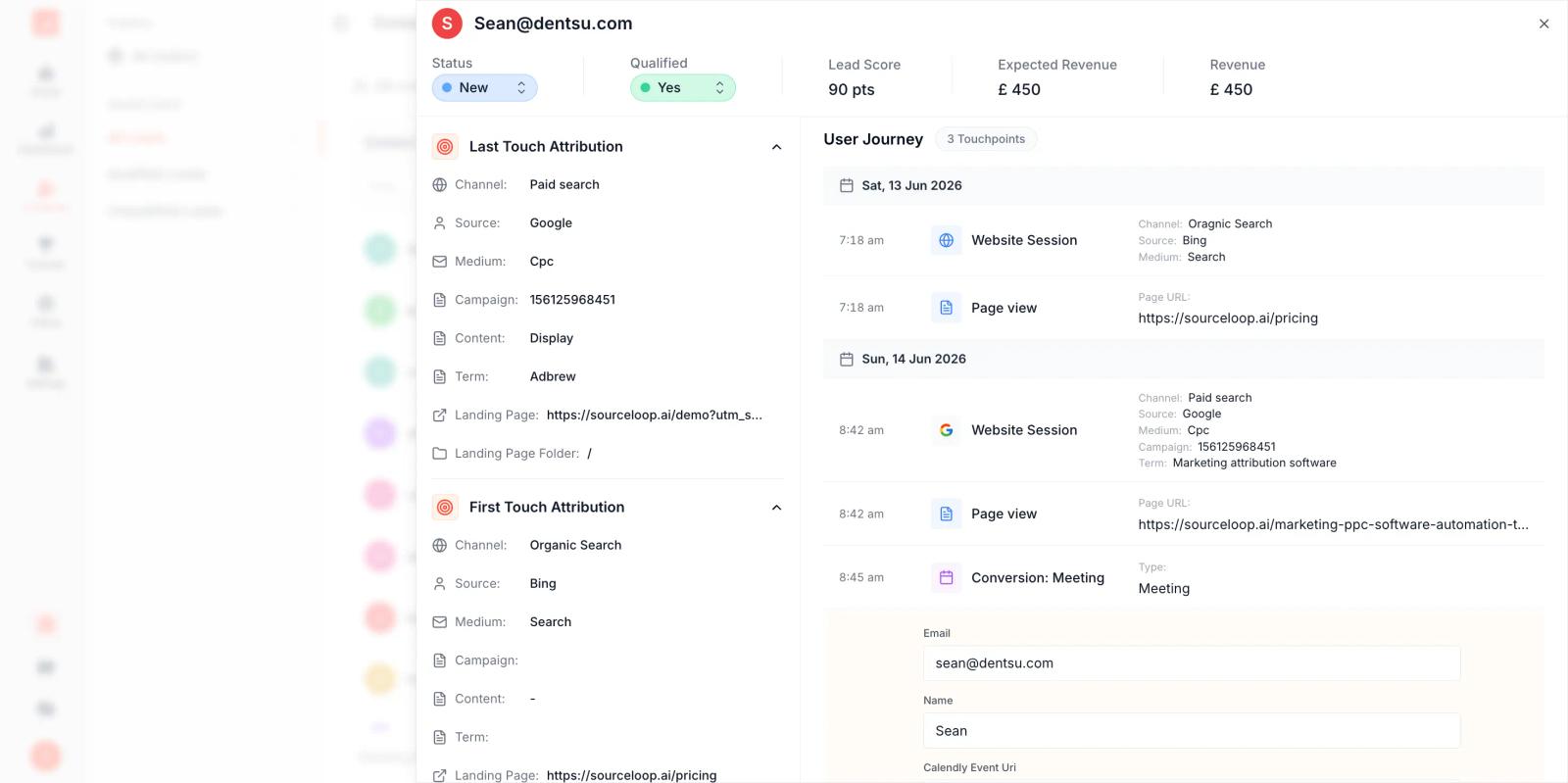
- Tracks the full customer journey: Follow a person from the original marketing touch through forms, calls, meetings, CRM stages, and eventually closed revenue.
- Works across your existing channels: Connect Google Ads, Meta, LinkedIn, TikTok, CRM, forms, meetings, calls, payments, and other sources instead of planning each channel in isolation.
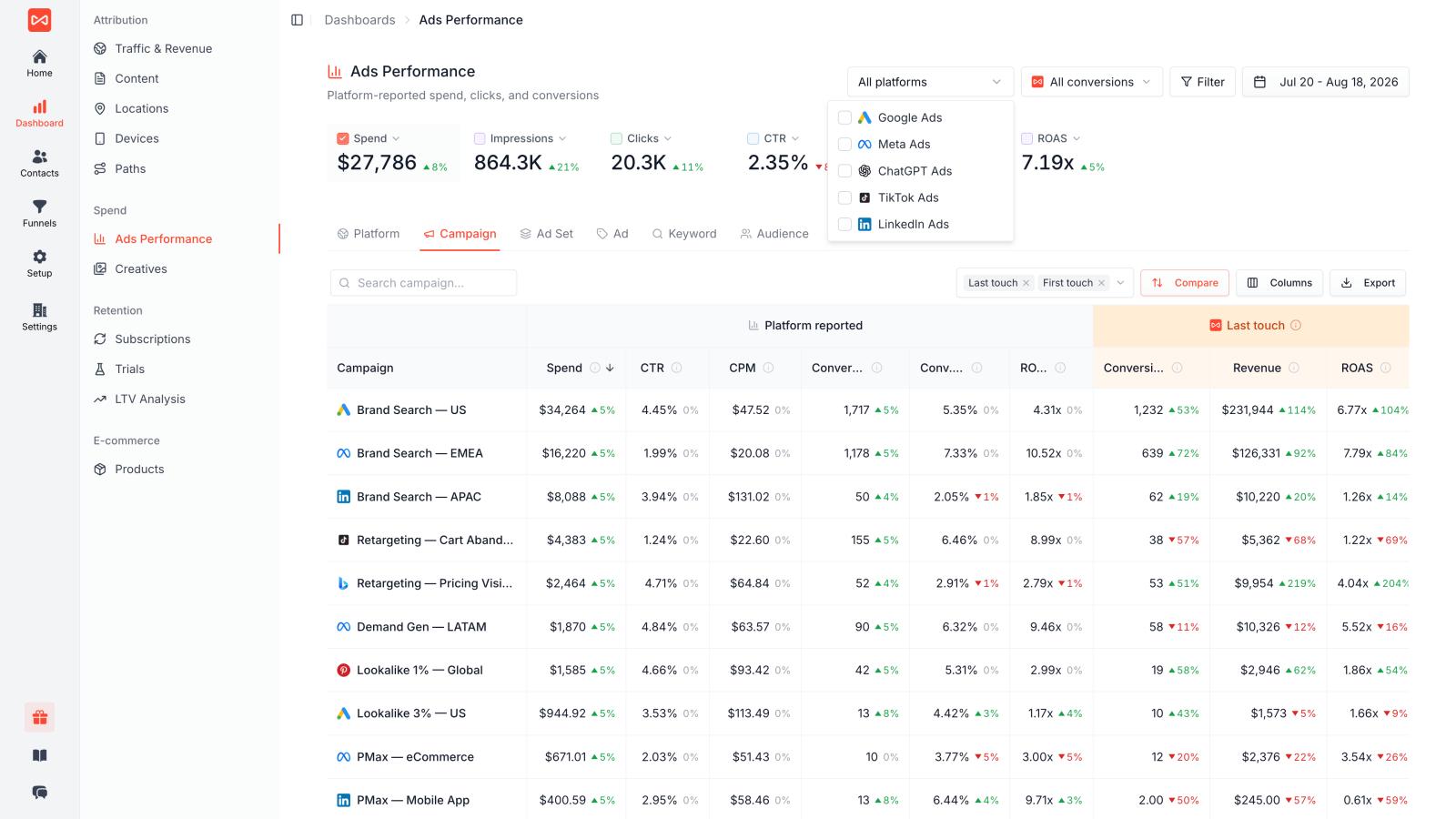
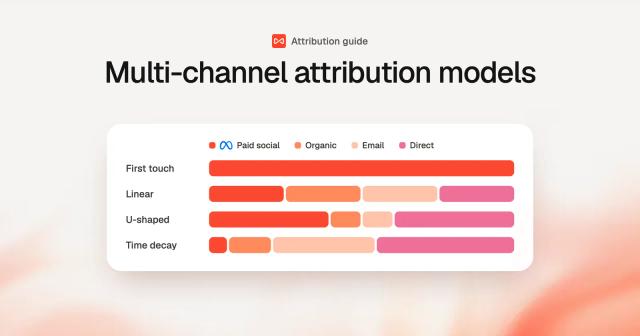
- Supports multiple attribution models: Compare first-touch, last-touch, linear, U-shaped, W-shaped, and other models instead of being locked into one view of performance.
- Feeds better data back to ad platforms: Send qualified leads and revenue back to platforms such as Google and Meta so optimization can move beyond raw lead volume.
- Useful for lead-based businesses: This is especially valuable when the real conversion happens after the ad click, such as a booked meeting, qualified opportunity, or closed deal.
SourceLoop's current product documentation supports this broader attribution workflow, including CRM, ad-platform, conversion, and revenue connections.
Where it falls short
SourceLoop isn't designed to build a traditional TV media schedule, manage insertion orders, or provide the audience/rating databases that tools such as Nielsen and SQAD provide.
So if your job is "Build our Q4 TV, radio, print, and OOH media plan," there are better tools.
If your job is "We have $500K to spend across Google, Meta, LinkedIn, and other channels. Which ones are actually producing revenue, and where should we put more money?", SourceLoop is a much better fit.
Best for
Performance marketing teams, B2B companies, SaaS businesses, agencies, lead-generation companies, and other businesses where a lead may take days or weeks to become a customer.
Pricing
SourceLoop starts at $49/month and offers a 7-day free trial.
The simple difference: Traditional media planning tools help you plan where the money goes. SourceLoop helps you use the results of that spending to decide where the money should go next.
2. Bionic: Best for Media Planning and Buying Operations
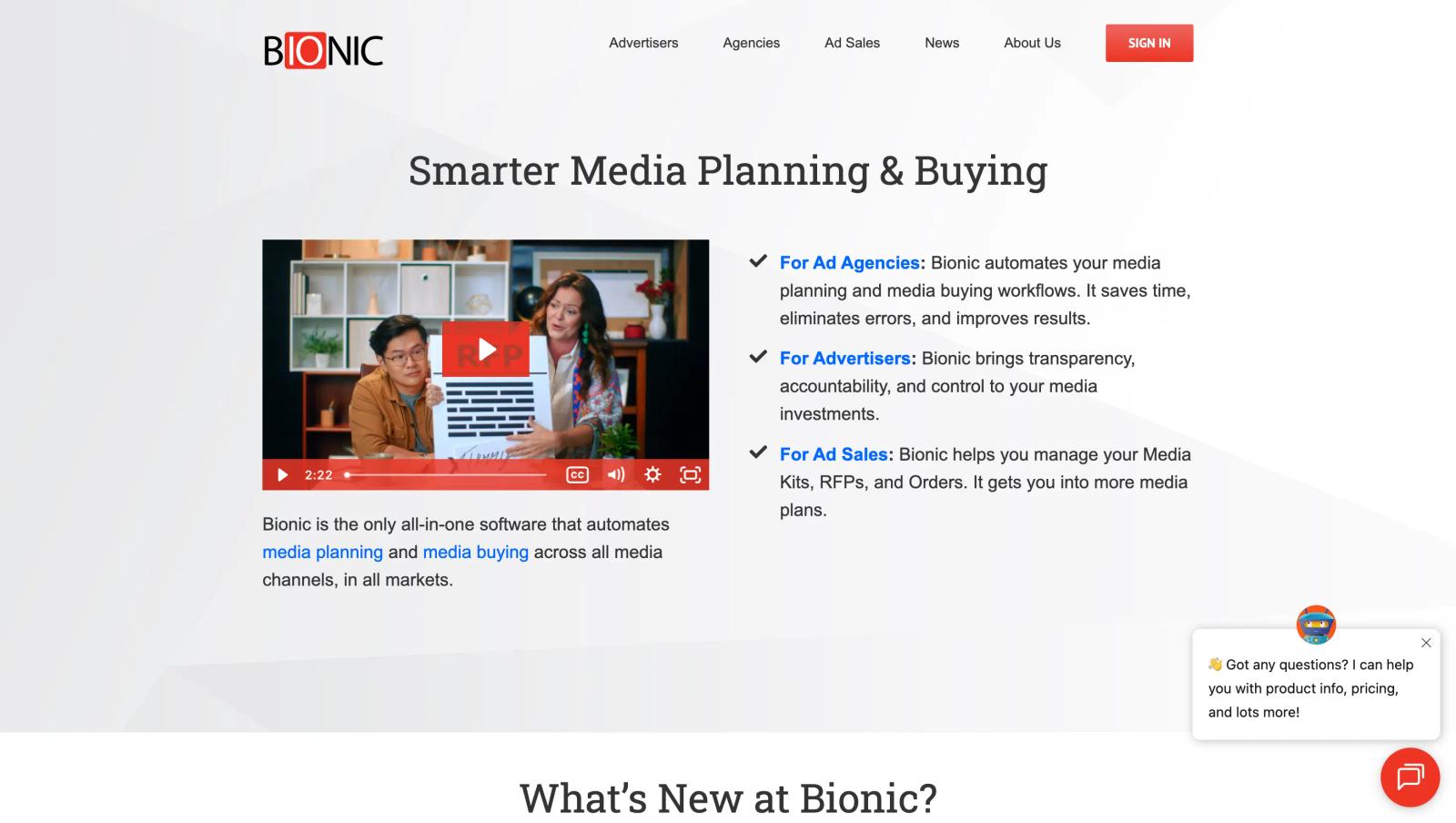
Bionic is built for teams that do more than just plan media. It brings media planning, buying, trafficking, pacing, reporting, and reconciliation into one platform. That makes it especially useful for agencies and media teams managing a large number of campaigns, placements, and vendors.
Bionic supports both digital and traditional media, including TV, radio, print, and out-of-home. Its goal is to replace the spreadsheets and disconnected systems that media teams often use to manage campaigns.
What makes Bionic useful
- Build detailed media plans: Create plans with budgets, placements, dates, channels, and other buying details in one place.
- Manage the buying process: Handle RFPs, insertion orders, trafficking, pacing, and other steps after the plan is approved.
- Track campaign delivery: Monitor planned versus actual performance and keep an eye on pacing and KPIs.
- Automate repetitive work: Bionic includes automated reconciliation and reporting features that can reduce manual spreadsheet work.
- Create client-facing reports: Agencies can use dashboards to give clients a clearer view of campaign activity and performance.
- Works across media types: The platform is designed to support digital, TV, radio, print, OOH, and other media channels.
Where Bionic falls short
Bionic can be powerful, but the experience may depend heavily on the type of media you manage. Recent discussions from media professionals mention difficulties with traditional TV and broadcast workflows, including scheduling, flighting, and working with Nielsen or Comscore data. Other users have reported issues with speed and some bulk-editing workflows.
That makes Bionic more attractive for teams looking for an all-in-one media operations platform than for marketers who simply want to understand which channels are generating leads and revenue.
Best for
Media agencies and in-house media teams that need to manage the entire planning and buying workflow, from the initial media plan through execution, pacing, and reporting.
Pricing
Bionic currently starts at $199 per month, although the final cost can vary based on users, integrations, and media spend.
The simple difference: Bionic helps you manage where the media budget goes and what happens after the plan is approved. It is less focused on connecting that spend all the way to leads, customers, and revenue.
3. Nielsen Media Impact: Best for Cross-Media Planning
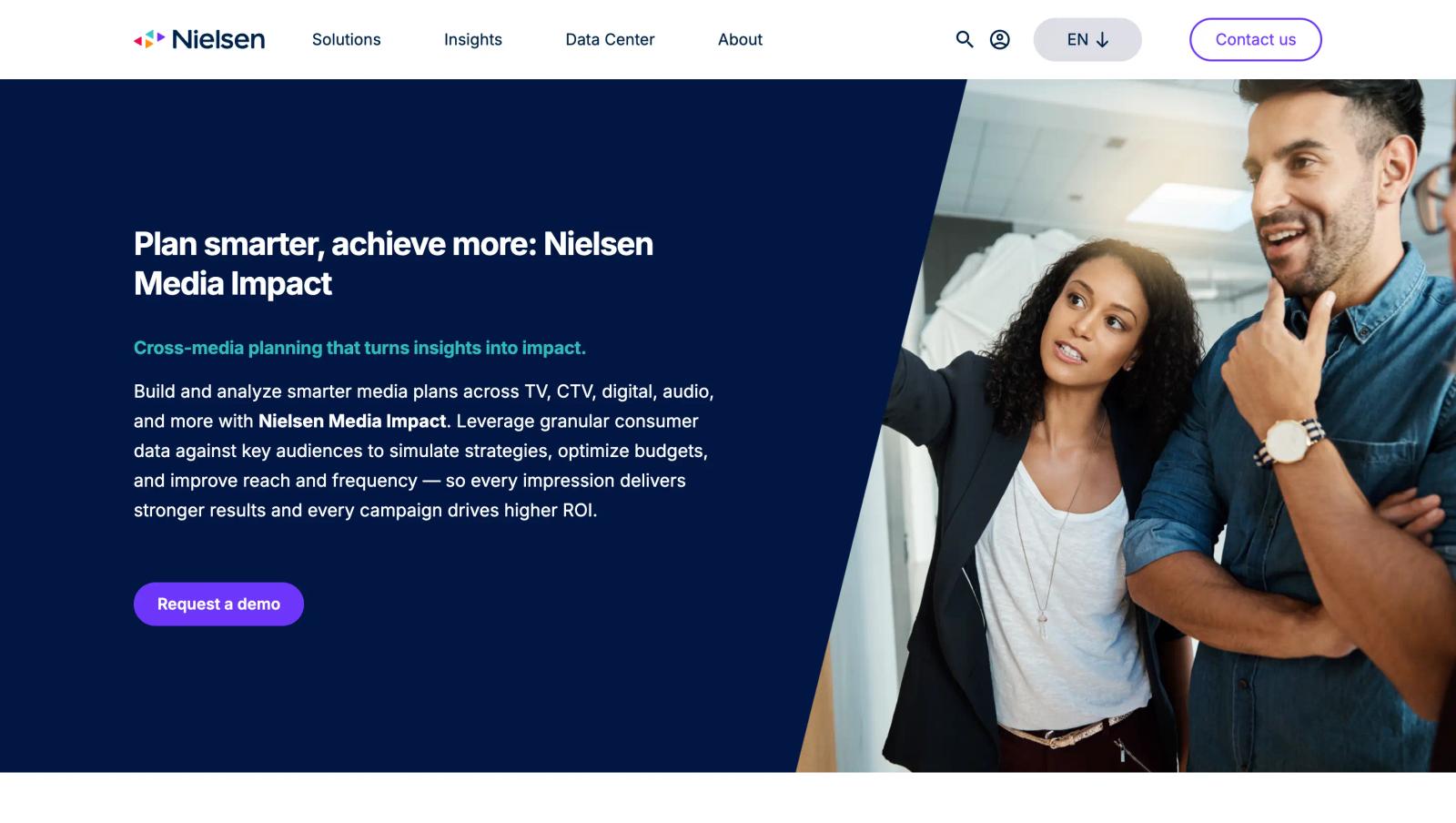
Nielsen Media Impact is designed for a very different problem from tools like SourceLoop or Bionic. Instead of primarily managing media buying or tracking conversions, it helps marketers understand how different media channels work together and how to allocate budget across them.
The platform can model plans across TV, CTV, digital, audio, and other channels, using Nielsen audience data to compare scenarios and understand reach, frequency, overlap, and budget allocation.
What makes Nielsen Media Impact useful
- Plan across multiple channels: Compare TV, CTV, digital, audio, and other media in a single planning environment.
- Understand audience reach: See how different media combinations can affect reach and frequency.
- Compare different budgets: Build multiple scenarios and move budget between channels to see how the plan changes.
- Reduce audience duplication: Understand where audiences overlap across platforms and identify opportunities to extend reach.
- Use detailed audience data: Nielsen combines planning tools with consumer and media behavior data to help teams plan around specific audiences.
- Plan around diminishing returns: The platform can help identify where additional budget may stop producing meaningful incremental reach.
Where Nielsen Media Impact falls short
Nielsen is strongest when the question is "How should we allocate our media budget to reach this audience?"
It is less suited to a marketer asking "Which campaign actually generated this lead, opportunity, or customer?" That requires a different layer of conversion and revenue attribution.
The product also sits firmly in the enterprise media planning category, with Nielsen directing prospective customers toward a demo rather than publishing standard self-serve pricing.
Best for
Large brands, agencies, and media teams planning campaigns across TV, CTV, digital, audio, and other channels where audience reach and frequency are important parts of the buying decision.
Pricing
Custom pricing. Nielsen asks prospective customers to contact its team for a solution and pricing discussion.
4. Ruler Analytics: Best for Revenue Attribution
Ruler Analytics focuses on answering one of the hardest questions in marketing: what happened after someone clicked an ad?
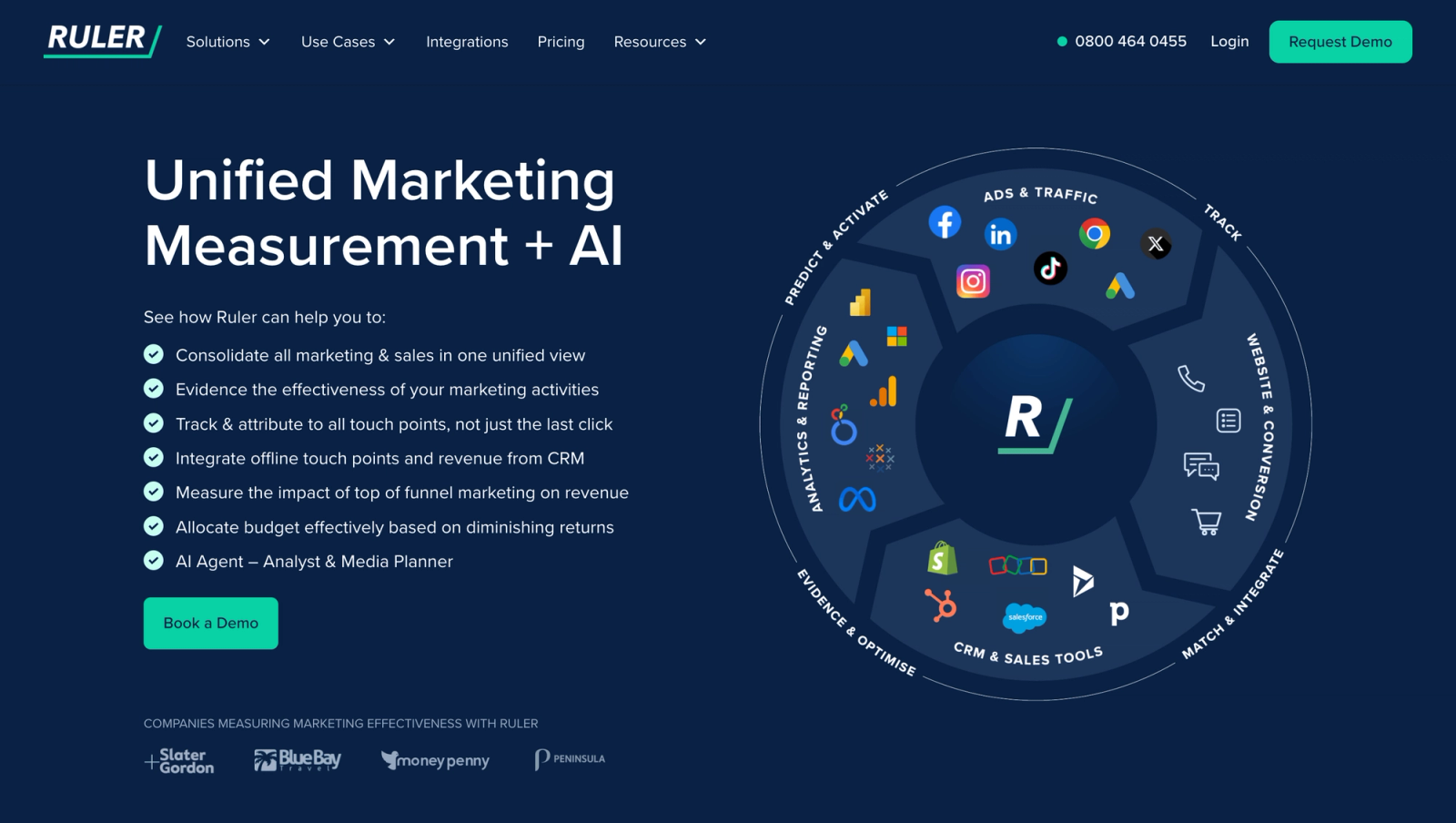
It connects marketing touchpoints with leads, sales conversations, and revenue, giving marketers a way to move beyond simple metrics such as clicks, sessions, and form submissions. This makes it particularly relevant for businesses where a conversion often happens offline or takes time to turn into revenue.
Ruler is also known for combining attribution with call tracking and marketing analytics, helping teams connect different parts of the customer journey. Users on G2 commonly highlight its integrations, customer support, and ability to connect marketing activity with revenue, although some reviewers mention that setup and data mapping can take work.
What makes Ruler useful
- Connect marketing to revenue: Go beyond leads and look at what those leads eventually become.
- Track the customer journey: Understand the marketing interactions that happen before a lead or customer is created.
- Support offline conversions: Useful for businesses where leads eventually convert through sales calls or other offline processes.
- Track calls: Call tracking helps connect phone conversations back to marketing activity.
- Connect with existing tools: Ruler can pull data from advertising, analytics, CRM, and other marketing systems.
- Useful for lead-generation businesses: Particularly valuable when a form submission is only the beginning of the sales process.
Where Ruler falls short
The trade-off is that revenue attribution can require more setup than basic source tracking. Some reviewers mention configuration and data-mapping work, particularly when connecting CRM data and building the desired reporting setup.
It is also primarily an attribution and marketing analytics platform, rather than a full media planning and buying system.
Best for
B2B companies, agencies, and lead-generation businesses that want to connect marketing activity with leads, sales opportunities, and revenue.
Pricing
Ruler uses custom pricing, with pricing depending on the requirements and scale of the business.
5. Comscore: Best for Cross-Platform Audience Measurement
Comscore is a strong option when the main challenge is understanding audiences across today's fragmented media landscape.
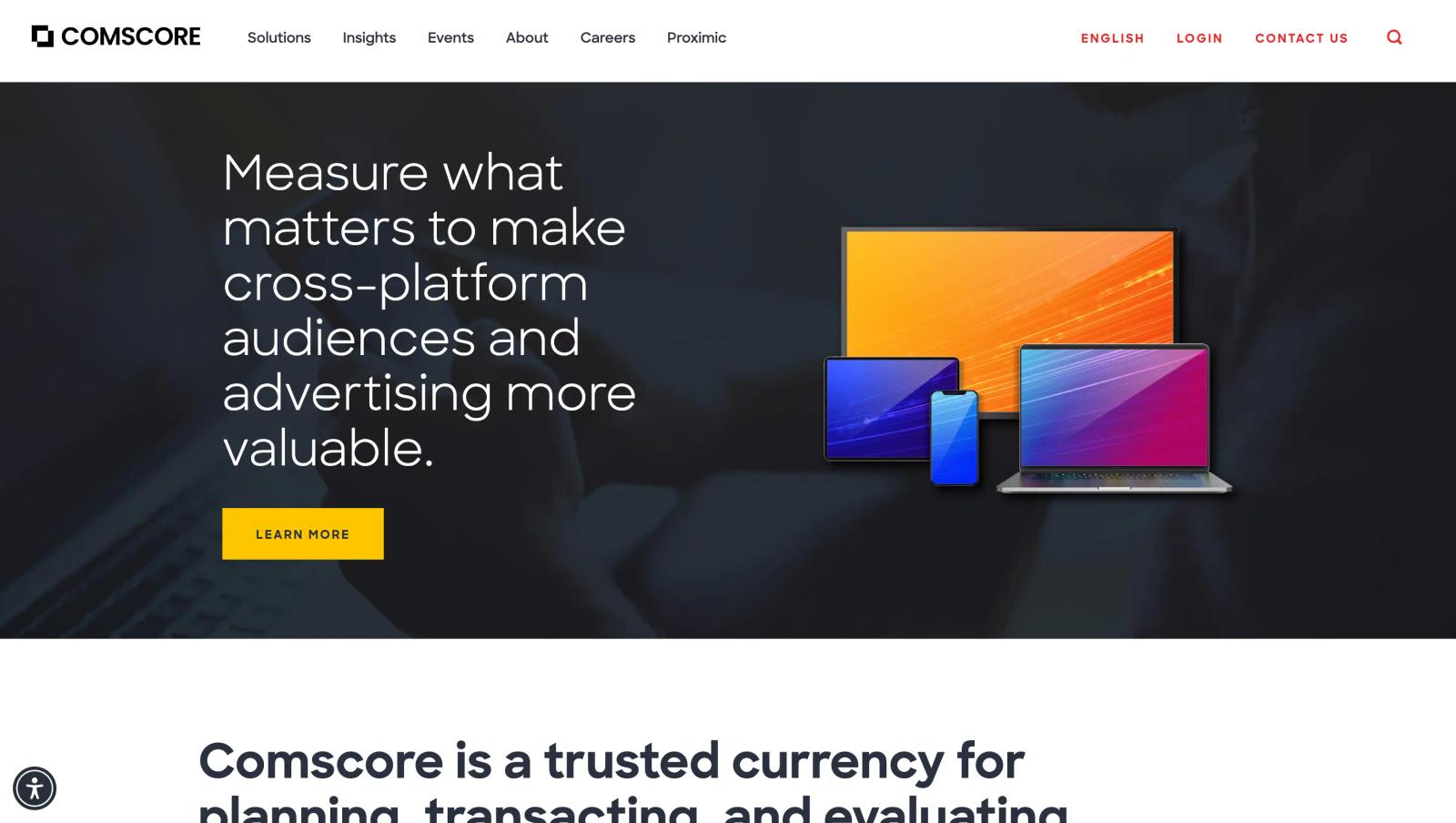
Rather than focusing mainly on lead attribution, Comscore helps advertisers and agencies understand who is watching, where they are watching, and how audiences overlap across different platforms.
That makes it particularly useful for larger media planning teams working across television, streaming, digital, and other channels.
What makes Comscore useful
- Cross-platform audience measurement: Understand audiences across different media environments instead of looking at each channel separately.
- Reach and frequency insights: Measure how many people campaigns reach and how often they are exposed.
- Audience behavior data: Understand how different audiences consume media and interact with content.
- Campaign reporting: Bring audience and campaign data together to evaluate media performance.
- Useful for fragmented media: Helps planners deal with the growing number of platforms and devices consumers use.
- Built for larger media teams: Its data and measurement capabilities are particularly relevant for agencies, publishers, and larger advertisers.
Where Comscore falls short
Comscore is primarily an audience measurement and media intelligence platform, not a simple marketing attribution tool.
That distinction matters. If your goal is to understand audience reach across TV, streaming, and digital, Comscore is a strong fit. If your goal is to connect ad spend to a specific lead, opportunity, or closed customer in your CRM, you will need a separate attribution layer.
G2 users generally praise Comscore's breadth of cross-platform data and reporting, while some reviewers point to a more complex interface and querying experience.
Best for
Enterprise advertisers, agencies, and media teams that need detailed cross-platform audience measurement and media intelligence before making large media allocation decisions.
Pricing
Custom pricing. Comscore's pricing depends on the data, measurement, and planning requirements of the customer.
6. Quantcast: Best for Audience Planning and Targeting
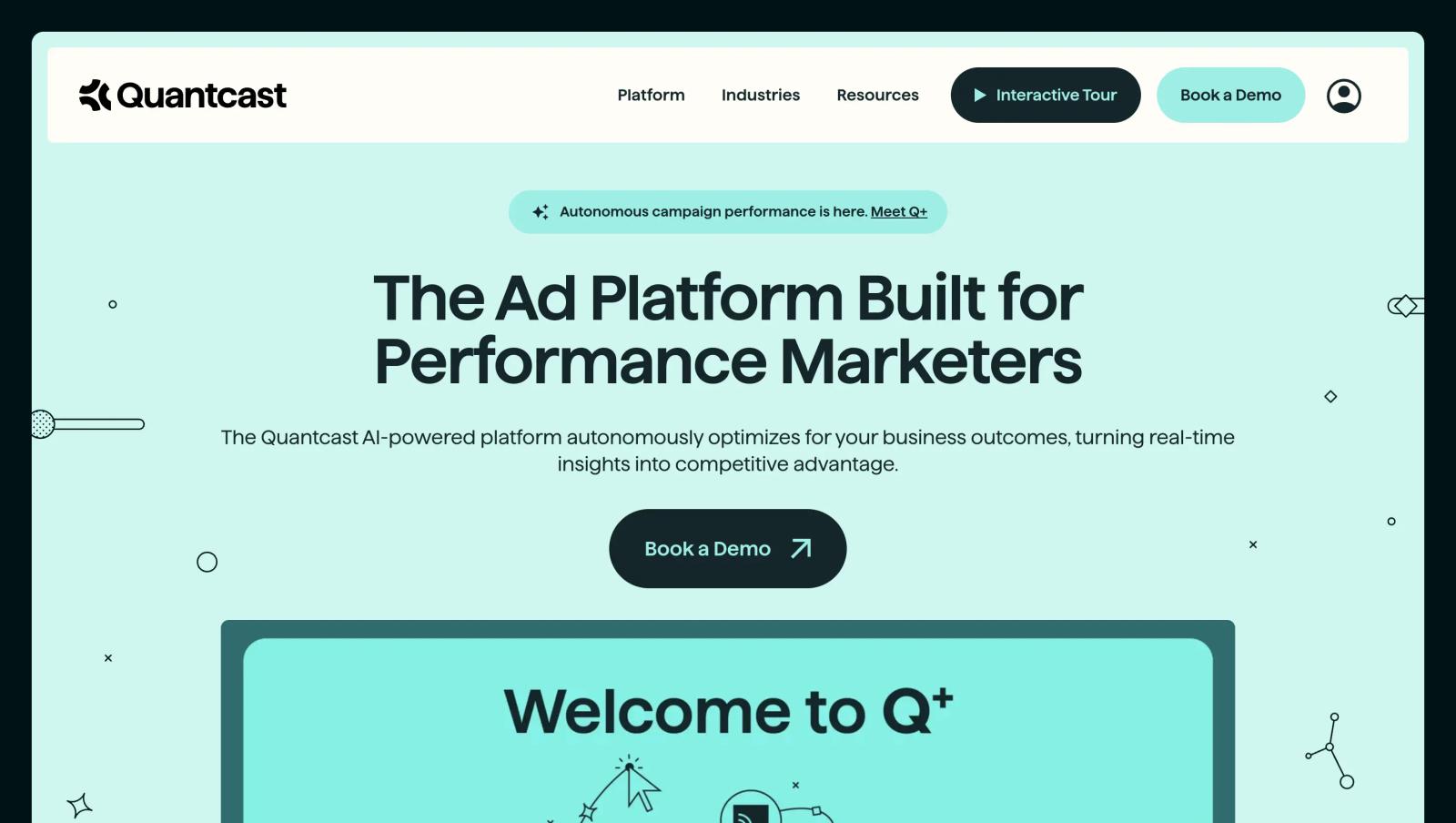
Quantcast is a good fit when media planning starts with the audience rather than the channel. It helps marketers understand who they want to reach, build audiences, and use those insights to inform media targeting.
That makes it different from attribution platforms such as SourceLoop. Quantcast is mainly about finding and planning around the right audience, while SourceLoop is focused on understanding what happens after people interact with your marketing.
What makes Quantcast useful
- Build audience segments: Create and analyze audiences based on behavioral and demographic signals.
- Understand audience composition: Compare your target audience with other groups to see what makes them different.
- Plan before buying: Use audience insights to decide who to target before putting budget behind a campaign.
- Predict future behavior: Quantcast's planning tools can help marketers look at potential future activity rather than only historical data.
- Connect planning with activation: Audience insights can be used to inform targeting and campaign execution.
- Easy to get started: G2 reviewers frequently mention Quantcast's clean interface and relatively intuitive workflow. Recent reviews also highlight its audience targeting capabilities.
Where Quantcast falls short
Quantcast is strongest at audience planning and targeting, not revenue attribution.
So if your question is "Who should we reach?", Quantcast can be useful. If the question is "Which campaign produced the most qualified leads and revenue?", you need an attribution solution alongside it.
Best for
Advertisers and agencies that need audience intelligence and targeting capabilities as part of their media planning process.
Pricing
Pricing varies based on the Quantcast product and campaign requirements. Contact Quantcast for current pricing.
7. CommerceIQ: Best for Ecommerce Media Optimization
CommerceIQ is built specifically for ecommerce teams that want to connect advertising, sales, and digital shelf data.
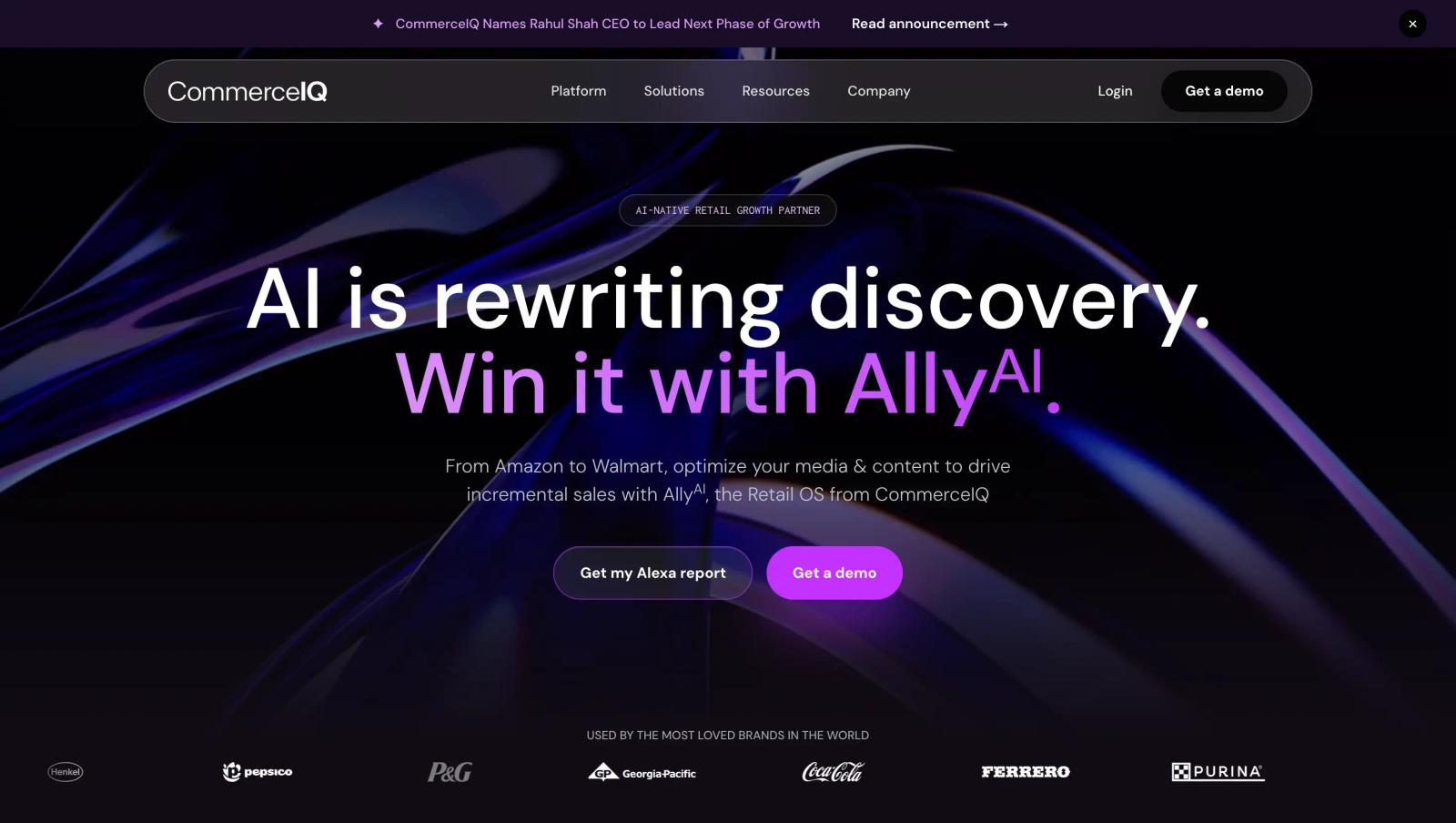
Rather than looking at advertising in isolation, CommerceIQ combines retail media performance with sales and marketplace signals. Its retail media platform can optimize bids and budgets using signals such as inventory, organic ranking, and other digital shelf information.
What makes CommerceIQ useful
- Connect media and sales data: See advertising performance alongside ecommerce sales and marketplace data.
- Optimize for incremental sales: The platform focuses on profitable growth rather than simply maximizing platform-reported ROAS.
- Use digital shelf signals: Bring inventory, organic ranking, share of voice, and other ecommerce signals into media decisions.
- Automate bids and budgets: AI agents can make ongoing bidding and budget adjustments based on changing conditions.
- Manage multiple retailers: Support advertising programs across Amazon, Walmart, Instacart, and other marketplaces.
- Build one ecommerce view: Sales, media, and digital shelf information can be brought together for a broader view of performance.
Where CommerceIQ falls short
CommerceIQ is very ecommerce-specific. That is a strength for consumer brands, but it makes it less useful for businesses whose marketing is primarily about generating leads, demos, opportunities, or offline sales.
It can also be more than a team needs if the only requirement is simple campaign reporting or budget tracking.
Best for
Large ecommerce and consumer brands that need to connect retail media optimization with sales, marketplace performance, and digital shelf signals.
Pricing
CommerceIQ does not publish standard pricing. Pricing is available through a sales consultation.
8. Guideline.ai: Best for Enterprise Media Planning and Ad Intelligence
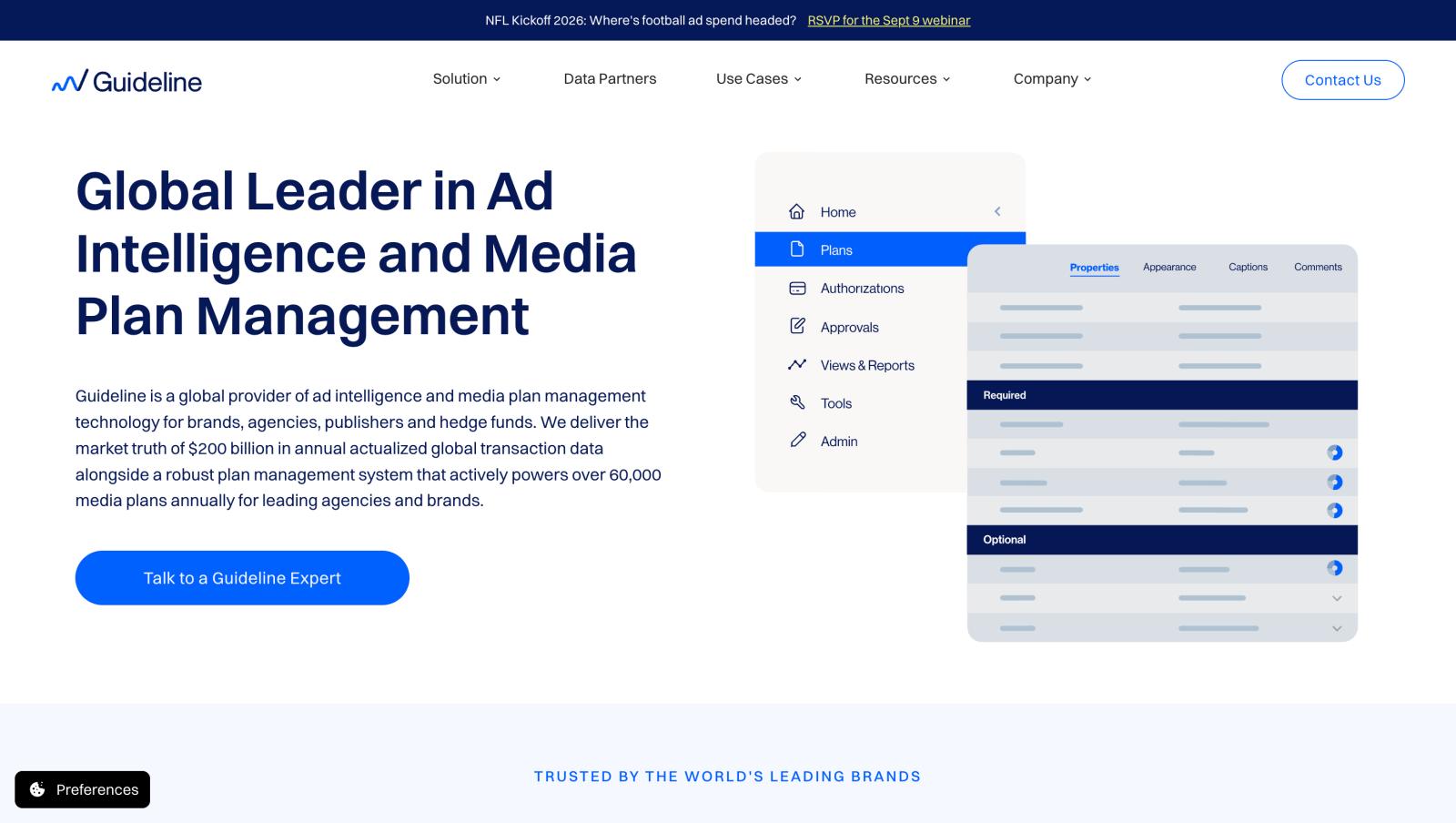
Guideline is built for large brands and agencies that need more than a simple media planning spreadsheet. It combines media plan management with advertising intelligence, pricing data, audience planning, and campaign workflows in one platform.
The platform brings together several capabilities that were previously offered through products such as SQAD and Lumina. Today, Guideline's MediaTools handles media plan management, while Lumina focuses on audience-first cross-media planning and SQADCosts provides validated media pricing intelligence.
What makes Guideline useful
- Manage media plans in one workspace: Bring plans, markets, agencies, budgets, approvals, and actuals together instead of managing separate spreadsheets and systems.
- Plan across channels: Lumina lets teams build cross-media plans across linear TV, streaming, digital, programmatic, social, search, and audio from a single audience definition.
- Use real media pricing data: SQADCosts is built on decades of reported transactions and provides pricing benchmarks that can be used while creating and evaluating plans.
- Connect planning with execution: MediaTools is designed to take plans from the initial brief through execution, reconciliation, and plan-versus-actual analysis.
- Bring competitive spend intelligence into planning: Guideline's ad intelligence products use billing-verified advertising spend data across TV, streaming, digital, print, audio, and out-of-home.
- Support large, complex organizations: The platform is designed for brands and agencies managing multiple markets, agencies, channels, and stakeholders.
Where Guideline falls short
Guideline is primarily an enterprise media planning and intelligence platform. It is designed around media investment, audience planning, pricing, and operational workflows rather than website-level conversion attribution.
So if the question is "How should we plan and manage a large cross-channel media budget?", Guideline is a strong option.
If the question is "Which campaigns actually generated our leads, customers, and revenue?", a dedicated marketing attribution platform such as SourceLoop is a better fit.
Best for
Large brands, agencies, and enterprise media teams managing complex cross-channel media investments across multiple markets and agency relationships.
Pricing
Guideline does not publish standard self-serve pricing. Pricing is available through a demo and depends on the products and requirements of the organization.
9. Meta Robyn: Best for Open-Source Marketing Mix Modeling
Meta Robyn is for teams that want to build their own marketing mix model instead of buying a traditional media planning platform.
It is an open-source MMM package from Meta Marketing Science that uses statistical and machine-learning techniques to estimate how different marketing channels contribute to performance. It can also help explore adstock, saturation, and budget allocation.
The big advantage is that there is no software license cost. The trade-off is that you need the technical expertise and data infrastructure to actually use it.
What makes Robyn useful
- Open source: The software is available under an MIT license, so teams can use and customize it without paying for a commercial MMM platform.
- Built for MMM: Model the relationship between marketing investment and business outcomes across multiple channels.
- Handles adstock and saturation: Helps account for the fact that advertising can have effects over time and that additional spend does not always produce proportional returns.
- Supports budget optimization: Robyn includes tools for exploring how budgets could be allocated across channels.
- Works with granular data: Meta says it is particularly suited to digital and direct-response advertisers with rich datasets.
- Available in R and Python: Teams can work with the language that fits their existing analytics environment.
Where Robyn falls short
The word "open source" can make Robyn sound easier than it is.
You still need clean historical data, someone who understands MMM, and enough technical knowledge to configure, evaluate, and interpret the models. Meta itself describes Robyn as experimental and semi-automated, rather than a plug-and-play planning application.
It also does not give you the operational workflow of a tool such as Bionic or MediaPlanHQ.
Best for
Data science, analytics, and advanced marketing teams that want to build and customize their own marketing mix modeling system.
Pricing
Free and open source. The main cost is the technical expertise and infrastructure required to implement and maintain it.
10. Skai: Best for Omnichannel Commerce Media Planning
Skai is a strong choice for larger brands that want one place to plan, activate, and measure advertising across search, social, retail media, and other channels.
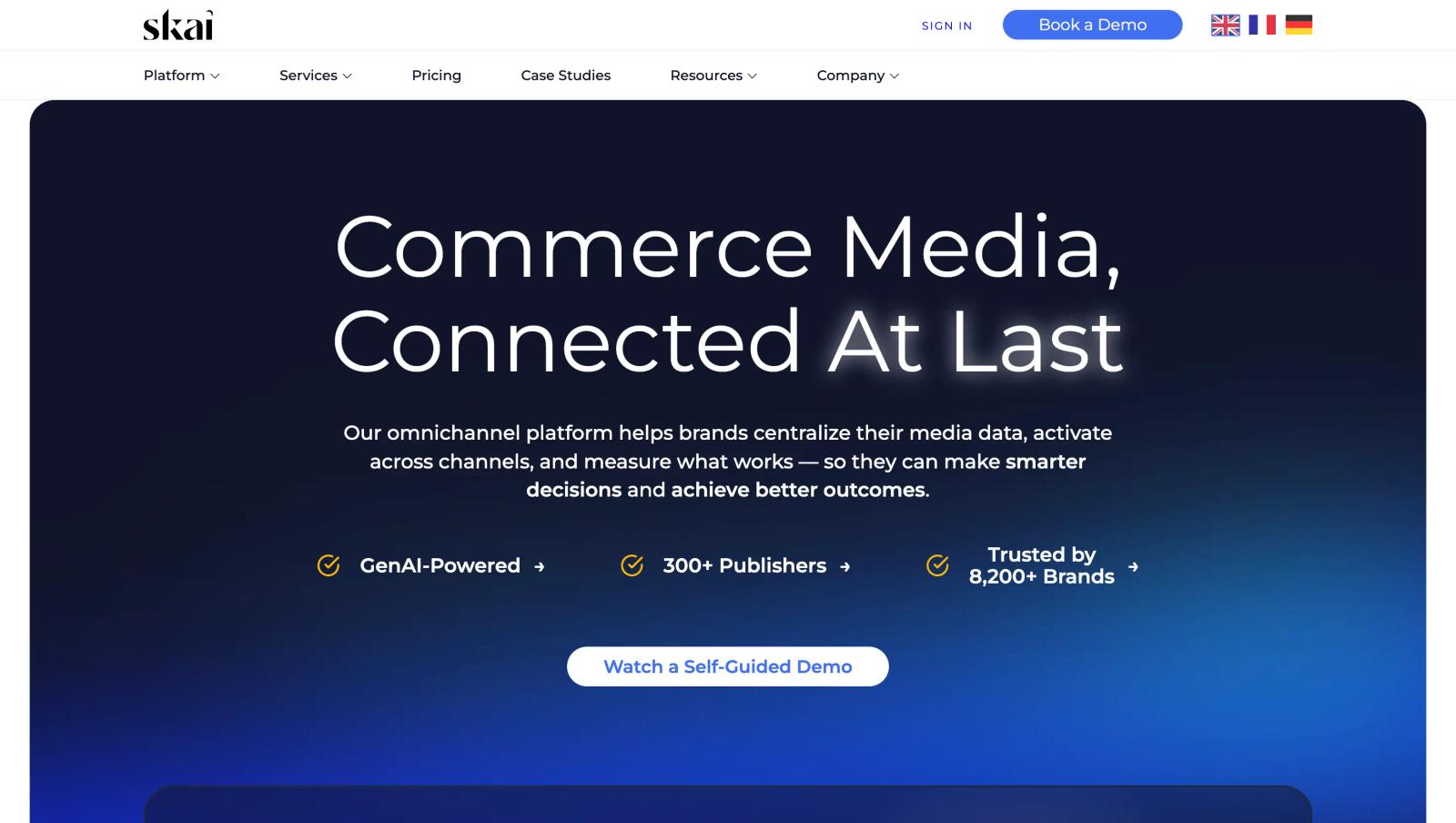
It is broader than a pure retail media platform. Skai connects advertising across 100+ publishers and retailers, including Amazon, Walmart, Target, Instacart, Google, Microsoft, TikTok, and others.
Its planning tools also let teams compare planned versus actual spend and model different budget scenarios.
What makes Skai useful
- Plan across channels: Build a unified view of budgets across search, social, retail media, display, and other channels.
- Manage retail media: Connect advertising across major retailers such as Amazon, Walmart, Target, and Instacart.
- Forecast different scenarios: Simulate budget changes and estimate potential revenue, conversions, and ROI.
- Track planned vs. actual spend: Give media leaders a single view of whether campaigns are pacing according to plan.
- Bring commerce data together: Combine media performance with first-party and retail data for broader decision-making.
- Automate campaign management: Use automation and optimization tools to reduce manual work across large advertising programs.
What users like
Skai has 297 G2 reviews and a 4.0/5 rating. Users frequently praise its automation, reporting, bulk campaign management, and ability to bring multiple advertising channels together. Some reviewers say the platform can feel heavy to configure, and retail-media data or features can vary between retailers.
Where Skai falls short
Skai is designed for large, complex advertising programs, so it can be more platform than a smaller ecommerce team needs.
It is also primarily focused on media execution, optimization, and measurement. If your main requirement is connecting website visitors and leads to CRM revenue, a dedicated attribution platform can be a better fit.
Best for
Large ecommerce brands, agencies, and enterprise marketing teams running advertising across search, social, retail media, and multiple marketplaces.
Pricing
Skai does not publish standard self-serve pricing. Pricing depends on the size and requirements of the advertising program.
Frequently asked questions
-
Frequently Asked Questions
-
What is a media planning tool?
A media planning tool helps marketers plan where, when, and how to spend their advertising budget. HubSpot’s media planning guide
-
What is the best media planning tool?
SourceLoop is a strong choice for performance-focused media planning, connecting marketing spend with leads, pipeline, customers, and revenue.
-
What is the best media planning tool for ecommerce?
Pacvue, Skai, and CommerceIQ are strong options for ecommerce and retail media, with tools for planning, campaign management, and optimization.
-
What is the difference between media planning and attribution?
Media planning helps decide where to spend. Attribution shows what that spending generated, such as leads, customers, or revenue.
-
Can media planning tools track revenue?
Some can. SourceLoop connects marketing activity to CRM outcomes and revenue, helping teams make budget decisions based on business results.

 Paid Social


