
8 Best Meta Ads Conversion Tracking Tools (Compared & Ranked)
Compare the 8 best Meta Ads conversion tracking tools for 2026. Find the right CAPI solution for your business, from native Meta tools to full attribution platforms.
Table of contents
- Why Meta Pixel Alone Isn't Enough in 2026
- Comparison of the 8 Best Meta Ads Conversion Tracking Tools
- 1. SourceLoop: Best for Lead Generation and Revenue Tracking
- 2. Meta Events Manager + Conversions API: Best Free Option
- 3. Stape: Best for Server-Side Tracking
- 4. Triple Whale: Best for Shopify and DTC Brands
- 5. Elevar: Best for Shopify Tracking Setup
- 6. Cometly: Best for Multi-Channel Ad Attribution
- 7. Northbeam: Best for High-Spend Ecommerce
- 8. Hyros: Best for Long Sales Funnels
The best Meta Ads conversion tracking tools combine the Meta Pixel with Conversions API (CAPI) to improve signal quality and recover conversions lost through browser-based tracking.
For lead generation, tools like SourceLoop connect Meta Ads to CRM stages, helping Meta optimize for qualified leads and revenue instead of just form fills. For ecommerce, tools like Elevar provide deeper product and purchase tracking.
Why Meta Pixel Alone Isn't Enough in 2026
The Meta Pixel still plays an important role in tracking website activity, but browser-only tracking has become less reliable. Apple’s AppTrackingTransparency changes, browser privacy restrictions, and ad blockers can all reduce the conversion data Meta receives.
- Meta Conversions API (CAPI) helps fill these gaps by sending conversion events directly from your server to Meta, rather than relying entirely on the visitor’s browser. Meta recommends using CAPI alongside the Pixel to improve measurement and optimization.
- Pixel + CAPI gives Meta stronger signals. Meta can use browser and server events together and deduplicate matching conversions, so the same lead or purchase isn't counted twice.
- For lead generation, the quality of the signal matters. Sending a form submission is useful, but sending later CRM events such as qualified leads, opportunities, or revenue gives Meta a better signal for optimizing campaigns toward business outcomes.
Comparison of the 8 Best Meta Ads Conversion Tracking Tools
Here’s how the top Meta Ads conversion tracking tools compare on CAPI, CRM and revenue tracking, ecommerce support, and pricing.
| # | Tool | Best for | CAPI | CRM / Revenue | Ecommerce | Starting price |
|---|---|---|---|---|---|---|
| 1 | SourceLoop | B2B leads, SaaS & revenue | ✅ | ✅ | — | $49/mo |
| 2 | Meta Pixel + CAPI | Basic Meta tracking | ✅ | — | — | Free |
| 3 | Stape | Server-side tracking | ✅ | — | ✅ | ~$17/mo |
| 4 | Cometly | B2B paid media attribution | ✅ | ✅ | ✅ | Custom |
| 5 | Triple Whale | Shopify & DTC brands | ✅ | — | ✅ | $129/mo |
| 6 | Elevar | Shopify CAPI & tracking | ✅ | — | ✅ | ~$200/mo |
| 7 | Northbeam | High-spend ecommerce | ✅ | ✅ | ✅ | ~$1,500/mo |
| 8 | Hyros | High-ticket & long sales cycles | ✅ | ✅ | — | Custom |
1. SourceLoop: Best for Lead Generation and Revenue Tracking
Best for: B2B SaaS, lead generation, and sales-led businesses that want to connect Meta Ads with their CRM, qualified leads, pipeline, and revenue
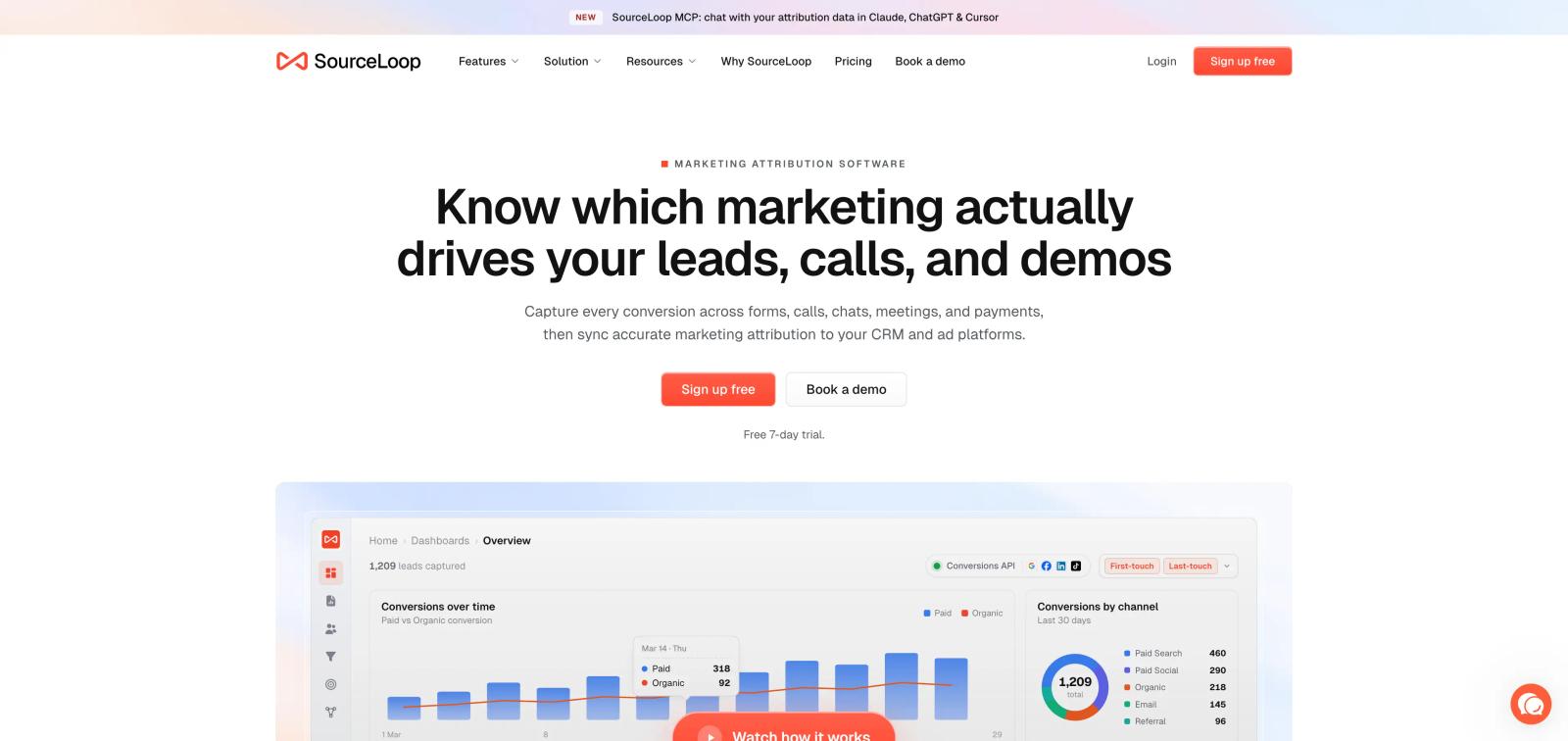
SourceLoop is my top pick if you sell a service, SaaS product, or anything where the conversion does not end with a form submission. It connects your website tracking with your CRM and sends qualified conversion data back to Meta through CAPI.
The useful part is what happens after someone fills out a form. You can track whether that person became an MQL, SQL, opportunity, customer, or generated revenue. Meta can then get those better signals instead of only seeing cheap form fills.
Pros
- Tracks the full lead journey: See where a person came from, what they did on the website, when they became a lead, which CRM stage they reached, and whether they eventually became a customer.
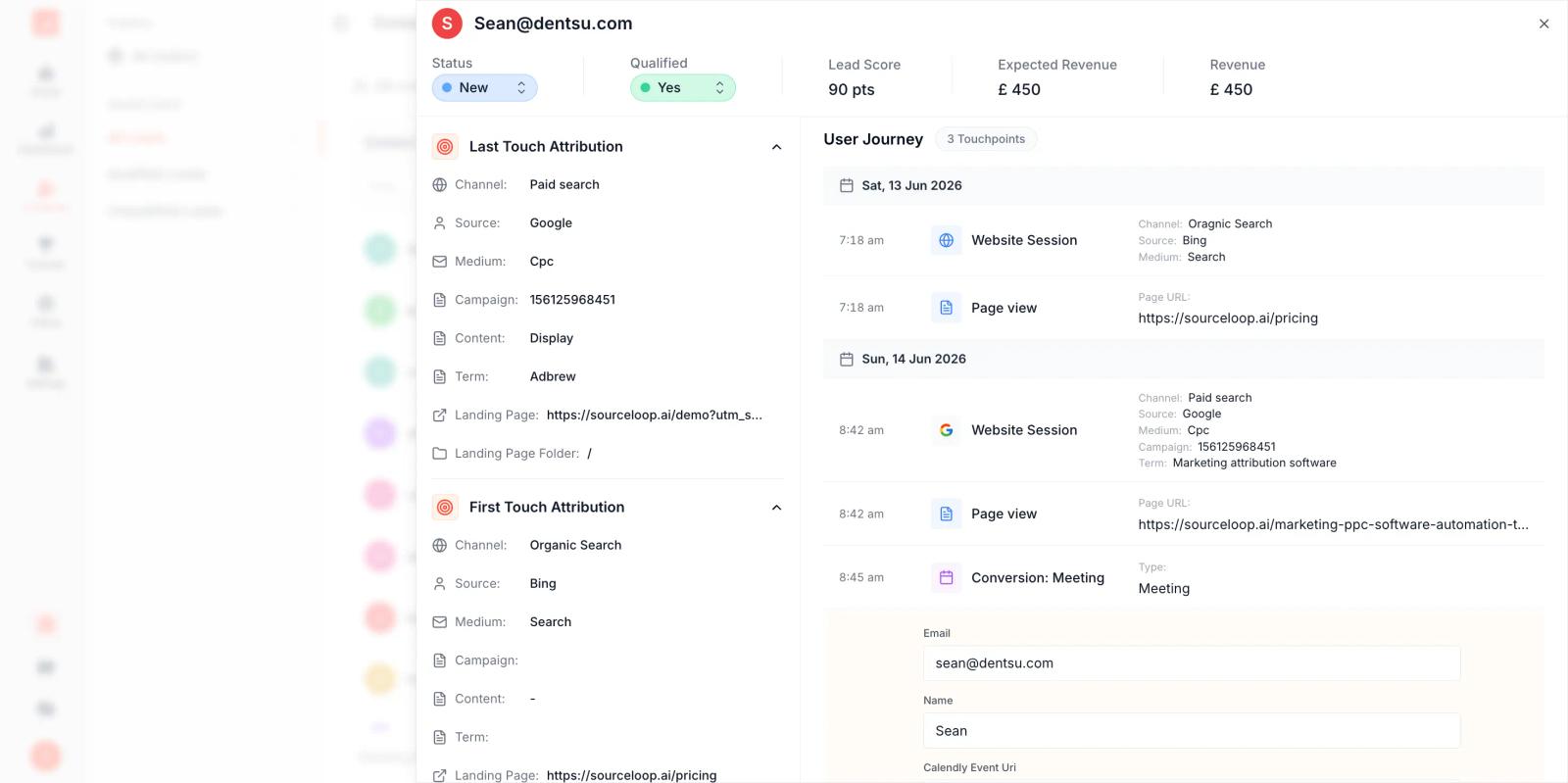
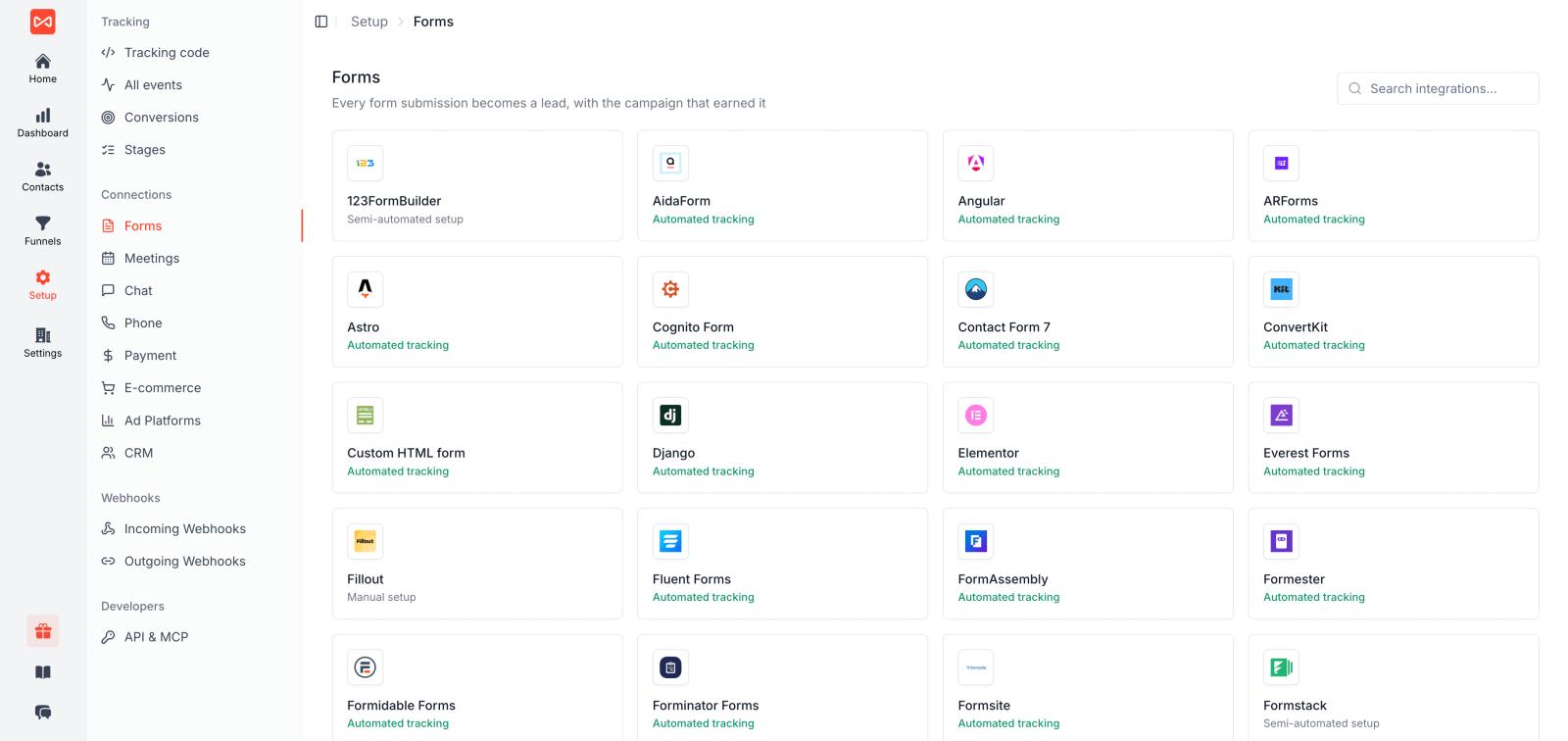
- Built for lead generation and B2B SaaS: Track forms, meetings, calls, chats, trials, opportunities, and other conversions instead of treating every form fill as the same.
- Sends better signals to Meta: Push qualified leads, demos, closed-won deals, and revenue back to Meta through server-side CAPI so campaigns can optimize for business outcomes, not just cheap leads.
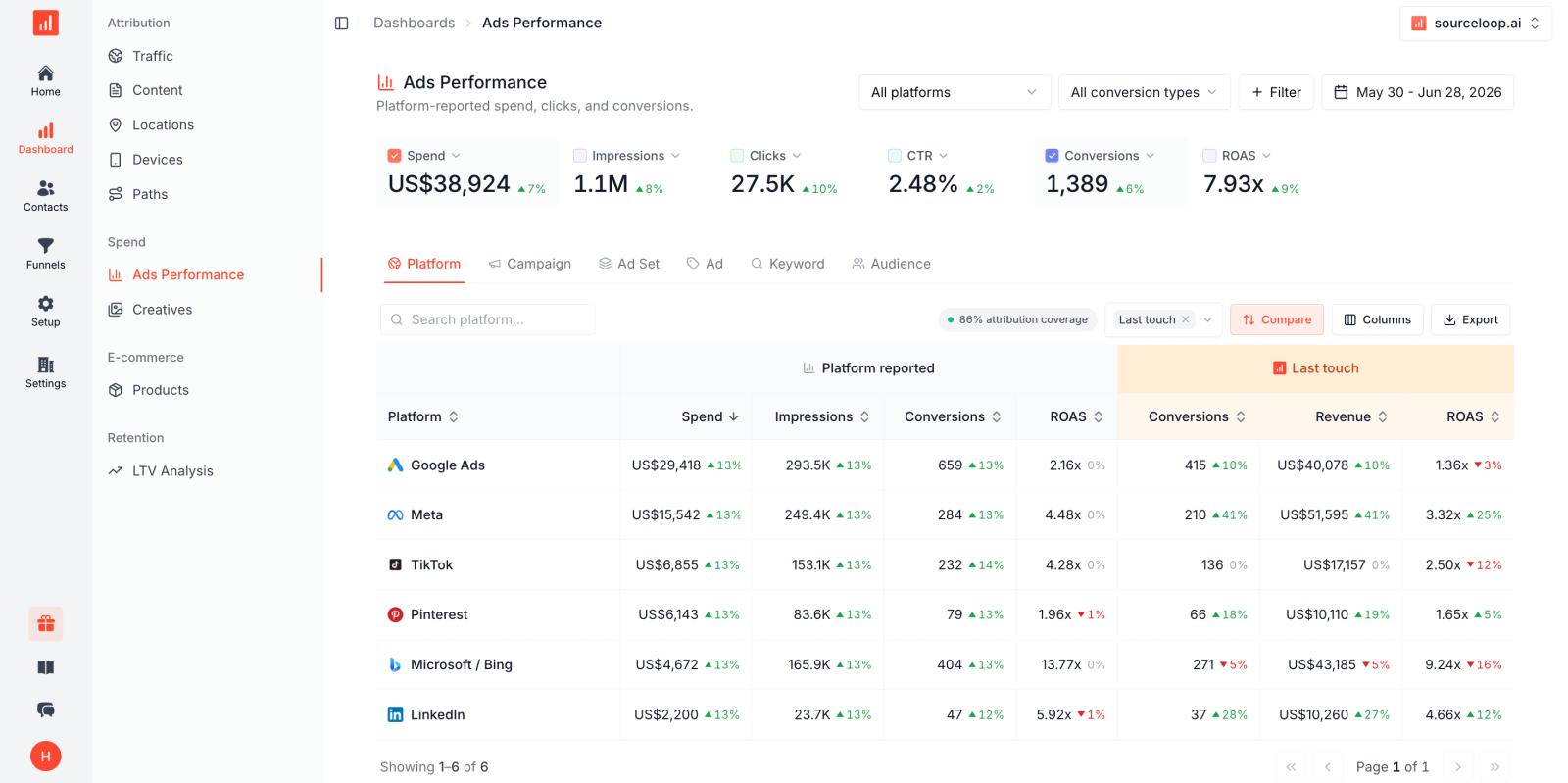
- Connects directly with your CRM: SourceLoop works with HubSpot, Salesforce, Pipedrive, and other CRMs, keeping the original source, journey, deal stage, and revenue connected.
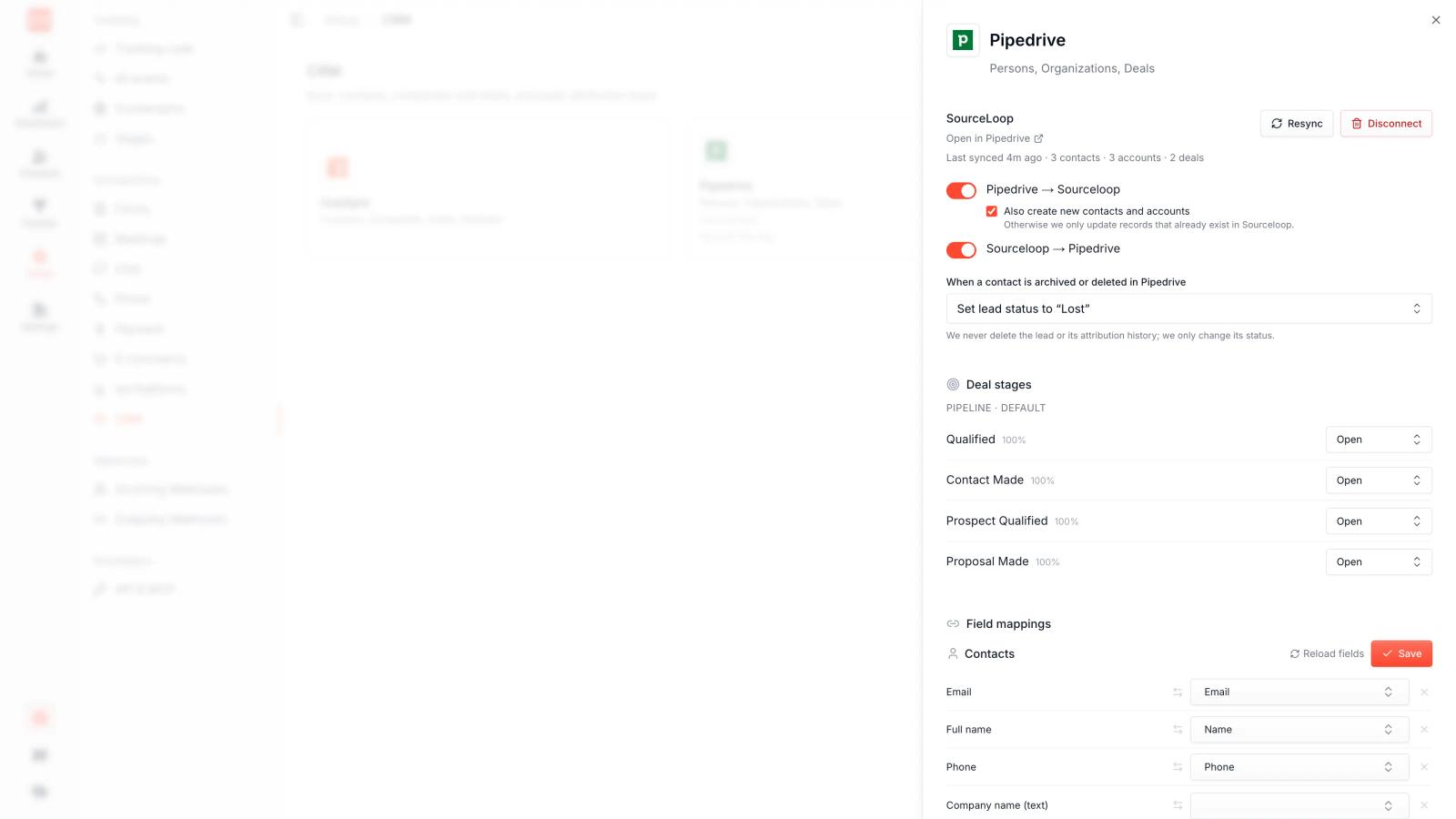
- Shows revenue by campaign: Instead of stopping at cost per lead, you can compare campaigns based on pipeline, closed revenue, ROAS, CAC, and other business metrics.
- Works across the whole funnel: You can track first touch, last touch, and multi-touch journeys, making it useful when a B2B buyer interacts with several ads and channels before converting.
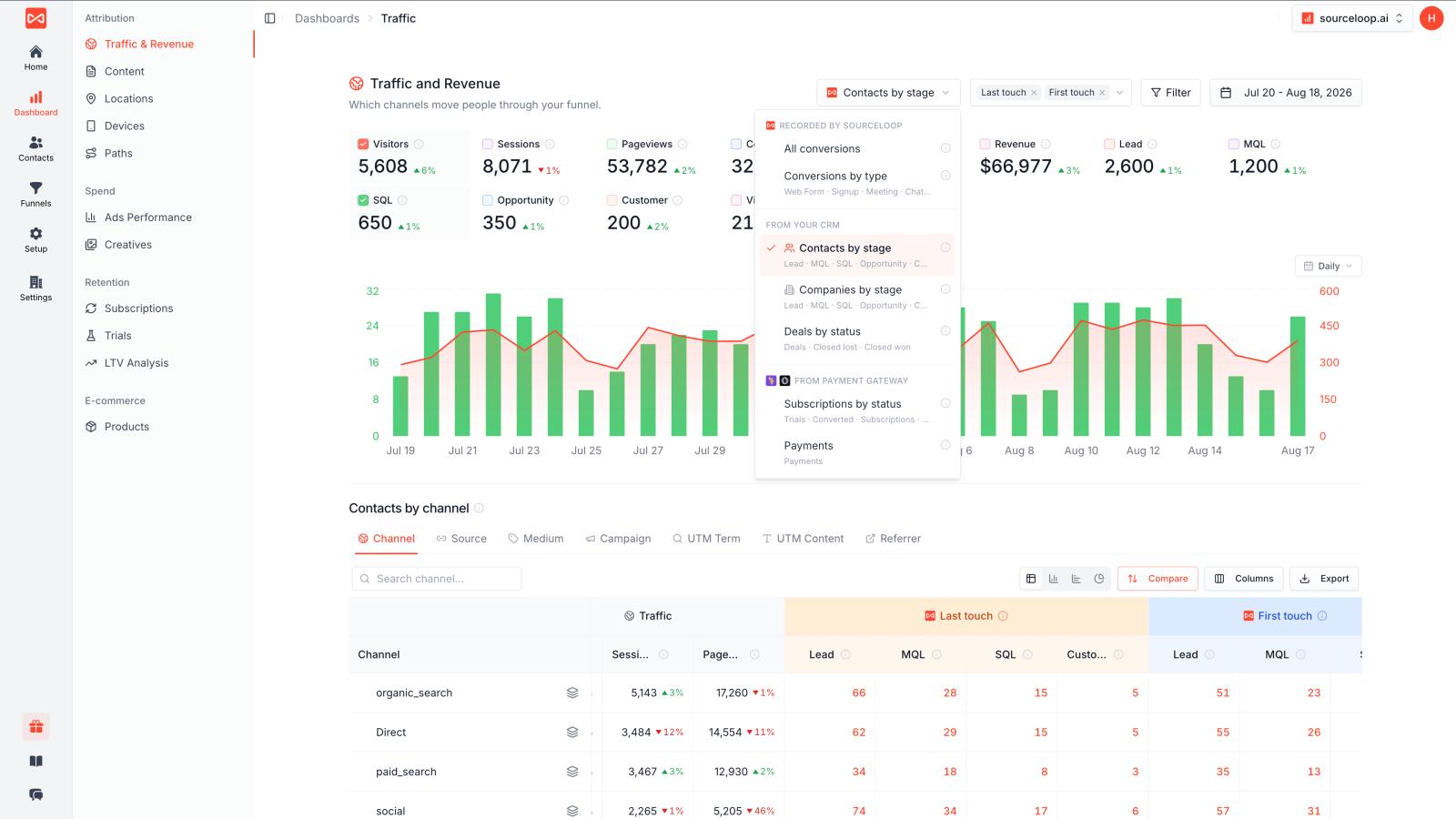
- Less technical than building CAPI yourself: SourceLoop handles the server-side conversion setup, so marketing teams do not have to build and maintain their own CAPI endpoint.
- Useful beyond Meta: The same attribution data can also be connected to Google Ads, LinkedIn, TikTok, CRM systems, and billing tools, so you are not building a separate tracking setup for every channel.
Cons
- Not built mainly for Shopify product-level analytics.
- If you only need basic Meta Pixel tracking, it may offer more than you need.
Pricing
Plans start at $49/month, with a 7-day free trial.
2. Meta Events Manager + Conversions API: Best Free Option
Best for: Businesses that want direct Meta tracking and have developer help
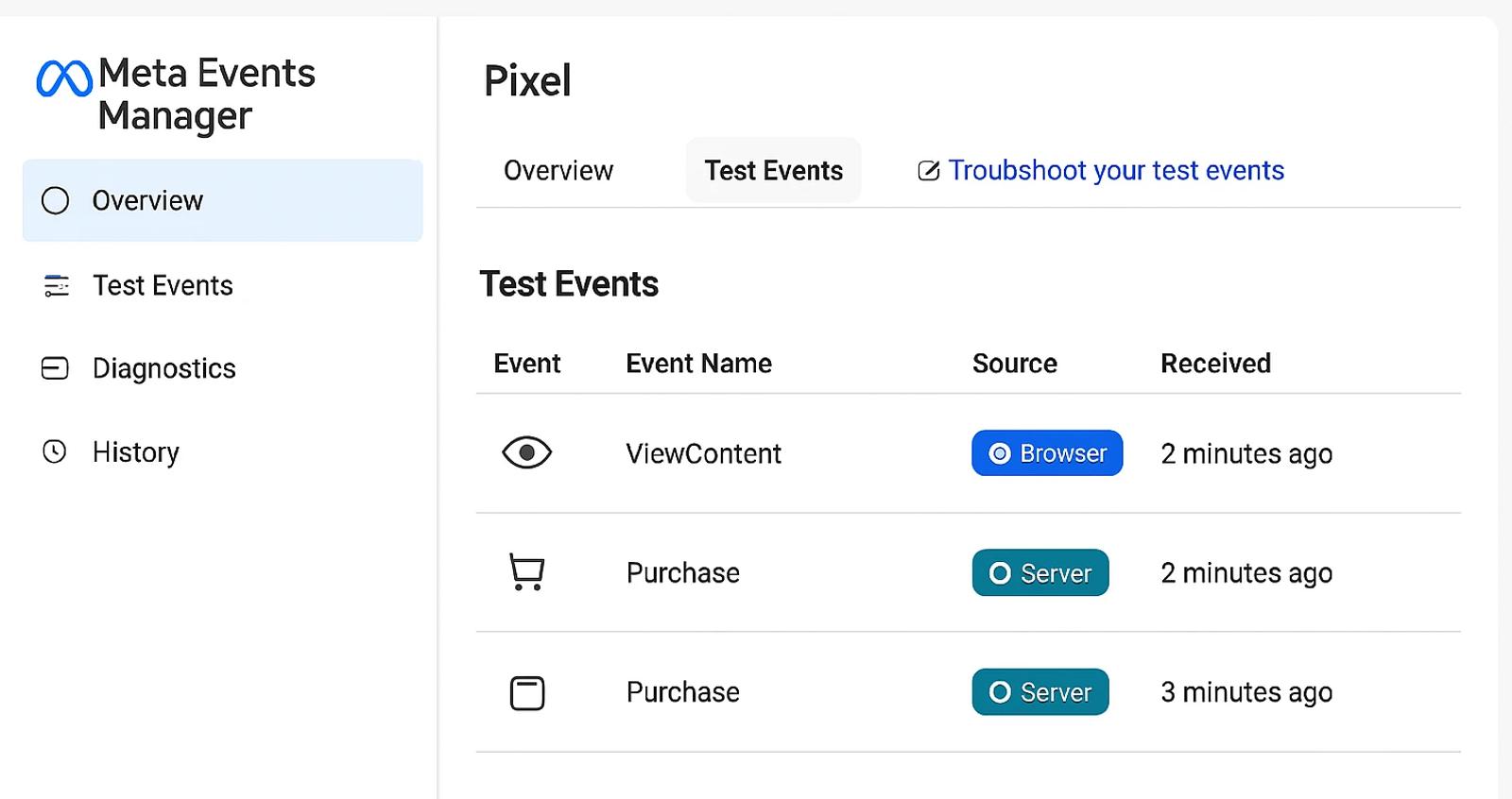
You do not always need another tool. Meta gives you its own Events Manager and Conversions API for sending events to Meta.
For a simple website, this can be enough. The problem is that you are responsible for setting up the events, matching users, handling deduplication, testing everything, and keeping it working as your website changes.
Pros
- Direct from Meta: No extra attribution platform sitting between your website and Meta.
- Free: The infrastructure itself does not require another SaaS subscription.
- Good diagnostics: Events Manager lets you check received events and event quality.
- Works with Pixel: You can run browser and server-side tracking together.
Cons
- Usually needs technical work for anything beyond a basic setup.
- Does not give you a full CRM-to-revenue attribution system.
- Reporting is focused on Meta rather than your whole marketing funnel.
Pricing
Free, excluding development or implementation costs.
Screenshot: Meta Events Manager screenshot here.
3. Stape: Best for Server-Side Tracking
Best for: Agencies and technical teams that want more control over server-side tracking
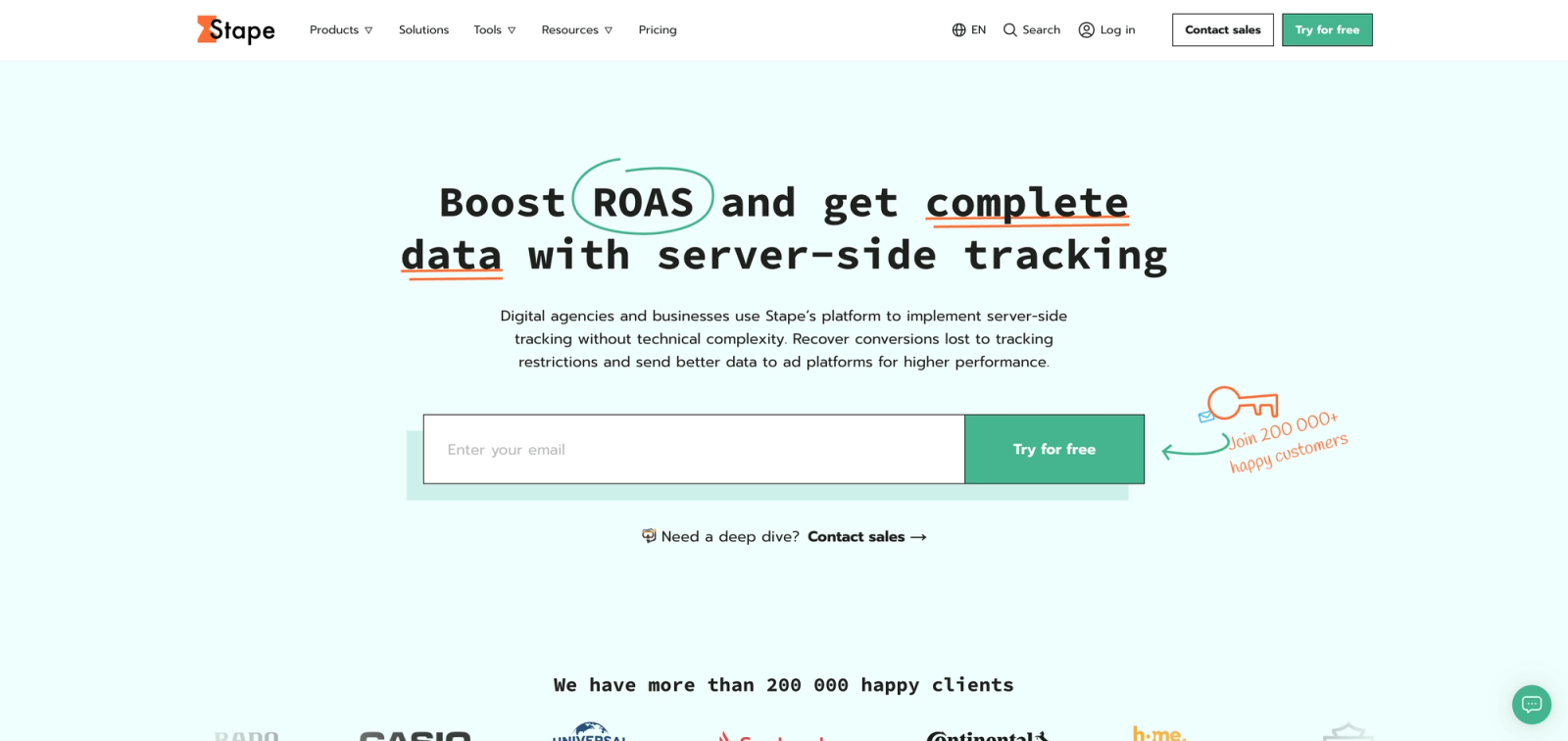
Stape is different from SourceLoop. It is more of a server-side tracking infrastructure layer. You can use it to run server-side Google Tag Manager and send events to Meta through CAPI.
It is a good option when your team already understands GTM and wants control over how data is collected and routed. If you just want tracking to work without building the setup yourself, it can feel more technical.
Pros
- Strong server-side setup: Good for moving tracking away from the browser.
- Flexible: You can route data to multiple platforms and customize the setup.
- Good for agencies: Useful when managing tracking setups for several clients.
- Relatively cheap: Much cheaper than many full attribution platforms.
Cons
- More technical: You still need to understand GTM, events, variables, and server-side tracking.
- It is mainly infrastructure, not a complete marketing attribution dashboard.
- More flexibility also means more things you need to configure correctly.
Pricing
Stape's Meta CAPI Gateway currently starts at around $8/month per Pixel when billed annually, with higher plans available.
4. Triple Whale: Best for Shopify and DTC Brands
Best for: Ecommerce brands running Meta Ads at scale
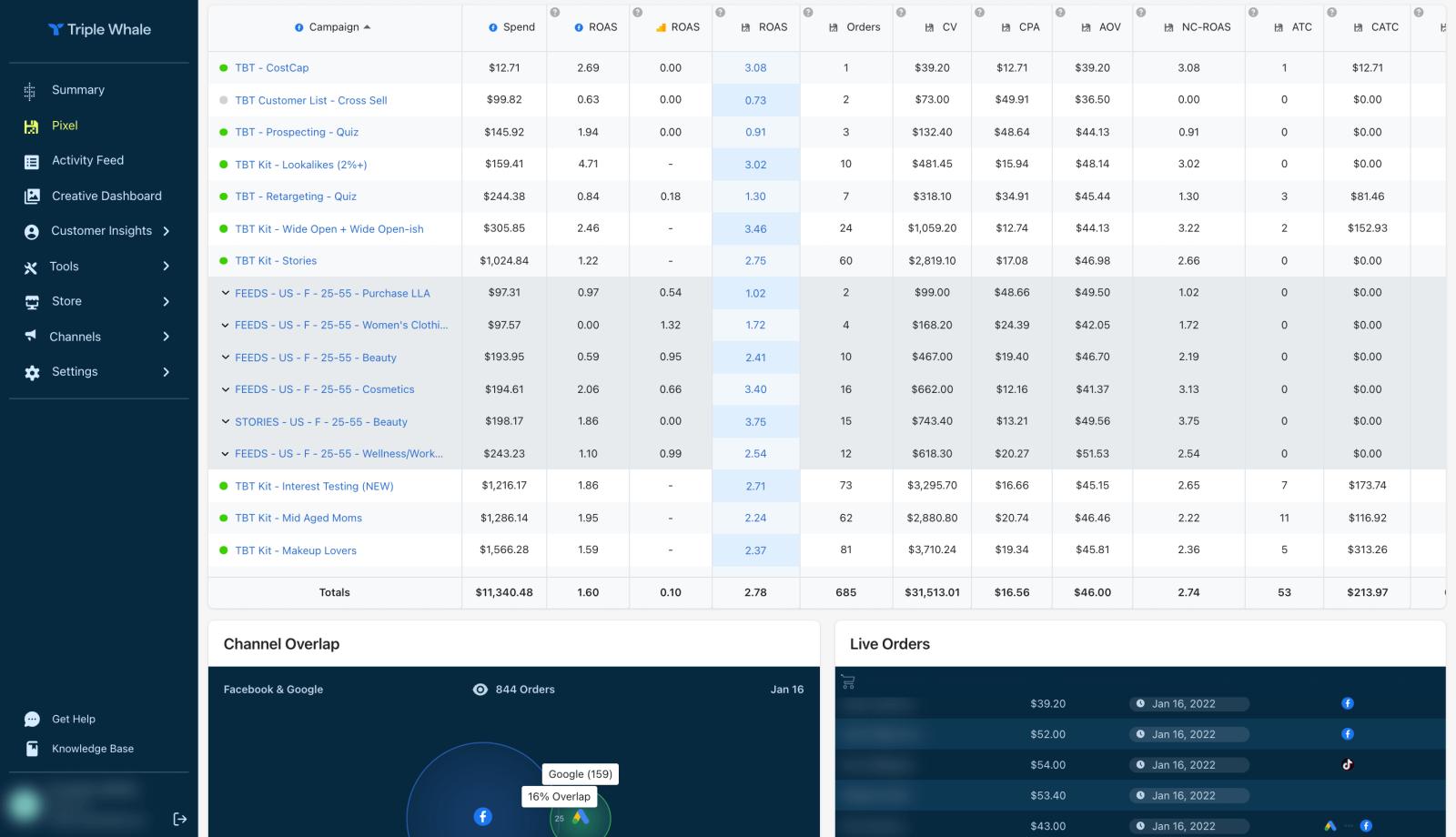
Triple Whale is one of the better-known options for Shopify and DTC brands. It pulls ecommerce, advertising, and customer data into one place and gives you attribution, ROAS, profitability, and customer reporting.
The experience is less about simply asking "did Meta get the purchase?" and more about asking which ads and channels are actually making money?
G2 users generally like its centralized dashboard and ease of use, although some users report attribution issues, slow loading, and pricing concerns as they grow.
Pros
- Very ecommerce-focused: Built around orders, revenue, products, and customer data.
- Meta CAPI: Can send useful purchase signals back to Meta.
- Clear dashboards: Easier to see Meta, Google, TikTok, and other channels together.
- Profitability: Goes beyond basic ROAS to help understand business performance.
Cons
- Not ideal for lead generation: It is built mainly around ecommerce.
- Can become expensive as your business grows.
- Some users report attribution and data accuracy issues.
Pricing
There is a free plan. Paid Foundation currently starts at $219/month, with higher plans available.
5. Elevar: Best for Shopify Tracking Setup
Best for: Shopify stores that mainly need clean, reliable tracking
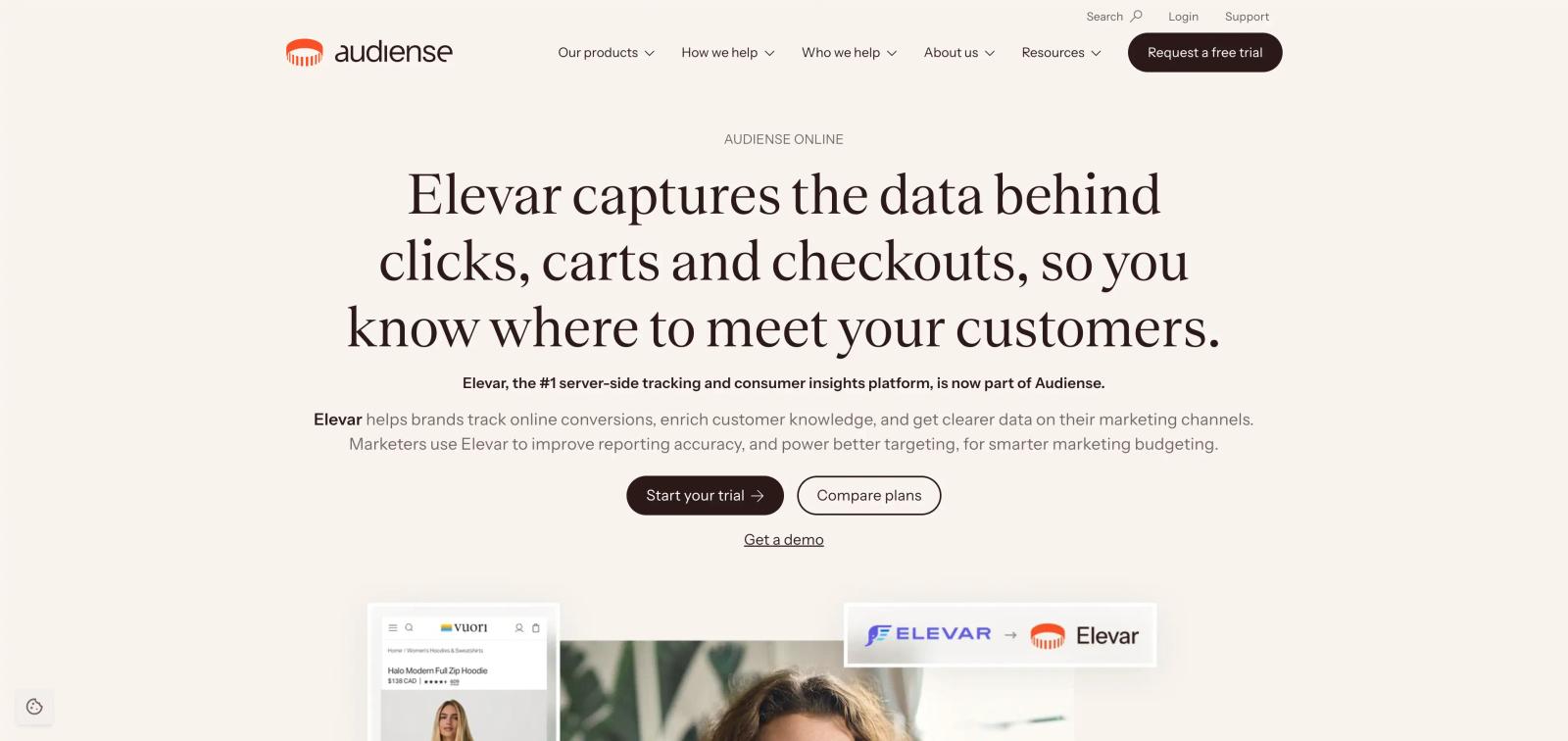
Elevar focuses more on getting ecommerce tracking right than being a giant attribution dashboard. It helps Shopify brands manage their data layer, tracking events, and server-side connections to advertising platforms.
This makes it a good fit if your main problem is "I don't trust my Meta and Google tracking" rather than "I need a complete marketing intelligence platform."
G2 reviews are limited, but the available users praise its tracking reliability and support. One reviewer specifically highlighted server-side tracking, while another said setup can be complicated.
Pros
- Strong Shopify focus: Built around ecommerce tracking needs.
- Server-side tracking: Helps improve data sent to advertising platforms.
- Good for complex stores: Useful when you have subscriptions, multiple events, and a more complicated data layer.
- Tracking-first approach: Good when data quality is the main problem.
Cons
- Setup can be more complicated than simple plug-and-play tools.
- Less useful if you need CRM and sales pipeline tracking.
- Pricing is not publicly simple to compare.
Pricing
Custom pricing based on your setup and requirements.
6. Cometly: Best for Multi-Channel Ad Attribution
Best for: Marketers who want to see which ads drive leads and revenue
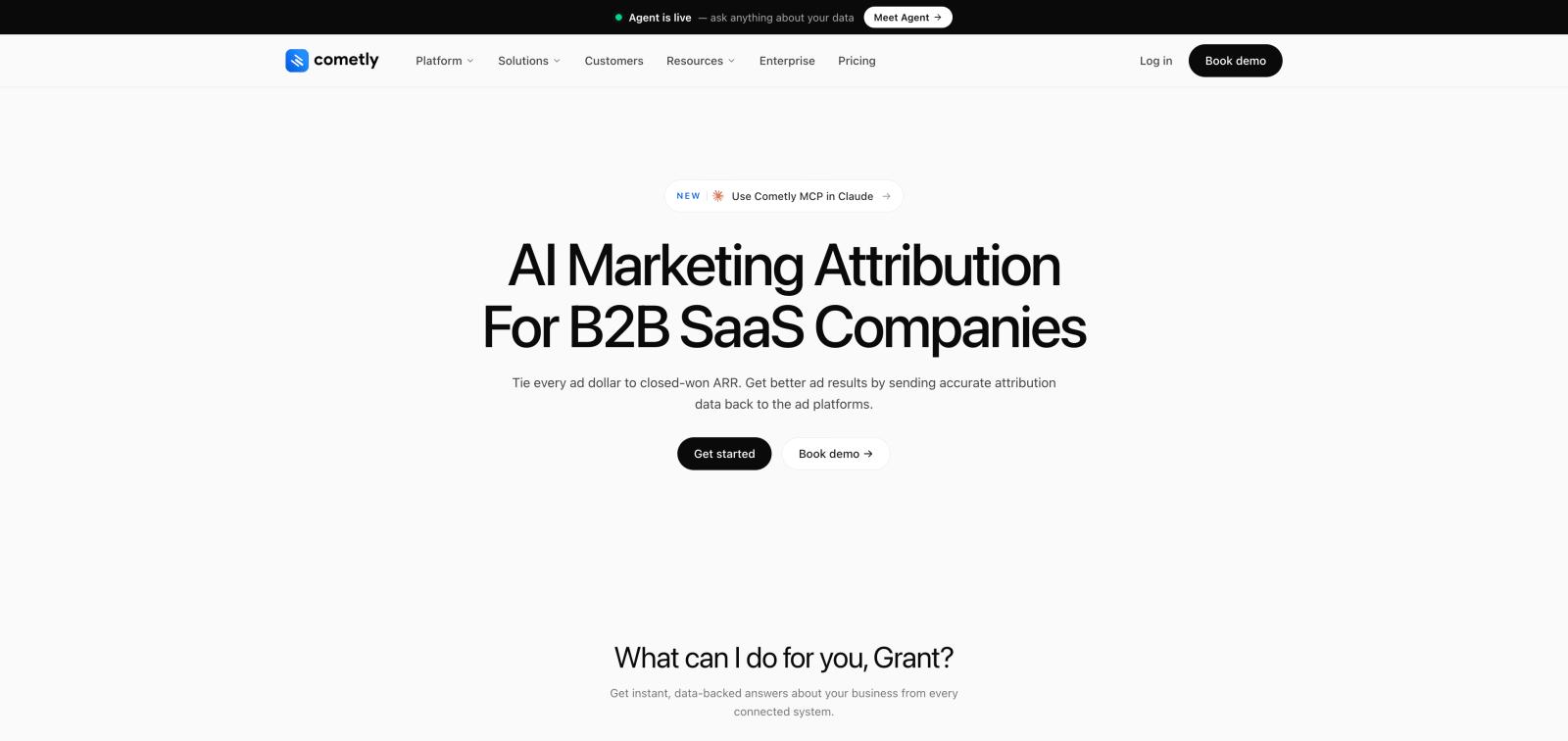
Cometly combines ad tracking, attribution, and server-side conversion tracking. It pulls data from Meta and other ad platforms, connects it to visitor journeys, and can send enriched conversion data back through CAPI.
It is especially interesting for teams that run several paid channels and want one dashboard instead of jumping between Ads Manager accounts.
G2 currently shows 4.8/5 from 35 reviews, with users often praising setup, tracking accuracy, dashboards, and support. Some users say complex tech stacks can take longer to set up.
Pros
- Good ad-level visibility: See campaigns, ad sets, ads, and conversions together.
- Server-side CAPI: Sends enriched conversion data back to Meta.
- Multi-channel: Works across Meta, Google, LinkedIn, TikTok, and more.
- Revenue tracking: Can connect advertising activity to actual sales.
Cons
- More expensive than basic tracking tools.
- Complex setups can take time to configure.
- Some users feel it is less suited to certain B2B setups.
Pricing
Cometly uses usage-based pricing based on monthly pageviews. Exact pricing depends on your traffic and setup.
7. Northbeam: Best for High-Spend Ecommerce
Best for: Larger ecommerce brands that need serious attribution
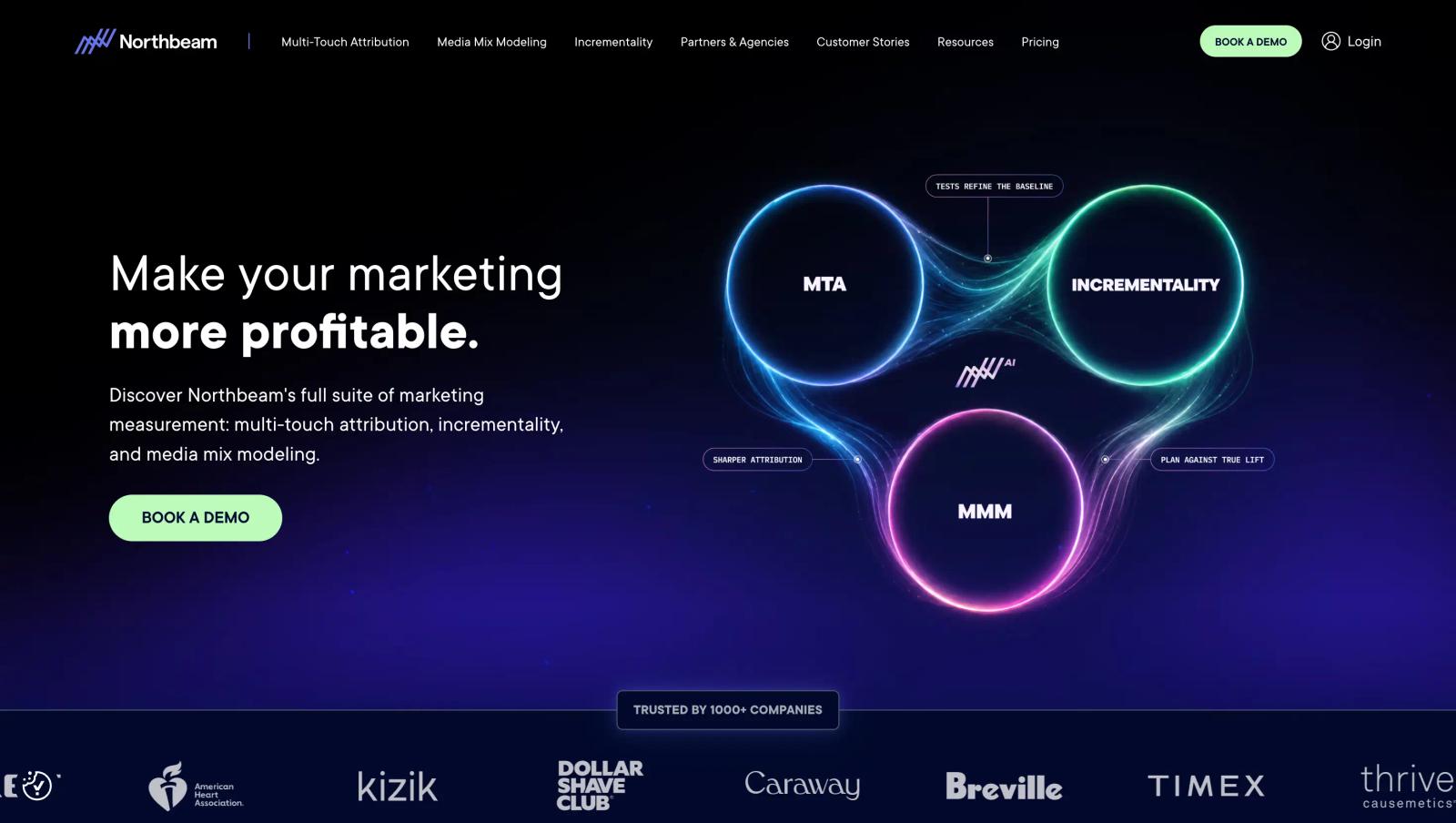
Northbeam is aimed at brands that have enough ad spend and data to need more advanced attribution. It looks across channels and uses modeled attribution to help brands understand which marketing activities are driving revenue.
This is not the tool I would pick for a small store spending a few thousand dollars a month. But once the numbers get big, small attribution mistakes can become expensive.
G2 users praise Northbeam's attribution, reporting, and ability to help with budget decisions. The common downside is the learning curve and more difficult onboarding.
Pros
- Deep attribution: Built for teams that need more than Meta's own reporting.
- Cross-channel: Compare Meta, Google, TikTok, email, and other channels.
- Good for larger brands: Designed for businesses with significant marketing spend.
- Strong reporting: Useful for making bigger budget decisions.
Cons
- Expensive: Hard to justify for small advertisers.
- More complex: You need time to understand the models and reports.
- Onboarding can take longer than simpler tracking tools.
Pricing
Northbeam's public pricing has historically started around $1,000 to $1,500/month, depending on plan and usage, with higher tiers available.
8. Hyros: Best for Long Sales Funnels
Best for: High-ticket businesses where leads turn into sales through calls, emails, or long funnels
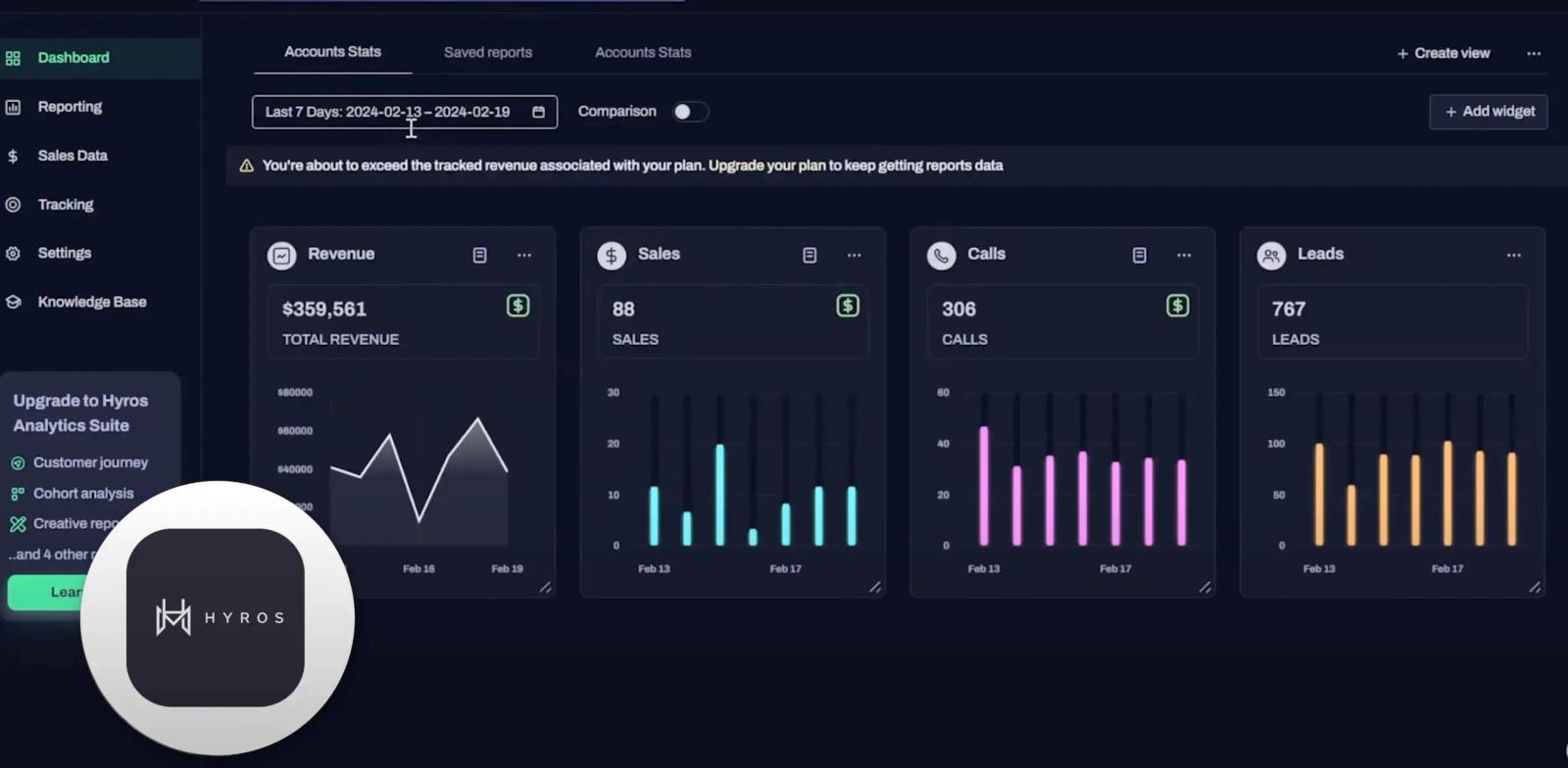
Hyros takes a different approach to Meta tracking. It is built around following people through longer customer journeys, including calls, emails, funnels, and sales.
That can be useful if a $100 Meta lead is not the real conversion. The real conversion might happen after several calls and emails, weeks after the original ad click.
Pros
- Long customer journeys: Useful for businesses with longer sales cycles.
- Call tracking: Can connect phone conversations to marketing activity.
- Revenue-focused: Goes beyond counting leads.
- Detailed attribution: Useful for businesses where the path from ad to sale is complicated.
Cons
- More expensive and complex: Not a good fit for basic tracking.
- Setup can take more work than simpler tools.
- G2 has relatively few reviews, so there is less independent review data to rely on.
Pricing
Pricing varies by plan and business size, so you generally need to contact Hyros for a quote.
Frequently asked questions
-
FAQs
-
What is the best Meta Ads conversion tracking tool?
SourceLoop is a strong choice for B2B, SaaS, and lead generation businesses that want to track leads through the CRM and connect them to revenue.
-
Is Meta Pixel enough for conversion tracking?
Not always. Browser tracking can miss conversions because of privacy restrictions, browser limitations, and ad blockers. Pixel + CAPI gives Meta more conversion signals.
-
What is Meta Conversions API?
Meta CAPI sends conversion data directly from your server to Meta. It can work alongside the Pixel to improve tracking and campaign optimization.
-
Which tool is best for Shopify Meta Ads tracking?
Elevar and Triple Whale are good options for Shopify brands. They focus on ecommerce events such as products, purchases, and customer revenue.
-
Can Meta Ads tracking tools track CRM revenue?
Yes. SourceLoop can connect Meta Ads with CRM stages such as qualified leads, opportunities, and closed-won deals, helping you see which campaigns generate actual revenue.


 Paid Social


