
Keyword Level Call Tracking Software: Track Every Call to Its Source Keyword
Keyword level call tracking software connects phone calls to search keywords. Learn how it works, key features, pricing, and top platforms for accurate PPC attribution.
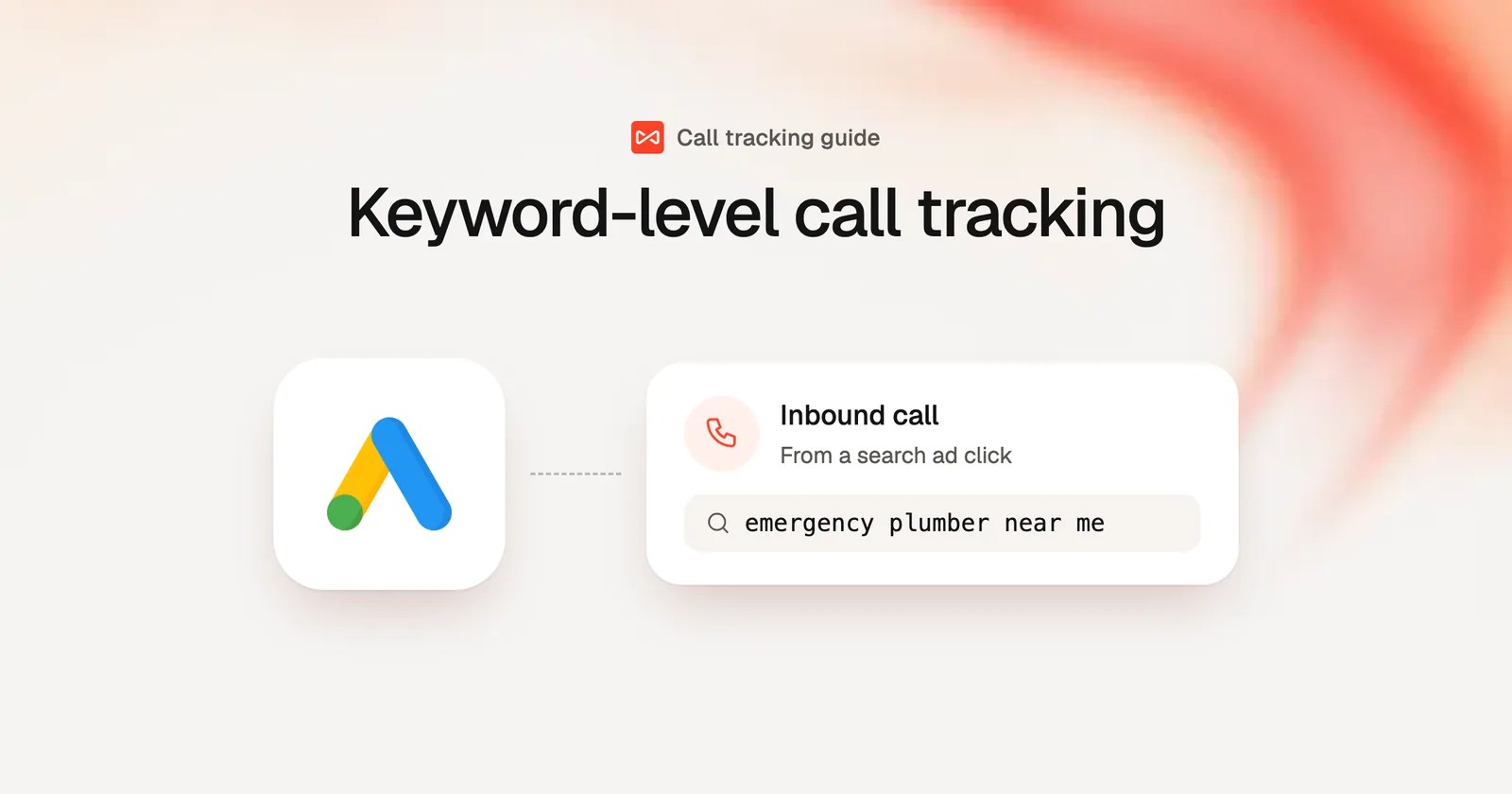
Table of contents
- What Is Keyword Level Call Tracking?
- How Keyword Level Call Tracking Works
- Top Keyword Level Call Tracking Platforms
- 1. CallRail
- 2. CallTrackingMetrics
- 3. Invoca
- 4. WhatConverts
- 5. SourceLoop
- How to Choose the Right Platform
- Getting Started with Keyword Level Tracking
- Frequently Asked Questions
- What is the difference between call tracking and keyword level call tracking?
- Do I need a separate phone number for every keyword?
- Can keyword level call tracking work with call-only ads?
- How accurate is keyword attribution for phone calls?
- Does call tracking slow down my website?
- Can I track calls from organic search?
- What happens if two people call the same tracking number?
- Final Thoughts
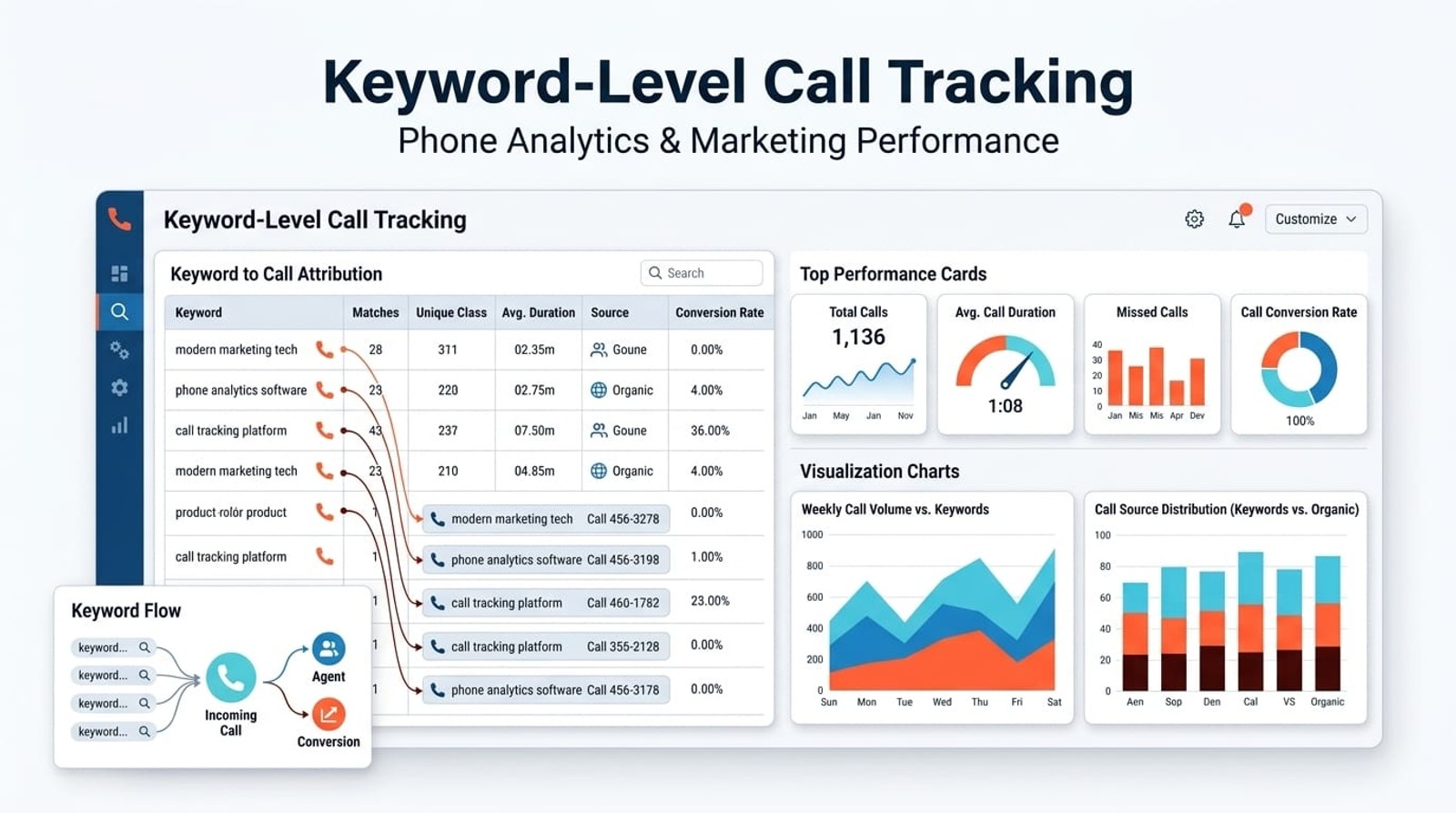
Keyword level call tracking software connects each inbound phone call to the specific search keyword that triggered it. Instead of only knowing a call came from Google Ads, you'll see whether it came from "emergency plumber near me" or "scheduled plumbing service", allowing you to optimize bids, pause wasteful keywords, and scale what actually drives phone revenue.
What Is Keyword Level Call Tracking?
Keyword level call tracking is a method that attributes phone calls to the specific search keyword a caller used before dialing your business.
Most call tracking stops at the campaign or ad group level. You know a call came from Google Ads, but that's it. Keyword-level tracking goes deeper. It assigns a unique phone number to each keyword you're bidding on, then dynamically displays that number when someone searches that term and clicks your ad.
When the phone rings, the system logs which number was dialed, and therefore which keyword drove that call. That data flows into your analytics dashboard and back into Google Ads or Microsoft Ads as an offline conversion, allowing the platform to optimize automated bidding around actual phone leads, not just clicks.
This is critical for businesses where phone calls generate revenue. Without keyword attribution, you're bidding blind. You might be spending hundreds on a keyword that drives calls but produces zero customers, while starving a lower-volume keyword that converts at 40%. Keyword level tracking eliminates that guesswork.
How Keyword Level Call Tracking Works
The technical setup involves three moving parts: dynamic number insertion, call routing, and conversion syncing.
Dynamic number insertion (DNI) swaps the phone number displayed on your landing page based on the visitor's source. When someone clicks a Google Ad for "commercial locksmith services," they see one number. Another visitor searching "residential lock repair" sees a different number. The system tracks which number rang, matching it to the keyword.
You don't need thousands of physical phone lines. Call tracking platforms use virtual numbers that forward to your main business line. The visitor calls the tracking number, the platform logs the keyword, then routes the call to your team within seconds. The caller never knows they're being tracked.
Call routing ensures the call reaches the right person or department. You can route based on keyword intent, emergency keywords go straight to dispatch, while "pricing" keywords route to sales.
Offline conversion syncing closes the loop. After a call ends, the platform can mark it as a qualified lead or sale (manually or via CRM integration), then send that conversion event back to Google Ads or Microsoft Ads. The ad platform now knows which keywords drive actual revenue, not just dial attempts. Automated bidding strategies like Target CPA or Maximize Conversions can then optimize toward phone outcomes, not just form fills.
Top Keyword Level Call Tracking Platforms
Here's a breakdown of the platforms most businesses actually use for keyword-level tracking, with strengths and weak points.
1. CallRail
Best for: Small to mid-sized businesses running Google Ads or Facebook Ads
Pricing: Starts at $45/month for 10 tracking numbers and 500 minutes
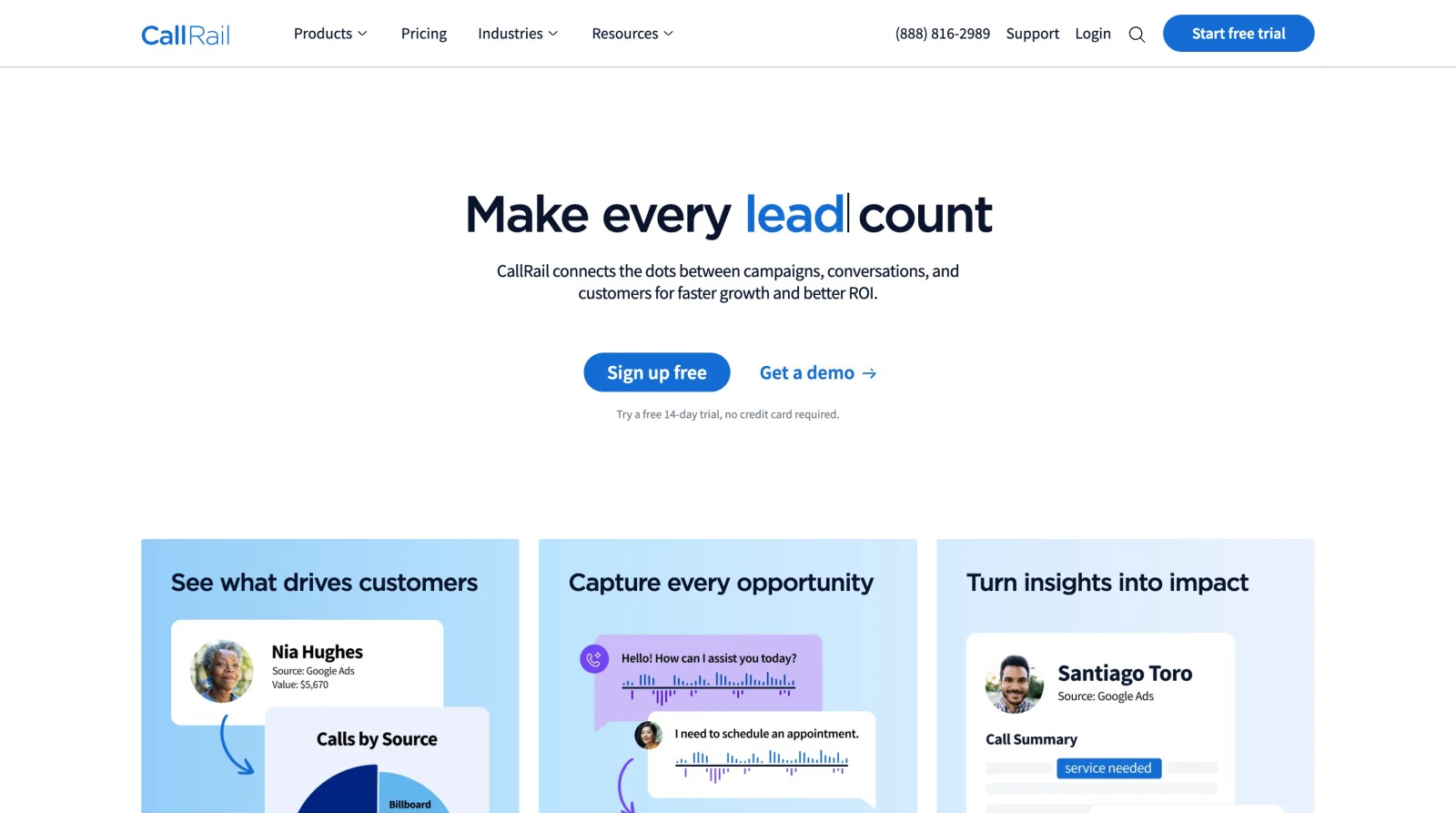
CallRail is the most popular entry-level platform. It offers clean keyword-level reporting, easy DNI setup, and direct integrations with Google Ads, Microsoft Ads, Facebook, and HubSpot. The interface is beginner-friendly, and support is responsive.
Downsides: Call recording transcription costs extra. Advanced features like call scoring and conversation intelligence require higher-tier plans. Large PPC accounts (100+ keywords) can get expensive due to per-number pricing.
2. CallTrackingMetrics
Best for: Agencies and businesses needing white-label solutions
Pricing: Starts at $129/month; custom enterprise pricing available
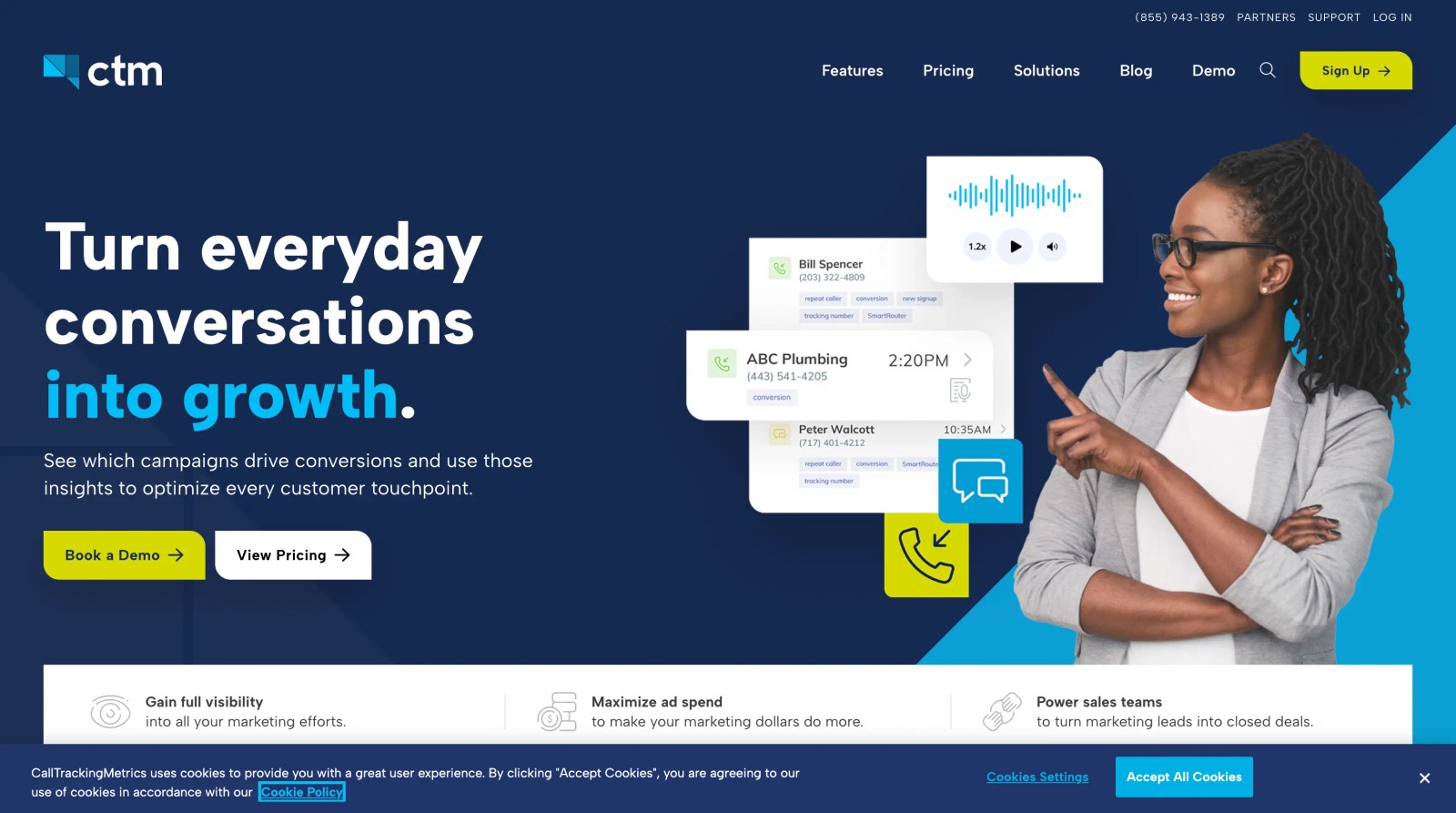
CallTrackingMetrics offers more flexibility than CallRail, including unlimited users, white-label dashboards for agencies, and robust API access. It supports omnichannel tracking, calls, texts, forms, and live chat, all tied to the same visitor session.
The platform's strength is automation. You can trigger Zapier workflows, send conversion data to multiple ad platforms simultaneously, and build custom reports without exporting CSVs.
Downsides: Steeper learning curve. The interface feels dated compared to newer tools. Onboarding can take longer if you're not technically inclined.
3. Invoca
Best for: Large enterprises tracking phone revenue at scale
Pricing: Custom pricing; typically $1,000+/month
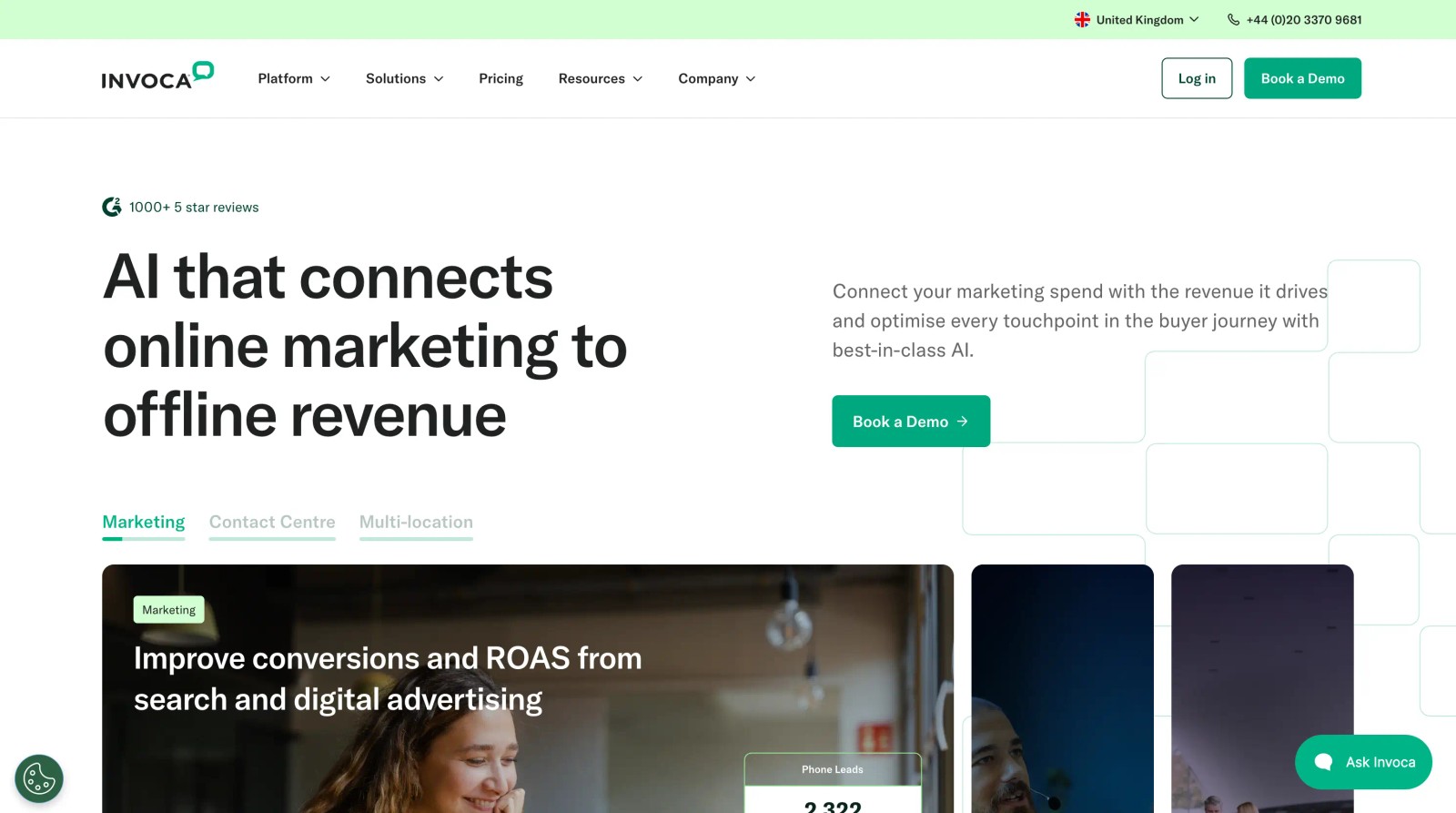
Invoca is the enterprise-grade solution for brands like AutoNation, Dish Network, and Mayo Clinic. It handles millions of calls per month and offers deep integrations with Salesforce, Adobe Analytics, and Google Analytics 4.
The platform's conversation analytics use natural language processing to surface trends, what objections are callers raising, which sales reps close at the highest rate, which keywords correlate with high lifetime value customers.
Invoca also supports call outcome tracking tied to downstream revenue. If a call turns into a $10,000 sale three weeks later, that revenue flows back into your ad attribution.
Downsides: Expensive and over-engineered for small teams. Requires IT support for full implementation.
4. WhatConverts
Best for: Agencies and consultants managing multiple clients
Pricing: Starts at $30/month for 1 business; scales with clients
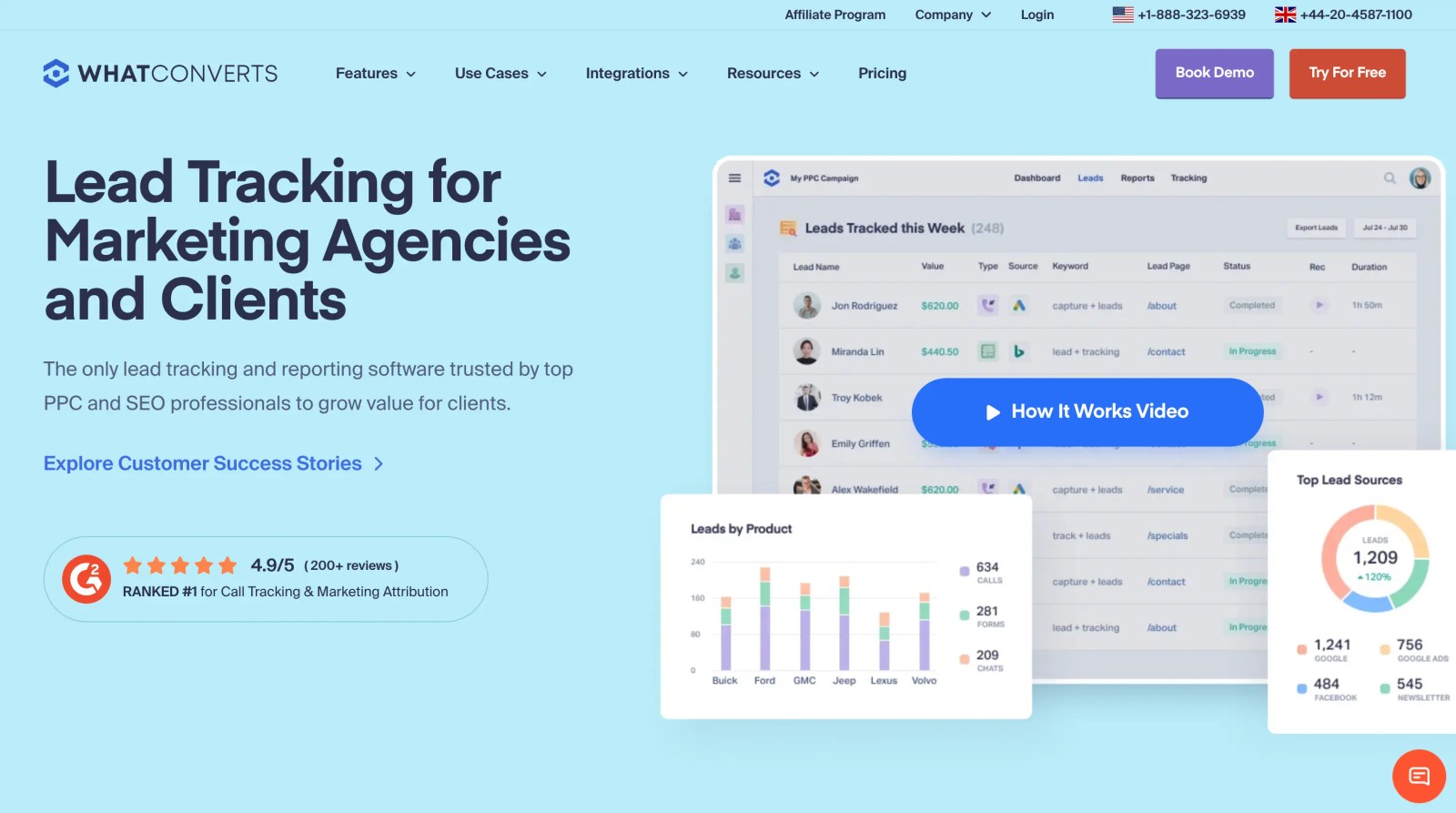
WhatConverts is designed for agencies running PPC for multiple clients. Each client gets a separate dashboard with keyword-level call tracking, form tracking, and ecommerce conversion tracking, all in one platform.
The platform includes built-in lead reporting you can white-label and send to clients monthly. It tracks calls, but also chat messages, form submissions, and Shopify transactions, tying everything back to marketing source.
Downsides: Limited advanced features compared to Invoca or CallTrackingMetrics. No built-in call scoring or conversation AI. Better for attribution than call center optimization.
5. SourceLoop
Best for: Businesses that need unified attribution across calls, forms, meetings, and chat
Pricing: $49/month
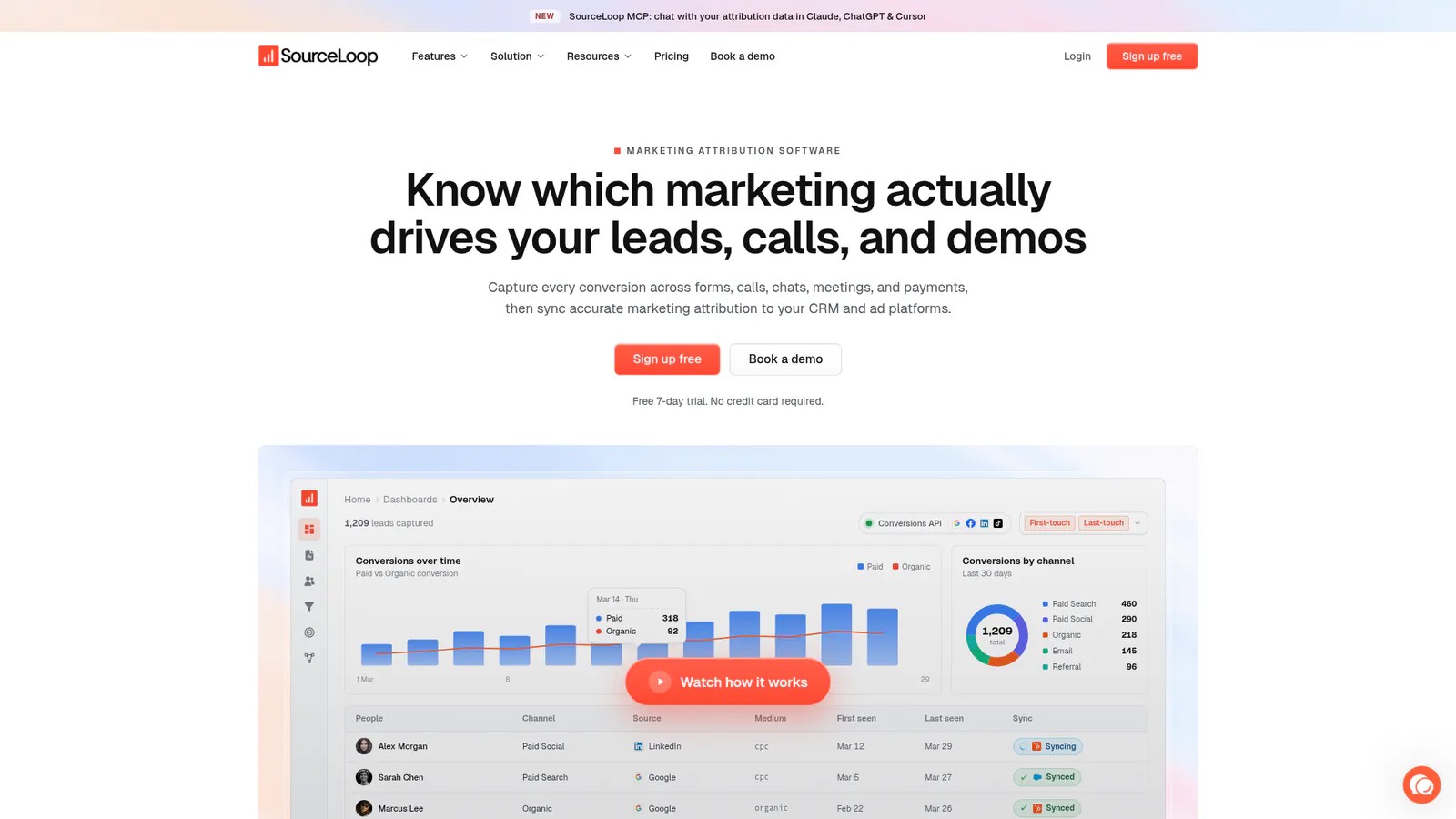
SourceLoop is not a call tracking platform, it's a marketing attribution layer that sits on top of your existing call tracking software and unifies all conversion data in one place.
While CallRail, CallTrackingMetrics, Invoca, and WhatConverts excel at tracking phone calls, they each operate in silos. SourceLoop integrates with all of these platforms, plus your form submissions, demo bookings, live chat conversations, CRM deals, and payment systems to give you complete attribution from first click to closed revenue.
How SourceLoop works with call tracking platforms:
SourceLoop doesn't replace your call tracking software, it enhances it. You keep using CallRail or Invoca to handle the actual call tracking and recording. SourceLoop connects via API to pull in every call, then enriches that data with:
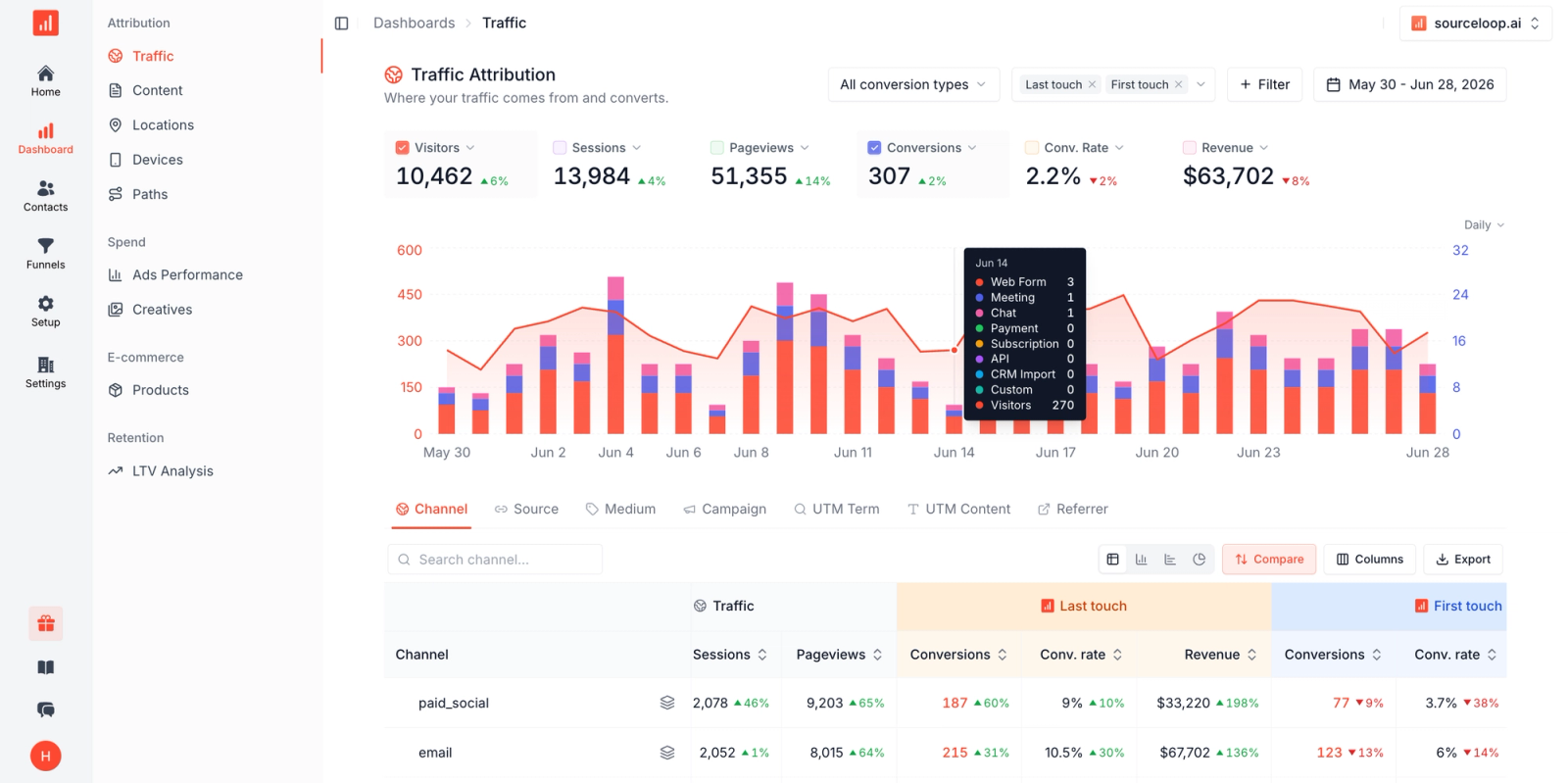
- First-touch attribution - The original source that brought the lead to your site (organic search, paid ad, referral, direct)
- Multi-touch attribution - Every touchpoint in the customer journey before they called
- Keyword-level data - Pulled from your call tracking platform and matched to your ad campaigns
- Cross-channel conversion tracking - Calls are tracked alongside form fills, chat messages, meeting bookings, and purchases
- Revenue attribution - When a call converts to a customer, SourceLoop tracks the deal value back to the original marketing source
What SourceLoop tracks beyond calls:
Lead forms - Every form submission is captured with full source attribution, including UTM parameters, landing page, referrer, and the visitor's complete journey.
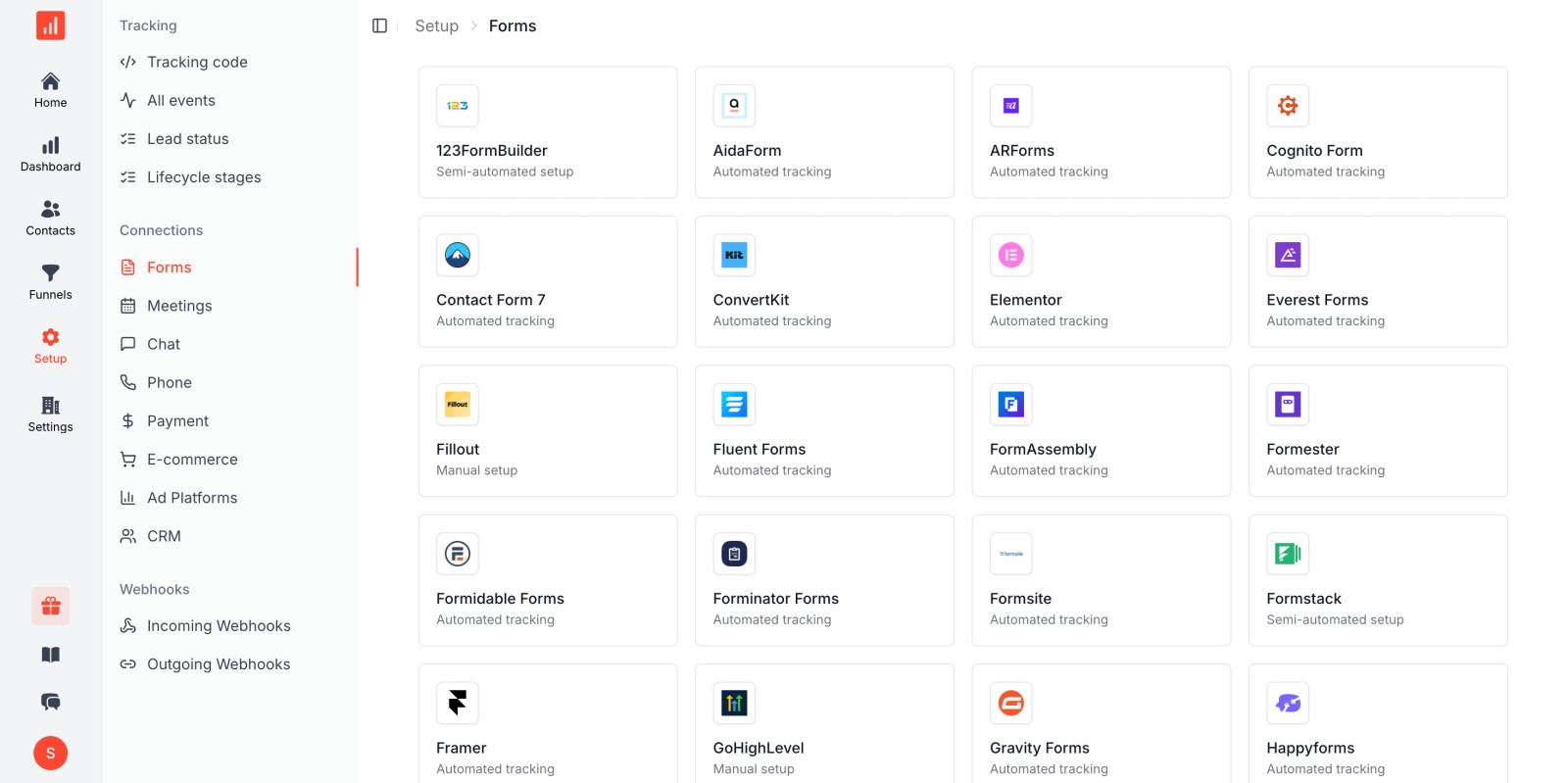
Meeting bookings - Integrates with Calendly, HubSpot Meetings, Chili Piper, and other scheduling tools to track which marketing channels drive booked demos and sales calls.
Live chat conversations - Connects with Intercom, Drift, HubSpot Chat, and other chat platforms to attribute conversations to their marketing source.
CRM conversions - Syncs with Salesforce, HubSpot, Pipedrive, and other CRMs to track which leads became opportunities, which closed as customers, and how much revenue each marketing source generated.
Payment events - Integrates with Stripe, PayPal, and other payment processors to attribute revenue directly to marketing campaigns.
The attribution advantage:
Call tracking platforms tell you which keyword drove a phone call. SourceLoop tells you:
- Which keyword drove a call that turned into a $50,000 customer
- Whether that caller had previously filled out a form from a different campaign
- How many touchpoints it took before they converted
- Which marketing channel deserves credit for the revenue (first-touch, last-touch, or multi-touch models)
- Your true cost per acquisition across all conversion types, not just calls
This matters because most B2B buyers don't convert on their first visit. They might click a Google Ad, leave, come back via organic search, fill out a form, then call three days later. Call tracking platforms only see the call. SourceLoop connects all those dots.
Integration ecosystem:
SourceLoop integrates with:
- Call tracking: CallRail, CallTrackingMetrics, Invoca, WhatConverts, DialogTech
- Ad platforms: Google Ads, Microsoft Ads, Facebook Ads, LinkedIn Ads, TikTok Ads
- CRMs: Salesforce, HubSpot, Pipedrive, Zoho, Close
- Meeting schedulers: Calendly, HubSpot Meetings, Chili Piper, Acuity
- Live chat: Intercom, Drift, HubSpot Chat, Crisp, Tawk.to
- Analytics: Google Analytics 4, Adobe Analytics, Mixpanel
- Payment processors: Stripe, PayPal, Chargebee, Recurly
How to Choose the Right Platform
Start by answering these questions:
How many keywords are you tracking?
If it's fewer than 20, almost any platform will work. If it's 100+, you need a platform with scalable pricing based on call volume, not per-number fees.
Do you need offline conversion syncing?
If you're running Smart Bidding campaigns in Google Ads, offline conversion syncing isn't optional, it's essential. Make sure the platform supports Google Ads, Microsoft Ads, and Meta Ads APIs.
What matters more: call volume or call quality?
High-volume call centers need AI call scoring and conversation analytics (Invoca, DialogTech). Small teams that handle every call manually can get by with basic recording and tagging (CallRail, WhatConverts).
Are you an agency or in-house team?
Agencies need white-label dashboards, multi-client management, and automated reporting (CallTrackingMetrics, WhatConverts). In-house teams benefit from tighter CRM integration and fewer bells and whistles.
What's your budget?
If you're spending less than $100/month, start with CallRail or WhatConverts. If phone revenue justifies $500+/month, explore DialogTech or Invoca.
Do you need to track more than just phone calls?
If phone calls are your only conversion type, a standalone call tracking platform is sufficient. But if you're also tracking form submissions, meeting bookings, live chat conversations, or ecommerce transactions, you need unified attribution.
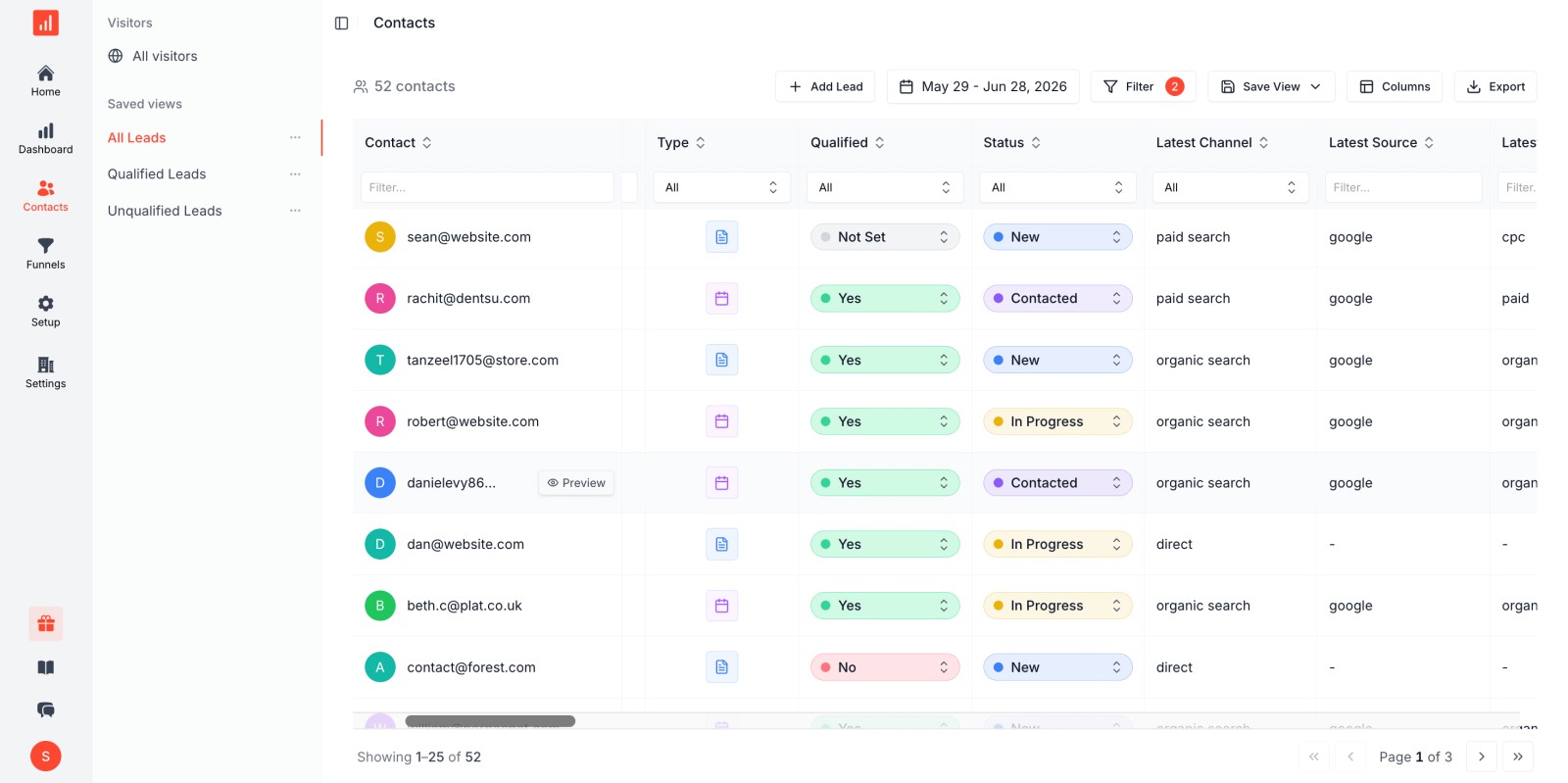
SourceLoop sits on top of your call tracking platform and connects call data with all your other conversion sources. This matters when:
- Leads convert through multiple channels (someone fills out a form, then calls later)
- You need to prove ROI with actual revenue data, not just lead counts
- You're running campaigns across multiple channels (PPC, SEO, social, email) and need to compare performance
- You want to send complete conversion data back to ad platforms for better bid optimization
Think of it this way: call tracking platforms tell you which keyword drove a phone call. SourceLoop tells you which keyword drove a call that turned into a $50,000 customer, and whether that caller had previously interacted with your brand through other channels.
Getting Started with Keyword Level Tracking
Implementation takes 2-4 hours if you follow these steps.
1. Choose your platform and sign up
Start with a free trial. Most platforms offer 14-30 days to test before committing.
2. Purchase tracking numbers
Buy one local or toll-free number for each keyword you want to track. If you're unsure, start with your top 10-20 highest-spend keywords.
3. Install dynamic number insertion
Add the platform's JavaScript snippet to your landing pages. Configure DNI rules so the correct number displays based on the visitor's keyword or UTM parameters.
4. Set up call forwarding
Route all tracking numbers to your main business line, call center, or individual team members. Test by calling each tracking number to confirm calls route correctly.
5. Connect Google Ads offline conversions
Link your Google Ads account to the call tracking platform. Enable automatic conversion import so qualified calls sync as conversions.
6. Tag and score your first calls
After the first day, review call recordings. Tag each call (qualified, not qualified, appointment set, etc.). Use those tags to filter keyword reports and identify which keywords drive real opportunities.
7. Optimize bids based on call data
Increase bids on keywords with high conversion rates. Pause or lower bids on keywords that drive calls but zero sales. Rewrite ad copy for keywords where callers ask questions your ads don't answer.
Frequently Asked Questions
What is the difference between call tracking and keyword level call tracking?
Basic call tracking tells you a call came from "Google Ads" or "Facebook." Keyword level call tracking tells you the call came from a specific search term like "emergency dentist open now." That extra granularity allows precise bid adjustments.
Do I need a separate phone number for every keyword?
Technically yes, but platforms use number pooling to reduce costs. A pool of 50 numbers can track 200 keywords by dynamically assigning numbers from the pool and reusing them after session expiration.
Can keyword level call tracking work with call-only ads?
Yes. Use forwarding numbers provided by your call tracking platform as the phone number in your call-only ad. The platform logs the keyword even though the caller never visits your landing page.
How accurate is keyword attribution for phone calls?
Very accurate when implemented correctly. Dynamic number insertion ties each call to a visitor session, and the session is tied to the keyword via GCLID or UTM parameters. Attribution is more reliable than Google's modeled call conversions.
Does call tracking slow down my website?
Modern platforms load asynchronously, so DNI scripts don't block page rendering. The delay is typically under 100ms, imperceptible to visitors.
Can I track calls from organic search?
Yes. Assign a tracking number to organic traffic using DNI rules based on referrer or UTM source. You won't see keyword-level data (Google hides organic keywords), but you'll know the call came from organic search versus paid.
What happens if two people call the same tracking number?
Each call is logged separately with its own timestamp, duration, and recording. The platform attributes both calls to the same keyword unless the number was reassigned from the pool between calls.
Final Thoughts
Keyword level call tracking closes the gap between ad spend and phone revenue. It's the difference between guessing which keywords work and knowing exactly which ones drive qualified calls, appointments, and sales.
If phone calls generate revenue for your business and you're running PPC campaigns, this isn't a nice-to-have. It's a requirement for accurate attribution and smart bid optimization.
Start with your highest-spend keywords, integrate offline conversions with Google Ads, and audit call quality after the first week. You'll spot wasted spend immediately, and find opportunities to scale the keywords that actually perform.


 Paid Social


