
How to Track UTM Parameters in SugarCRM
UTM Tracking in SugarCRM Made Simple. 4 easy steps to capture UTM parameters in SugarCRM and see which marketing channels drive leads, opportunities, and customers.
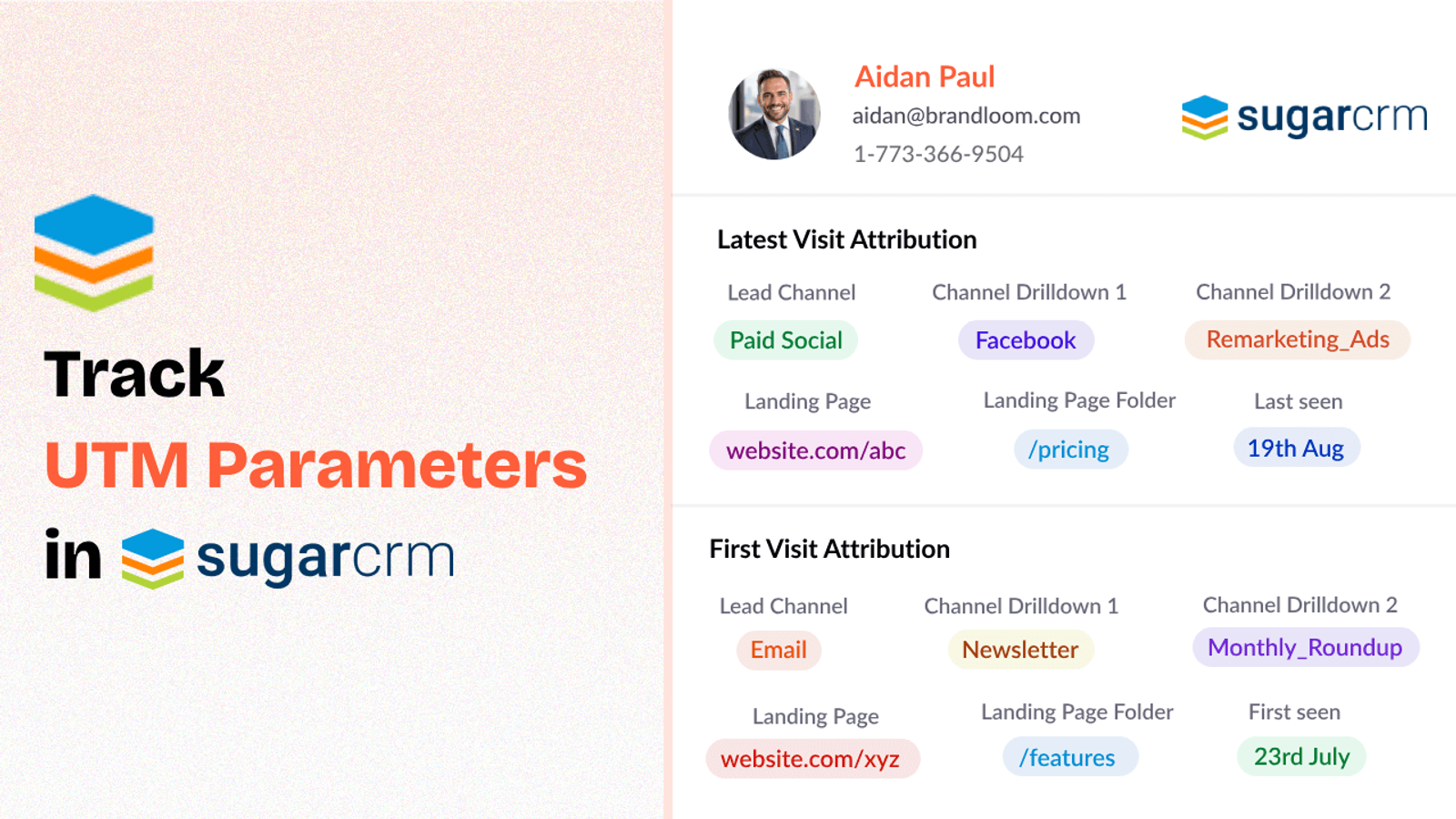
Table of contents
If you’ve ever felt frustrated trying to match up your marketing efforts with actual sales data in SugarCRM, you’re not alone.
Using UTM parameters are a good way to track marketing efforts but capturing the UTM values of every lead inside your CRM can often feel impossible.
Fortunately, there are plug-and-play tools like SourceLoop.ai that make tracking utm parameters in SugarCRM a breeze.
In this guide, I’ll show you how to use SourceLoop.ai to configure utm tracking in SugarCRM in simple steps.
Let’s dive in!
4 Easy Steps to Track UTM Parameters in SugarCRM
Here are 4 simple steps to capture UTM parameters in SugarCRM:
1. Add SourceLoop on Your Website

First things first, sign up to SourceLoop.ai, copy the tracking code provided by SourceLoop.ai and paste it into your website’s header or global footer.
Now, as soon as a visitor lands on your website from any marketing campaign, SourceLoop.ai begins tracking UTM parameters embedded in the URL (like utm_source, utm_medium, utm_campaign, etc.).
SourceLoop.ai then organizes these UTM parameters into easy-to-understand attributes so that it is easy for you to get a breakdown of where the lead came from, what campaign they clicked on, and more.
Example of how SourceLoop organizes UTM data:
Let’s say Tesla is running an Instagram Story ad promoting their new Cybertruck.
When a user swipes up on the ad visit Tesla website, SourceLoop organize & store data like this:
- Channel = Social
- Channel Drilldown 1 = Instagram
- Channel Drilldown 2 = Cybertruck Launch Campaign
- Channel Drilldown 3 = Story Ad
- Landing Page = www.tesla.com/cybertruck
- Landing Page Folder = cybertruck
- Last Seen = May 25, 2025
This data is then stored in the user’s browser cookies, allowing SourceLoop.ai to retain this information, even if the user navigates through different pages or leaves and returns later.
2. Add UTM Parameters to Your Links

Next, ensure that your marketing links are embedded with UTM parameters.
These parameters are what allow you to track where your leads are coming from.
For example, when you’re running a social media campaign, a link to your landing page might look like this:
https://yourwebsite.com/signup?utm_source=tiktok&utm_medium=paid&utm_campaign=brand_campaign
By appending UTM parameters like utm_source, utm_medium, utm_campaign, and utm_content, you’re telling SourceLoop.ai exactly where the user is coming from.
These UTM parameters will then be captured as they arrive on your website.
You should add UTM tags to:
- Paid search ads (Google Ads, Bing Ads, etc.)
- Paid social ads (LinkedIn, Instagram, Facebook, Twitter/X)
- Email campaigns
- Banner/display ads
- Affiliate campaigns
- Social media post
- Guest blog post
Resources:
- Setting up UTM tracking in Google Ads
- How to Use URL Parameters for Facebook Ads Tracking
- Implementing UTM Parameter Templates on LinkedIn Ads
- Implementing UTM Parameter Templates on TikTok Ads
3. Add Hidden Fields to Your Lead Form
Now, it’s time to ensure that UTM data gets capture when an inbound lead is created in SugarCRM.
You’ll do this by adding hidden fields to your lead form – these fields capture the UTM data and pass it to your CRM when a user submits their information.
Here’s a list of the standard hidden fields to include in your form:
- channel
- channeldrilldown1
- channeldrilldown2
- channeldrilldown3
- landingpage
- landingpagefolder
- lastseen
Optional: Capture First-Touch Attribution Too
If you want to track the original source of the user (i.e., the first time they interacted with your campaign), SourceLoop.ai supports the following fields for this:
Here are 7 other.hidden fields you can add to receive the attribution data of a user’s first visit to your site.
- first_channel
- first_channeldrilldown1
- first_channeldrilldown2
- first_channeldrilldown3
- first_landingpage
- first_landingpagefolder
- firstseen
These fields are extremely useful if you want to know if a lead originally came from a paid ad, but later visited organically or through email.
By storing both the initial and most recent UTM data, you get a comprehensive view of how your leads interact with your campaigns over time.
4. Sync UTM Data with SugarCRM in Real-Time
Once the UTM data is captured and passed into the hidden fields of your lead form, it automatically flows into your Sugar CRM without any additional manual input.
When your leads are submitted, SourceLoop.ai ensures that all relevant UTM information is mapped correctly and synced to the appropriate fields in Sugar CRM.
What Can You Do with UTM Data in Your CRM?
1. Improve Sales and Marketing Alignment
When both sales and marketing teams have access to consistent UTM data, they can collaborate more effectively.
Sales teams will have a clear understanding of where leads are coming from and what messages they’ve interacted with, allowing for more tailored and timely outreach.
This alignment ensures a smoother transition from lead generation to conversion.
2. Generate Accurate ROI Reports
With UTM data flowing into your CRM, you can now generate highly accurate ROI reports that show which marketing efforts are driving tangible results.
This data can be used to justify marketing budgets, track the effectiveness of individual campaigns, and demonstrate success to stakeholders.
3. Build Comprehensive Marketing Dashboards
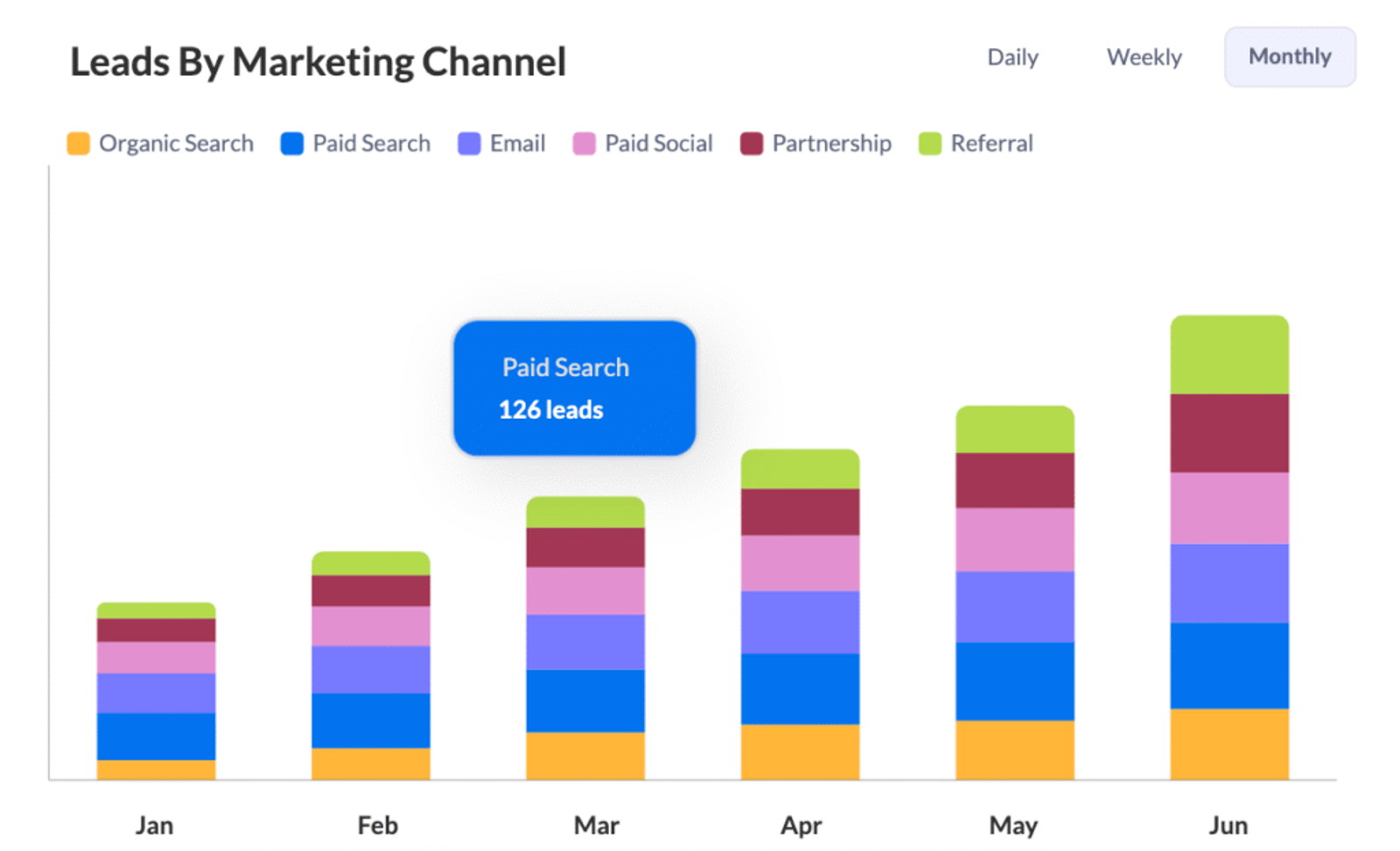
With all your UTM data inside Sugar CRM, you can build custom dashboards to visualize campaign performance, lead behavior, and other key metrics in real-time.
These dashboards offer a comprehensive view of your marketing efforts, enabling you to make faster, data-driven decisions.




 Paid Social


