
10 Best Marketing Analytics Tools [Compared for 2026]
The best platforms unify data from Google Ads, social media, CRM, and website analytics to show which channels drive real business results.
Table of contents
- What are marketing analytics tools?
- Marketing analytics tools compared
- The 10 best marketing analytics tools
- 1. SourceLoop, Best for Marketing Source Attribution
- 2. Google Analytics 4, Best Free Web Analytics
- 3. HubSpot Marketing Hub, Best for All-in-One Marketing
- 4. Adobe Analytics, Best for Enterprise Complexity
- 5. Mixpanel, Best for Product Analytics
- 6. Amplitude Analytics, Best for Behavioral Analytics
- 7. Salesforce Marketing Cloud Intelligence, Best for Multi-Brand Enterprises
- 8. Tableau, Best for Custom Data Visualization
- 9. Matomo, Best for Privacy-Focused Web Analytics
- 10. Ruler Analytics, Best for Multi-Touch B2B Attribution
- How to choose the right platform
- 5 key features to look for
- 1. Multi-source data integration
- 2. Offline conversion syncing
- 3. Attribution modeling options
- 4. Custom reporting and dashboards
- 5. Real-time data and alerts
- Which tools to start with
Marketing analytics tools connect your campaigns to revenue. The best platforms unify data from Google Ads, social media, CRM, and website analytics to show which channels drive real business results. These tools span web analytics, attribution, product analytics and BI dashboards, and they answer very different questions.
In this guide, I'll compare ten of them by the question each one answers best, with current pricing.
How we picked these tools
We signed up for the free plans and trials that exist (GA4, Mixpanel, Amplitude, Matomo and SourceLoop) and set them up on a test site. Adobe Analytics, Salesforce Marketing Cloud Intelligence and Ruler sell through sales calls, so those sections draw on their documentation and on teams we know who run them.
The question we hear most from the brands and agencies we work with is which channels actually produce revenue, so we weighed that heavily, alongside user reviews on G2 and Reddit:
- Does it join ad spend to outcomes?
- Can it reach CRM revenue, or does it stop at sessions and events?
- How much analyst time it needs to be useful
- Published pricing and a free way to start
SourceLoop is our product. It's listed first for revenue attribution, and we've kept the product analytics and BI picks for the jobs they do better.
Last checked November 2026. Prices change, so confirm on each vendor's site.
What are marketing analytics tools?
Marketing analytics tools measure campaign performance and connect marketing activities to business outcomes. They collect data from advertising platforms, websites, CRM systems, and conversion events, then organize it into reports that reveal which channels generate leads, customers, and revenue.
These platforms fall into four categories:
- Web analytics (Google Analytics, Adobe Analytics, Matomo) track visitor behavior, traffic sources, and on-site engagement
- Attribution platforms (SourceLoop, Ruler Analytics, HubSpot) link leads and customers back to campaigns, keywords, and touchpoints
- Product analytics (Mixpanel, Amplitude) focus on in-app user behavior and retention for SaaS products
- Unified BI platforms (Tableau, Domo, Salesforce Marketing Cloud Intelligence) aggregate data from multiple sources into custom dashboards
Most marketing teams use a combination: web analytics for traffic patterns, attribution for revenue tracking, and occasionally BI tools when they need cross-department reporting.
Marketing analytics tools compared
Here's how the 10 marketing analytics tools compare on category, starting price, attribution and CRM revenue, as of November 2026.
| Tool | Category | Paid plan from | Attribution models | Joins ad spend | CRM revenue | Best fit |
|---|---|---|---|---|---|---|
 SourceLoop SourceLoop |
Attribution | $49/mo | 7 | Yes | Yes | Revenue attribution for lead-gen businesses, agencies and SaaS |
 Google Analytics 4 Google Analytics 4 |
Web analytics | Free | 2 | Google only | No | The free baseline for site behaviour |
 HubSpot Marketing Hub HubSpot Marketing Hub |
All-in-one | $20/seat/mo, revenue attribution on Enterprise | Yes | Partly | Yes | Teams already on HubSpot |
 Adobe Analytics Adobe Analytics |
Enterprise analytics | Quote only | Yes | Yes | Yes | Enterprise cross-channel |
 Mixpanel Mixpanel |
Product analytics | Free, then usage-based | No | No | No | In-app funnels and retention |
 Amplitude Amplitude |
Product analytics | Free, then usage-based | No | No | No | Behavioural cohorts at scale |
 Salesforce Marketing Cloud Intelligence Salesforce Marketing Cloud Intelligence |
Enterprise BI for marketing | Quote only | Partly | Yes | Yes | Multi-brand enterprise reporting |
 Tableau Tableau |
BI | $75/user/mo | No | If you model it | If you model it | Custom visualisation over a warehouse |
 Matomo Matomo |
Web analytics | Free self-hosted | Partly | No | No | Privacy-first, data ownership |
 Ruler Analytics Ruler Analytics |
Attribution | £299/mo | Yes | Yes | Yes | Multi-touch B2B and call tracking |
The 10 best marketing analytics tools
Here's what each tool is best at, what it costs and where it fits.
1. SourceLoop, Best for Marketing Source Attribution
Best for: agencies, lead generation businesses and SaaS teams that need cost per qualified lead and revenue per channel, not sessions and events.

Most tools in this list measure behavior: pageviews, events, funnels. Useful, but not what anyone asks for in the quarterly review. That question is which channels produced revenue, and at what cost.
SourceLoop, a marketing attribution and revenue measurement tool, answers it by joining three things: ad spend, the person who converted, and what happened to them in your CRM.
Key features
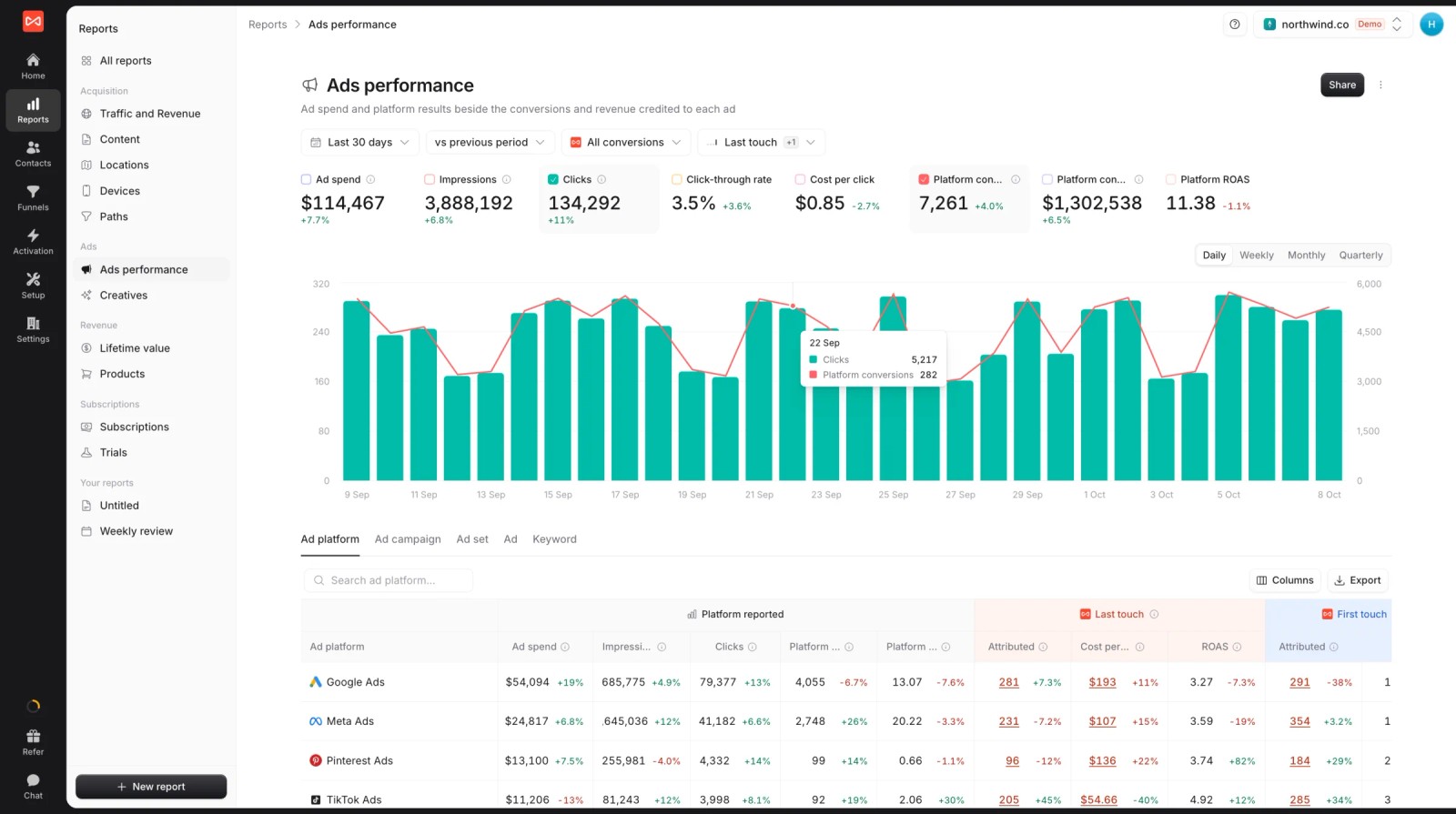
- Spend next to real outcomes: Spend syncs from Google Ads, Meta, Microsoft Ads and ChatGPT Ads, and the Ads report puts each platform's claims beside the conversions your own data credits.
- Every lead tracked to its source: Around 70 form, meeting, chat and call tools are captured automatically, and each lead keeps its full visit history.
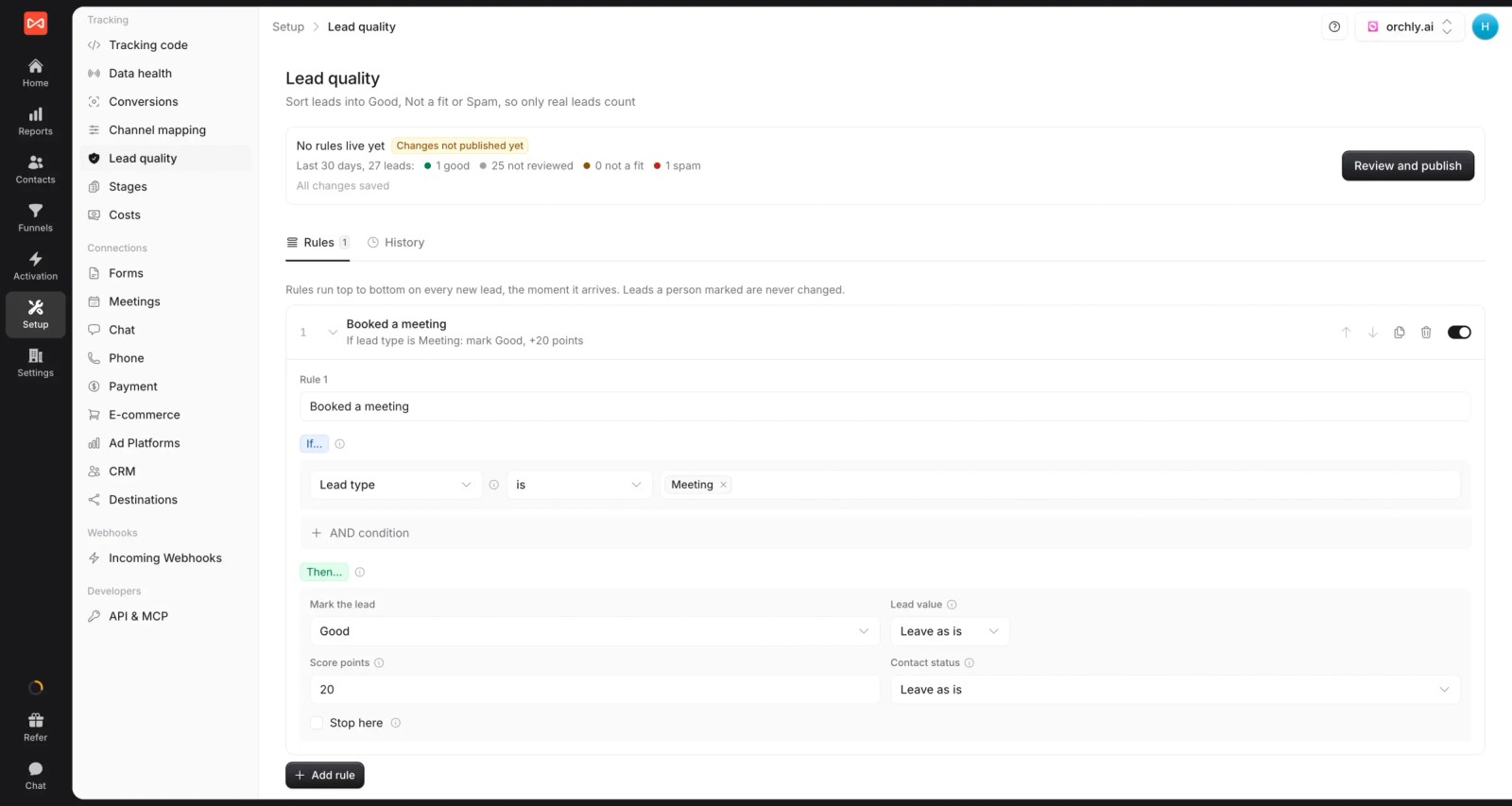
- Lead quality rules: Leads are scored Good, Not a fit or Spam from form answers, email domain or call length, so cost per lead becomes cost per good lead.
- CRM revenue and seven attribution models: HubSpot, Salesforce and Pipedrive sync both ways, plus Jobber for home services, and every report switches between seven models.
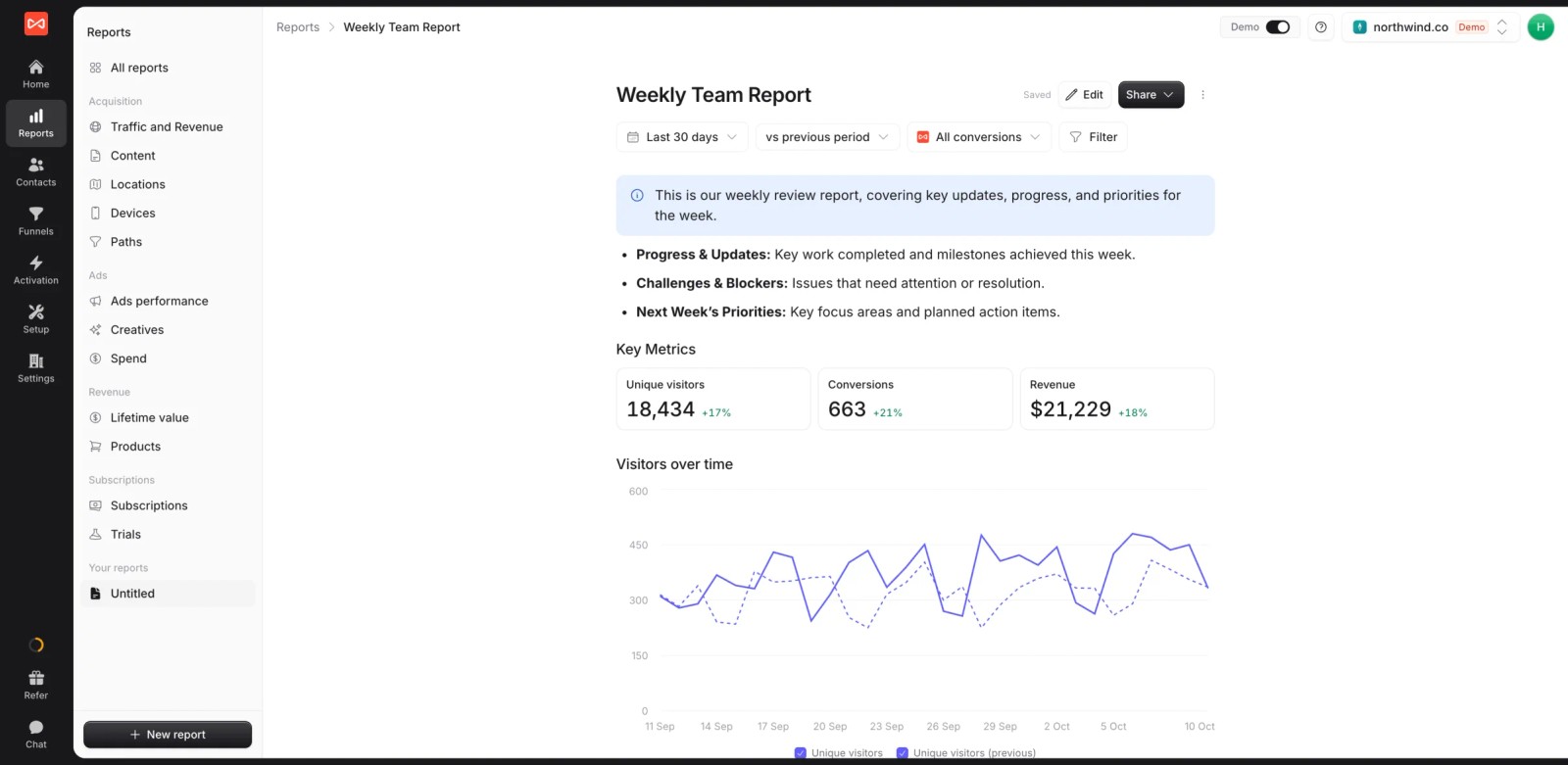
- Custom reports: Build reports with live numbers for a client or your CEO, and share them as a link or a PDF or PowerPoint export, branded with your logo.
- Alerts: Post new good leads, a weekly summary or a drop in conversions to Slack or email.
- Conversion sync: Good leads and won deals go back to the ad platforms through server-side conversion sync, so bidding optimizes toward real customers.
- API and MCP server (Professional and up), so an AI assistant can query your data or build a report.
Where it is not the right tool: no in-app product analytics (Mixpanel and Amplitude own that), no session replay or heatmaps, and no BI-style modelling across arbitrary datasets, which is Tableau's job. There's no mobile SDK and no marketing mix modeling.
Pricing: Essential $49/mo for one site and 30,000 page views, Professional $99/mo for 100,000, and Agency $249/mo for three sites and 1.5 million. Conversions are unlimited on every plan, and there's a 7-day trial.
2. Google Analytics 4, Best Free Web Analytics
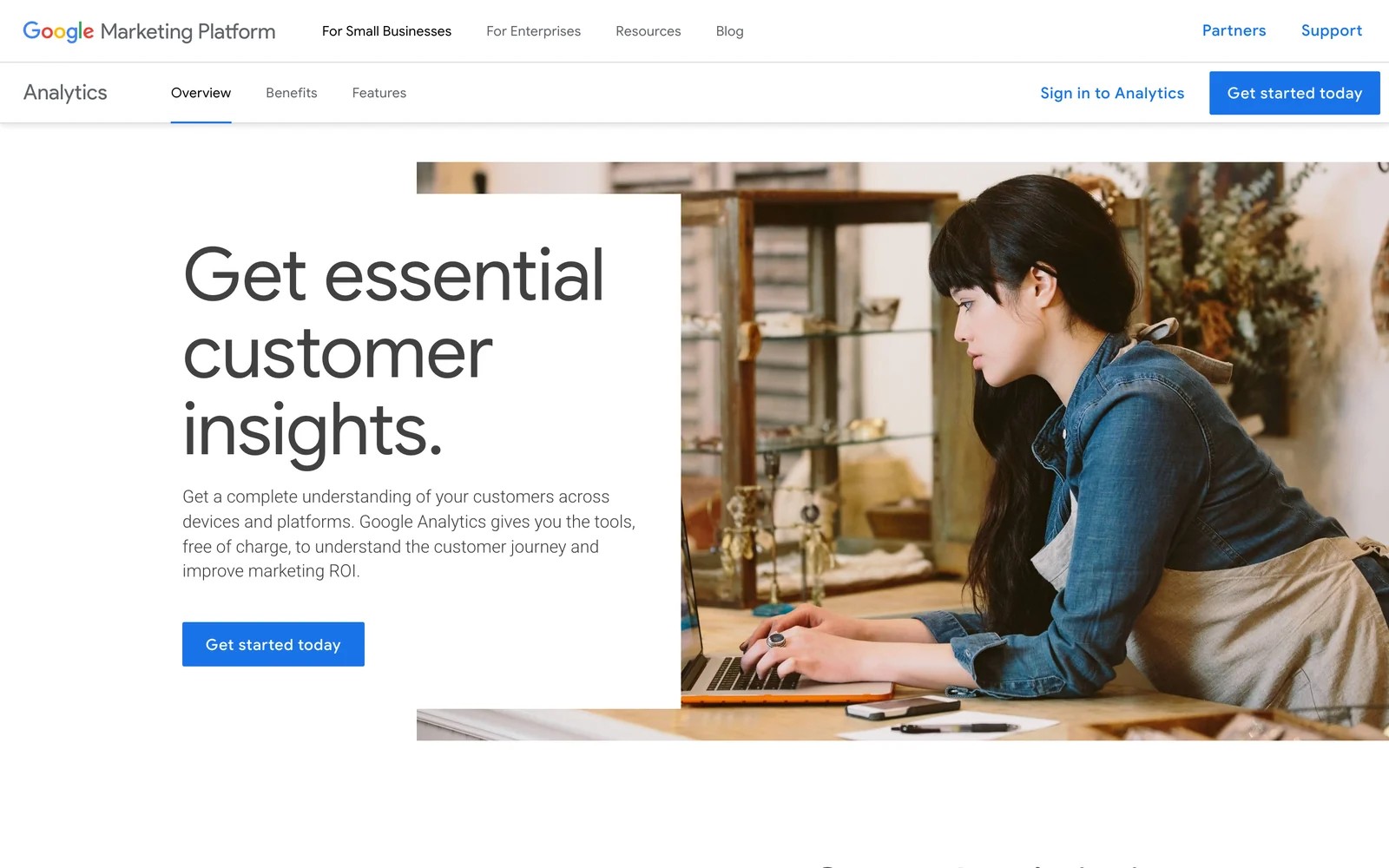
Best for: Small to mid-size teams tracking website traffic and basic campaign performance.
Google Analytics remains the baseline for most sites. It tracks page views, sessions, engagement, and ecommerce transactions at no cost.
GA4's data-driven attribution assigns credit across the customer journey, but only for website conversions. It doesn't connect to CRM lifecycle stages or offline revenue events.
GA4 is what we compare everything else against, so we keep a property on every test site. Traffic and channel reports are free and good enough for most questions about the site itself.
Where it falls short for us is the step after the form fill. Once a lead goes into the CRM, GA4 loses track of whether that lead ever became a customer.
Key features:
- Free web analytics for most sites
- Cross-device tracking and user engagement metrics
- Native integration with Google Ads and Google Search Console
- Custom event tracking and audience segmentation
- Basic funnel analysis and conversion path reporting
What users say
"Google Analytics provides excellent value for the price." (Source)
"The learning curve can be steep for beginners, especially with GA4's event based model, which feels less intuitive than the old Universal Analytics setup." (Source)
"There have been moments when I only wanted to check one specific thing, but I still had to click through multiple reports and metrics" (Source)
Pricing: free. Google Analytics 360 is a quoted enterprise tier. Standard properties keep event-level data for two or 14 months.
Ideal for: Any business with a website. GA4 is the starting point, but most teams layer attribution platforms on top for revenue tracking.
Learn more at Google Analytics
3. HubSpot Marketing Hub, Best for All-in-One Marketing
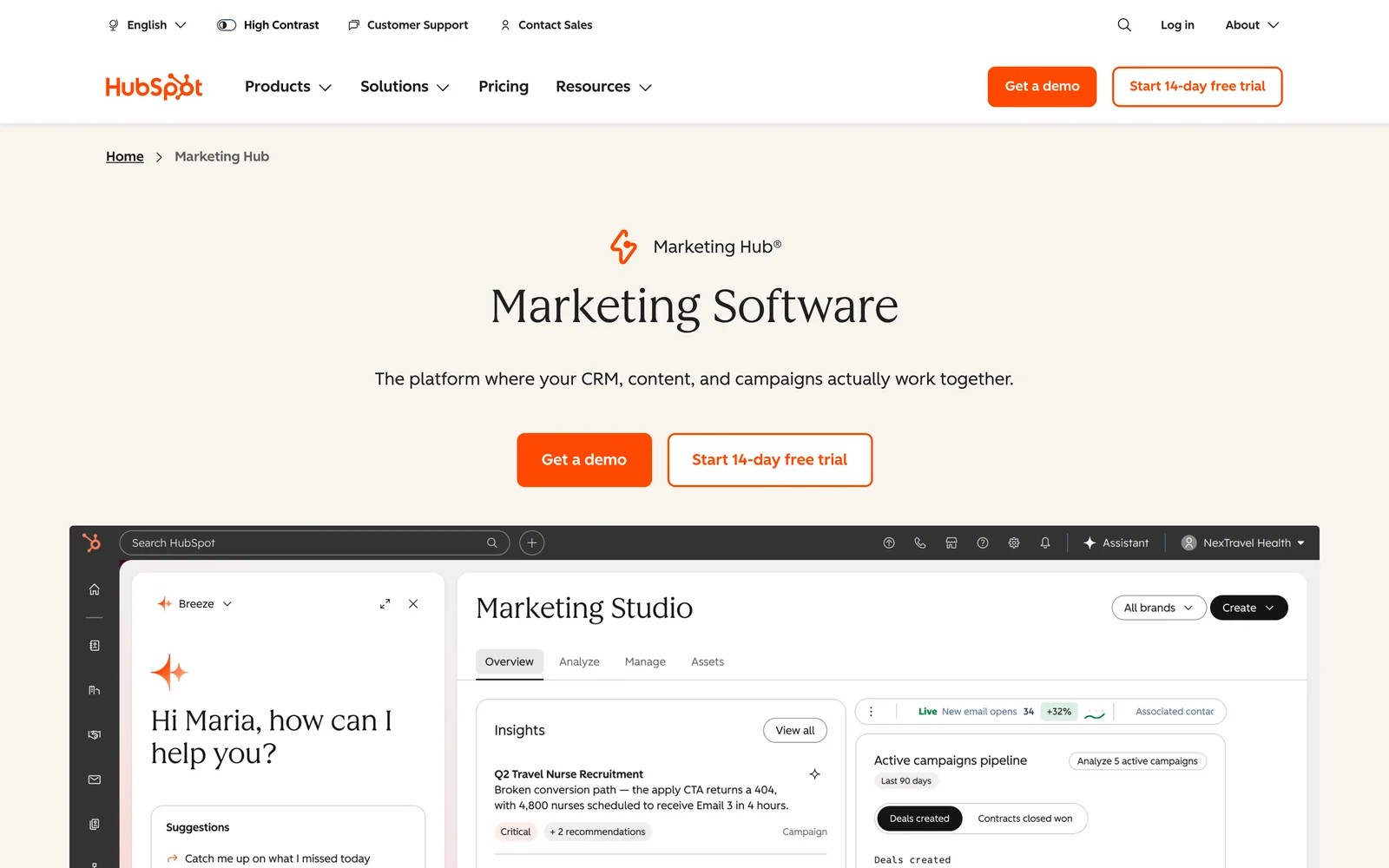
Best for: Growing B2B companies that want marketing automation, CRM, and analytics in one platform.
HubSpot combines marketing automation, email marketing, landing pages, and attribution reporting in a unified platform. The built-in CRM tracks deals from first touch to close, making it easier to measure campaign ROI without stitching together multiple tools.
Marketing Hub's attribution reports show which campaigns, content, and channels influence deal creation and revenue. Multi-touch models distribute credit across the customer journey.
Key features:
- Unified CRM, marketing automation, and analytics
- Multi-touch attribution reports connecting campaigns to deals
- Landing page and form builder with native lead tracking
- Email marketing with campaign performance dashboards
- Integration with Google Ads, Meta, LinkedIn for ad reporting
What users say
"The all-in-one nature is the biggest win for me." (Source)
"The pricing tiers get steep fast, and a lot of the features you actually want, like advanced reporting and automation, are locked behind higher plans." (Source)
Pricing: Starter is priced per seat. Professional starts at $800/mo with three seats and includes contact attribution. Deal and revenue attribution need Enterprise, from $3,600/mo. Onboarding fees apply on both.
Ideal for: B2B teams that want an all-in-one solution and are willing to consolidate their stack onto HubSpot's ecosystem.
Learn more at HubSpot Marketing Hub
4. Adobe Analytics, Best for Enterprise Complexity
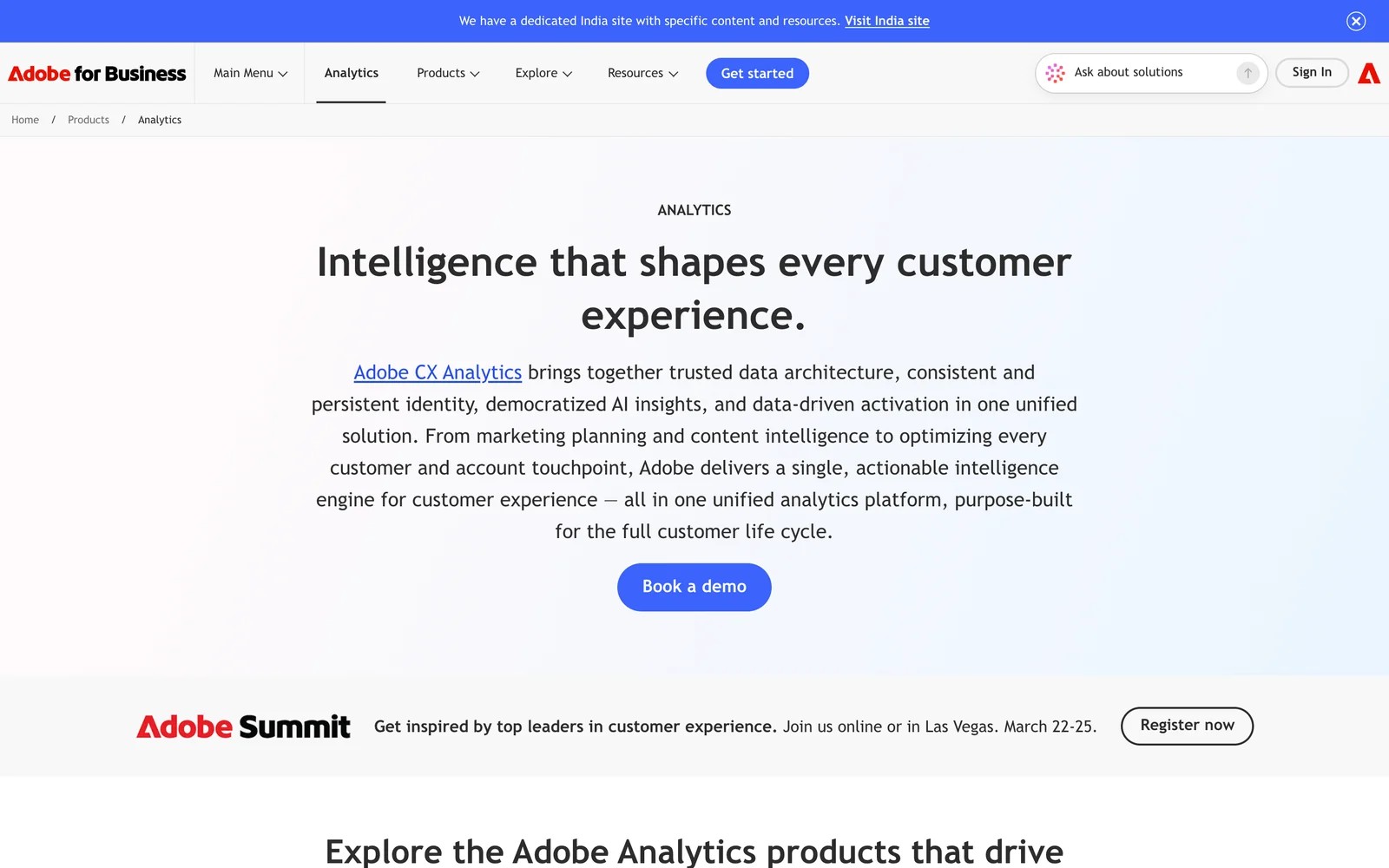
Best for: Large enterprises with dedicated data teams handling complex, multi-brand analytics at scale.
Adobe Analytics processes billions of data points across web, mobile, IoT, and offline touchpoints. The platform handles unlimited segmentation, real-time reporting, and AI-powered anomaly detection.
It's built for organizations that need custom data models, advanced cohort analysis, and cross-channel journey mapping. Adobe's Analysis Workspace offers powerful visualizations, but requires analyst expertise to configure.
Key features:
- Unlimited custom segments and real-time data processing
- Cross-channel journey analysis spanning web, mobile, and offline
- AI-powered predictive analytics and anomaly detection
- Integration with Adobe Experience Cloud for personalization
- Advanced attribution modeling with custom lookback windows
What users say
"Analysis Workspace is excellent for exploring customer behavior, with powerful segmentation, attribution and reporting capabilities." (Source)
"Steep learning curve, easily the biggest downside." (Source)
"The platform is also relatively expensive, which can make it less suitable for small businesses" (Source)
Pricing: quoted through sales, on an enterprise contract.
Ideal for: Fortune 500 brands and enterprises with dedicated analytics teams managing multi-brand, multi-region data at scale.
Learn more at Adobe Analytics
5. Mixpanel, Best for Product Analytics
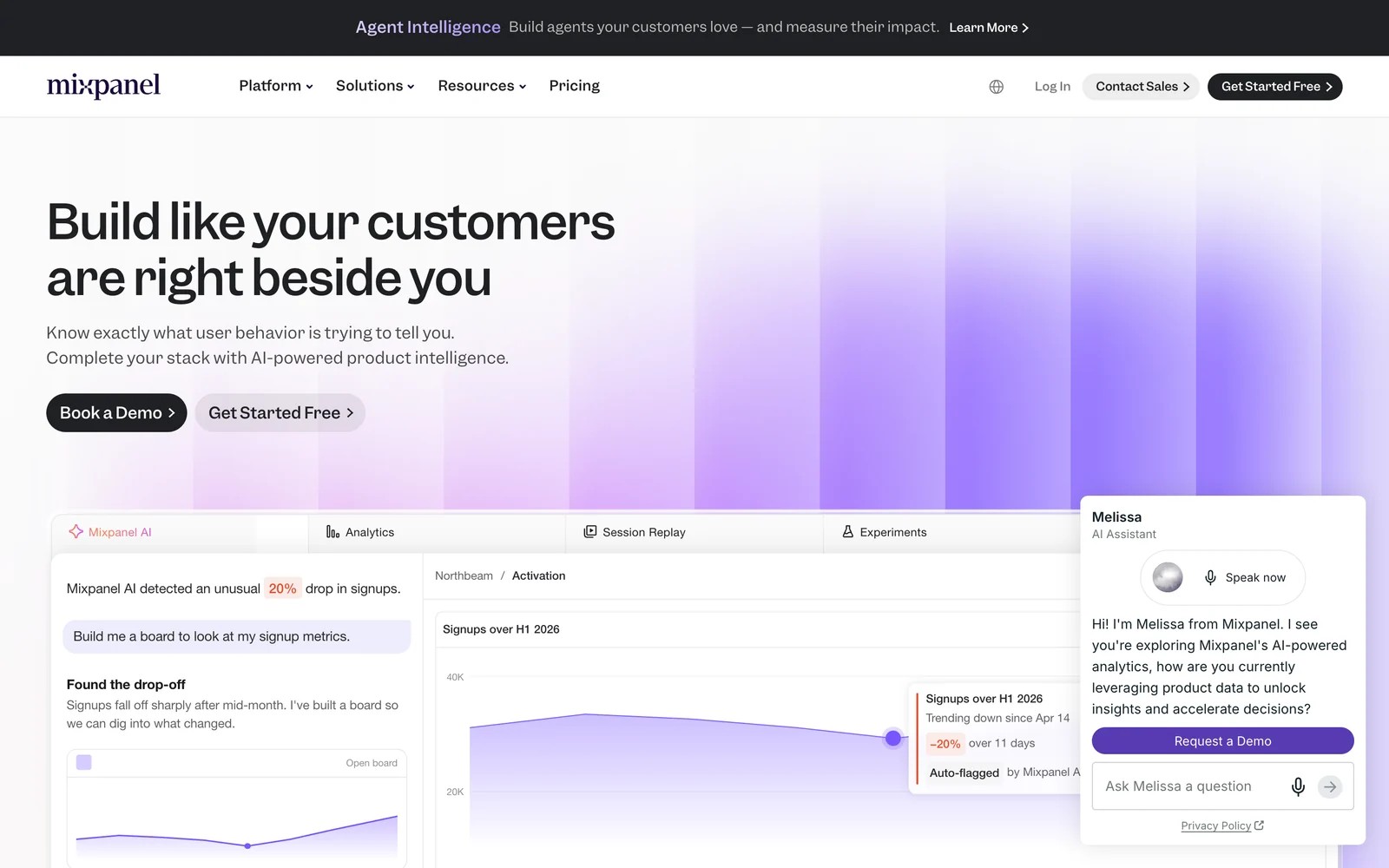
Best for: SaaS and app-based businesses tracking user behavior, retention, and feature adoption.
Mixpanel focuses on product analytics, measuring how users interact with your app or platform. It tracks events like feature usage, activation rates, and retention cohorts rather than website traffic.
The platform excels at funnel analysis (where users drop off), cohort retention (how different user groups behave over time), and A/B test results. Marketing teams use Mixpanel to measure campaign quality by tracking activation and retention of users from different channels.
On the free plan, the first useful funnel took a while. We had to decide which events to send and name them carefully before the reports were any good.
Once the events were in, the analysis was quick, and session replays next to funnels made drop-offs easy to understand. It's a product team's tool more than a marketing one.
Key features:
- Event-based tracking for in-app user behavior
- Funnel analysis showing conversion at each step
- Cohort analysis comparing user groups over time
- Integration with marketing platforms to track campaign → product usage
- A/B testing and feature flag analytics
What users say
"The ability to investigate user behaviour at a more detailed level is what I find most useful." (Source)
"The setup was a little cumbersome. It took us quite a while to make sure that we were getting data from all aspects of our platform." (Source)
Pricing: free up to 1M events a month. Growth is usage-based, for example $100/mo for 1.5M events billed yearly.
Ideal for: Product-led SaaS companies and mobile apps that measure success by activation, retention, and feature adoption, not just website conversions.
Learn more at Mixpanel
6. Amplitude Analytics, Best for Behavioral Analytics
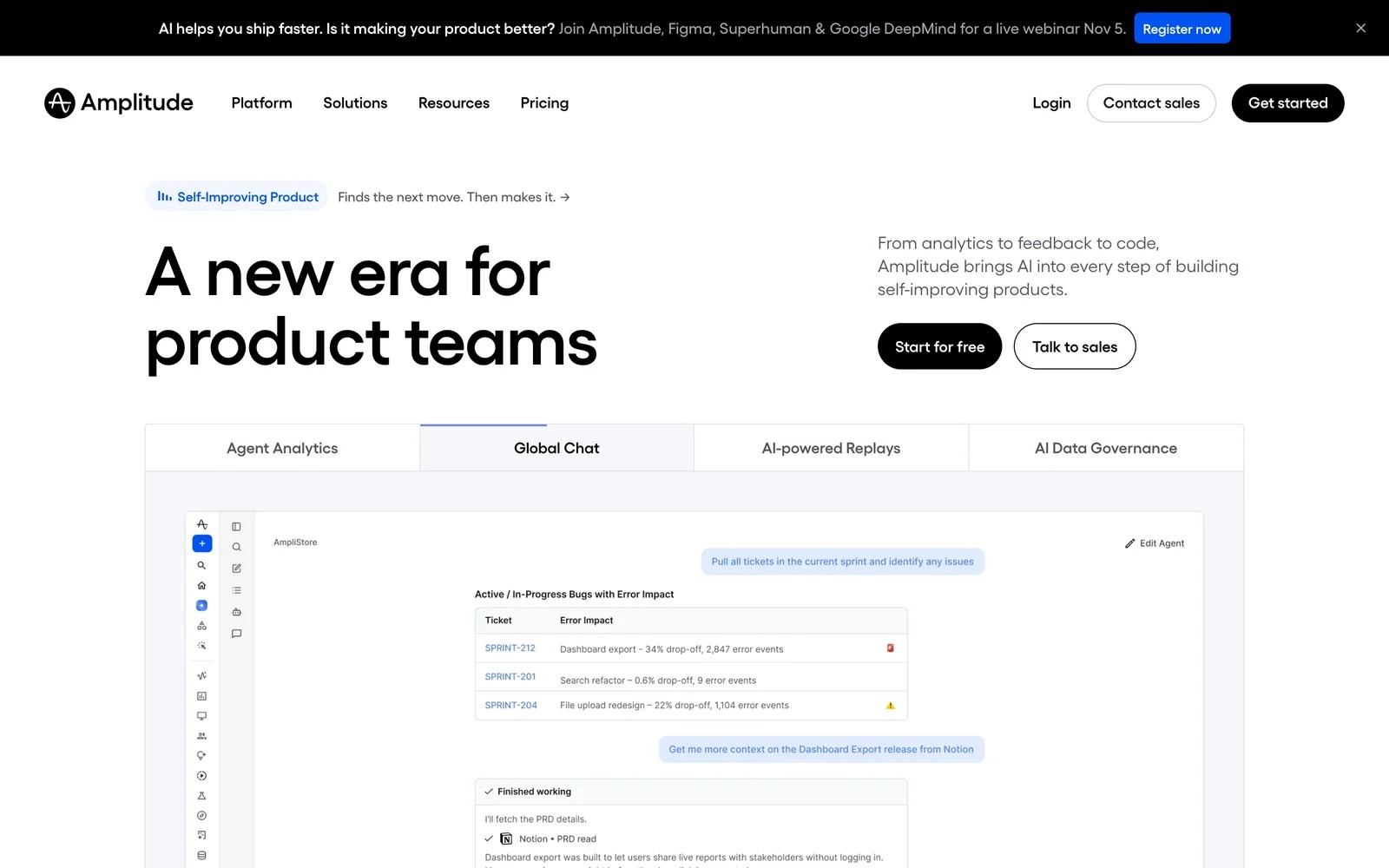
Best for: Product teams analyzing user journeys, experimentation, and predictive cohorts.
Amplitude competes with Mixpanel in the product analytics space. It tracks user behavior across web and mobile, focusing on retention, feature adoption, and user paths.
Amplitude's Behavioral Cohorts predict which users are likely to convert or churn based on usage patterns. Marketing teams use it to measure downstream product engagement from different acquisition channels.
Key features:
- Cross-platform user journey tracking (web, mobile, server-side)
- Predictive cohorts identifying high-value users
- Experimentation framework for A/B tests
- Integration with data warehouses (Snowflake, BigQuery)
- Retention and lifecycle dashboards
What users say
"The thing I appreciate most is how quickly I can get from a question to an actual answer." (Source)
"Once you crossed the free tier's event limit the jump is so steep and because its tied to event volume you end up second guessing whether a particular event is worth tracking." (Source)
Pricing: free up to 2M events a month. Plus scales with events. Growth and Enterprise are quoted.
Ideal for: Growth teams at SaaS and app companies that optimize for activation, retention, and product-led growth metrics.
Learn more at Amplitude
7. Salesforce Marketing Cloud Intelligence, Best for Multi-Brand Enterprises

Best for: Large enterprises managing multiple brands, regions, and complex marketing data sources.
Salesforce Marketing Cloud Intelligence (formerly Datorama) aggregates data from hundreds of marketing platforms into unified dashboards. It's built for enterprise teams that need a single view across paid media, owned channels, CRM, and sales data.
The platform automates data normalization and offers pre-built connectors for major advertising and marketing platforms. It works best for organizations already invested in the Salesforce ecosystem.
Key features:
- 170+ native data connectors for marketing platforms
- Automated data harmonization across sources
- AI-powered insights and anomaly detection
- Cross-channel attribution and budget optimization
- Role-based dashboards for executives and analysts
What users say
G2 groups its reviews with the wider Salesforce Marketing Cloud suite (email, journeys and agents), so they don't speak to this product specifically and we've left them out.
Pricing: quoted through Salesforce sales.
Ideal for: Multi-brand enterprises and agencies managing complex marketing data across regions, with existing Salesforce CRM or Marketing Cloud deployments.
Learn more at Salesforce Marketing Cloud Intelligence
8. Tableau, Best for Custom Data Visualization
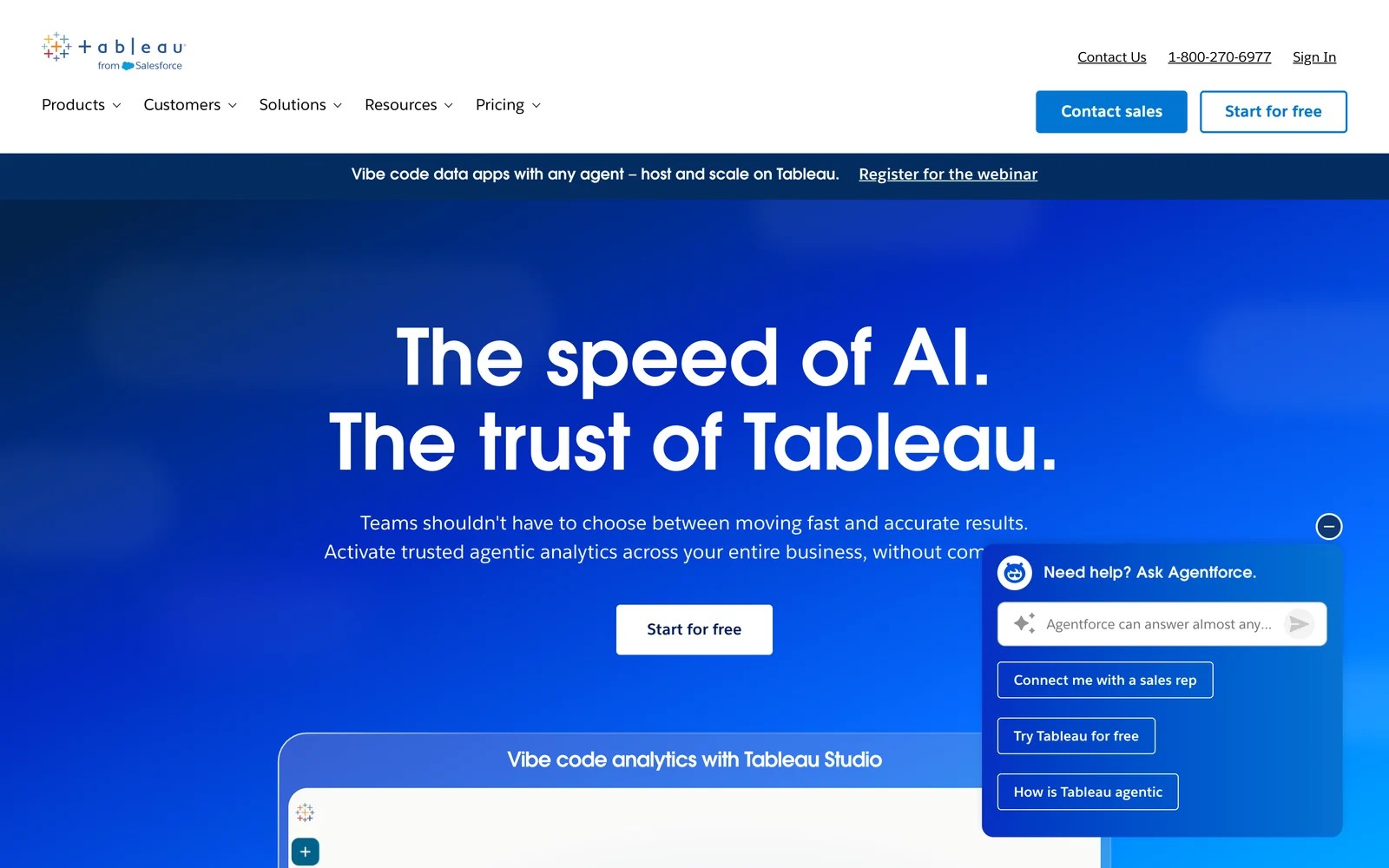
Best for: Data-driven teams building custom dashboards that combine marketing data with finance, sales, and operations.
Tableau is a business intelligence platform, not a marketing-specific tool. Marketing teams use it to build custom dashboards that blend campaign data with CRM, revenue, product usage, and finance metrics.
It connects to hundreds of data sources but requires analysts to design queries, build visualizations, and maintain dashboards. Tableau excels when you need fully custom reporting that goes beyond pre-built marketing templates.
Key features:
- Drag-and-drop data visualization with advanced chart types
- Connects to databases, data warehouses, and cloud platforms
- Custom calculated fields and data blending
- Embedding dashboards in other applications
- Collaboration and sharing across teams
What users say
"What I like best about Tableau is its intuitive drag-and-drop interface, which makes data exploration easy." (Source)
"Licensing costs can also be a concern for smaller teams" (Source)
"Sometimes performance can be an issue when dashboards handle very large datasets or have too many calculations." (Source)
Pricing: Tableau Creator licenses start at $75/user/month. Viewer licenses at $15/user/month.
Ideal for: Organizations with data analysts who need flexible, custom reporting across marketing, sales, finance, and operations.
Learn more at Tableau
9. Matomo, Best for Privacy-Focused Web Analytics
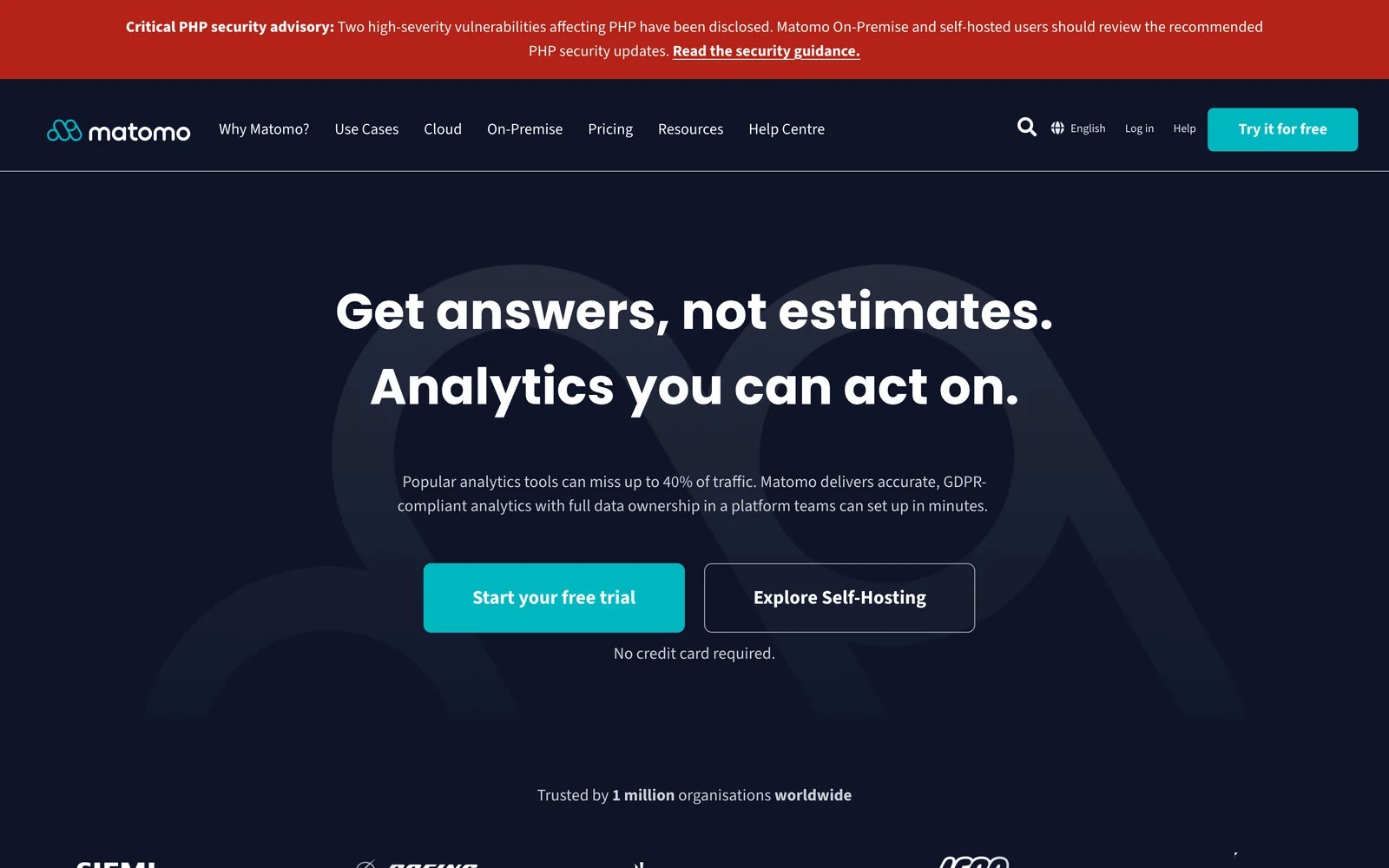
Best for: Teams prioritizing data privacy, GDPR compliance, and full data ownership.
Matomo is an open-source web analytics platform that you host on your own servers. It provides Google Analytics-like reports (traffic sources, pages, events) while giving you complete control over data.
Because Matomo doesn't send data to third parties, it's easier to comply with GDPR, CCPA, and other privacy regulations. Self-hosted Matomo requires server management; the cloud version is a managed alternative.
Key features:
- Self-hosted or cloud web analytics
- No data sampling or third-party tracking
- GDPR, CCPA, and privacy regulation compliance
- Custom event tracking and goal conversion reporting
- Heatmaps, session recordings, and A/B testing (via plugins)
What users say
"It is definitely one of the best tools for anyone who cares about data ownership and privacy." (Source)
"The biggest downside for us has been the pricing structure on the cloud version." (Source)
"Matomo can be more complex to configure and maintain, especially when self-hosting, and some advanced features are paid or less intuitive than those of Google Analytics." (Source)
Pricing: Matomo Cloud starts at €29/mo for 50,000 hits. Self-hosted is free (you run the servers).
Ideal for: Organizations with strict data privacy requirements, government agencies, healthcare, and companies in the EU requiring full data ownership.
Learn more at Matomo
10. Ruler Analytics, Best for Multi-Touch B2B Attribution

Best for: B2B marketing teams connecting marketing spend to closed revenue with multi-touch attribution.
Ruler Analytics tracks the customer journey from anonymous visitor to qualified lead to closed deal. It integrates with Google Ads, Meta, CRM (HubSpot, Salesforce, Pipedrive), and call tracking to build complete attribution paths.
The platform assigns revenue to marketing touchpoints using first-touch, last-touch, or weighted multi-touch models. It also syncs conversions back to ad platforms as offline conversions.
Key features:
- Multi-touch attribution connecting campaigns to CRM revenue
- Offline conversion tracking for Google Ads and Meta
- Call tracking with source attribution
- Integration with HubSpot, Salesforce, and 30+ CRMs
- Revenue dashboards showing cost per lead and ROAS by channel
What users say
"It tracks Form fills, Phone Calls (Online & Offline) and even Web Chat conversations!" (Source)
"Some minor mapping issues, initial setup can be complex" (Source)
Pricing: from £299/mo for up to 10,000 monthly visits, rising with traffic.
Ideal for: B2B marketing teams with multi-step sales funnels who need to prove ROI at the campaign and keyword level.
Learn more at Ruler Analytics
How to choose the right platform
Your business model determines the right tool:
Starting out? Begin with Google Analytics 4 for website traffic. Layer on attribution software once you need to connect marketing spend to leads and revenue.
Selling through leads? Use an attribution platform like SourceLoop, Ruler Analytics, or HubSpot that integrates with your CRM to show true marketing ROI.
Running a SaaS product? Add Mixpanel or Amplitude to measure activation, retention, and feature adoption beyond website metrics.
Managing multiple brands? Consider unified BI platforms like Tableau, Domo, or Salesforce Marketing Cloud Intelligence (requires analyst resources).
Privacy-focused? Choose Matomo or another privacy-first platform for full data control and GDPR compliance.
5 key features to look for
When evaluating marketing analytics platforms, prioritize these capabilities:
1. Multi-source data integration
The platform must connect to your advertising channels (Google Ads, Meta, LinkedIn), website analytics, CRM (Salesforce, HubSpot, Pipedrive), and conversion events (forms, calls, payments, bookings). Pre-built integrations save weeks of custom development.
2. Offline conversion syncing
Web analytics tracks website behavior, but sales happen in your CRM or POS system. Attribution platforms like SourceLoop sync qualified leads and revenue back to ad platforms as offline conversions. This closes the attribution loop and improves automated bidding.
3. Attribution modeling options
Single-touch attribution (first or last click) oversimplifies complex customer journeys. Multi-touch models distribute credit across touchpoints, revealing the combined impact of brand awareness, nurture campaigns, and conversion tactics.
4. Custom reporting and dashboards
Pre-built reports are a starting point, but your team needs custom views for specific KPIs. Look for platforms that let you build dashboards without writing SQL queries.
5. Real-time data and alerts
Campaign performance changes quickly. Real-time dashboards and automated alerts let you catch issues (broken tracking, overspending, conversion drops) before they drain budget.
Which tools to start with
Most teams don't need ten tools. They need two: one for the website and one for revenue.
- Lead generation businesses and agencies: GA4 for site behavior, plus SourceLoop to tie each lead to its source, CRM stage and revenue, and to send good leads back to Google Ads and Meta.
- SaaS teams: Mixpanel or Amplitude for what happens after sign-up, with SourceLoop showing which channels bring paying customers.
- Enterprises with many brands and an analyst team: Adobe Analytics or Salesforce Marketing Cloud Intelligence, with Tableau on top.
- Privacy-first organizations: Matomo, self-hosted.
Before you buy anything, check one thing: can the tool show revenue by channel, or only traffic? That's the gap most teams are trying to close.
Frequently asked questions
-
What is the best marketing analytics tool?
It depends on the question. To see which channels produce leads and revenue, use an attribution tool such as SourceLoop or Ruler. For free website analytics, GA4. For in-app behavior, Mixpanel or Amplitude. For custom dashboards across many datasets, Tableau.
-
Is Google Analytics 4 enough for marketing analytics?
For traffic and on-site behavior, often yes. It can't show individual leads or connect campaigns to deals that close later in your CRM, so most teams selling through leads add an attribution tool next to it.
-
What's the difference between marketing analytics and marketing attribution?
Marketing analytics covers all measurement of marketing activity: traffic, engagement, campaigns and revenue. Attribution is the part that assigns credit for conversions and revenue to the channels and campaigns that led to them.
-
Do I need a BI tool like Tableau for marketing?
Only if you need to combine marketing data with finance, product or operations data and have an analyst to build and maintain the dashboards. Most marketing teams get what they need from an attribution tool's built-in reports.


 Paid Social


