
6 Windsor.ai Alternatives for Marketing Data in 2026
Windsor.ai is already cheap, so the reason to switch matters. Six alternatives compared on support, reliability, reports and attribution.
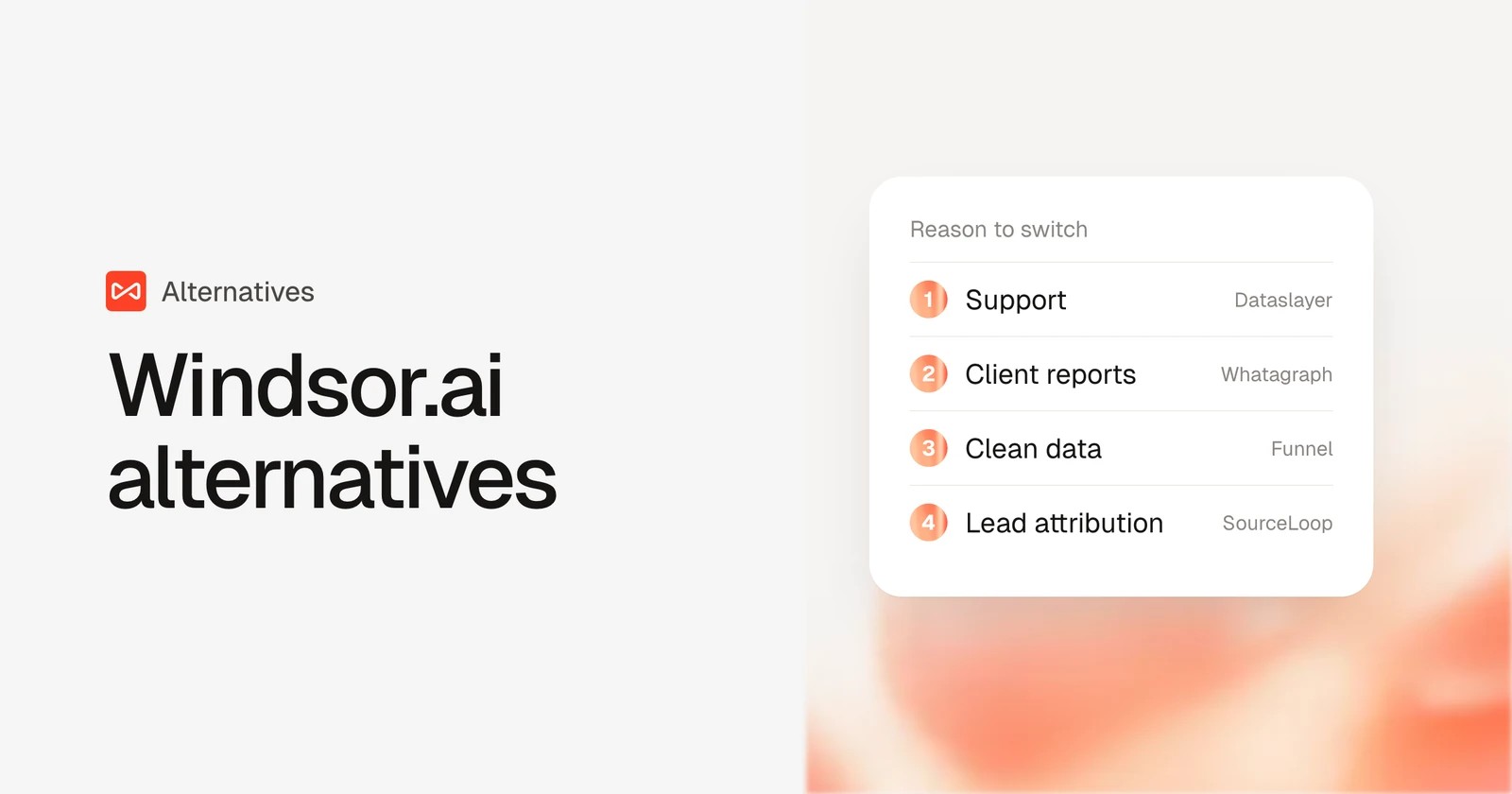
Table of contents
Most "alternatives" posts start with price. That doesn't work for Windsor.ai, because Windsor is usually the cheap option people switch to.
So the better question is what pushed you to look. In my experience, it's one of three things: support when a connector breaks, billing you didn't expect, or realizing the connector was never the thing you actually needed.
In this guide, I'll match six alternatives to those reasons, with pricing and what users say about each.
What we compared, and how
We started from a working Windsor.ai setup and rebuilt the same Google Ads and Meta report in each tool we could open ourselves: Supermetrics and Dataslayer on their trials, Coupler.io on its free plan and Funnel on its 30-day trial. Whatagraph is demo-led, so that section draws on a walkthrough and agencies we know who run it.
The brands and agencies we work with gave us the reasons to switch that frame this list. Quotes are copied from public reviews on G2 and Capterra. We paid most attention to:
- How support and billing work when something goes wrong
- How reliable the connectors are week to week
- What you get at the end: a table, a report, or an answer
- Total cost once you add the sources and accounts you really use
SourceLoop is ours, and it went through the same checks. Where a connector is the better tool, the section says so.
Last checked November 2026. Confirm current pricing with each vendor.
Why people leave a connector this cheap
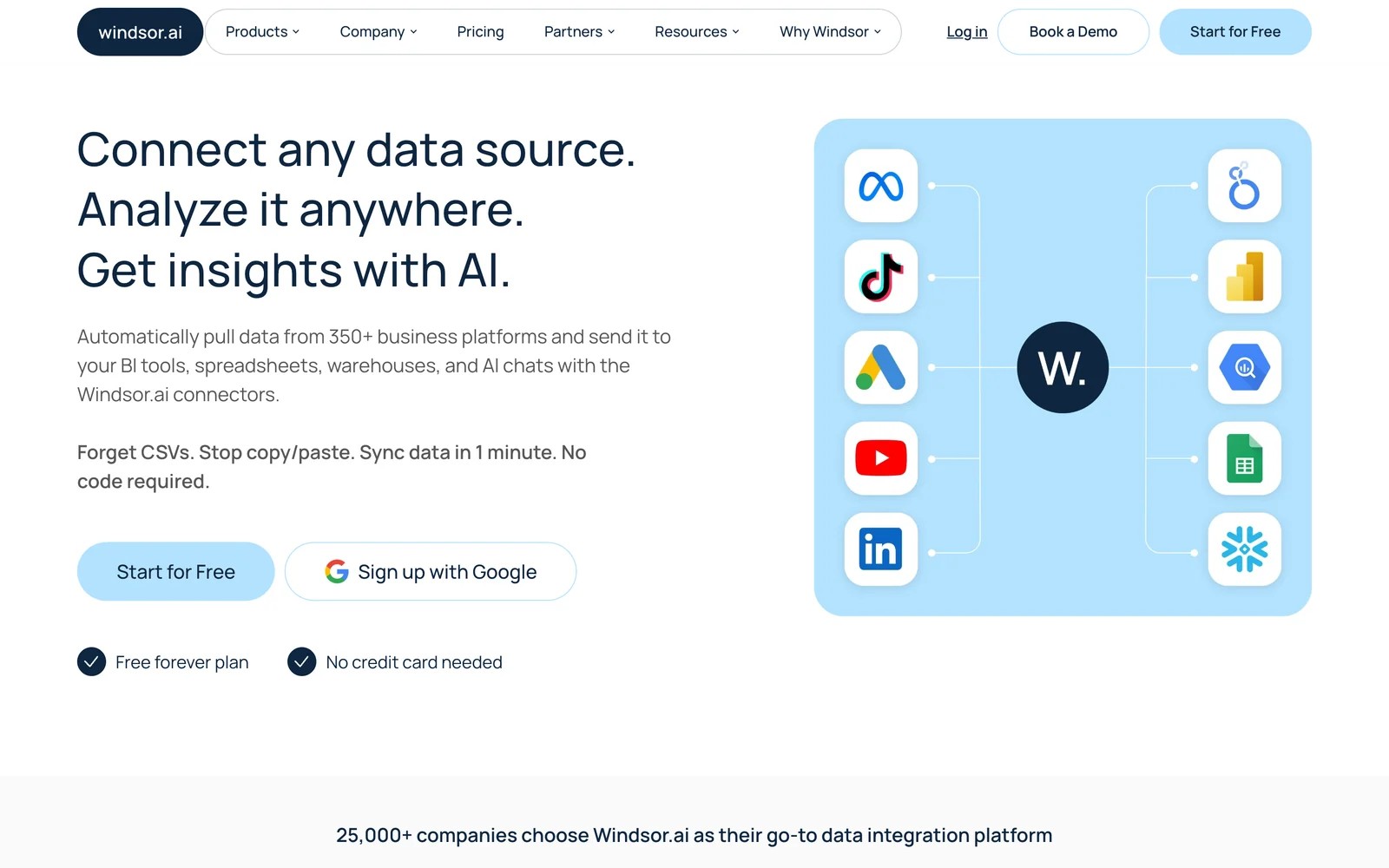
Windsor.ai's pricing starts with a free plan for one data source, then $19 a month on annual billing for Basic, $99 for Standard and up to $499 for Professional. It connects hundreds of sources to Looker Studio, BigQuery, Power BI and AI assistants.
Users like how quickly it connects, and its MCP server has fans:
"Ridiculously easy to implement a MCP server" (Source)
The complaints that push people away are about the experience around the data:
"Their customer service is horrible." (Source)
"They promote a $19 a month plan and charge you yearly without you noticing." (Source)
"The interface could be modernized and polished compared to industry tools." (Source)
If billing caught you out, check whether your plan renews monthly or annually before you cancel or switch.
Windsor.ai alternatives compared
Here's how the 6 Windsor.ai alternatives line up against the usual reasons to switch, as of November 2026.
| Tool | Switch to it if you want | What you end up with | AI or MCP access | Entry price | Free plan or trial |
|---|---|---|---|---|---|
 SourceLoop SourceLoop | Lead and revenue answers, no pipeline | Attribution reports, CRM fields, conversion sync | MCP on Professional | $49/mo | 7-day trial |
 Supermetrics Supermetrics | The most established connector | Data in Looker Studio, Sheets, Excel or Power BI | Yes | $39/mo yearly | 14-day trial |
 Dataslayer Dataslayer | Similar price, more hands-on support | Data in Looker Studio, Sheets, Power BI or warehouses | On paid plans | From €29/mo yearly | Free plan, 15-day trial |
 Coupler.io Coupler.io | Spreadsheets fed from many kinds of tools | Data in Sheets, Excel, BigQuery or Power BI | Yes | $24/mo yearly | Free plan |
 Whatagraph Whatagraph | Finished client reports | White-label reports and dashboards | AI agents | From €699/mo yearly | Demo |
 Funnel Funnel | Cleaner, standardized data | Mapped data in BI tools and warehouses | Partly | $300/mo yearly | 30-day trial |
The 6 best Windsor.ai alternatives
The first pick changes the job entirely. The rest are connectors or report builders, ordered from closest to Windsor to furthest away.
1. SourceLoop
Best for: lead generation businesses, agencies and SaaS teams who used Windsor.ai to feed a "which campaigns brought leads" dashboard.
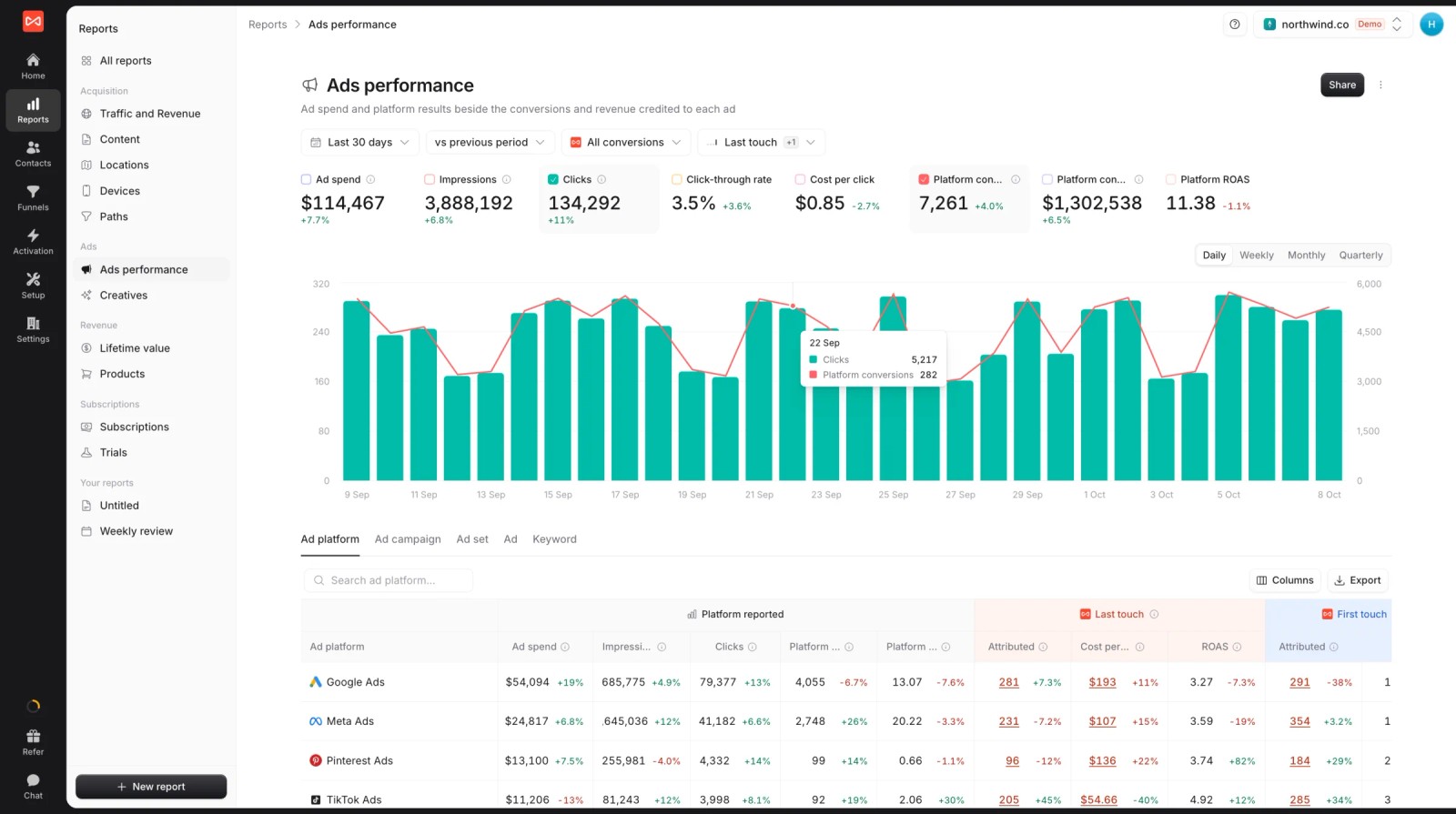
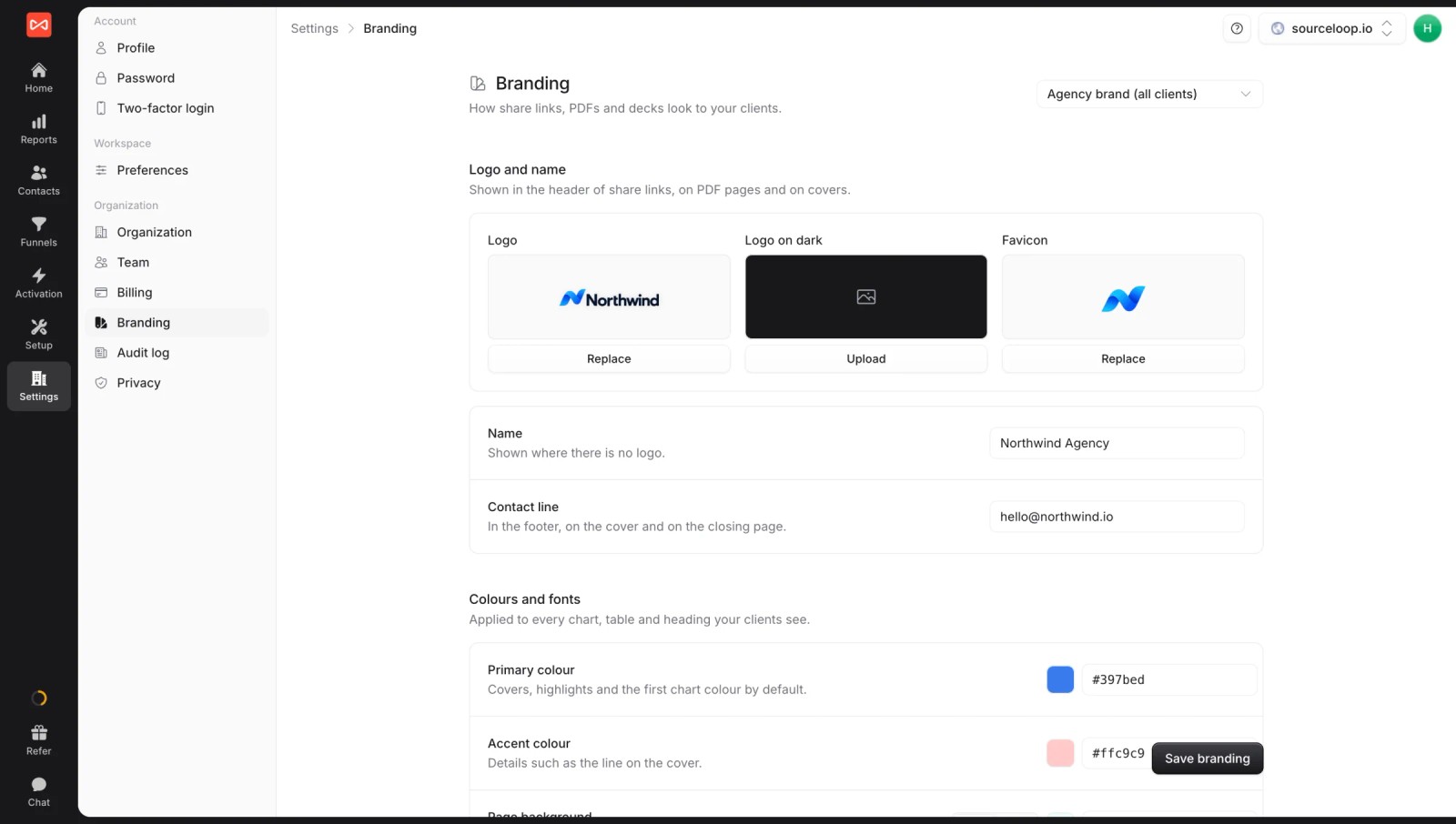
SourceLoop is a lead source and marketing attribution tracking tool. It doesn't move data between apps. It records where each visitor came from, keeps that source on every lead, reads the outcome from your CRM, and imports ad spend so the report is already finished.
For a lot of Windsor setups, that's the whole point of the pipeline. The difference is that a connector shows what each platform claims, while SourceLoop shows which leads actually came from where.
Key features
- Spend and credited results together: ad spend from Google Ads, Meta, Microsoft Ads and ChatGPT Ads beside platform-reported conversions and SourceLoop's own first and last touch credit.
- Channel and campaign reports: visitors, leads and revenue by channel, campaign and ad, ready the moment the tag is live.

- A source on every lead: each contact keeps its full path of visits and ad clicks, so you can answer "where did this one come from" in seconds.

- Lead quality rules: templates mark job seekers, sales pitches and throwaway emails as junk, so cost per lead only counts real enquiries.
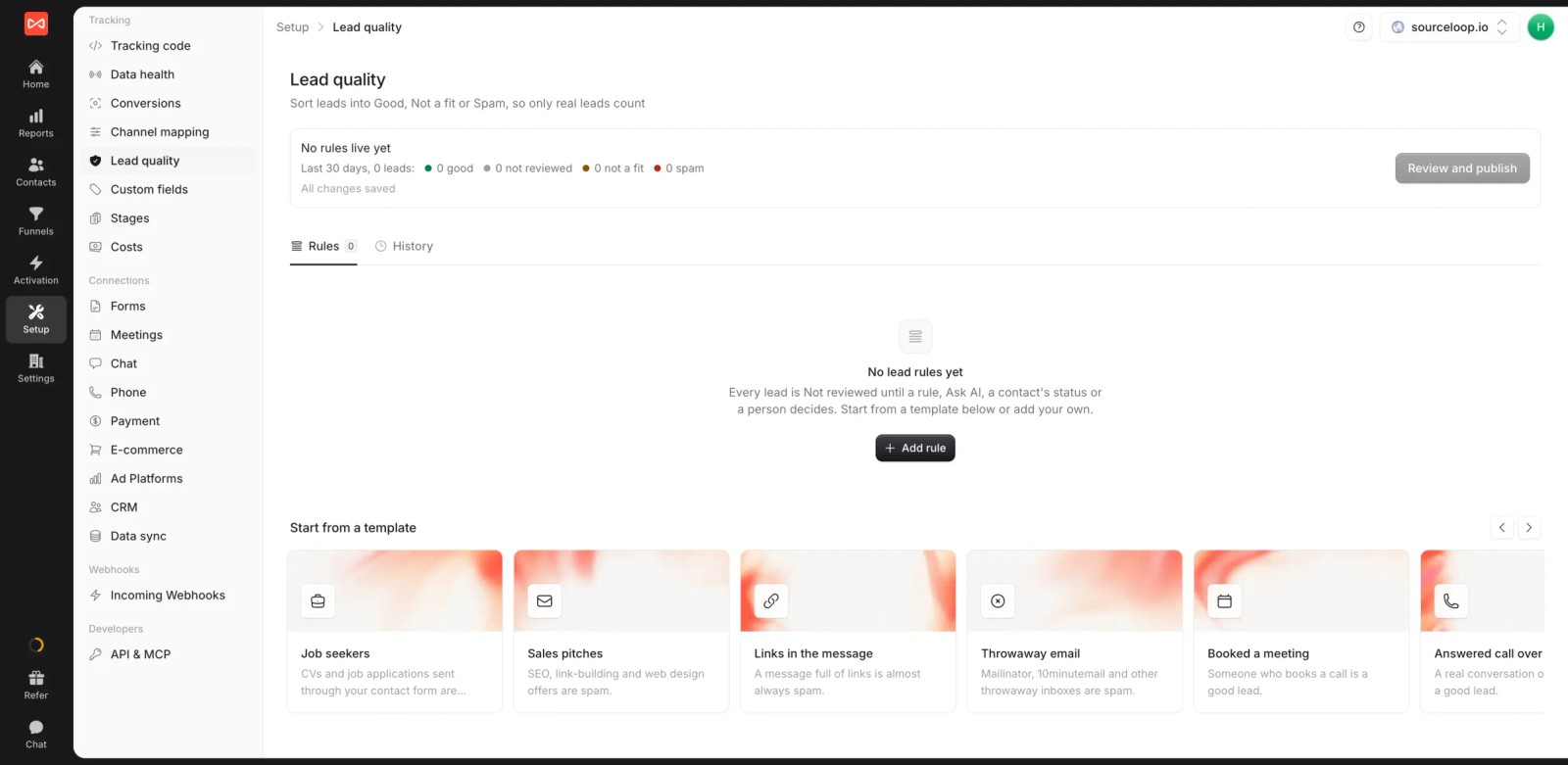
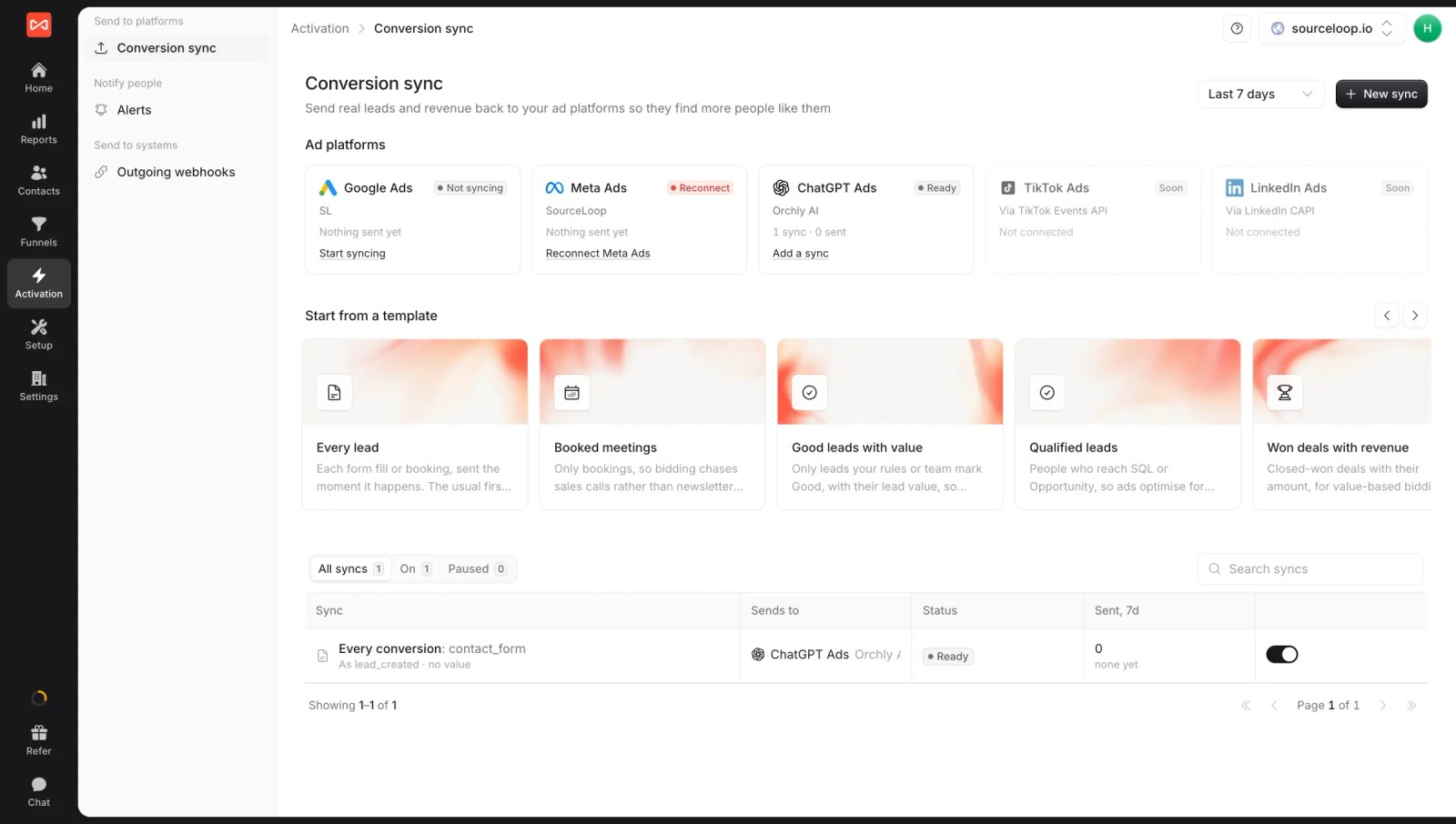
- Conversion sync: send good leads, booked meetings or won deals back to the ad platforms, matched by click ID, hashed email and phone.
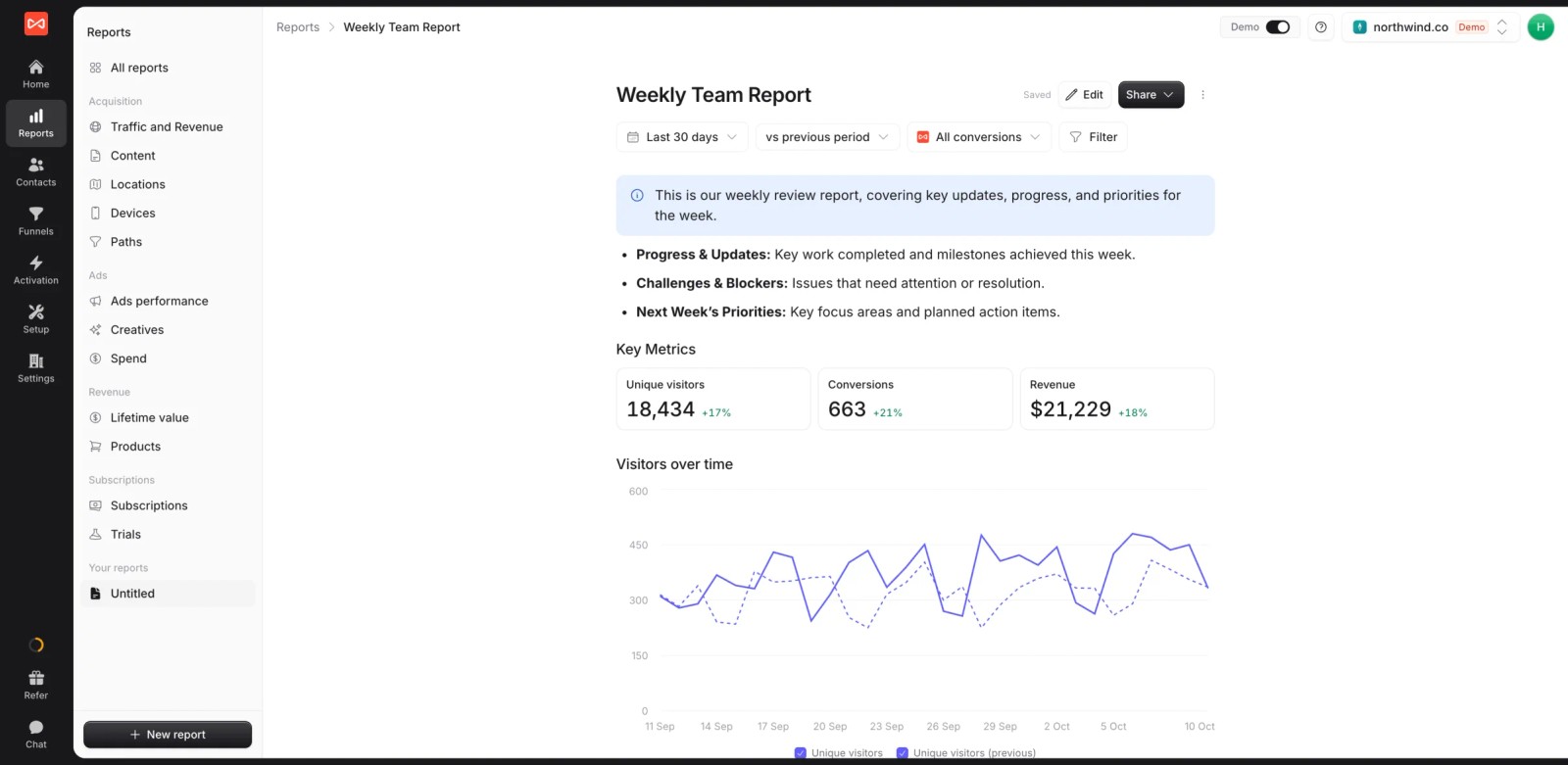
- Custom reports: a live weekly report with metric tiles, charts and notes, shareable as a link.
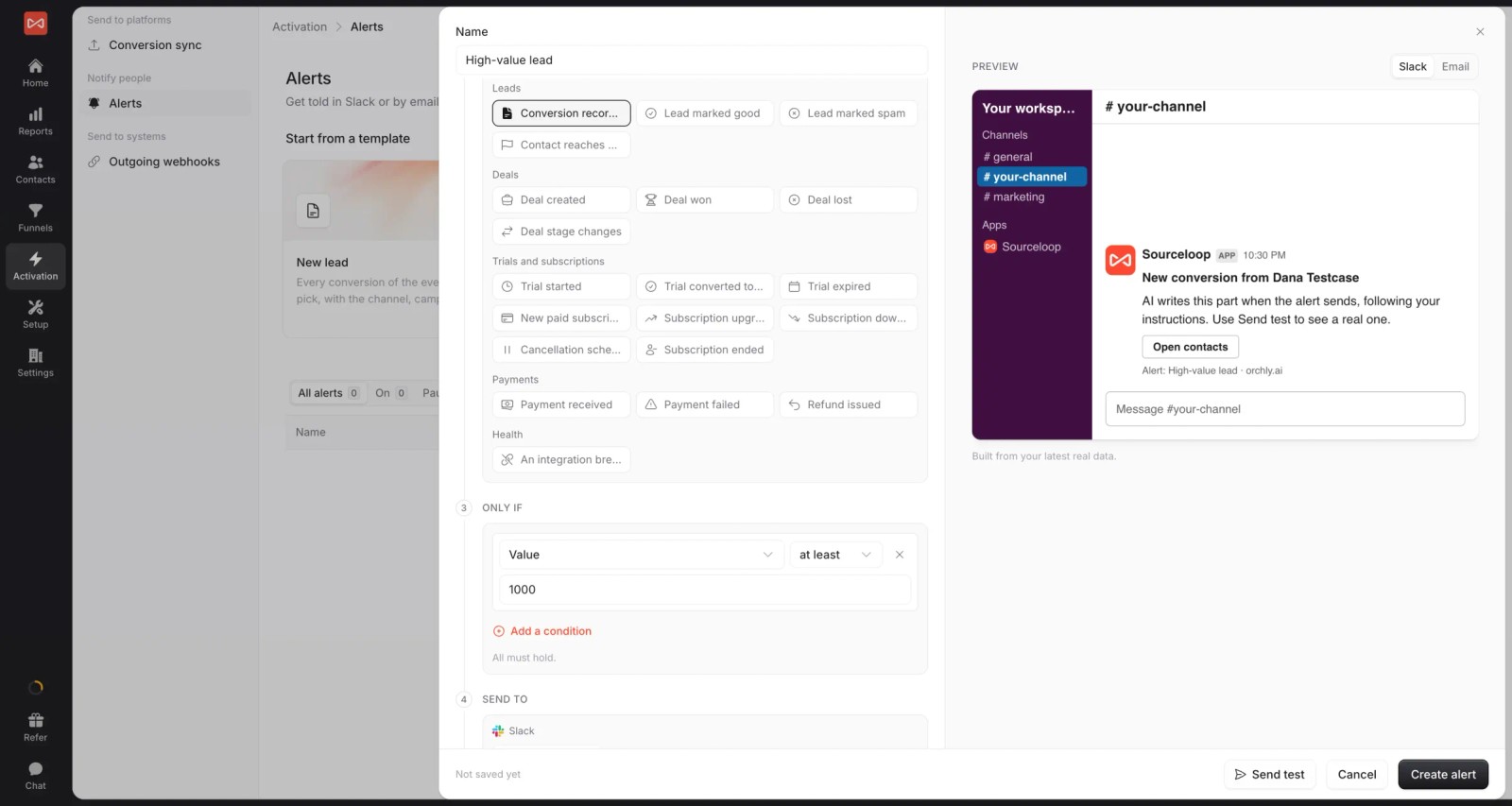
- Alerts: post high-value leads, daily numbers or threshold breaches to Slack or email.
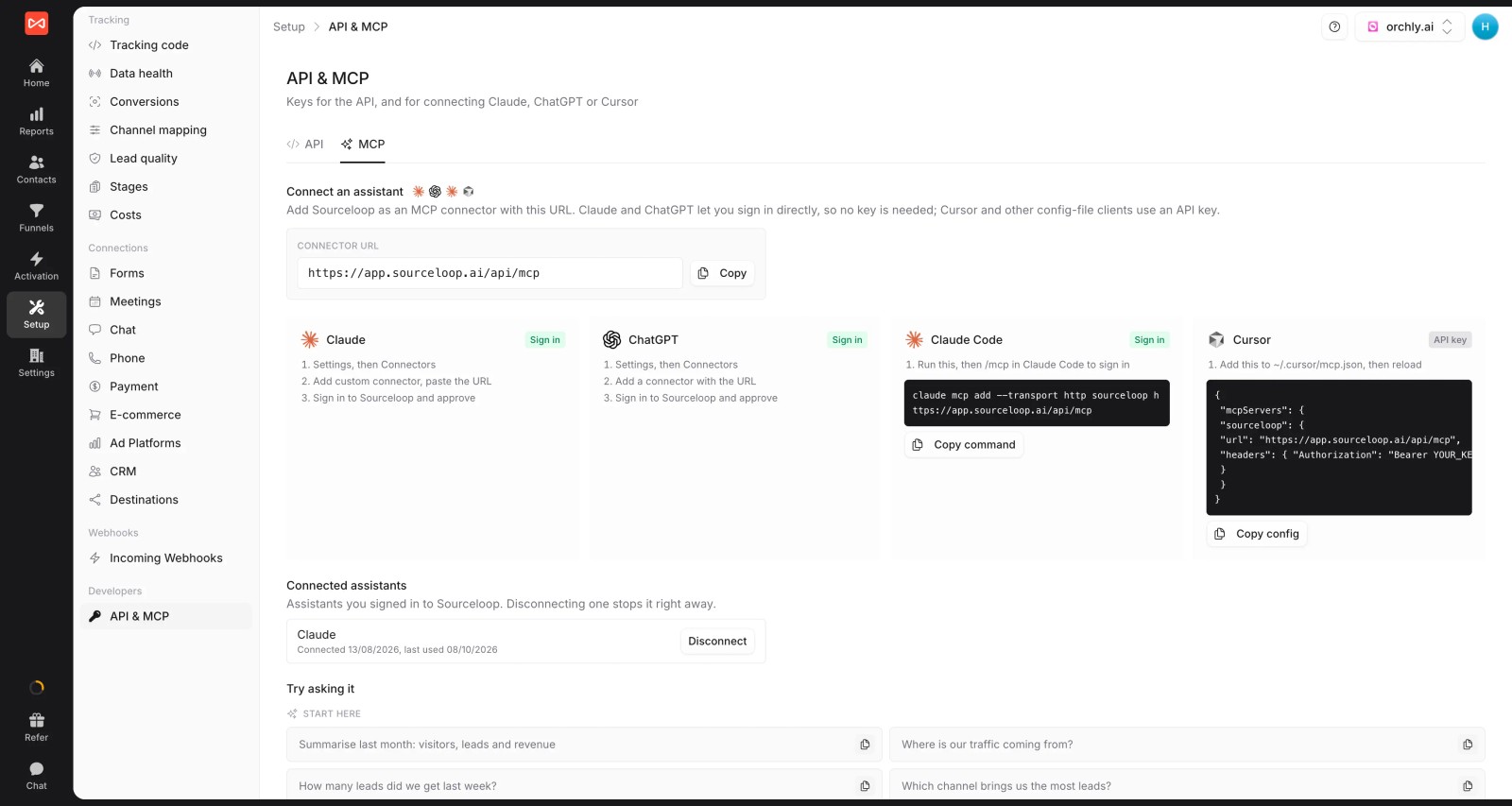
- MCP server: like Windsor, SourceLoop connects to Claude and other assistants, here with attribution, leads and deals to query (Professional and up).
- White label and multiple websites: several sites under one login, with your branding on reports. If you're an agency, each client gets its own workspace.
Where it falls short
- It won't pull organic social, email or SEO metrics, so a multi-channel dashboard of raw numbers still needs a connector.
- LinkedIn and TikTok spend sync are coming soon. Until then, enter those costs manually.
- There's no free plan, only a 7-day trial, so it costs more than Windsor's free tier for a single source.
Pricing
- Essential: $49/mo for one site and 30,000 page views, with tracking, attribution reports, lead quality rules and alerts
- Professional: $99/mo for 100,000 page views and unlimited users, adding CRM sync, conversion sync to the ad platforms, the API and MCP
- Agency: $249/mo for three sites and 1.5 million page views, adding white label reporting
- Unlimited conversions on every plan, with a 7-day trial. Billing is shown monthly or annually up front.
Verdict: the right move if the dashboard you built on Windsor was really an attribution report. Not a replacement for a general-purpose connector.
2. Supermetrics
Best for: marketers who want the most widely used connector and are willing to pay more for maturity.
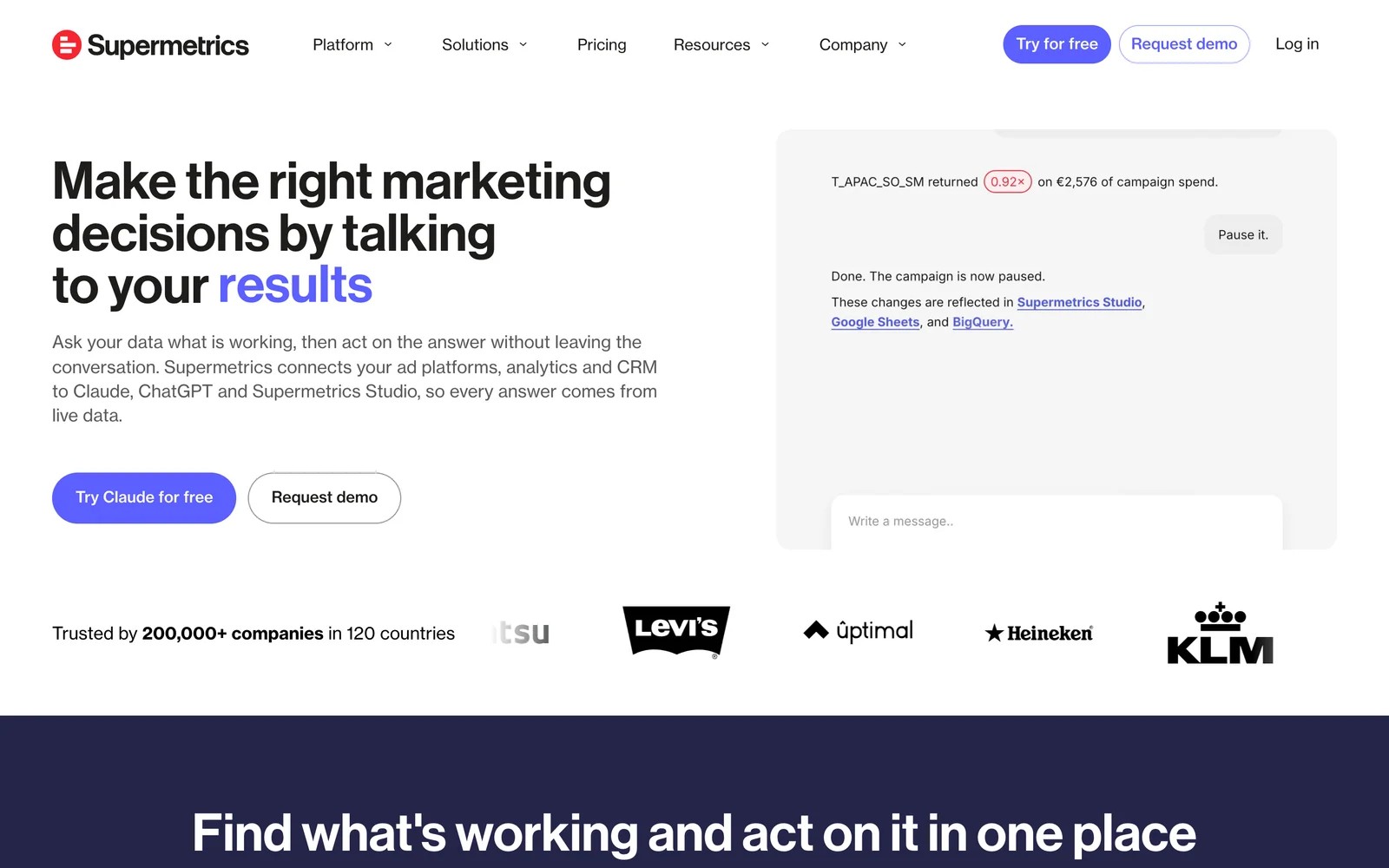
Supermetrics is the long-standing name in marketing connectors. It moves data into Looker Studio, Sheets, Excel and Power BI, and now into ChatGPT, Claude and Copilot as destinations too.
When I rebuilt my Windsor report on the Supermetrics trial, the query builder felt more polished, and templates got me to a first chart quickly. Picking fields and date ranges works almost identically, so moving over is mostly repointing sources.
The difference shows up on the invoice. Starter covers two sources and one destination, and every extra source, account or user is an add-on, so a setup that cost $19 on Windsor can cost several times that here.
Reviewers like not having to manage APIs themselves, and they're frank about cost and contract handling.
Key features
- Connectors for the main ad, analytics and social platforms feed familiar destinations like Looker Studio and Sheets.
- Templates and a query builder speed up the first report, especially for standard paid media dashboards.
- AI destinations let ChatGPT, Claude and Copilot query data directly, with monthly AI credits included in each plan.
- Enterprise adds warehouse destinations like Snowflake and BigQuery for teams that outgrow spreadsheets.
Where it falls short
- Costs rise quickly with extra sources, accounts and users, which hits agencies with many clients hardest.
- Some connectors need reconnecting regularly, and reviewers report discrepancies that require extra checking.
- Warehouse destinations sit on the quoted Enterprise plan, so scaling up means a sales conversation.
What users say
"Connecting data sources to Google Data Studio for reporting is difficult when you have to setup so many API connectors for each client on each platform. Supermetrics makes this process simple." (Source)
"Those eye watering price tags when you start spending any real budget." (Source)
"Certain connectors require reconnecting monthly, but they have a really nice UX in their dashboard that makes this fairly easy." (Source)
Pricing
- Starter: $49/mo ($39 billed yearly), 2 sources, 1 destination
- Growth: $199/mo ($159 yearly), 7 sources
- Enterprise: quoted, with warehouse destinations. 14-day trial.
Our Supermetrics alternatives post covers the other side of this comparison.
3. Dataslayer
Best for: small teams and agencies who like Windsor's price but want more responsive support.
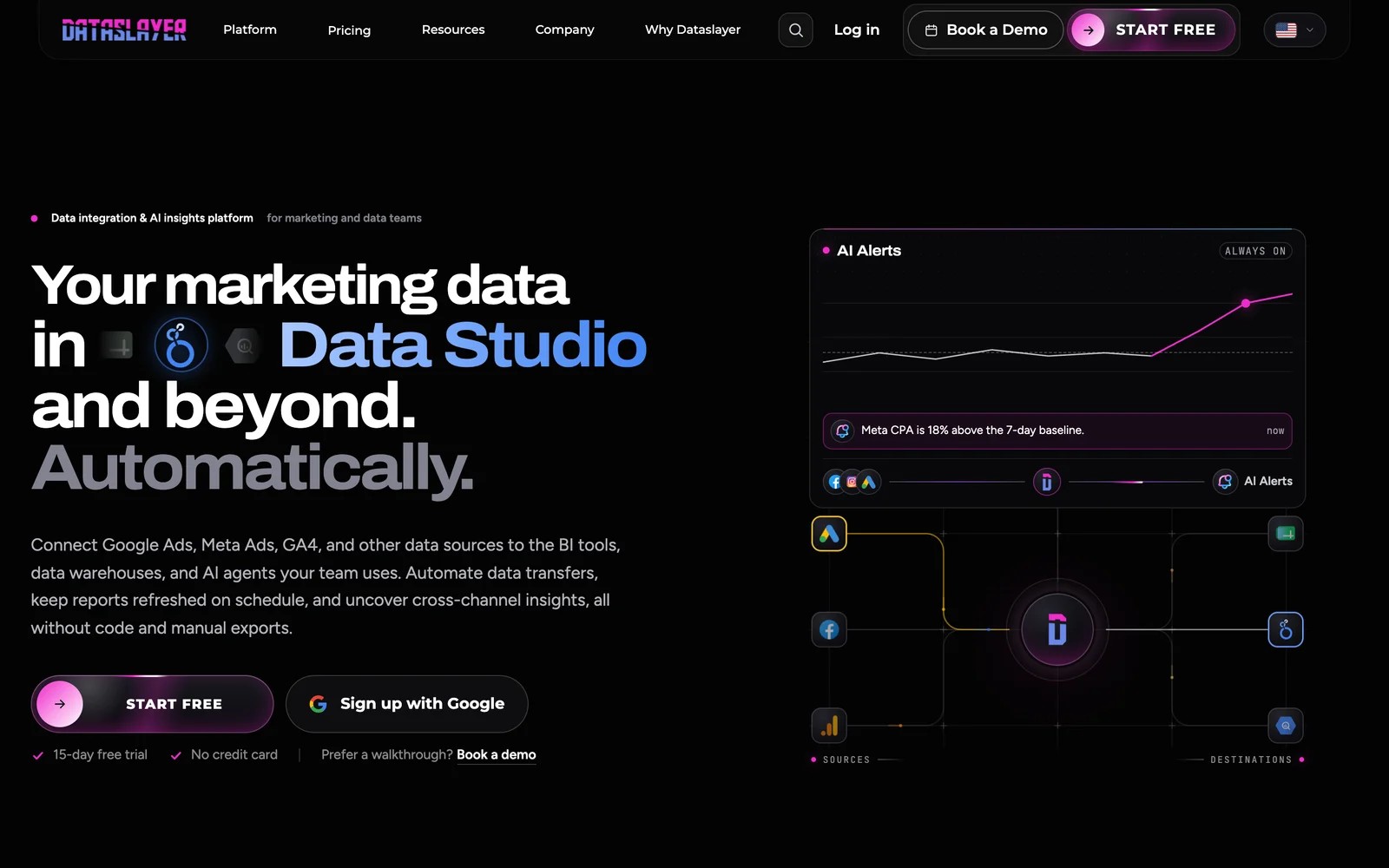
Dataslayer connects Google Ads, Meta, GA4 and other sources to Looker Studio, Sheets, Excel, Power BI and warehouses. Paid plans add AI insights, alerts and an MCP server.
On the 15-day trial, the setup felt close to Windsor's. You pick a connector, authorize the account and choose a destination, and the Looker Studio connector worked without fuss.
Support is where reviewers say it differs. Many describe a team that helps build queries, including in Spanish, which matters if Windsor's support is why you're leaving. Others had the opposite experience, so it isn't universal.
Pricing is in euros, and the pricing page lists different numbers in different places, so confirm the current figure before you commit.
Key features
- Connectors feed Looker Studio, Sheets, Excel and Power BI with unlimited rows on paid plans, which suits reporting-heavy teams.
- Warehouse destinations like BigQuery and Snowflake are available, with row limits that depend on the plan.
- AI insights, alerts and an MCP server come with paid plans, adding anomaly checks without a separate tool.
- A free plan and a 15-day trial without a card make it easy to test against your current setup.
Where it falls short
- Reviewers say connectors sometimes fail, though often because of changes on the platform's side.
- Some find it clunkier than the leading tools, especially when building more complex queries.
- Support experiences vary, with most reviews glowing and a few describing no resolution at all.
What users say
"It's cheaper than others similar tools." (Source)
"With Dataslayer, I can accomplish things that I couldn't with other connectors, allowing me to create more comprehensive reports in Looker Studio." (Source)
"Sometime connectors don't work. But in most cases it's a problem with data sources." (Source)
Pricing
- Free: one connector and destination, manual daily refresh
- Starter, Advanced and Pro: €29, €99 and €299/mo billed annually, per the pricing page FAQ
- Business: quoted. 15-day trial, no card needed.
4. Coupler.io
Best for: teams whose reports mix marketing data with finance, CRM or operations data in spreadsheets.
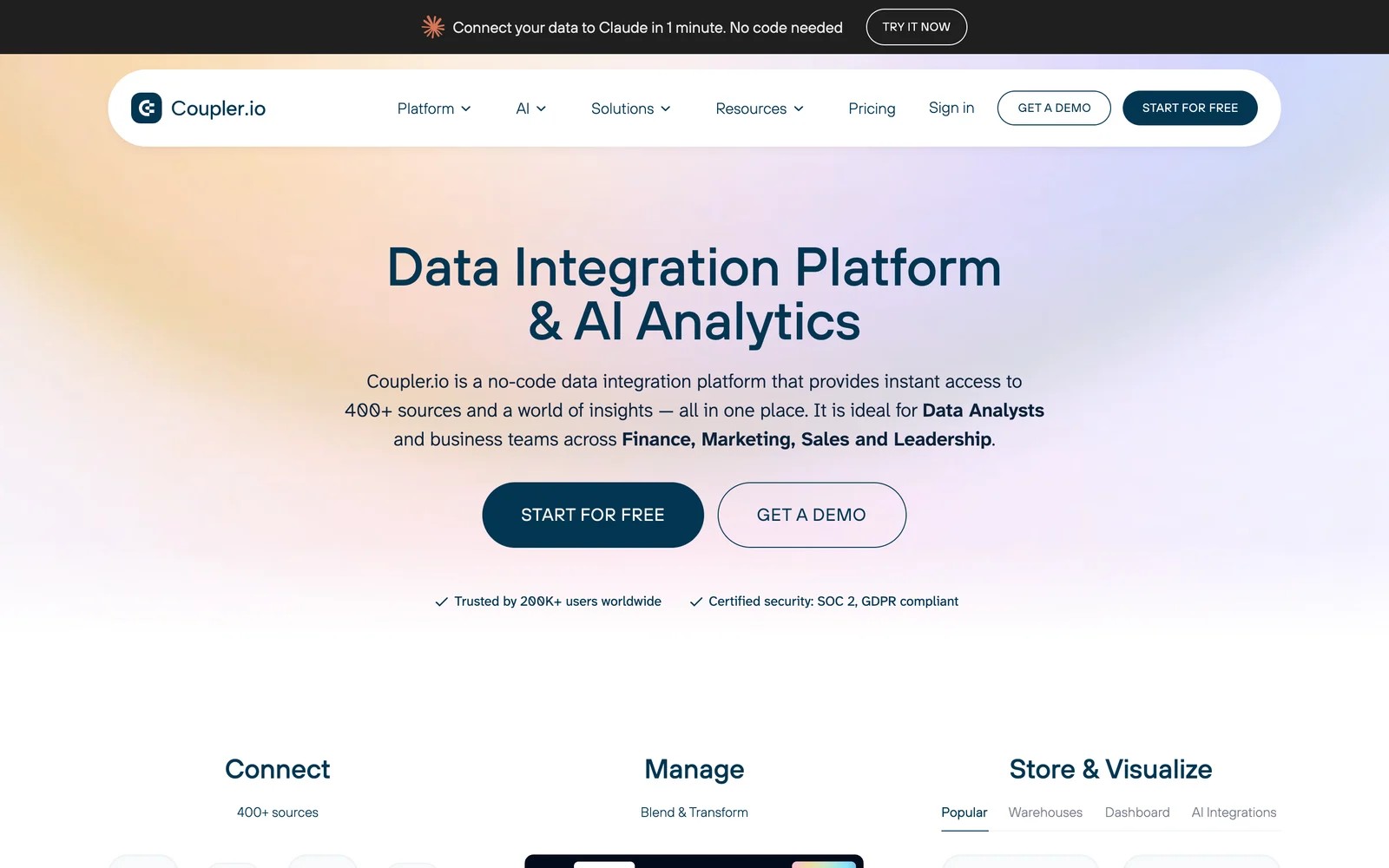
Coupler.io is broader than a marketing connector. It pulls from 400+ sources, including accounting, CRMs and databases, into Sheets, Excel, BigQuery and BI tools, with transformations on the way.
On the free plan, what I liked was the spreadsheet output. Data lands as a tidy table, and a schedule keeps it fresh, which is exactly how a lot of small teams actually report.
Where Windsor wins is pure marketing depth and price at the bottom end. Coupler's free plan refreshes only manually, and joining several ad platforms takes some care with column types.
Key features
- Over 400 sources cover ads, CRMs, accounting and databases, so one tool can feed marketing and finance reporting.
- Transformations filter, join and reshape data before it lands, cutting the cleanup work inside the spreadsheet.
- Scheduled refreshes run daily on Starter and hourly on Pro, keeping shared sheets and dashboards current.
- Dashboard templates for Looker Studio and Power BI give a head start on common marketing views.
Where it falls short
- The free plan only supports manual refreshes and small row counts, so it's for testing, not ongoing reporting.
- Combining several marketing sources means some work aligning schemas and column types.
- Marketing-specific features like attribution or cross-channel modeling stay outside the product.
What users say
"Massive Integration Library: I love the sheer number of integrations available." (Source)
"While their prebuilt PowerBI dashboards save a ton of time on setup, you still have to do some work to swap out different data sources or just remove some of the presets if you don't want to use the exact combination the dashboard comes with." (Source)
Pricing
- Free: one source and destination
- Starter: $32/mo ($24 billed yearly)
- Active and Pro: $132 and $259/mo ($99 and $199 yearly). 7-day trial on paid plans.
5. Whatagraph
Best for: agencies that used Windsor to feed Looker Studio client reports and would rather have the report built for them.
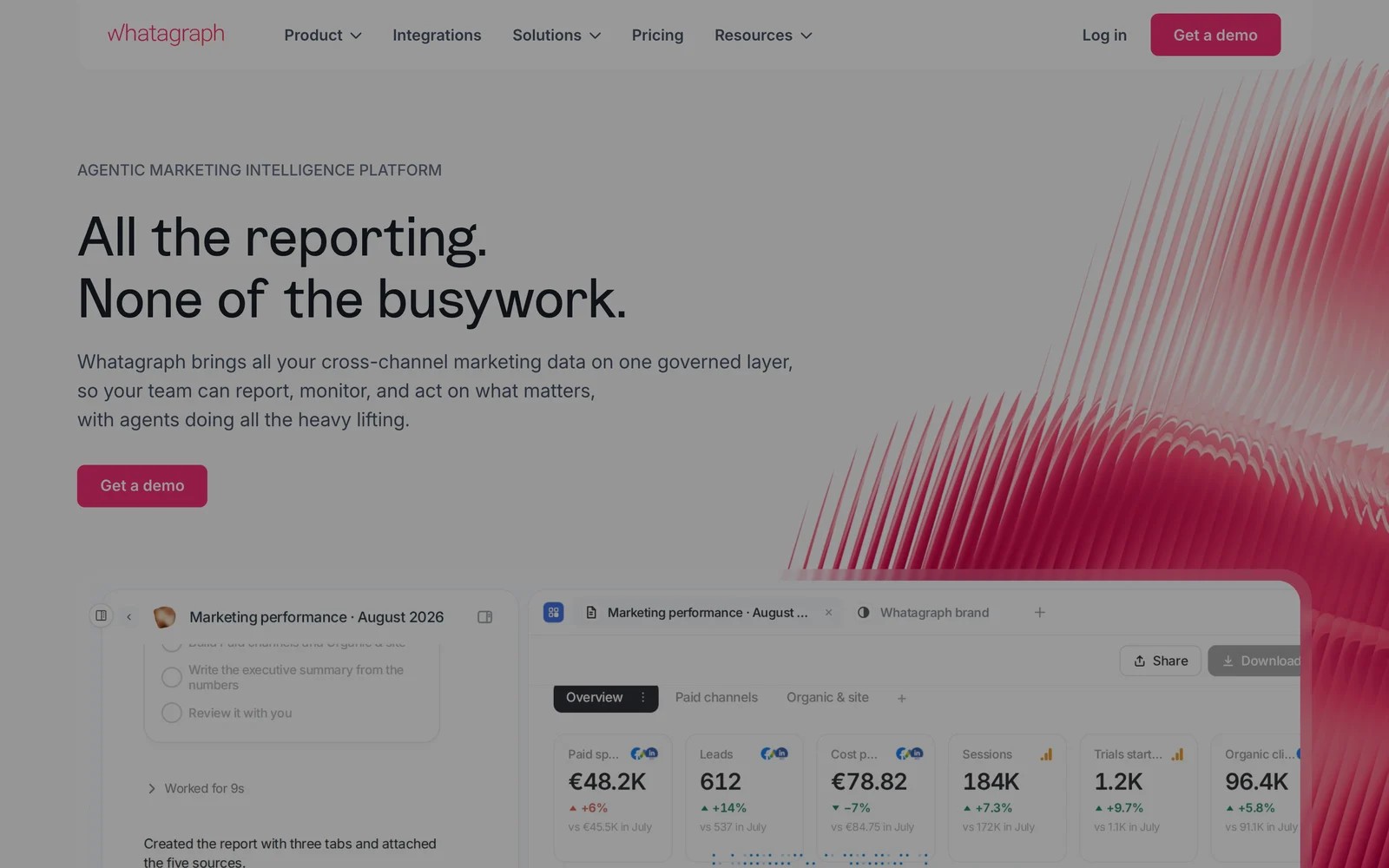
Whatagraph bundles connectors with the reporting layer. You connect client accounts, start from a template, brand it, and send it, without designing anything in Looker Studio.
It's demo-led. In the walkthrough, the time saved on report design was the obvious selling point, and the agencies we know who switched from a connector-plus-Looker setup mention the same thing.
The catch is price and lock-in. Plans start at €699 a month on annual billing, which is a different budget from Windsor, and your reports live inside Whatagraph rather than in a tool you control.
Key features
- Templates and a drag-and-drop editor produce client reports directly, so there's no separate dashboard to build or maintain.
- White-label sharing puts your logo and domain on reports, which keeps the agency front and center with clients.
- Scheduled sending delivers reports automatically, replacing the monthly export and email routine.
- AI agents draft summaries and build reports, saving time on routine commentary.
Where it falls short
- The entry price assumes an agency with a solid client roster, not a freelancer moving off Windsor's free tier.
- Reviewers mention a learning curve, as building things follows Whatagraph's own logic.
- Data sources occasionally disconnect, which can hold up a report that's due.
What users say
"It's user-friendly and has good sharing features which helps when wanting to send reports both internally and externally" (Source)
"Data sources being randomly disconnected for no apparent reason." (Source)
Pricing
- Max: from €699/mo billed annually
- Prime: custom
6. Funnel
Best for: in-house teams that want marketing data standardized centrally before anyone builds a report.
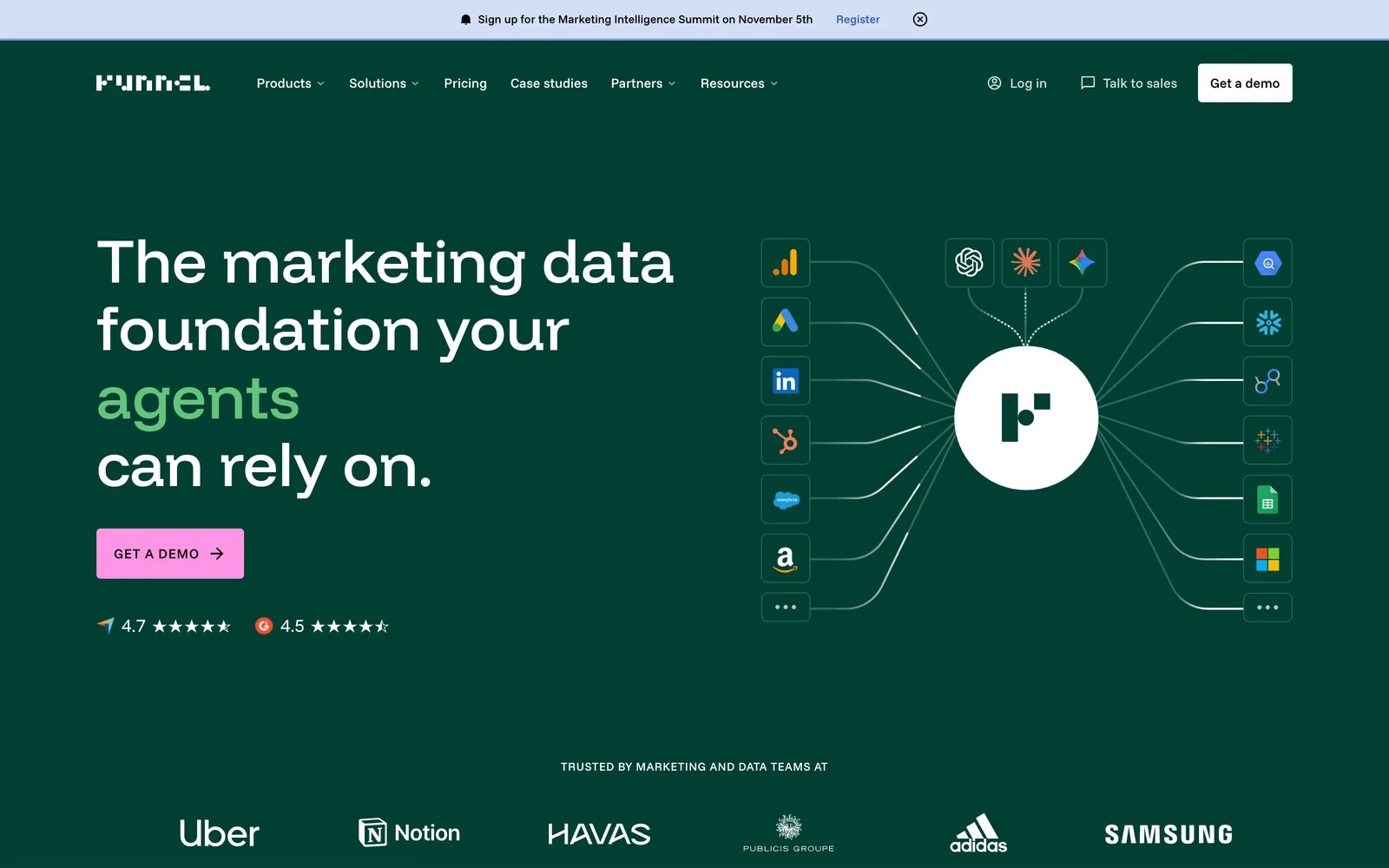
Funnel sits at the premium end. It collects data from hundreds of platforms, maps it into shared dimensions and sends it to BI tools and warehouses.
On the trial, the mapping layer was the clear step up from Windsor. Campaign naming, currencies and channel groupings get defined once, so everyone's dashboards agree.
You pay for that. Annual plans start at $300 a month, many times Windsor's entry price, so it only makes sense if inconsistent data is your real problem.
Key features
- A mapping layer standardizes campaigns, currencies and channels across platforms, so reports agree without manual fixes.
- Destinations include Looker Studio, warehouses and BI tools, which fits a central data stack.
- Shared rules apply across every report, keeping definitions consistent between teams and regions.
- Measurement add-ons for MMM and attribution sit on higher plans for teams that want analysis in one place.
Where it falls short
- It costs many times more than Windsor, and the price rises as you add data sources.
- Annual billing and onboarding make it a bigger commitment than a self-serve connector.
- Complex transformations still happen in your warehouse or BI tool.
What users say
"What I find most helpful about Funnel is having one tool that both the marketing and data teams can use." (Source)
"As an ETL, the \"E\" and \"L\" parts are perfect, the \"T\" could be improved" (Source)
Pricing
- Starter and Business: from $300 and $600/mo, billed annually, 30-day trial
How to choose
Match the replacement to the reason you're leaving.
1. Support or billing let you down
- Dataslayer for a similar price with more hands-on help, or Supermetrics if you want the most established option and can absorb the cost.
2. You report from more than marketing tools
- Coupler.io, which handles finance, CRM and database sources alongside ads.
3. You were building client reports by hand
- Whatagraph if the budget allows. If the core of each report is lead source and cost per lead, SourceLoop's branded reports cover that without a connector.
4. Your dashboard exists to show which campaigns brought leads
- SourceLoop. It suits lead generation businesses, agencies and SaaS teams, and sends good leads back to the ad platforms too.
5. Your numbers never agree across teams
- Funnel.
For more on connector-style tools, see our Funnel.io alternatives. If attribution is the real goal, our comparison of marketing attribution software goes deeper.
Frequently asked questions
-
What is the best Windsor.ai alternative?
It depends on why you're leaving. For a similar price with stronger support, Dataslayer. For the most established connector, Supermetrics. If you used Windsor to build lead and revenue reports, SourceLoop produces those directly.
-
Is Windsor.ai cheaper than Supermetrics?
Usually, yes. Windsor.ai has a free plan and paid plans from $19 a month billed yearly, while Supermetrics starts at $39 a month billed yearly for two sources, with extras for more sources, accounts and users.
-
Does Windsor.ai bill monthly or yearly?
It offers both. Some reviewers say they expected monthly billing and were charged annually, so check the billing period at checkout and in your account settings.
-
Which Windsor.ai alternative has an MCP server?
Supermetrics, Dataslayer and Coupler.io all connect to AI assistants, and SourceLoop has an MCP server on Professional and up for querying attribution, leads and deals.
-
Can I move my Looker Studio reports off Windsor.ai?
Yes. Supermetrics, Dataslayer, Coupler.io and Funnel all have Looker Studio connectors. You'll need to swap the data source on each chart or report page.

 Paid Social


