
6 Supermetrics Alternatives for Marketing Data in 2026
Six Supermetrics alternatives compared on connector pricing, destinations and upkeep, plus one that skips the pipeline. With real user reviews.
Table of contents
Supermetrics is usually the first connector a marketer installs. It pulls Google Ads, Meta and GA4 into a spreadsheet or Looker Studio, and it works.
The trouble starts a year later. You've added LinkedIn, a second client, a warehouse, and the plan that cost $39 now needs extras on every line.
In this guide, I'll sort six alternatives by how you actually use Supermetrics today, and point out when you might not need a connector at all.
How we sized these up
Connectors look identical on a features page, so we connected the same Google Ads, Meta and GA4 accounts to each tool we could start on our own: Windsor.ai and Coupler.io on their free plans, Funnel on its trial and Fivetran's free tier. Adverity sells through demos, so that section leans on a walkthrough and its documentation.
A lot of the brands and agencies we work with started on Supermetrics, and their reasons for leaving shaped what we checked. Quotes come from public reviews on G2 and Capterra. For each tool we looked at:
- What adding one more source, account or client costs
- Which destinations come with the base plan
- How often connections break and need fixing
- Whether the data ends up answering a business question or just sits in a table
SourceLoop is our product. We held it to the same checklist and say plainly where a real connector does a job it can't.
Last checked November 2026. Confirm current pricing with each vendor.
Why marketers move off Supermetrics
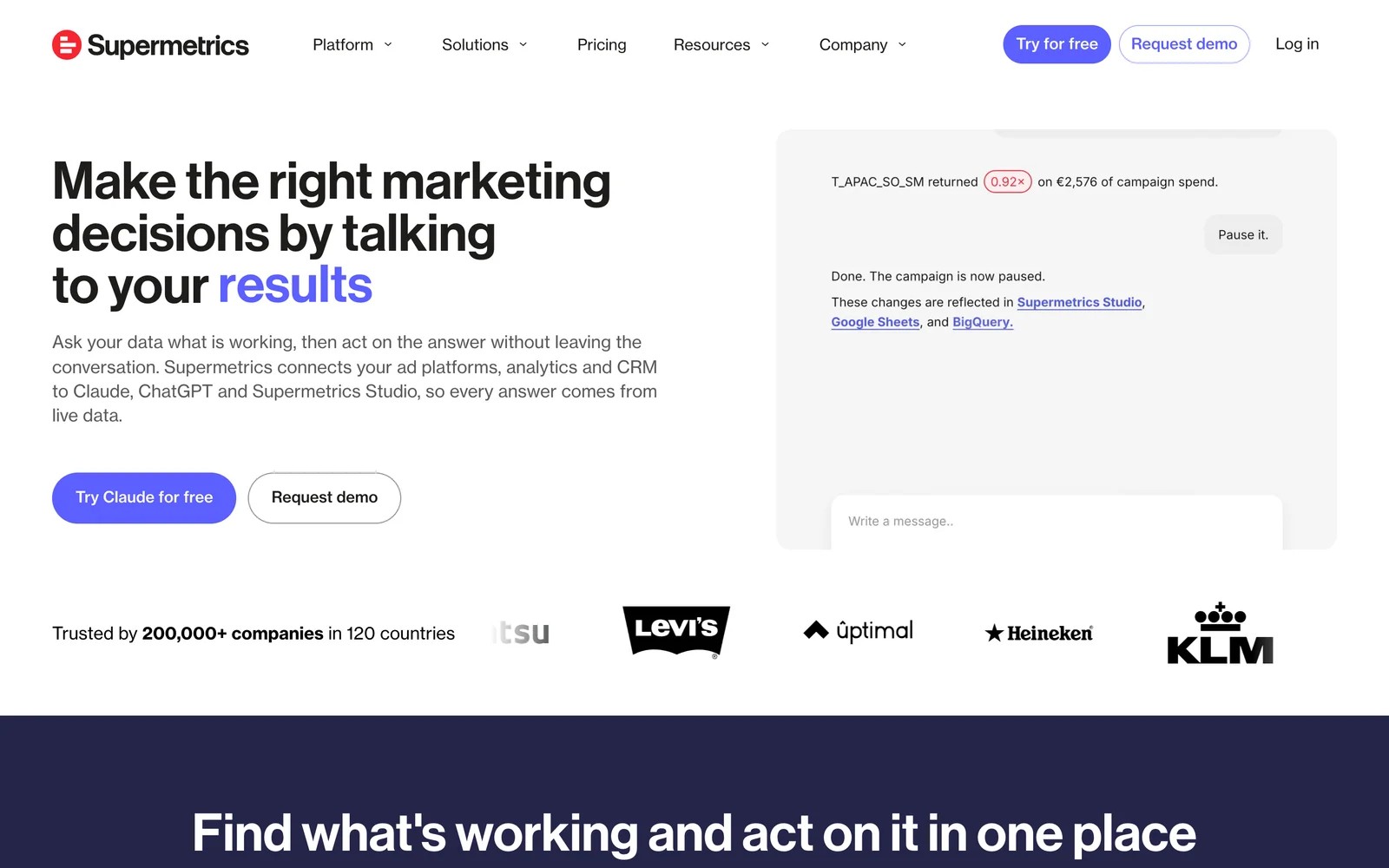
Supermetrics' pricing page lists Starter at $49 a month ($39 billed yearly) for two data sources and one destination, and Growth at $199 ($159 yearly) for seven. More sources, users, destinations or ad accounts are paid extras, and warehouse destinations sit on Enterprise.
Nobody argues with the core idea:
"No need to develop your own API connections and monitor API documentation and changes of different platforms." (Source)
The friction is cost as you grow, plus the upkeep of keeping numbers right:
"The cost can be high, especially if you need multiple connectors or use it across several accounts or clients." (Source)
"The tool has data discrepancies and this demands extra validation" (Source)
"The interface is quite basic and has not kept pace with developments in many tools that it connects to - most notably GA4." (Source)
Supermetrics alternatives compared
Here's how the 6 Supermetrics alternatives compare on what they're for, where data goes and what they cost, as of November 2026.
| Tool | Best for | Where data lands | Pricing model | Entry price | Free plan or trial |
|---|---|---|---|---|---|
 SourceLoop SourceLoop | Lead and revenue reporting without a pipeline | Its own reports, CRM, ad platforms, warehouse export | Page views, unlimited conversions | $49/mo | 7-day trial |
 Windsor.ai Windsor.ai | The cheapest like-for-like connector | Looker Studio, Sheets, BigQuery, Power BI, AI assistants | Tiers by data sources | Free, then $19/mo | Yes |
 Coupler.io Coupler.io | Sheets and BI users with mixed sources | Sheets, Excel, BigQuery, Power BI, Looker Studio | Tiers by accounts and refresh speed | Free, then $24/mo | Yes |
 Funnel Funnel | Teams that want data cleaned before it lands | Looker Studio, warehouses, BI tools | Annual plans by usage | $300/mo | 30-day trial |
 Adverity Adverity | Enterprises that need governed data | Warehouses and BI tools | Quote | Quote | No |
 Fivetran Fivetran | Data teams loading a warehouse | Snowflake, BigQuery, Redshift and others | Monthly active rows | Free up to 500K rows | Yes |
The 6 best Supermetrics alternatives
I've put SourceLoop first because a lot of Supermetrics setups exist to answer one question. The connectors follow, from simplest to most technical.
1. SourceLoop
Best for: lead generation businesses, agencies and SaaS teams whose Looker Studio reports exist mainly to show which campaigns produced leads, deals and revenue.

SourceLoop is a first-party marketing attribution and measurement tool. It isn't a connector, and it won't pipe 100 platforms into a spreadsheet.
What it does is collect the data a lot of Supermetrics reports are trying to stitch together. It tracks every visit, captures each lead with its source, reads the deal from your CRM and pulls ad spend in alongside, so cost per lead and return by campaign are already calculated.
Key features
- Attribution reports built in: visitors, leads and revenue by channel, campaign and ad, with first and last touch side by side.
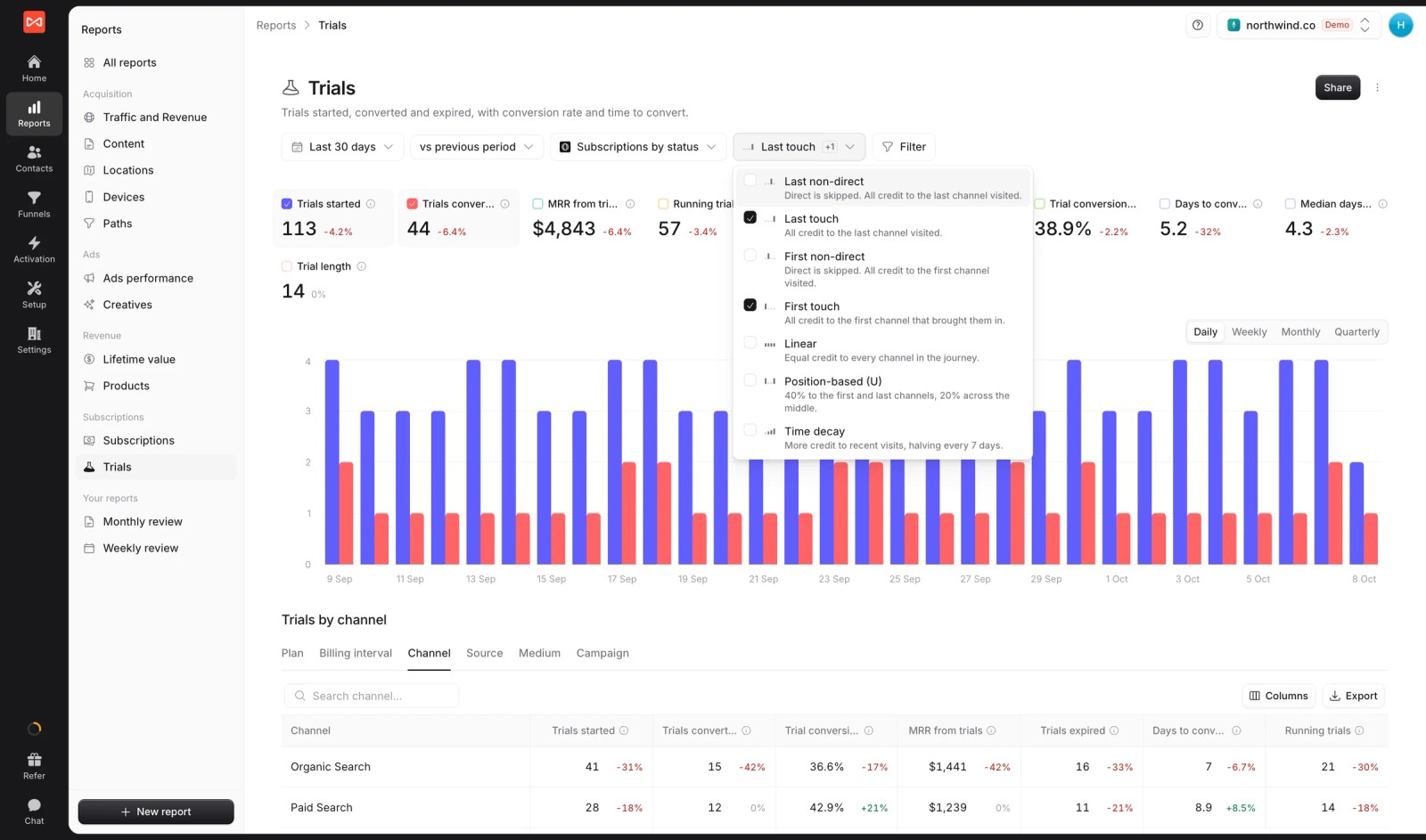
- Seven attribution models: first and last touch, first and last non-direct, linear, U-shaped and time decay, switchable on any report.
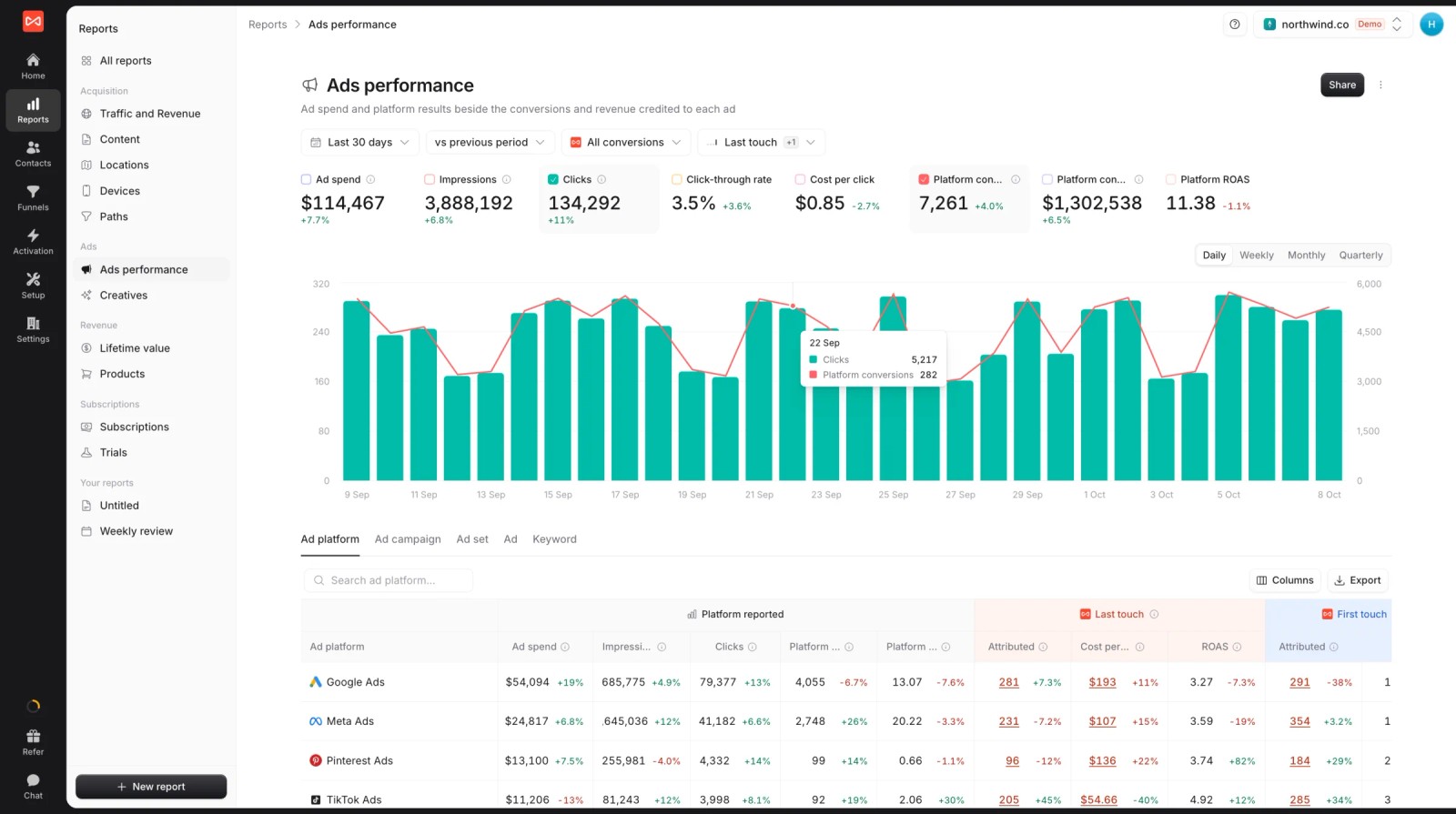
- Ad spend beside credited results: spend from Google Ads, Meta, Microsoft Ads and ChatGPT Ads next to the conversions each platform claims and the ones SourceLoop credits.
- Lead-level journeys: every visit and ad click before a form, call, chat or booking, kept on the contact.

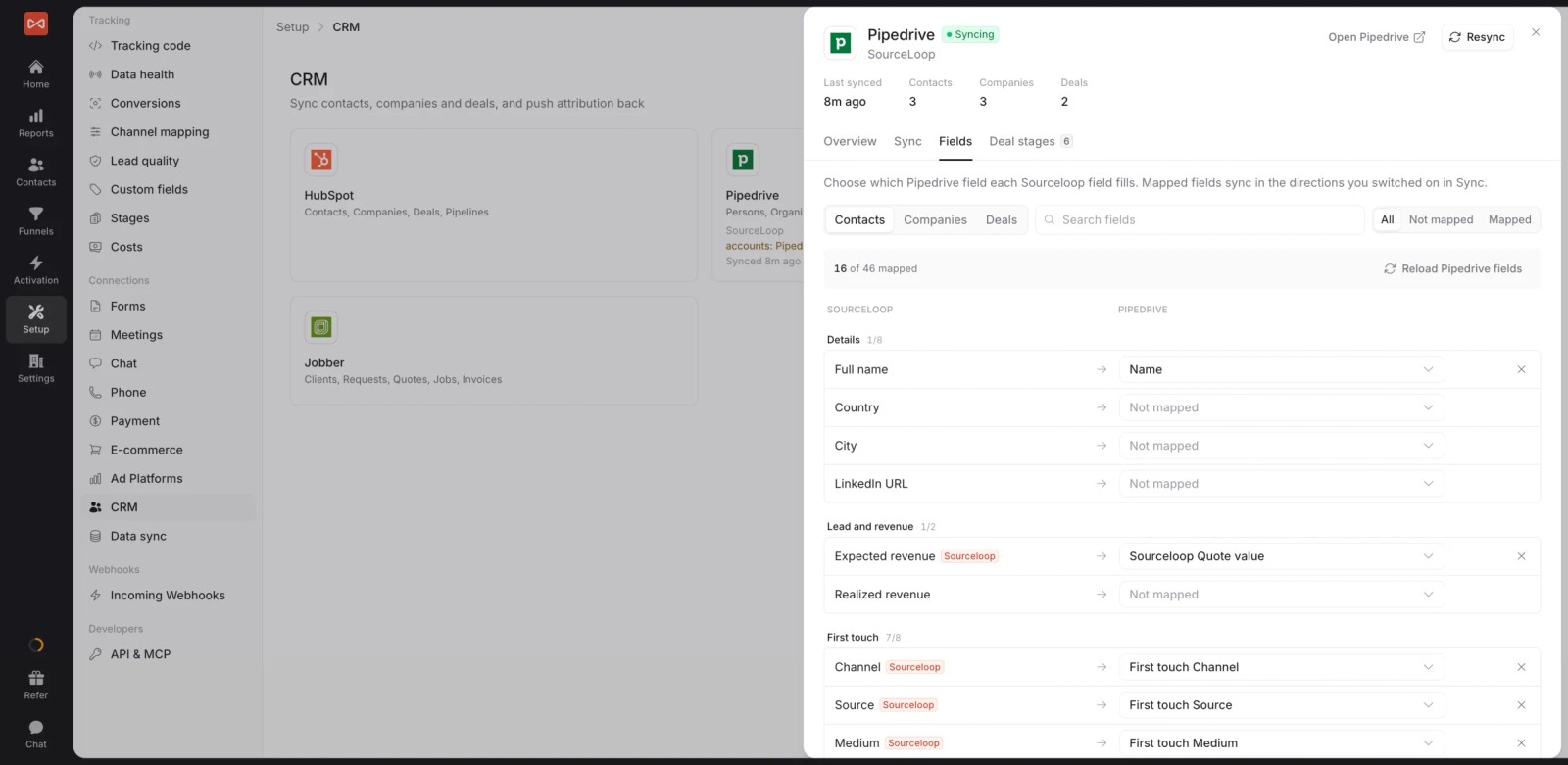
- CRM sync: HubSpot, Salesforce, Pipedrive and Jobber, with attribution written to the record and stages and deals read back.
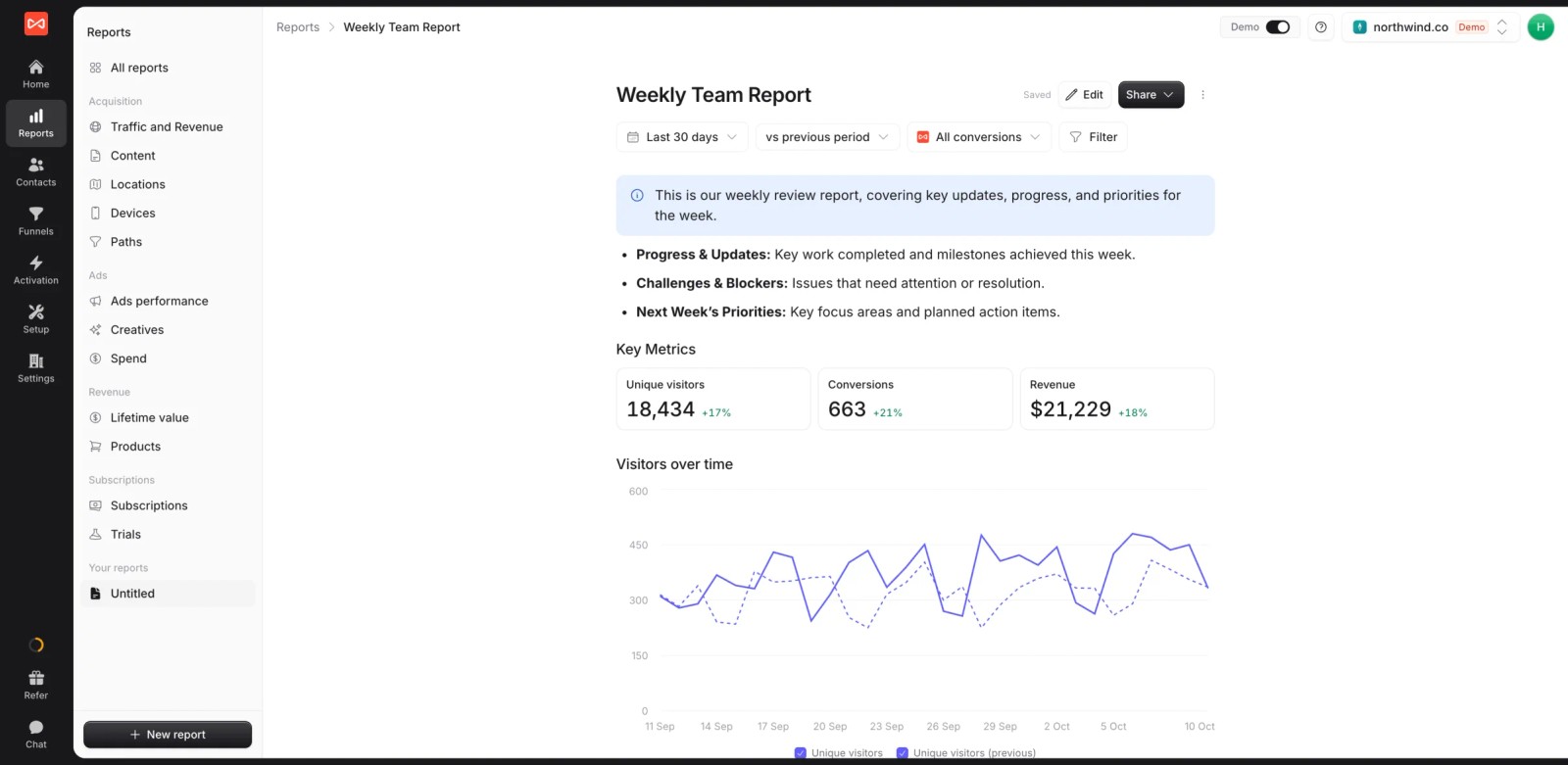
- Custom reports: build the weekly or client report once as a live document with metric tiles, charts and notes.
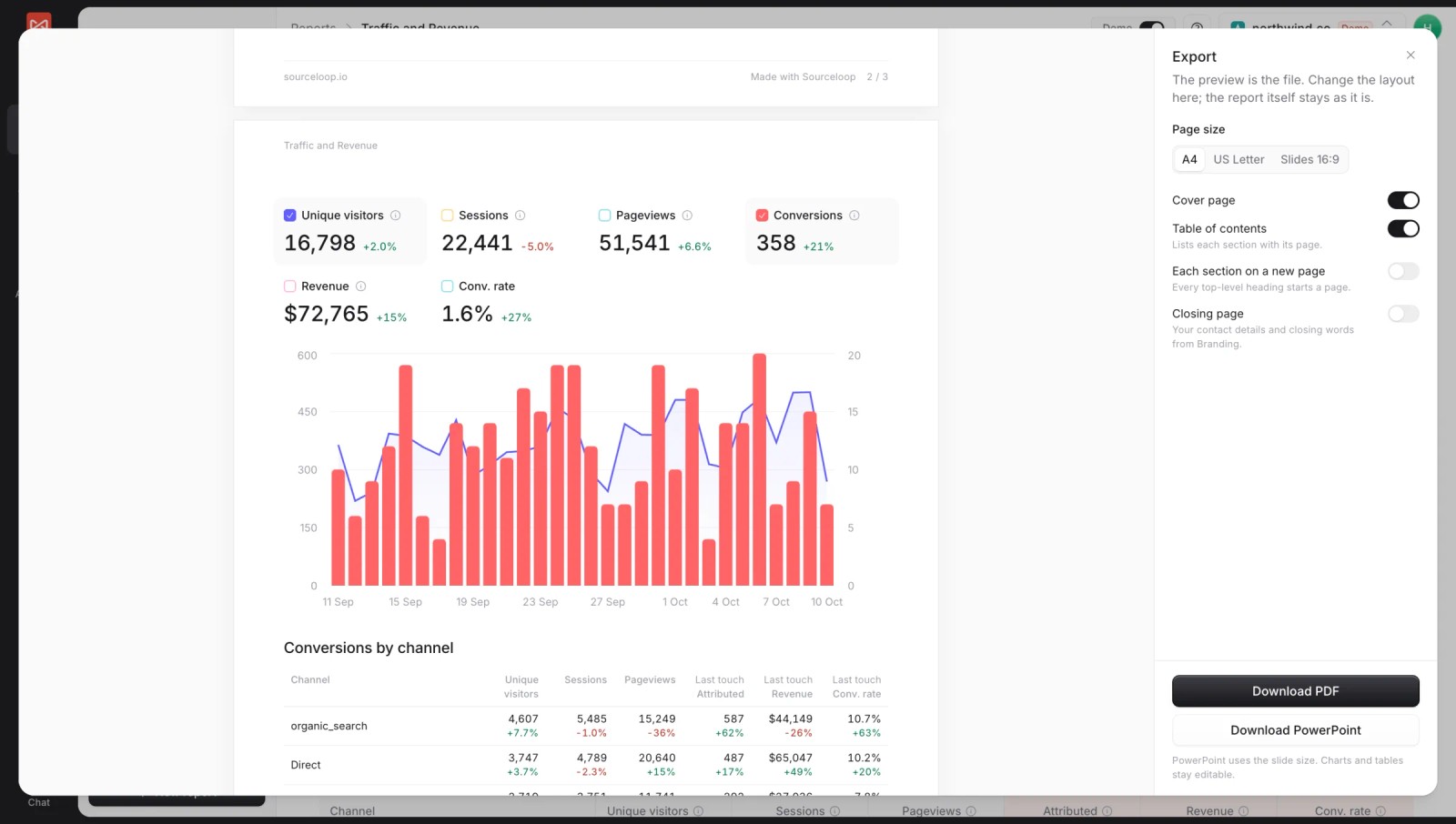
- PDF and PowerPoint export: send the same report as a branded file, with a cover page and table of contents.
- Conversion sync: good leads and won deals go back to Google Ads, Meta, Microsoft Ads and ChatGPT Ads with their value, so bidding learns from outcomes.

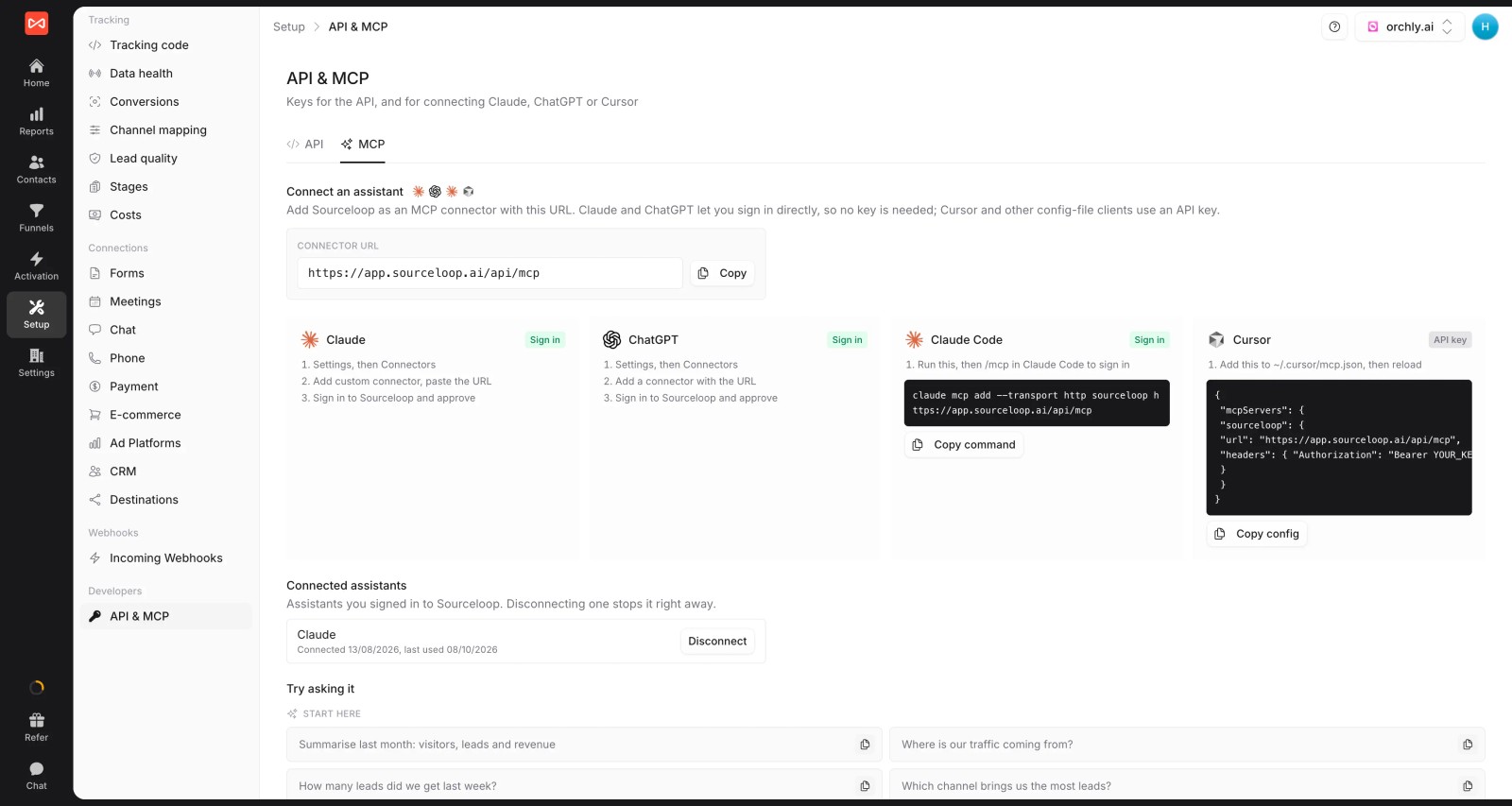
- API, MCP and warehouse export: query attribution from an AI assistant (Professional and up), or send the data to Snowflake, BigQuery, S3 or GCS if you still want it in your own warehouse.
Where it falls short
- It doesn't pull organic social, email platform or SEO tool metrics. If your reports mix 15 channels' raw numbers, you still need a connector.
- LinkedIn and TikTok spend sync are coming soon, not live. Until then, those costs go in manually.
- It's not a general BI tool, so you can't blend arbitrary sources the way you would in Looker Studio.
Pricing
- Essential: $49/mo for one site and 30,000 page views, with tracking, attribution reports, lead quality rules and alerts
- Professional: $99/mo for 100,000 page views and unlimited users, adding CRM sync, conversion sync to the ad platforms, the API and MCP
- Agency: $249/mo for three sites and 1.5 million page views, adding white label reporting
- Unlimited conversions on every plan, with a 7-day trial. There's no per-connector or per-account charge.
Verdict: worth a look if your connector exists to build an attribution report. Keep a connector if you report on many channels' raw metrics side by side.
2. Windsor.ai
Best for: marketers and small agencies who want Supermetrics-style connectors for a fraction of the price.
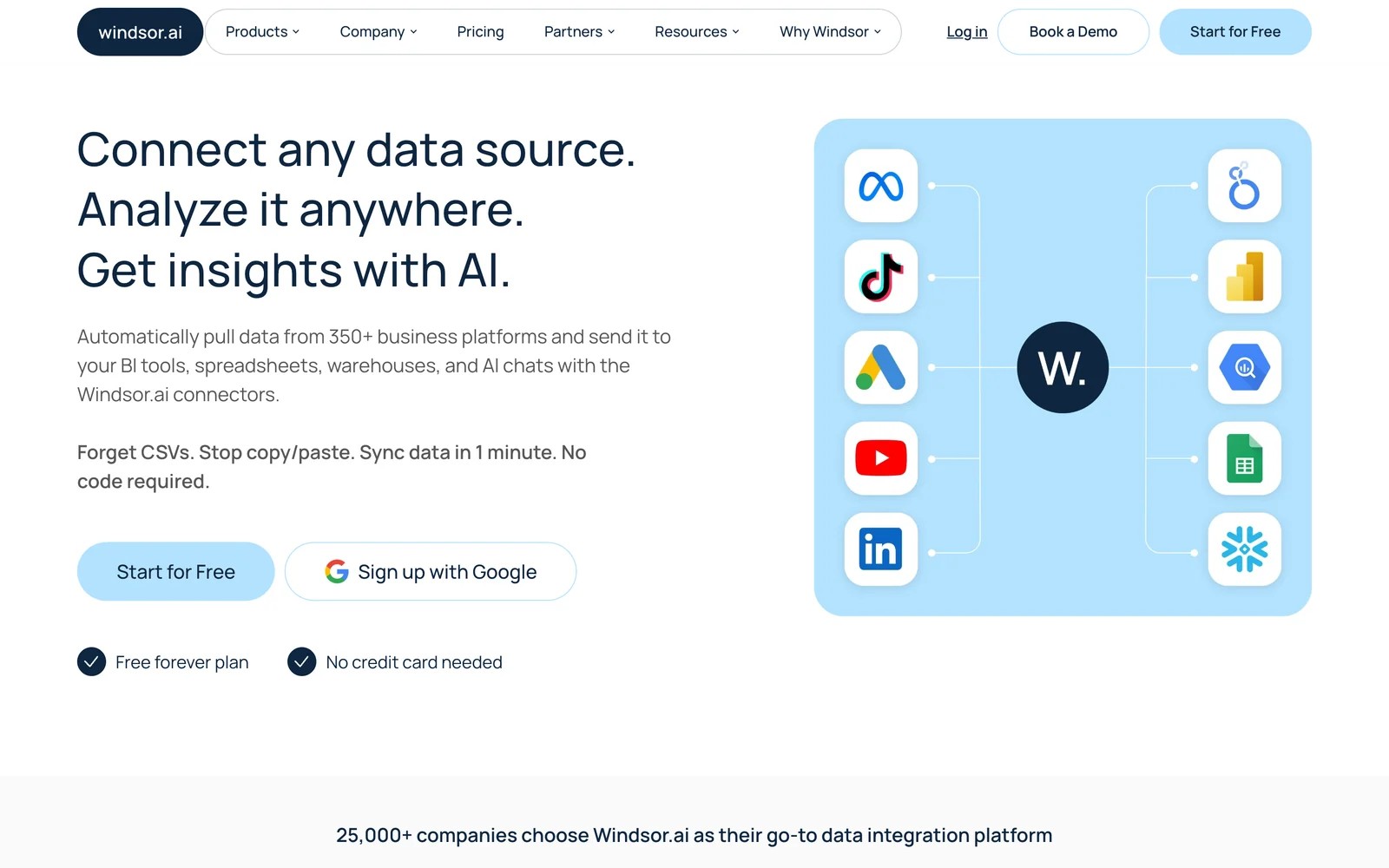
Windsor.ai covers the same ground as Supermetrics: hundreds of connectors into Looker Studio, Sheets, BigQuery and Power BI. It also connects straight to AI assistants through its MCP server.
When I set up the free plan, I had Google Ads feeding a Looker Studio report in a few minutes. The connector picker is long, and the field selector works the same way Supermetrics' does, so switching didn't mean learning a new mental model.
The interface is plainer than newer tools. Settings for custom fields and transformations take some digging, and I had to read the docs to work out how blended sources behave.
Where it stands out is price. The paid tiers start at $19 a month on annual billing, which is a big gap from Supermetrics once you count sources.
Key features
- Hundreds of connectors cover ad platforms, analytics, CRMs and ecommerce, so most Supermetrics sources have a direct equivalent.
- Data lands in Looker Studio, Sheets, BigQuery, Power BI and other destinations, which keeps existing dashboards usable after a switch.
- An MCP server lets Claude and other assistants query connected data, which is handy for quick analysis without building a chart.
- Tiered plans price by data sources rather than per destination, which makes costs easier to predict for small teams.
Where it falls short
- The interface feels dated next to newer tools, and advanced settings for custom pipelines take time to figure out.
- Support responsiveness gets mixed comments, which matters when a connector breaks before a client meeting.
- Like any connector, it moves data but doesn't tell you which leads turned into revenue.
What users say
"The most helpful part of Windsor.ai is its ability to connect multiple marketing data sources quickly and reliably." (Source)
"I love that Windsor.ai connects directly with my Claude account, which allows me to run analysis, graphs, and charts seamlessly" (Source)
"The interface could be modernized and polished compared to industry tools." (Source)
Pricing
- Free: one data source
- Basic: $23/mo ($19 billed yearly)
- Standard: $118/mo ($99 yearly)
- Plus and Professional: $299 and $598/mo, with a 30-day trial
If Windsor is already on your shortlist, our Windsor.ai alternatives post covers the reasons people move on from it.
3. Coupler.io
Best for: teams that report in Google Sheets, Excel or Power BI and pull from marketing, finance and CRM tools at once.
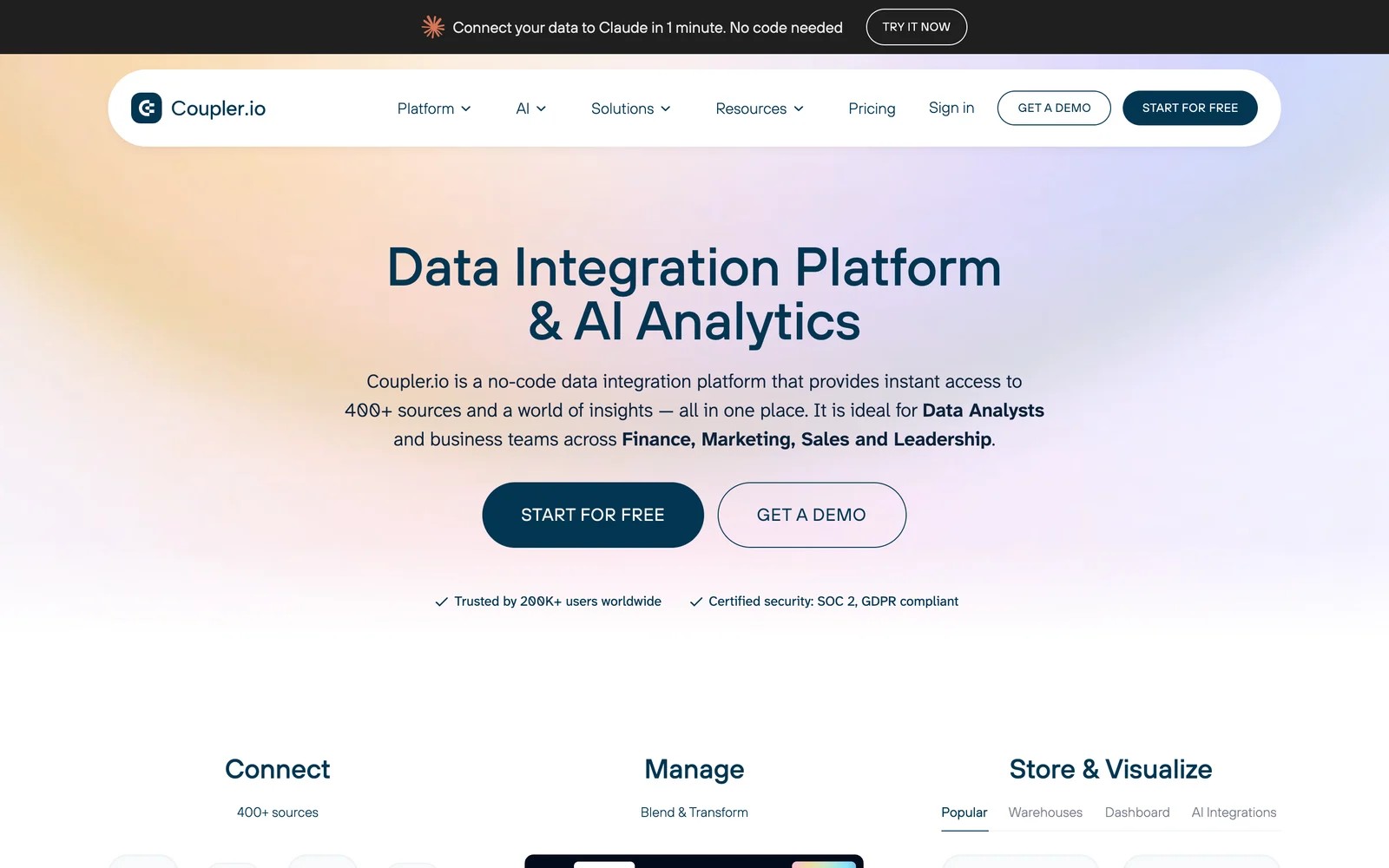
Coupler.io is a no-code integration tool with 400+ sources, scheduled refreshes and light transformations. Marketing is one use case among several, alongside finance and operations data.
On the free plan, the first thing I noticed was how spreadsheet-friendly it is. You pick a source, choose a sheet, set a schedule, and the data lands as a clean table you can build on.
It got harder when I combined sources. Matching column types across Google Ads and Meta took a few tries, and the free plan's manual refresh means you'll want a paid tier for anything you share.
Reviewers often mention value for money, especially smaller teams and nonprofits without a data engineer.
Key features
- More than 400 sources span ads, analytics, CRMs, accounting and databases, so one tool can feed marketing and finance reports.
- Built-in transformations let you filter, join and reshape data before it lands, which saves work in the spreadsheet afterwards.
- Refresh schedules run daily on Starter and hourly on Pro, so dashboards stay current without manual exports.
- Prebuilt dashboard templates for Looker Studio and Power BI give you a working starting point for common marketing reports.
Where it falls short
- Schemas and transformations have a learning curve when you combine several sources with different column types.
- The free plan only refreshes manually and caps rows per run, so it's for testing rather than real reporting.
- It isn't specialized for marketing, so attribution and cross-channel modeling stay in your own sheet or BI tool.
What users say
"Coupler is intuitive and offers good value for money, especially for a charity without a dedicated data engineering resource." (Source)
"There is a small learning curve when working with data schemas and transformations, especially when combining multiple sources and ensuring consistent column types across datasets." (Source)
"I wish it had better support for association data in HubSpot." (Source)
Pricing
- Free: one source and destination, manual refresh
- Starter: $32/mo ($24 billed yearly), 3 accounts, daily refresh
- Active: $132/mo ($99 yearly), 15 accounts
- Pro: $259/mo ($199 yearly), 50 accounts and hourly refresh. 7-day trial on paid plans.
4. Funnel
Best for: marketing teams that want data mapped and cleaned centrally before it reaches dashboards or a warehouse.
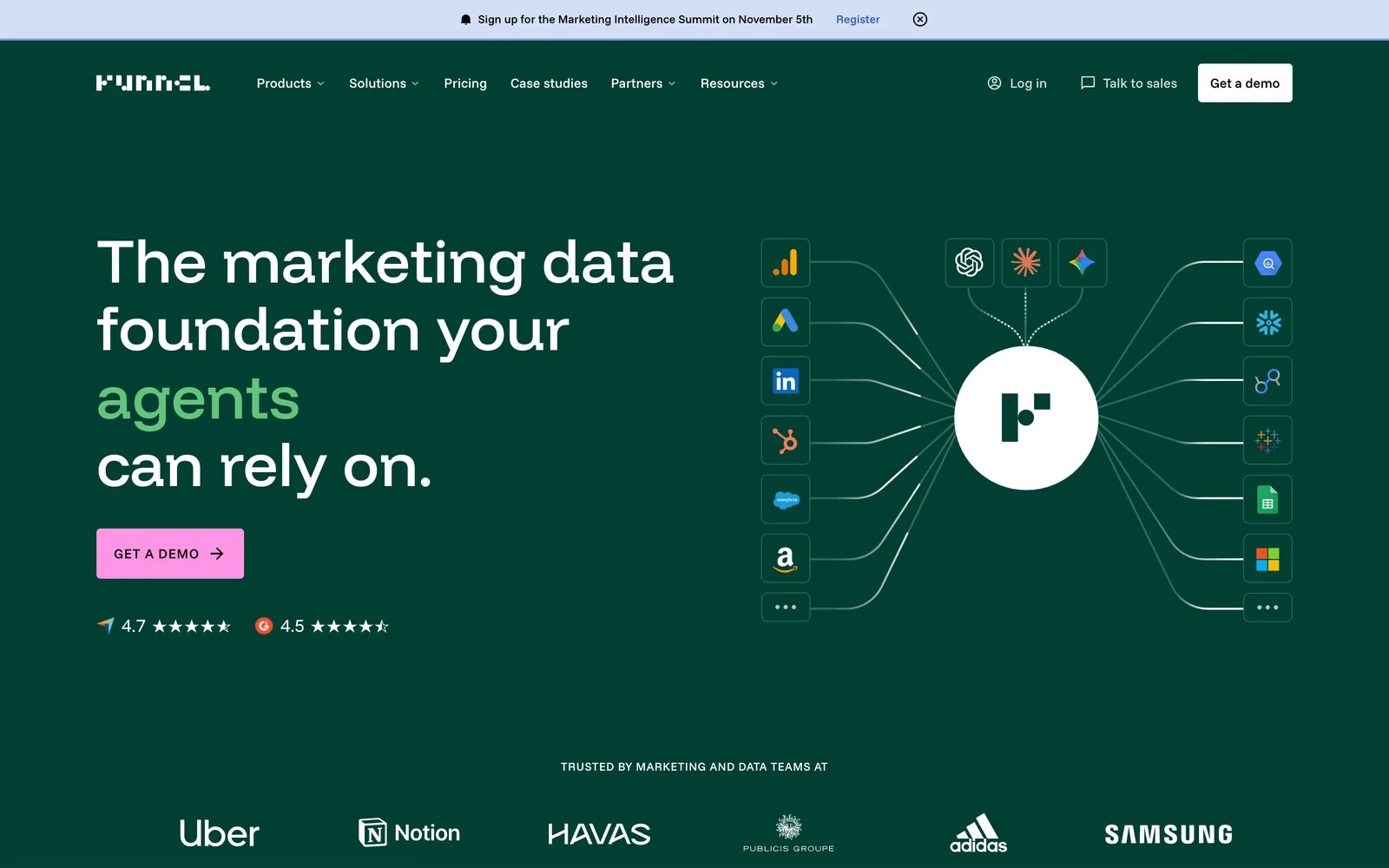
Funnel collects data from hundreds of platforms, standardizes naming and currencies, and sends it to BI tools and warehouses. Measurement add-ons cover MMM and attribution on higher plans.
On the 30-day trial, the data mapping was the part that impressed me. Campaigns from different platforms lined up under shared dimensions without me writing formulas, which is the work most Supermetrics users do by hand in a sheet.
The trade-off is price and scope. Plans start at $300 a month on annual billing, and it's more platform than a single marketer building one report needs.
Key features
- Data from hundreds of sources is normalized into shared dimensions, so channel reports line up without spreadsheet formulas.
- Destinations include Looker Studio, BigQuery, Snowflake and other BI tools, which suits teams with a central data stack.
- Rules for naming, currency and grouping are set once and applied everywhere, which keeps reports consistent across teams.
- Measurement add-ons for MMM and attribution sit on the Business plan and up, for teams that want analysis in the same place.
Where it falls short
- Pricing rises as data sources grow, which reviewers flag when the marketing mix gets more diverse.
- Heavier transformations still happen elsewhere, so complex modeling needs a warehouse or BI layer.
- The annual commitment and entry price are high for a solo marketer or small agency.
What users say
"What I find most helpful about Funnel is having one tool that both the marketing and data teams can use." (Source)
"As the number of data sources keeps increasing, the price is also rising significantly, especially when you start diversifying the marketing mix." (Source)
Pricing
- Starter and Business: from $300 and $600/mo, billed annually, with a 30-day trial
Our Funnel.io alternatives guide compares it in more depth.
5. Adverity
Best for: larger organizations that need governed, auditable marketing data across many teams and regions.

Adverity is an enterprise data platform for marketing. It connects hundreds of sources, applies transformations and quality checks, and delivers data to warehouses and BI tools with an audit trail.
It sells through demos. In the walkthrough, the emphasis was on governance: who can change a mapping, how data quality issues get flagged, and how one source of truth serves many markets.
That's valuable at scale and overkill for a team replacing a $159 Supermetrics plan. Users praise the source library and criticize how long it takes to fix individual data errors.
Key features
- A large library of sources and destinations covers marketing platforms, warehouses and BI tools for complex stacks.
- Transformation and data quality tools catch mapping issues before they reach dashboards, which matters with many contributors.
- Governance features control who changes what, keeping regional and central teams working from the same definitions.
- Built-in visualization gives a starting view, although most teams pair it with their own BI tool.
Where it falls short
- Correcting individual data errors can be time-consuming, which reviewers call out directly.
- Built-in visualization feels dated, so most teams still need a separate BI tool.
- Pricing is quoted and implementation is guided, which puts it out of reach for small teams.
What users say
"I appreciate the vast number of pre-existing data sources and destinations available in Adverity." (Source)
"With Adverity, correcting individual data errors is particularly time-consuming." (Source)
"The data visualization capabilities have started to feel dated and a bit restrictive." (Source)
Pricing
- Custom quote only, with no self-serve trial
6. Fivetran
Best for: data teams that want raw marketing tables in Snowflake, BigQuery or Redshift alongside the rest of the company's data.
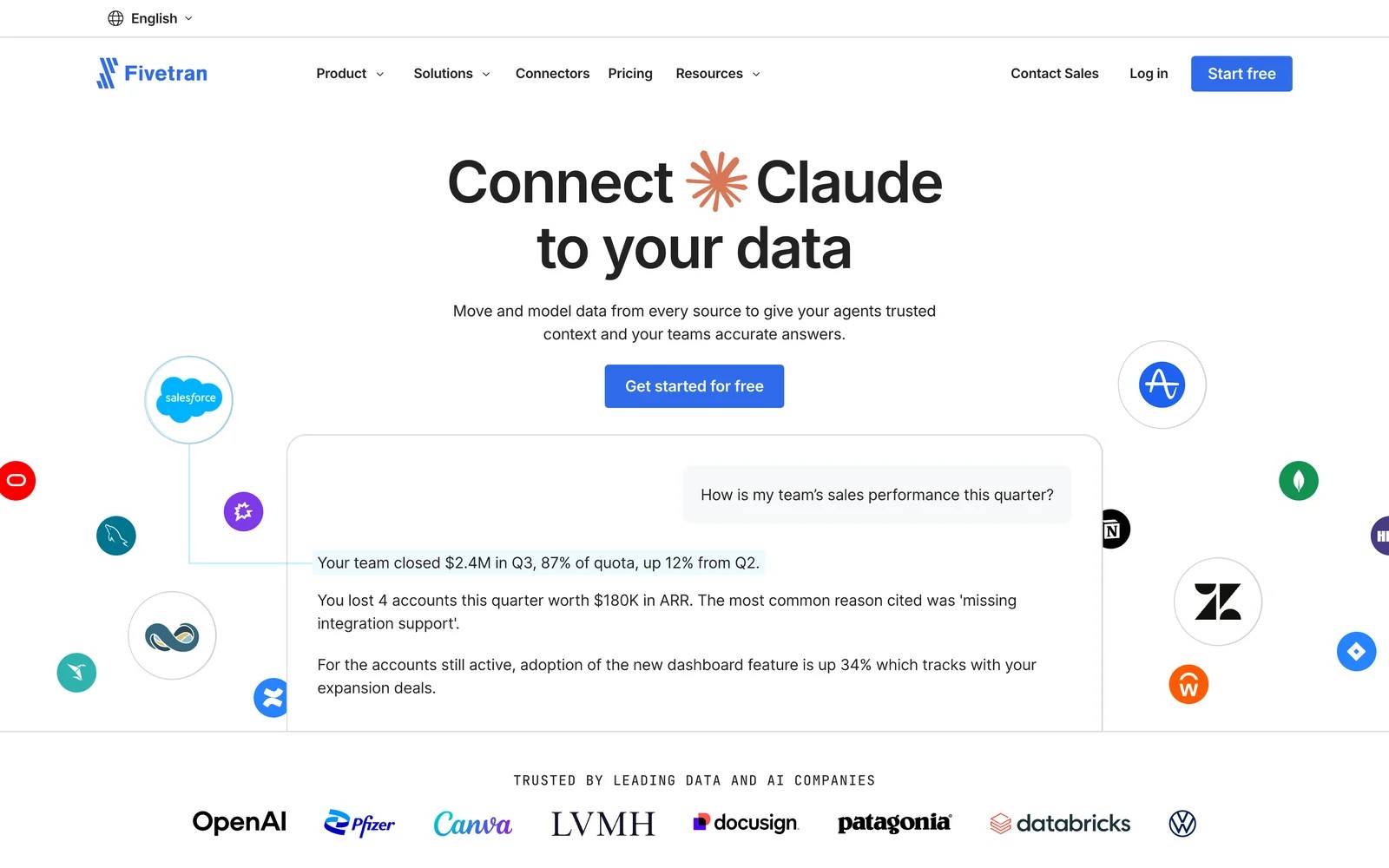
Fivetran is a general-purpose ELT tool. It replicates data from hundreds of sources, marketing included, into a warehouse, and leaves modeling to your analysts.
I connected Google Ads on the free tier. Setup was clean and the tables landed in the warehouse exactly as the API returns them, which is great for a data team and not so great for a marketer who wanted a chart.
That's the real difference from Supermetrics. You get reliable raw data, and someone still has to model it into reports. Pricing is by monthly active rows, which can climb as volumes grow.
Key features
- A large connector library replicates marketing, sales and product data into one warehouse with minimal setup.
- Managed schemas adapt when source APIs change, which removes much of the maintenance burden from your data team.
- Usage-based pricing on monthly active rows means you pay for data that changes, not for every source you connect.
- A free tier covers up to 500,000 monthly active rows, enough to test with real accounts.
Where it falls short
- It delivers raw tables, so marketers need an analyst or BI layer before anything is readable.
- Costs based on monthly active rows can grow quickly as volumes and connectors increase.
- There's no marketing-specific reporting or attribution in the product itself.
What users say
"The fivetran connector library is large and the connectors generally work well." (Source)
"Pricing based on monthly active rows (MAR) can grow quickly." (Source)
Pricing
- Free: up to 500,000 monthly active rows
- Standard, Enterprise and Business Critical: usage-based, with no published starting price
How to choose
Start with what you do with Supermetrics today.
1. You build Looker Studio or Sheets reports from a few ad platforms
- Windsor.ai for the lowest price, Coupler.io if you also pull finance or CRM data into sheets.
2. You need clean, governed data for many people
- Funnel for marketing teams, Adverity for enterprises, Fivetran if a data team owns the warehouse.
3. Your reports mainly answer "which campaigns brought leads and revenue"
- SourceLoop. It suits lead generation businesses, agencies and SaaS teams, calculates cost per lead and return by campaign itself, and sends good leads back to the ad platforms.
If you're weighing a cross-channel view, our guide to cross-channel analytics tools covers the dashboard side, and multi-touch attribution reporting shows the reports worth building.
Frequently asked questions
-
What is the best Supermetrics alternative?
For a cheaper like-for-like connector, Windsor.ai. For spreadsheet users who also pull finance or CRM data, Coupler.io. If your reports are mainly about leads and revenue by campaign, SourceLoop gives you those reports without a connector.
-
Is there a free Supermetrics alternative?
Windsor.ai and Coupler.io both have free plans with one data source, and Fivetran is free up to 500,000 monthly active rows. Looker Studio's own Google connectors are also free for Google Ads and GA4.
-
Why is Supermetrics so expensive?
Its plans are priced by data sources, destinations, users and accounts, with extras charged per unit. Agencies with many clients or teams with many channels hit those limits quickly.
-
Do I need a data connector for marketing reporting?
Not always. If you report on many channels' raw metrics, yes. If you mainly need leads, cost per lead and revenue by campaign, an attribution tool like SourceLoop collects that data directly.
-
Can I keep my Looker Studio dashboards if I switch?
Yes, with Windsor.ai, Coupler.io and Funnel, which all have Looker Studio connectors. You'll need to repoint each data source in the report to the new connector.


 Paid Social


