
CRM Integration API: Best Practices & Code Examples
Master CRM integration API implementation with practical patterns, authentication strategies, field mapping, and real code examples for HubSpot and more.
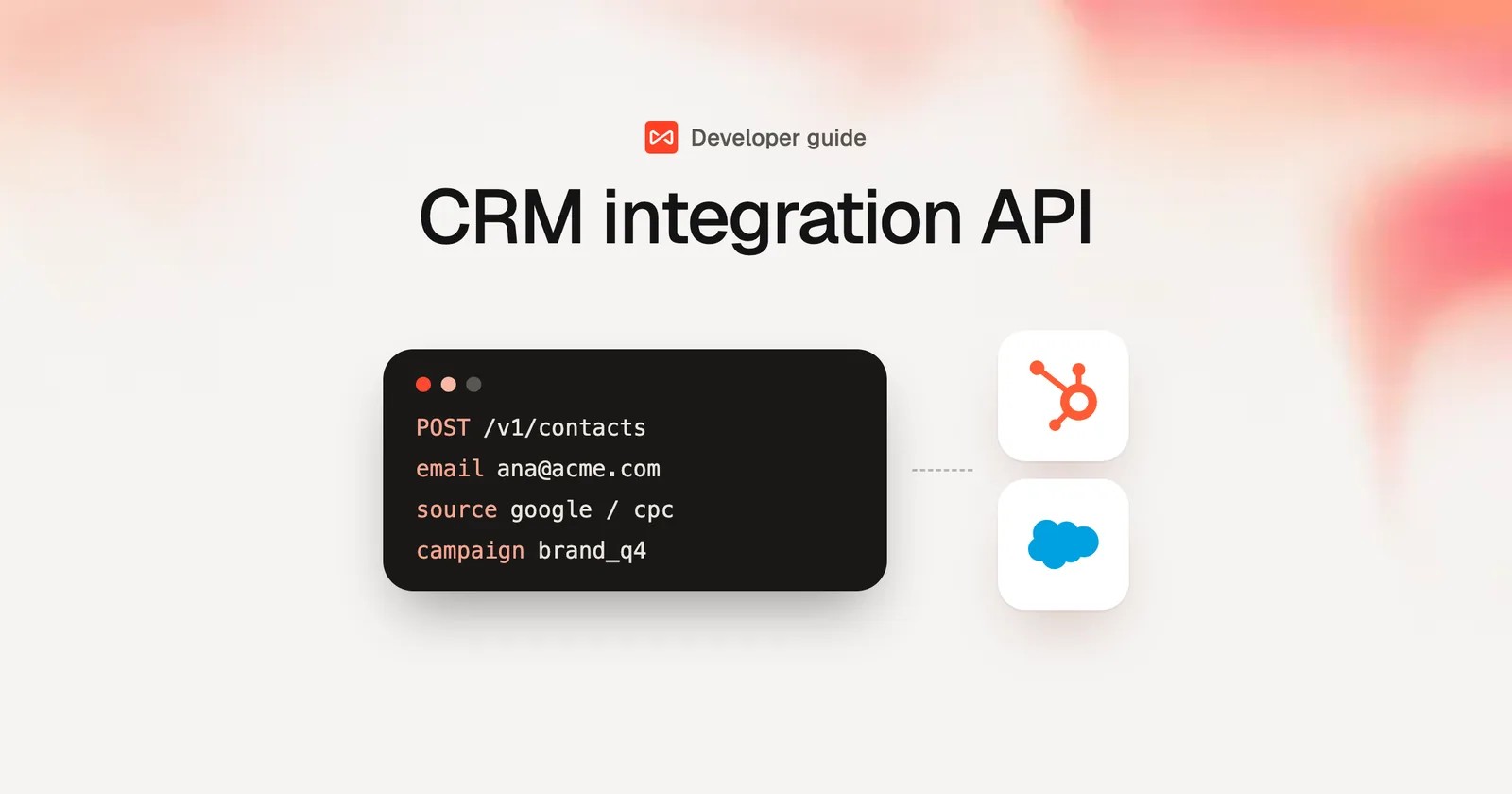
You've got the CRM, the forms, the ads, the email platform, and the calendar all collecting pieces of the same customer story, but the story keeps breaking at the handoff points. A rep swears the lead was qualified yesterday, marketing can't tell which campaign created the opportunity, and support is looking at a record that doesn't match what sales just changed. That's the point where a CRM integration API stops being an abstract engineering topic and becomes the difference between a clean revenue system and a pile of conflicting records.
The right approach isn't just “connect the tools.” It's building sync that survives real production conditions, rate limits, duplicate data, and two systems editing the same record at once. A lot of guides skip those parts. This one doesn't.
Table of Contents
- Why CRM Integration APIs Matter for Modern Revenue Teams
- Choosing Between Webhooks and Polling for Data Sync
- Authentication Strategies for HubSpot, Salesforce, and Pipedrive
- Field Mapping and Deduplication Strategies That Prevent Data Corruption
- Implementing Two-Way Sync Without Creating Infinite Loops
- Rate Limits, Retries, and Production Monitoring for Reliable Integrations
- How SourceLoop Simplifies Attribution and Conversion Sync
Why CRM Integration APIs Matter for Modern Revenue Teams
A revenue team usually doesn't notice the problem until it's already expensive. Marketing is pushing leads from forms, chat, and events. Sales is updating opportunities in the CRM. Customer success is adding notes in another system. By the time anyone tries to answer a simple question like “Where did this deal come from?” the record trail is split across tools, and every team is defending a different version of the truth.
A CRM integration API fixes that by letting systems exchange records programmatically through endpoints that can read, create, update, and delete CRM data. That's what makes bidirectional sync possible between platforms like Salesforce, HubSpot, and Pipedrive instead of relying on exports and brittle one-way imports. Modern integration guidance treats that API connection as the core mechanism, not an optional add-on, because the CRM has to stay in step with the rest of the stack. A practical reference on pipeline thinking is the Wonderment Apps CRM guidance, which is useful if you want to compare integration work against actual revenue process design. For a productized example of syncing CRM data, see SourceLoop's CRM sync feature.
Practical rule: if a workflow changes revenue-critical data in more than one place, the CRM API is not just plumbing, it's part of the operating model.
The business case is hard to ignore. Integrated CRM systems are associated with 29% higher sales productivity, 27% better customer retention, and 25% lower operational costs in the industry-reported figures available for this topic (source). The same source also reports that some summaries show a 42% improvement in sales forecasting accuracy. On the buying side, 42% of organizations already offer at least one integration with a CRM tool, 39% of software buyers say integrations are the single most important provider-selection factor, and 83% of organizations view product integrations as one of their biggest priorities (source). Those numbers line up with what product teams feel in the field, integrations are no longer a nice-to-have.

The implementation patterns that matter most are straightforward once you've shipped a few of these: get events into the CRM quickly, map fields carefully, deduplicate before write-back, and design for conflicts instead of hoping they won't happen. That's the difference between a sync that looks good in a demo and one that still works after six months of messy real data.
Choosing Between Webhooks and Polling for Data Sync
Webhooks and polling solve the same problem in opposite ways. Webhooks push changes as they happen. Polling pulls changes on a schedule. In production, the right choice usually depends on how painful delay would be, how often the source system changes, and how much operational noise you're willing to absorb.
Where Webhooks Win
Webhooks are the right fit when someone needs to act immediately. A new lead should reach sales right away. A deal stage update should appear in the downstream system before the rep finishes the next call. A support status change should trigger a follow-up without waiting for the next sync window. That's why webhook-based sync is common for real-time lead notifications and status updates, especially in stacks where response time affects conversion.
The trade-off is that webhooks demand more discipline. You need verification, idempotency, and retry handling on your side. If the provider retries the same event, your handler has to recognize it. If the destination is temporarily down, the event can't just disappear into a log file. A webhook endpoint should be treated like a public intake surface, not a fire-and-forget callback.
Keep the handler small, validate the signature, persist the event, and process it asynchronously. The faster you do the expensive work, the faster you create incident tickets for yourself.
For teams building around webhooks, the incoming webhooks overview from SourceLoop is a useful reference point for the shape of a simple intake flow.
Where Polling Still Makes Sense
Polling is slower, but it's often simpler to reason about. It works well for batch reconciliation, legacy systems without webhook support, and “make sure nothing was missed” jobs that run after business hours. If your downstream system can tolerate delay, polling reduces the amount of moving infrastructure you have to secure and operate.
It also gives you a fallback when webhooks fail. In practice, source systems sometimes miss notifications, credentials expire, or firewall rules change. A scheduled pull can catch those gaps and repair state without relying on a perfect event path. That's why mature integrations often combine both patterns instead of picking one.

The Hybrid Pattern That Usually Holds Up
The most reliable production setup is often hybrid. Use webhooks to move urgent changes quickly, then run polling jobs as reconciliation. That combination keeps latency low where it matters and gives you a second chance when an event drops.
A good implementation also separates transport from processing. Webhook delivery should confirm receipt fast, then hand off to a worker that applies deduplication and sync rules. Polling jobs should use checkpoints so they don't reprocess the same rows forever. If a CRM doesn't support webhooks well, polling plus periodic reconciliation is usually the safer choice.
Authentication Strategies for HubSpot, Salesforce, and Pipedrive
Authentication is usually where an integration starts to fail before a single record moves. The practical rule is straightforward, use OAuth 2.0 when customers connect their own CRM accounts, because it gives scoped, revocable access. For internal, single-tenant integrations, API keys can still work, but hard-coded credentials should stay out of the codebase. Store secrets in a vault or environment variables, keep permissions narrow, and rotate keys regularly, because credential sprawl is how ordinary sync jobs turn into security incidents (source).
HubSpot, Salesforce, and Pipedrive each treat authentication a little differently, and those differences matter once the integration is live. HubSpot commonly uses private app tokens for controlled setups and OAuth for customer-authorized connections. If you are wiring HubSpot into a broader sync flow, the setup details in this HubSpot connection guide are worth following closely. Salesforce integrations usually depend on a connected app, OAuth scopes, and careful handling of the instance URL, because tenant context matters just as much as the token itself. Pipedrive supports API token generation for simpler internal use, and OAuth for user-authorized integrations that need better lifecycle control.
The mistake I see most often is treating all three vendors as interchangeable. They are not. Token refresh flow, scope management, and tenant routing behave differently once a proof of concept becomes production traffic. The auth layer should keep CRM-specific details isolated so the rest of the sync engine does not need to care whether the source is HubSpot, Salesforce, or Pipedrive.
For a concrete integration example tied to sales tooling, streamline Sales Navigator to HubSpot and you get a clear reminder that auth decisions have to match the data flow you want.
Handling Expiration Without Breaking Sync
Expired access tokens are normal. Broken refresh logic is not. The correct response is to detect auth failure cleanly, refresh once, and fall back to a controlled reauthorization path if the refresh token is invalid. Do not retry a dead token in a loop, and do not let the sync worker keep hammering the same endpoint with bad credentials.
A practical pattern is to separate token storage, token refresh, and API execution. That makes refresh logic easier to test without triggering writes, and it keeps secret handling out of business logic. The fewer places that know how auth works, the fewer places can leak it.
Field Mapping and Deduplication Strategies That Prevent Data Corruption
Dirty data breaks integrations faster than bad code does. One CRM uses company_name, another uses account, a third stores the same value in a custom field nobody documented. If you map fields loosely, the sync might technically succeed while writing the wrong data into the wrong object.
Mapping Needs Rules, Not Guesswork
A good mapping layer starts with a schema contract. You need to know which source field becomes which destination field, how text transforms into dates or enums, and what happens when the target field doesn't exist yet. Custom fields matter here, because the minute a sales team adds one to track a regional qualifier, your integration has to decide whether to pass it through, ignore it, or fail loudly.
The biggest mistake is treating mapping as a one-time setup task. It changes when the sales process changes. It changes when marketing adds a lead source field. It changes when a CRM admin renames a property without telling engineering. If the mapping configuration isn't versioned and testable, the sync will eventually drift.
Deduplication Has to Be Deliberate
Deduplication is where integrations save themselves or destroy trust. Matching on email works until a shared inbox or alias appears. Matching on domain works until multiple contacts share the same company but need distinct records. Composite keys are often safer, especially when you can combine identifiers like email, CRM ID, and source context.
Merge only when you're confident the records represent the same person or account. If the match is ambiguous, create a review path instead of forcing a guess.
Partial matches need special care. A lowercase email and an uppercase email might be the same person, but special characters, alternate domains, and legitimately shared identifiers can make automated merge logic overconfident. That's how teams end up with duplicate contacts, orphaned deals, and attribution chains that stop at the wrong record.
A good operational model is to dedupe before write, record the match reason, and keep a human-review queue for edge cases. I've seen that save more integrations than any clever algorithm. For a useful comparison of data pipeline trade-offs in related sync work, the ETL versus ELT discussion from Ryware is worth a read.
Implementing Two-Way Sync Without Creating Infinite Loops
Two-way sync is where CRM integration API work gets dangerous. A change in System A updates System B, which then looks like a fresh change and writes back to System A, and suddenly your logs are full of the same record bouncing forever. The only way to avoid that is to make every update carry context about where it came from and whether it should be echoed back.

Track Origin and Version Every Time
The simplest loop-prevention tactic is source tagging. Every update should include an origin marker that identifies the system that initiated it. If the downstream write sees that same marker again, it skips the echo. That alone won't solve every conflict, but it stops the dumbest failure mode.
Version tracking matters just as much. If System A updates a deal stage while marketing automation updates the same record's lifecycle status, you need a rule for which field wins or whether the changes can merge. Timestamp-based conflict resolution is common, but it only works if both systems have reasonably trustworthy clocks and the update window is narrow enough to compare meaningfully.
Choose a Conflict Policy Before Production Does It for You
Some records can safely use last-write-wins. Others need a merge strategy. A contact's email address might require strict overwrite rules, while a note field can append. For important fields that affect revenue reporting or attribution, human review is often the safest fallback when the system can't determine a clean winner.
Here's the production pattern that tends to hold up:
- Detect the change source. Store the system ID or integration ID with the update.
- Compare versions. Use timestamps, revision IDs, or status flags to see whether the target record is stale.
- Apply field-level rules. Don't treat the whole object as one unit if only one field changed.
- Write once, then mark the event processed. That prevents retries from replaying the same write.
A sync job should also tolerate partial failure. If one field update succeeds and the next fails, the record should be resumable without replaying everything. That's the kind of failure mode that looks small in testing and brutal in production.
Rate Limits, Retries, and Production Monitoring for Reliable Integrations
The hardest integrations usually don't fail because the API is wrong, they fail because the environment is noisy. Rate limits kick in, transient network errors happen, and a retry policy turns a short outage into duplicate records if it isn't idempotent. The fix is to treat reliability as a system design problem, not a function-call problem.
Build for Quotas, Not Just Success Paths
Request queuing keeps your sync layer from blasting the CRM all at once. Exponential backoff gives the API time to recover instead of compounding the problem. Batch operations reduce the number of round trips when you're moving many records, which helps when quotas are tight or the vendor prefers bulk writes.
The specifics vary by vendor, endpoint, and plan, so quota handling needs to live close to the adapter layer. That way you can tune behavior per CRM instead of pretending they all behave the same. In the background, your worker should watch for throttling responses, pause cleanly, and resume from a checkpoint rather than starting over.
Monitor the Things That Actually Break Revenue
Monitoring has to cover more than uptime. Track failed writes, retry counts, auth failures, reconciliation mismatches, and stale sync windows. If the CRM connector falls behind, revenue teams usually discover it first, and by then they've already made decisions on incomplete data.
Security controls belong in the same operational frame. Use encryption in transit and at rest, keep audit logs for data changes, and handle customer data with the compliance posture your market expects, including GDPR-sensitive handling where applicable. When syncs touch customer records, the log trail matters almost as much as the payload.
If a sync failure can change pipeline reporting, treat it like a production incident, not a background warning.
The best alerting rules are boring. They tell you when a queue grows too long, when retries spike, or when one CRM stops acknowledging writes. That's what catches silent breakage before sales starts asking why yesterday's leads never landed.
How SourceLoop Simplifies Attribution and Conversion Sync
Teams don't really want to build a CRM integration API from scratch for attribution. They want web forms, chat widgets, and calendar bookings to land in the CRM with the right source data attached, then push qualified conversions back into ad platforms without hiring a small integration team. SourceLoop is one option that packages that workflow as a product, with CRM sync for HubSpot, Salesforce, and Pipedrive, plus field mapping for properties like lead source, first touch, and lead score. It also supports real-time one-way or two-way sync, including deals and revenue flowing back into the connected CRM.
The useful part is the shape of the data path. SourceLoop captures multi-touch journeys, then moves qualified conversions into systems that need them. That matters because attribution work usually fails at the seams, where one tool knows the visit, another knows the lead, and neither knows the conversion. A setup like this reduces the custom glue work that often turns into brittle sync code later.

The second half of the problem is ad platform feedback. SourceLoop's server-side CAPI-style integration with Google Ads, Meta, and LinkedIn sends qualified offline conversions back into those systems, so optimization can happen on real customers instead of shallow form fills. That's valuable because it closes the loop between CRM data and media buying without making engineers maintain separate conversion bridges for every platform.
For teams that care more about revenue quality than connector maintenance, that's the core trade-off. Build the integration stack yourself if you need total control over every edge case. Use a productized sync layer when the business needs attribution to work now, and the engineering team has better things to ship.
If you're planning a new CRM integration API or untangling an existing one, start by documenting your sync direction, field ownership, and conflict rules before you write another connector. Then test the ugly cases, duplicates, retries, token expiry, and simultaneous edits, in a staging environment that behaves like production. If you want a practical baseline for CRM sync and attribution flow, review SourceLoop's CRM sync and conversion tracking setup at sourceloop.ai and adapt the same operational checklist to your own stack.




 Paid Social


