
Sales Tracking CRM: 10 Tools to Track Every Deal in 2026
Compare 10 sales tracking CRM options for 2026, with features, pricing tiers, integrations and honest limitations so you can pick the right fit fast.
Gartner reported that worldwide CRM software revenue exceeded $20 billion in 2013, with the market growing 13.7% that year, the fastest growth rate among enterprise-software markets at the time, as Salesforce noted when it published the Gartner market share findings. The category didn't get that big by remembering phone numbers.
Most CRMs can store a deal. Far fewer can tell you where that deal came from, which campaign started it, and which rep or channel closed it. When the source field is empty, or the UTM was lost at the form, every dashboard downstream inherits the error.
This guide compares 10 CRMs and tracking tools through a sales tracking lens: how each one captures the origin of a deal, how cleanly it syncs with attribution and ad platforms, and whether a rep can see the next step without leaving the record. I've flagged where plan tiers lock source fields, reporting, or automation behind a paywall, because that's usually where budgets go sideways.
Shortlist from the comparison table below by team size and sales motion, then read the entry that matches. Each item ends with what to switch on during a trial.
Table of Contents
- 1. Lead Tracking and Marketing Attribution with Contacts Hub
- 2. Pipedrive for Visual Deal Tracking
- 3. HubSpot Sales Hub for Shared Marketing and Sales Records
- 4. Salesforce Sales Cloud for Complex Sales Operations
- 5. Zoho CRM for Configurable Pipelines on a Budget
- 6. Freshsales for Calling, Email and Pipeline in One Place
- 7. Close for Outbound Teams That Live in the Inbox
- 8. monday CRM for Teams That Want Boards
- 9. Nutshell for Lead Capture Plus Pipeline
- 10. Attio for Custom Data Models
- 10 sales tracking CRMs compared
- Pick the CRM, Then Make Sure It Knows Where Every Deal Came From
1. Lead Tracking and Marketing Attribution with Contacts Hub
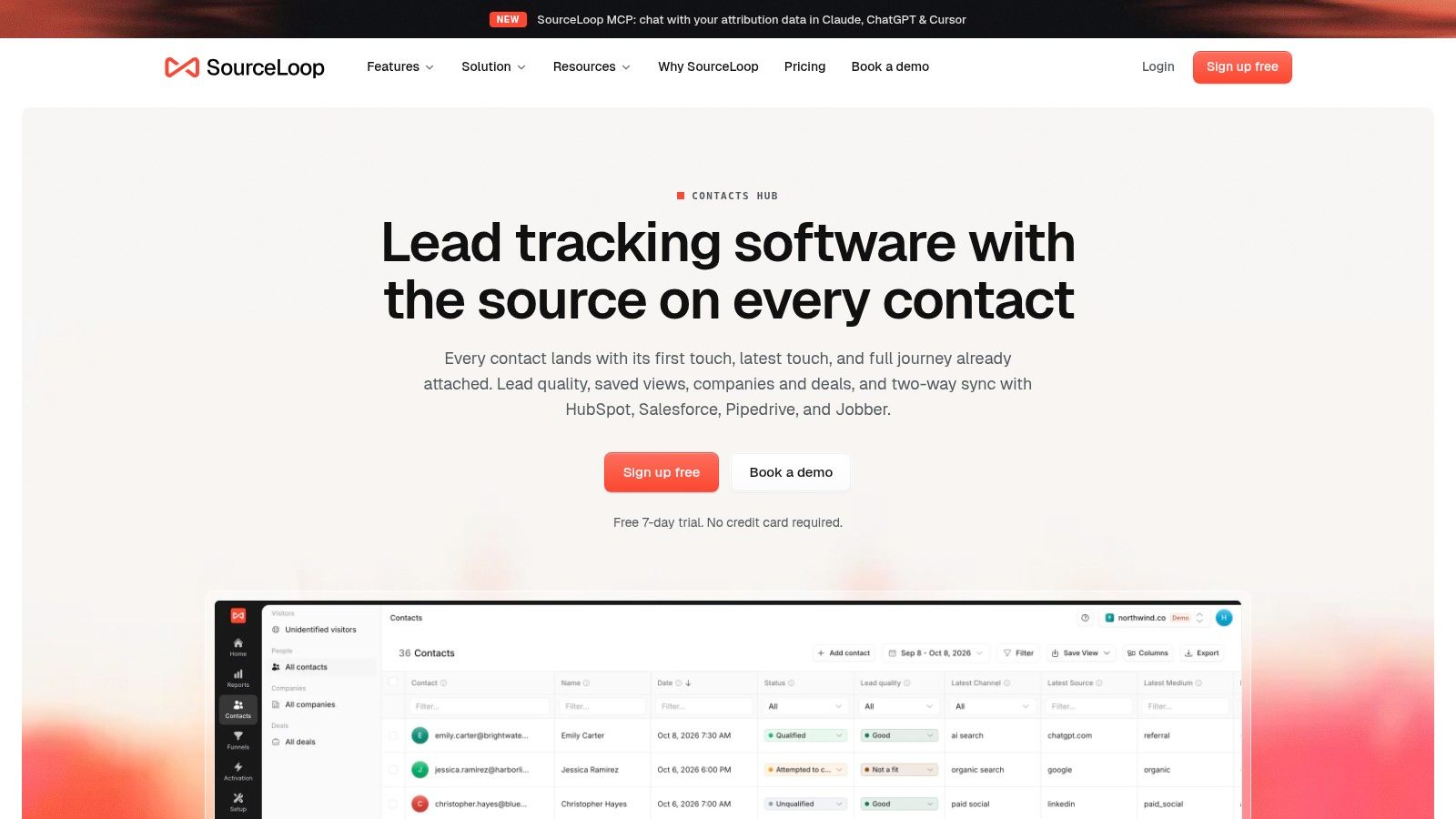
A sales record is more useful when it retains the marketing context behind the deal. Contacts Hub keeps acquisition source, journey and revenue data with each contact, so teams can connect a channel to pipeline and revenue without rebuilding the story in a separate report.
That context matters as measurement gets harder. 57% of respondents expect attribution and marketing measurement to become more difficult, while only 16% report using zero-party data, according to Insightly's CRM right-sizing report. If a CRM records only the latest form fill, it can miss earlier marketing touches that helped create the deal.
Where it fits in a stack
Contacts Hub combines SourceLoop's traffic and conversion analytics with a built-in contacts hub. Two-way CRM sync sends source, journey and revenue data to HubSpot, Salesforce, Pipedrive and more, while the connected CRM can remain the sales system of record.
For accurate sales reporting, capture source data when a lead converts. SourceLoop attaches attribution data to leads from forms, chat and bookings, then syncs it to the CRM. Capturing UTM parameters in your CRM explains hidden fields and field mapping.
What it does well
- Source and journey on the record: Reps can see the marketing context behind a contact as it moves through the pipeline.
- Shared context for marketing and sales: Acquisition analytics and contact records use the same attribution data.
- Revenue connection: SourceLoop syncs revenue to the CRM so teams can relate closed deals to their marketing source.
Where the work is
- Tracking quality sets the ceiling: Missing source data from forms or connected tools weakens downstream reporting.
- Setup takes configuration: The tracking snippet and CRM integration need to be set up before teams can rely on the synced data.
2. Pipedrive for Visual Deal Tracking
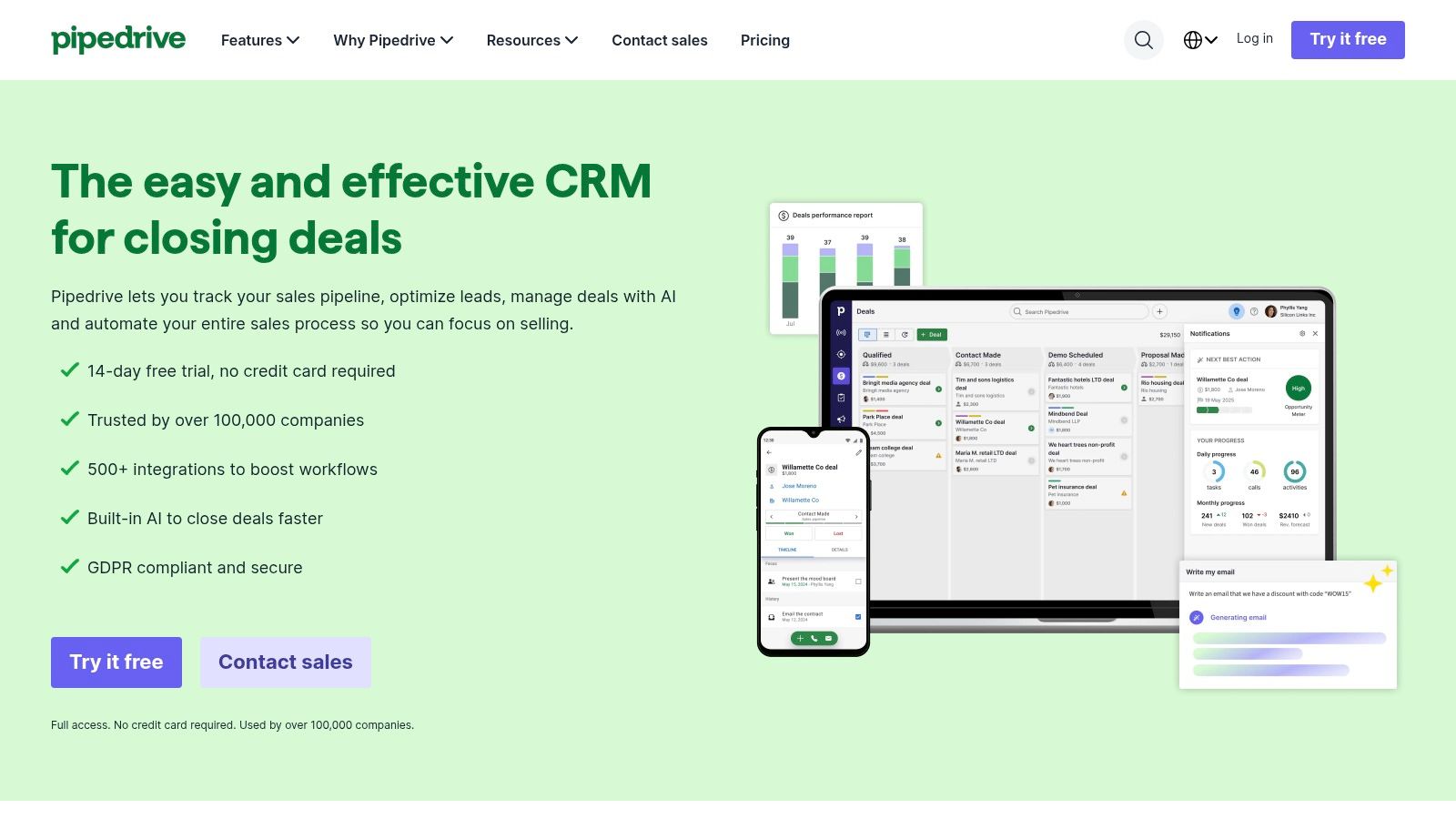
Pipedrive's pitch is narrow and that's the point: a kanban pipeline, an activity list, and one visible next step per deal. A rep moves a card, logs the call, and the record says what happens tomorrow.
Adoption data explains why this shape sells. Eurostat figures cited in a 2025 CRM statistics summary from Landbase put CRM use at 24.7% of small EU enterprises and 65.4% of large enterprises with at least 10 employees. Small teams buy the tool they can run without an administrator, and Pipedrive is built for that buyer.
What it tracks well
- Pipeline and activity history: stage changes, calls, emails and calendar events sit on the deal.
- Reporting: sales reporting and AI-assisted report creation come with the product.
- Integrations: more than 500, according to Pipedrive, which is how source data gets in.
- Higher tiers: lead scoring, enrichment, permissions and e-signatures.
Where tracking gets thin
- Automation and customization sit on higher tiers, which matters when you want source fields mandatory at stage entry.
- It's a sales CRM, so campaign-level reporting needs a separate marketing tool.
- Email and integration setup takes attention before the first clean sync.
Source capture depends on your forms passing UTM values through the integration, which is configuration, not a default. Pipedrive UTM tracking walks through the field mapping if deals keep arriving with an empty source.
3. HubSpot Sales Hub for Shared Marketing and Sales Records
HubSpot's advantage in sales tracking is structural. The contact record a marketer uses to send a campaign is the same record a rep opens to log a call, so the origin of a deal doesn't have to be reconstructed from a CSV.
The service overlap is bigger than most sales teams assume. In 2025, 70% of surveyed businesses used CRM solutions for customer service, according to PLANADVISER's summary of a survey of 379 B2B professionals. Platforms holding marketing, sales and service on one record handle that overlap better than three tools stitched together.
What to watch on the source side
Free tools cover contacts, companies and deals with a working pipeline, which is enough to test whether reps update stages. The tracking weakness appears at the edges: multi-touch attribution reporting, custom behavioral events and deeper automation live on paid tiers, and contact-tier pricing climbs as your database grows.
What it tracks well
- Contact, company and deal records with pipeline stages and activity history.
- Marketing context on the record: original source, campaigns and form submissions stay attached.
- Ecosystem integrations, including Salesforce and LinkedIn Sales Navigator.
Where tracking gets thin
- Advanced attribution and automation require paid tiers.
- Costs scale with contacts, seats and added products.
- More platform than some teams need if you only want deal tracking.
For teams connecting campaign data to closed revenue, tracking marketing attribution in HubSpot covers properties, source values and the reporting that follows.
4. Salesforce Sales Cloud for Complex Sales Operations
Salesforce will track anything you configure it to track. That's the offer and the trap. Lead, account, contact and opportunity objects plus custom fields mean campaign source, product line, territory and partner channel can all live on the deal, but only if someone designed it that way.
Configuration doesn't fix missing values. A 2025 survey of 602 CRM users and administrators in the United States, United Kingdom and Australia found that 76% believed less than half of their organization's CRM data was accurate and complete, and 37% said poor data quality had directly caused revenue loss, per Cirrus Insight's sales productivity statistics.
Practical rule: Before you build a custom object for campaign source, audit whether the existing source field is populated on closed-won deals. A new field on an empty record is still an empty record.
What it tracks well
- Full object model: leads, accounts, contacts, opportunities and custom objects.
- Routing and flows in Starter Suite, with quoting, forecasting and deeper customization above it.
- Ecosystem depth: attribution, enrichment and BI tools are built to read Salesforce data.
Where tracking gets thin
- Administration effort grows with customization, and so does the cost of getting it wrong.
- Higher tiers cost substantially more than lightweight CRMs.
- Feature availability varies by product and edition, so verify the edition before you promise a report.
5. Zoho CRM for Configurable Pipelines on a Budget
Zoho is the option I'd suggest when a team wants source fields, multiple pipelines and workflow rules without an enterprise line item. The catch is edition spread: the feature you saw in a demo may sit two tiers above the one you buy.
What it tracks well
- Contacts, leads, tasks, meetings and calls in one record with activity history.
- Multiple sales pipelines and forecasting on paid plans, which matters when inbound and outbound deals need different source logic.
- Workflow automation and standard reports for stage-change rules and required fields.
- Zoho suite and third-party integrations for email, forms and marketing.
Where tracking gets thin
- The breadth of settings takes time to learn, and a half-configured workflow is worse than none.
- Capabilities vary substantially by edition, including forecasting and customization.
- Integrations need testing during a trial, especially form-to-deal source mapping.
A free edition covering up to three users makes the trial cheap, and paid plans ladder up through several price points. Test the workflow you need, not the one the demo shows: create a lead with UTM values, push it through two stages, and check the source survives each transition.
6. Freshsales for Calling, Email and Pipeline in One Place
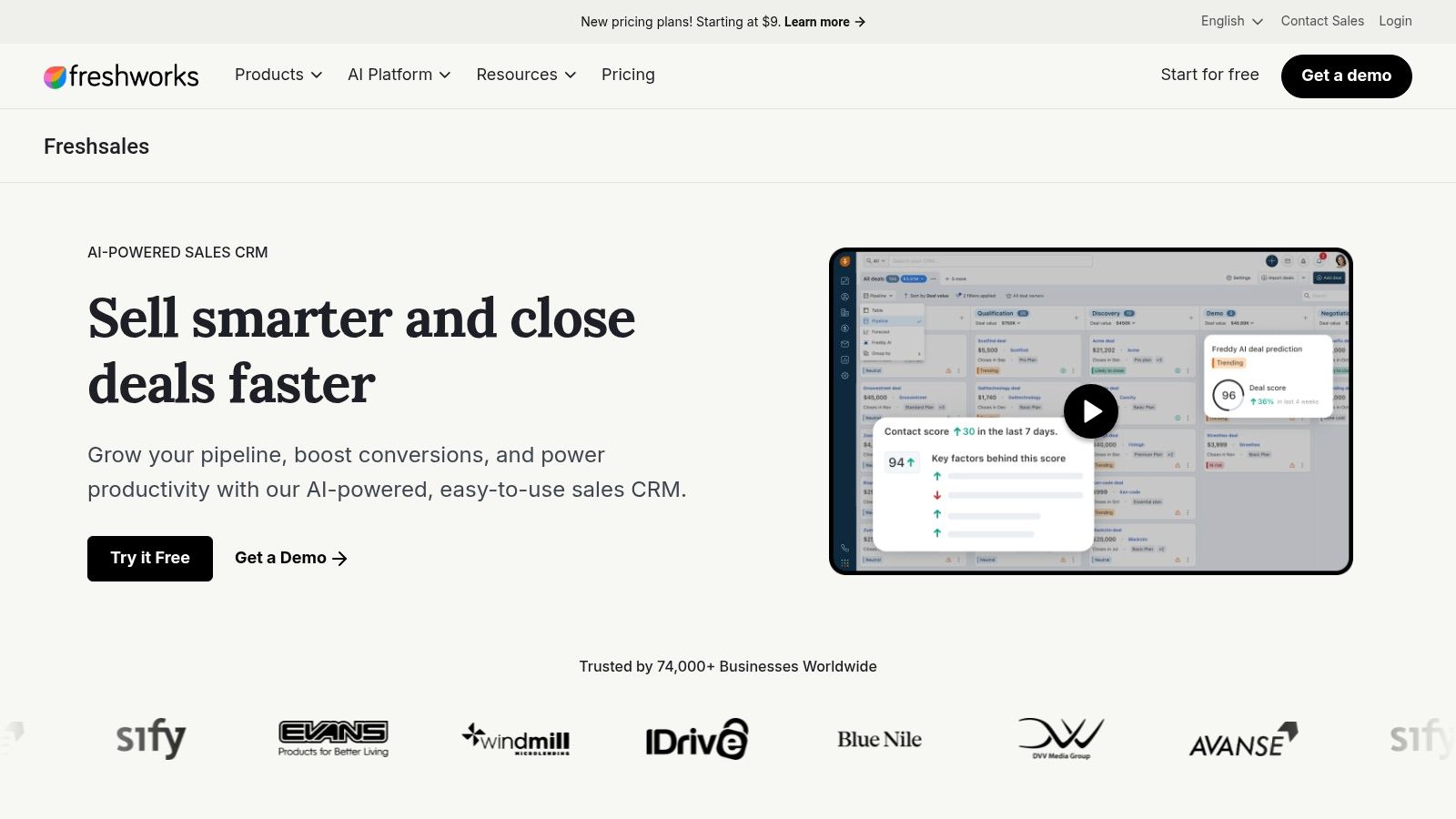
Freshworks has a clear read on buyer intent. In 2024, 73% of surveyed U.S. businesses said they would use CRM software, according to Freshworks' survey of 600 business owners and professionals. Intent is one thing; a record that shows where the lead came from is another.
Freshsales puts lead and deal management next to communication tools, so a rep can call, email and update a stage without switching tabs.
What it tracks well
- Leads, contacts and deals with sales activity tracking and customization options.
- Communication history attached to the record rather than sitting in a rep's inbox.
- Automation and sales capabilities that expand on paid plans.
- Freshworks ecosystem and marketplace integrations for forms, chat and support.
Where tracking gets thin
- Some capabilities are reserved for higher tiers, so check which plan includes the automation you need.
- Freshsales Suite bundles marketing functions, and it isn't the same product as the standalone CRM.
- Plan limits and trial terms can vary by region or offer.
The practical decision is which version you're buying and whether source data from ads and forms lands on the lead before a rep touches it. A free plan listed for up to three users makes the test cheap.
7. Close for Outbound Teams That Live in the Inbox
Say a team makes 150 dials before lunch and works every reply from a shared inbox. A CRM that asks reps to log those calls manually will be half-empty by Friday. Close's bet is that the call, the SMS thread and the deal record should be the same screen.
Calls and messages generate activity data, not attribution data. What a rep said tells you how a deal is progressing; it never tells you which ad started it.
What it tracks well
- Lead and opportunity management across multiple pipelines.
- Built-in calling, SMS and email, with activity timelines and reminders on the record.
- Sales reporting built on the activity it captures automatically.
- Integrations including Zapier and Calendly for routing form fills and booked meetings.
Where tracking gets thin
- Calling and SMS usage adds cost beyond the seat subscription, which changes the maths for high-volume teams.
- Advanced workflows and dialing depend on the plan tier.
- Outbound focus means limited marketing and service depth.
Pair it with a source-capture layer if paid search or social drives your inbound, because Close records the conversation, not the campaign. Self-serve plans and a free trial make it easy to verify that a form fill lands with its source intact.
8. monday CRM for Teams That Want Boards
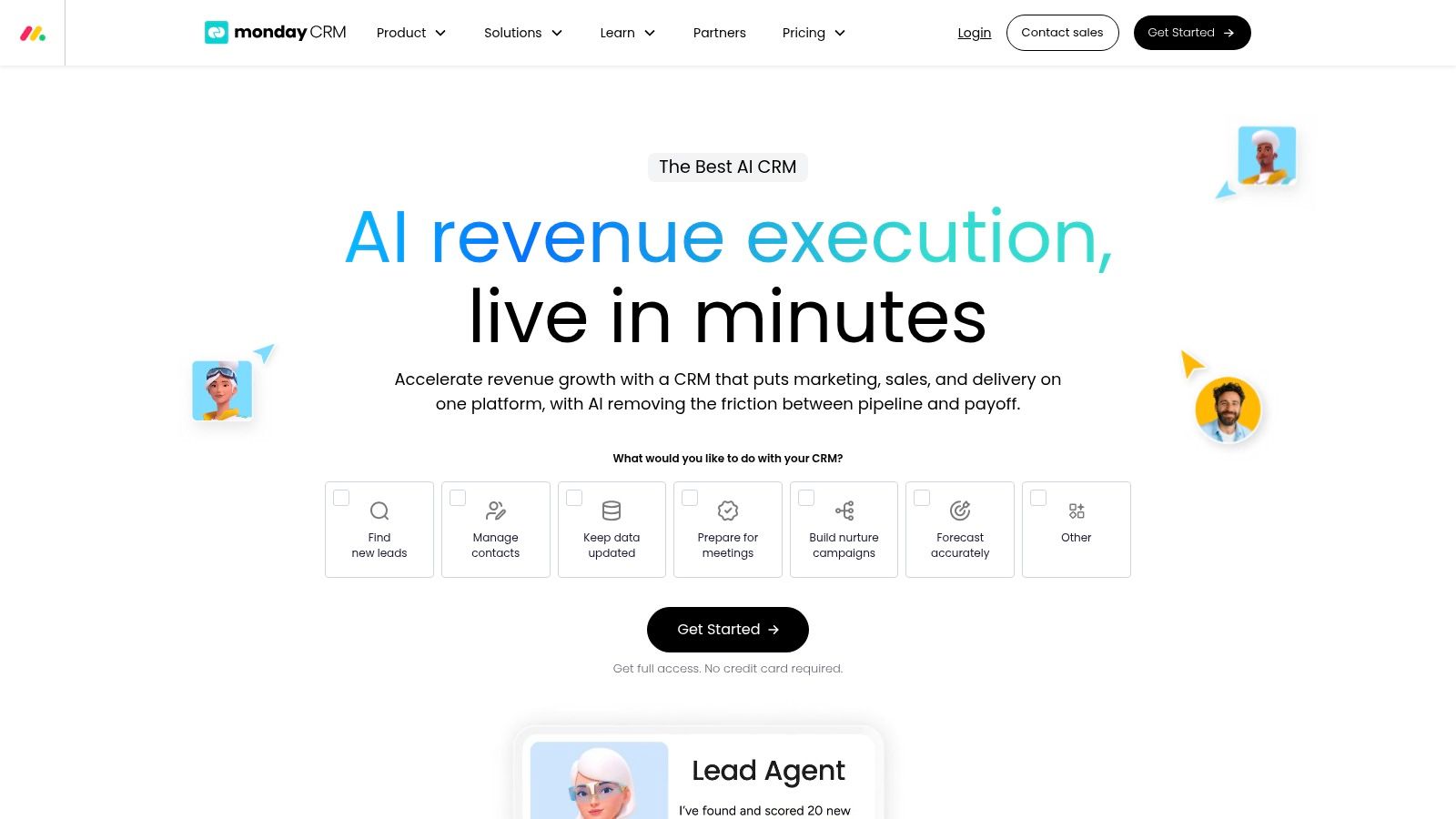
Many teams never fully adopt their CRM, and buyers often choose features over ease of use. Test how quickly reps can update deals and find their source before committing.
monday CRM suits teams already using monday.com for project work. Boards for leads, contacts and deals can match your sales stages, while automations move items and notify owners. The trade-off is that source tracking needs deliberate setup.
Test before you buy: Build a board that mirrors your pipeline, add a required source column, and check whether a rep can find a deal's origin quickly. If that requires extra setup or training, weigh the flexibility against the day-to-day effort.
What it tracks well
- Boards for leads, contacts and deals with activity and mobile tracking.
- Automations for stage changes, reminders and routine administration.
- Quotes and invoices on plans that include them, with limits by tier.
- Reporting, sequences and permissions on higher tiers.
Where tracking gets thin
- Seat minimums typically start at three, which may not suit a solo buyer.
- Automation and integration usage limits vary by plan.
- Source tracking requires configuration rather than being built into the board by default.
9. Nutshell for Lead Capture Plus Pipeline
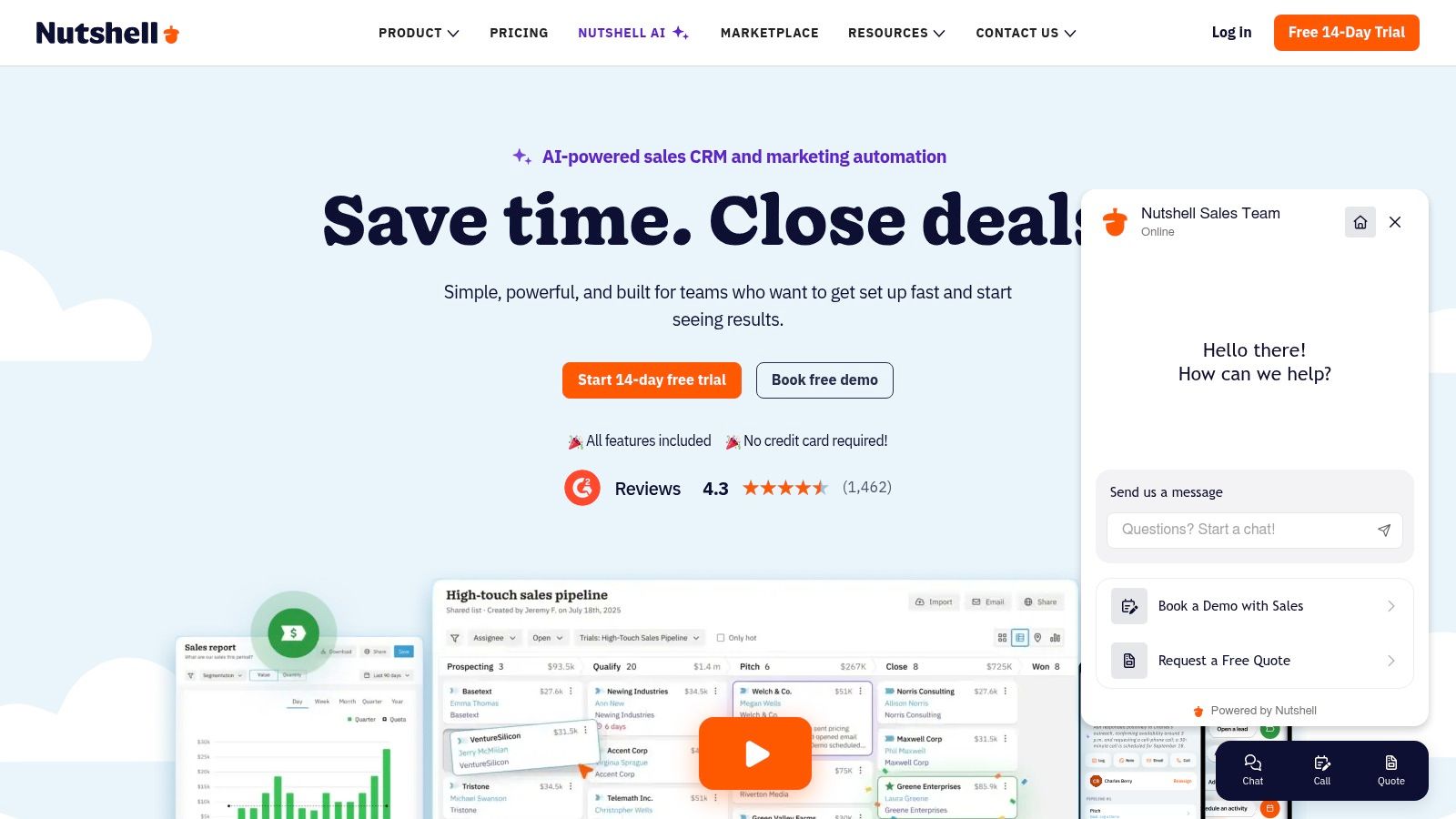
Nutshell bundles the top of the funnel with the middle. Forms, landing pages and webchat feed the same pipeline that holds your opportunities, which removes one handoff where source data usually gets lost.
What it tracks well
- Contacts and customizable pipelines with email and calendar sync.
- Lead-capture tools including forms, landing pages and webchat.
- Attribution reporting, according to the vendor, tying captured leads to outcomes.
- Higher tiers add quotas, automation, extra pipelines and expanded reporting.
Where tracking gets thin
- Advanced reporting, automation and pipeline capacity depend on the plan.
- Complex enterprise requirements need verification during the trial rather than a demo.
- Bundled marketing functions may be surplus if you only need deal tracking.
The 14-day free trial and multiple tiers make it easy to test the one thing that matters here: submit a form, then follow that lead to a closed deal and confirm the original source is still readable. Free live support with plans helps during setup. No seat minimum or maximum is stated on the pricing page, so a small team can start without padding licences.
10. Attio for Custom Data Models
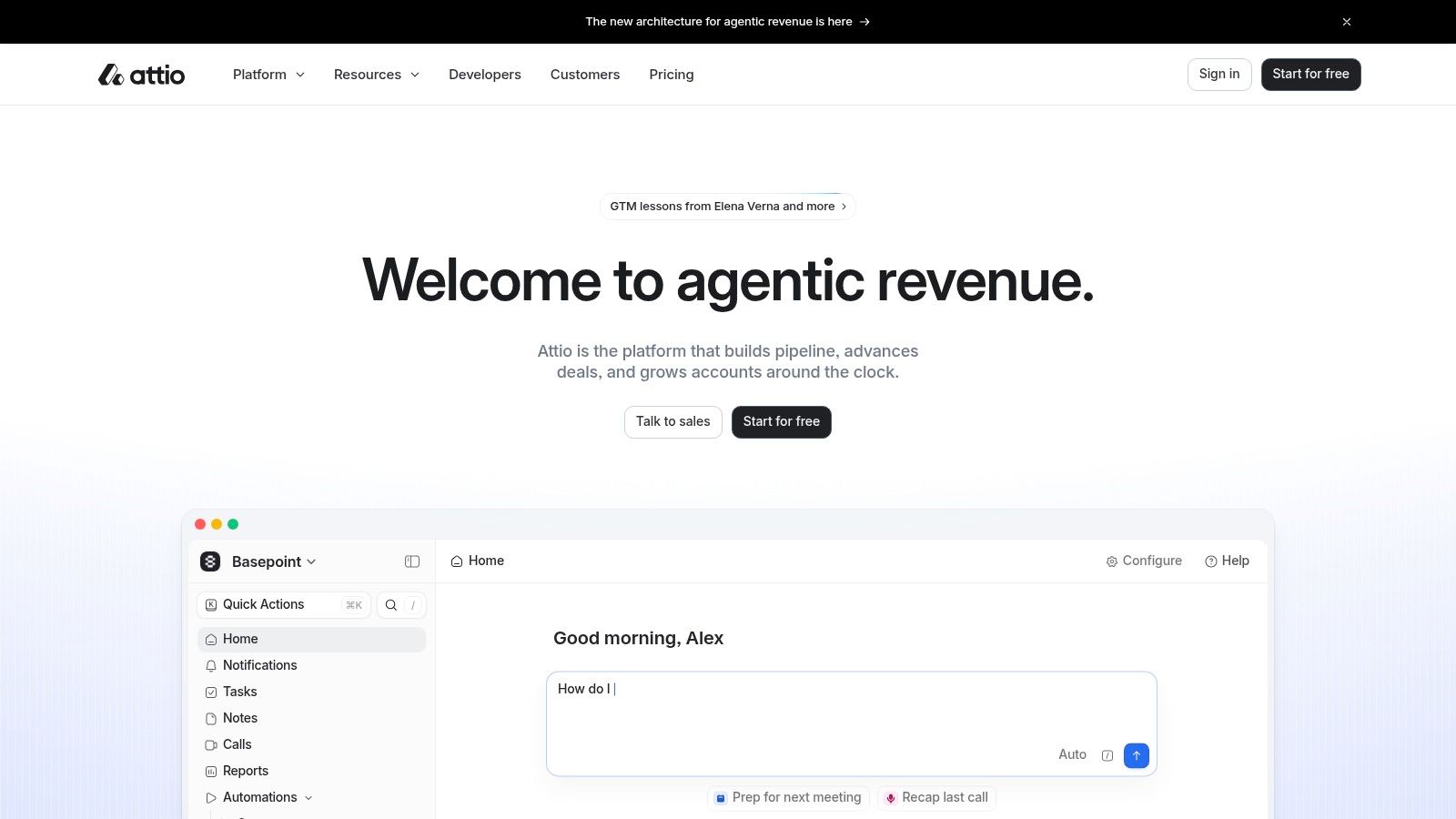
Attio is the pick when your sales tracking question doesn't fit a lead-to-deal schema. Custom objects and relationships let you model partner-sourced deals, product-led signups and expansion revenue in one place instead of jamming everything into a deal stage.
The trade-off you're accepting
Flexible records mean you design the model. That's an afternoon for a simple B2B pipeline and a fortnight for a multi-motion business with agencies, resellers and self-serve. Budget the time before you migrate, because retrofitting relationships after the data lands is painful.
What it tracks well
- Custom records, objects and relationships for non-standard sales structures.
- Email and calendar syncing with contact enrichment.
- Lists and reporting to support pipeline views.
- Higher plans add call intelligence, sequences, permission controls and advanced reporting.
Where tracking gets thin
- Design effort falls on your team, and a vague data model produces vague reports.
- Call intelligence and sequences require paid plans.
- Enrichment and AI features may carry usage or credit limits.
A free plan supporting up to three users and a trial of Pro features gives you room to test the model. Annual billing is discounted on paid plans, which is worth knowing once you've confirmed the structure.
10 sales tracking CRMs compared
| Best for | Free plan or trial | Sales tracking strengths | Attribution and analytics integrations |
|---|---|---|---|
| Contacts Hub, connecting lead sources and customer journeys to CRM records and sales outcomes | Free 7-day SourceLoop trial | Links lead sources and journeys to sales outcomes | SourceLoop captures attribution data from signups, leads, bookings and sales, and syncs source and revenue to the CRM |
| Pipedrive, small and midsize teams wanting a visual sales pipeline | Free trial available | Visual deal pipelines, activity and calendar tracking, sales reporting | More than 500 integrations; supports connections to sales and marketing tools |
| HubSpot Sales Hub, teams wanting sales and marketing records on one platform | Free tools available | Contact, company, and deal records with pipeline tracking | Shared sales and marketing platform; integrations include Salesforce and LinkedIn Sales Navigator |
| Salesforce Sales Cloud, teams with complex sales processes and multiple teams | Free trial for eligible offerings | Lead, account, contact, and opportunity management; configurable sales flows | Salesforce ecosystem of integrations and add-ons |
| Zoho CRM, small teams seeking a feature-rich CRM with a free edition | Free edition for up to three users | Deal tracking, activity management, workflows, and paid-plan forecasting | Zoho product integrations and third-party services; standard reports |
| Freshsales, teams combining sales tracking with lead engagement tools | Free plan for up to three users | Lead, contact, and deal management with activity tracking and customization | Freshworks ecosystem and marketplace integrations |
| Close, outbound sales teams managing calls, email, and SMS | Free trial available | Lead and opportunity tracking, built-in communications, activity timelines, and reporting | Integrations include Zapier and Calendly |
| monday CRM, teams wanting flexible, board-based sales workflows | Trial on paid plans | Customizable lead and deal boards, sales automations, activity tracking | Higher tiers add reporting; no specific attribution integration stated |
| Nutshell, small businesses combining pipeline tracking with lead capture | 14-day free trial | Customizable pipelines, contact management, and email and calendar sync | Vendor-listed attribution reporting, forms, landing pages, and webchat |
| Attio, growing teams needing a customizable CRM data model | Free plan for up to three users; Pro feature trial | Flexible records and relationships, sales lists, and pipeline reporting | Email and calendar syncing; advanced reporting on higher plans |
Pick the CRM, Then Make Sure It Knows Where Every Deal Came From
The best sales tracking CRM is the one your reps update. Pipedrive's forecast only means something if stages move the day a deal moves. Salesforce's reports only persuade a finance lead if the source field is populated on closed-won records. HubSpot only connects marketing spend to revenue if the campaign that created the contact survives all the way to the deal.
Every one of those conditions is a data question rather than a feature question. So choose the CRM on fit, then spend the same energy on what flows into it.
Run the shortlist through one trial week with the same test. Capture a lead from each channel you use, confirm the source lands on the deal record, and pull the exact report your manager will ask for in the Monday meeting. If the source is missing, no amount of pipeline polish rescues the number.
The data is only as good as what flows in. Pair your CRM with an attribution layer that captures lead sources from forms, chat, calls, bookings and payments, and syncs them into every deal record. SourceLoop, for example, pushes source, journey and revenue data into HubSpot, Salesforce, Pipedrive and 20+ other CRMs, ties Stripe and Shopify revenue back to its original channel, and syncs qualified conversions back to Google Ads, Meta and LinkedIn so ad algorithms optimize for real customers rather than form fills. Setup takes minutes via a single snippet, there's a free 7-day trial, and simple plans keep it workable for lean teams.
If ecommerce is part of your mix, the attribution guide for ecommerce growth teams is worth reading before you map order data to channels, since the reconciliation rules you set there determine whether your CRM ever sees the true source.
Start with the tool that fits how your team sells, then close the source gap. Install the snippet on your site, capture a lead from each of your live channels, and check that the next deal you close carries its original campaign, keyword and landing page on the record. SourceLoop is a practical place to start if that attribution gap is the missing piece, and seven days is enough to see whether your CRM finally knows where the revenue came from.


 Paid Social


