
6 AgencyAnalytics Alternatives for Client Reporting
Six AgencyAnalytics alternatives for agencies, compared on per-client cost, white label depth and whether reports show leads and revenue.
Table of contents
Most agencies don't switch reporting tools because their reports are ugly. They switch because a client asks a question the report can't answer.
Usually it's some version of "which of these campaigns actually brought us customers?" A dashboard full of clicks, rankings and impressions doesn't help much there.
In this guide, I'll compare six AgencyAnalytics alternatives on what they cost per client, how far the white label goes, and whether the reports reach leads and revenue.
How I approached this one
I set up AgencyAnalytics on its trial with two client accounts, then rebuilt the same monthly report in DashThis, Swydo and Databox on their trials or free plans, plus Google Data Studio. Whatagraph sells through demos, so that section is based on its walkthrough, documentation and agencies we know who use it.
The brands and agencies we work with run everything from local service clients to lead-gen and SaaS accounts, which shaped what mattered. User quotes come from public reviews on Capterra and G2. I compared:
- What the bill looks like at 10 and 30 clients
- How far white labeling goes: logo, domain, emails, exports
- Whether reports can show leads, calls and revenue, not just traffic
- How long a new client takes to set up
SourceLoop is our product. I held it to the same list, and its section is upfront about the reporting it doesn't do, like SEO rankings and social posts.
Last checked November 2026. Confirm current pricing with each vendor.
Why agencies look past AgencyAnalytics
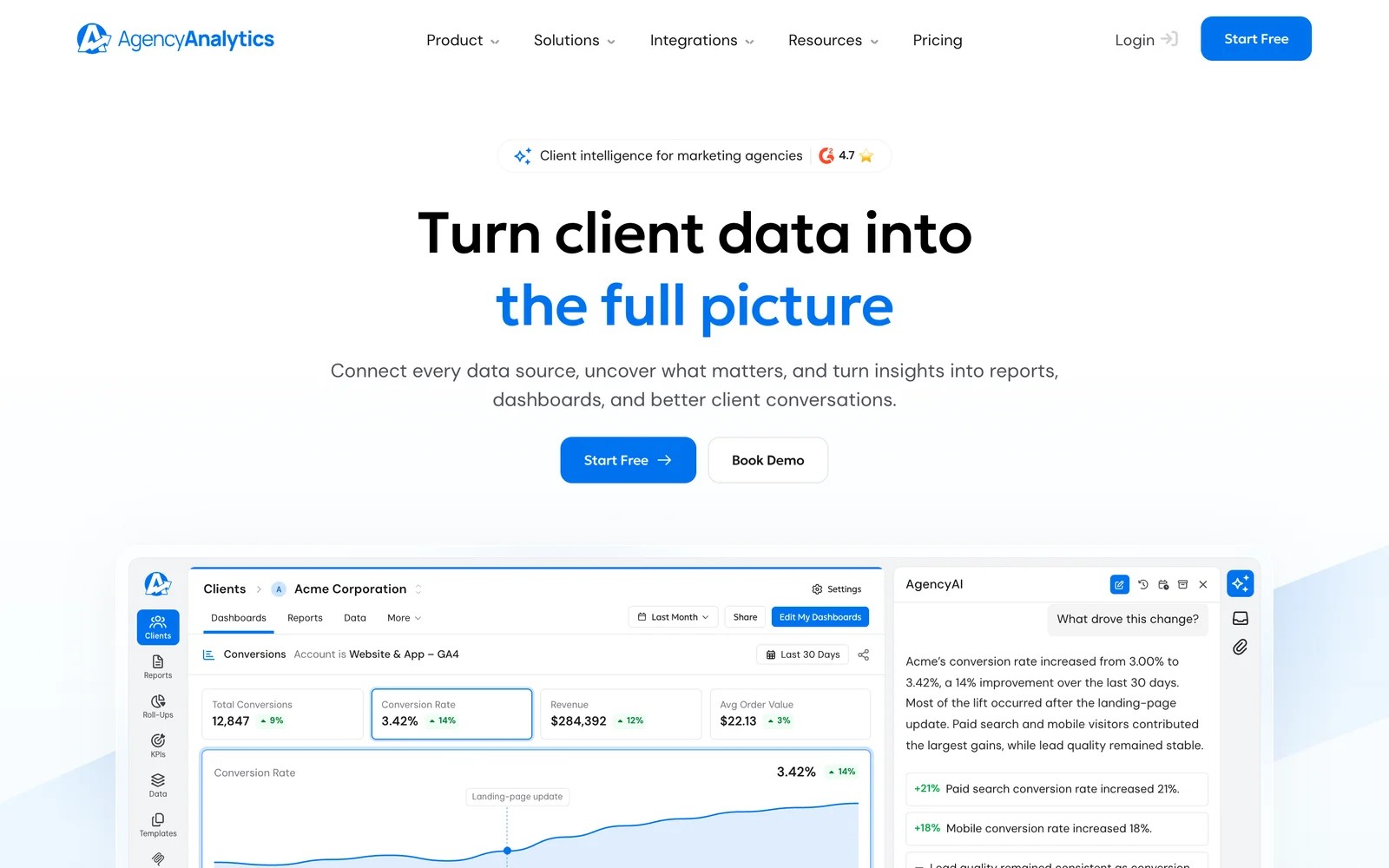
AgencyAnalytics bundles SEO, PPC, social and web analytics reporting into a white-labeled client portal. On its pricing page, the Core plan is $20 per client per month billed annually, with unlimited data sources, reports and staff, and paid add-ons for rank tracking and AI tracking.
Agencies love how it looks to clients:
"The white label dashboard and reports are fantastic and intuitive and clients would never know its not yours!" (Source)
The criticisms are about flexibility and depth:
"It was difficult to create reports with more robust analytics, such as multiple metrics and detailed segmentation, without having to manually input data sources." (Source)
"ONly a single white-label option for logos etc." (Source)
"The cover page of the reports is super ugly, like unbelievably ugly and they offer no options to customize this." (Source)
AgencyAnalytics alternatives compared
Here's how the 6 AgencyAnalytics alternatives compare on pricing model, white label and what the reports can show, as of November 2026.
| Tool | Best for | Pricing model | White label | Lead-level and CRM revenue | SEO and social reporting | Trial |
|---|---|---|---|---|---|---|
 SourceLoop SourceLoop | Agencies reporting on leads and revenue | $249/mo for 3 sites | Full | Yes | No | 7 days |
 DashThis DashThis | Simple branded dashboards | Per dashboard, from $54/mo | Every plan | No | Yes | 14 days |
 Swydo Swydo | PPC-heavy agencies | Per data source, from €69/mo | Included | No | Yes | 14 days |
 Databox Databox | Live KPI dashboards and AI analysis | Free plan, agency from $79/mo | $80/mo add-on | No | Yes | Free plan |
 Whatagraph Whatagraph | Larger agencies with many sources | From €699/mo, annual | Included | No | Yes | Demo |
 Google Data Studio Google Data Studio | Agencies building their own reports | Free | Manual | No | Via connectors | Free |
The 6 best AgencyAnalytics alternatives
Five of these are reporting dashboards that pull numbers from other tools. SourceLoop is different: it collects the lead and revenue data itself, so I've put it first and kept its trade-offs clear.
1. SourceLoop
Best for: agencies whose clients win business through forms, calls and bookings, and who want reports that show which campaigns produced leads and revenue.
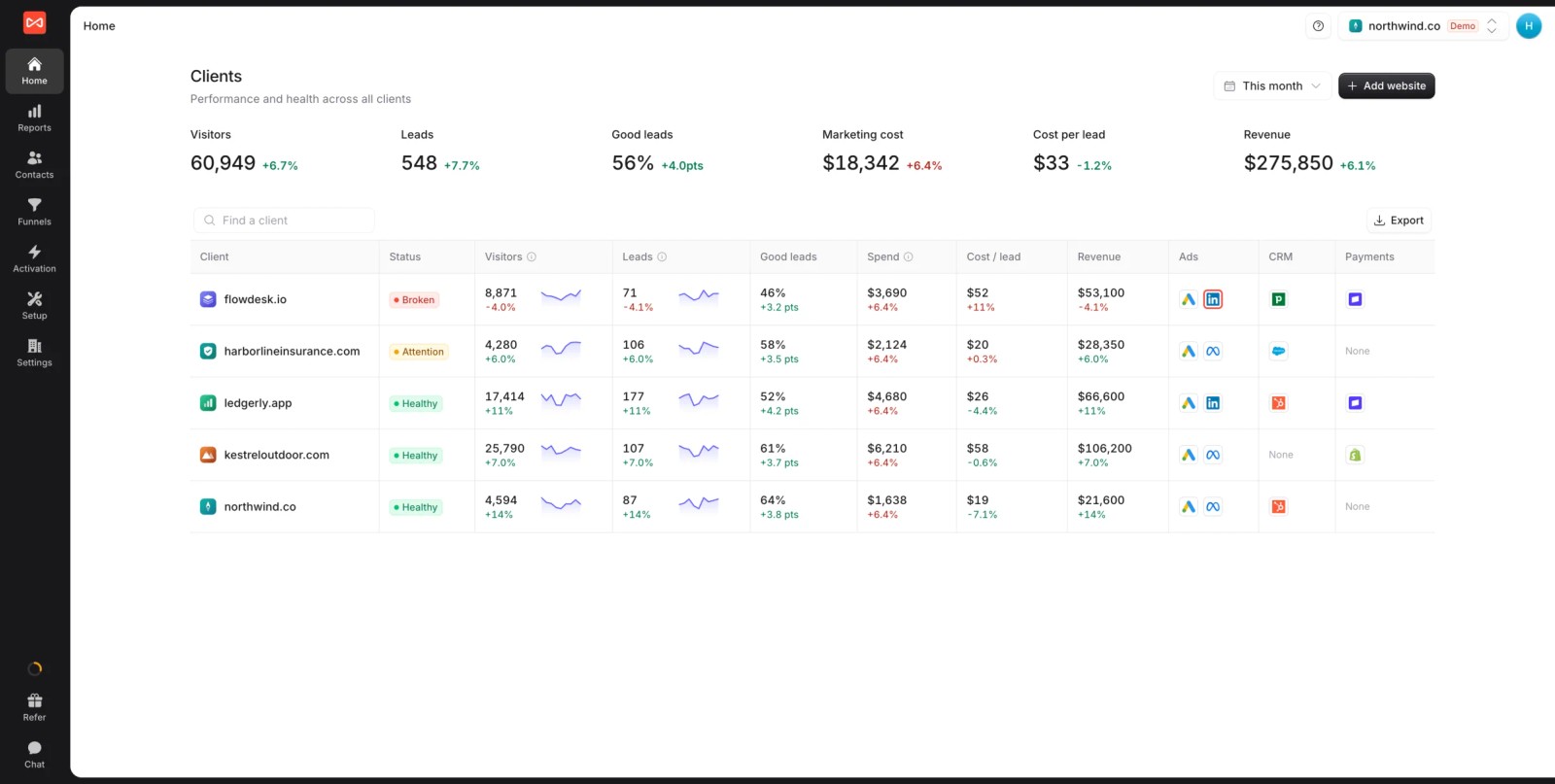
SourceLoop is a lead source and marketing attribution tracking tool with full white label and multiple website support. It doesn't stitch together other tools' charts. It tracks each client's visitors, captures their leads, follows them into the CRM, and reports what each campaign produced.
The agency layer sits on top. Every client appears on one screen with leads, good-lead share, spend, cost per lead and revenue, and clients that need attention sort to the top. Channel and lead rules can be copied from one client to others, which saves setting up each account from scratch.
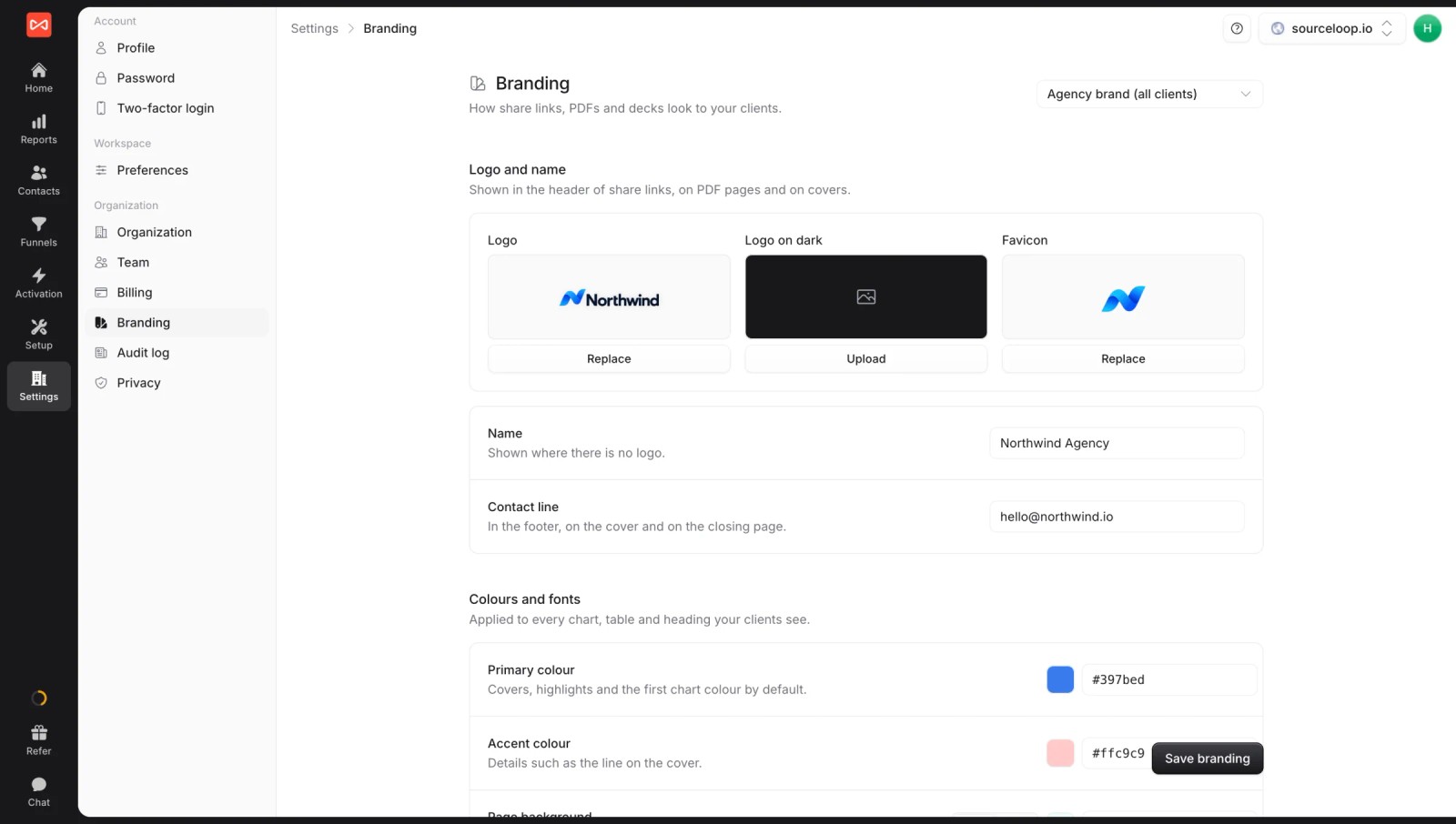
If you're an agency, the white label covers the app, reports, exports, the share domain and even Slack alerts, so clients only ever see your brand.
Key features
- Clients overview: one screen with each client's leads, good leads, spend, cost per lead, revenue and connection health, with broken or at-risk accounts sorted first.
- Full white label: your logo, colors and custom share domain on the app, reports, PDF and PowerPoint exports and alerts. See how white label branding is set up.
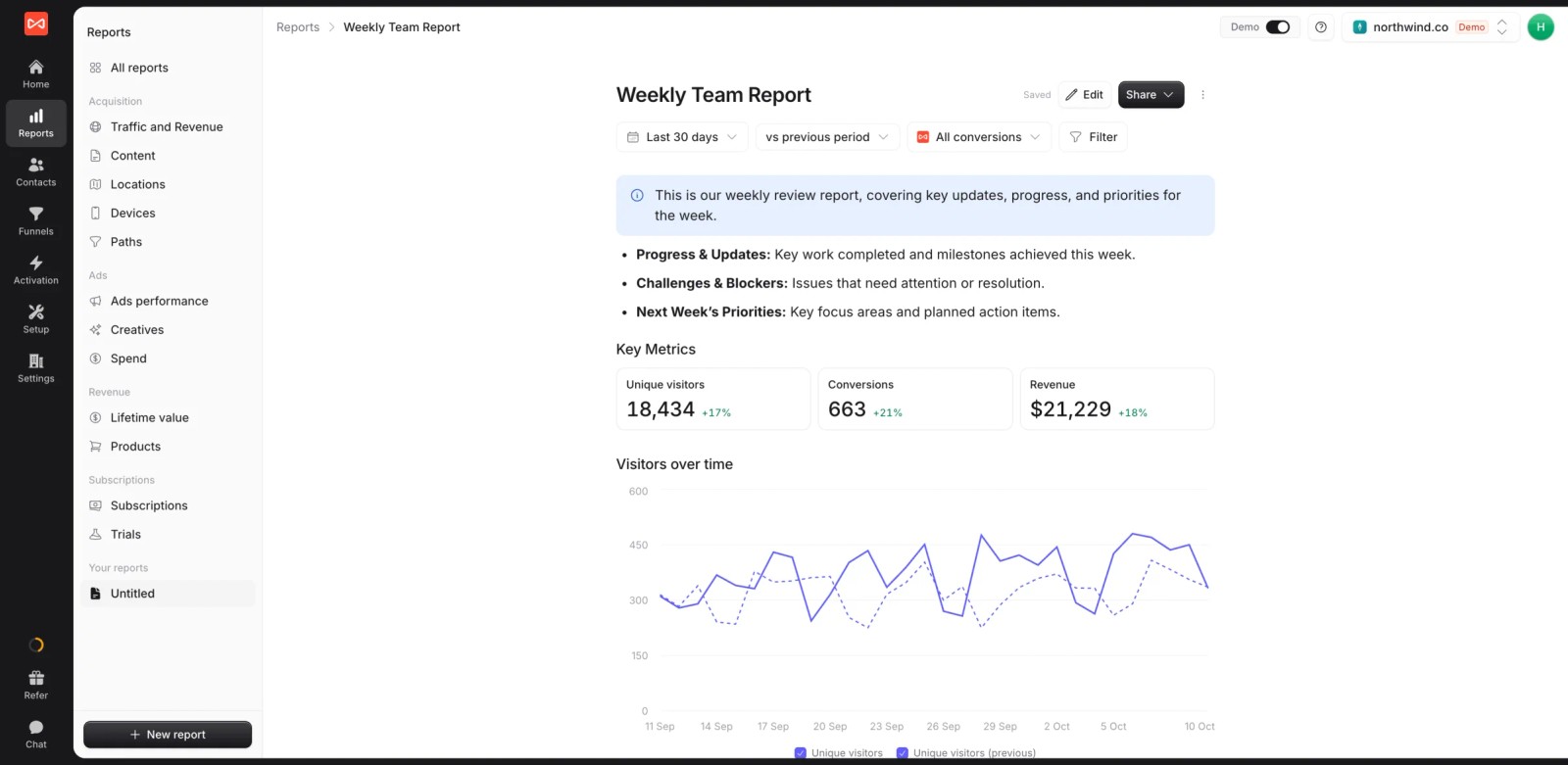
- Custom reports: build a client report once as a live document with text, metric tiles and charts, then share the link.
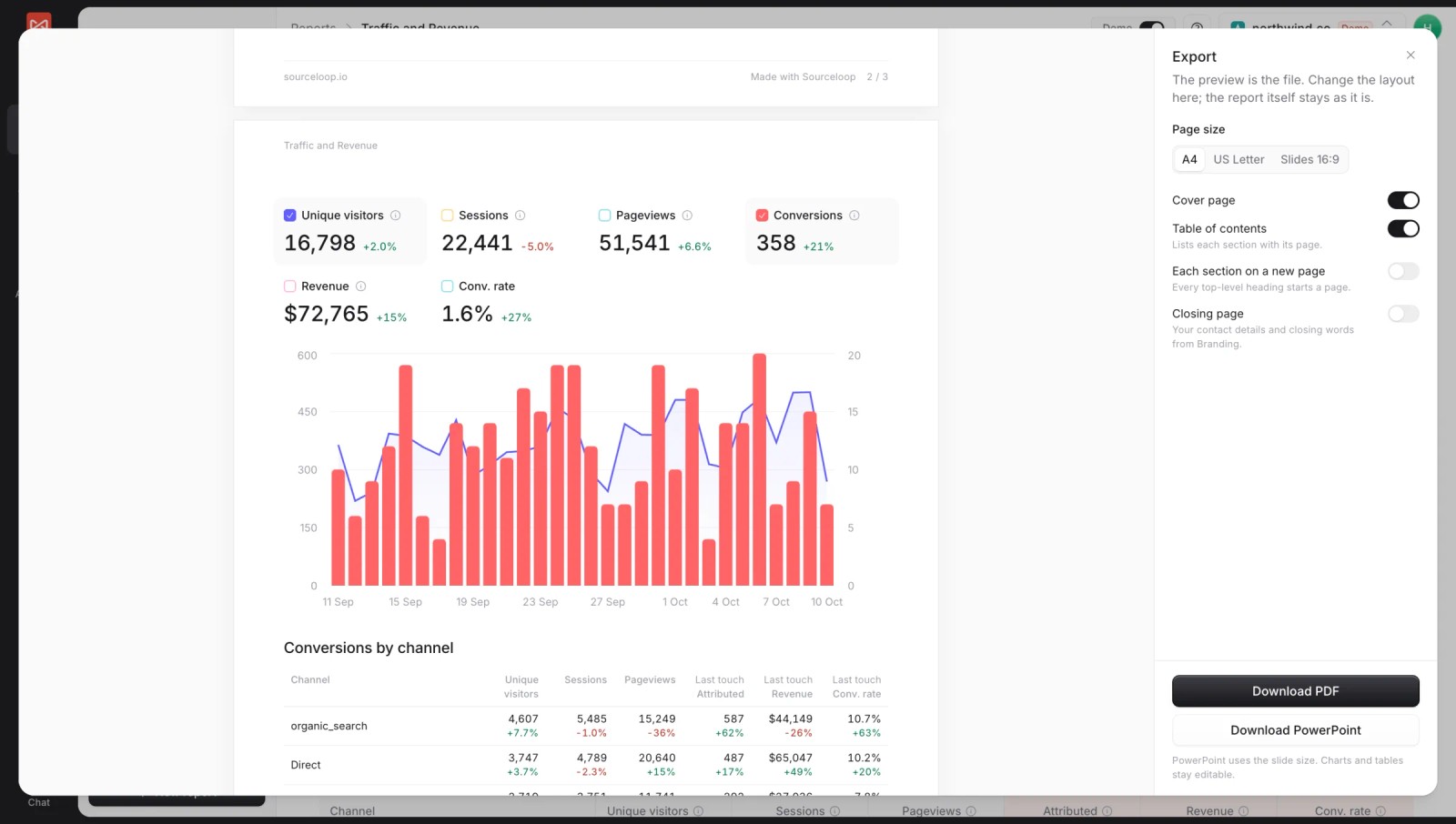
- Branded exports: download any report as a PDF or PowerPoint with a cover page and table of contents for monthly meetings.
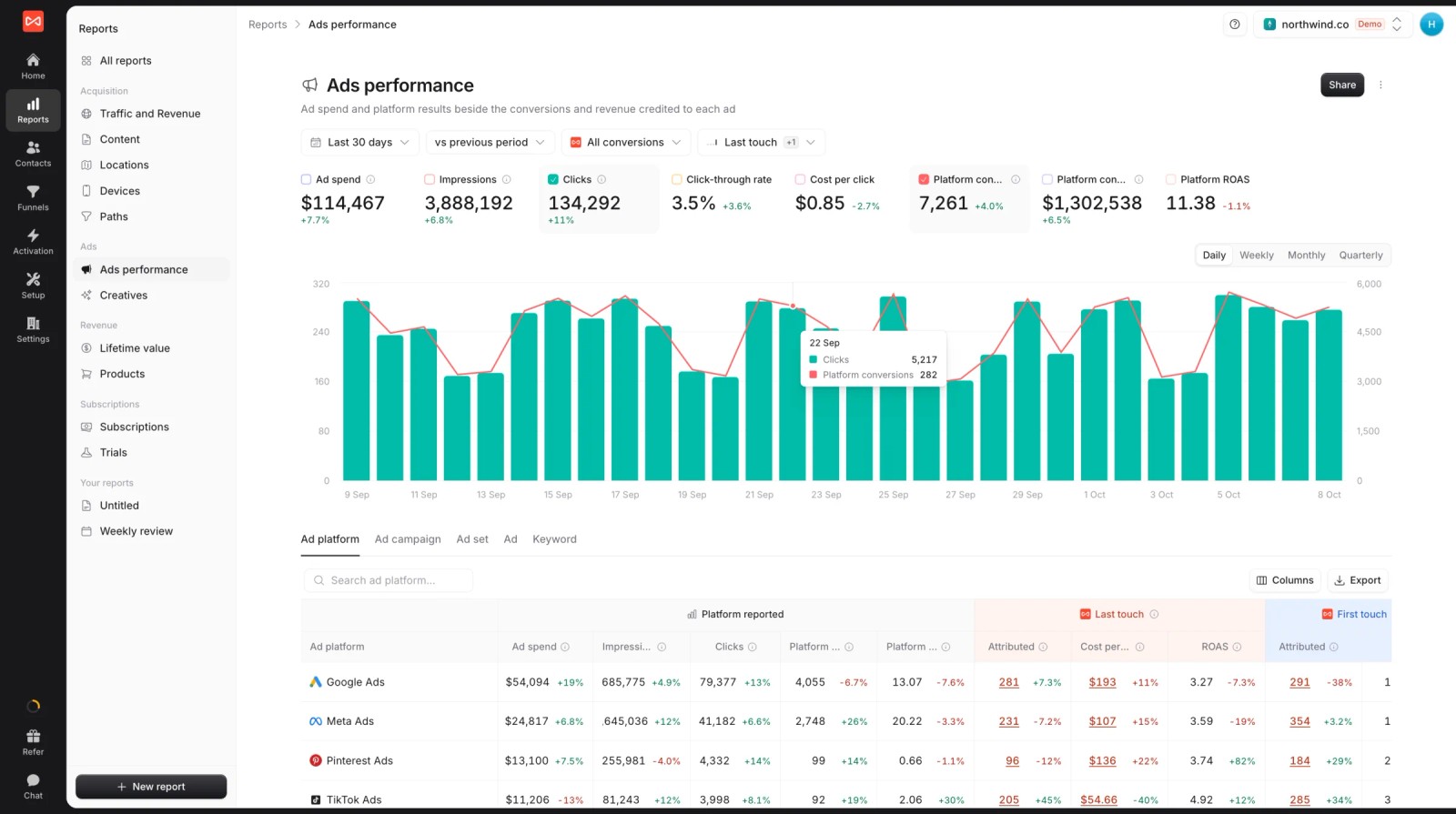
- Leads by channel: conversions and revenue per channel under first and last touch, which answers the question most dashboards can't.

- Journey on every lead: each visit, ad click and landing page before a form, call or booking, for the "where did this one come from?" conversation.

- Spend beside results: ad spend and platform-reported conversions next to the leads SourceLoop credits each platform, so cost per lead holds up.
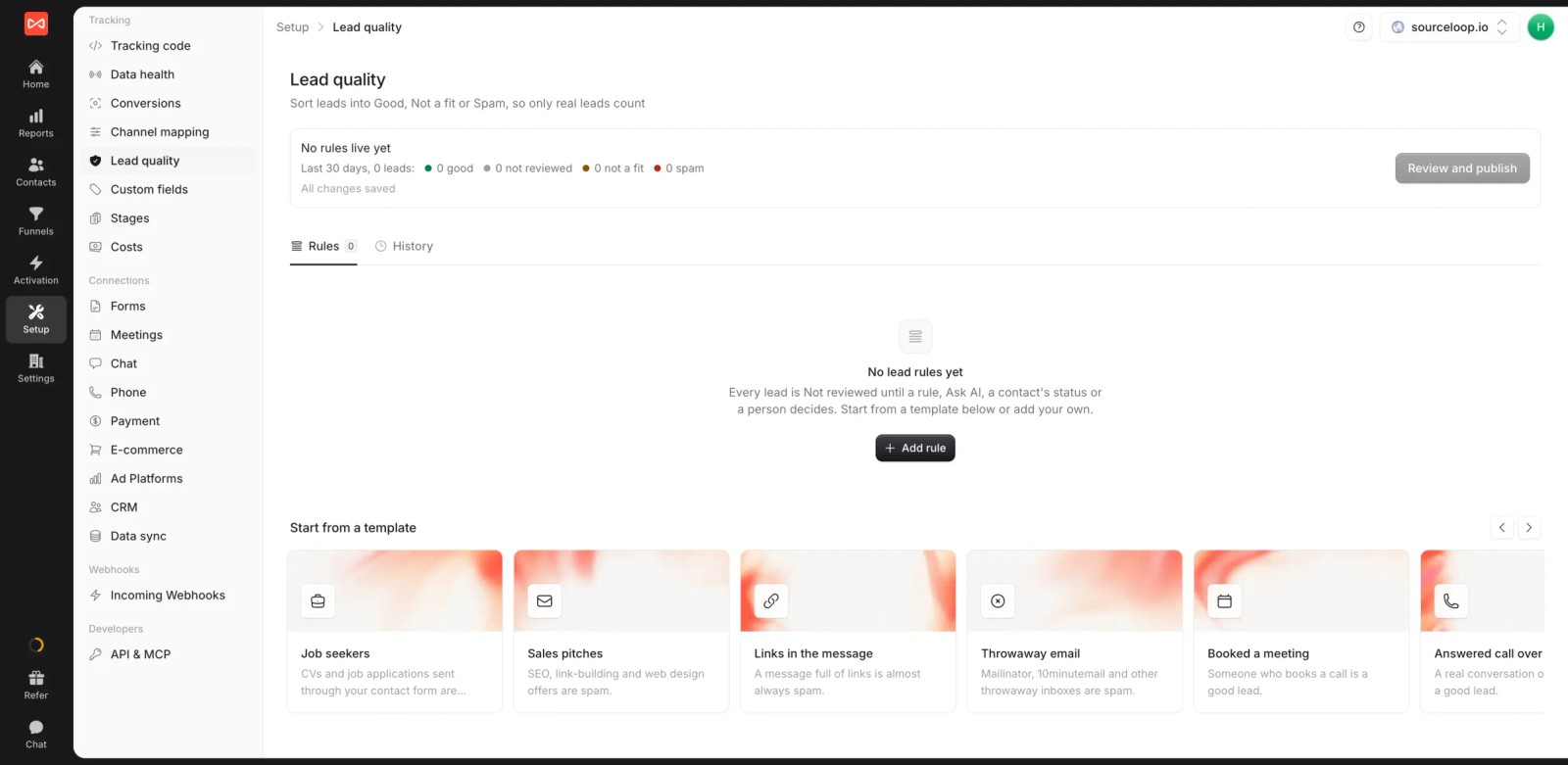
- Lead quality rules: templates mark job seekers, sales pitches and throwaway emails as junk, so clients see qualified leads, not raw form counts.
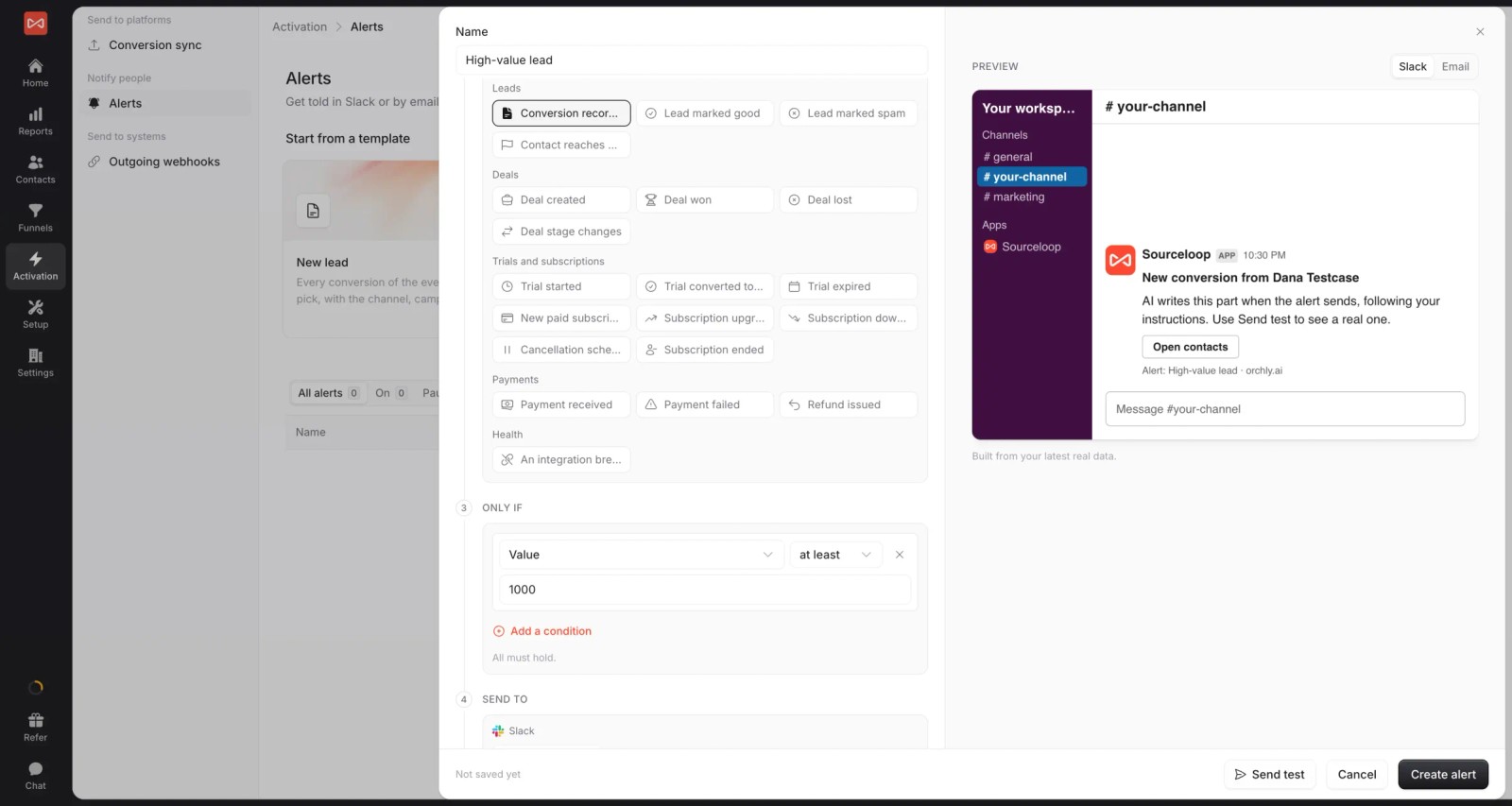
- Alerts per client: post new leads, high-value leads or a weekly summary to each client's Slack channel or inbox.
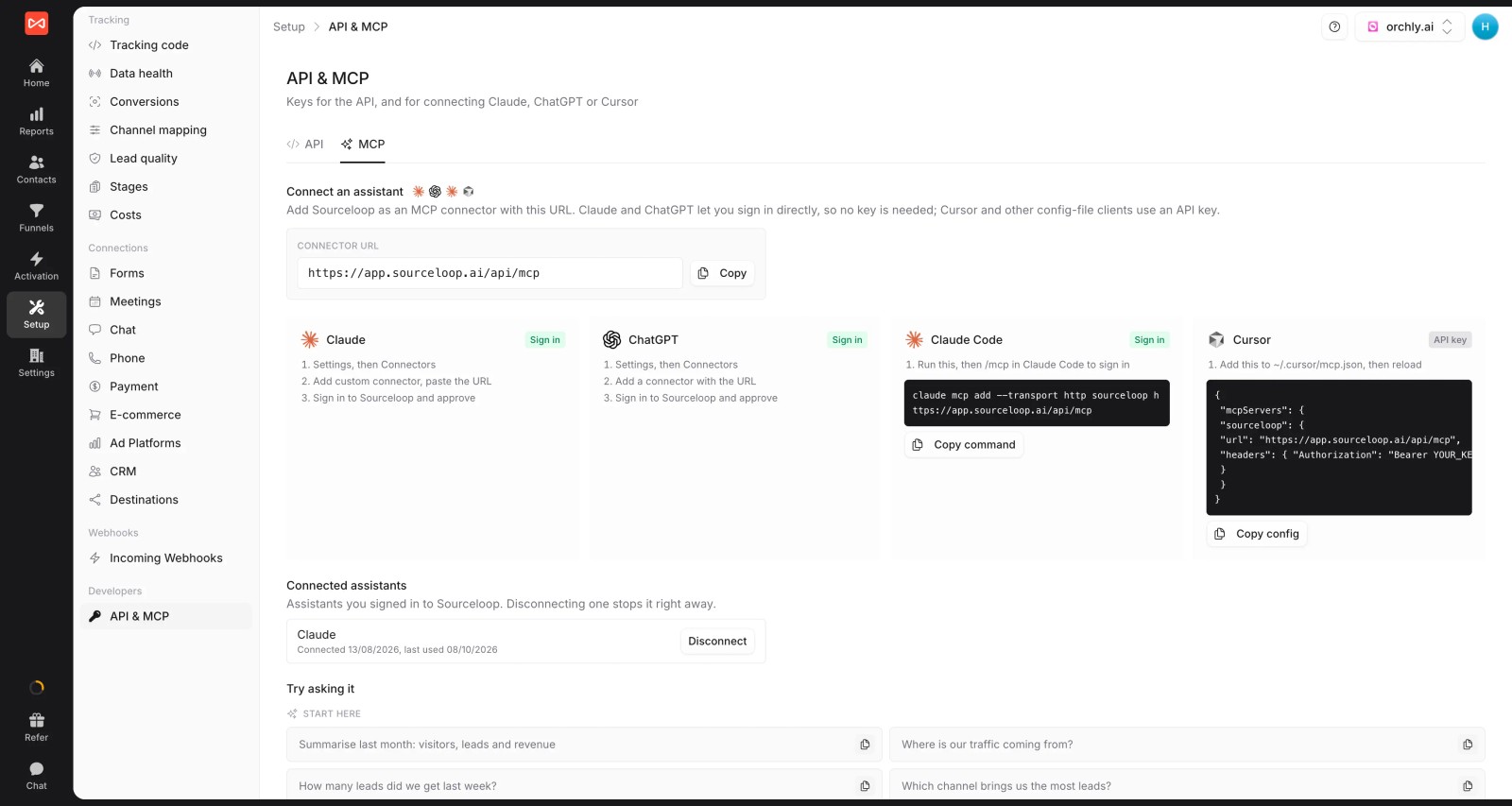
- API and MCP: pull every client's numbers into your own dashboards, or let an AI assistant draft a client report, on Professional and up.
- Conversion sync: good leads and won deals go back to each client's Google Ads, Meta, Microsoft Ads and ChatGPT Ads accounts with their value.
Where it falls short
- It doesn't report on SEO rankings, social media posts or email campaigns, so AgencyAnalytics-style SEO and social reporting needs another tool.
- Reports are shared as live links or exports. There's no scheduled email delivery of reports yet, though scheduled alerts can post weekly numbers.
- Ad spend syncs from Google Ads, Meta, Microsoft Ads and ChatGPT Ads. Other channels go in as manual costs.
Pricing
- Agency: $249/mo for three sites and 1.5 million page views, adding white label reporting
- Essential and Professional: $49 and $99/mo for a single site
- Unlimited conversions on every plan, and a 7-day trial. It never charges per lead.
Verdict: the strongest fit when clients judge you on leads and revenue. Keep a dashboard tool alongside it if you also report on SEO and social.
2. DashThis
Best for: agencies that want clean, branded dashboards with as little setup as possible.
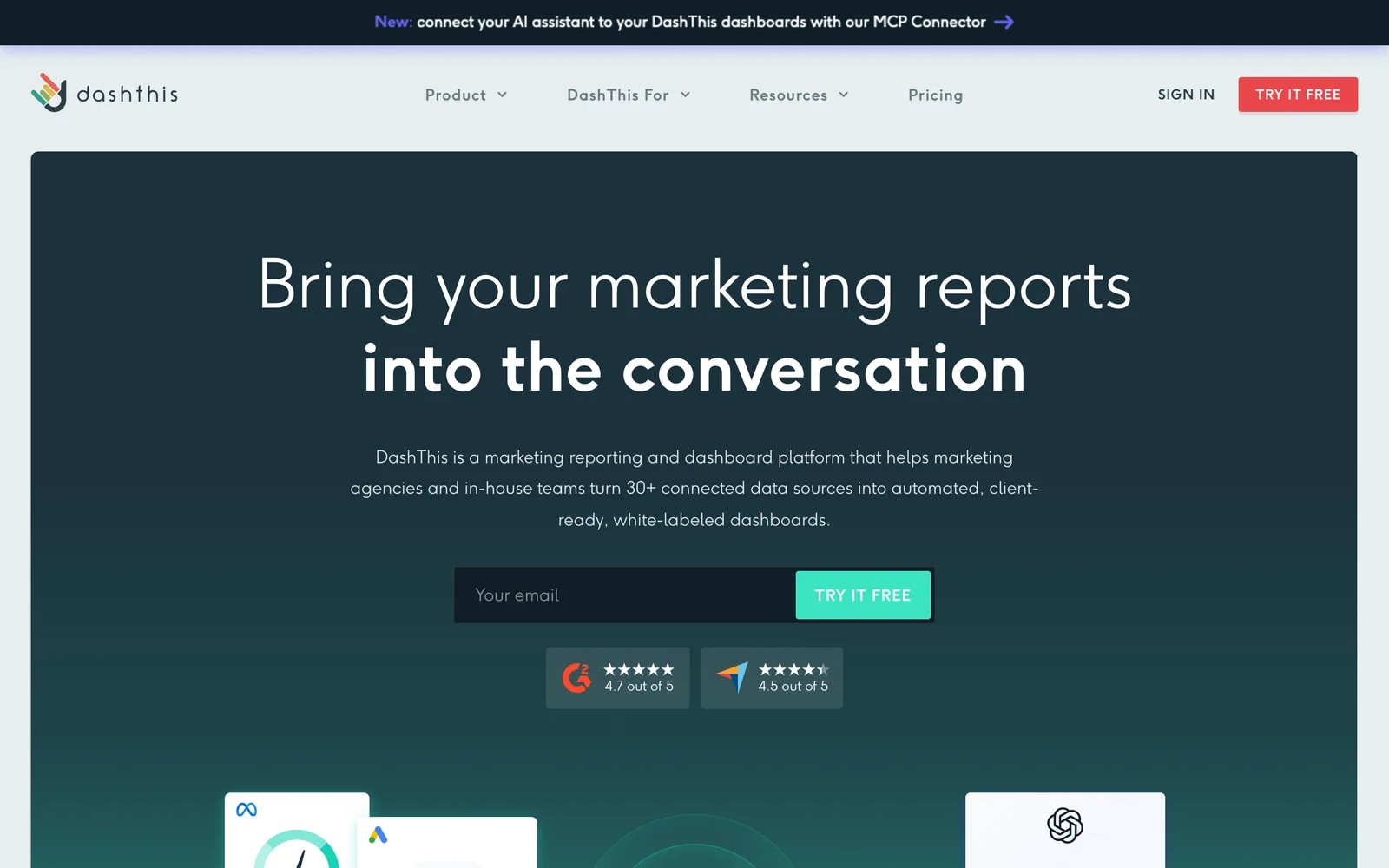
DashThis is the simplest tool here. You connect sources, pick a template, and get a white-labeled dashboard you can share or email.
On the trial, I had a client dashboard looking presentable in under an hour, mostly by cloning a template. White label is included on every plan, which AgencyAnalytics users who want more branding flexibility will appreciate.
The ceiling is design and depth. You work within its widgets and templates, and some users find visual customization limited. It's priced per dashboard, so agencies with many small clients should do the math.
Key features
- Templates and dashboard cloning make it quick to roll out the same report across many clients.
- White-labeled dashboards are included on every plan, so client reports carry your agency's branding.
- More than 30 native integrations cover the major ad, analytics, SEO and social platforms.
- An MCP connector now lets AI assistants read dashboard data, which suits agencies experimenting with AI summaries.
Where it falls short
- Customization is limited to its templates and widgets, which some users find restrictive.
- Pricing is per dashboard, so costs climb steadily as you add clients.
- Visualizations are fairly basic compared with full BI tools.
What users say
"It is so easy to set up and white label if you have many clients. You can clone dashboards for faster creation." (Source)
"It seems like you can only design your dashboard based on a few pre-set templates, which was a bit disappointing to me." (Source)
"Visualizations are decent but they need an upgrade." (Source)
Pricing
- Individual: $54/mo for 3 dashboards ($44 billed yearly)
- Professional and Business: $164 and $324/mo for 10 and 25 dashboards
- Standard: from $499/mo for 50 or more. 14-day trial.
3. Swydo
Best for: PPC-focused agencies that want flexible, branded reports priced by data source.
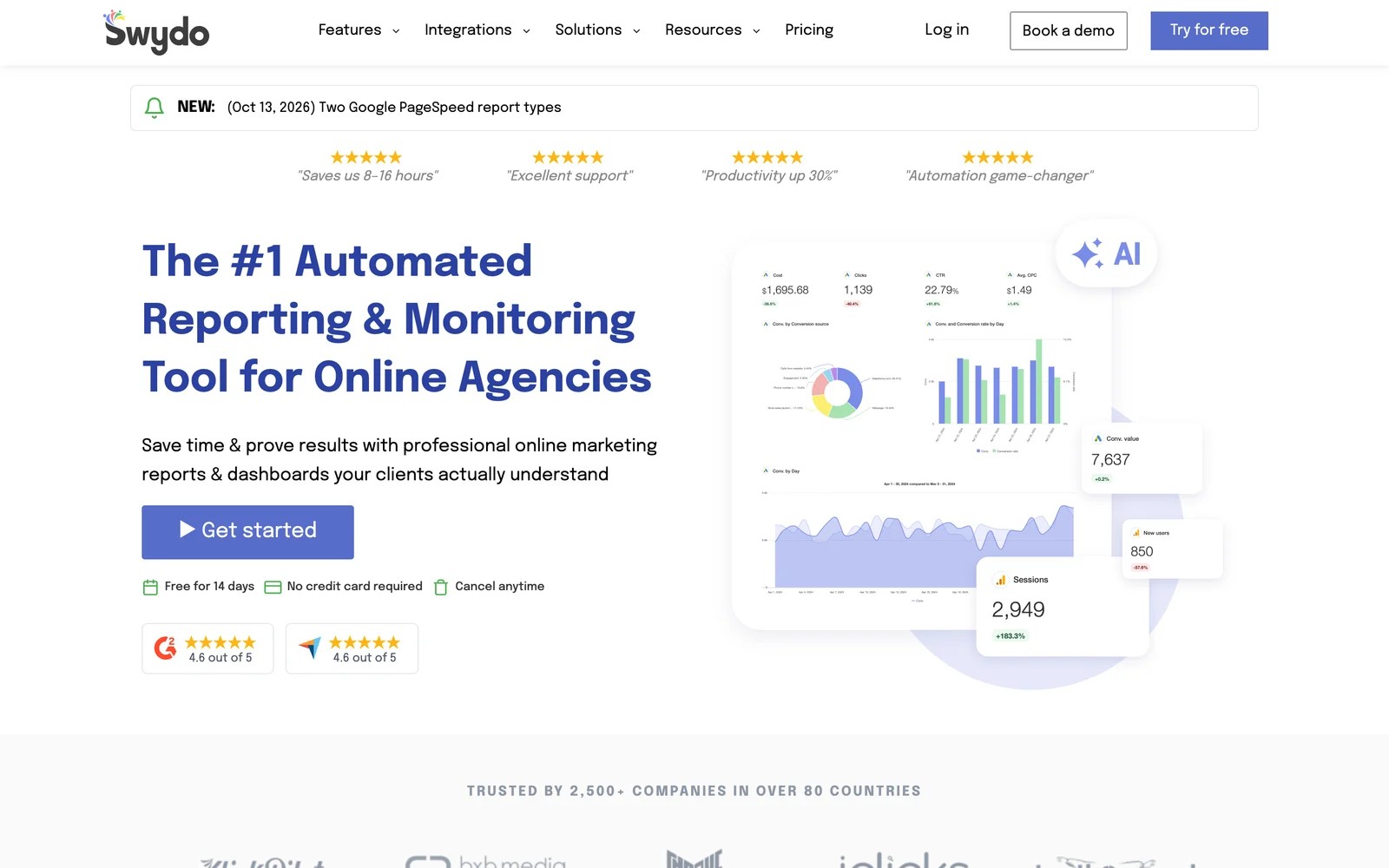
Swydo is built for automated client reports and monitoring, with one plan that includes every feature. You pay a base fee that covers your first ten data sources, then a small fee for each extra connected account.
On the trial, the Google Ads and Meta templates needed almost no editing, and connecting accounts was painless. Users compare that favorably with wrestling connectors in Google Data Studio.
The pricing model is fair but worth watching. Every connected account counts, and a couple of users say they were charged for stale or expired connections.
Key features
- Report templates for Google Ads and Meta Ads often need little tweaking, which speeds up monthly reporting.
- One plan includes every feature, with pricing based on connected data sources.
- White label covers branded PDF exports, custom email templates and a custom domain.
- Monitoring alerts flag budget and performance changes across client accounts.
Where it falls short
- Every connected account counts as a data source, and some users report charges for expired connections.
- Visual customization of fonts and formatting is more limited than some agencies want.
- Complex blended reporting can need workarounds compared with full BI tools.
What users say
"It's extremely easy to setup the Google ads connections so you not wrestling with it like with Looker Studio." (Source)
"Beautiful reports, branded with my agency logo, cover photo customisation options, simple set up, and the templated reports often didn't need much tweaking for Google Ads and Meta Ads at least." (Source)
"the fact that they will charge you extra, without any notice if you go above the data connections in your plan" (Source)
Pricing
- One plan: €69/mo (€62 billed yearly) including 10 data sources
- Extra sources: from €4.50 each, dropping at higher volumes. 14-day trial with no card.
4. Databox
Best for: agencies that want live KPI dashboards and AI analysis, with a free plan to start.
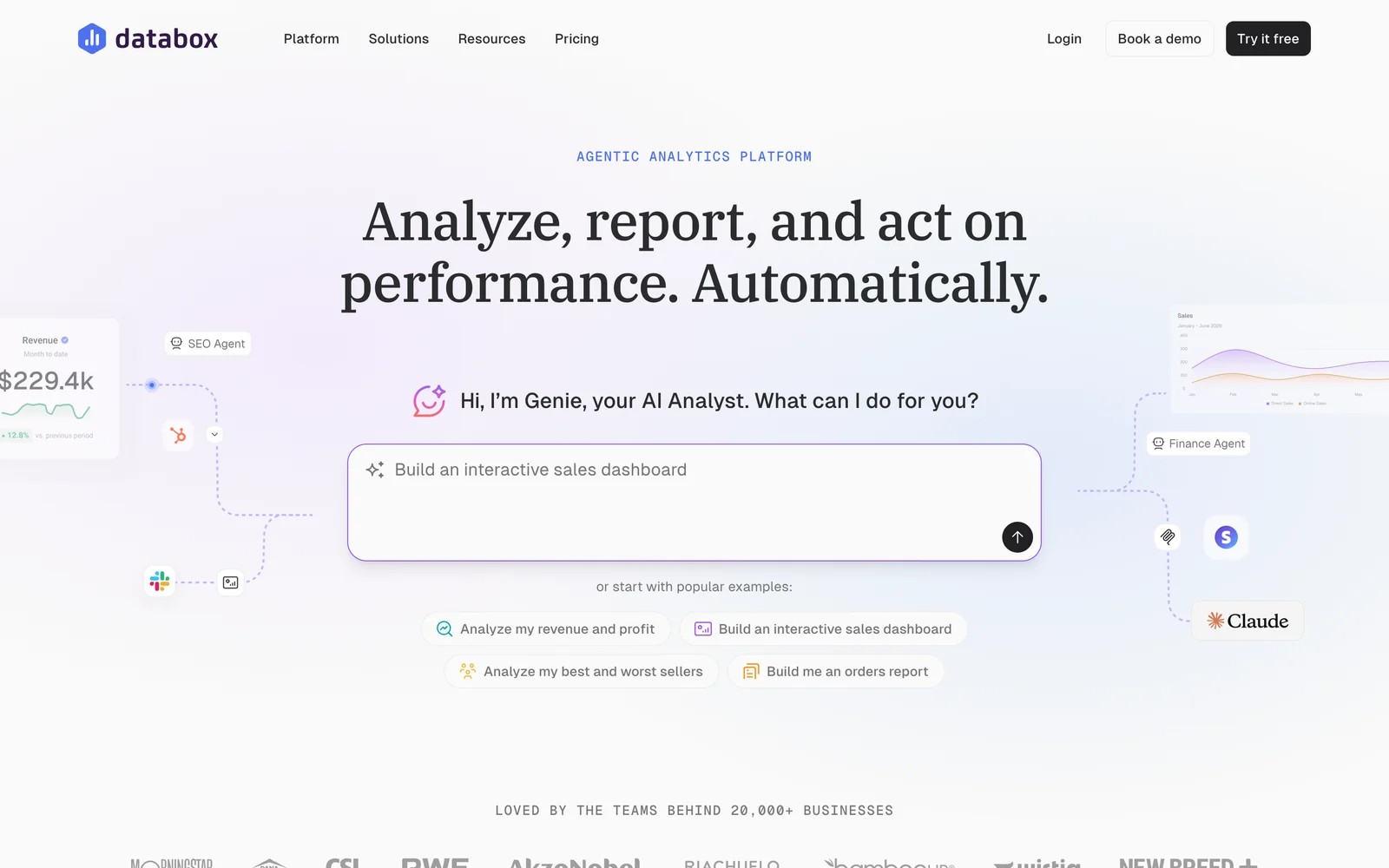
Databox has moved toward AI analysis. Its assistant, Genie, answers questions, builds dashboards and summarizes performance, and the Agency plan adds cross-account reporting and an MCP server.
I started on the free plan, which is enough to wire up a few sources and see how it works. Clients like getting a live link they can check anytime.
Two things gave me pause. White label is an $80-a-month add-on rather than included, and a few reviewers describe frustrating experiences with broken templates and refund policies.
Key features
- Genie, the AI analyst, answers questions and builds dashboards from connected data.
- Live dashboards and shareable links let clients check numbers anytime without waiting for a report.
- The Agency plan adds unlimited users, bulk actions, templates and cross-account reporting.
- An MCP server lets external AI assistants query Databox data.
Where it falls short
- White label is a paid add-on at $80 a month, not included in the base price.
- The free plan's limits mean agencies often need separate accounts per client.
- Some users report slow dashboard refreshes and template issues.
What users say
"They LOVE having a custom link they can go to for live analytics." (Source)
"The free plan now includes less databoards. So, we've had to make accounts for each of our clients instead of have all of our clients on an agency account." (Source)
"Sometimes the dashboards wont refresh at a fast pace." (Source)
Pricing
- Free: $0 with 3 data sources
- Agency: from $79/mo billed annually, plus account packs
- White label: $80/mo add-on
5. Whatagraph
Best for: larger agencies connecting many data sources that want polished reports and a dedicated success manager.
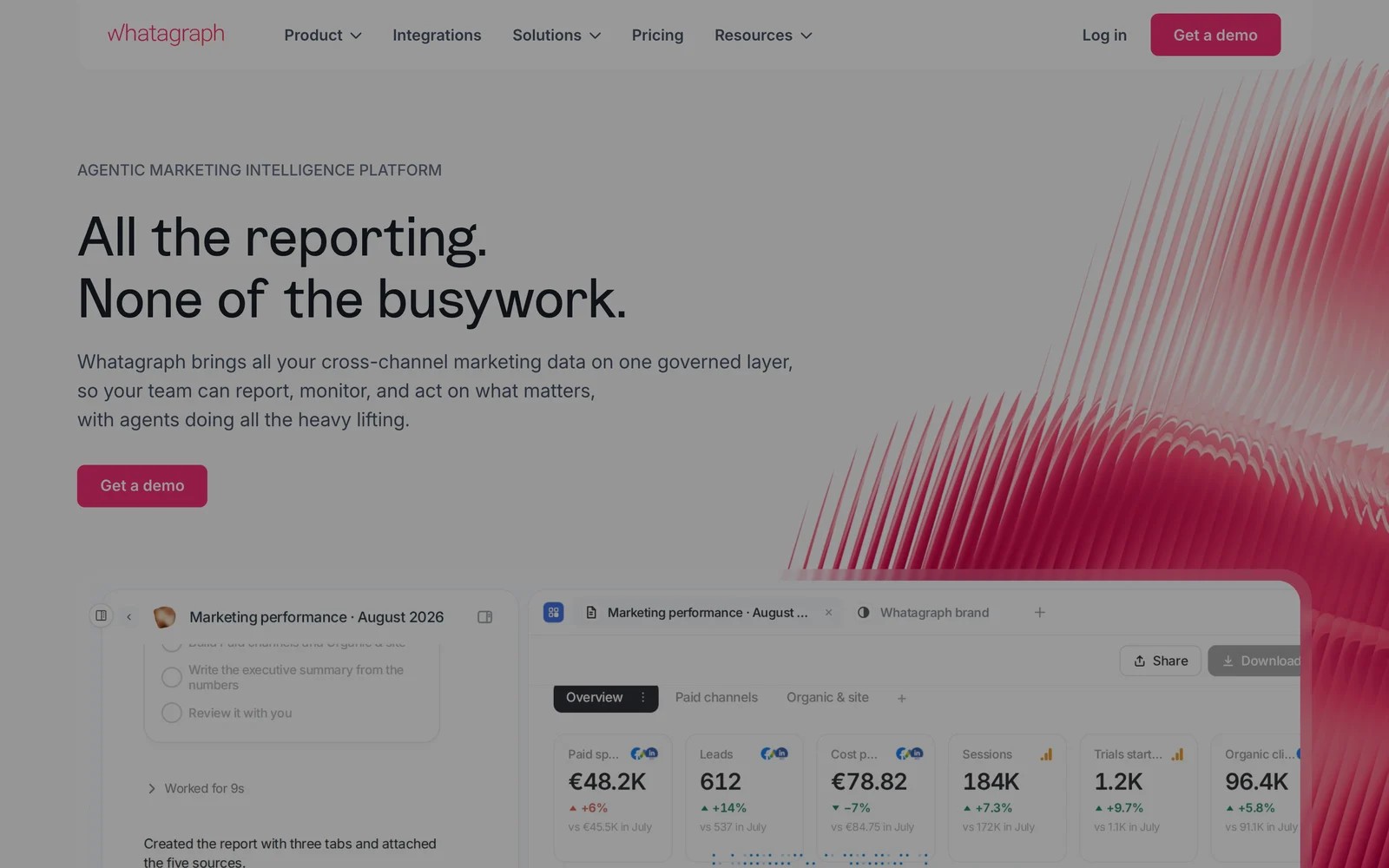
Whatagraph sits at the premium end. Plans are priced on credits, where each connected account is one credit, and include unlimited users and reports with white label.
It sells through demos. In the walkthrough, the reports looked the most polished of the dashboard tools, and sharing them internally and externally is straightforward.
The trade-offs are price and learning curve. The entry plan starts at €699 a month billed annually, and users say its way of building reports takes some getting used to.
Key features
- Unlimited users and reports on every plan, priced by connected data sources.
- White-label customization is included, with a dedicated success manager on Max.
- Data from many marketing platforms can be blended into one cross-channel report.
- Sharing options make it easy to send reports to clients and internal teams.
Where it falls short
- Its entry plan starts at €699 a month billed annually, which prices out smaller agencies.
- There's no self-serve trial listed, so you'll start with a demo.
- Users say data sources occasionally disconnect and the report builder takes learning.
What users say
"It's user-friendly and has good sharing features which helps when wanting to send reports both internally and externally" (Source)
"You have to learn their language and the way they build things. It is not overly intuitive." (Source)
"Data sources being randomly disconnected for no apparent reason." (Source)
Pricing
- Max: from €699/mo billed annually
- Prime: custom pricing
6. Google Data Studio (formerly Looker Studio)
Best for: agencies with someone comfortable building reports who want to keep software costs near zero.
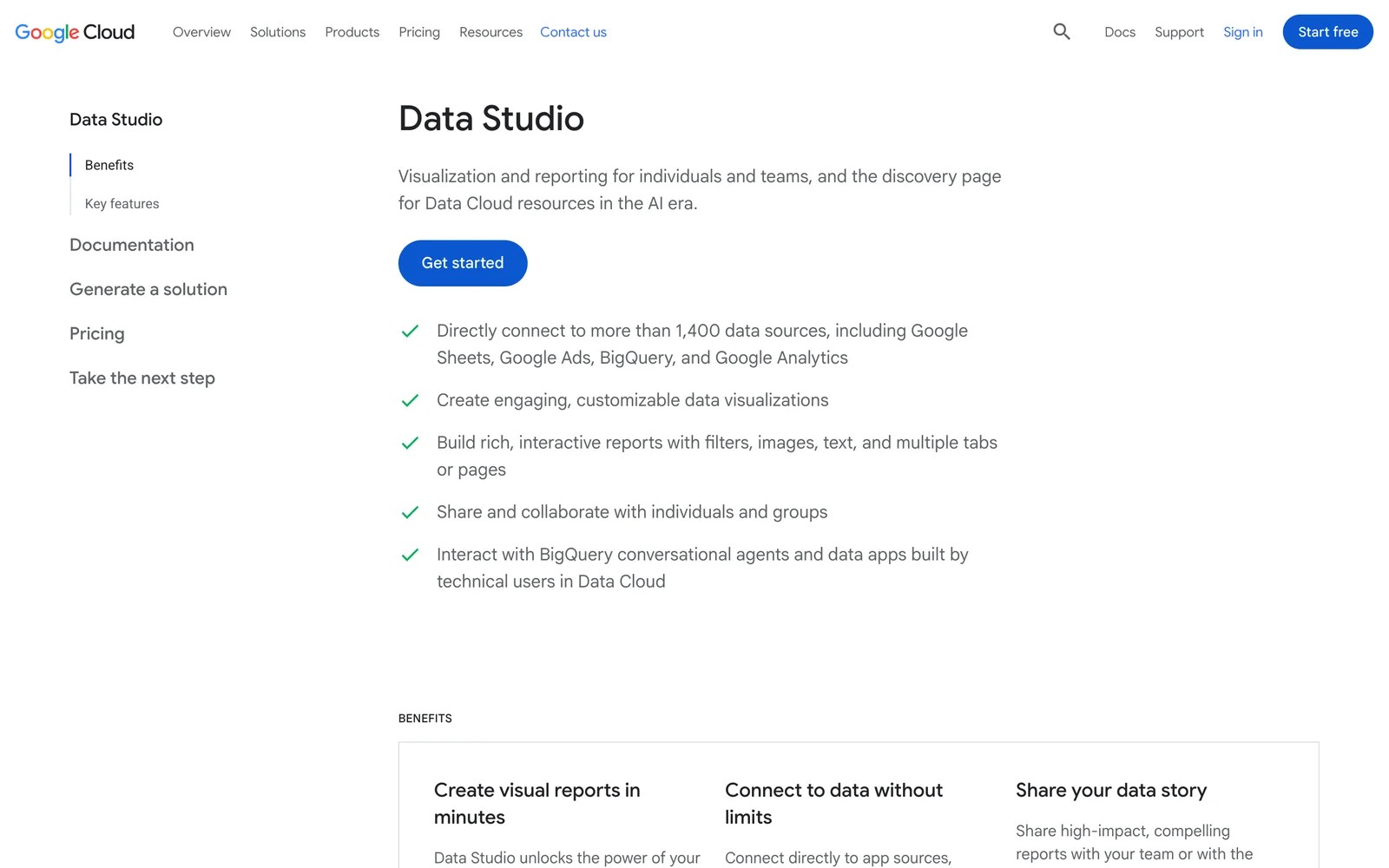
Google Data Studio, which Google had renamed Looker Studio and now lists as Data Studio again, is the free option. It connects natively to Google Analytics, Google Ads and Sheets, and to hundreds of other sources through paid connectors.
I've built plenty of client reports in it. For Google-heavy clients, it's hard to beat on price, and drag-and-drop charts make a basic dashboard quick.
The costs show up elsewhere. Non-Google data usually needs a paid connector, white labeling is manual, and older dashboards can break when connectors change. Agencies often end up paying for connectors and staff time that rival a dedicated tool.
Key features
- It's free, with native connectors for Google Analytics, Google Ads, Search Console and Sheets.
- Google lists more than 1,400 data sources through native and partner connectors.
- Drag-and-drop charts and filters make it quick to build a custom dashboard.
- Reports can be shared and edited collaboratively, like other Google tools.
Where it falls short
- Non-Google sources usually need paid third-party connectors, which add up across clients.
- White labeling is manual and there's no client portal.
- Dashboards can break or slow down, especially with large or blended datasets.
What users say
"Price for entry level reporting is free. Hard to beat that." (Source)
"I found Data studio to be buggy at times, and dashboards that haven't been touched in months would break." (Source)
"Some connectors are slow or limited, and bigger datasets can make reports lag." (Source)
Pricing
- Free. Third-party connectors for non-Google sources are usually paid.
How to choose
Start with the question your clients ask most.
1. "What happened to our traffic, rankings and social?"
- DashThis or Swydo for quick, branded dashboards.
- Databox if you want live links and AI summaries.
- Whatagraph if you're a larger agency with budget for polish.
2. "Which campaigns brought us leads and customers?"
- SourceLoop. It suits agencies with lead-gen, local service and SaaS clients, tracks forms, calls and bookings to revenue, and white labels everything.
3. "Can you keep costs down?"
- Google Data Studio is free if you have the time to build and maintain it.
- Compare per-client, per-dashboard and per-source pricing at your real client count before switching.
For more on what clients need to see, read our guides to marketing attribution tools for agencies and automating SEO reporting, or see how we approach client reporting.
Frequently asked questions
-
What is the best alternative to AgencyAnalytics?
For simple branded dashboards, DashThis or Swydo. For live dashboards with AI, Databox. For larger agencies, Whatagraph. For reports that show leads and revenue by campaign, SourceLoop.
-
How much does AgencyAnalytics cost?
As of November 2026, the Core plan is $20 per client per month billed annually, with add-ons for rank tracking and AI tracking, and a 14-day trial.
-
Is there a free alternative to AgencyAnalytics?
Google Data Studio is free, though non-Google sources often need paid connectors. Databox also has a free plan with three data sources.
-
Can SourceLoop replace AgencyAnalytics?
For lead and revenue reporting, yes. It doesn't report on SEO rankings or social media, so agencies that sell SEO usually keep a dashboard tool alongside it.
-
Which client reporting tools include white label?
DashThis and Swydo include it on every plan, Whatagraph includes it, Databox charges $80 a month, and SourceLoop white labels the app, reports, exports, domain and alerts.

 Paid Social


