
7 Best Marketing Attribution Tools for HubSpot in 2026
Compare the 7 Best Marketing Attribution Tools for HubSpot in 2026 on pricing, models, offline tracking and CRM sync to find your fit.

Your HubSpot dashboard credits Organic Search with most of this quarter's deals. Sales tells a different story: those buyers discovered you through a paid campaign, returned later through Google, and closed after a phone call. You're deciding next quarter's budget, but the contact record doesn't explain which version deserves your trust.
The lead-source gap usually appears at a handoff. A visitor leaves your website for a booking page, calls instead of submitting a form, or pays using an email address that doesn't match the original contact. Unless your tracking connects those events, your CRM can show the conversion without its acquisition history.
The best marketing attribution tools for HubSpot should do more than redistribute credit in a dashboard. They should capture the missing interaction, match it to the right person or account, and return usable source information to HubSpot.
A call appearing on a contact timeline isn't the same as knowing which campaign generated that call.
These tools take different approaches, from hidden form fields to account-level journey analysis. Choose according to where your source data disappears.
Table of Contents
- 1. SourceLoop
- 2. HubSpot Marketing Hub
- 3. Attribution
- 4. Dreamdata
- 5. HockeyStack
- 6. Ruler Analytics
- 7. Attributer
- How the seven tools compare for HubSpot teams
- Pick the Tool That Can Explain Your Next Deal
1. SourceLoop
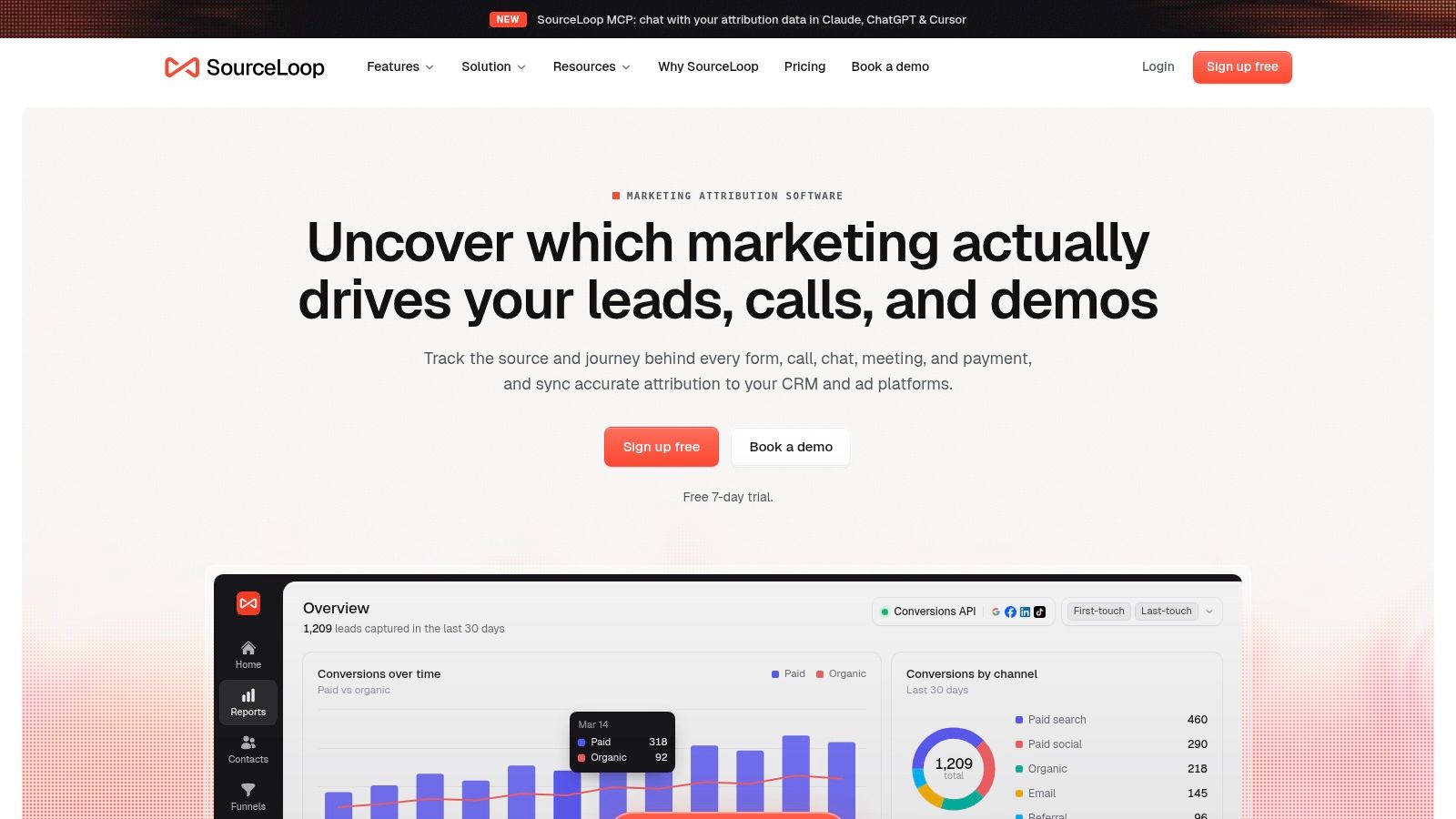
Best for teams that need source information to survive forms, calls, chats, bookings, and payments. Our platform connects website visits with subsequent conversions, then syncs attribution into HubSpot and advertising platforms. The useful distinction is that tracking doesn't stop when someone becomes a lead.
Install the lightweight website snippet, connect HubSpot, and configure the conversion paths you use. We attach attribution details when someone converts through a form, chat, or booking, while meeting tracking connects scheduled appointments to the original marketing source.
For bookings, supported integrations include HubSpot Meetings, Calendly, Cal.com, and Zoom Scheduler. Stripe revenue tracking also helps connect payment outcomes to acquisition rather than treating the initial submission as the final result.
Where the source gets recovered
A returning visitor might arrive without campaign tags and book a consultation after an earlier paid visit. We preserve the multi-touch journey rather than replacing the acquisition history with the booking session alone.
- CRM handoff: Sync attribution to HubSpot so marketers and salespeople can use source information without opening a separate reporting tool.
- Missing UTMs: Use referrer data, landing-page heuristics, and direct-traffic detection when campaign tags aren't present.
- Optimization feedback: Send qualified conversion data back to advertising platforms instead of optimizing exclusively for submissions.
- Reporting: Compare first-touch, last-touch, linear, position-based, and time-decay views alongside funnels and lead-quality filters.
The trade-off is implementation coverage. A snippet is the starting point, not a substitute for connecting your booking, payment, and CRM workflows. Test the actual contact and deal properties you'll report on, including what happens when a returning lead converts again.
Teams can track attribution within an hour of setup. All three tiers include multi-touch attribution, funnels, pre-built dashboards, lead qualification, email alerts, and unlimited users.
My recommendation: choose our platform when the immediate problem is lost source context across conversion types, not just a need for another campaign dashboard.
2. HubSpot Marketing Hub
Start with native reporting if your marketing and sales activity already lives in HubSpot. HubSpot Marketing Hub keeps attribution alongside the contacts, campaigns, and deals your team already uses, reducing the need to maintain another reporting system.
Its attribution framework evaluates contributions to contacts created, deals created, and revenue, according to HubSpot's attribution documentation. That lets you distinguish campaigns that generate inquiries from those associated with commercial outcomes.
The advantage is convenience. The limitation is that native reporting can only explain the interactions your setup captures and associates correctly.
Native reporting isn't automatic offline recovery
An external booking page, untracked call, or payment integration can still interrupt the journey. Logging an activity against a contact doesn't necessarily preserve the website session and campaign that generated it.
- Best fit: Teams with well-maintained contact-to-deal associations and campaigns already managed inside HubSpot.
- Plan trade-off: Contact-creation attribution is available in Professional and Enterprise, while deal-creation and revenue attribution require Marketing Hub Enterprise.
- Validation step: Inspect a closed-won deal, its associated contacts, and the interactions receiving credit before trusting aggregate channel totals.
If your records lack source context, compare HubSpot marketing attribution alternatives before upgrading solely for reporting. A broader HubSpot Marketing Hub vs competitors comparison can help separate the wider marketing-suite decision from the narrower attribution requirement.
Choose native HubSpot when your capture is already dependable. Adding reporting sophistication won't recover a campaign identifier that never reached the CRM.
3. Attribution
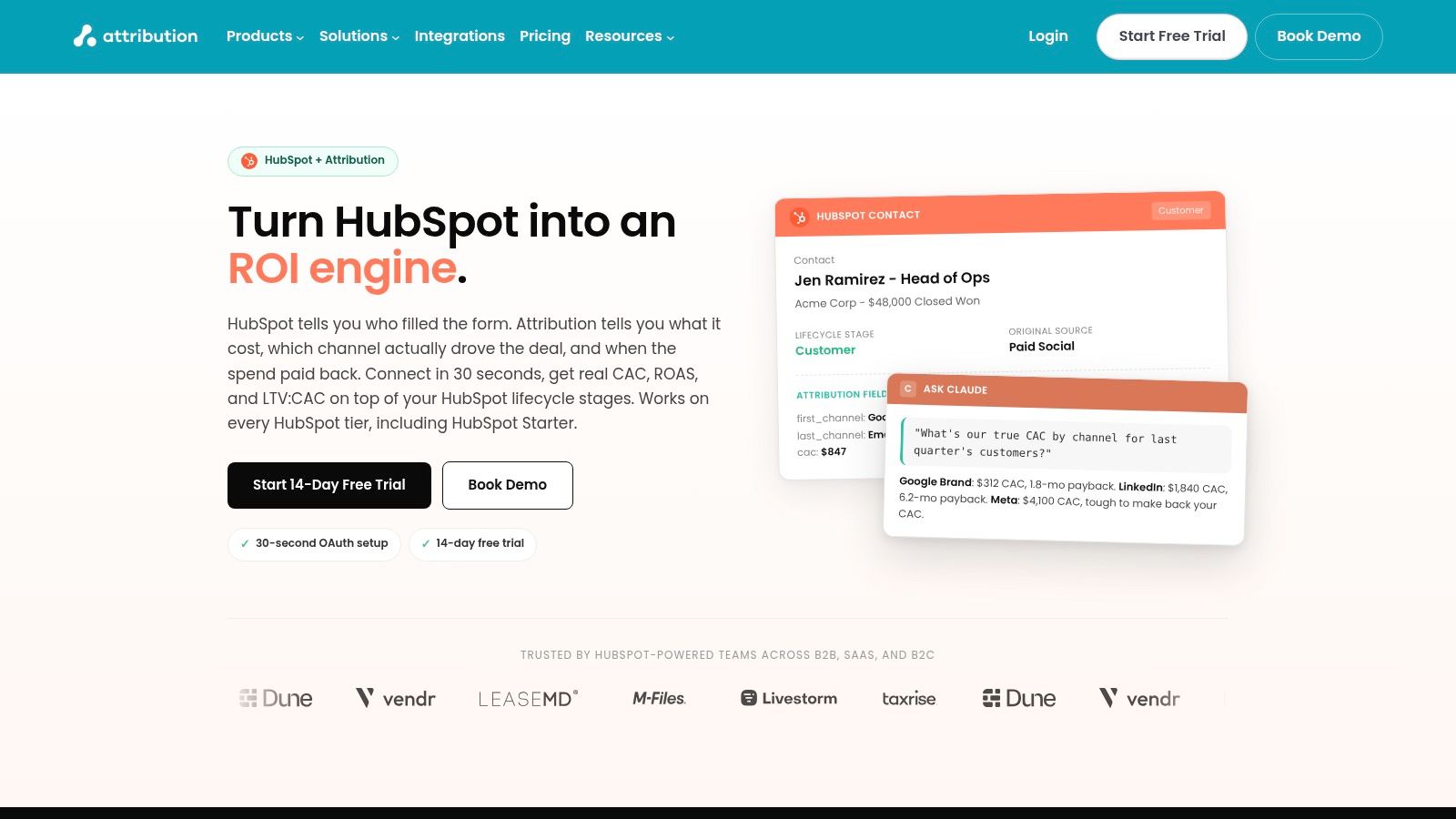
A lead progresses from inquiry to opportunity and eventually closes. Attribution is useful when you want to connect those CRM milestones with website journeys and advertising costs, rather than measure every conversion as equally valuable.
The Attribution HubSpot offering tracks lifecycle-stage changes, deal-stage changes, and closed-won amounts as conversion events. It can also sync selected attribution properties, including first- and last-channel information, back to HubSpot.
That makes it relevant for revenue-oriented channel analysis. However, its HubSpot integration doesn't currently support calls, emails, meetings, or tasks, an important limitation if sales engagements are the missing part of your journey.
Buying rule: Distinguish importing a deal outcome from capturing the conversation that helped produce it.
Stronger for outcome analysis than engagement capture
Say someone visits through paid search, attends a sales meeting, and later becomes a customer. Attribution can connect supported website activity and CRM outcomes, but you shouldn't assume the meeting itself becomes a supported touchpoint through this integration.
For websites outside HubSpot, plan for tracking-snippet installation and identity matching. Test whether a visitor becomes the correct known contact, especially when your forms, application, and marketing site sit on different domains.
Model choice matters after that connection works. This guide to attribution modelling in marketing explains how different credit rules answer different questions.
Choose Attribution for website-to-pipeline and cost analysis. Don't choose it specifically to recover HubSpot call or meeting engagements that its integration doesn't support.
4. Dreamdata
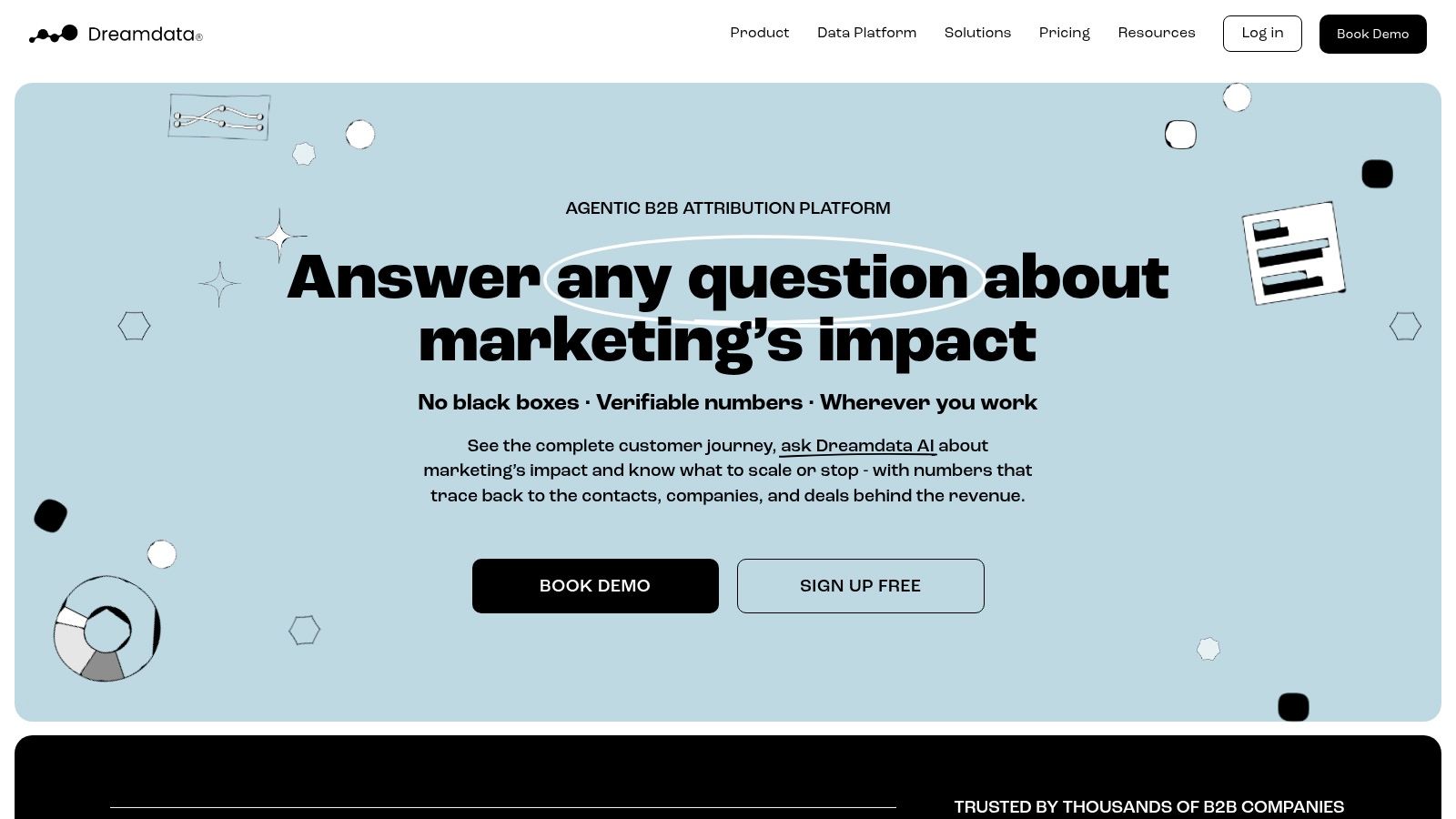
Dreamdata fits buying groups better than a simple lead-source field does. A researcher reads your content, a manager books a demonstration, and a procurement contact signs the agreement. Reporting only on the final contact leaves you with an incomplete account journey.
Dreamdata combines website, CRM, and marketing information to connect account activity with pipeline and revenue. Its CRM event-building tools can turn selected HubSpot records into journey touchpoints, making the definition of a meaningful event part of the implementation.
That flexibility is useful when sales activity already exists in structured CRM records. It's less useful when the underlying call, meeting, or partner interaction was never recorded.
Separate journey ingestion from HubSpot writeback
The buying detail to watch is which direction the integration works. Bringing HubSpot data into an attribution platform and returning selected attribution properties to HubSpot are separate capabilities.
- Recovery route: Build journey events from relevant CRM records, then verify their contact and company associations.
- Writeback trade-off: Sending selected properties back to HubSpot is a paid-plan add-on.
- Evaluation route: The free foundational analytics offering can help assess the web and company-level view, but it doesn't establish that your required paid attribution workflow is included.
For a fair evaluation, use an account with multiple associated contacts and a genuine sales handoff. Check whether the resulting journey explains the deal without treating every engagement as an acquisition source.
Choose Dreamdata when account context matters more than a lightweight form-to-contact workflow. Compare Dreamdata alternatives if your central requirement is straightforward source writeback rather than broader B2B journey analysis.
5. HockeyStack
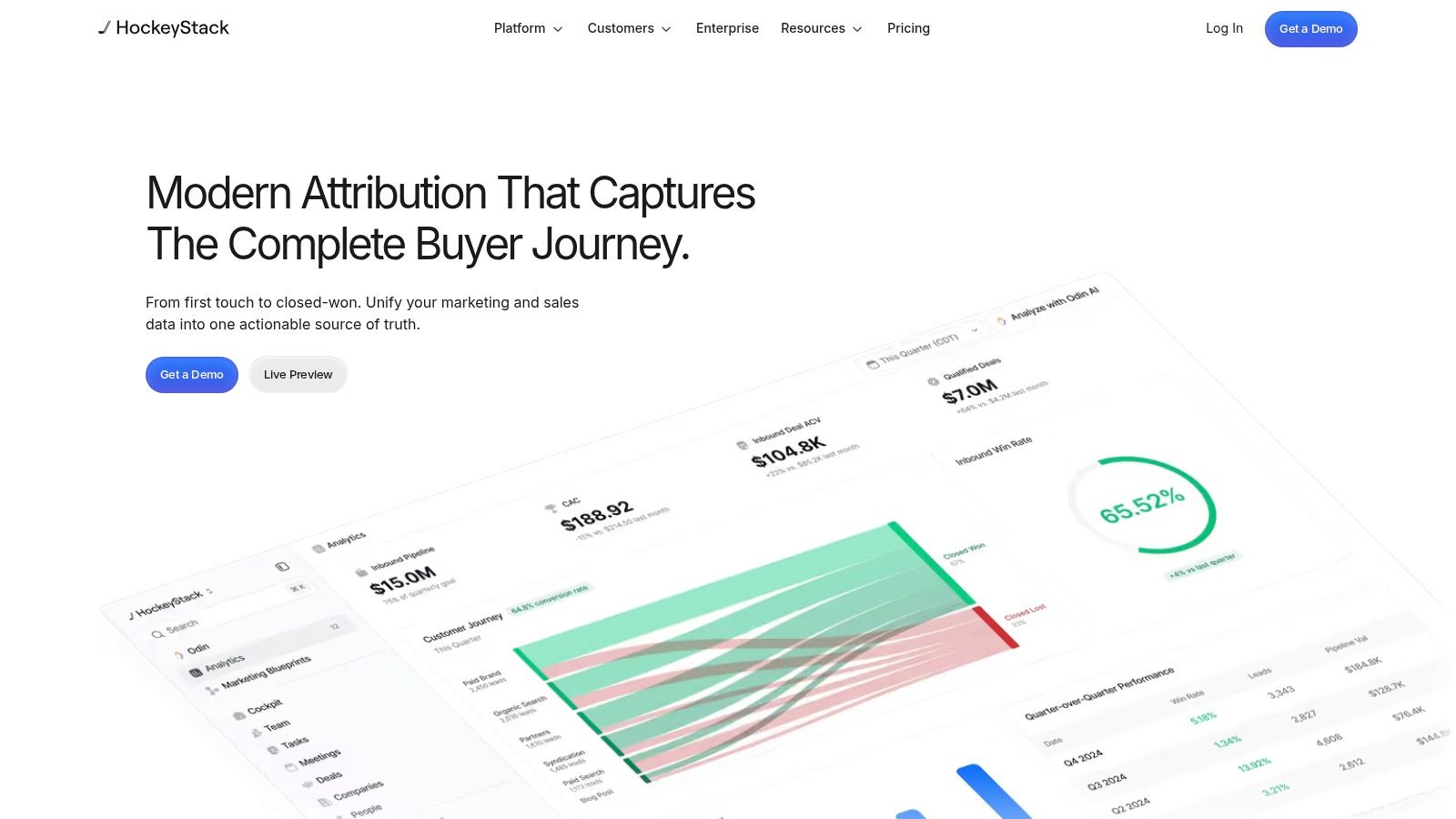
HockeyStack is a stronger candidate when RevOps owns the measurement setup. It combines website behavior with HubSpot companies, contacts, deals, and engagements, allowing teams to investigate both individual and account journeys.
HockeyStack offers multi-touch attribution, buyer-journey reporting, and broader revenue analytics. That scope suits a team asking how campaigns and sales activity connect across an account, rather than which landing page generated a submission.
The practical work sits in your definitions. If booked meetings, completed meetings, and sales-created activities are grouped together, your reports can credit very different interactions as though they represented the same intent.
Check the operational handoff
Its HubSpot connection is described as a scheduled rather than instant sync. If sales needs source information before responding to a new lead, test that workflow separately from the reporting dashboard.
- Useful strength: Investigate CRM engagements alongside website and account activity.
- Implementation requirement: Assign an owner for event definitions, account associations, exclusions, and reporting reconciliation.
- Writeback test: Verify the exact attribution properties returned to contact or deal records. Importing CRM objects isn't proof that the source fields your team needs are exported.
The integration question deserves attention: an industry synthesis of attribution benchmarks reports that 68% of marketing organizations identify data-integration challenges as a primary barrier to attribution effectiveness.
Choose HockeyStack for a coordinated B2B analytics program. If your immediate need is source information on a newly created contact, don't let a compelling account dashboard replace that specific acceptance test.
6. Ruler Analytics
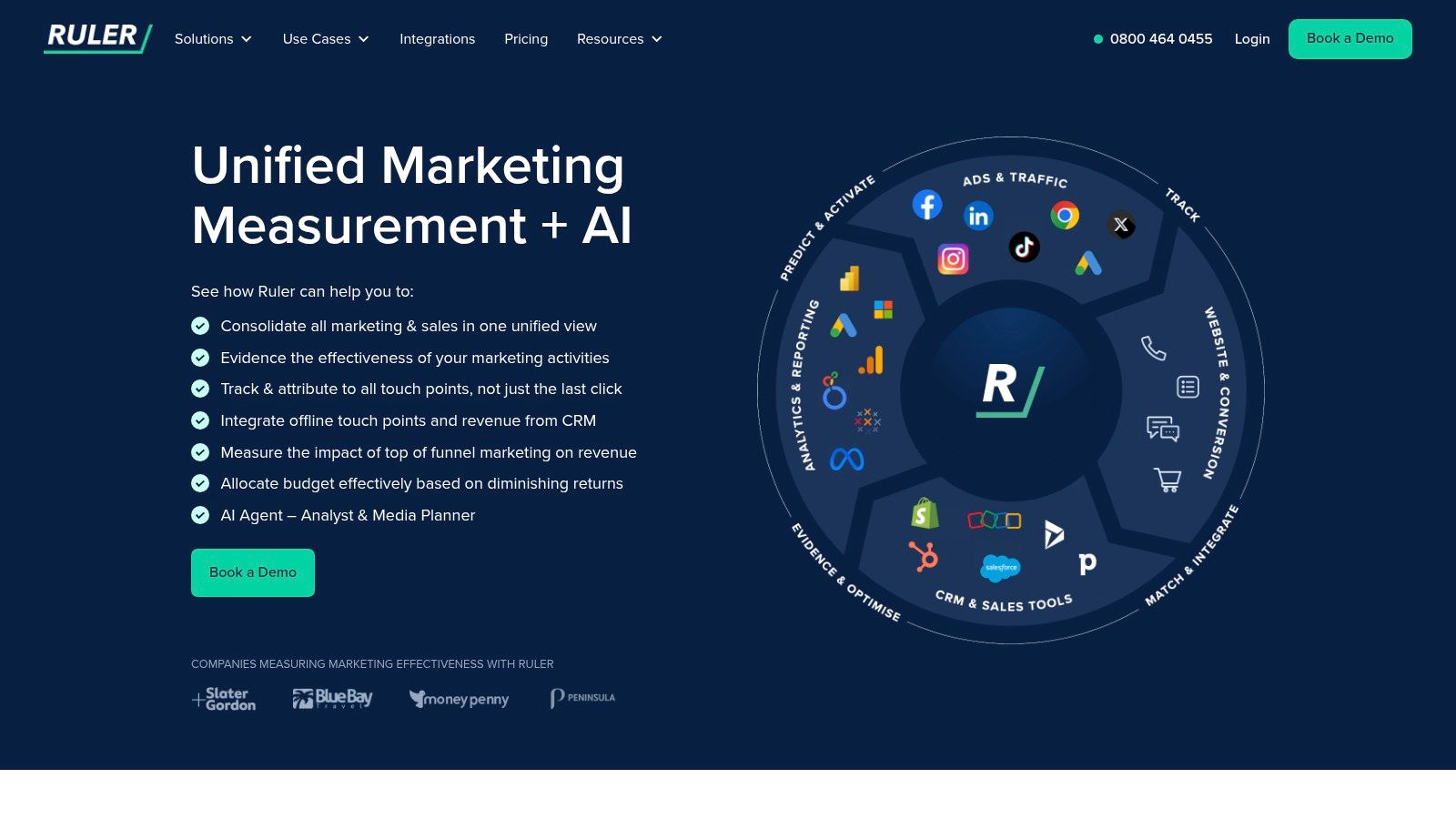
Your highest-value prospect might never complete a form. They read a service page, call the number, speak to sales, and receive a proposal. Ruler Analytics is worth evaluating when phone calls and other non-form conversions are central to your acquisition process.
Ruler Analytics connects marketing touchpoints with leads and closed revenue, supporting journeys involving calls, forms, live chat, bookings, ecommerce, and payment sources such as Stripe. It also adds lead and opportunity attribution information to HubSpot records.
The important test isn't whether a call appears in its dashboard. It's whether the marketing source reaches the correct HubSpot record and remains connected when sales creates an opportunity.
A tracked phone number can identify the response route. You still need a reliable match between the caller, the contact, and the eventual deal.
Validate the call-to-revenue chain
During evaluation, make a test call after a tagged campaign visit. Inspect the captured source, the created or updated contact, and the downstream deal association.
Repeat the process with a returning visitor. This exposes whether the implementation preserves the earlier acquisition source or reports only the session immediately before the call.
The trade-off is scope-dependent cost and setup. Pricing varies with traffic and integration requirements, so compare the complete workflow rather than a headline starting plan.
Ruler is a sensible shortlist choice for call-driven agencies, service businesses, and revenue teams. Be precise about HubSpot field mapping, duplicate-contact handling, and payment matching before relying on its closed-loop reporting for budget allocation.
7. Attributer
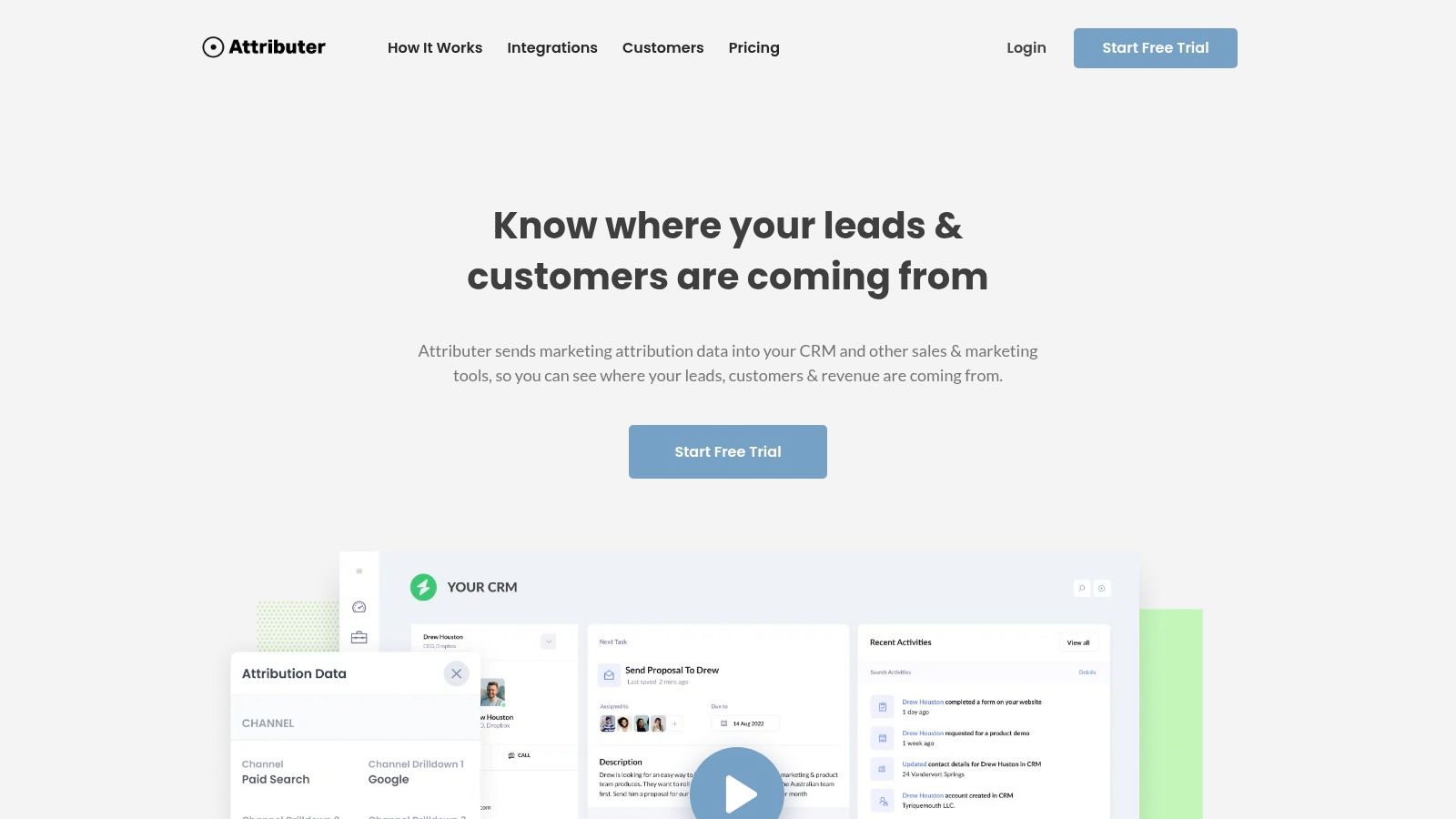
Attributer solves a narrower problem, which can be an advantage. If your leads mainly submit forms and you need cleaner source fields in HubSpot, you might not need an account-journey platform.
Attributer captures channel, campaign, and landing-page details and passes them through hidden form fields. It works with HubSpot forms and other forms that support the required field implementation.
This means the recovery point is the form submission. The visitor's source information travels with their submitted details, giving your CRM a basis for lead, booking, and revenue reports when subsequent records remain properly associated.
Know where the form boundary ends
Attributer isn't a full multi-touch analytics platform. It doesn't replace account-level journey stitching or independently solve a call-only conversion that bypasses the form.
- Good fit: A demonstration-request or quote form that creates the HubSpot contact your sales process uses.
- Setup dependency: Hidden fields must exist, receive values, and map to the intended HubSpot properties.
- Common failure point: A replacement form, embedded scheduler, or custom submission handler doesn't pass those fields.
- Revenue dependency: Later deals must remain associated with the source-bearing contact for CRM reporting to work.
Test repeat submissions before rollout. Decide whether your original-source properties should remain unchanged while separate fields record the latest conversion source.
Choose Attributer when form-level source capture is the missing piece. Choose a broader platform when leads routinely arrive through calls, chats, standalone bookings, or payments without first completing a supported form.
How the seven tools compare for HubSpot teams
The practical question is simple: can the tool follow a buyer from campaign click to HubSpot contact or deal, including the touches that happen outside a standard form? Use the table to find where your current lead source breaks.
| Item | Free plan or trial | Attribution models | Offline touchpoints | Best for |
|---|---|---|---|---|
| SourceLoop | Free 7-day trial | First-touch, last-touch, linear, position-based, and time-decay | Web forms, chat widgets, calendar bookings, and Stripe revenue | Teams connecting marketing channels to leads and revenue |
| HubSpot Marketing Hub | Free tools and paid tiers with attribution reporting | First-touch, last-touch, linear, time-decay, and empirical | External and offline touchpoints may need extra configuration | Teams already using HubSpot |
| Attribution | 14-day trial available for HubSpot plans | First-touch, last-touch, linear, time-decay, and position-based on Pro | HubSpot calls, emails, meetings, and tasks are not supported | HubSpot teams measuring channel impact on revenue |
| Dreamdata | Free plan for foundational B2B web analytics | First-touch and last-touch models for journey reporting | Selected HubSpot records can become journey touchpoints | B2B teams analyzing account journeys and pipeline |
| HockeyStack | 14-day trial on self-serve plan | First-touch, last-touch, linear, position-based, and time-decay | HubSpot CRM engagements are included | B2B go-to-market teams analyzing journeys and revenue |
| Ruler Analytics | Published plans with a demo-led evaluation | First-click, last-click, linear, time-decay, position-based, and data-driven | Calls, live chat, bookings, ecommerce, and payments | Teams attributing leads and revenue across online and offline conversions |
| Attributer | 14-day free trial | First-source capture, with no multi-touch models | Lead-source capture from supported forms, including values passed into HubSpot | Teams that want lead-source data captured in HubSpot |
SourceLoop is the tightest fit when the gap sits between the first visit and the record sales team works from. It captures each visit and shows which marketing efforts drive conversions, including direct and organic traffic. It also sends attribution data from signups, leads, bookings, and sales to your CRM and ad platforms, so the original source can travel beyond the first HubSpot form.
HubSpot Marketing Hub is attractive when your reporting already lives in HubSpot. The trade-off is configuration. External and offline touchpoints may need extra setup before they appear in the same story as native campaign data, especially where a booking or external conversion creates a separate record.
Attribution and Attributer solve narrower problems. Attribution is useful for HubSpot teams that need channel impact on revenue and can work inside HubSpot plans. Attributer is more direct: it captures first-source data at the form boundary. That helps when supported forms are the main entry point, but it leaves a gap when conversions happen through a standalone booking, chat, or payment path.
Dreamdata and HockeyStack suit B2B teams with longer account journeys. Dreamdata brings selected HubSpot records into journey reporting, while HockeyStack includes HubSpot CRM engagements. I would shortlist them when the question is account-level path analysis, not just what source landed on a contact.
Ruler Analytics is worth checking for teams that need calls, live chat, bookings, ecommerce, and payments in the attribution picture. Its model range is broad, but the evaluation is demo-led, so ask for the exact HubSpot field mapping and writeback path before assuming it fits your process.
Pick the Tool That Can Explain Your Next Deal
Start with the channel you can't currently explain. If sales says paid campaigns generate consultations but HubSpot credits organic search, test the entire path from campaign visit to booking to closed-won deal. Don't begin by comparing the number of attribution models.
Trial a tool against real leads and inspect the CRM records. Confirm that the original source survives a return visit, a sales handoff, and the creation of a deal. Then compare prices against the complete setup you need, including writeback, supported conversion types, traffic allowances, and implementation ownership.
Make the acceptance test concrete
Use your actual conversion routes rather than a vendor's sample dashboard. Record what you expect to see before running the test.
- Source preservation: The contact retains the original campaign, medium, landing page, and available click identifiers.
- Offline continuity: Calls, chats, bookings, and payments connect to the appropriate person or account.
- Deal visibility: Your reporting workflow can connect the source-bearing contact with the deal and its revenue.
- Honest uncertainty: Missing or inferred source information remains distinguishable from directly observed interactions.
Keep a separate field for self-reported discovery when buyers mention a podcast, community, referral, or AI assistant. Don't overwrite captured source information to force agreement between different kinds of evidence.
Also distinguish attribution from incrementality. HubSpot's revenue-attribution documentation explains that interactions outside its tracked environment can be excluded unless the required tracking conditions are met. A documented journey therefore isn't proof that a channel caused the purchase.
Use attribution to identify budget hypotheses, then test those hypotheses with controlled changes or holdouts where practical. Your immediate standard should be simpler: can your team explain the next deal from its underlying records?
Start with SourceLoop if your missing link is between website visits and calls, chats, meetings, or payments. Install our snippet, connect HubSpot, and test your real booking-to-deal workflow. You can be tracking attribution within an hour of setup, so you can validate the source handoff before making your next budget decision.


 Paid Social


