
6 Best LinkedIn Ads Attribution Tools for 2026
Six LinkedIn Ads attribution tools matched to your budget, from click-to-lead tracking to impression-level ABM, with pricing and real reviews.
Table of contents
LinkedIn is the channel B2B marketers love and finance teams question. The ads are expensive, the clicks are few, and the deals they influence close months later through some other door.
What you can prove depends a lot on how much you spend. At $2,000 a month you need clean click-to-lead tracking. At $50,000 you need to show which target accounts saw your ads and later turned into pipeline.
In this guide, I'll walk through six tools in roughly that order, from the simplest setup to full account-level programs.
How we judged LinkedIn attribution
We connected a LinkedIn Ads account to the tools we could start ourselves: Fibbler on its 30-day trial, HubSpot's ads tool, Dreamdata's free plan and the Factors.ai trial. Metadata sells through demos, so its section draws on a walkthrough and the teams we know who run it.
Many of the brands and agencies we work with spend somewhere between a few thousand and a few tens of thousands a month on LinkedIn, so we looked at fit across that range. Quotes are copied from public reviews on G2 and Capterra. The questions we asked:
- Does it see clicks and leads, impressions, or both?
- Does it work at the person level or the account level?
- Can it send conversions back to LinkedIn?
- What does it cost next to your LinkedIn budget?
SourceLoop is our product. We scored it on the same questions, and its section is clear that it doesn't see LinkedIn impressions or sync conversions to LinkedIn yet.
Last checked November 2026. Confirm current pricing with each vendor.
What LinkedIn's own reporting gives you
LinkedIn's Campaign Manager reports conversions from its Insight Tag and Conversions API, plus leads from its Lead Gen Forms. It counts both clicks and views inside its own attribution windows.
That's useful, and it's also LinkedIn grading its own homework. Three gaps show up quickly:
- Deals aren't in the picture: Campaign Manager knows a form was filled, not whether that lead became a customer.
- Other channels claim the same lead: a prospect who saw a LinkedIn ad and later searched your brand shows up in both LinkedIn and Google Ads.
- Account context is thin: you see company-level demographics, but not which of your target accounts moved toward pipeline.
Each tool below fills one or more of those gaps. If you're just getting started, our guide to tracking lead source covers the UTM basics that every option relies on.
LinkedIn Ads attribution tools compared
Here's how the 6 LinkedIn Ads attribution tools compare on what they see and what they cost, as of November 2026.
| Tool | Fits LinkedIn spend of | What it sees from LinkedIn | Level | Sends conversions to LinkedIn | Entry price |
|---|---|---|---|---|---|
 SourceLoop SourceLoop | Any, especially small to mid budgets | Clicks, leads, deals | Person, plus company from email domain | Coming soon | $49/mo |
 HubSpot HubSpot | Teams already on HubSpot | Clicks, lead form leads, contacts | Person | Yes | Free ads tool, revenue attribution on Enterprise |
 Fibbler Fibbler | Small to mid B2B budgets | Impressions and engagement by company | Account | No | $89/mo |
 Dreamdata Dreamdata | Mid to large ABM programs | Impressions, engagement, clicks | Account and person | Yes | Free plan, paid quoted |
 Factors.ai Factors.ai | Mid to large ABM programs | Impressions, clicks, site visits | Account | Yes | $199/mo |
 Metadata Metadata | Larger budgets wanting campaigns run for them | Clicks, leads, opportunities | Person and account | Partly | Quote |
The 6 best LinkedIn Ads attribution tools
They're ordered roughly by budget, starting with tools that work well at modest spend.
1. SourceLoop
Best for: lead generation businesses, agencies and SaaS teams that run LinkedIn alongside Google and Meta and want to know which LinkedIn clicks became leads and deals.

SourceLoop is a lead source and marketing attribution tracking tool. For LinkedIn, it works from the click: it reads your UTMs and LinkedIn's click ID, separates paid from organic LinkedIn traffic, and keeps that source on the lead all the way to the deal.
It doesn't see impressions, and LinkedIn conversion sync is coming soon rather than live. Where it helps most is the comparison. LinkedIn sits in the same reports as Google, Meta and Microsoft, under the same rules, so it's judged fairly against the rest of your spend.
Key features
- LinkedIn traffic attributed properly: UTMs and the LinkedIn click ID identify paid LinkedIn visits, and organic LinkedIn posts are kept separate as organic social.
- First and last touch side by side: see whether LinkedIn tends to start journeys that other channels finish.
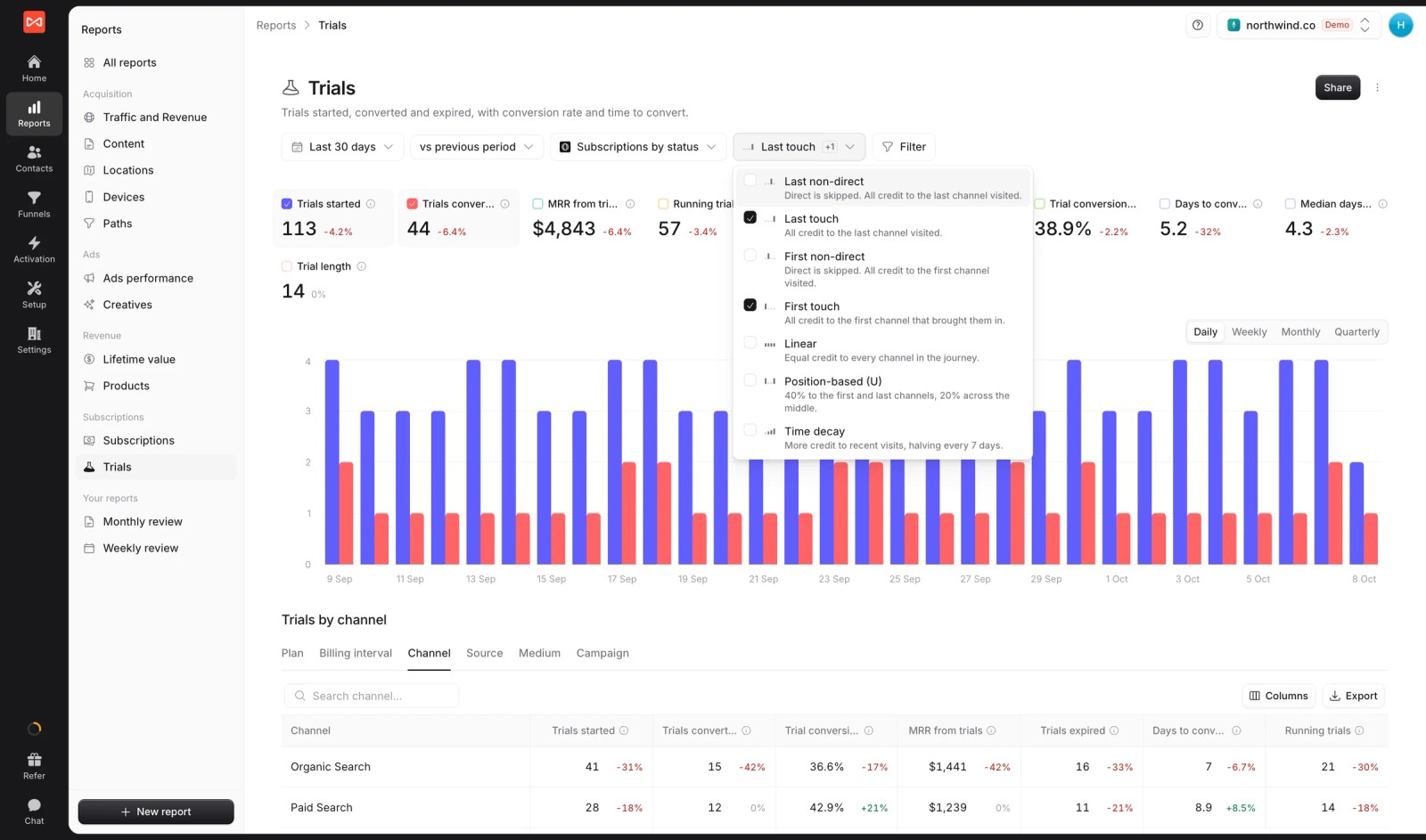
- Conversion paths: the channel sequences behind each conversion, so you can spot paths like "LinkedIn, then organic search, then direct".
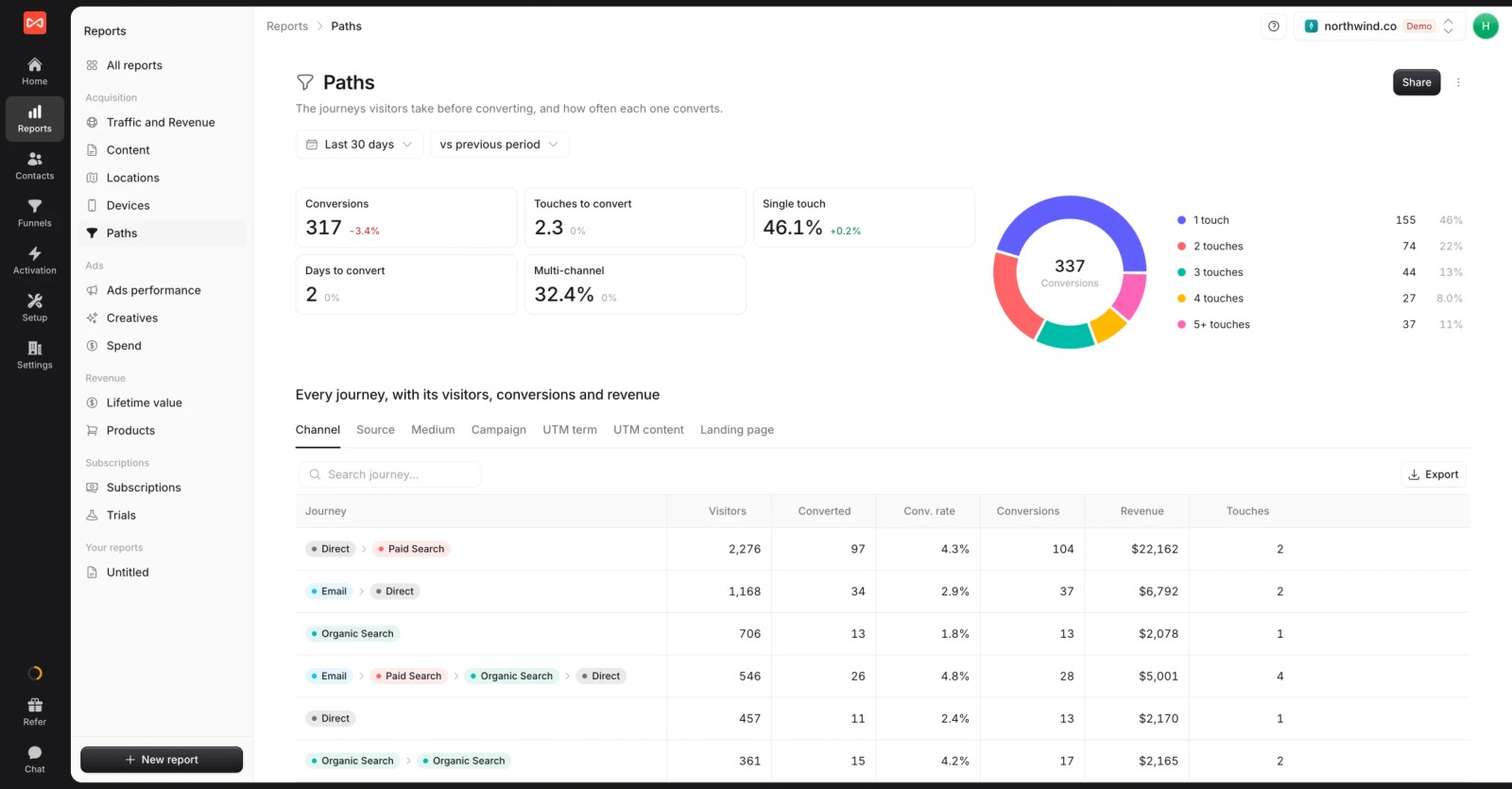
- The full journey on each lead: every visit and ad click before a demo request, kept on the contact.

- Deals from your CRM: HubSpot, Salesforce, Pipedrive and Jobber sync two ways, so LinkedIn gets credited with pipeline and revenue, not just form fills.
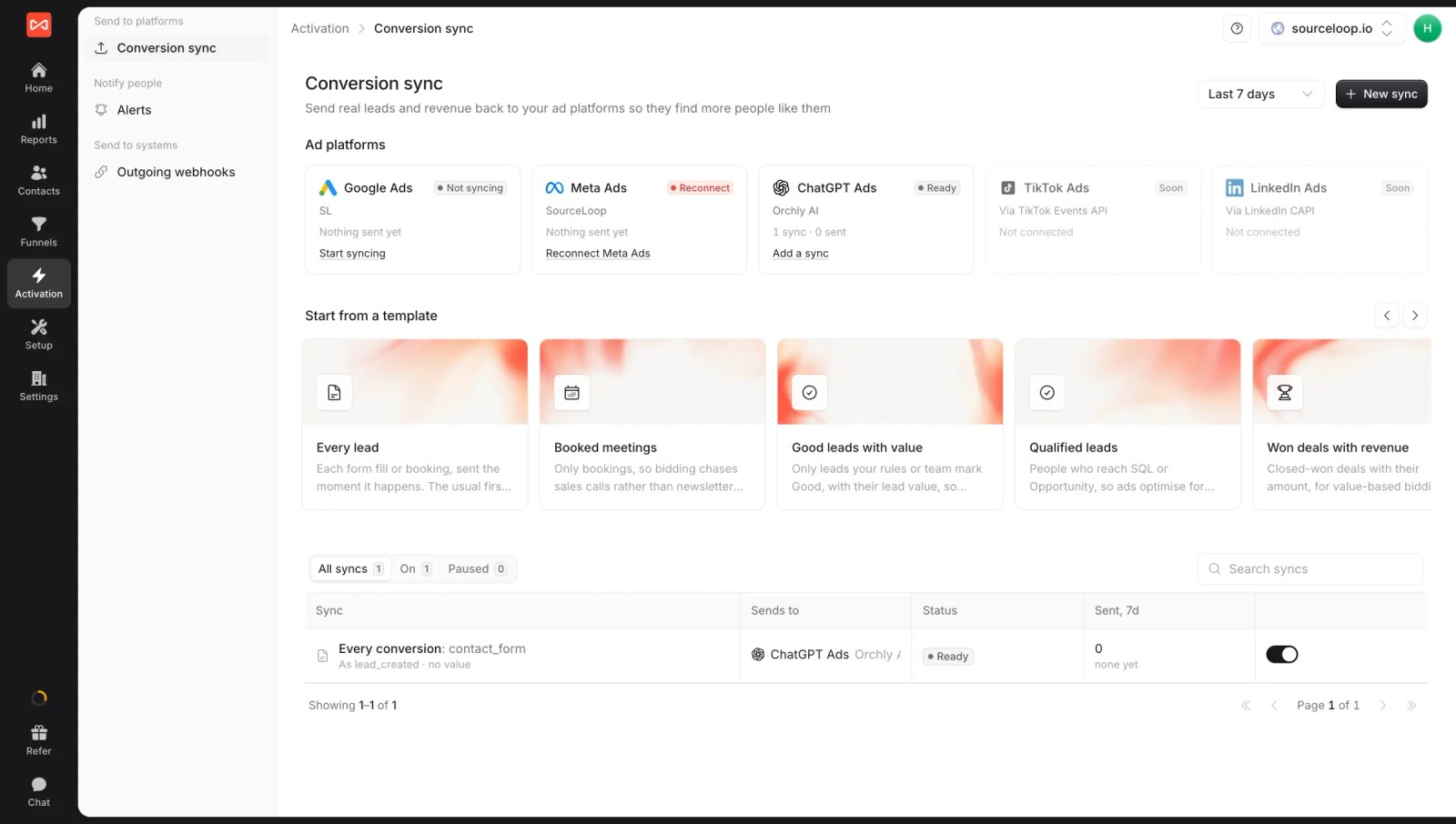
- Lead quality rules: filter out job seekers, sales pitches and free-email signups, which LinkedIn forms attract more than most channels.
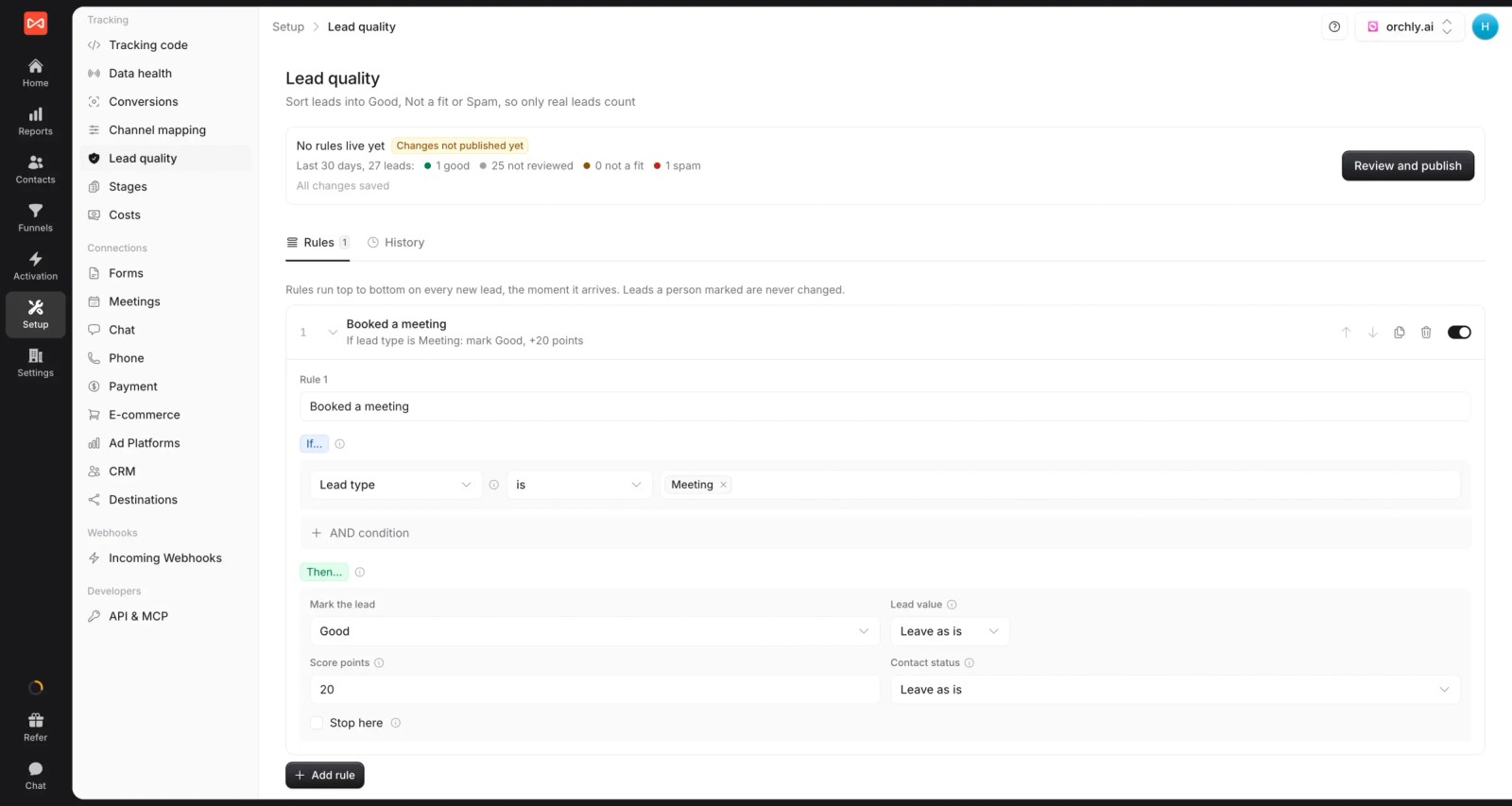
- Conversion sync: good leads and won deals go to Google Ads, Meta, Microsoft Ads and ChatGPT Ads today. LinkedIn is listed as coming soon.
- Costs for every channel: LinkedIn spend isn't synced yet, but you can enter it as a marketing cost so paid social gets a cost per lead and a return.
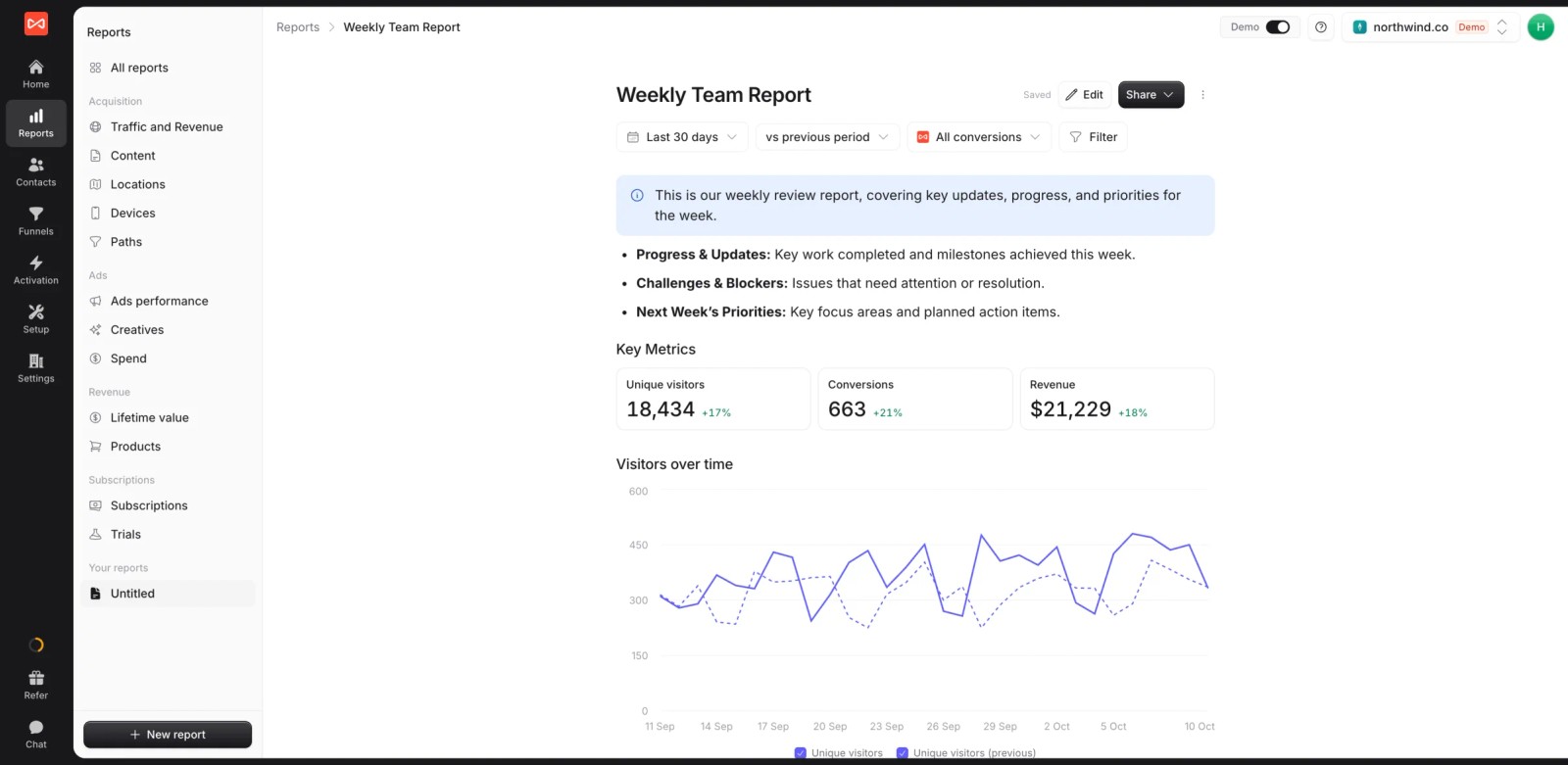
- Custom reports: a live report comparing LinkedIn with your other channels, ready to share with leadership.
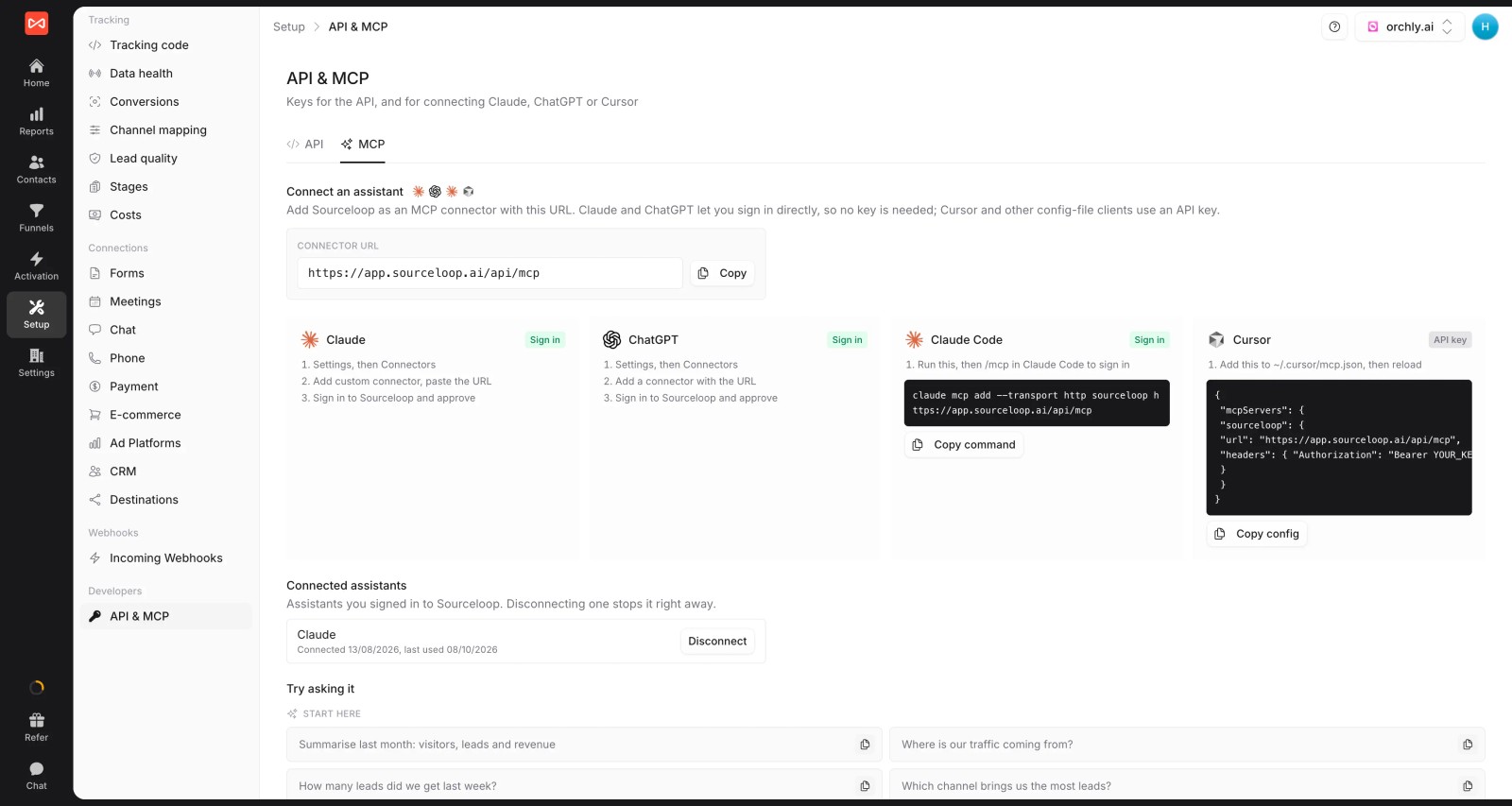
- MCP server: ask an AI assistant how LinkedIn-sourced leads perform against other channels (Professional and up).
Where it falls short
- No LinkedIn impression or view-through data, so ads that were seen but never clicked get no credit.
- LinkedIn conversion sync and spend sync are coming soon. Until then, enter spend manually.
- No IP-based company identification, so anonymous account engagement isn't visible.
Pricing
- Essential: $49/mo for one site and 30,000 page views, with tracking, attribution reports, lead quality rules and alerts
- Professional: $99/mo for 100,000 page views and unlimited users, adding CRM sync, conversion sync to the ad platforms, the API and MCP
- Agency: $249/mo for three sites and 1.5 million page views, adding white label reporting
- Unlimited conversions on every plan, with a 7-day trial.
Verdict: a strong fit when LinkedIn is one channel among several and you need click-to-deal proof. Pair it with an impression tool if LinkedIn is mostly an awareness play.
2. HubSpot
Best for: teams already on HubSpot that want LinkedIn leads and contacts tracked without another tool.
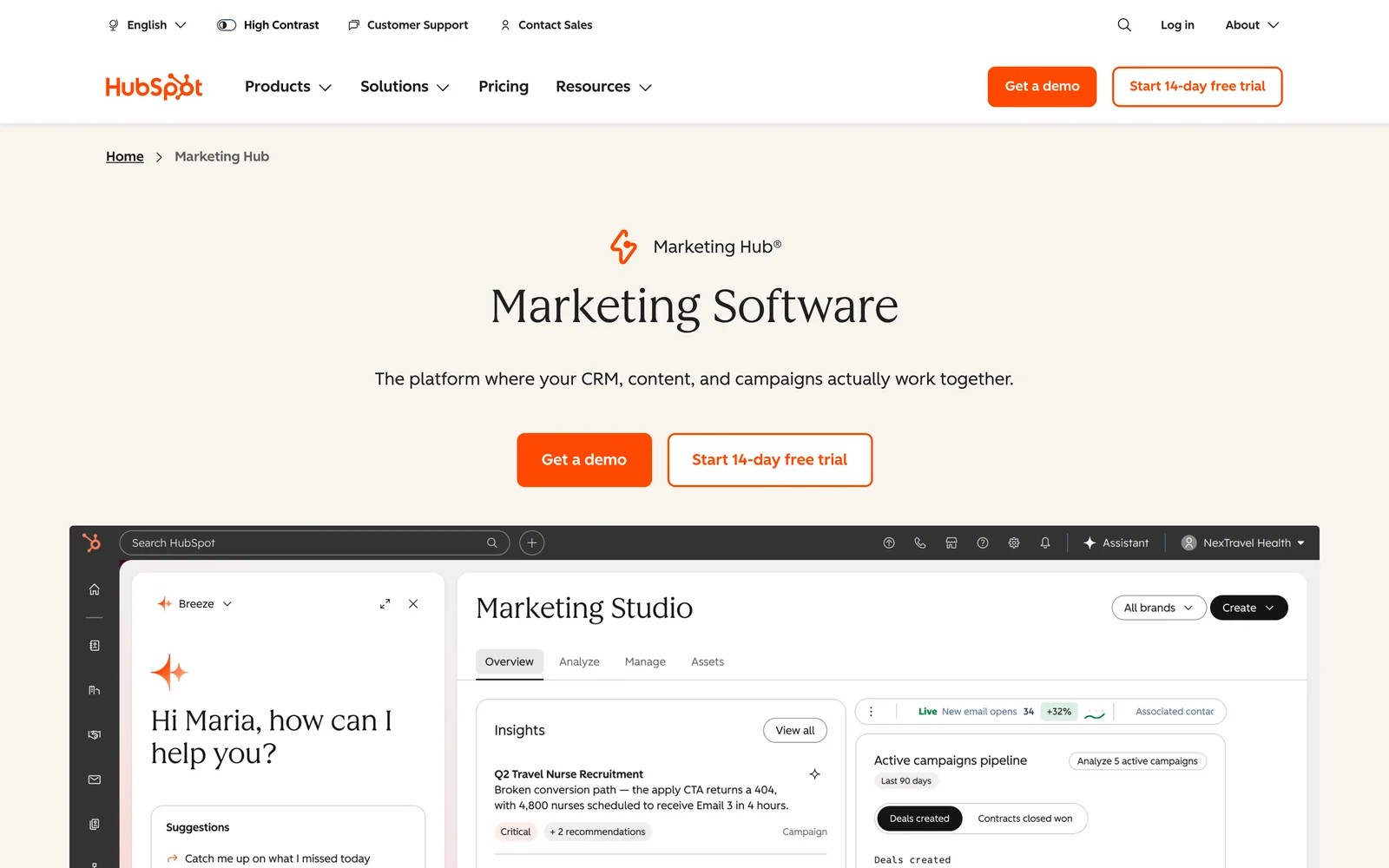
HubSpot's ads tool connects LinkedIn Ads accounts, syncs Lead Gen Form leads into the CRM and tracks contacts who interact with your ads. The integration is available on all plans.
When I connected a LinkedIn account, the setup took a couple of screens: pick the ad accounts, choose which to sync leads from, and leave auto-tracking on. Leads started landing as contacts with their LinkedIn campaign attached.
The limits show up in reporting. The ads tool shows contacts and influenced deals, but HubSpot's full deal and revenue attribution reports sit on Marketing Hub Enterprise, according to HubSpot's documentation. Ads reporting also only covers the most recent year of account data.
Key features
- LinkedIn Lead Gen Form submissions sync into HubSpot as contacts, so sales sees them alongside every other lead.
- Auto-tracking tags LinkedIn ad URLs, which ties visits and conversions back to the campaign that drove them.
- Audiences built from HubSpot lists can be synced to LinkedIn, keeping retargeting aligned with CRM stages.
- Conversion events can be sent back to LinkedIn, helping its algorithm optimize toward contacts that progress.
Where it falls short
- Deal and revenue attribution reports require Marketing Hub Enterprise, from $3,600 a month.
- Ads reporting covers only the most recent year of account data, which limits long-cycle analysis.
- Reviewers say its attribution can be unreliable and hard to read across channels.
What users say
"HubSpot Marketing Hub connects directly with our CRM, making it really easy to track how our client accounts interact with marketing campaigns, emails, and content." (Source)
"the attribution is the worst. we dont know which channel provides what" (Source)
"The reporting and template customization options feel unnecessarily locked down in the basic plans, forcing you to upgrade to incredibly expensive premium tiers just for flexible reporting." (Source)
Pricing
- Ads tool: available on all plans, including free
- Marketing Hub Enterprise: from $3,600/mo, needed for deal and revenue attribution
Our HubSpot attribution alternatives cover add-ons for lower tiers.
3. Fibbler
Best for: small and mid-sized B2B teams that want to see which companies saw their LinkedIn ads, inside the CRM.
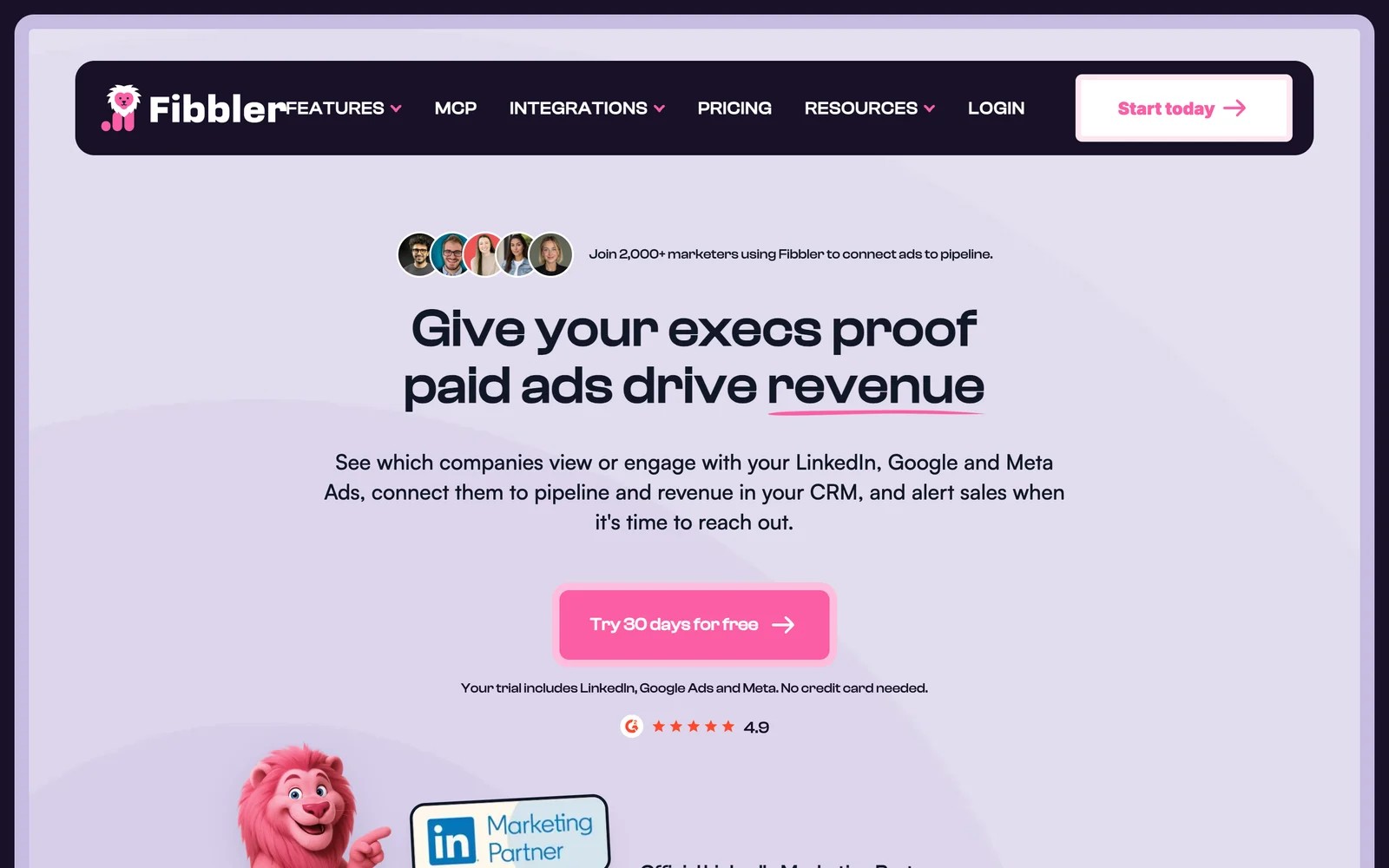
Fibbler pulls company-level LinkedIn ad impressions and engagement, then writes them to your CRM. Sales sees which accounts have been seeing your ads, and marketing gets a view-through picture LinkedIn's interface doesn't give you.
On the 30-day trial, setup was quick: connect LinkedIn, connect HubSpot, and company records started showing ad exposure. The interface is deliberately simple, which I appreciated after heavier ABM tools.
The trade-offs are depth and history. It works at the account level, not the person, and the lookback window is limited, which hurts with long sales cycles. Fibbler has also added Google Ads and Meta attribution as paid add-ons.
Key features
- Company-level LinkedIn impressions and engagement are written to CRM records, so sales can see which accounts are warming up.
- Integrations cover HubSpot, Pipedrive and Attio, with Salesforce on the Unlimited plan, which fits most B2B CRMs.
- Alerts notify sales when target accounts interact with ads, giving SDRs a timely reason to reach out.
- Google Ads and Meta Ads attribution are available as add-ons for teams that want the same view across channels.
Where it falls short
- The lookback window is limited to 90 days, which undercounts influence on deals that take longer to close.
- Data stays at the account level, so you won't see which job titles or people engaged.
- Date filtering options are fixed ranges, which some users find restrictive for detailed analysis.
What users say
"The product was super easy to setup and I was able to plug in both our LinkedIn Ads account and Hubspot account with no issue." (Source)
"I would like a longer lookback window than what Fibbler currently provides, which is limited to 90 days." (Source)
"it would be beneficial to include more detailed interaction insights, such as job titles and functions from LinkedIn, instead of just a list of accounts." (Source)
Pricing
- Growth: $89/mo for one user with HubSpot, Attio or Pipedrive
- Unlimited: $129/mo, adding Salesforce
- Add-ons: Google Ads and Meta attribution at $59 per account per month. 30-day trial.
See our Fibbler alternatives for tools that go further.
4. Dreamdata
Best for: B2B SaaS companies running account-based programs where LinkedIn is a major channel.
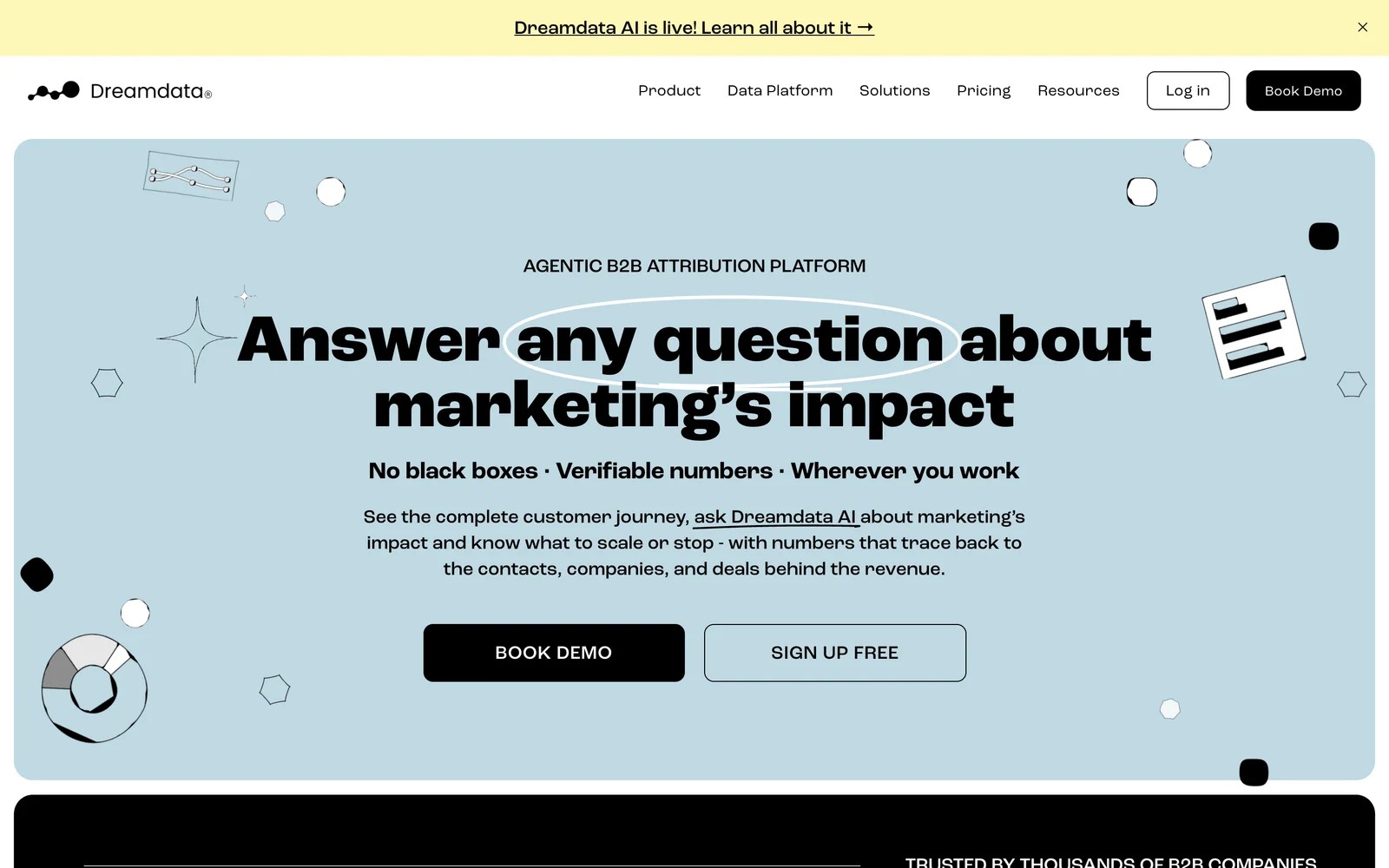
Dreamdata builds account journeys from every contact's activity and ties them to CRM revenue. Through its LinkedIn partner integration, it adds company-level impressions and video views, and its impression attribution folds those into multi-touch models.
On the free plan, the account timeline was the highlight. Seeing a target company's LinkedIn exposure next to its website visits and meetings makes the "LinkedIn influenced this deal" argument concrete.
Getting there takes work. Impression attribution only applies in multi-touch models, reviewers describe a steep first couple of months, and the results are only as good as your CRM data.
Key features
- A LinkedIn engagement report lists the companies that saw or interacted with your ads, with impressions, clicks and firmographics.
- Impression attribution adds LinkedIn ad views to multi-touch models, giving credit to ads that were seen but not clicked.
- Account journeys combine LinkedIn exposure with web visits, meetings and CRM stages for each target company.
- Pipeline data can be sent back to LinkedIn through its Conversions API integration, so campaigns optimize toward revenue.
Where it falls short
- Impression attribution works only in multi-touch models, so simple first or last touch views won't show it.
- Reviewers describe a steep learning curve in the first months, with many ways to view the same data.
- Full attribution sits on custom-priced plans beyond the free tier.
What users say
"After we implemented dreamdata we finally were able to show how all the marketing touch points contribute to sales/revenue." (Source)
"Learning curve is rather steep in the first 1-2 months." (Source)
"If your CRM health is poor, then no magic will happen, but Dreamdata is very helpful at revealing the problems." (Source)
Pricing
- Free: $0/mo with limited history and seats
- Paid plans: custom pricing
5. Factors.ai
Best for: ABM teams that want LinkedIn audiences, impression control and account-level attribution in one place.
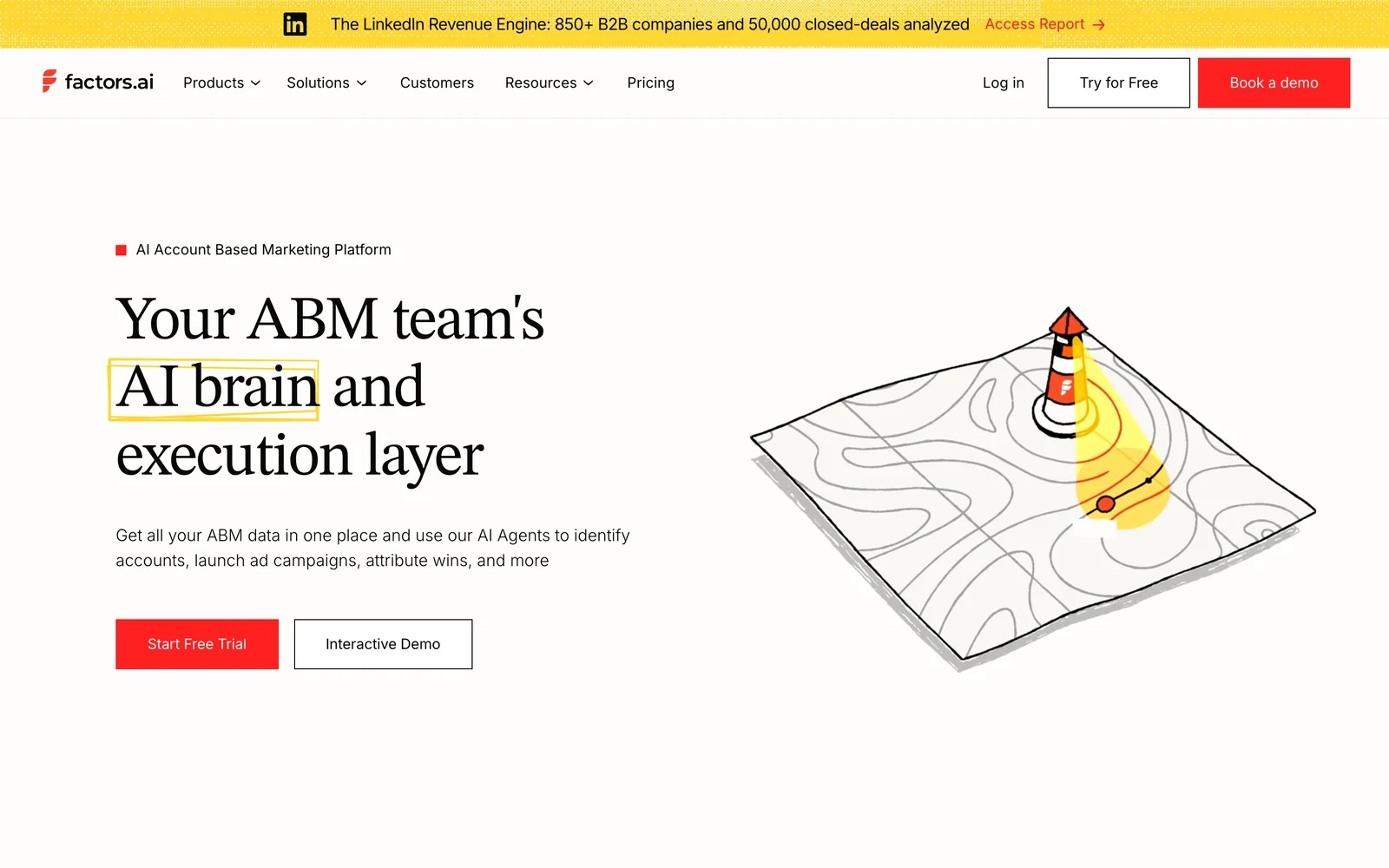
Factors.ai identifies companies visiting your site, tracks their engagement, and connects that to LinkedIn. Its LinkedIn features include syncing account segments as audiences, capping how often an account sees your ads, view-through attribution and the LinkedIn Conversions API.
On the trial, the account timeline was what made it click for me. Seeing a company's ad impressions, site visits and CRM activity in one stream is the clearest way I've found to tell a LinkedIn story to sales.
The friction is match rates and cost. Smaller companies often don't get identified, the interface takes time to learn, and pricing climbs as usage grows.
Key features
- Account segments sync to LinkedIn as audiences that update automatically as engagement changes.
- Impression capping limits how often one account sees your ads, spreading budget across more target companies.
- View-through attribution credits LinkedIn impressions for accounts that later visit or convert without clicking.
- Conversions can be sent to LinkedIn through its Conversions API, helping campaigns optimize toward qualified accounts.
Where it falls short
- Company identification misses many smaller businesses, which limits it for SMB-focused advertisers.
- Pricing rises with usage, so costs grow as you identify more accounts.
- Some users report delays in the HubSpot sync and a slow learning curve.
What users say
"Factors shows us which companies are visiting our website and what they're looking at, before they ever fill out a form." (Source)
"Some website visitors don't get matched to a company, especially smaller companies. Pricing can also go up as usage grows." (Source)
"We’re also experiencing some delays with the HubSpot-to-Factors sync" (Source)
Pricing
- Lite: $199/mo
- Basic and Growth: $6,000 and $20,000/yr
- Enterprise: from $30,000/yr, with a free trial available
6. Metadata
Best for: B2B teams with larger paid budgets that want campaigns built, tested and attributed by the platform.
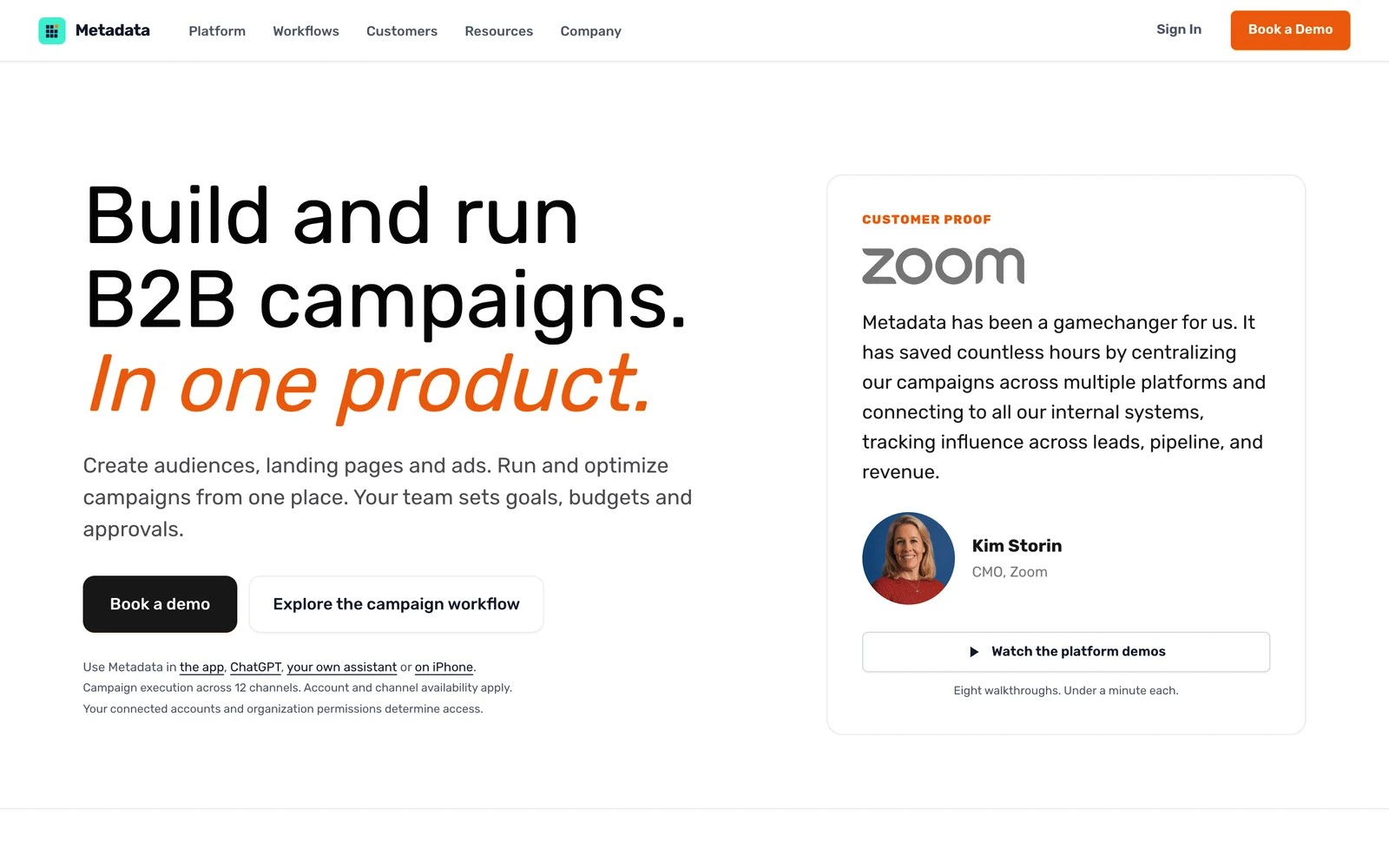
Metadata runs paid campaigns across LinkedIn, Meta and Google, builds audiences from firmographics and intent, and optimizes spend toward pipeline. Attribution is part of the package, tying ad clicks to leads and opportunities.
It's demo-led. In the walkthrough, the pitch was clear: less time inside Campaign Manager, more automated testing. Teams we know who run it like the campaign tooling, and they're realistic that it needs budget and patience to pay off.
Its attribution is described by users as directional, which fits. It's a campaign platform with measurement, not a neutral measurement tool.
Key features
- Campaigns launch across LinkedIn, Meta and Google from one place, with audiences built from firmographics and intent.
- Automated testing rotates creative and audiences, shifting budget toward combinations that create pipeline.
- Clicks are tied to leads and opportunities in the CRM, giving a pipeline view of each campaign.
- Audience building targets accounts by firmographics and intent, which keeps spend focused on likely buyers.
Where it falls short
- Users say you need about $10,000 a month in ad spend and a few months of testing to see results.
- Multi-touch attribution is described as directional rather than precise, so it isn't a neutral referee.
- Pricing isn't published and there's no self-serve trial.
What users say
"I love the ability of tying a click to a lead and/or an opportunity." (Source)
"Multi-touch attribution is directionally right, not surgically precise." (Source)
"To be successful with Metadata, you need to have an advertising budget that's $10k or more per month, and the wherewithal to stick with testing and optimizing campaigns for a few months." (Source)
Pricing
- Quoted on a demo, based on channels, managed spend and services
How to choose
Let your LinkedIn budget and sales cycle decide.
1. Spending a few thousand a month, alongside Google and Meta
- SourceLoop to see which LinkedIn clicks became leads and deals, judged against your other channels. HubSpot's ads tool is a free starting point if you're already on HubSpot.
2. Spending more, with a long B2B cycle
- Add Fibbler for company-level impressions in the CRM. It's the lightest way to see view-through influence.
3. Running a real ABM program
- Dreamdata or Factors.ai for account journeys, impression attribution and conversions sent back to LinkedIn.
4. Want campaigns run for you
- Metadata, if your budget is at least five figures a month.
For deeper reading, see our guide to B2B attribution models and how cross-channel attribution handles channels that rarely get the last click.
Frequently asked questions
-
Can you track LinkedIn Ads attribution in Google Analytics 4?
Partly. GA4 attributes LinkedIn clicks that carry UTMs, but it doesn't see impressions, LinkedIn's view-through conversions or CRM deals. Most B2B teams add a dedicated attribution tool.
-
Why does LinkedIn report more conversions than my CRM?
LinkedIn counts both clicks and ad views inside its own attribution windows, and other platforms may claim the same lead. Your CRM only counts each lead once, so the numbers rarely match.
-
What is view-through attribution on LinkedIn?
It gives credit to an ad that someone saw but didn't click, when that person or their company converts later. Tools like Dreamdata, Factors.ai and Fibbler use company-level impression data for this.
-
Does SourceLoop sync conversions to LinkedIn?
Not yet. LinkedIn conversion sync is coming soon. Today, SourceLoop attributes LinkedIn traffic and leads using UTMs and LinkedIn's click ID, and syncs conversions to Google Ads, Meta, Microsoft Ads and ChatGPT Ads.
-
How much should I spend on LinkedIn before buying an attribution tool?
There's no fixed threshold. At small budgets, UTMs plus a click-based tool are enough. Impression-level and ABM tools usually make sense once LinkedIn is a major line in your budget and sales cycles run for months.

 Paid Social


