
6 CallRail Alternatives for Call Tracking and Attribution
Six CallRail alternatives compared on call pricing, form and chat coverage, and what happens after the call, with real user reviews.
Table of contents
CallRail is the default call tracking tool for a reason. It's quick to set up, the call log is easy to read, and clients understand it.
The complaints I hear are rarely about the numbers themselves. They're about the monthly bill, about forms and chats sitting on a separate plan, and about what happens once the call is over.
In this guide, I'll sort six CallRail alternatives by which of those problems they solve, with pricing and verbatim user reviews for each.
How we put this comparison together
I started on CallRail's free trial to set a baseline, then signed up for the alternatives that let you in without a sales call: Nimbata, WhatConverts and CTM. Invoca and Ruler Analytics sell through demos, so those sections lean on their product tours, documentation and the agencies we know who run them.
A lot of the brands and agencies we work with live on inbound calls, from home services to legal and insurance, and their questions shaped what we compared. Quotes come from public reviews on G2 and Capterra. For each tool I looked at:
- How the bill grows with numbers, minutes and answered calls
- Whether forms and chats are tracked next to calls
- Whether the call's source reaches the CRM and the ad platforms
- How it handles many client accounts
SourceLoop is our product. It went through the same checklist as everything else here, and its section says plainly where it falls short, starting with the fact that it doesn't issue phone numbers.
Last checked November 2026. Confirm current pricing with each vendor.
Why teams look past CallRail
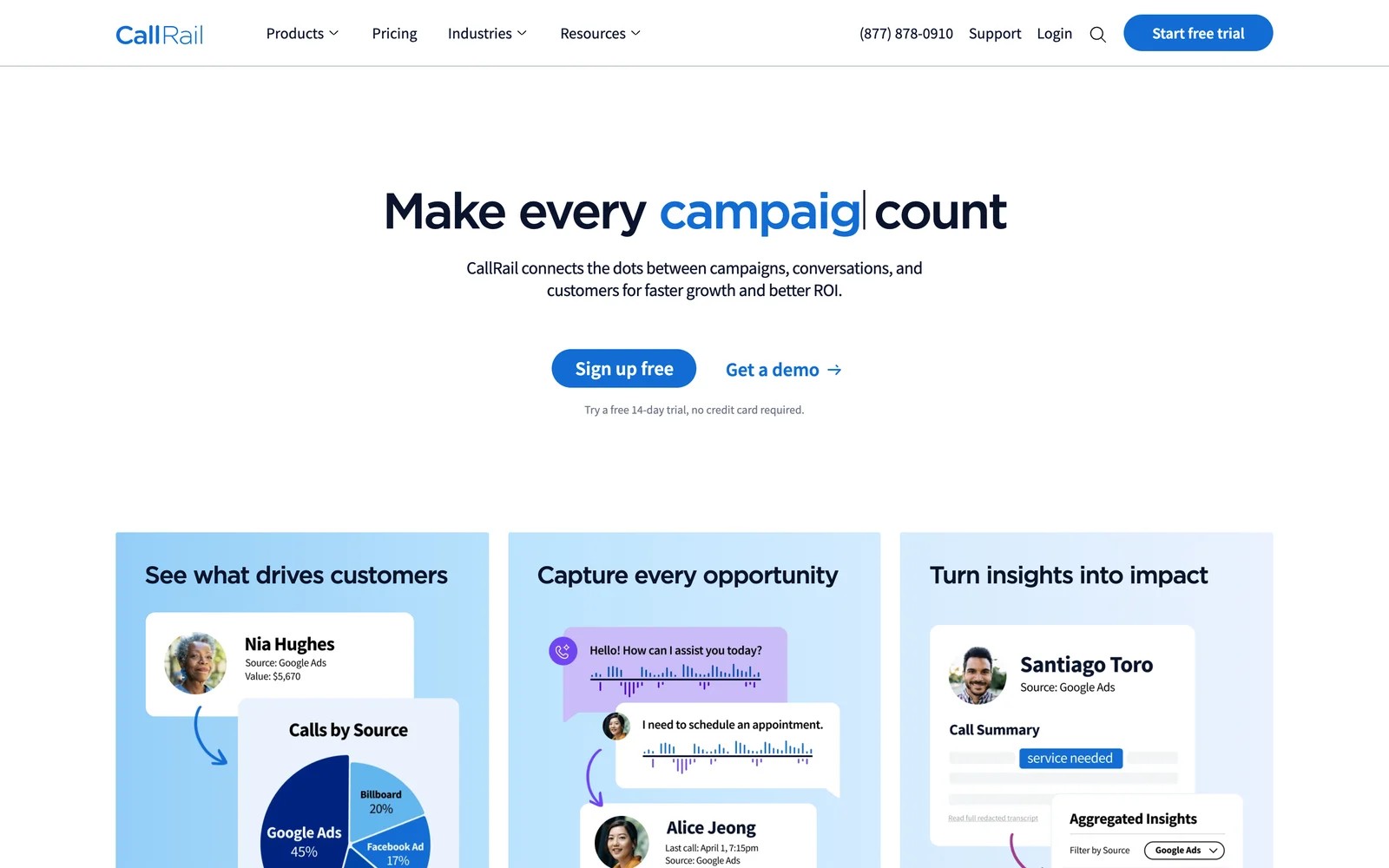
CallRail swaps phone numbers on your site per visitor or per campaign, records and transcribes each call, and tags it with the source. On CallRail's pricing page, Lead Tracking starts at $50 a month with 5 numbers and 250 minutes, and form tracking arrives on the $95 Complete plan. Usage is billed on top.
Agencies like how cleanly it separates clients:
"I love that each client has their own dedicated account with tracking sources." (Source)
The friction usually shows up on the invoice and in the reports:
"I find the pricing structure kind of tough on clients because billing is based on usage, not necessarily a flat price, and it can be confusing." (Source)
"If you have a complicated marketing system, CallRail can get overwhelmed with the dynamic number insertion and may provide contradictory information between \"Sources\" and \"Numbers\"." (Source)
"they had limited reporting options. One key insight I needed was into individual rep performance, which CallRail did not provide." (Source)
If you're new to the mechanics, our guide to call tracking numbers explains how number pools and dynamic insertion work.
CallRail alternatives compared
Here's how the 6 CallRail alternatives compare on pricing model, coverage and what happens after the call, as of November 2026.
| Tool | Best for | Pricing model | Issues numbers | Forms and chat | CRM revenue | Trial |
|---|---|---|---|---|---|---|
 SourceLoop SourceLoop | Lead source and revenue on top of call tracking | From $49/mo, page views | No | Yes | Yes | 7 days |
 Nimbata Nimbata | Agencies wanting predictable call costs | From $0 plus per answered call | Yes | Partly | No | 14 days |
 CTM CTM | Teams that also need a contact center | From $65/mo plus usage | Yes | Yes | Partly | First month free |
 WhatConverts WhatConverts | Agencies reporting every lead type | From $30/mo, agency from $500 | Yes | Yes | Manual values | 14 days |
 Ruler Analytics Ruler Analytics | Lead gen with longer sales cycles | From £299/mo | Yes | Yes | Yes | Demo |
 Invoca Invoca | High-volume brands and call centers | Quote | Yes | No | Imported | Demo |
The 6 best CallRail alternatives
I've ordered these by the problem they fix. SourceLoop comes first because it's the only one you can run alongside CallRail without ripping anything out.
1. SourceLoop
Best for: lead generation businesses and the agencies running their ads that want to know which campaigns produce good calls and closed revenue, not just call volume.

SourceLoop is a lead source and call attribution tool. It doesn't hand out phone numbers. It connects to the call tracking you already run, whether that's CallRail, CTM, Invoca or Mediahawk, and ties each call to the visit, ad click and landing page that produced it.
That changes what a call is worth in your reports. A call sits next to the form fills, chats and bookings from the same campaign, gets marked good or junk, follows the contact into your CRM, and goes back to Google Ads with its value when it turns into a job or a deal.
If you're happy with CallRail's numbers but frustrated that its reports stop at "a call happened", SourceLoop fills in the rest. Setup for CallRail is covered in our help guide to tracking lead source in CallRail.
Key features
- Calls from your existing provider: CallRail, CTM, Invoca and Mediahawk calls arrive with the visitor's source, keyword and landing page attached.
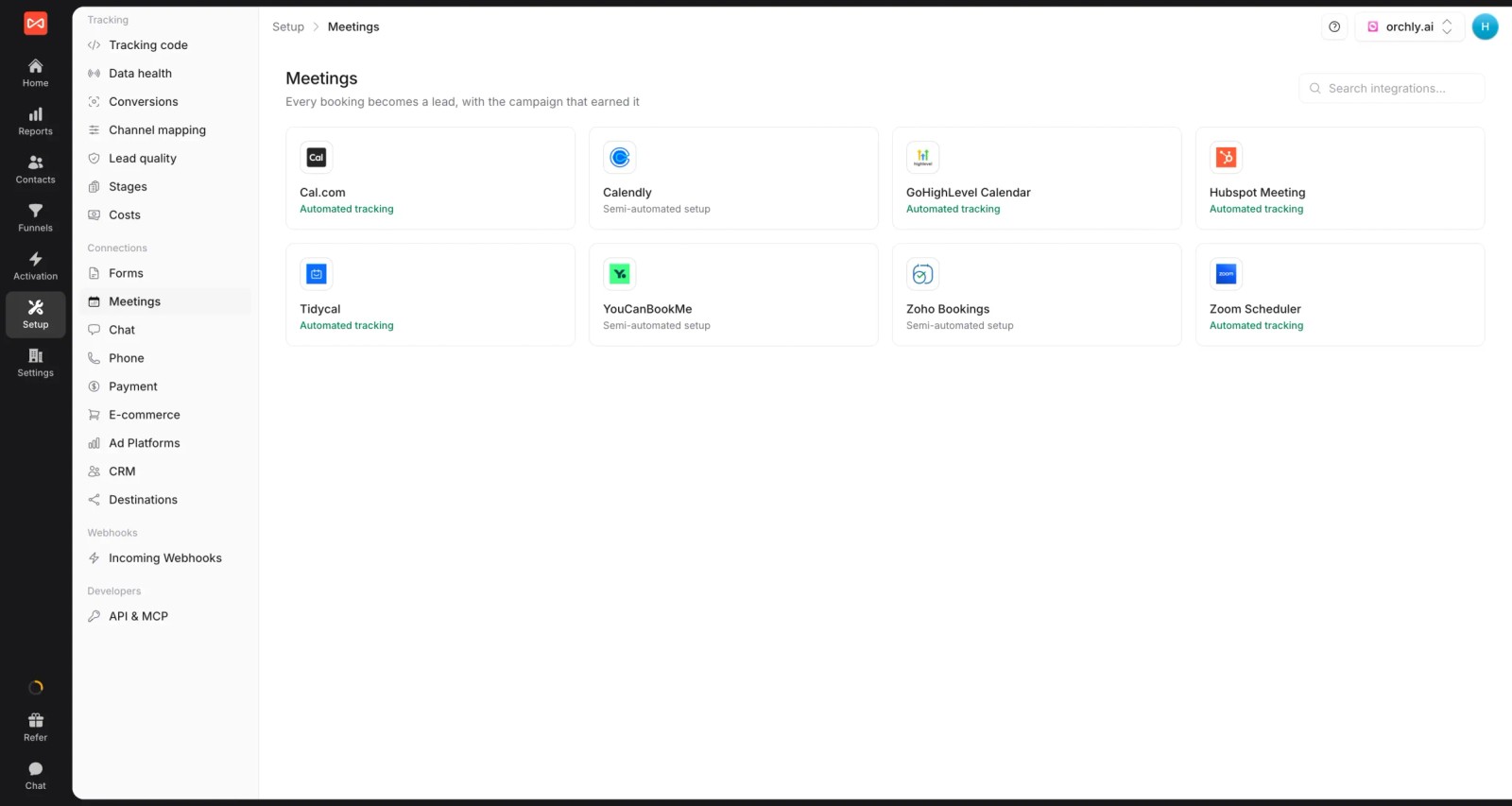
- Every lead in one view: forms, chats and meetings from around 70 tools land beside calls, so one campaign's results aren't split across two products.
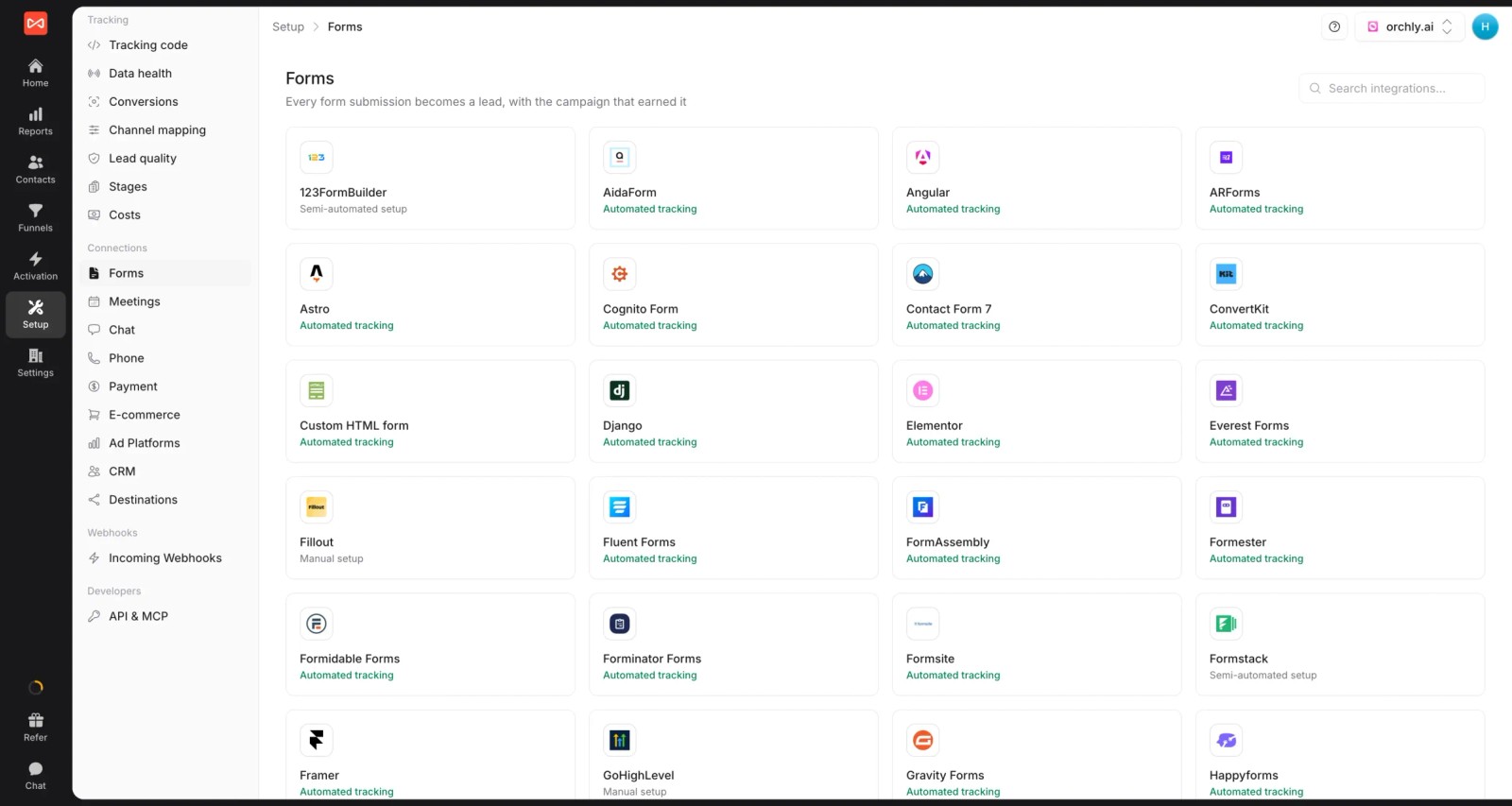
- Meetings and bookings: Calendly, Cal.com, HubSpot Meetings and other schedulers are tracked as leads with their source.
- Journey behind each caller: every visit and ad click before the call, kept on the contact so you can see whether it was their first touch or their fifth.

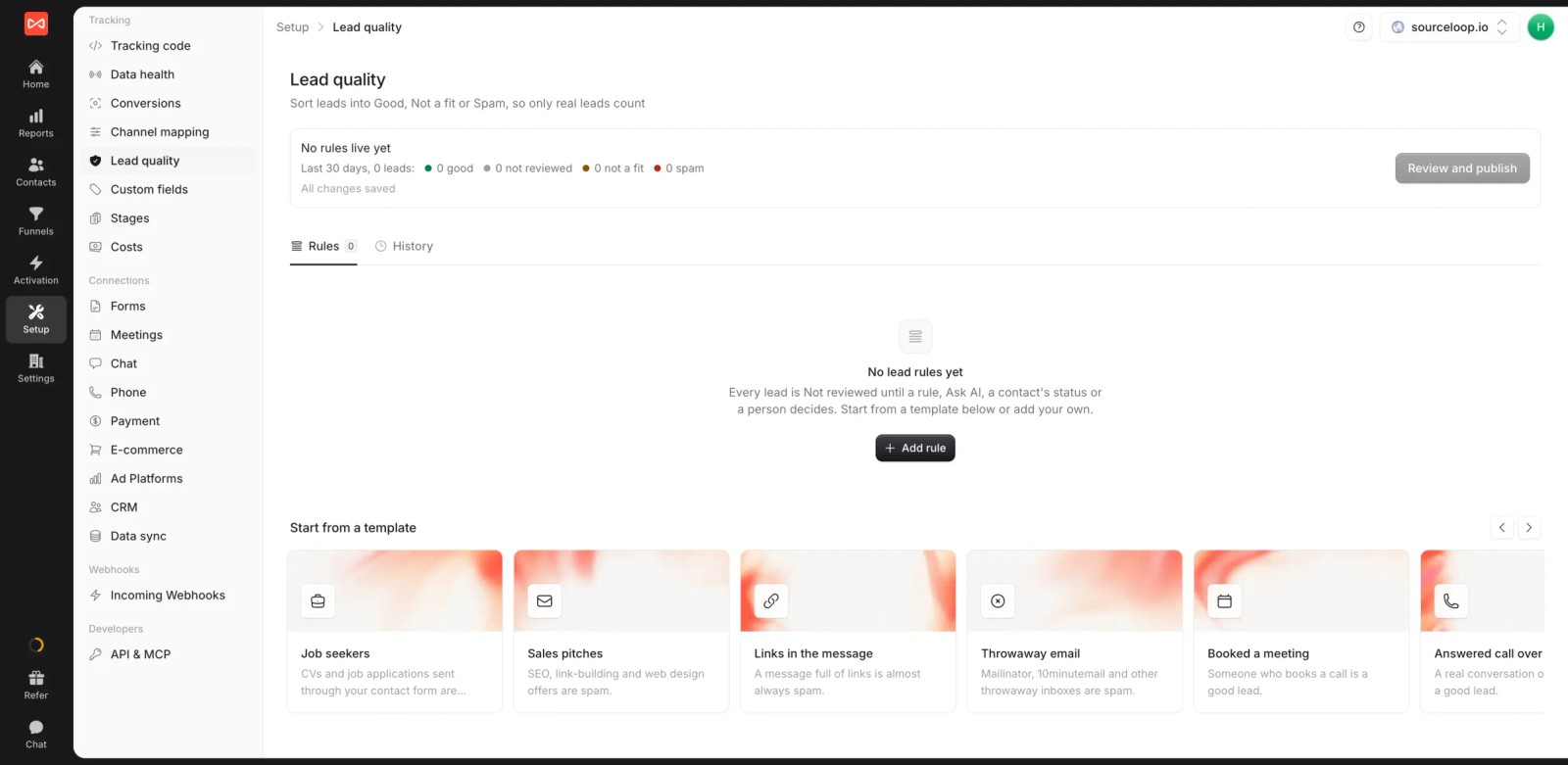
- Lead quality rules: a ready-made template counts an answered call over 60 seconds as Good, and others filter job seekers, sales pitches and throwaway emails.
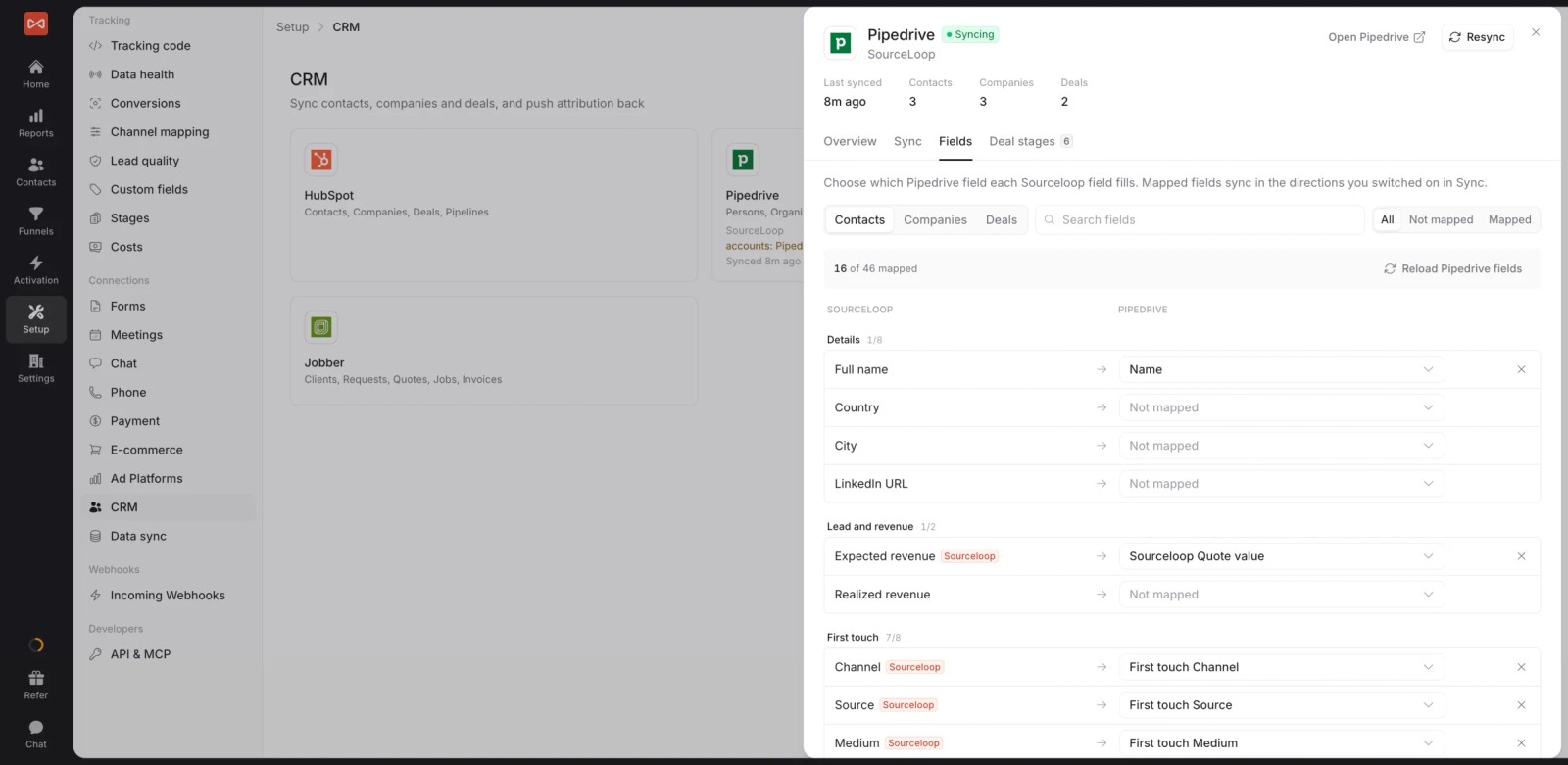
- CRM sync: the source is written onto the contact in HubSpot, Salesforce, Pipedrive or Jobber, and stages and won deals come back for revenue reporting.
- Conversion sync: good calls and won deals go to Google Ads, Meta, Microsoft Ads and ChatGPT Ads with their value, so bidding chases booked jobs. Read how server-side conversion sync works.

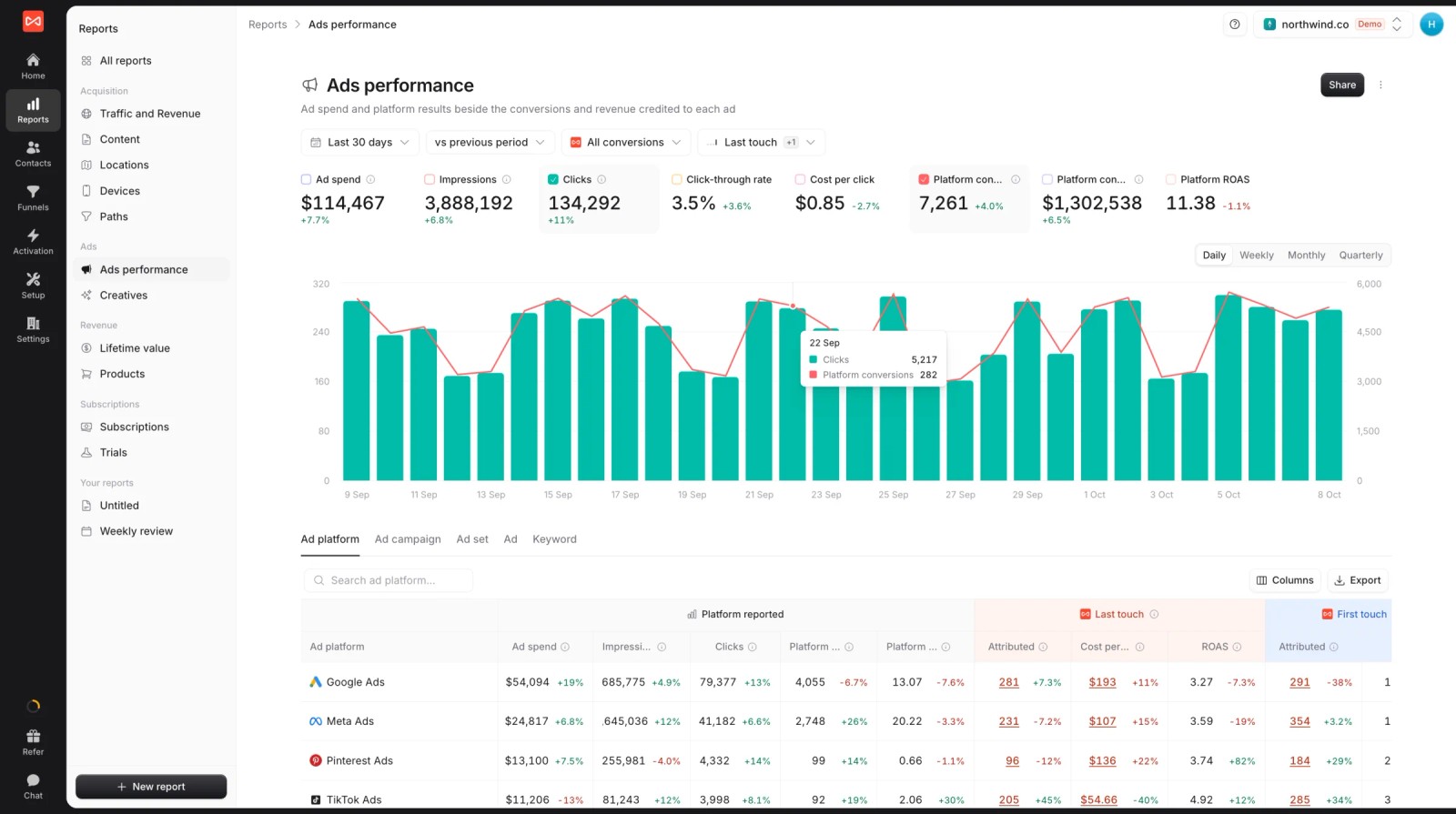
- Spend beside results: ad spend and platform-reported conversions next to the calls and leads SourceLoop credits each platform, which makes cost per good call easy to read.
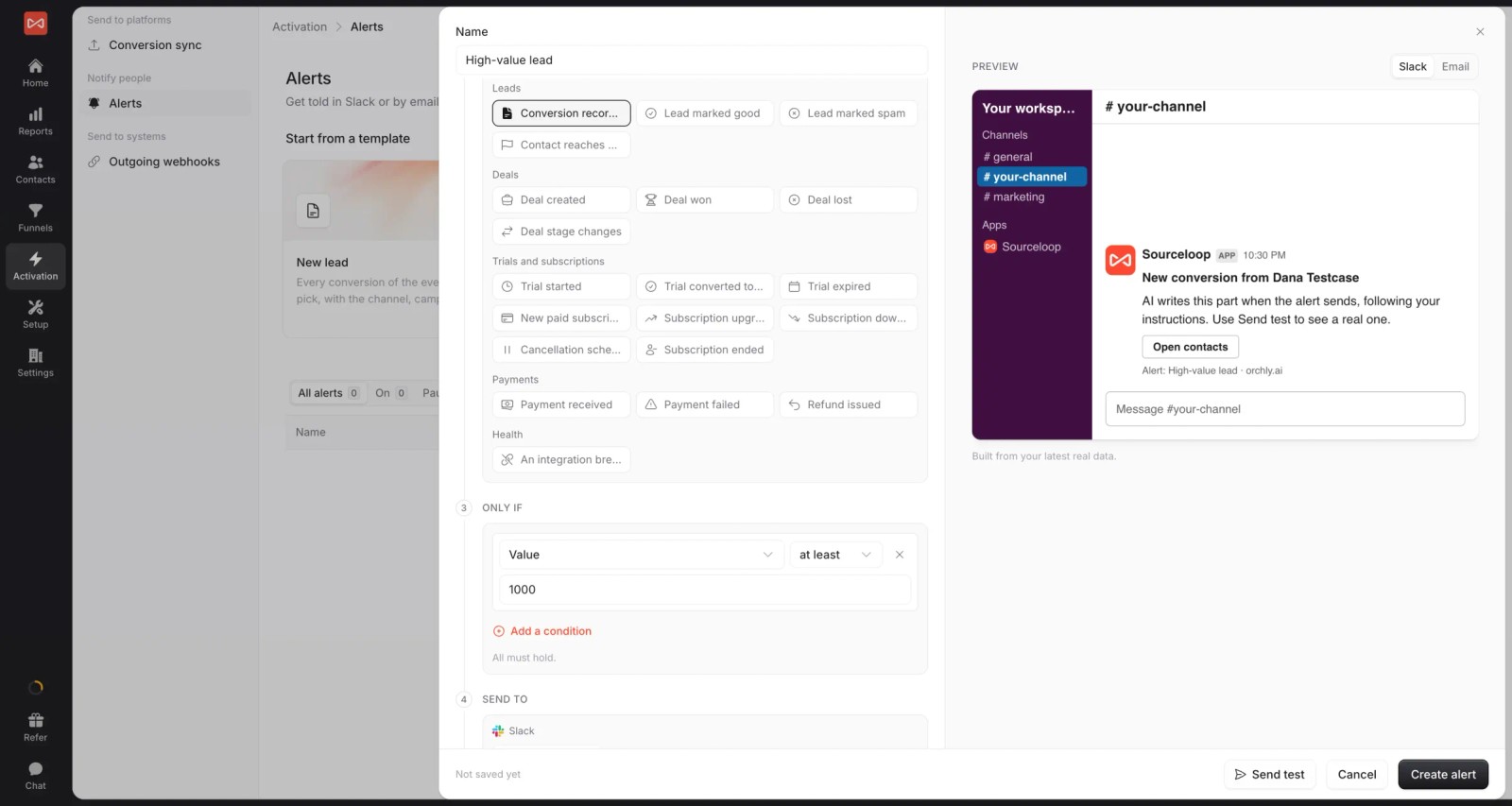
- Alerts: post a high-value call or a won job to Slack or email the moment it happens.
- Multiple websites and white label: many sites under one login, with your branding on reports. If you're an agency, every client gets a branded workspace.
Where it falls short
- It doesn't issue tracking numbers, record calls or transcribe them, so you still need CallRail or another call tracking provider.
- There's no call routing, IVR or contact center tooling. For that, CTM or Invoca go much further.
- LinkedIn and TikTok conversion sync are still coming soon.
Pricing
- Essential: $49/mo for one site and 30,000 page views, with tracking, attribution reports, lead quality rules and alerts
- Professional: $99/mo for 100,000 page views and unlimited users, adding CRM sync, conversion sync to the ad platforms, the API and MCP
- Agency: $249/mo for three sites and 1.5 million page views, adding white label reporting
- Unlimited conversions on every plan and a 7-day trial. It never charges per call or per lead.
Verdict: the best fit if your call tracking works but your reporting stops at the ring. Pair it with whichever number provider you prefer.
2. Nimbata
Best for: agencies with many small clients that want call tracking costs they can predict.
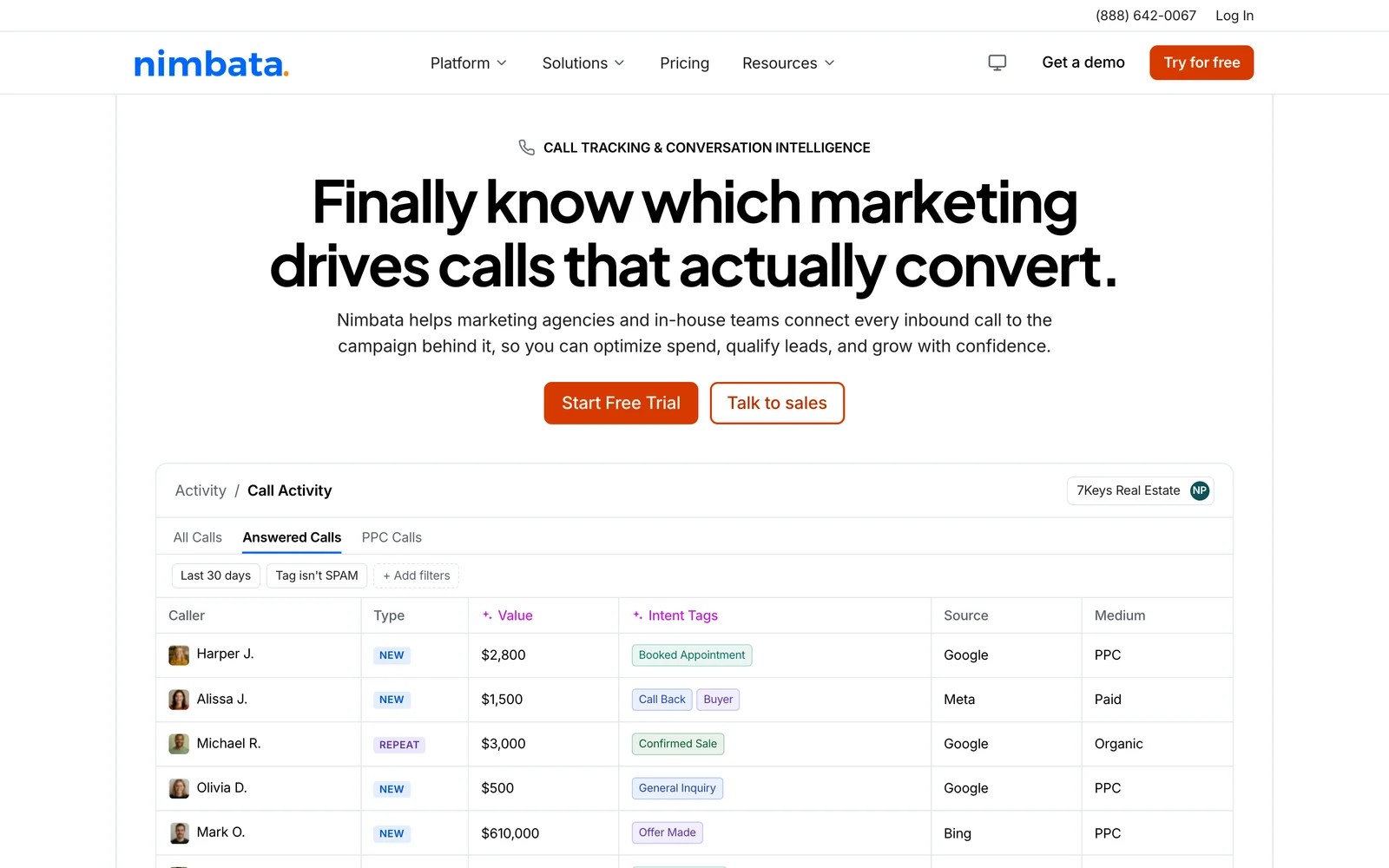
Nimbata is the closest thing to a CallRail replacement on a different pricing model. You pay a base fee plus a charge per answered call, not per minute or per number, which is the main reason agencies move.
When I signed up, the trial gave me Agency-level features straight away, capped at two numbers and 50 answered calls. That's enough to wire up one client site and watch real calls come in before you pay anything.
The call activity view felt familiar coming from CallRail: caller, source, medium, value and intent tags in one table. AI summaries and transcription are there, though transcription is billed per minute on top.
Where it got fiddlier was the add-ons. White label, extra seats and extra projects each cost extra, so the low base price climbs once you're set up for a real agency.
Key features
- Charges per answered call rather than per minute, which keeps costs steady across clients whose calls run long.
- AI call summaries and transcriptions help account managers skim what happened without listening to every recording.
- Google Ads integration pushes call conversions back automatically, so bidding learns from calls without manual uploads.
- Projects and white label options let agencies run each client separately under their own brand.
Where it falls short
- White label, extra seats and transcription are paid add-ons, so the real monthly cost sits above the advertised base fee.
- A fair-use rule applies when average call length runs past 3.5 minutes, which can surprise businesses with long calls.
- Form and chat tracking are lighter than in all-lead tools like WhatConverts, so it stays mostly a call product.
- There's no CRM pipeline or revenue reporting, so you can't see which calls turned into closed deals.
What users say
"The per-answered-call pricing model is a huge differentiator." (Source)
"The AI summaries and transcriptions save a ton of time, and the Google Ads integration pushes conversions back automatically so very easy to use" (Source)
"You need to pay for every little thing you may need in a call tracking" (Source)
"HIPAA compliance activation took longer than expected." (Source)
Pricing
- Entry: $0/mo plus usage
- Pro, Marketing and Agency: $39, $89 and $149/mo plus per-answered-call usage
- White label is $55/mo on paid plans. 14-day trial with no card.
3. CTM (CallTrackingMetrics)
Best for: teams that want call tracking and a full contact center in the same platform.
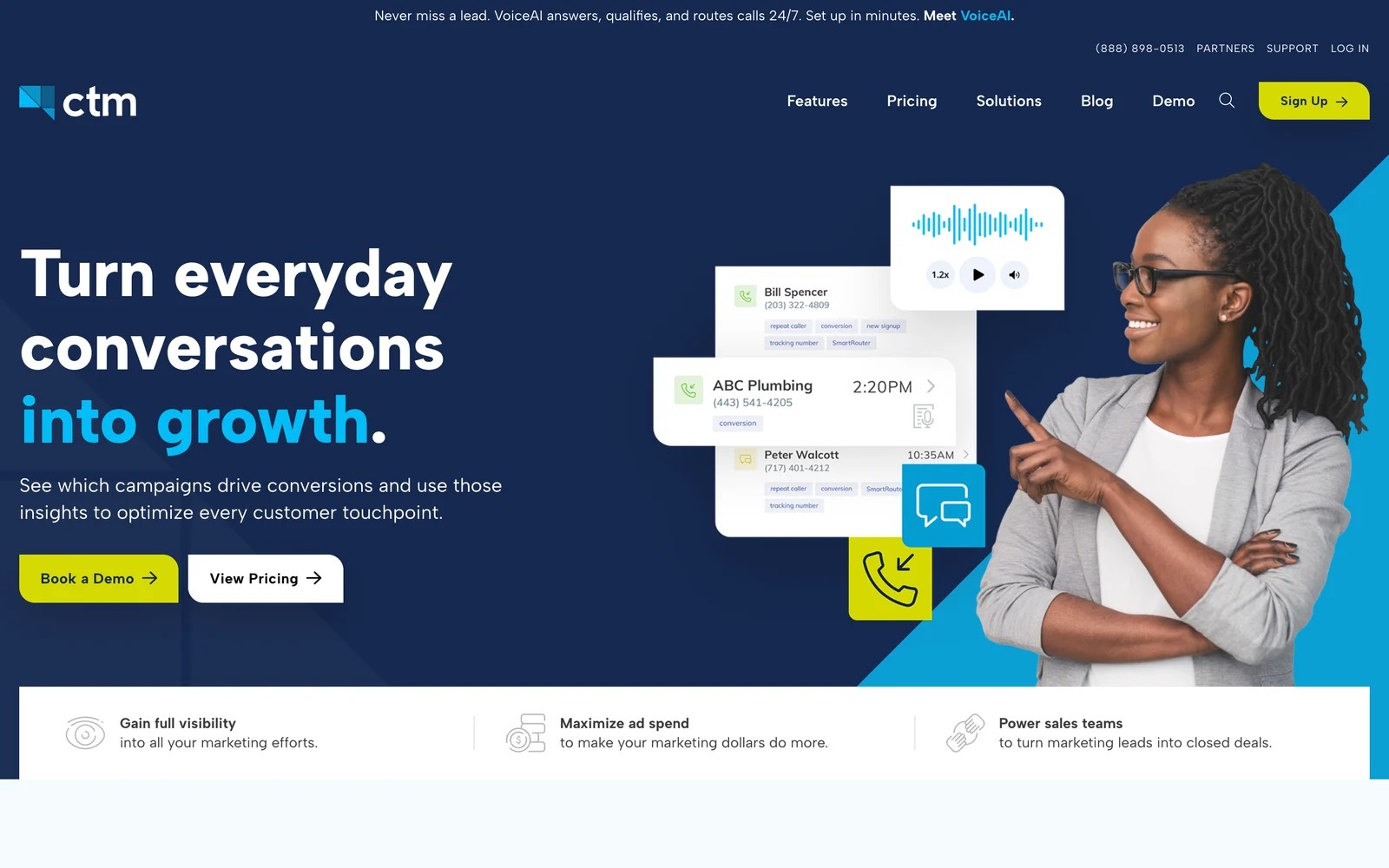
CTM, which rebranded from CallTrackingMetrics, does everything CallRail does on the tracking side, then keeps going into routing, IVR, queues, texting and agent tools.
I set it up during the first month, when plan fees are waived. The tracking setup is familiar, but the settings menu is far longer than CallRail's. Every feature has a toggle, which is powerful once you know what you want and a lot to take in on day one.
The scoring options stood out. You can grade calls on duration and other rules, then pass those as custom conversions to your ad platforms, which suits paid search teams that care about call quality.
Billing is the trade-off. Numbers, minutes, texts and premium features are all metered, so forecasting a month takes some work.
Key features
- Call tracking, routing, IVR and queues live in one platform, so marketing and the phone team share the same data.
- Call scoring rules let you grade calls on duration and outcome, then send those as conversions to the ad platforms.
- Texting, forms and chat sit alongside calls, which gives a fuller view of how each lead first got in touch.
- Unlimited users on every plan make it easier to give sales, support and marketing their own access.
Where it falls short
- Pricing is split across numbers, minutes, texts and features, which makes monthly costs hard to forecast or audit.
- The sheer number of settings gives it a steeper learning curve than CallRail for small teams.
- Reporting across many sub-accounts takes more effort than a simple agency dashboard.
What users say
"CallTrackingMetrics serves as the cornerstone of our attribution mechanics." (Source)
"They also have tools that let us score the quality of the call like call duration which allows us to create custom events for our ads." (Source)
"Because costs are split across tracking numbers, minutes, texts and premium features, it's a bit difficult to easily forecast or audit our monthly expenses." (Source)
"Steeper learning curve than simpler competitors. Advanced settings can initially feel overwhelming." (Source)
Pricing
- Marketing Lite: $65/mo billed yearly, plus usage
- Marketing Pro: $149/mo
- Sales Engage and Enterprise: $274 and $1,999/mo, plus usage
4. WhatConverts
Best for: agencies that want calls, forms and chats in one lead log they can hand straight to clients.
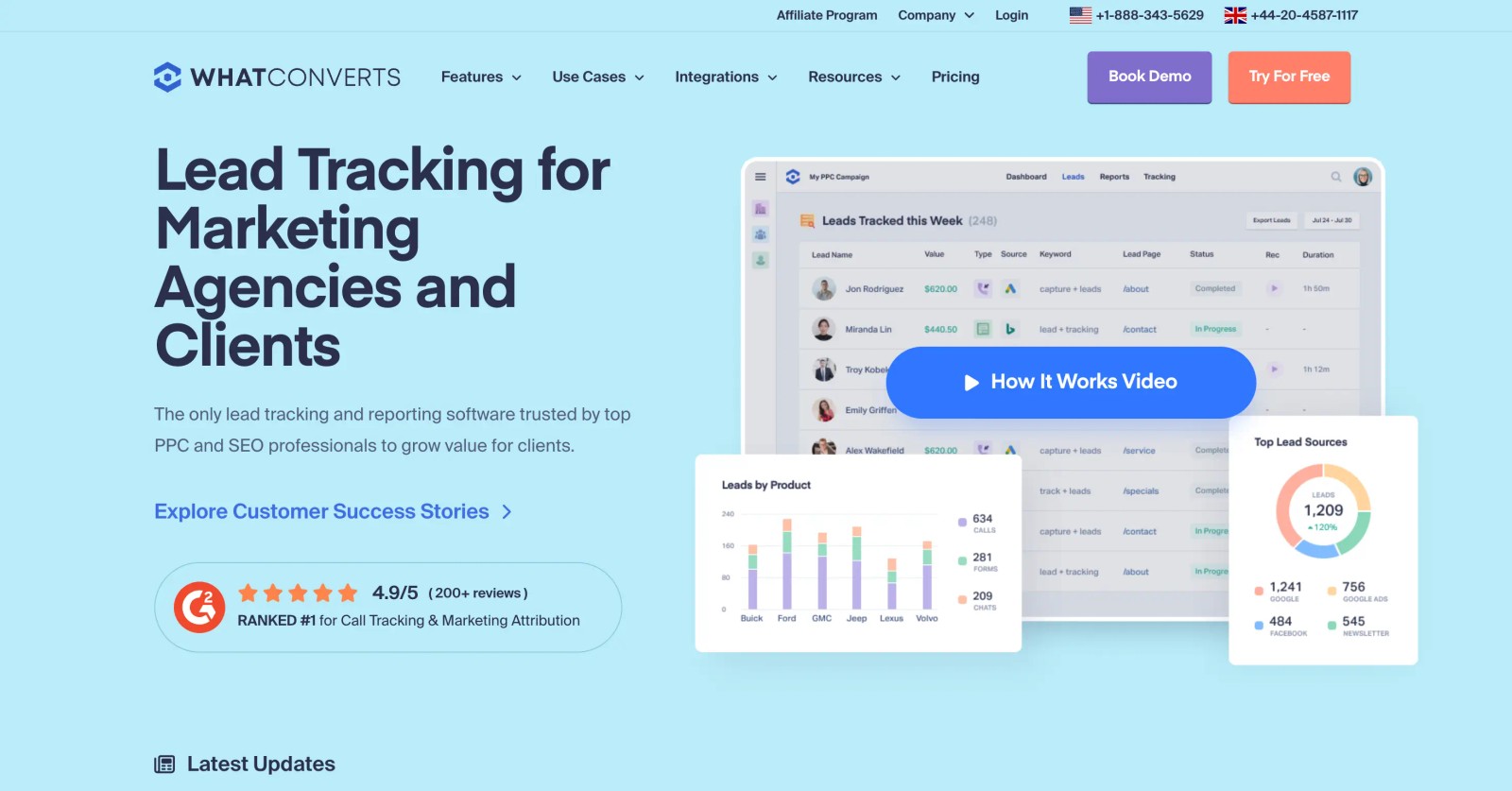
WhatConverts is what a lot of agencies move to when CallRail's call-first view stops being enough. Every lead, whether it's a call, a form, a chat or a Facebook lead, lands in one log with its source.
On the trial, I had calls and forms flowing within the first session. The lead log is the strength: it's clean enough that a plumber or a dentist can read it without a walkthrough.
The reporting took longer to get comfortable with, and that matches what users say. Revenue is where it thins out, since quote and sale values are usually entered or imported by hand.
Key features
- Calls, forms, chats and lead ads land in one lead log, each tagged with source, keyword and landing page.
- Agency plans cover unlimited client accounts, so adding a client doesn't mean adding a subscription.
- Quote and sale values can be attached to leads and sent to Google Ads as offline conversions.
- White label dashboards let agencies share reports under their own brand.
Where it falls short
- Revenue depends on values typed or imported per lead, since it doesn't read CRM pipeline stages.
- Several users say live support is hard to reach, often showing an offline chat status.
- Some advanced features sit on the Elite plan, which users describe as expensive.
What users say
"The most important thing for us is being able to track calls, form submissions, facebook leads, Leadpage/unbounce submissions, and chats - WhatConverts allows us to do this all." (Source)
"I thought it was really simple to set up, results and the experience have been great, the team were super helpful and it's cheaper than callrail" (Source)
"It’s difficult to reach live support. Most of the time, I just see an “offline chat” status." (Source)
Pricing
- Call Tracking: $30/mo, calls and texts only
- Plus, Pro and Elite: $60, $100 and $160/mo
- Agency: from $500/mo for unlimited accounts. 14-day trial.
Our WhatConverts alternatives guide compares it against the other agency options.
5. Ruler Analytics
Best for: lead generation businesses in finance, legal or B2B services where the sale closes weeks after the call.
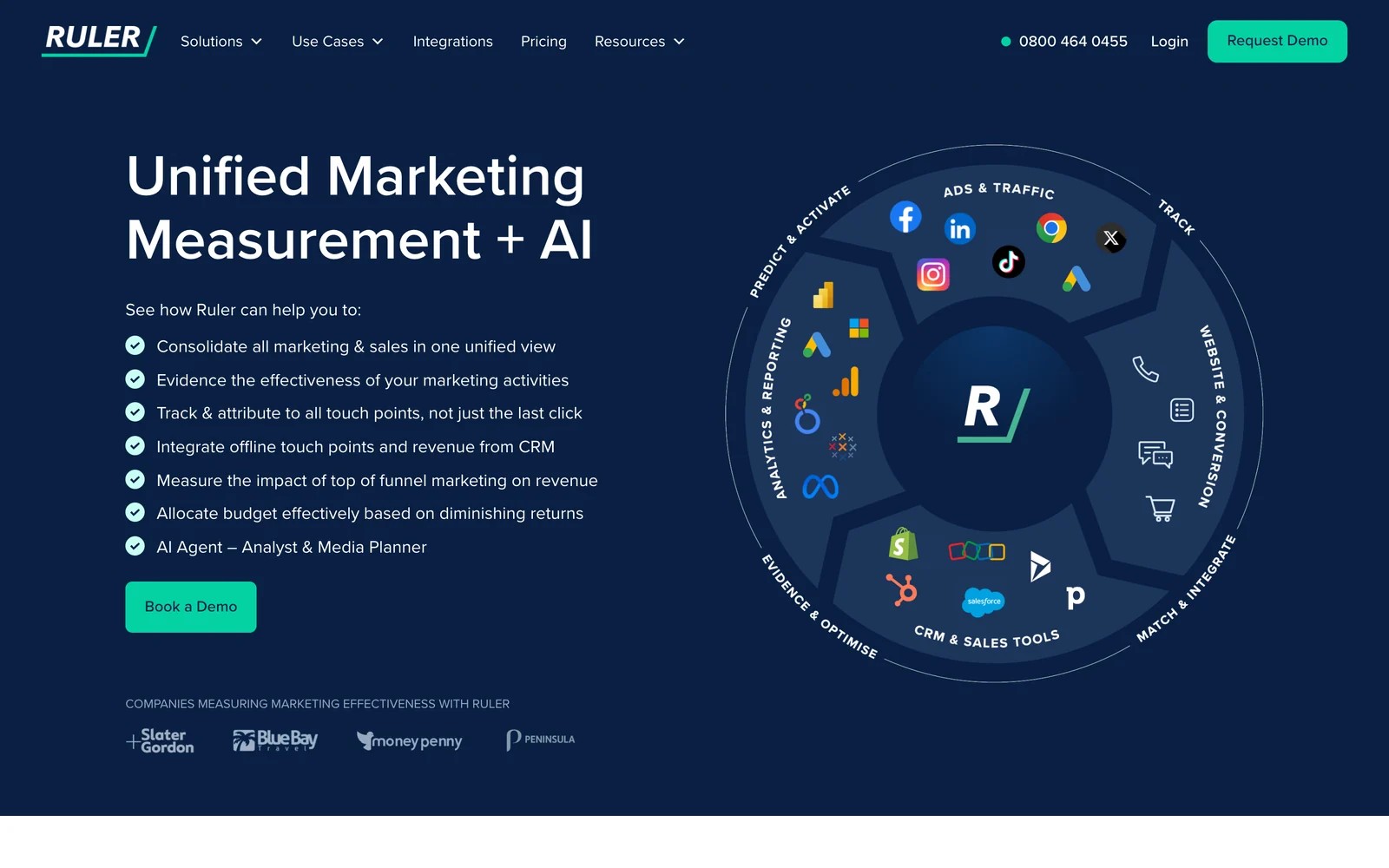
Ruler Analytics bundles call tracking with closed-loop attribution. It tracks the call, the form or the chat, pushes the source into your CRM, and pulls revenue back when the deal closes.
There's no self-serve trial, so I went through the product tour. The revenue view is the selling point: you see which keyword produced a call and what that customer was eventually worth.
Teams we know who run it say setup is the hard part. It's guided, can take a few weeks, and needs care whenever the CRM changes.
Key features
- Built-in call tracking gives phone leads the same source data as form fills and chats.
- The source is pushed into the CRM, and closed revenue from Salesforce, HubSpot or Pipedrive is pulled back.
- Revenue can be sent to Google Ads and Meta so campaigns optimize toward deals.
- Marketing mix modeling is available on the Advanced plan for brands with offline spend.
Where it falls short
- There's no free trial, so you can't test it on a live site before a sales conversation.
- Setup is guided and can take weeks, and CRM changes can break the mapping.
- Some users say the journey view only shows first and last click.
What users say
"Seeing the detail of every form submission and phone call, from what source, the duration of the call and the pages that led to a conversion is a real eye-opener." (Source)
"Everytime you change something in your CRM, Ruler will not work and you have to double check the data" (Source)
"you can only see first and last click of the user journey" (Source)
Pricing
- Small: from £299/mo for up to 10,000 monthly visits
- Medium, Large and Advanced: from £499, £999 and £1,499/mo
6. Invoca
Best for: large brands and contact centers handling thousands of inbound calls a month.
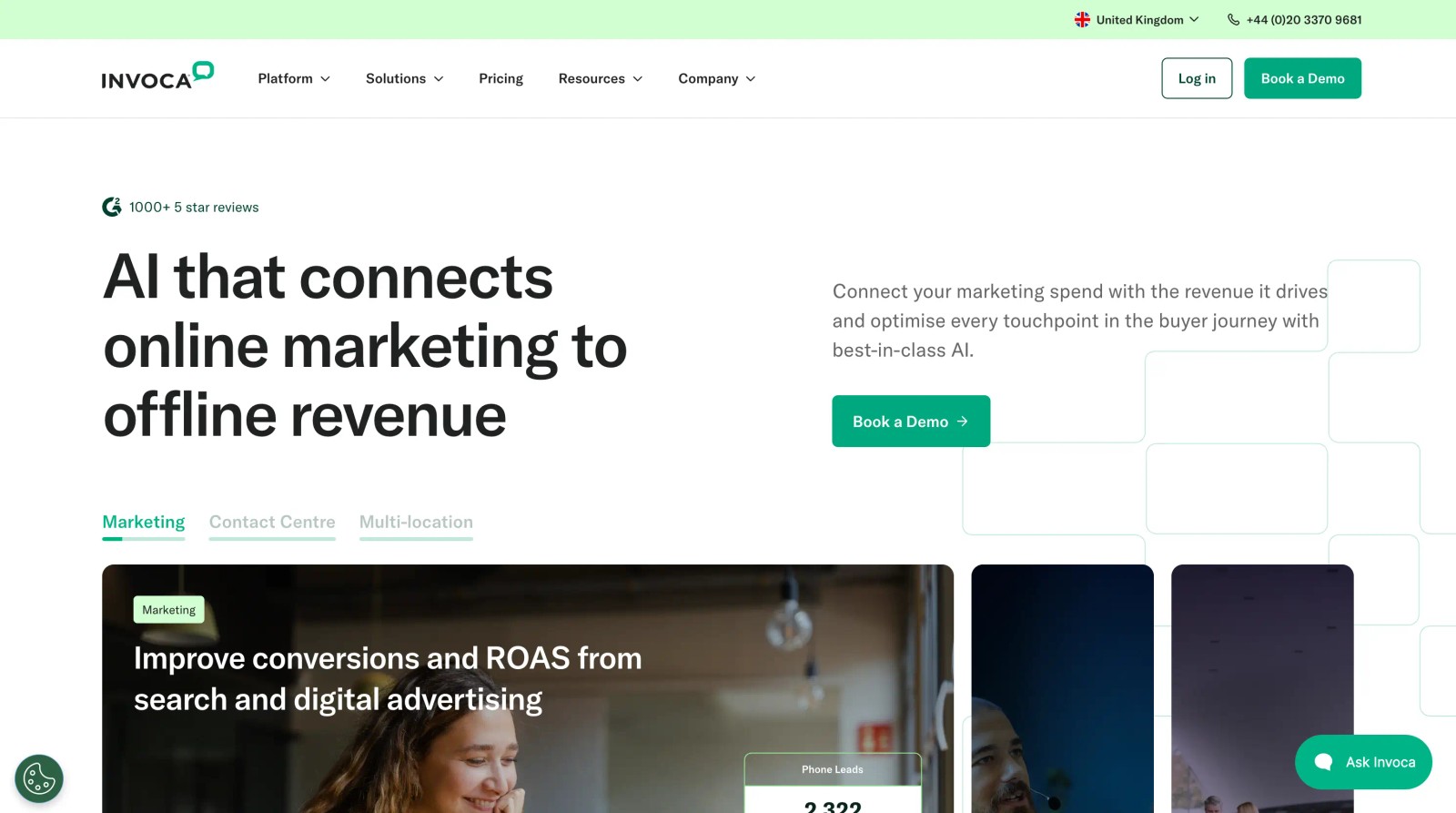
Invoca is the enterprise end of call tracking. It ties each call to session-level data, uses AI to judge intent and outcome, routes callers, and imports offline revenue to close the loop.
I saw it through a guided demo. The conversation analytics are deeper than anything else here, and the pitch is aimed squarely at healthcare, automotive, insurance and other call-heavy industries.
The reviews describe the cost of that depth. Training its AI to recognize a high-intent call takes real hours, and transcription accuracy draws complaints.
Key features
- Dynamic number insertion ties each call to the landing page, campaign and session that produced it.
- Signal AI classifies caller intent and outcomes from the conversation, which helps judge call quality at scale.
- Offline revenue can be imported by file upload or API to tie calls to sales.
- Integrations send call conversions to Google Ads, Microsoft Ads, Meta and GA4.
Where it falls short
- Prices aren't published, and plans are sized for high call volume, so small agencies rarely fit.
- Training the AI to spot high-intent calls takes significant manual effort.
- It doesn't track web forms or chats the way all-lead tools do.
What users say
"We can also trace each call back to the marketing campaign it’s associated with, which helps us not only handle calls more efficiently but also gain more insight into our marketing campaign performance." (Source)
"it required many man hours to go into each call and kind of train the AI to identify what is a high intent phone call." (Source)
"One thing I would change is being able to better organize calls. Maybe there is a way, but it's a busy dashboard." (Source)
Pricing
- Pro, Enterprise and Elite, all quoted. Pro includes 6,000 numbers a year, and Salesforce is a premium add-on.
How to choose
Start with what's actually bothering you about CallRail.
1. Is it the bill?
- Nimbata charges per answered call, which suits agencies with lots of small clients.
- WhatConverts' agency plans cover unlimited accounts for a flat fee.
2. Is it the call-only view?
- WhatConverts and Ruler put calls, forms and chats in one place.
- SourceLoop adds forms, chats and bookings next to the calls from your current provider.
3. Is it what happens after the call?
- If you want to know which calls became revenue, and to send only good calls to Google Ads, SourceLoop works on top of CallRail or CTM.
- Ruler does this too, with its own numbers, at a higher price and with a guided setup.
4. Do you run a contact center?
- CTM or Invoca, depending on volume.
For a deeper look at keyword-level reporting, read our guide to keyword-level call tracking software, and to send calls to Google Ads, see how to set up phone call conversion tracking.
Frequently asked questions
-
What is the best alternative to CallRail?
It depends on why you're switching. Nimbata and CTM are the closest swaps for call tracking itself, WhatConverts suits agencies that want every lead type in one log, and SourceLoop suits teams that want to keep their call tracking and add lead quality and CRM revenue on top.
-
Is there a cheaper alternative to CallRail?
Nimbata starts at $0 a month plus a charge per answered call, and WhatConverts has a $30 call tracking plan. Both have 14-day trials.
-
Can I use SourceLoop with CallRail?
Yes. SourceLoop connects to CallRail and ties each call to the visitor's source, journey and CRM outcome. It doesn't replace CallRail's numbers or recordings.
-
Does CallRail track form submissions?
Yes, on the Lead Tracking Complete and Lead Conversion Complete plans, which start at $95 a month.
-
Which CallRail alternative is best for agencies?
WhatConverts and Nimbata are built around many client accounts. SourceLoop adds white label reporting, per-client workspaces and lead quality across clients, and works with whichever call tracking provider each client uses.


 Paid Social


