
10 Best Cookieless Tracking Tools [2026 Comparison]
Ten cookieless tracking tools compared: which skip cookies by default, what each one costs, and which can tie a visit to a lead or revenue.
Table of contents
- What cookieless tracking is
- Cookieless tracking tools compared
- The 10 best cookieless tracking tools
- 1. SourceLoop
- 2. Google Analytics 4
- 3. Matomo
- 4. Fathom Analytics
- 5. Plausible
- 6. Simple Analytics
- 7. Ruler Analytics
- 8. Siteimprove
- 9. Usermaven
- 10. TWIPLA
- Why cookieless tracking matters now
- Browser restrictions
- Privacy regulations
- Data gaps
- How to choose a cookieless tracking tool
- Define your primary goal
- Check what breaks without storage
- Check integrations
Most "cookieless" tools solve different problems. Some just count visits without storing anything. Others keep tracking people across visits, but on your own domain, so they can still connect a visit to a lead.
Which one you need depends on what you have to answer: how much traffic you got, or which campaigns produced customers.
In this list, I've grouped ten tools by that question, with what each one stores and what it costs.
How we checked these tools
For each tool we read its privacy documentation and data policy to see what it actually stores in the browser, then signed up for the free plan or trial where one exists. Siteimprove and Usermaven sell through demos, so for those we used their documentation and help centers.
We also leaned on questions from the brands and agencies we work with, and on user reports on G2 and Reddit. We compared each tool on:
- Whether it sets cookies by default, or only as an option
- What breaks when nothing is stored, such as returning visitors and multi-day journeys
- Whether a visit can still be tied to a lead or revenue
- Price, free plan and where data is hosted
SourceLoop is our product. It's here because it covers the attribution side of cookieless tracking, and each section is clear about what it can't do.
Last checked November 2026. This isn't legal advice, so confirm consent requirements for your market.
What cookieless tracking is
Cookieless tracking measures visits and conversions without third-party cookies, and sometimes without any cookies at all.
There are two broad approaches. Aggregate tools count page views and sources without identifying anyone. First-party tools keep an identifier on your own domain, or none at all in a cookieless mode, so they can follow a journey and connect it to a lead.
Third-party cookies have been fading for years. Safari blocks them by default, and Firefox does too. Google kept them in Chrome, but in October 2025 it retired most of the Privacy Sandbox replacements. Our guide to first-party data covers what that means for ad platforms.
Cookieless tracking tools compared
Here's how the 10 cookieless tracking tools compare on cookies, attribution and price, as of November 2026.
| Tool | Best for | Cookie-free by default | Ties visits to leads and revenue | Free plan | Paid plan from |
|---|---|---|---|---|---|
 SourceLoop SourceLoop | Lead source and revenue attribution | Optional | Yes | 7-day trial | $49/mo |
 Google Analytics 4 Google Analytics 4 | Free full-feature analytics | No | Partly | Yes | Free |
 Matomo Matomo | Analytics on servers you control | Optional | Partly | Self-hosted is free | €29/mo (Cloud) |
 Fathom Analytics Fathom Analytics | Simple privacy-first traffic stats | Yes | No | 7-day trial | $15/mo |
 Plausible Plausible | Lightweight EU-hosted stats | Yes | Partly | 30-day trial | $9/mo |
 Simple Analytics Simple Analytics | Analytics with no personal data | Yes | No | Yes, 5 sites | $20/mo |
 Ruler Analytics Ruler Analytics | Lead-to-revenue attribution with calls | No | Yes | No | £299/mo |
 Siteimprove Siteimprove | Analytics bundled with accessibility and SEO | Optional | No | No | Quote |
 Usermaven Usermaven | Marketing and product analytics for SaaS | Yes | Partly | No | Quote |
 TWIPLA TWIPLA | Cookieless analytics with heatmaps | Yes | No | Yes, 400 page views | $2.39/mo yearly |
The 10 best cookieless tracking tools
Here's what each tool does well, what it costs, and where it stops.
1. SourceLoop
Best for: agencies, lead generation businesses and SaaS teams that need to know which campaigns produce leads and revenue, with a privacy-friendly setup.
SourceLoop is a first-party marketing attribution and measurement tool. Its script can run from your own domain and keeps the source of every visit, so a form, call, chat or booking can be tied back to the ad, keyword or campaign behind it.
Most cookieless tools stop at counting visits. SourceLoop is built for the harder job: keeping attribution working under consent rules, then getting the result back to your CRM and ad platforms.
Privacy and consent controls
- Cookieless mode. One switch on the tracking code page. With it on, nothing is stored in the visitor's browser between sessions, and visits join up once the person identifies themselves through a form, call or booking.
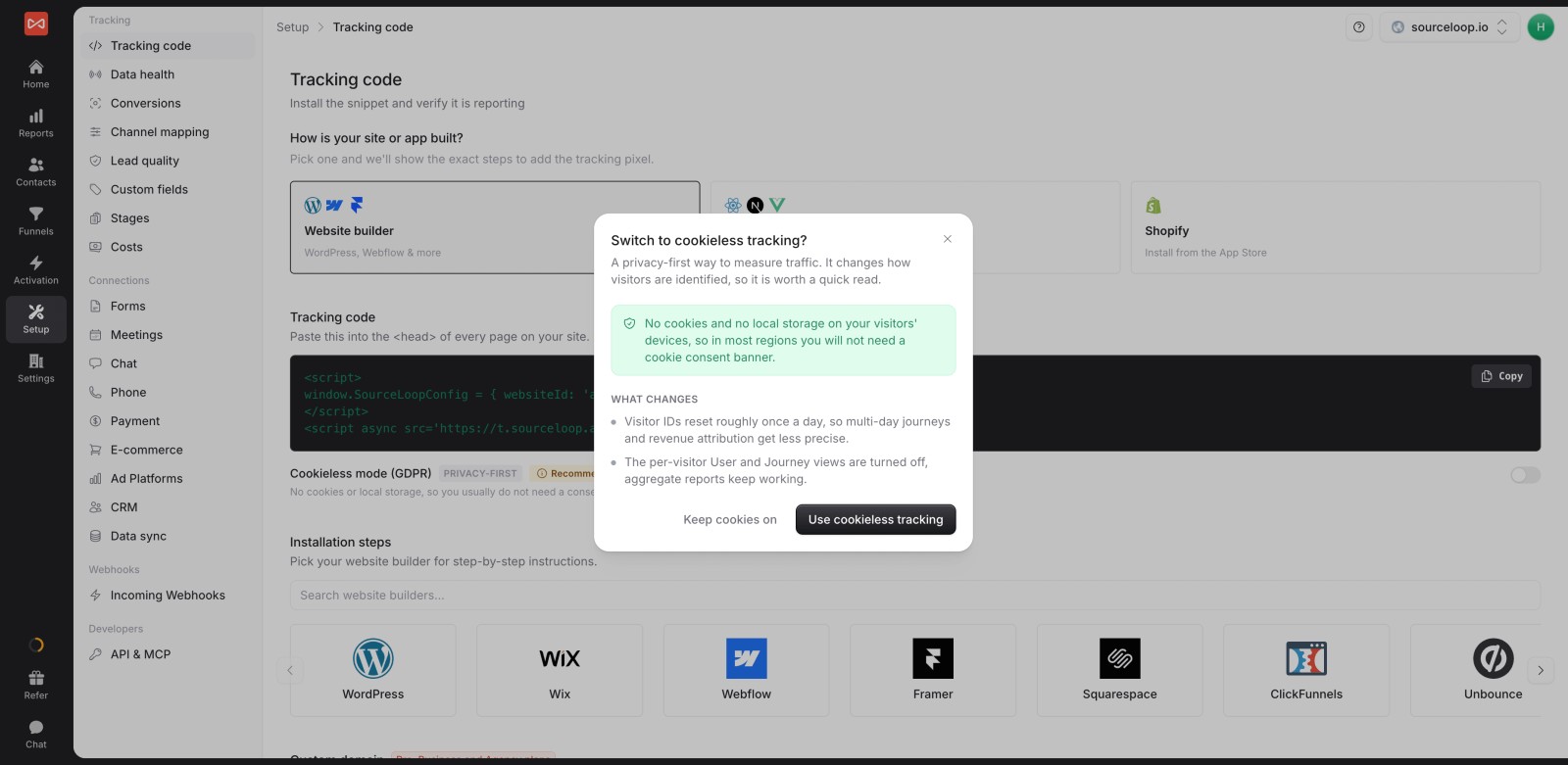
- Consent signals respected. It follows Google Consent Mode v2, Do Not Track and Global Privacy Control. A visitor who declines analytics isn't tracked, declining ad storage drops click IDs, and declining ad user data keeps email and phone out of anything sent to ad platforms. Our guide to GDPR, cookies and consent covers the setup.
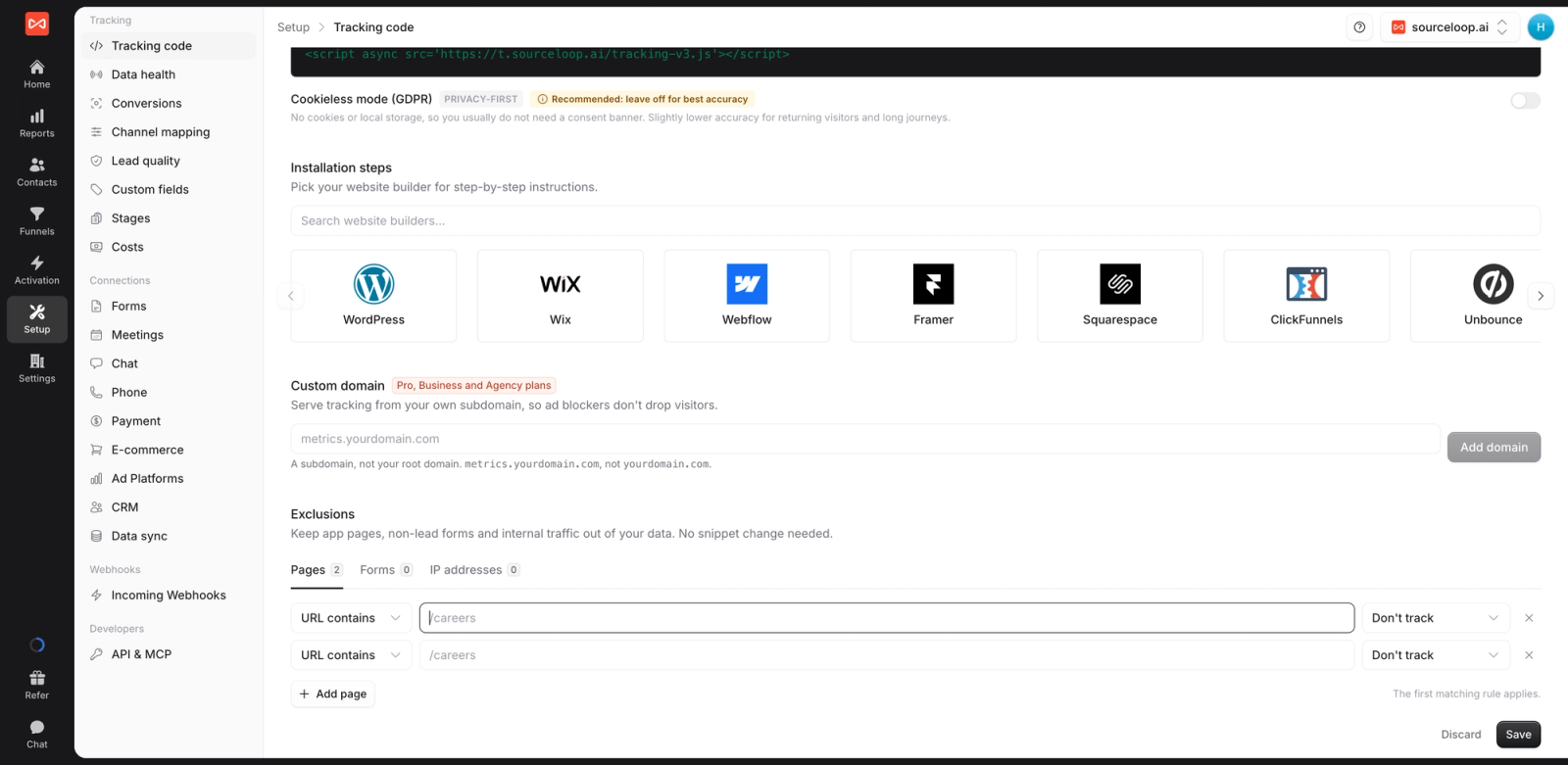
- Exclusions. Keep pages, forms or IP addresses (such as your office or staging site) out of tracking. Rules apply within a minute, with no code change.
- Erase a person on request. Settings include a privacy tool to delete a contact's data when someone asks to be forgotten.
Attribution that survives it
- Full journeys for identified leads. Each lead keeps its visit history, first and last touch, and syncs to HubSpot, Salesforce or Pipedrive.

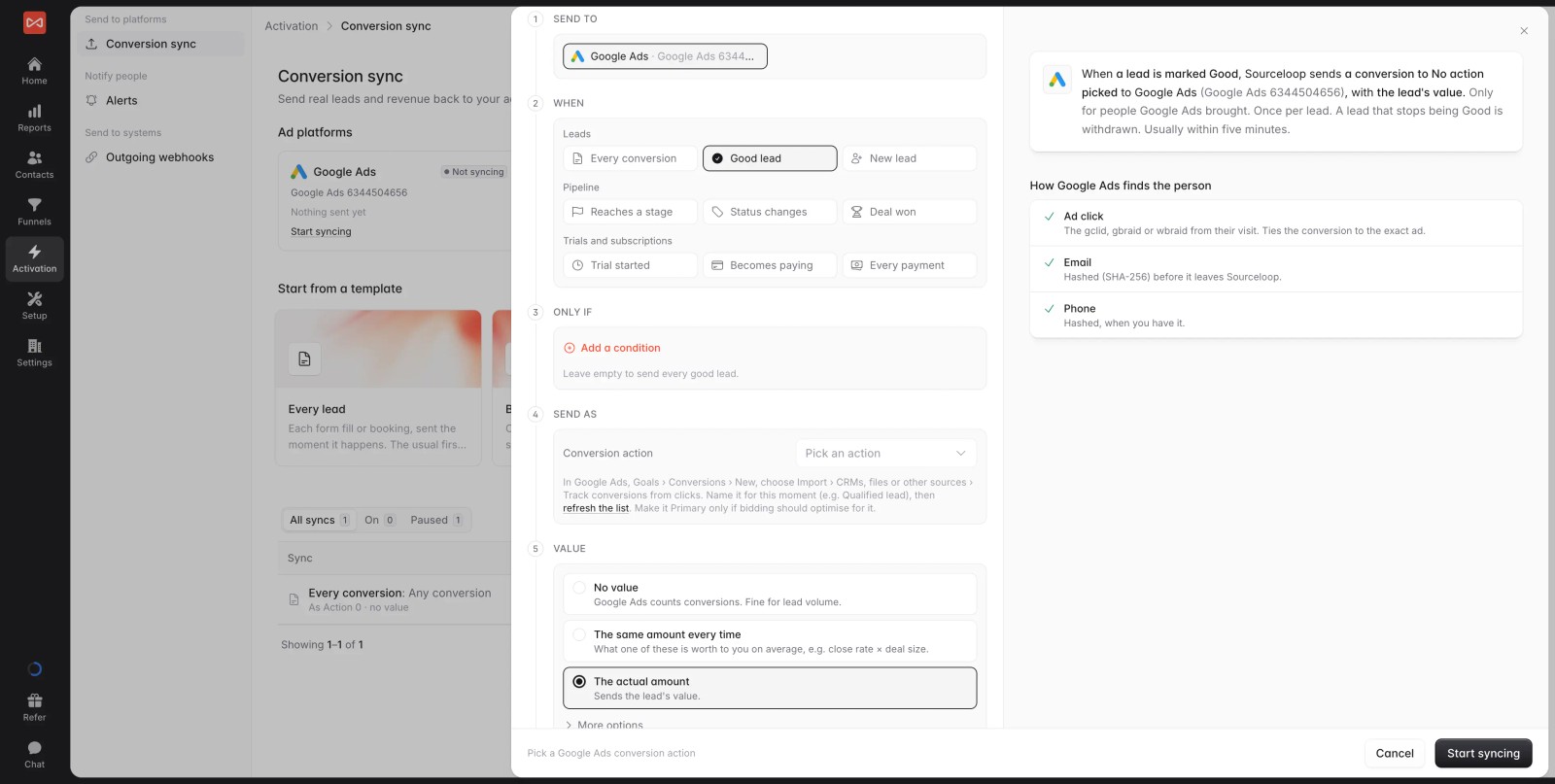
- Server-side conversion sync. Qualified leads and won deals go back to Google Ads, Meta, Microsoft Ads and ChatGPT Ads from the server, matched by click ID and hashed email or phone where consent allows. That's what keeps ad platforms learning when browser pixels are blocked. The conversion sync guide explains the matching.
- Live data health. A live event stream shows tracking working in real time, with a button to send a test lead.
- Pricing: Essential is $49/mo for one site and 30,000 page views. Professional is $99/mo for 100,000. Agency is $249/mo for three sites and 1.5 million. Conversions are unlimited on every plan, with a 7-day trial.
Where it falls short
- Cookieless mode can't join multi-day journeys on its own. A returning visitor counts as new each day until they fill in a form, call or book.
- There's no modeled data for visitors who decline tracking, so those visits simply aren't in the reports.
- It doesn't show heatmaps or session recordings. Pair it with Clarity or TWIPLA if you need to see on-page behavior.
- As a traffic-only dashboard it's more than you need. Its value shows up once forms and a CRM are connected.
2. Google Analytics 4
Best for: free, full-feature analytics if you can live with cookies and consent banners.
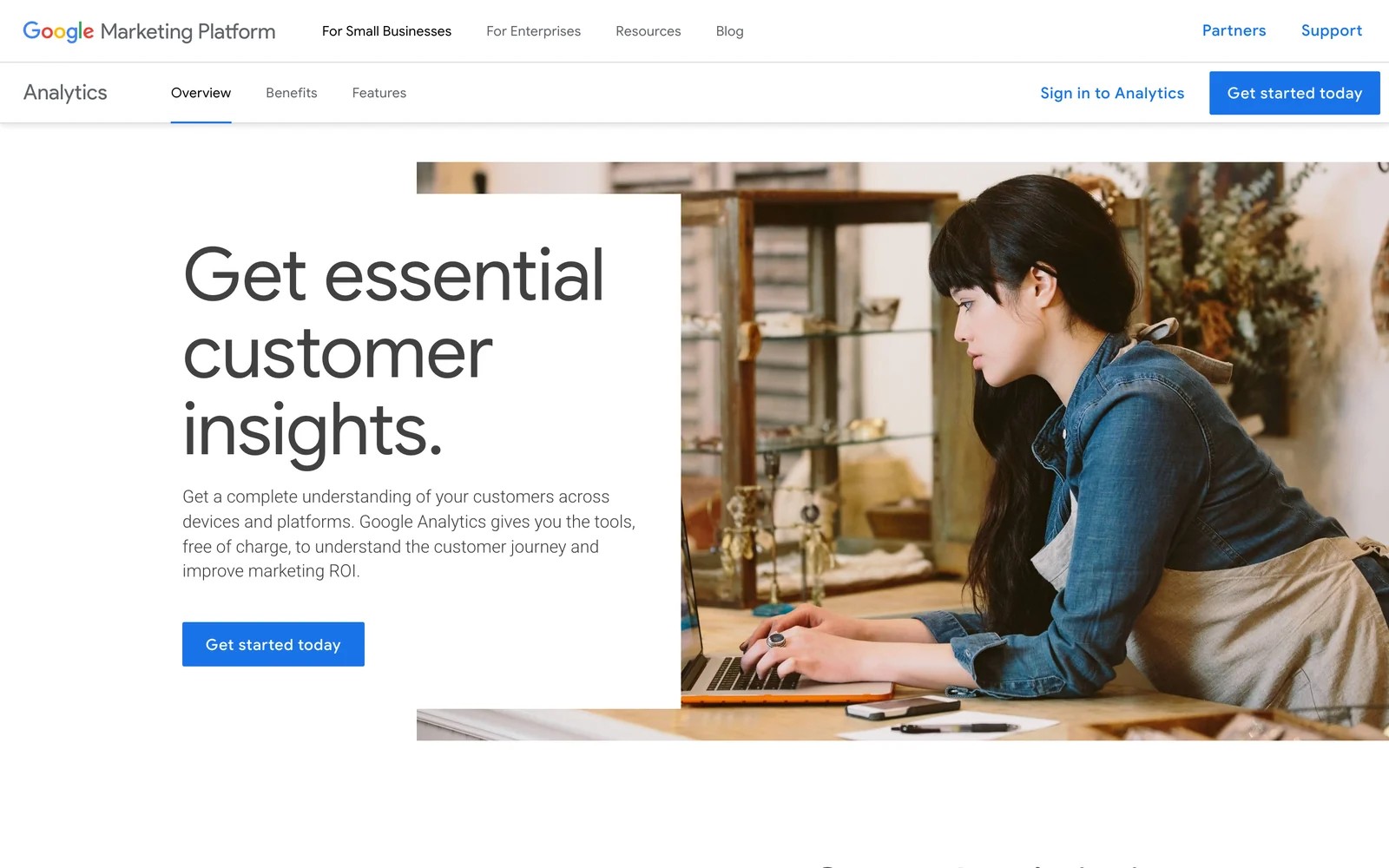
GA4 isn't cookieless. It sets first-party cookies, and when visitors decline them, Consent Mode fills part of the gap with modeled data.
That makes it a fair choice for teams already deep in Google Ads and BigQuery, as long as you treat some of the numbers as estimates. Our explainer on how GA4 uses cookies goes into the details.
- Pricing: free. GA4 360 is a quoted enterprise tier.
Where it falls short
- It doesn't really run without cookies. Consent Mode sends cookieless pings, but the reports for those visitors lean heavily on Google's modeling.
- Google's terms forbid sending emails or names, so you can't trace a specific lead back to the visits and ads that produced it.
- Detail doesn't last long, since standard properties keep event-level data for two or 14 months before it ages out of explorations.
What users say
"Google Analytics provides excellent value for the price." (Source)
"The learning curve can be steep for beginners, especially with GA4's event based model, which feels less intuitive than the old Universal Analytics setup." (Source)
3. Matomo
Best for: analytics on servers you control.
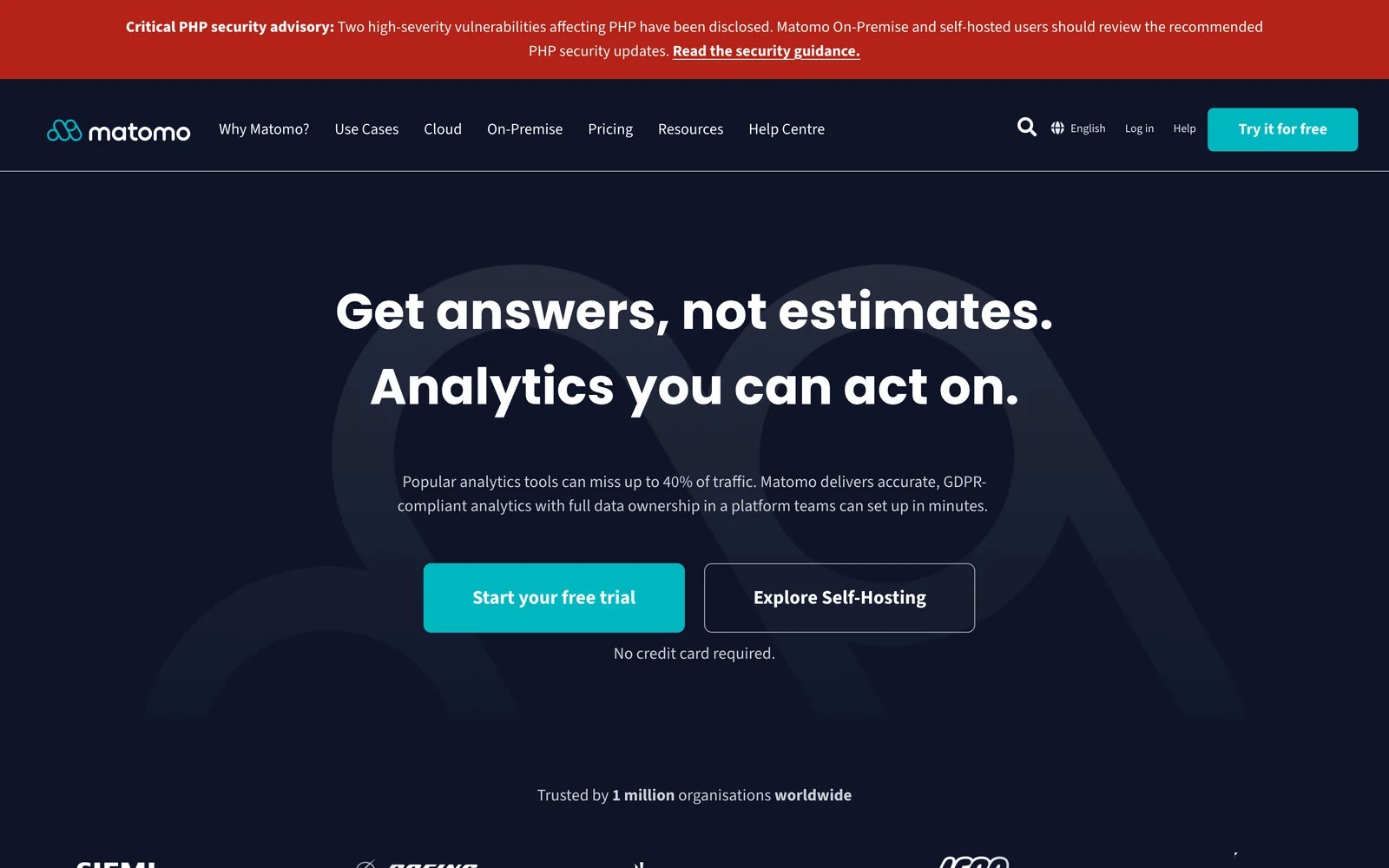
Matomo is open source. You can self-host it for free or use Matomo Cloud, which is hosted in Frankfurt.
It can be configured to run without cookies, and some EU regulators accept that setup without a consent banner when it's set up strictly. It covers most of what GA4 does, without sampling.
- Pricing: self-hosted is free. Matomo Cloud starts at €29/mo for 50,000 hits.
Where it falls short
- Cookieless tracking isn't the default. You have to switch it on, and returning-visitor and journey data get less precise once you do.
- Self-hosting puts updates, backups and security patches on your team, which adds up for marketers without a developer to lean on.
- Heatmaps and session recordings aren't included for free. They're paid add-ons, so the full picture costs more than the base price suggests.
What users say
"It is definitely one of the best tools for anyone who cares about data ownership and privacy." (Source)
"Matomo can be more complex to configure and maintain, especially when self-hosting, and some advanced features are paid or less intuitive than those of Google Analytics." (Source)
4. Fathom Analytics
Best for: simple traffic stats with no cookie banner.
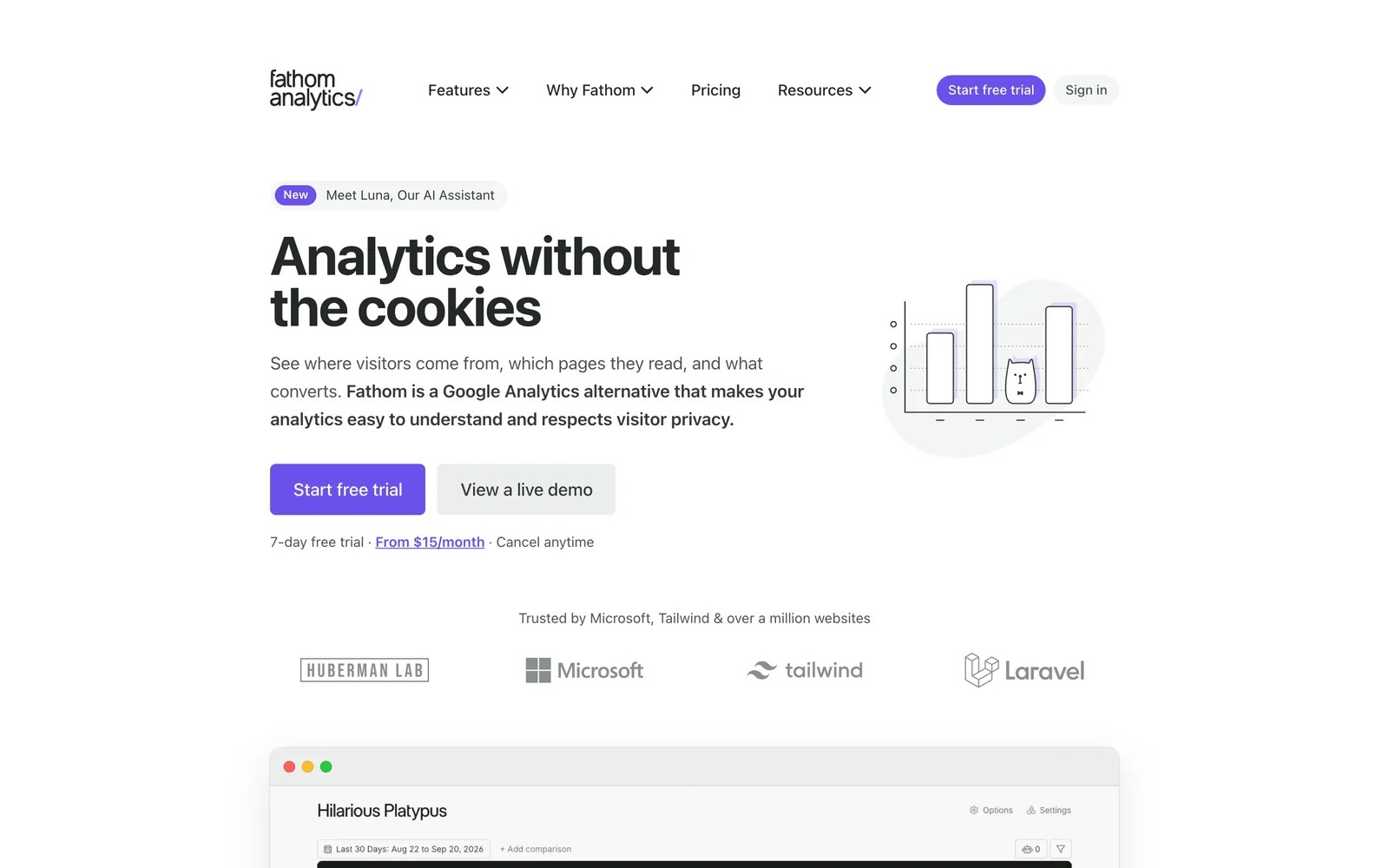
Fathom shows page views, referrers, UTM campaigns, countries and devices on a single dashboard. It doesn't use cookies, so you don't need a consent banner for it.
Every plan covers at least 50 sites, which suits agencies and anyone running several small sites.
We ran it on a test site for a few weeks. The dashboard is a single page, it loads instantly, and nobody needed training to read it.
The flip side is depth. Custom events took some setup, and once we wanted to segment beyond source, page and country, there wasn't much further to go.
- Pricing: from $15/mo for 100,000 page views, with a 7-day trial.
Where it falls short
- It counts traffic but can't follow a person across visits, so there's no way to connect an early visit to a lead weeks later.
- There's no free plan. You get a trial, then a paid subscription, which makes it harder to test on a small side project.
- It stays deliberately shallow, with no person-level funnels, journeys or CRM connection for teams that need to report on leads or revenue.
What users say
"Fathom Analytics is one of the few tools in my tech stack I never have to think about, which is the highest compliment I can give software." (Source)
"I find that Fathom Analytics could improve by offering more detailed reports and customization options." (Source)
5. Plausible
Best for: lightweight, EU-hosted stats.
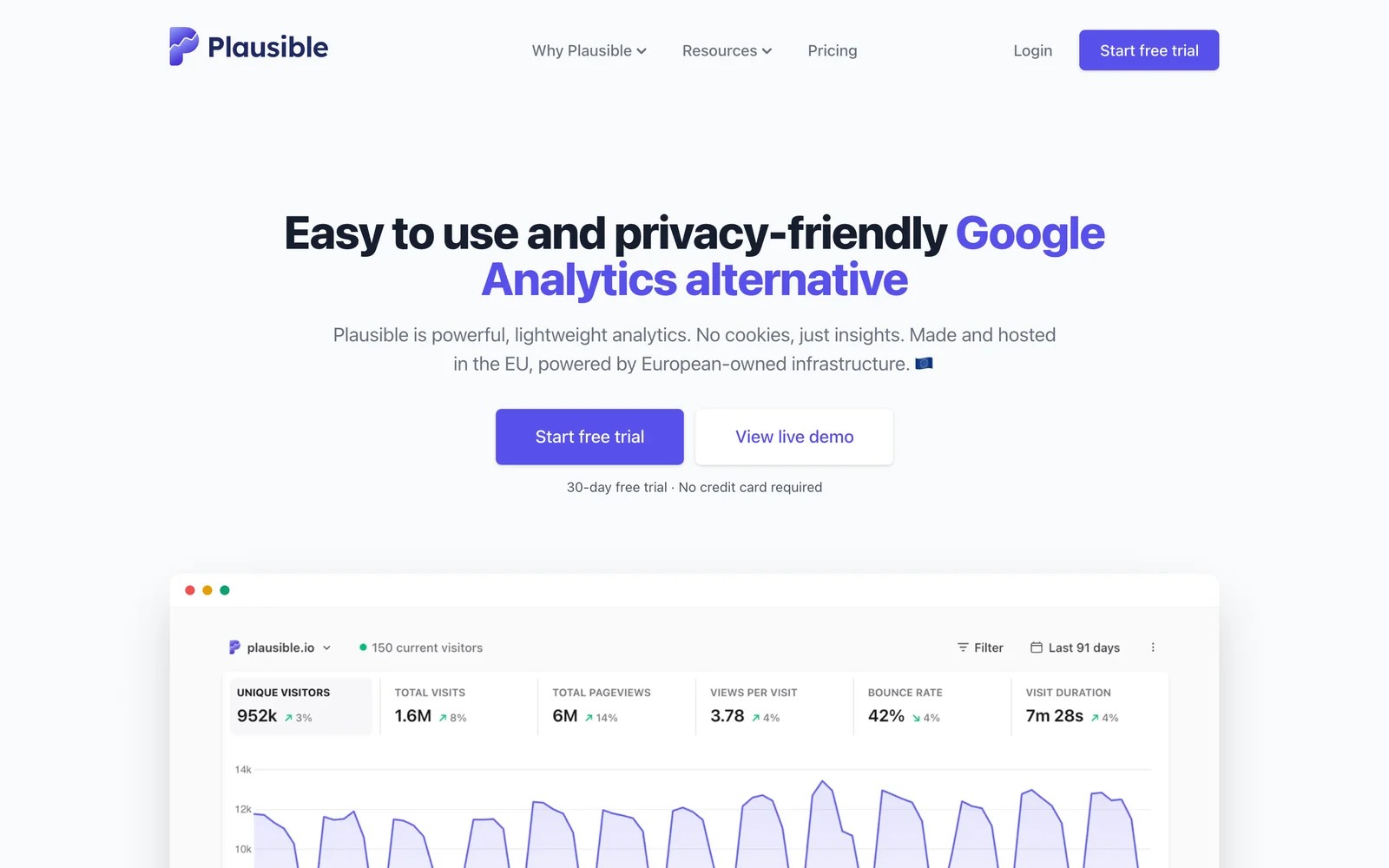
Plausible uses no cookies and no persistent identifiers, and data stays in the EU. You can import your old Google Analytics data when you switch.
On the Business plan, funnels and revenue goals let you see which sources drive revenue events, at an aggregate level.
- Pricing: Starter is $9/mo for one site. Business, with funnels and revenue attribution, is $19/mo. 30-day trial.
Where it falls short
- With no identifiers at all, it can't build a path from a visitor's first session to the form fill or purchase that came later.
- Funnels aren't on the entry plan. They start on the Business tier, so tracking a signup flow means paying more from the start.
- There are no heatmaps or session recordings, so you'll need a second tool to see how people actually use a page.
What users say
"Plausible is a fast, lightweight, privacy-first and GDPR-compliant analytics platform that is better than GA4." (Source)
"I wish there was a unified dashboard for all sites/a way to group them." (Source)
6. Simple Analytics
Best for: teams that want analytics with no personal data at all, often as a second count next to GA4.
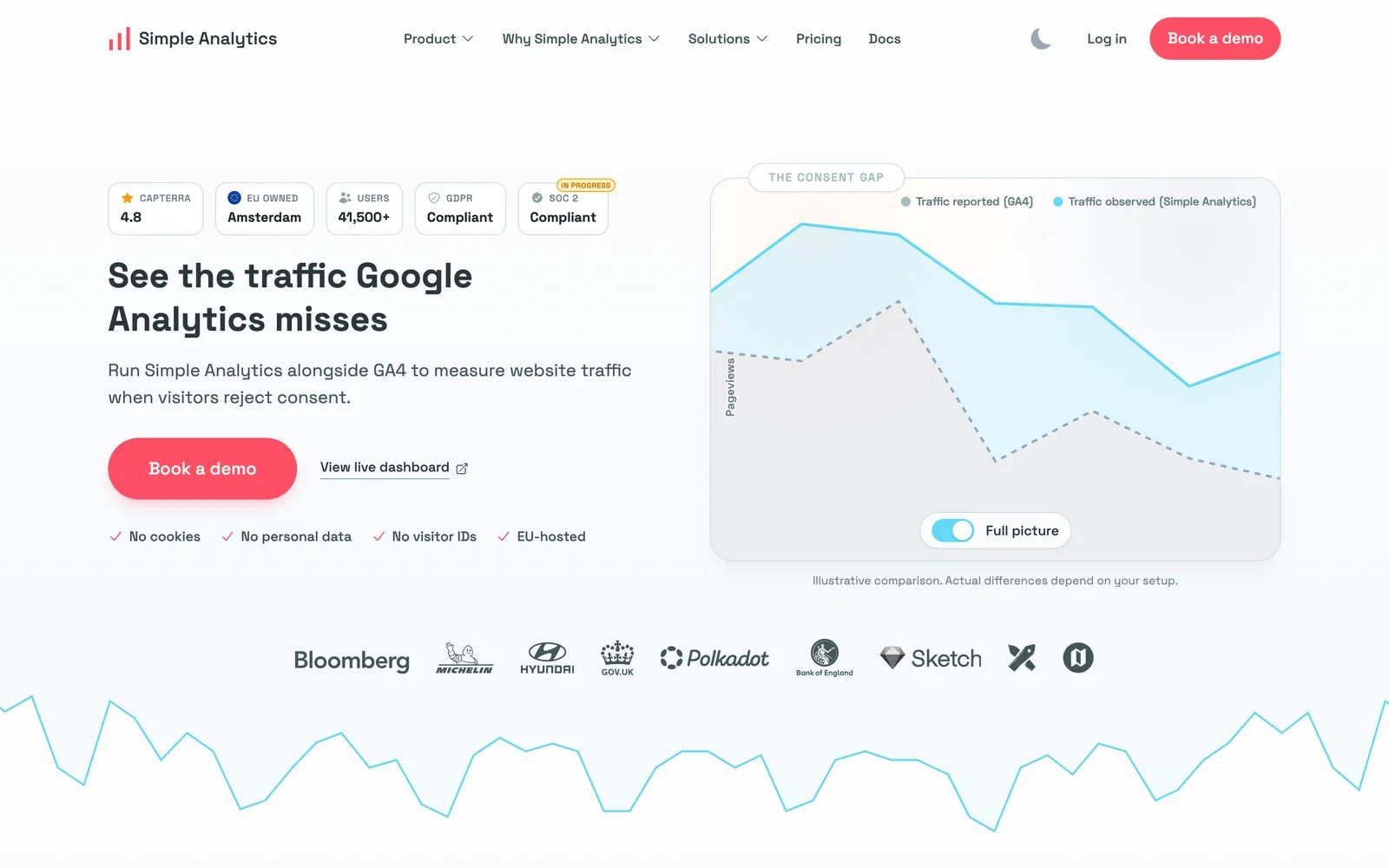
Simple Analytics works without analytics cookies, IP address storage or persistent visitor profiles. Its pitch is showing the traffic GA4 misses when visitors reject consent, and it offers larger customers a free 30-day proof of concept running side by side with GA4.
Beyond page views, it tracks outbound link clicks, email clicks and file downloads automatically, and you can add custom events and goals with funnel steps. An events explorer, an API and an AI assistant round it out.
On the free plan, setup was one script and we had numbers within minutes, with no consent banner to add.
It also made the cookieless trade-off very clear. Without any identifier, we couldn't tell a returning visitor from a new one, so there was no way to connect a first visit to a lead that came back later.
Key features
- No cookies, no IP storage and no persistent visitor IDs
- Automatic outbound, email-click and download events
- Custom events, goals and funnel steps
- API, data export and an AI assistant
- White-label and embedded reporting options for agencies
- Pricing: free for 5 sites with one month of history. Paid plans start at $20/mo, with two months free on yearly billing.
Where it falls short
- The free plan only keeps the latest month of data, which rules out year-over-year comparisons unless you upgrade.
- It has no identifier to join a visit to a later conversion, so leads and revenue can't be connected back to their source.
- Segmentation is basic by design, which suits a simple traffic dashboard but frustrates anyone who wants to slice results by audience or campaign.
What users say
"Also, we don't need to put a cookie consent warning on the page." (Source)
"the weak point is the lack of granularity: by not using cookies, you lose track of the complete customer journey and the exact attribution of recurring conversions." (Source)
7. Ruler Analytics
Best for: lead generation businesses that close by phone and want revenue attribution.
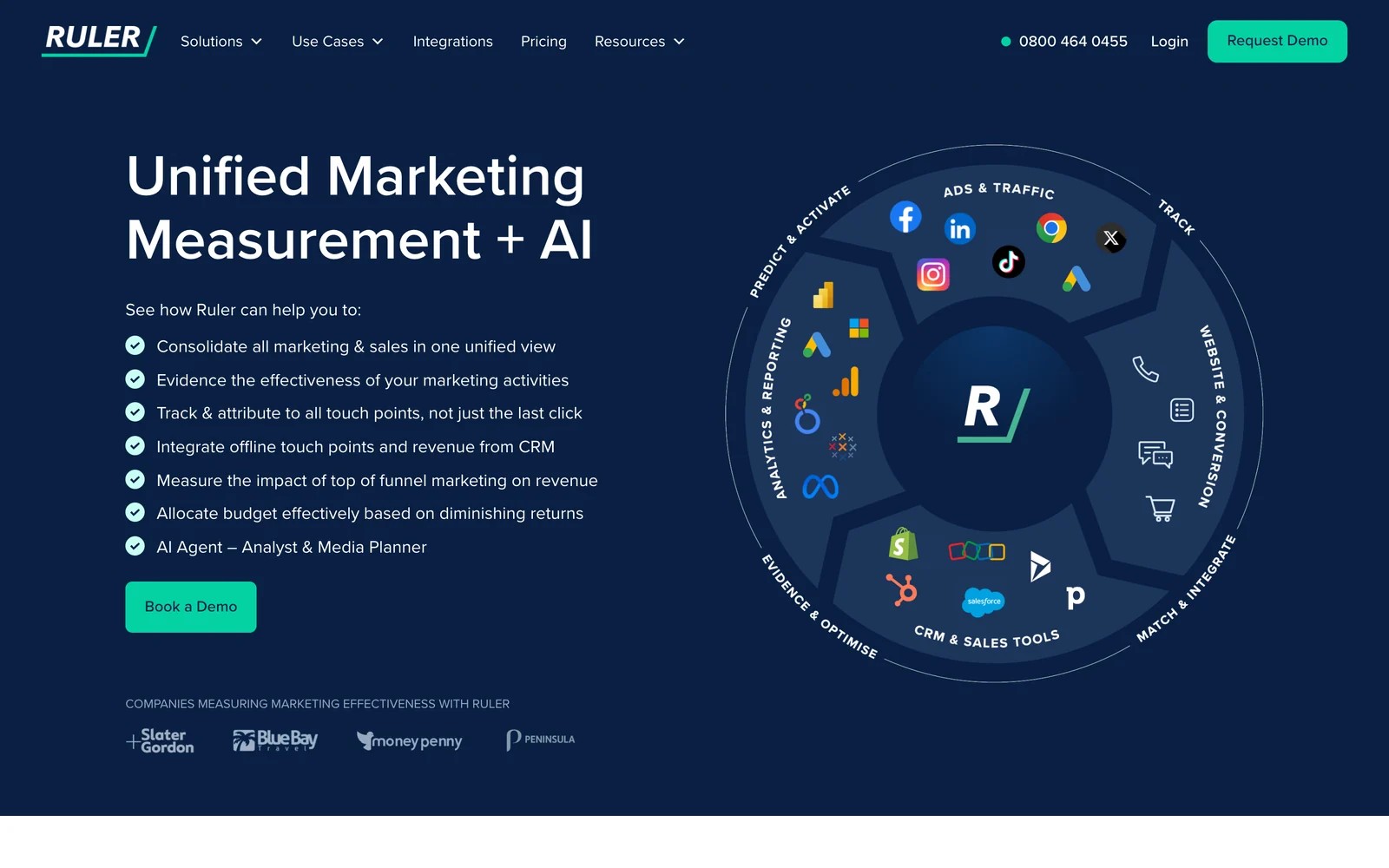
Ruler connects marketing touchpoints to CRM revenue, with its own dynamic call tracking and integrations with CRMs such as Salesforce, HubSpot and Pipedrive.
It isn't a cookie-free tool. It relies on first-party tracking, which keeps journeys intact but brings it under normal consent rules.
- Pricing: from £299/mo for up to 10,000 monthly visits, with higher tiers by traffic.
Where it falls short
- It isn't cookie-free. Treat it as first-party tracking that still needs consent, and plan your banner around that.
- The entry tier sits well above most analytics tools, which makes it hard to justify for smaller sites with modest lead volume.
- There's no self-serve signup. Plans start with a demo and onboarding, so you can't test it on your own first.
What users say
"It tracks Form fills, Phone Calls (Online & Offline) and even Web Chat conversations!" (Source)
"Some minor mapping issues, initial setup can be complex" (Source)
8. Siteimprove
Best for: public sector, higher education and large organizations that buy analytics together with accessibility and SEO.
Siteimprove bundles analytics with accessibility, SEO and content tools on one platform. Its analytics side covers journeys, funnels, heatmaps and goals, with AI that answers questions in plain language.
Its cookieless tracking replaces cookies with a "visitor hash" built from a truncated, hashed IP and browser headers. An account owner switches it on, and it applies to every site on the account.
Expect your numbers to shift when you turn it on. Unique visitors usually drop because the hash is more persistent than cookies, location precision falls slightly, and IP-based exclusions only match the first three parts of an address.
Key features
- Analytics, accessibility, SEO and content tools on one platform
- Optional cookieless mode using a visitor hash
- Journeys, funnels, heatmaps and custom goals
- Plain-language AI answers and recommended actions
- Pricing: quoted after a demo.
Where it falls short
- Cookieless mode is off until you enable it, so a default install still relies on cookies and consent.
- Session replay stops working on domains where cookieless mode is on, which forces a choice between privacy and replay.
- On intranets and shared networks, cookieless hashing can collapse many visitors into one, which skews counts for internal sites.
- Its analytics page lists last-click as the current attribution model, which undercounts the channels that start a journey.
What users say
Most of its G2 reviews cover the accessibility and SEO modules rather than analytics.
"I appreciate the dashboard as I am not a technical person so the dashboard is easy to understand." (Source)
"functionality is sometimes not where we would expect them to be in the UI." (Source)
9. Usermaven
Best for: SaaS teams and agencies that want marketing attribution and product analytics in one place.
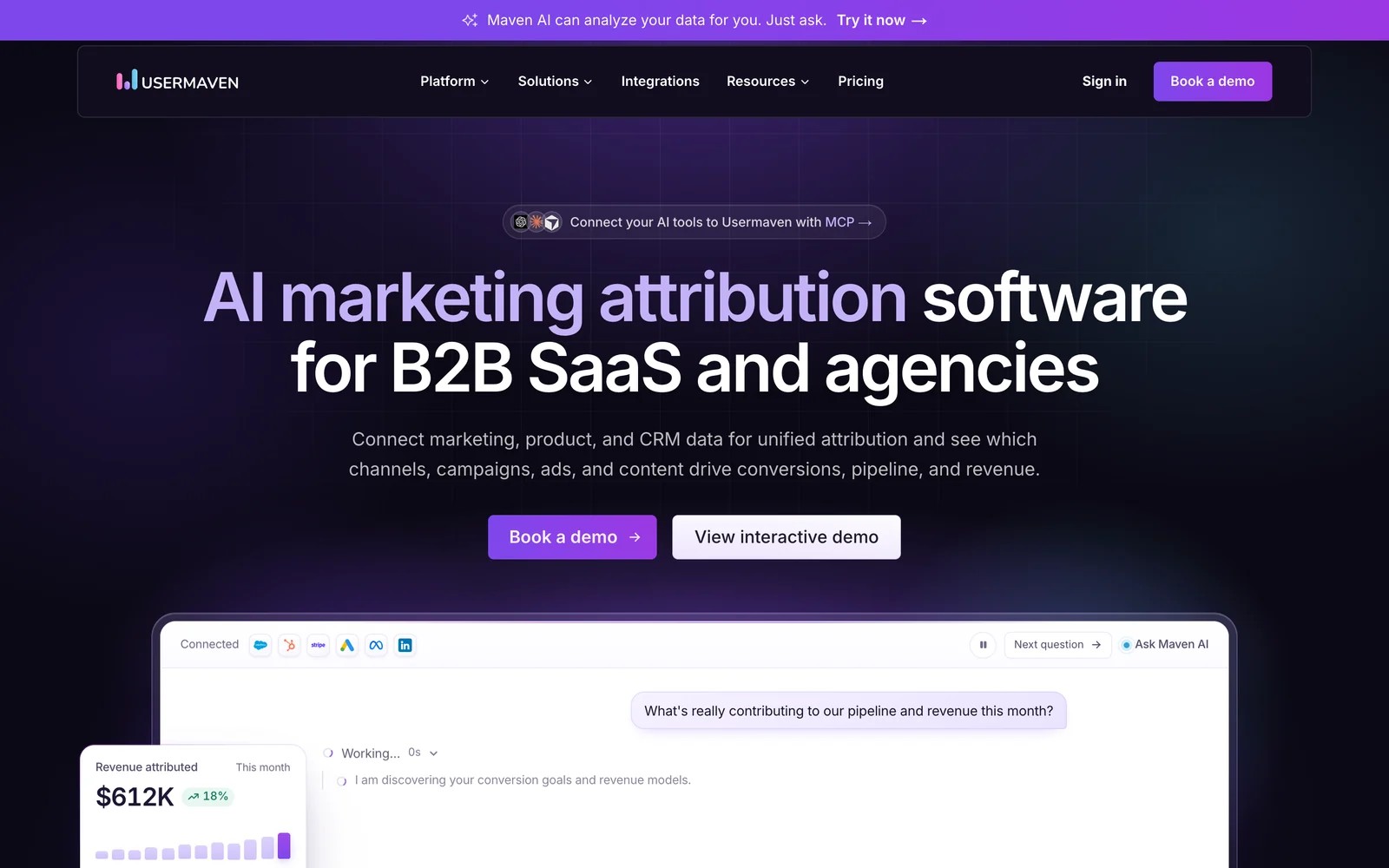
Usermaven auto-captures events, tracks without relying on browser cookies, and adds server-side collection and an ad-blocker workaround on every plan. It describes itself as GDPR compliant by default.
On the attribution side, it offers multi-touch models with a window of up to 365 days, and connects to Google Ads, Meta and LinkedIn, plus HubSpot, Salesforce, Stripe and Paddle. Product analytics covers engagement, retention and cohorts.
It also leans into AI: Maven AI answers questions about your data and builds dashboards, and an MCP server connects your own AI assistants.
Key features
- Automatic event capture, with no-code custom events
- Multi-touch attribution with up to a 365-day window
- Server-side tracking and ad-blocker recovery
- Product analytics: engagement, retention and cohorts
- Maven AI and an MCP server
- Pricing: Business and Enterprise plans, both through a demo.
Where it falls short
- Prices aren't published, so you'll need a sales call before you know whether it fits the budget.
- There's no free plan today, which makes it harder to test properly before committing to a contract.
- It doesn't replace call or form-level lead capture, so service businesses that close by phone will need another tool alongside it.
What users say
"We switched to Usermaven after trying a few other attribution tools, including Cometly and the biggest difference was that we finally had attribution data we could actually trust." (Source)
"A few times I've seen spikes of traffic and suspect it to be bots." (Source)
10. TWIPLA
Best for: small teams that want cookieless analytics with heatmaps, recordings and surveys on a small budget.
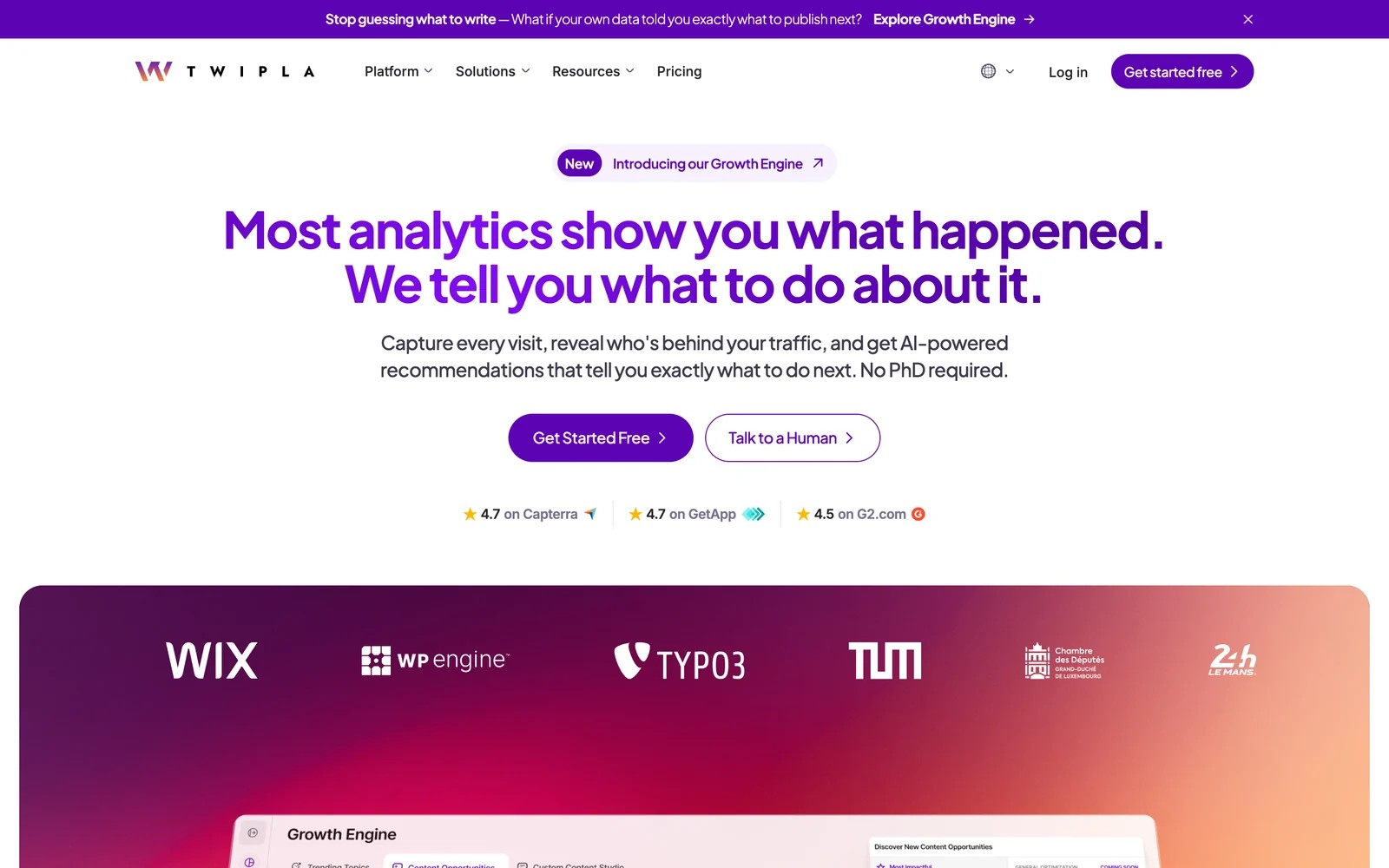
TWIPLA runs without cookies in all four of its privacy modes. The default, Maximum Privacy, needs no visitor consent, and you can set a different mode per country. Data is hosted in Germany.
It goes further than most cookie-free tools on behavior. Alongside traffic reports you get heatmaps, session recordings, funnels, surveys and polls, plus a UX score that flags rage clicks, dead links and failed form submissions.
Its newer Growth Engine uses your traffic and conversion data to rank opportunities, and drafts content ideas in a built-in editor.
Key features
- Cookieless on every plan, with four privacy modes set per country
- Heatmaps, session recordings, surveys and polls
- UX health score that flags friction
- Conversion and revenue tracking
- Growth Engine AI and white-label options for agencies
- Pricing: free for 400 page views a month. Paid plans start at $2.39/mo billed yearly, with heatmap and recording limits rising by tier.
Where it falls short
- The free plan keeps data for only 40 days, which isn't enough for seasonal comparisons or slow sales cycles.
- Recordings and heatmaps are capped per plan, so busy sites hit limits quickly and costs climb as traffic grows.
- Goals use a fixed 7-day last-click model, which gives no flexibility for longer journeys or multi-touch views.
- It can't connect visits to CRM leads or revenue, so reporting stops at on-site goals.
What users say
"The heat maps and screen recording is next level." (Source)
"TWIPLA uses a fixed 7-day last-click attribution model for all goals." (Source)
Why cookieless tracking matters now
Three changes pushed teams toward cookieless and first-party setups.
Browser restrictions
Safari and Firefox block third-party cookies by default. Safari also caps script-set cookies, which shortens how long even first-party identifiers last. Chrome kept third-party cookies, but most of the Privacy Sandbox alternatives were retired in 2025.
Privacy regulations
GDPR and California's CCPA restrict how personal data is collected. Aggregate, cookie-free analytics lowers the risk. Anything that identifies a person still needs a lawful basis, cookies or not. Our guide to GDPR-compliant conversion tracking covers the practical side.
Data gaps
When visitors decline a consent banner, cookie-based analytics loses them. How many depends heavily on your market and banner design. Cookie-free tools keep counting those visits, which is why many teams run one next to GA4.
How to choose a cookieless tracking tool
Start from the question you need answered.
Define your primary goal
- Which campaigns produce leads and revenue: SourceLoop or Ruler. Both connect visits to the CRM. See also our guide to cookieless marketing attribution.
- Clean traffic stats with no banner: Fathom, Plausible or Simple Analytics.
- Full analytics on your own terms: Matomo, or GA4 if cookies and modeling are acceptable.
Check what breaks without storage
Fully cookie-free tools can't recognize a returning visitor. That's fine for traffic reports, but it means no journeys and no link to a later lead. If you need those, choose first-party tracking with consent, or a tool that joins the journey when the person identifies themselves.
Check integrations
- CRM: to see revenue by campaign, you need a tool that writes attribution into HubSpot, Salesforce or Pipedrive.
- Ad platforms: to train Google Ads or Meta on qualified leads, you need server-side conversion sync.
Frequently asked questions
-
What is the best cookieless tracking tool?
It depends on the question. For tying visits to leads and revenue, SourceLoop combines first-party tracking, an optional cookieless mode and CRM sync. For simple traffic stats without a consent banner, Fathom, Plausible or Simple Analytics. For full analytics you control, Matomo.
-
Does cookieless tracking require consent?
It depends on what's collected, not on whether a cookie is used. Aggregate data with no identifiers usually doesn't need consent under GDPR. Tracking that identifies a person, through a cookie, a fingerprint or a server-side ID, still needs consent or another lawful basis.
-
How does cookieless tracking work?
Either by counting visits without identifying anyone, or by keeping an identifier only on your own domain and processing data server-side. Fingerprinting is also used by some vendors, but regulators generally treat it like a cookie.
-
Is GA4 cookieless?
No. GA4 uses first-party cookies. When visitors decline them, Consent Mode can send cookieless pings and Google models the missing data.
-
What do you lose with fully cookie-free analytics?
Returning visitors and multi-day journeys. Without any stored identifier, a person who comes back tomorrow counts as new, so you can't connect a first visit to a lead that converts later.


 Paid Social


